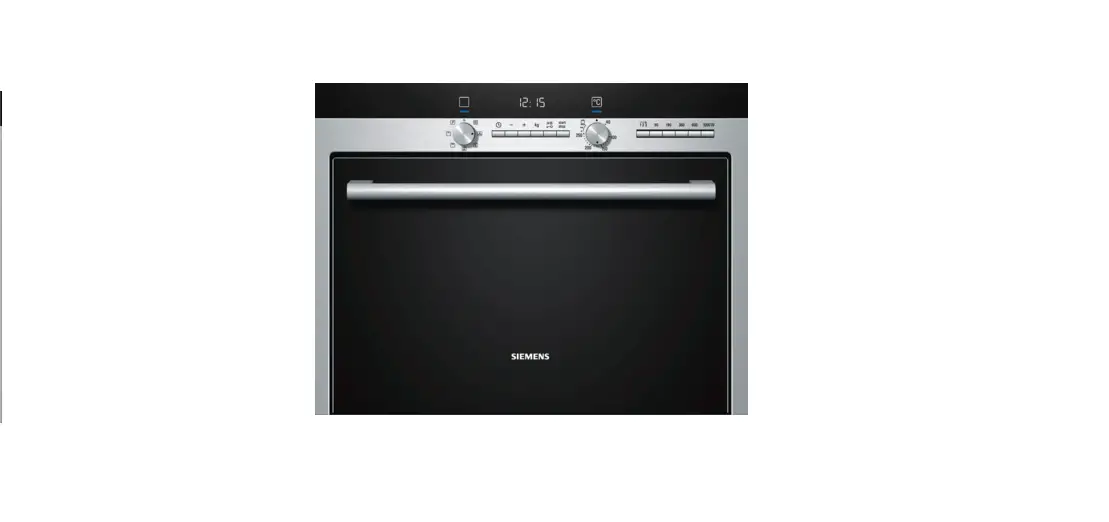

saco HB84E562B Siemens Microwave
Control Panel
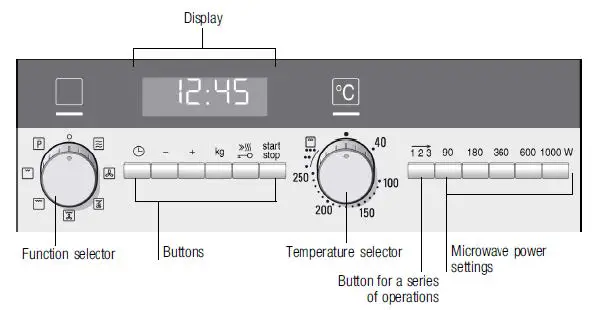
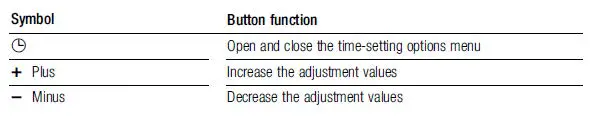
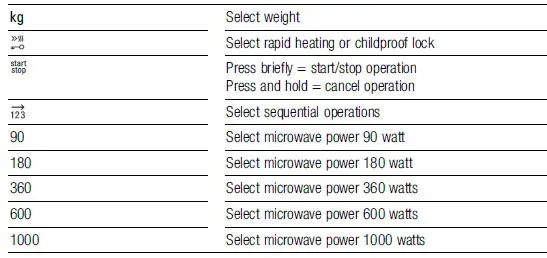
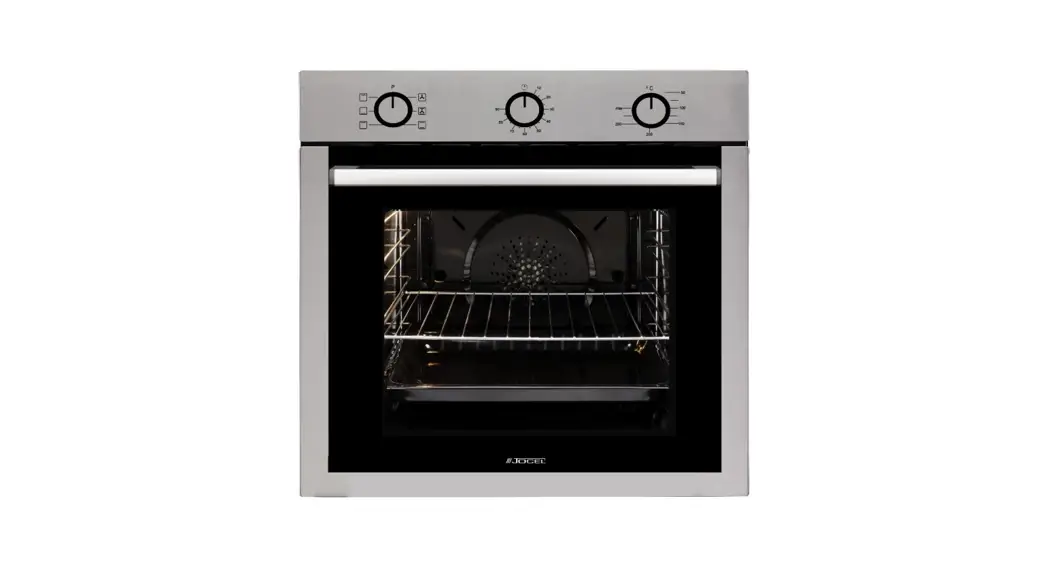
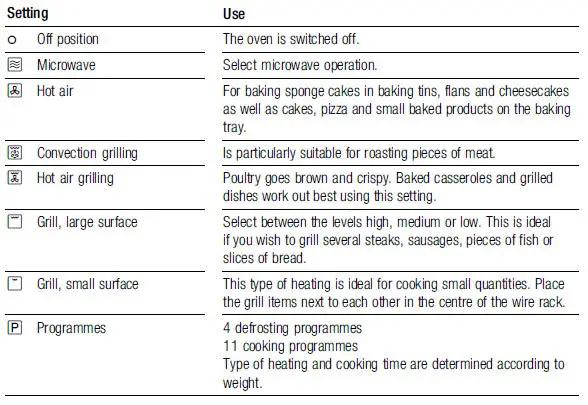
Function selector
Use the function selector to set the type of heating.
Temperature Selector
Set the temperature or grill setting using the temperature selector.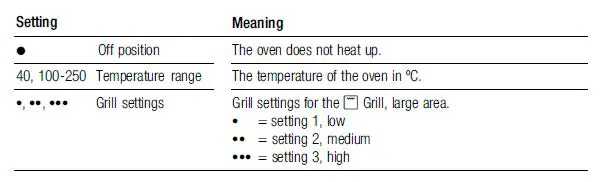
Setting the type of heating and temperature
1. Use the function selector to set the type of heating.
2. Set the temperature or grill setting using the temperature selector.
3. Press the Start/Stop button. The oven begins to heat up.
If you open the door during the operation, the operation is paused. Press the Start/Stop button after closing the door and the operation will continue.
To pause the operation press the Start/Stop button. To resume it press the Start/Stop button.
To switch off the oven turn the function selector to the zero position.
Setting the microwave
- Set the function selector to
- Press the button for the microwave power setting you require. The button lights up. A suggested cooking time is displayed.
- Set the cooking time using the plus or minus button.
- Press the Start/Stop button and the operation begins. You will see the cooking time counting down.
Once the cooking time has elapsed a signal sounds and the microwave operation has finished. Turn the function selector to the off position.
Opening the oven door during operation
Operation is suspended. After closing the door, press the Start/Stop button briefly. The operation will then continue.
Changing the cooking time
This is possible at any time. Change the cooking time using the plus or minus button.
Changing the microwave power level
Press the button for the new microwave power level. Set the cooking time using the plus or minus button and start again.
Cancelling operation
Press and hold the Start/Stop button for approximately 4 seconds and turn the function selector to the off position.