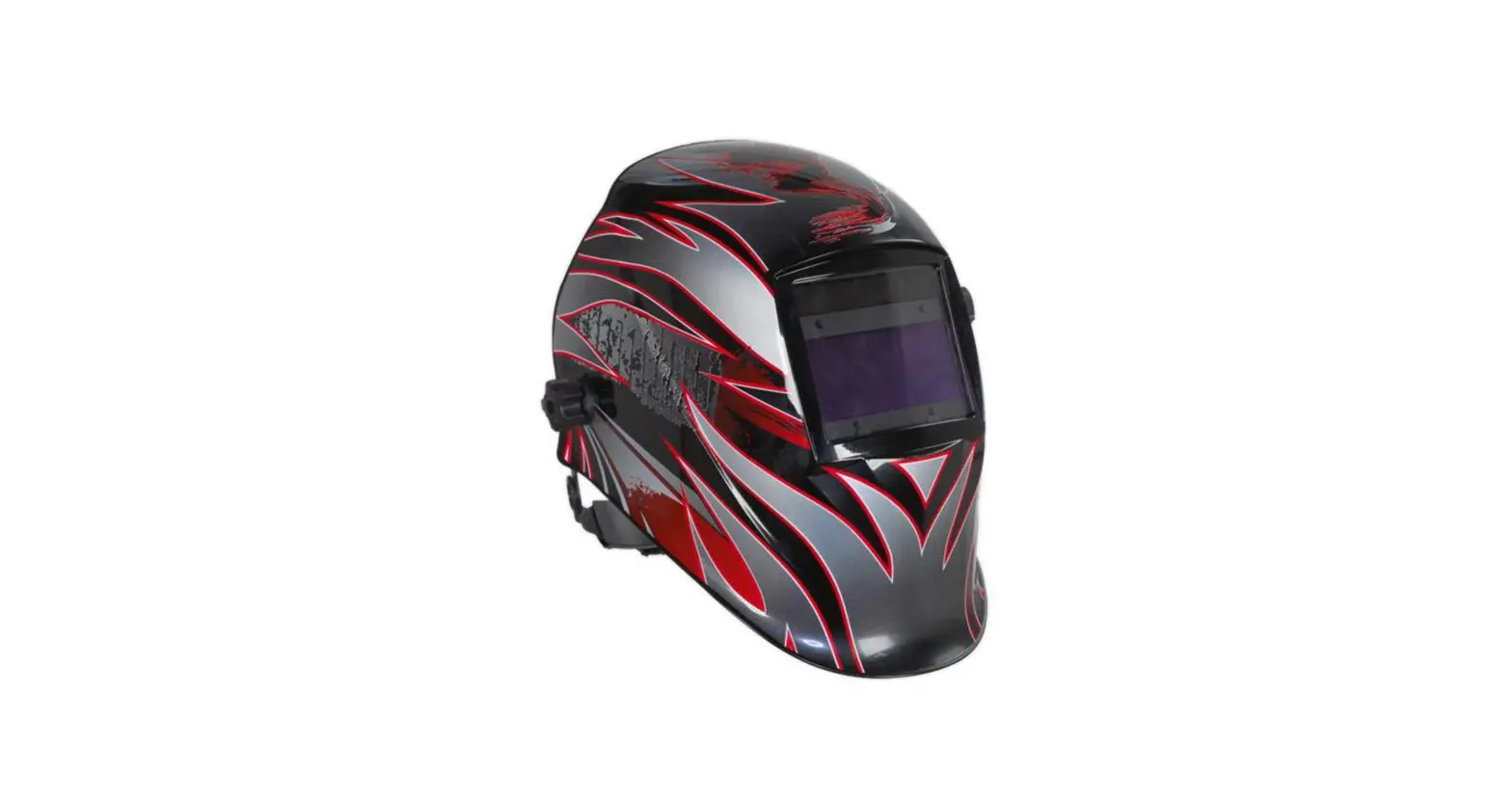
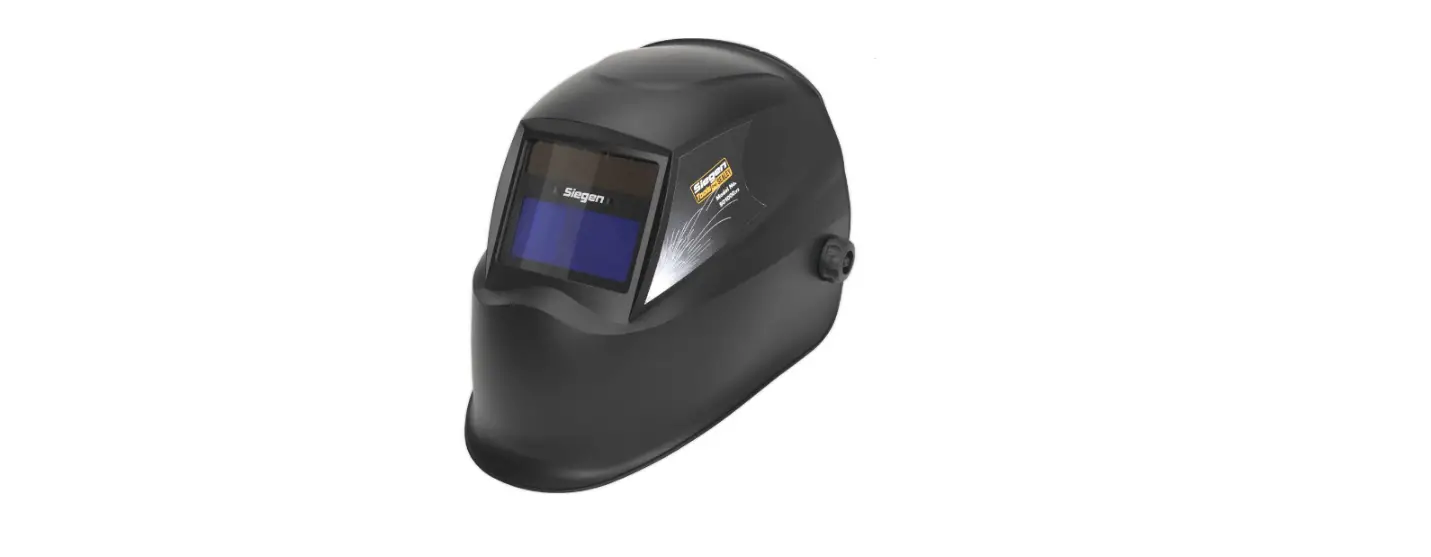
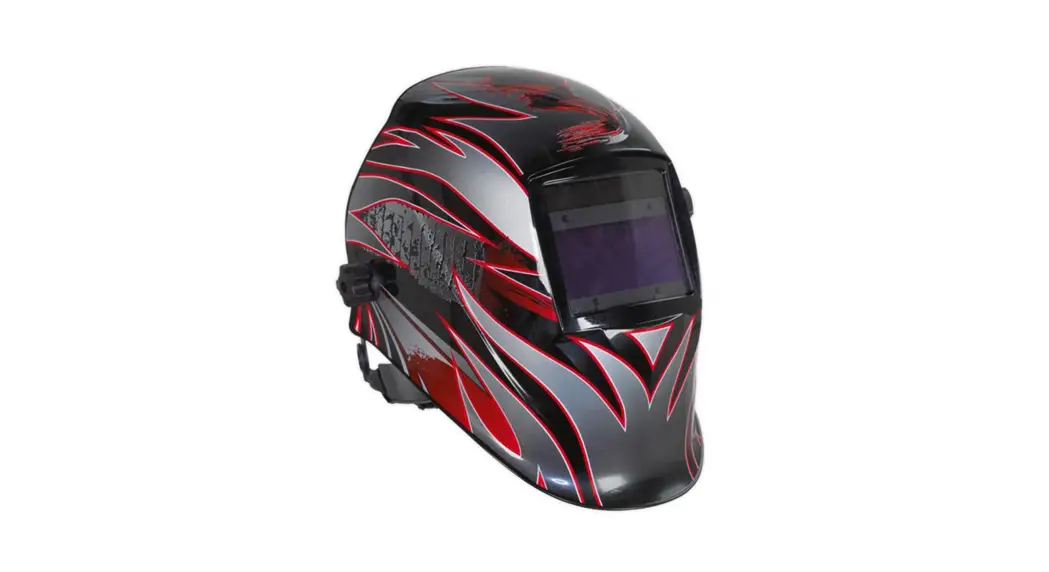
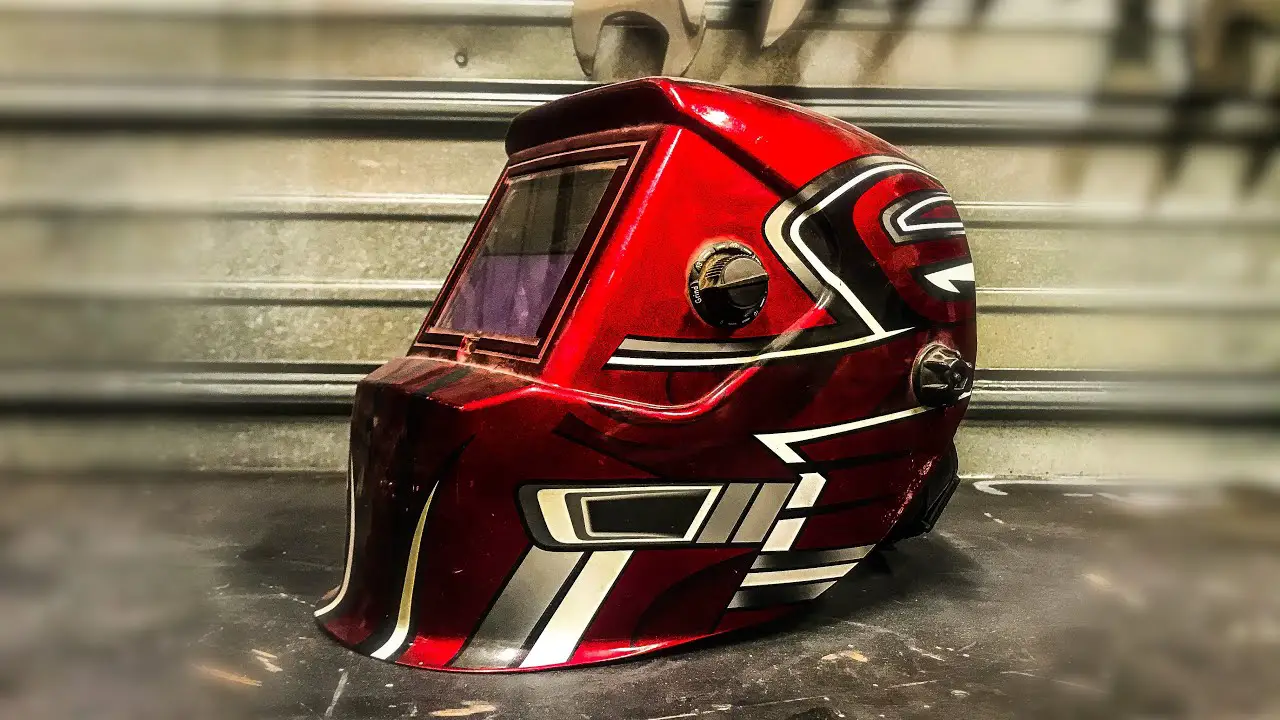
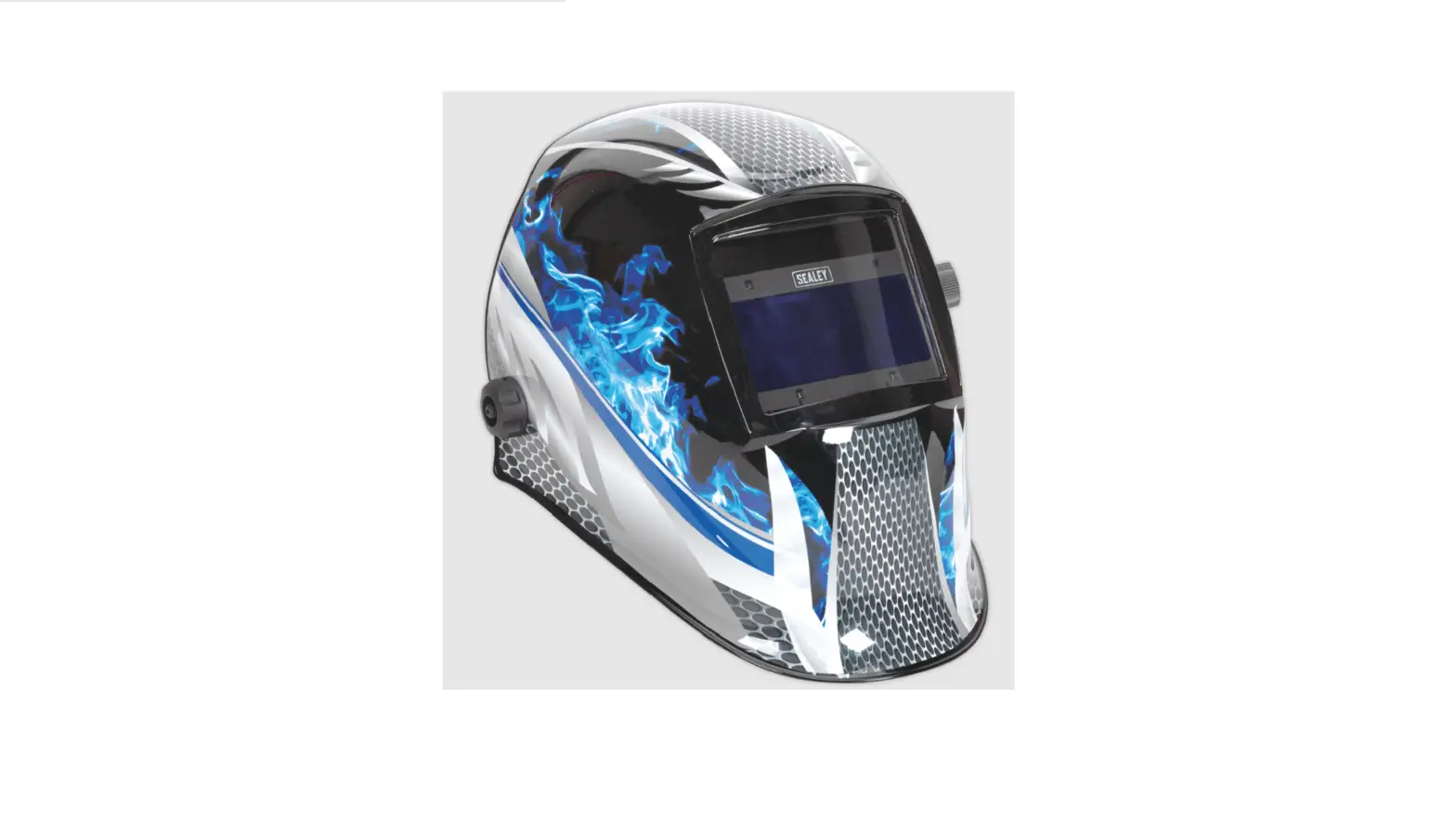
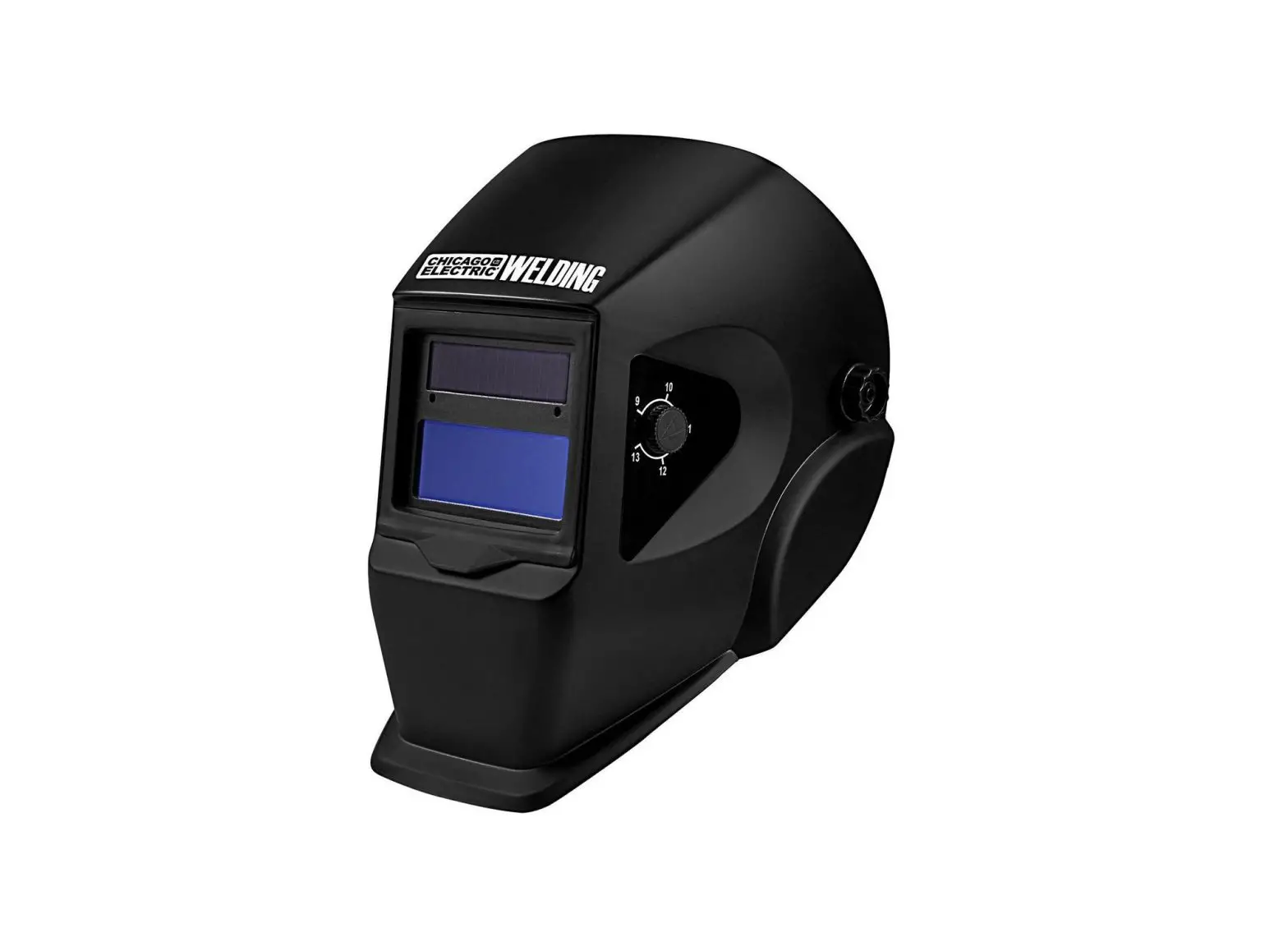
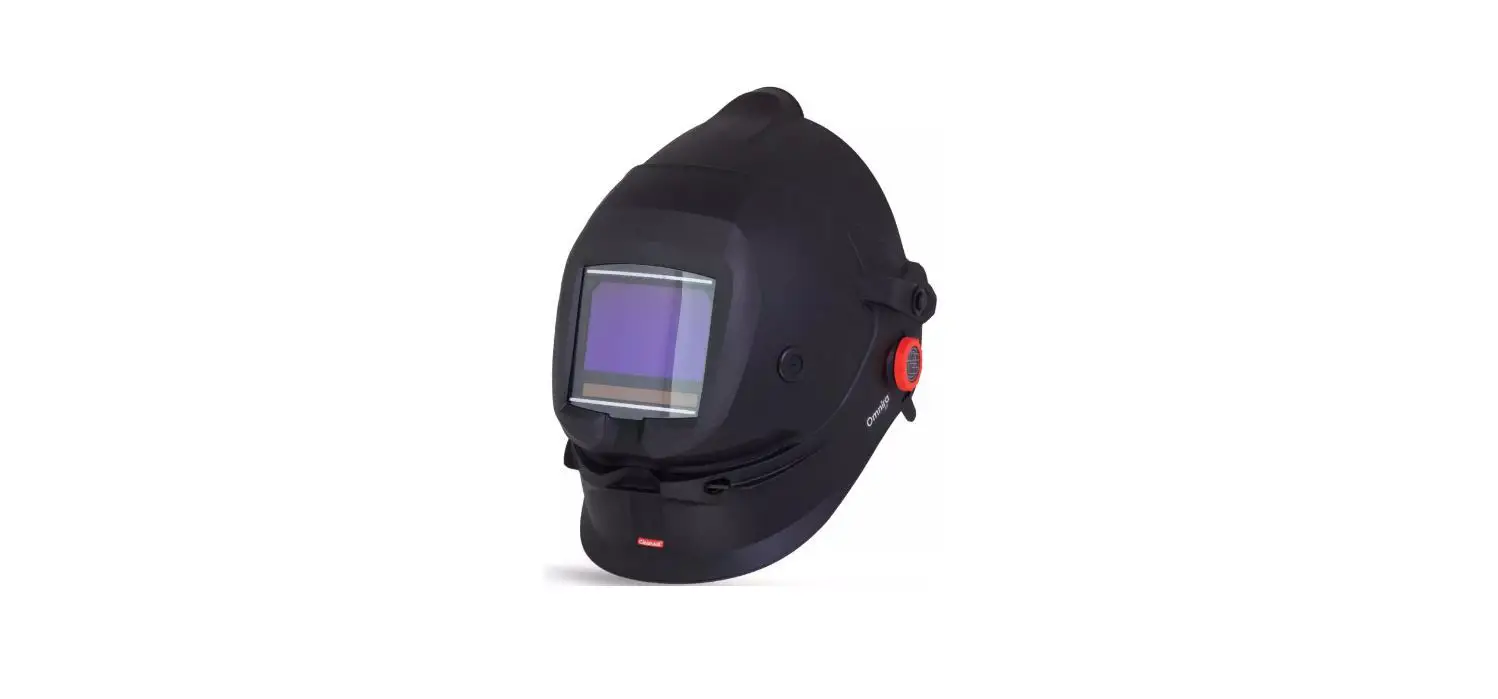
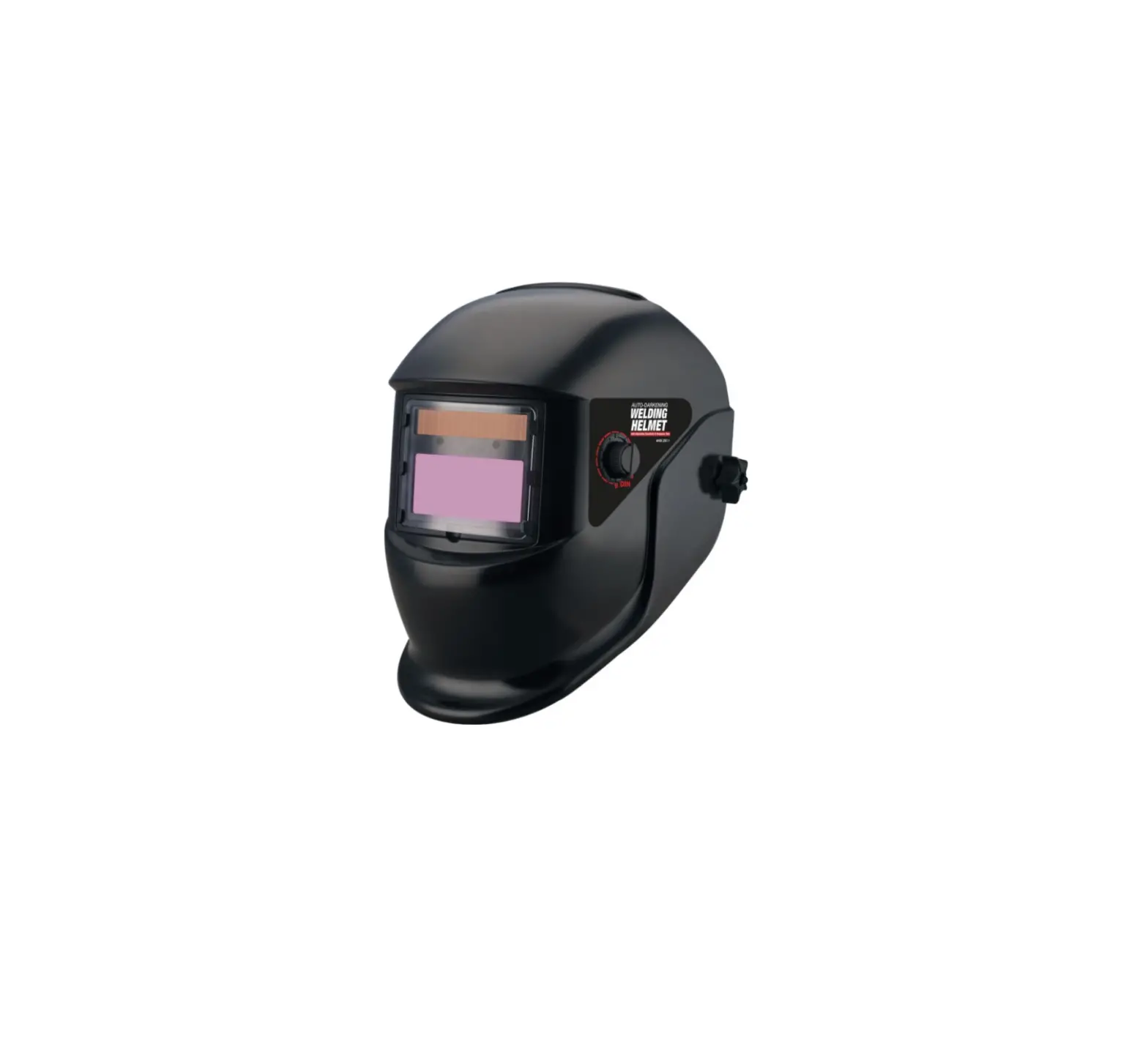
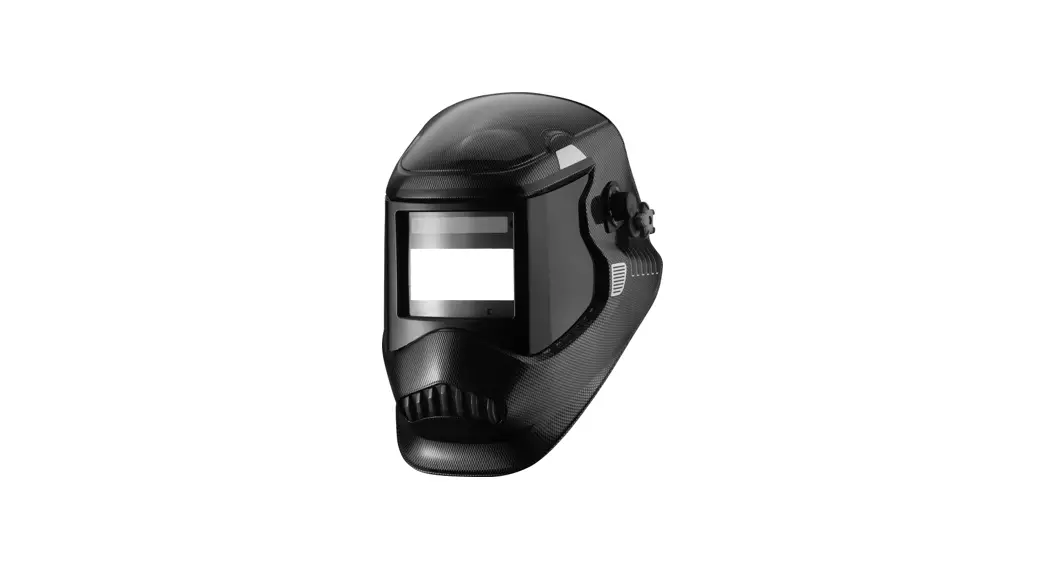
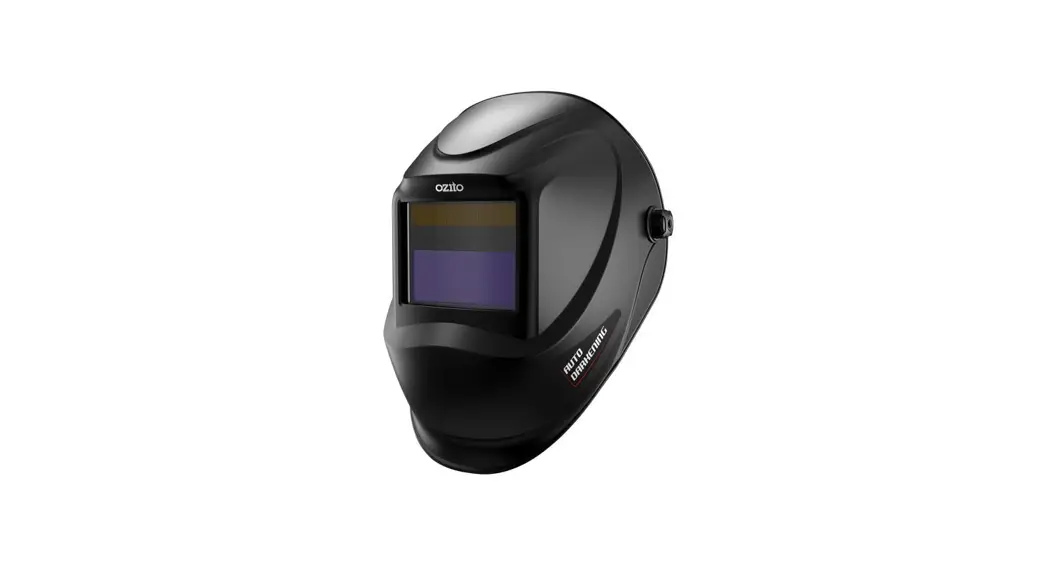
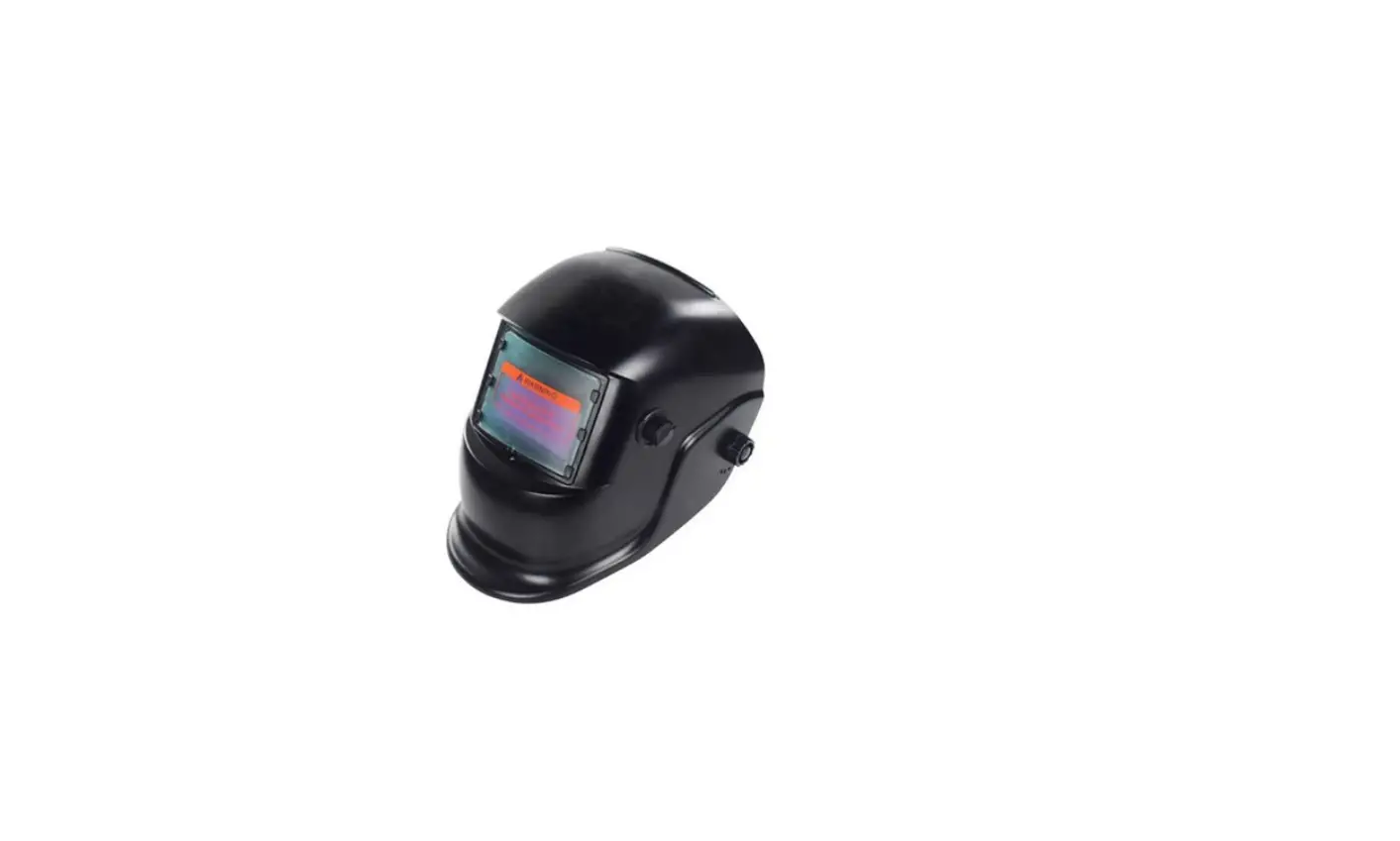
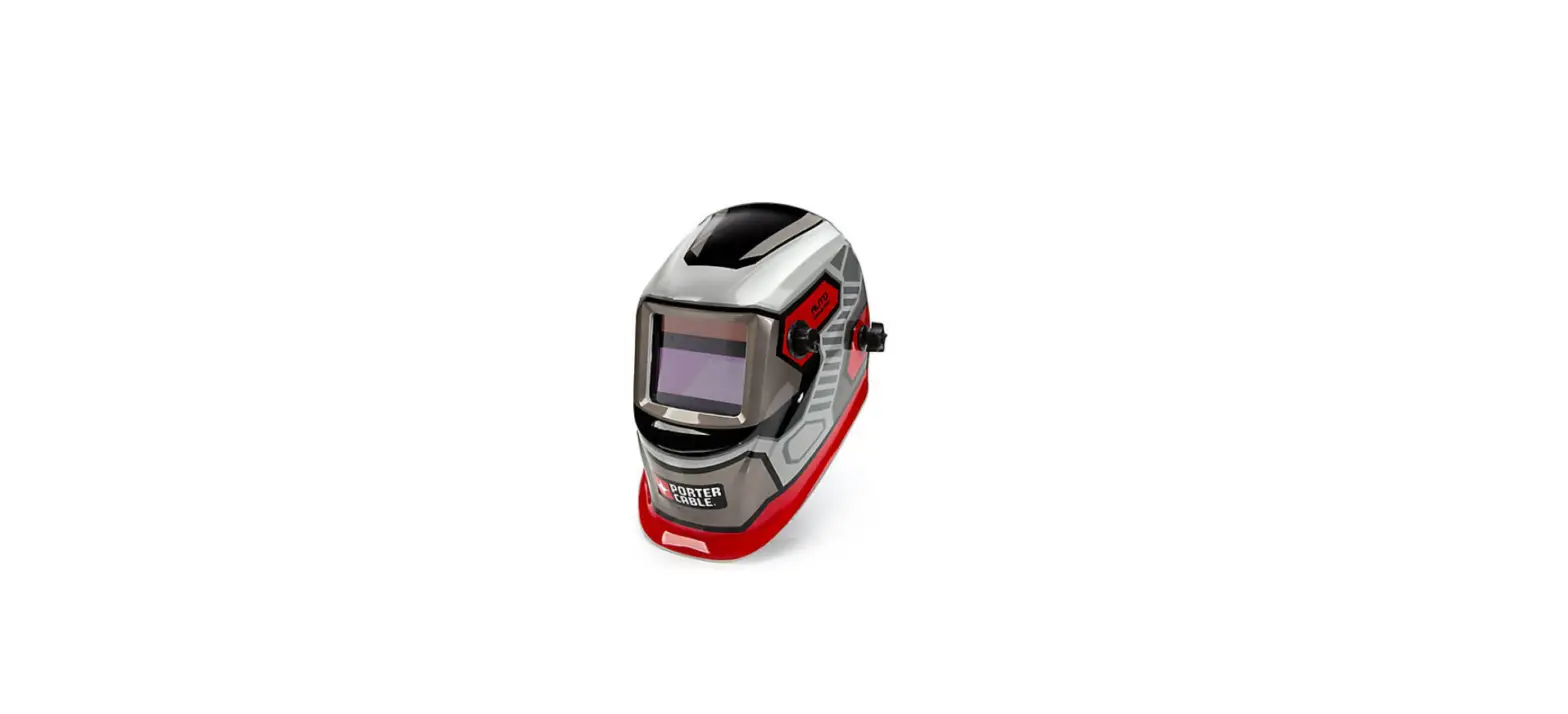
PWH600.V2 Welding Helmet Auto Darkening
Product Information
The Auto Darkening Welding Helmet Shade – 9-13, Model No:
PWH600.V2, is a high-quality welding helmet manufactured by Sealey.
It is designed to provide protection and visibility during welding
operations.
Specifications:
- Model No: PWH600.V2
- Shade Range: 9-13
Product Usage Instructions
1. Safety
Before using the helmet, ensure that you comply with all
workshop safety rules, regulations, and conditions related to
welding equipment. Please note the following:
- This helmet is not suitable for laser welding or cutting or
overhead welding applications. - The helmet does not offer protection against misuse of workshop
tools, equipment, or accessories. - Maintain the helmet in good condition and protect the cartridge
from liquid and dirt contact. - Regularly replace the protective lens.
2. Introduction
No specific information provided in the user manual extract.
3. Specification
No specific information provided in the user manual extract.
4. Instructions
4.1 Adjusting the Fit of the Helmet
The fit of the helmet can be adjusted as follows:
- Turn the wheel on the rear to adjust the circumference of the
headband. - To adjust the two top straps, release the pin from the top
strap and adjust as required.
4.2 Sensitivity
The sensitivity of the helmet can be adjusted based on light
conditions:
- For normal light conditions, set the sensitivity knob to the
high setting. - For conditions with excessive light that may affect the lens
performance, turn the knob to the low setting.
5. Maintenance
The following maintenance tasks should be performed:
- Clean the sensors regularly to prevent soiling or
obstruction. - Clean or replace the front cover lens if oiled or damaged.
- Adjust the welding current if it’s too low.
- Check, clean, or replace the operative lenses and shade
cartridge if they are soiled. - Ensure sufficient background lighting for optimal
performance. - Do not use the helmet at temperatures below -10°C (14°F).
6. Troubleshooting
If you encounter any issues, refer to the following
troubleshooting guide:
| Problem | Cause | Solution |
|---|---|---|
| Irregular darkening or dimming | The headband may have been unevenly set on the two sides of the helmet (unequal distances from the eyes to the shade cartridge). | Readjust the distance of the shade cartridge. |
| Shade cartridge does not darken or flickers | The sensors are soiled or obstructed. | Clean the sensors. |
| Poor vision | Front cover lens oiled or damaged. | Clean or replace the front cover lens. |
| Slow response | Welding current too low. | Adjust the welding current. |
| Welding helmet slips | Headband adjustments incorrect. | Adjust the headband correctly. |
7. Shade Guide and Markings
The shade guide provides information on the recommended shade
settings based on welding process and current (amperes).
| CURRENT (AMPERES) | WELDING PROCESS | SHADE |
|---|---|---|
| 0.5 – 60 | Covered Electrode | Shade 9 – Shade 13 |
| 1.0 – 500 | MIG Plate Welding | Shade 10 – Shade 11 |
AUTO DARKENING WELDING HELMET SHADE – 9-13
MODEL NO: PWH600.V2
Thank you for purchasing a Sealey product. Manufactured to a high standard, this product will, if used according to these instructions, and properly maintained, give you years of trouble free performance.
IMPORTANT: PLEASE READ THESE INSTRUCTIONS CAREFULLY. NOTE THE SAFE OPERATIONAL REQUIREMENTS, WARNINGS & CAUTIONS. USE THE PRODUCT CORRECTLY AND WITH CARE FOR THE PURPOSE FOR WHICH IT IS INTENDED. FAILURE TO DO SO MAY CAUSE DAMAGE AND/OR PERSONAL INJURY AND WILL INVALIDATE THE WARRANTY. KEEP THESE INSTRUCTIONS SAFE FOR FUTURE USE.
Refer to instruction
manual
1. SAFETY
R WARNING! This helmet is not suitable for use with laser welding or CUTTING or for overhead welding applications. Ensure all workshop safety rules, regulations and conditions are complied with when using welding equipment. The helmet will not offer
protection against misuse of workshop tools, equipment, or accessories. Maintain the helmet in good condition and protect cartridge from liquid and dirt contact. Regularly replace the protective lens and
replace any damaged or worn parts. Use genuine parts only. Unauthorised parts may be dangerous and will invalidate the warranty. Ensure the front cover window is securely in place before use. Fit the helmet and adjust the head band so the helmet will sit as low and near to your face as possible. Use helmet only in temperatures ranging from -10°C to 60°C. Remove ill fitting clothing, remove ties, watches, rings and other loose jewellery. Maintain correct balance and footing. Ensure the floor is clear from obstructions, not slippery and wear non-slip shoes. Keep children and unauthorised persons away from the working area. R WARNING! The helmet will only protect the eyes and face from radiation and sparks. It will not protect against explosive devices or
corrosive liquids. DO NOT use helmet for any purpose for which it is not designed. DO NOT use helmet unless you have been instructed in its use by a qualified person. DO NOT open or tamper with the shade cartridge. DO NOT get the helmet wet or use in damp or wet locations. DO NOT leave work place with helmet in lowered position, as bright light source may darken cartridge unexpectedly. DO NOT place the helmet on a hot surface. DO NOT use helmet without front cover window fitted. To do so will invalidate your warranty. Clean helmet (see section 5.4) and store the helmet in a safe, dry, childproof location. R WARNING! Before welding always inspect the cartridge filter to ensure that it is not damaged. To test the filter prior to welding, direct
the front of the cartridge filter to a bright light source which will cause the lens to darken. Then using your hand rapidly cover and uncover the sensor. The filter should lighten momentarily then return to a dark state. R WARNING! DO NOT use the helmet if damaged or you suspect it may be faulty. (Contact Sealey stockist). V DANGER! DO NOT USE if, at any time, the face plate in the cartridge FAILS to darken when exposed to a welding spark. Remove cartridge and return to your Sealey stockistfor checking. V Continued use of the product knowing that the auto darkening feature is NOT FUNCTIONING may DAMAGE YOUR EYES and CAUSE BLINDNESS.
2. INTRODUCTION
High quality infinitely variable shade 9-13 lens manufactured and tested to BS EN 379. Fully automatic switching from light to dark on striking arc. Features adjustable sensitivity and delay switches. Grinding function enables user to grind without removing mask. Deluxe contoured helmet approved to BS EN 175 which gives full neck protection and protects lens from scratching when helmet is laid down. Comfortable headband and non-slip quick release ratchet mechanism. Suitable for MIG, TIG, arc and gas welding.
3. SPECIFICATION
Model No:…………………………………………………..PWH600.V2 Operating temperature ……………………………..-10°C to +60°C Operating time light/dark ………………………………………. 0.3ms Power……………………………………………….. lithium cell battery Shade active …………………………………………….. 9-13 variable Shade inactive …………………………………………………………… 4 Viewing area ……………………………………………… 100 x 45mm
© Jack Sealey Limited
Original Language Version
PWH600.V2 Issue 3 (2) 17/06/21
4. INSTRUCTIONS
R 4.1. 4.1.1. 4.1.2. 4.1.3.
4.1.4.
4.2. 4.2.1.
4.2.2.
4.3. 4.3.1. 4.4. 4.4.1. 4.4.2.
4.5. 4.5.1.
4.6. 4.6.1.
WARNING! Before using the helmet for welding make sure you have read and understood the safety instructions in Section 1. Adjusting the fit of the helmet (See fig.1) The circumference of the headband is adjusted by turning the wheel on the rear.
The two top straps can also be adjusted by releasing the pin from the top strap and adjusting as required.
The distance between the headband assembly and the helmet can be adjusted by undoing the external thumbwheels both sides and sliding the headband assembly forwards or backwards, as required. Retighten the thumbwheels. (See figs.1 and 2.) Test the fit of the helmet by lifting it up and closing it a few times whilst wearing it. If the headband moves whilst tilting, readjust it until it is stable. Adjusting the helmet tilt (See fig.2) If the cartridge window is not aligned with the eyes when the helmet is in the lowered position, adjust the tilt of the helmet in relation to
the headband. Refering to fig.2, loosen the external thumbwheels and lift the tab up to move it to make the helmet tilt up further or to tilt down further. Then retighten the external thumbwheels. Selecting the shade level (See fig.3.) Refer to the shade guide in Section 7 and adjust the knob on the side of the helmet to the correct setting. Grind postion (See fig.3) Turn the shade knob anticlockwise until it clicks into the grind position. When grinding is finished it must be turned back to the appropriate shade position before welding again. Failure to do this could damage your eyes. Selecting delay/response time (See fig.4) The delay time is the time in which it takes the lens to change from dark to light. This is carried out by adjusting the delay time knob on
the cartridge. Sensitivity (See fig.4) For normal light conditions set the sensitivity knob to the high setting.
fig.1
fig.2
fig.3
© Jack Sealey Limited
Original Language Version
PWH600.V2 Issue 3 (2) 17/06/21
4.6.2.
For conditions when there is an excess of light, which may affect the performance of the lens, turn the knob to the low setting.
fig.4
5. MAINTENANCE
5.1. 5.1.1. 5.1.2. 5.1.3. 5.1.4. 5.1.5. 5.1.6. 5.2. 5.2.1. 5.2.2. 5.3. 5.3.1. 5.4. 5.4.1.
5.5. 5.5.1.
Changing the cartridge (Refer to fig.4) All components clip into the rear of the helmet. Pull the cartridge holder down pull the cartridge up and then down to disengage it from the top lugs. Pull the black knob off the potentiometer shaft on the side off the helmet and undo the nut at the base of the shaft and remove it. Push the potentiometer through into the inside of the helmet. Carefully unclip the cartridge from its holder and replace. Reassemble in the reverse order, ensuring that the pointer on the grinding knob is correctly orientated. Replacing the outer protective lens cover Follow steps 5.1.2. to 5.1.5. Gently push the outer lens into the helmet, renew the lens, and refit the cartridge as above. Replacing the inner protective cover lens Use the recess on the top edge of the lens to pull it out and renew. Refit the lens under the clips at each side of the cassette. Cleaning Clean by wiping with a soft cloth. Clean cartridge surfaces regularly. DO NOT use solvent based cleaners. Clean sensors and solar cells with methylated spirits using a clean cloth and wipe dry with a lint free cloth. Replacing the battery (Refer to fig.4) Part No. PWH600.V2.03 When the low battery indicator light illuminates turn the battery cover anticlockwise to open it. Insert a new battery making sure that it fits the right way up.
6. TROUBLESHOOTING
Problem
Irregular darkening or dimming.
Cause
The headband may have been unevenly set on the two sides of the helmet (unequal distances from the eyes to the shade cartridge).
Solution
Readjust the distance of the shade cartridge.
Shade cartridge does not darken or flickers.
Poor vision.
Slow response.
The sensors are soiled or obstructed. Front cover lens oiled or damaged. Welding current too low. Operative lenses and/or shade cartridge soiled. Insufficient background lighting. Operating temperature too low.
Welding helmet slips. Headband adjustments incorrect.
Clean. Clean or replace. Adjust weld amps. Check, clean or replace. Adjust light. Do not use at temperatures below -10oC (14oF). Refer to section 4.
© Jack Sealey Limited
Original Language Version
PWH600.V2 Issue 3 (2) 17/06/21
7. SHADE GUIDE AND MARKINGS
CURRENT (AMPERES)
WELDING PROCESS
0.5 2.5 10 20 40 60 1.0 5.0 15 30 50
125 175 225 275 350 450 100 150 200 250 300 400 500
Covered Electrode
Shade 9 S10
Shade 11
Shade 12
Shade 13 S14
MIG Plate Welding
Shade 10 Shade 11
Shade 12
Shade 13 S14
MIG Sheet Welding
Shade 10 Shade 11
Shade 12
S13 S14 S15
TIG
Shade 9 S10
Shade 11 S12
Shade 13
Shade 14
MAG
Shade 10 S11 S12
Shade 13 S14 S15
Arc Gouging
Shade 10 S11 S12 S13 S14 S15
Plasma Cutting
Shade 11
Shade 12
Shade 13
Plasma Welding
4 5 6 7 8 9 10 11 S12
Shade 13
Shade 14 S15
4
Light state scale no.
9
Lightest dark state scale no.
Meaning of the markings on the filter:
13
SEALEY
1
3
Darkest state scale no.
Manufacturers Optical class. Diffusion of
identification.
light class.
1
379
Variation in luminence transmittance class.
Number of the applied standard.
ENVIRONMENT PROTECTION Recycle unwanted materials instead of disposing of them as waste. All tools, accessories and packaging should be sorted, taken to a recycling centre and disposed of in a manner which is compatible with the environment. When the product becomes completely unserviceable and requires disposal, drain any fluids (if applicable) into approved containers and dispose of the product and fluids according to local regulations.
WEEE REGULATIONS Dispose of this product at the end of its working life in compliance with the EU Directive on Waste Electrical and Electronic Equipment (WEEE). When the product is no longer required, it must be disposed of in an environmentally protective way. Contact your local solid waste authority for recycling information.
BATTERY REMOVAL REFER TO SECTION 5.5 Under the Waste Batteries and Accumulators Regulations 2009, Jack Sealey Ltd are required to inform potential purchasers of products containing batteries (as defined within these regulations), that they are registered with Valpak’s registered compliance scheme. Jack Sealey Ltd Batteries Producer Registration Number (BPRN) is BPRN00705.
Note: It is our policy to continually improve products and as such we reserve the right to alter data, specifications and component parts without prior notice.Please note that other versions of this product are available. If you require documentation for alternative versions, please email or call our technical team on [email protected] or 01284 757505. Important: No Liability is accepted for incorrect use of this product. Warranty: Guarantee is 12 months from purchase date, proof of which is required for any claim.
Sealey Group, Kempson Way, Suffolk Business Park, Bury St Edmunds, Suffolk. IP32 7AR
01284 757500
01284 703534
www.sealey.co.uk
© Jack Sealey Limited
Original Language Version
PWH600.V2 Issue 3 (2) 17/06/21
 Sealey - Leading Professional Tool & Workshop Equipment Supplier