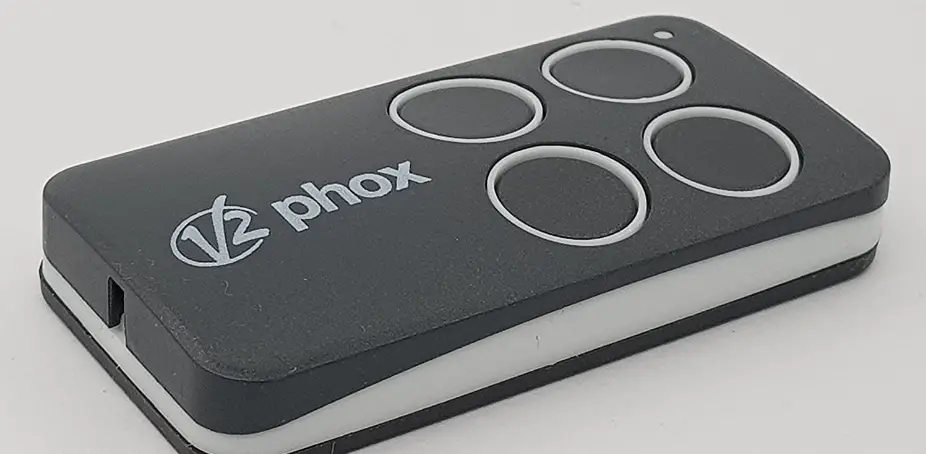

V2 SPA V2 PHOX Personal Pass Transmitter
Programming a remote via the receiver
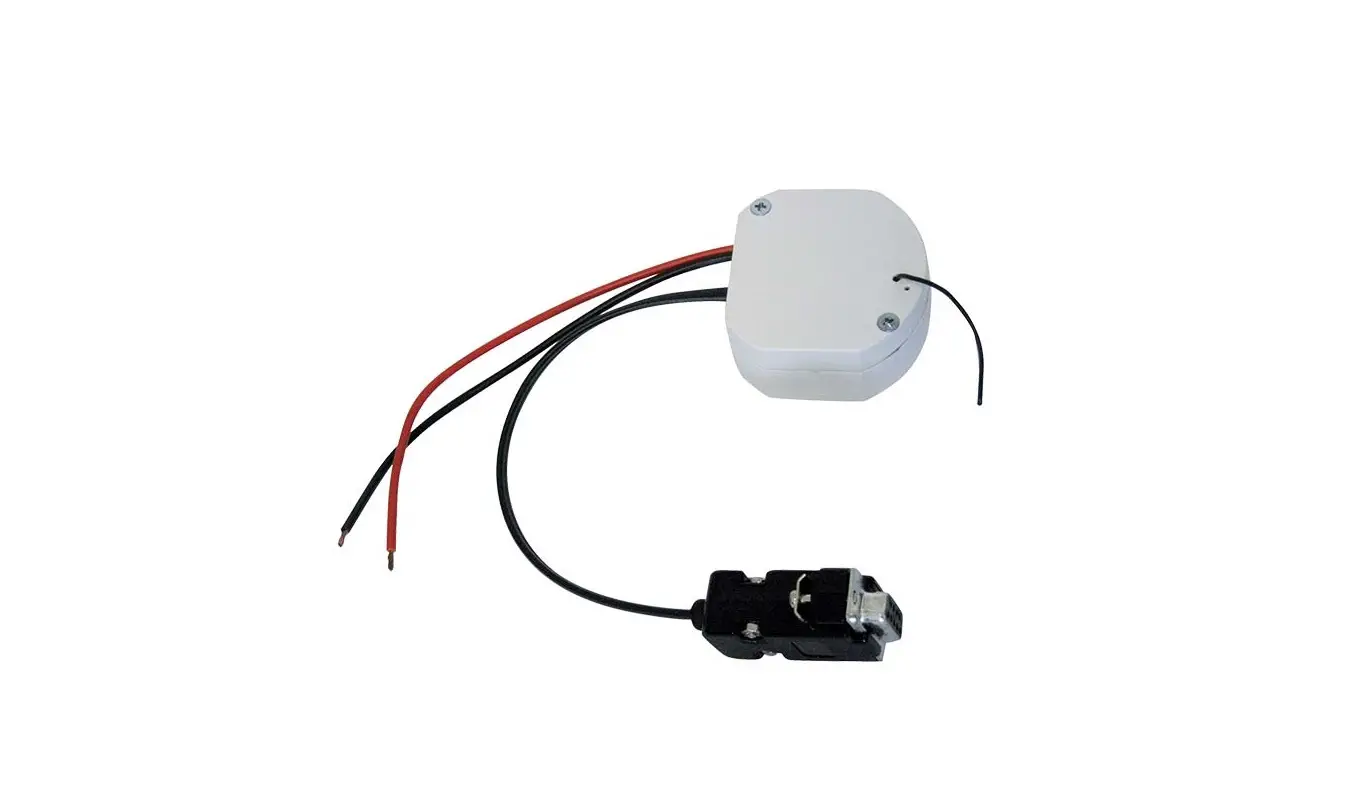
- Locate the receiver. This will be wired into your motor.
- Press the P1 button on the receiver. The L1 LED light will illuminate.
- Release the P1 button. The L1 LED light will turn off and will show a sequence of single flashings for 5 seconds. This sequence shows the selected channel.
- The following step is most likely NOT required for most users, please continue to step 5. To select the further channels. Press and release the P1 button within 5 seconds. The LED changes type of flashing according to this table.
Selected Channel
No. of Impulses P1 Flashing Single Double Triple Quadruple
Channel 1
1 ▪ Channel 2 2 ▪ ▪ Channel 3
3
▪ ▪ ▪ Channel 4 4 ▪ ▪ ▪ ▪
- Choose the channel you want to memorize. Within 5 seconds press and hold the button on the remote that you wish to operate the motor.
- The L1 LED light will turn off and on again. This means that the code has been memorized.
- If you want to program additional remotes. Please repeat step 5 on each additional remote within 5 seconds.
- Please wait 10-20 seconds. Press a button on the newly programmed remote to test you have programmed in successfully.
Programming a remote via an existing working remote
All remotes programmed using this method will share the same key configuration as the original remote used in this procedure.
- Stand within 1-2 metres of the motor.
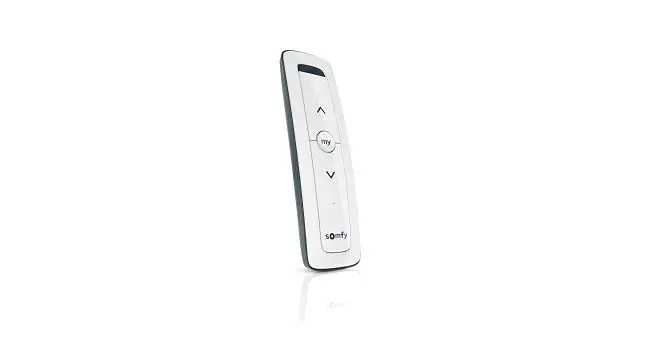
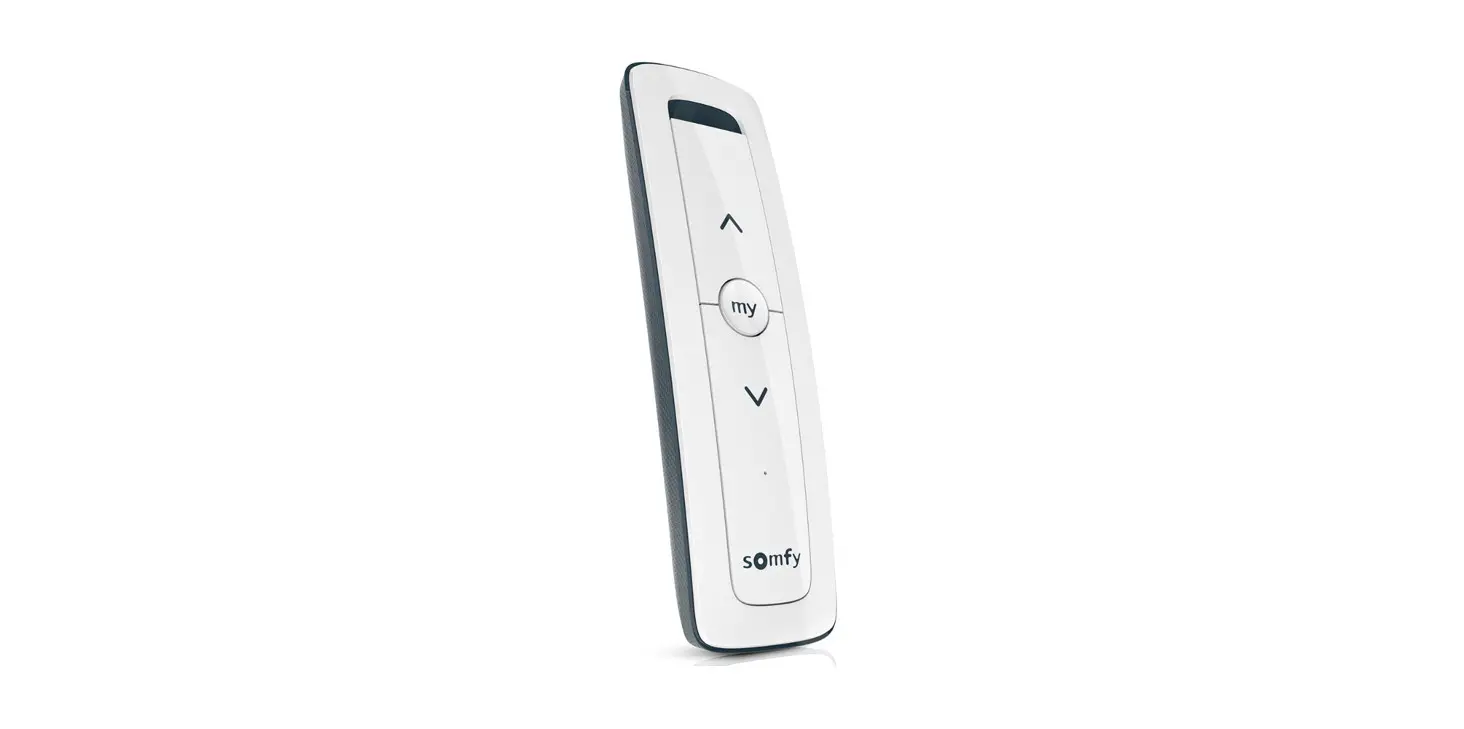
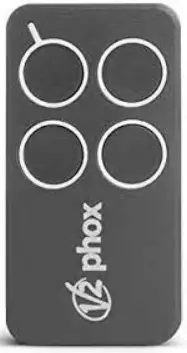
- Press and hold buttons 1 and 2 (the 2 buttons closest to the LED light on the remote) for 6 seconds on your working original remote.
- Release both buttons on the original remote.
- Within 5 seconds, press and hold the button on the new remote that you wish to program.
- Release the button on the new remote after 2-3 seconds.
- Repeat steps 2 to 5 to program additional remotes
- Please wait 10-20 seconds. Press a button on the newly programmed remote to test you have programmed in successfully.
Erasing motor memory
- Switch off the power supply of the control unit where MR1 receiver is connected.
- Press and hold the P1 key on the receiver
- Continue holding this while you restore power to the receiver.
- Once the LED light illuminates, release the P1 key.
 Garage Door Remotes | Car Remotes | Free Shipping AU Wide – Remote Pro