
i-tec intel Graphics Driver Installer
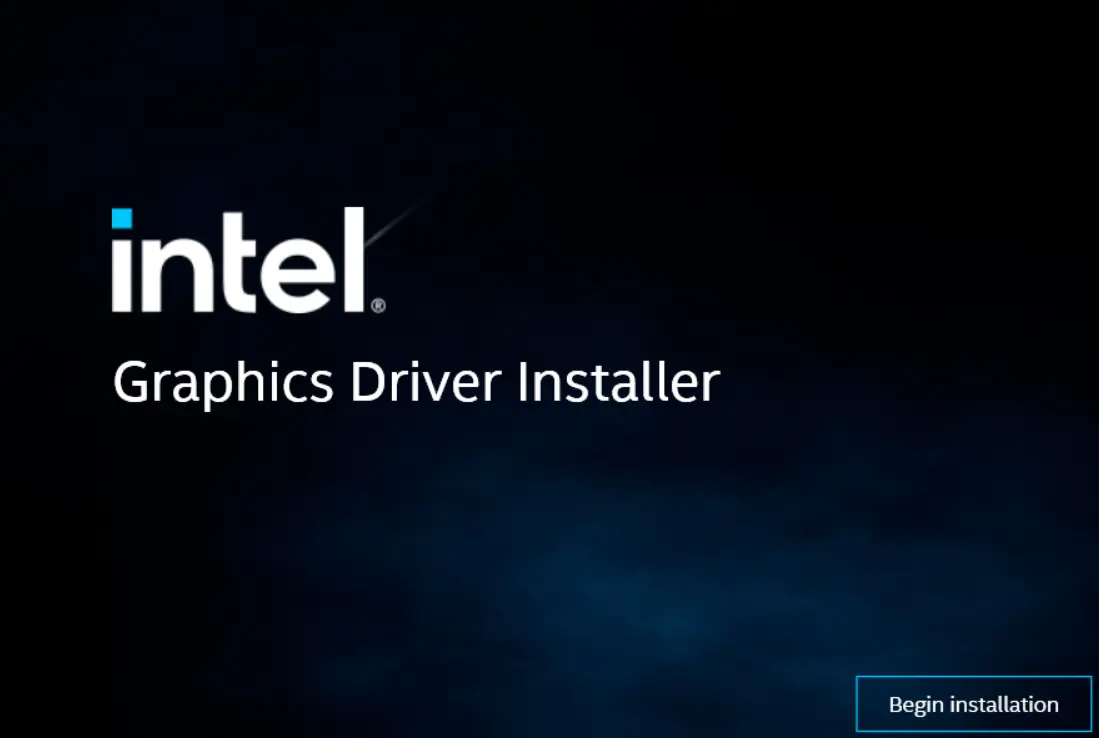 This step-by-step manual describes how to install a corresponding Intel® Graphics Driver.
- Download the Intel® Graphics Driver 30.0.101.1631 from
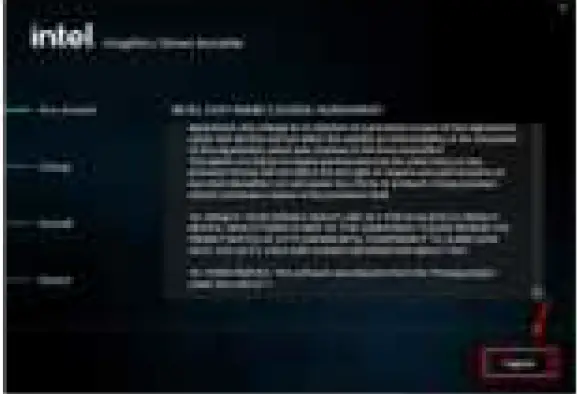
https://i-tec.cz/wp-content/uploads/man_dri/igfx_win_101.1631.exe - Run the downloaded file and click on the “Begin installation” button.

- Read the Intel software agreement and click on the “I agree” button.

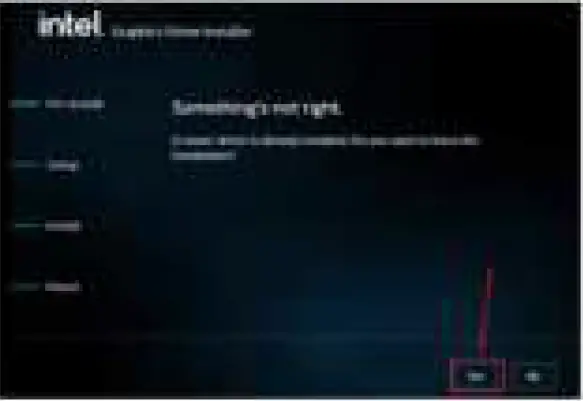
- In the next window click on the “Yes” button next and then on the “Start” button.

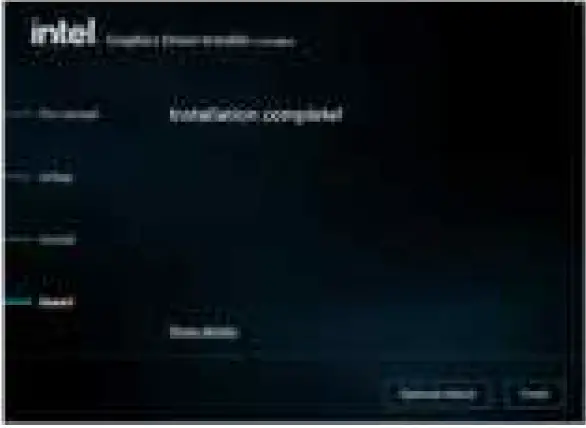
- Installation of the Intel® Graphics Driver 30.0.101.1631 should be finished in a few minutes. Then click on the “Finish” button and restart your device to finalize the installation process.