 FireNEX™-5000C
USB SuperSpeed 5Gbps
4-Port Optical Repeater
Quick Start Guide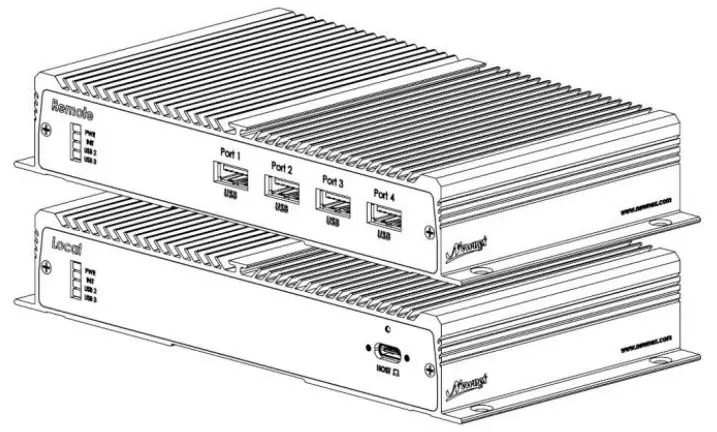
FireNEX-5000C USB SuperSpeed 5Gbps 4-Port Optical Repeater
Thank you for purchasing the FireNEXTm-5000C USB 3.2 Gen 1/3.0 Optical Repeater – the latest innovation in the optical and USB technology. This user’s manual contains specifications, installation guide, technical support, return policy and warranty of the FireNEXTm-5000C USB 3.1 Gen 1 Full Feature Optical Repeater. Please read this manual thoroughly before using it. We highly recommend you to keep this manual handy.
Package Contents
The 1-ircNEXTm-5000C package comes with:
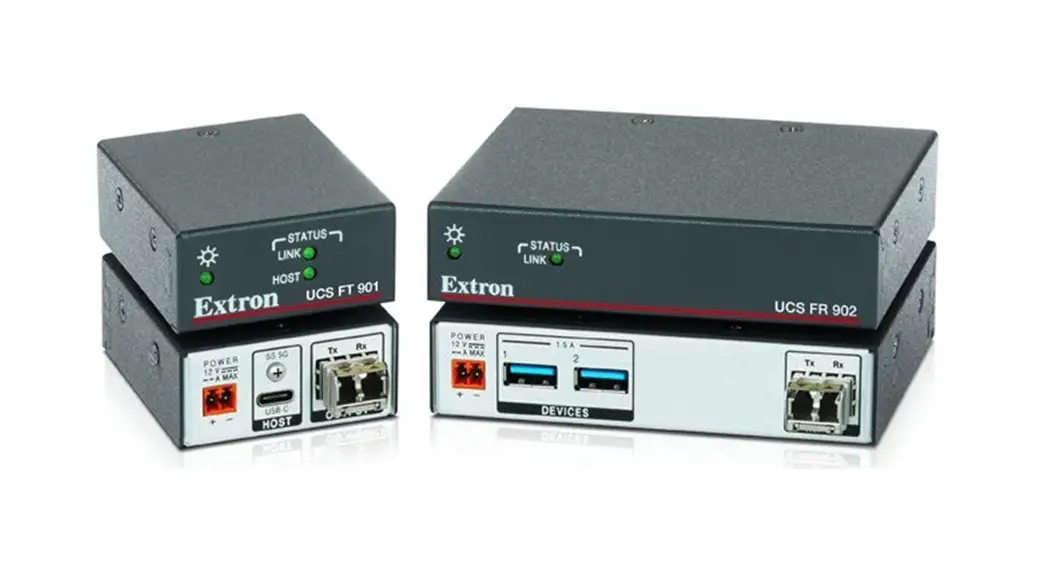
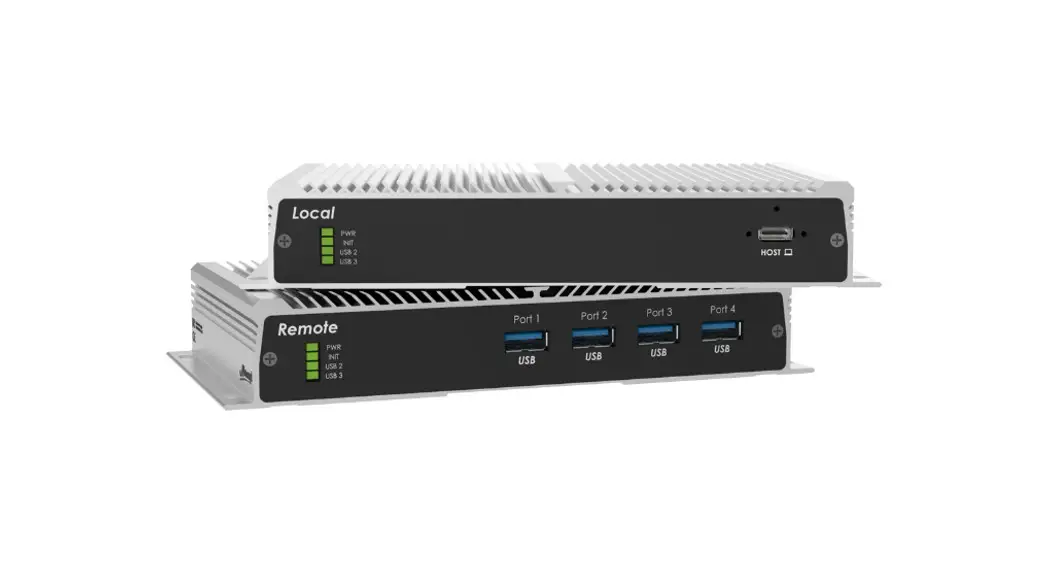
- One FireNEXTm-5000C Local Unit
- One FireNEXTm-5000C Remote Unit
- One I2V/2.5A DC Power Adapters
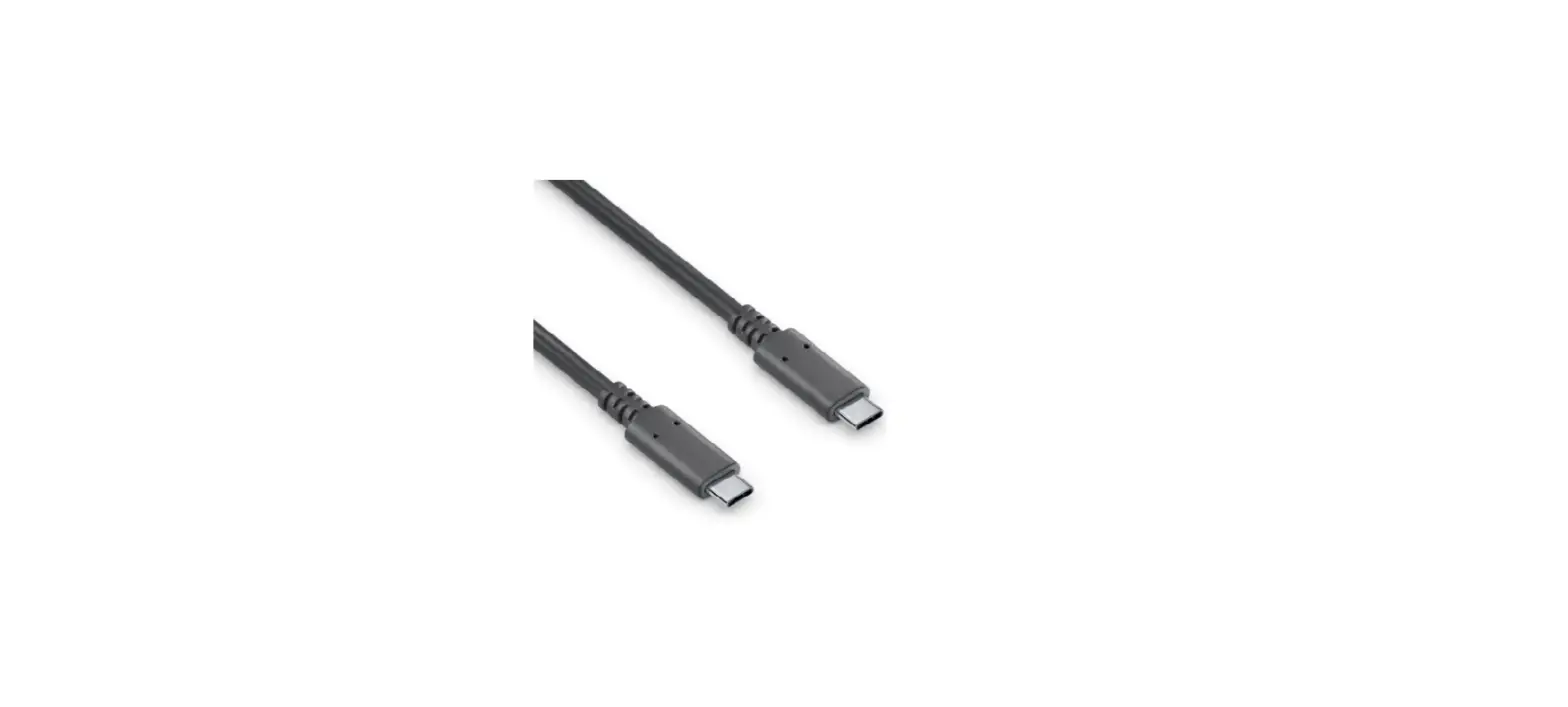
- One I m USB 3.0 A to C Cable
- Quick Start Guide
Requirements
In order to use the FireNEXTm-5000C, the following requirements must be satisfied:
- Computer with USB 3.0/3.2 Gen I SuperSpeed ports
- USB 3.0 cables. *
- 9/125 Single Mode Fiber (LC to LC, Duplex)
* Fiber optical cables, USB 3.0 Cables, and additional 12V DC power adapters can be ordered separately at Newnex. For more information, please visit www.newnex.com
Installation
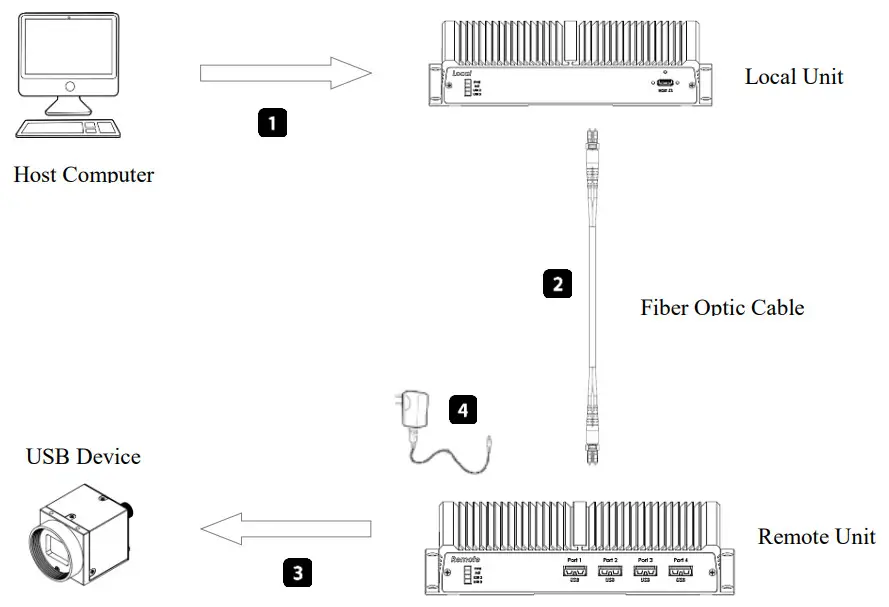
- Connect from the USB 3.0 host port to the FireNEX™- 5000C Local Unit through the 1m USB3 A to C cable included in the package.
- Use a duplex LC single mode optical fiber for connection between the FireNEX™-5000C Local and Remote Unit
- Connect your peripheral(s) to the FireNEX™-5000C Remote Unit Type-A port(s).
- Connect the 12V DC power adapter to the FireNEX™- 5000C Remote Unit.
Important Notes
- Make sure to disable the USB auto-suspend mode in your operating system Windows for example, disable USB auto-suspend mode in Control Panel->Power Option->Advanced Setup
Technical Support
Visit product web page for additional information: https://www.newnex.com/firenex-5000C.php
Contact Newnex customer support from: https://www.newnex.com/technology-support.php
Return & Warranty Information
Please visit https://www.newnex.com/return-policy.php for return policy and process.
Newnex Technology Corp.
3041 Olcott Street
Santa Clara, CA 95054, USA
Tel: 1(408) 986-9988
Fax: 1(408) 986-8034
www.newnex.com
 USB 2.0,3.0,3.1 and FireWire Connectivity in Cables and Extensions | Newnex