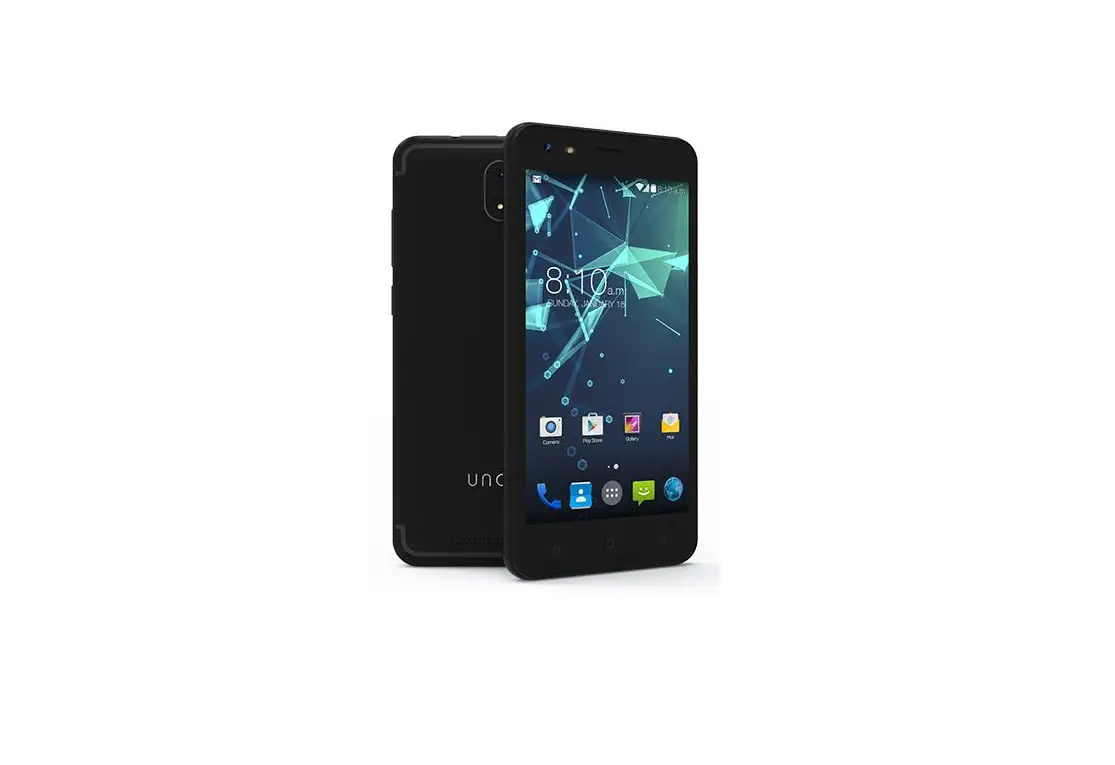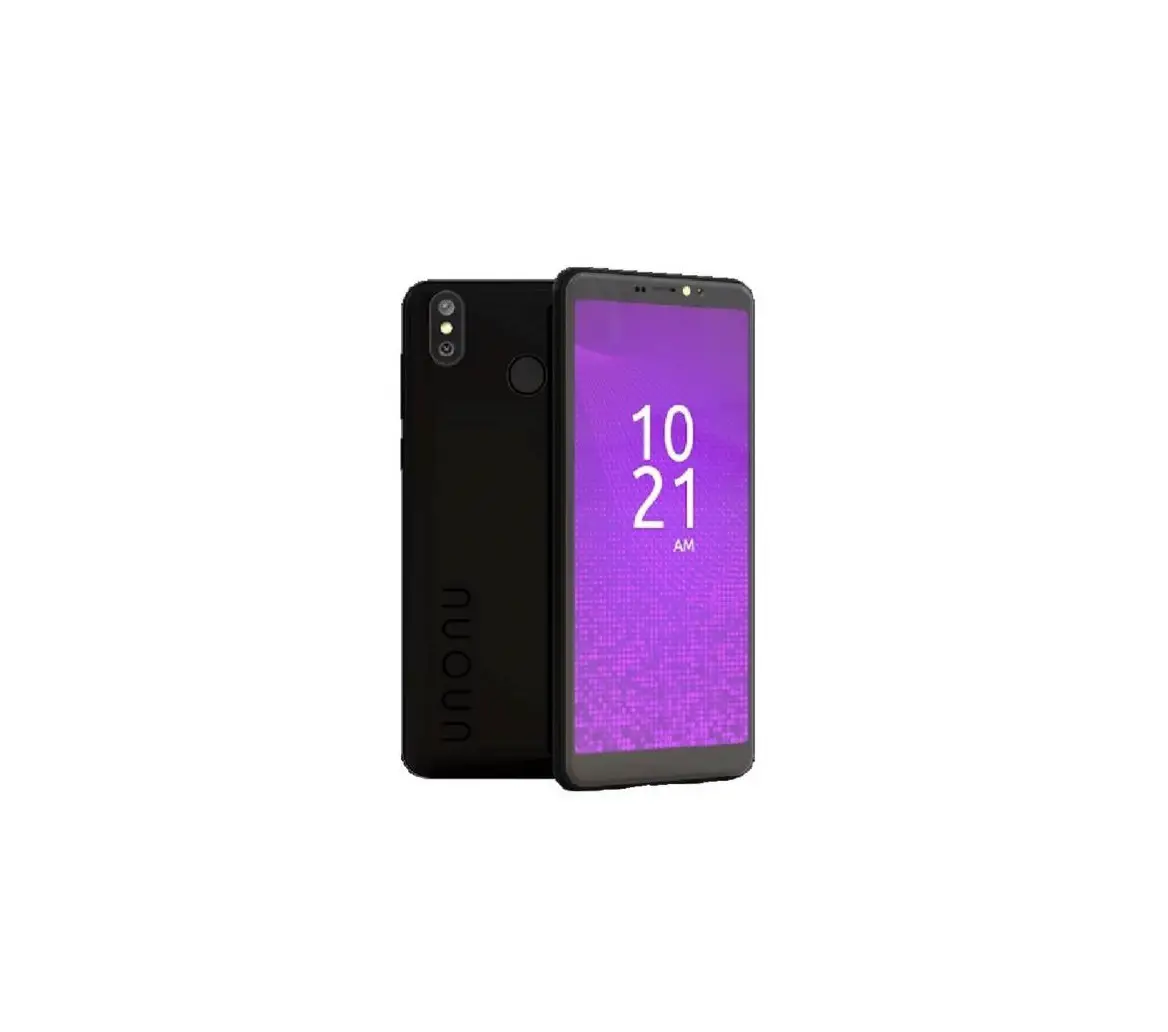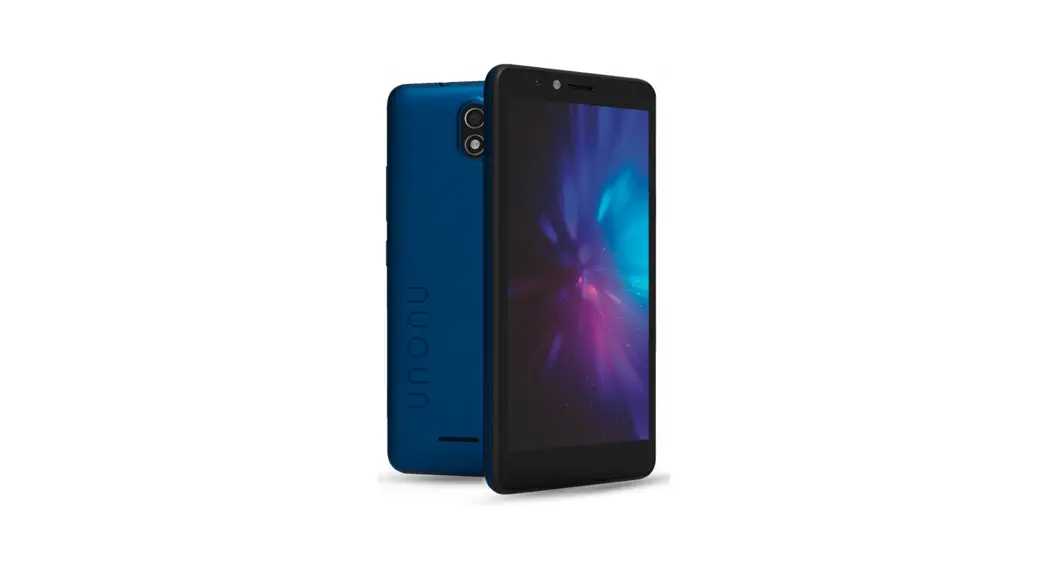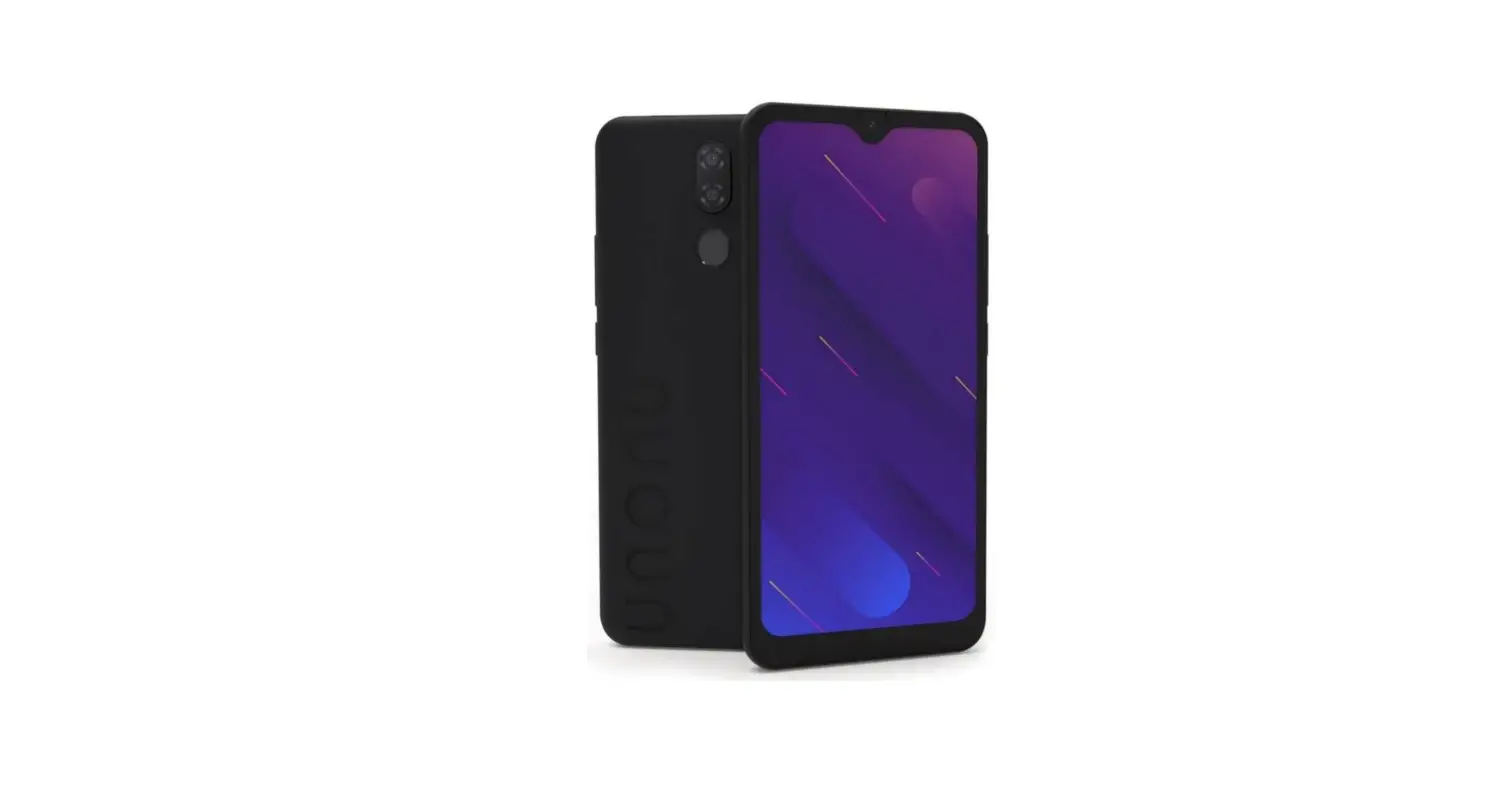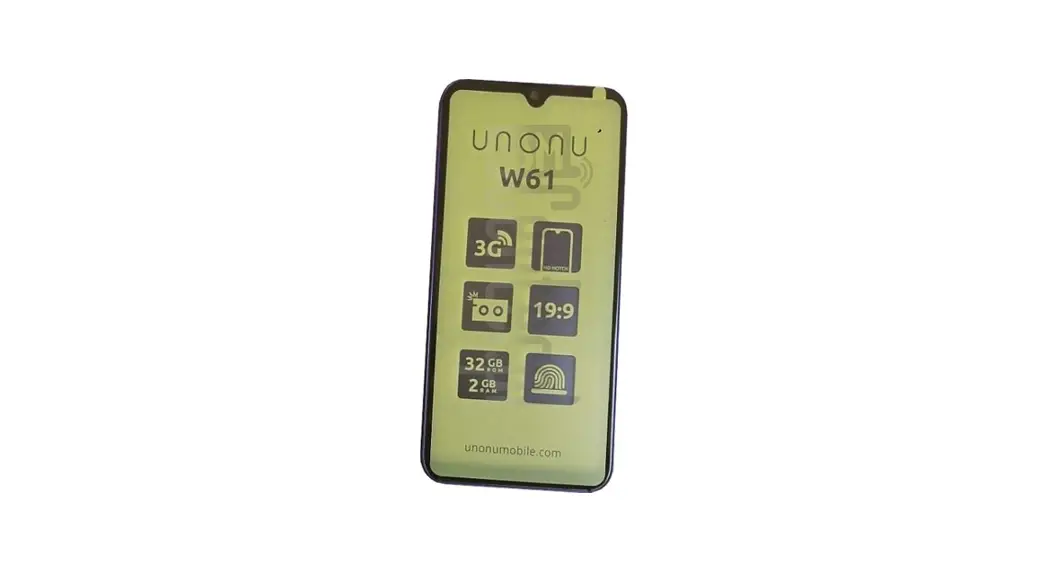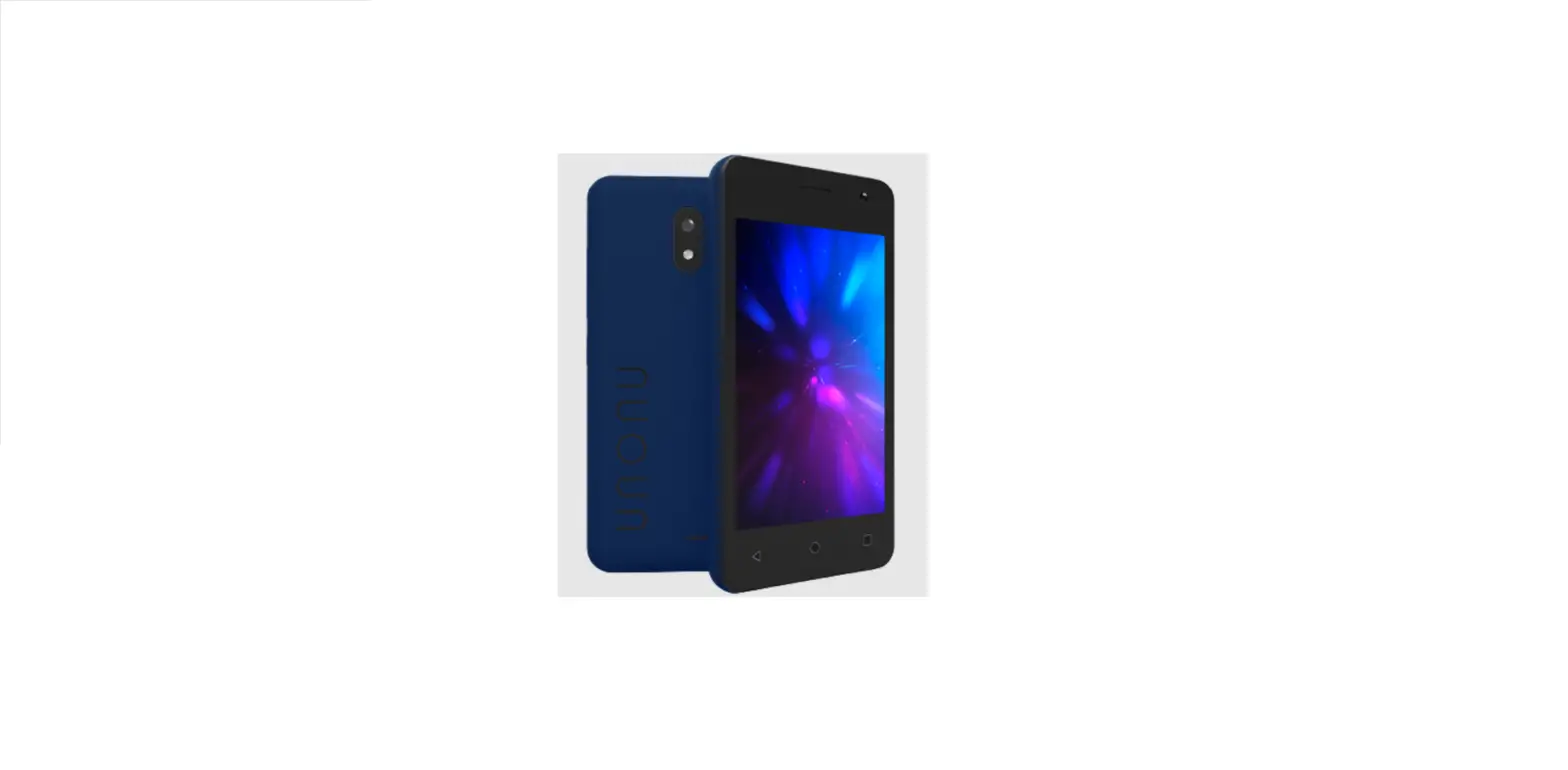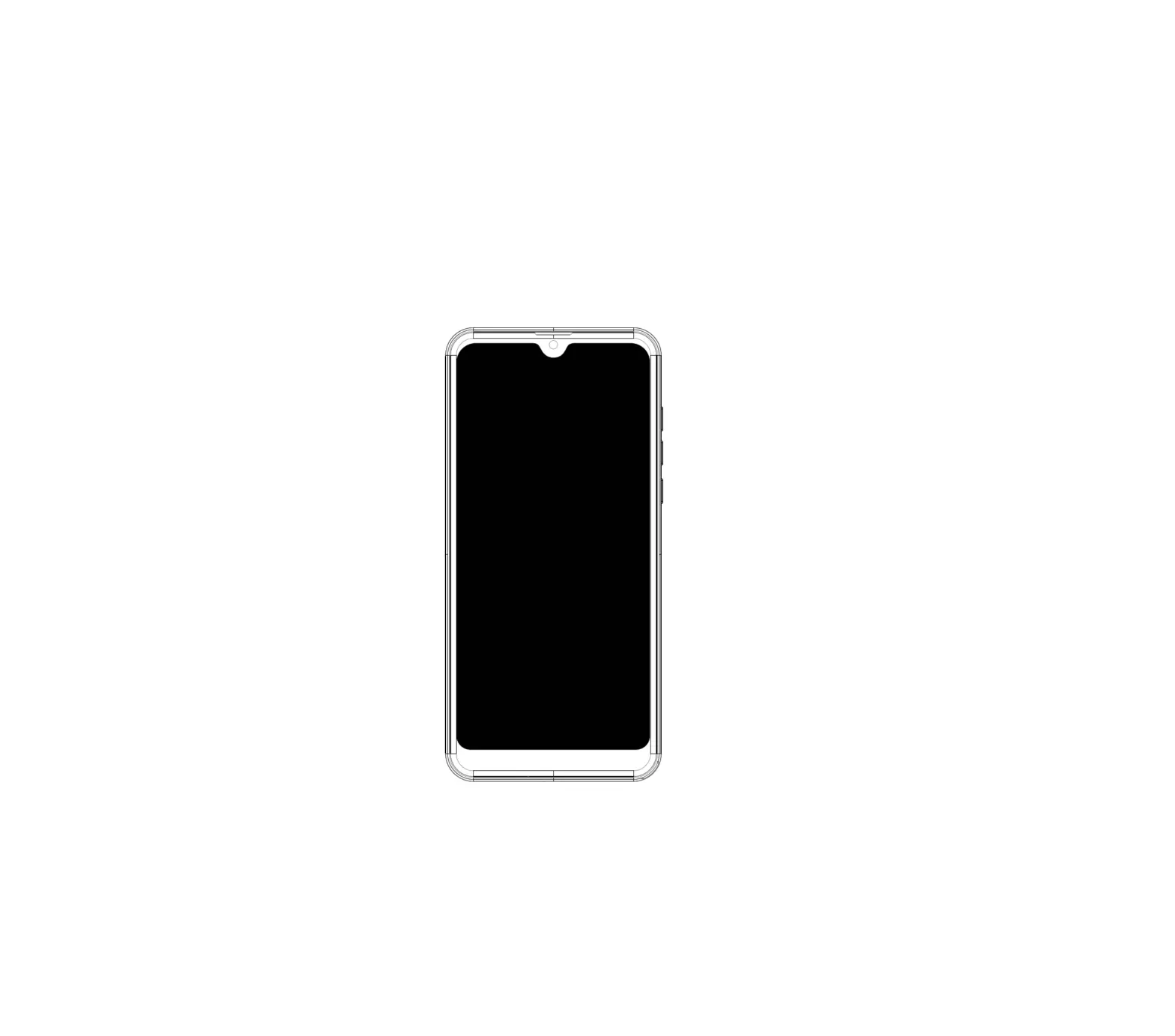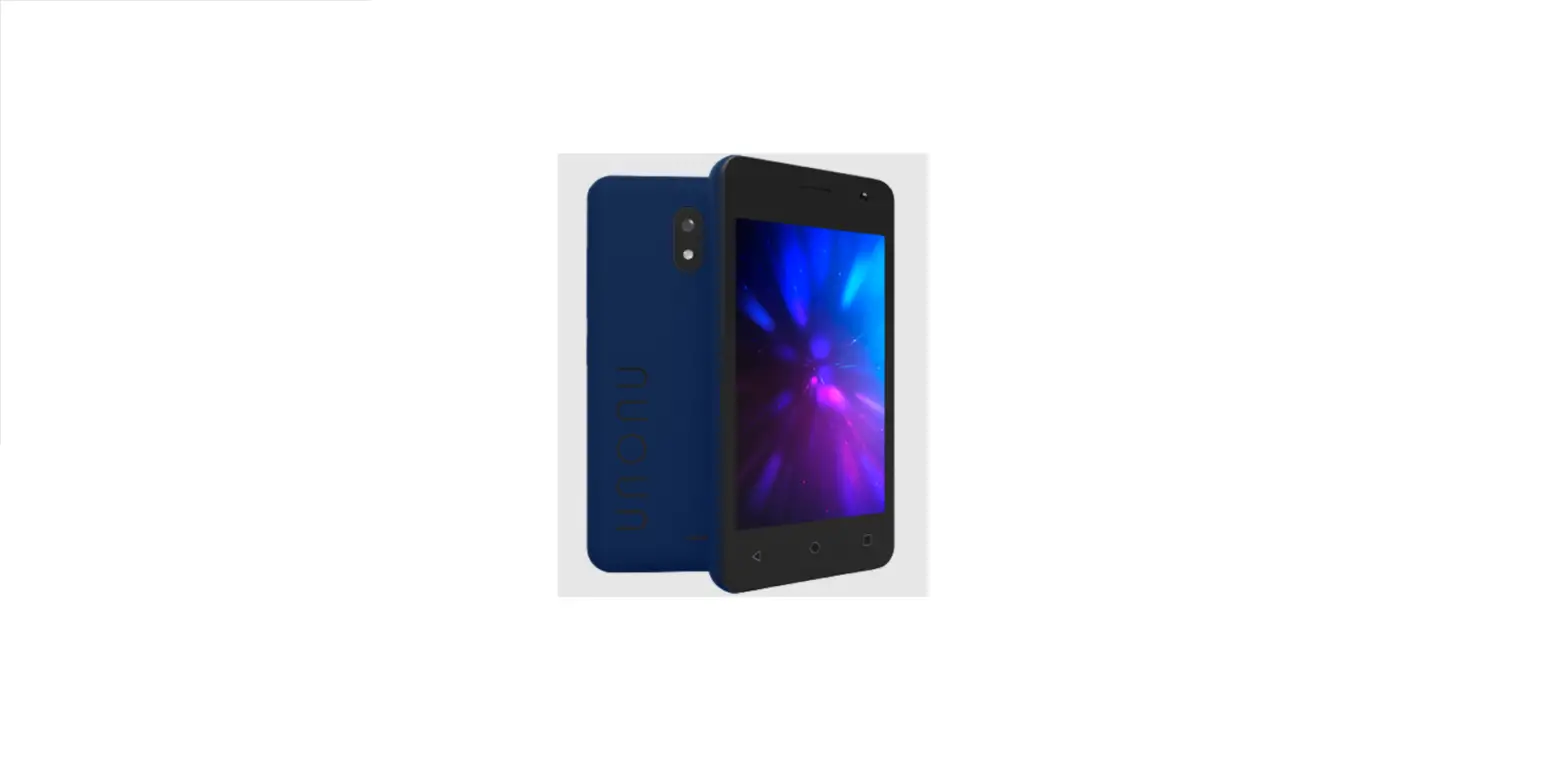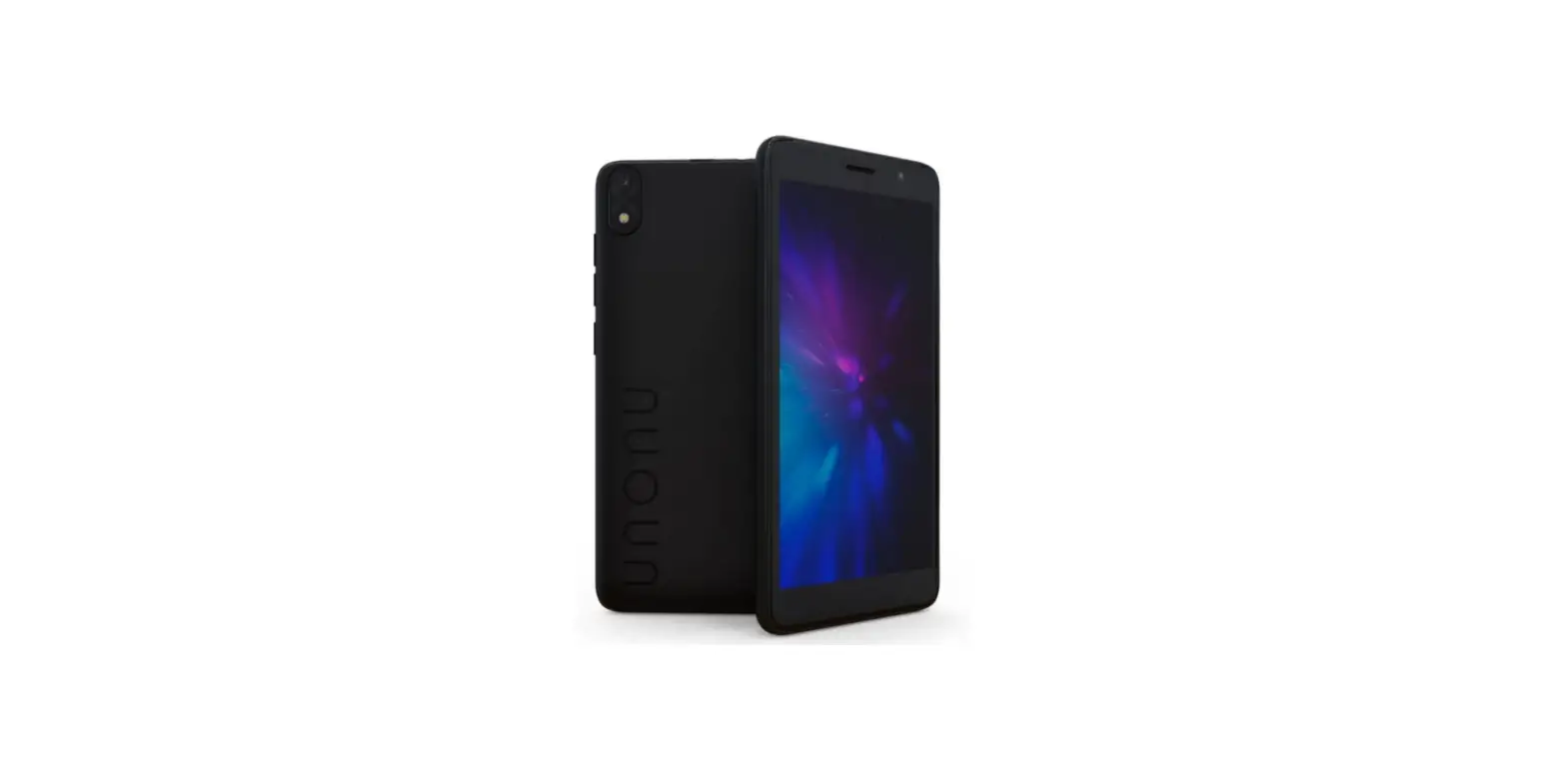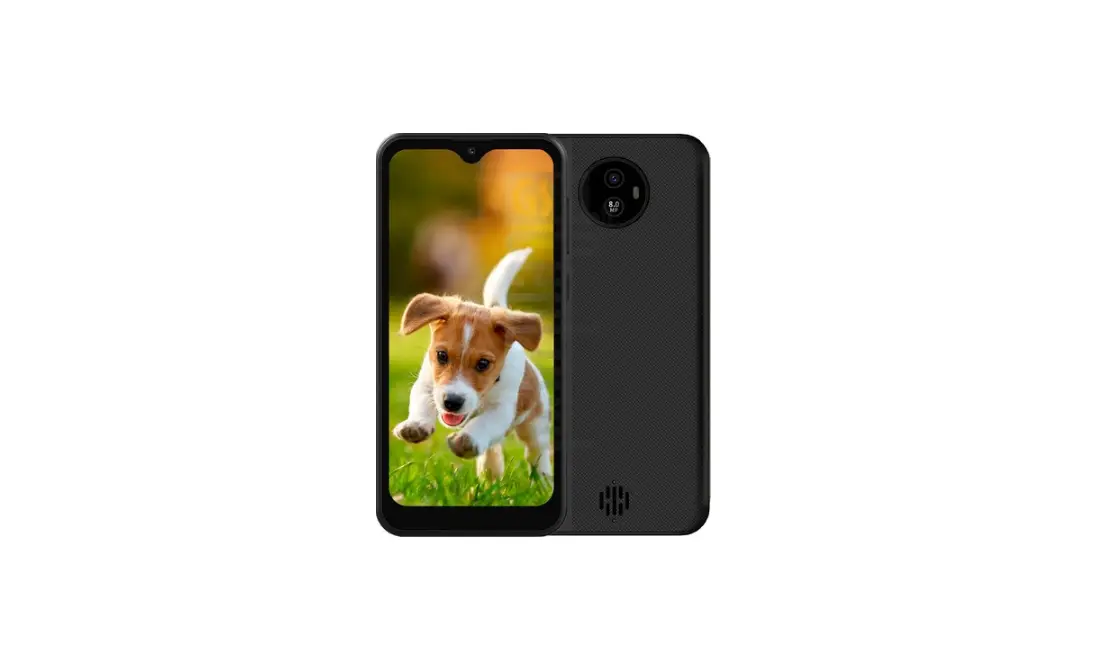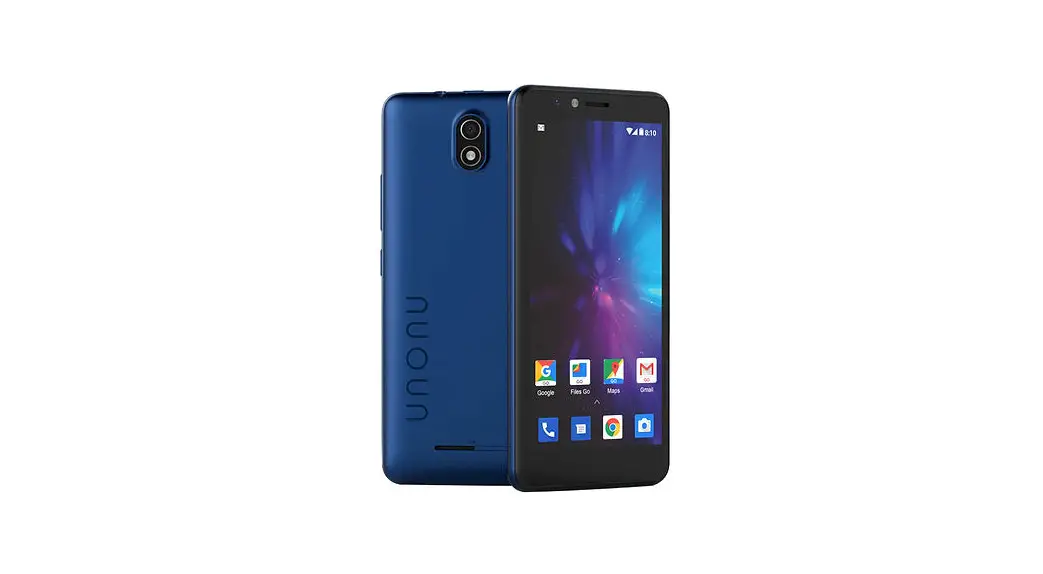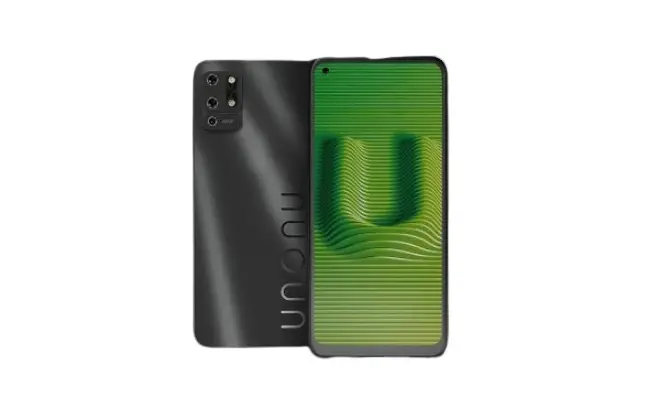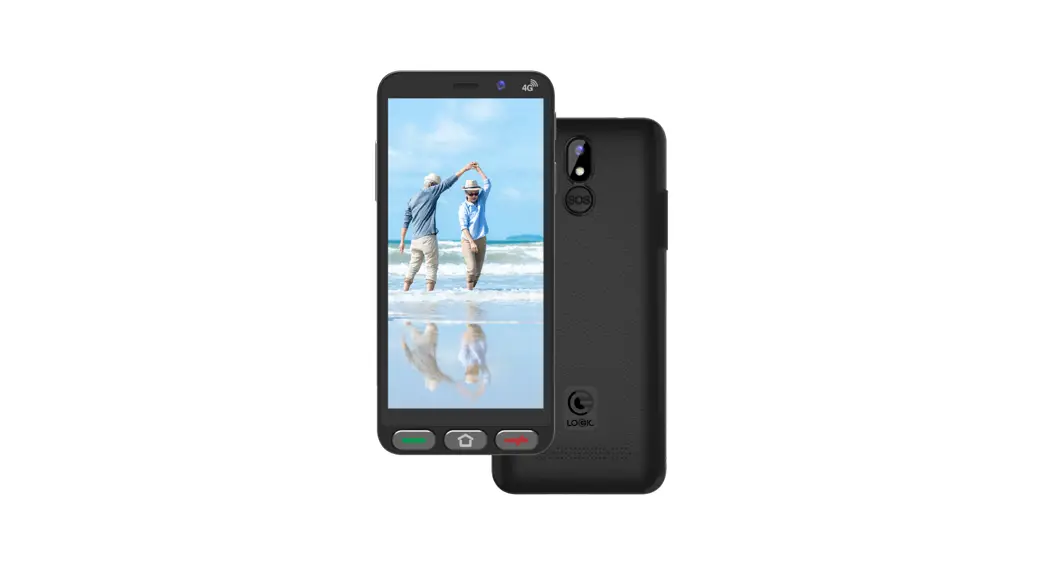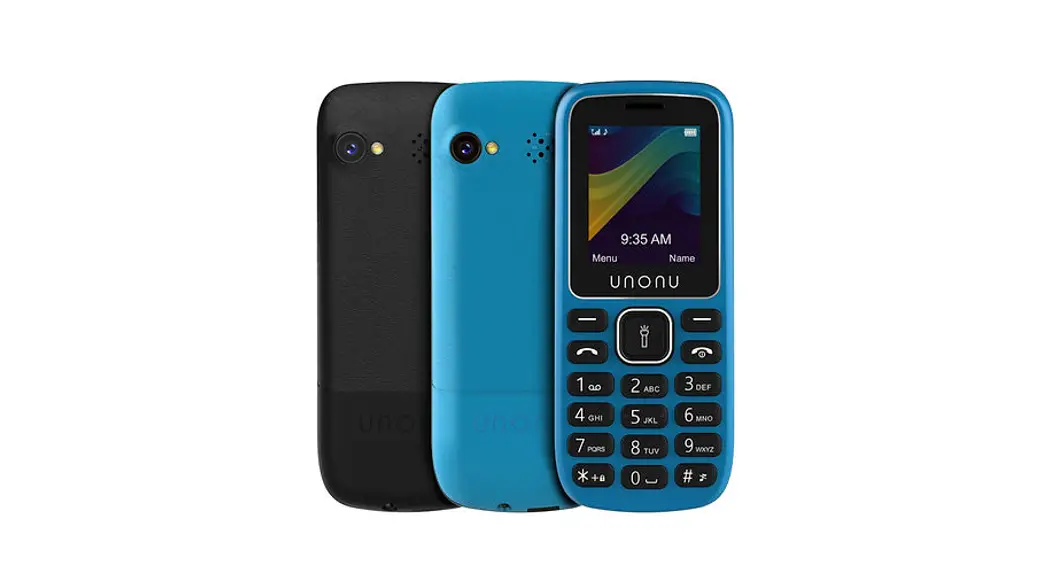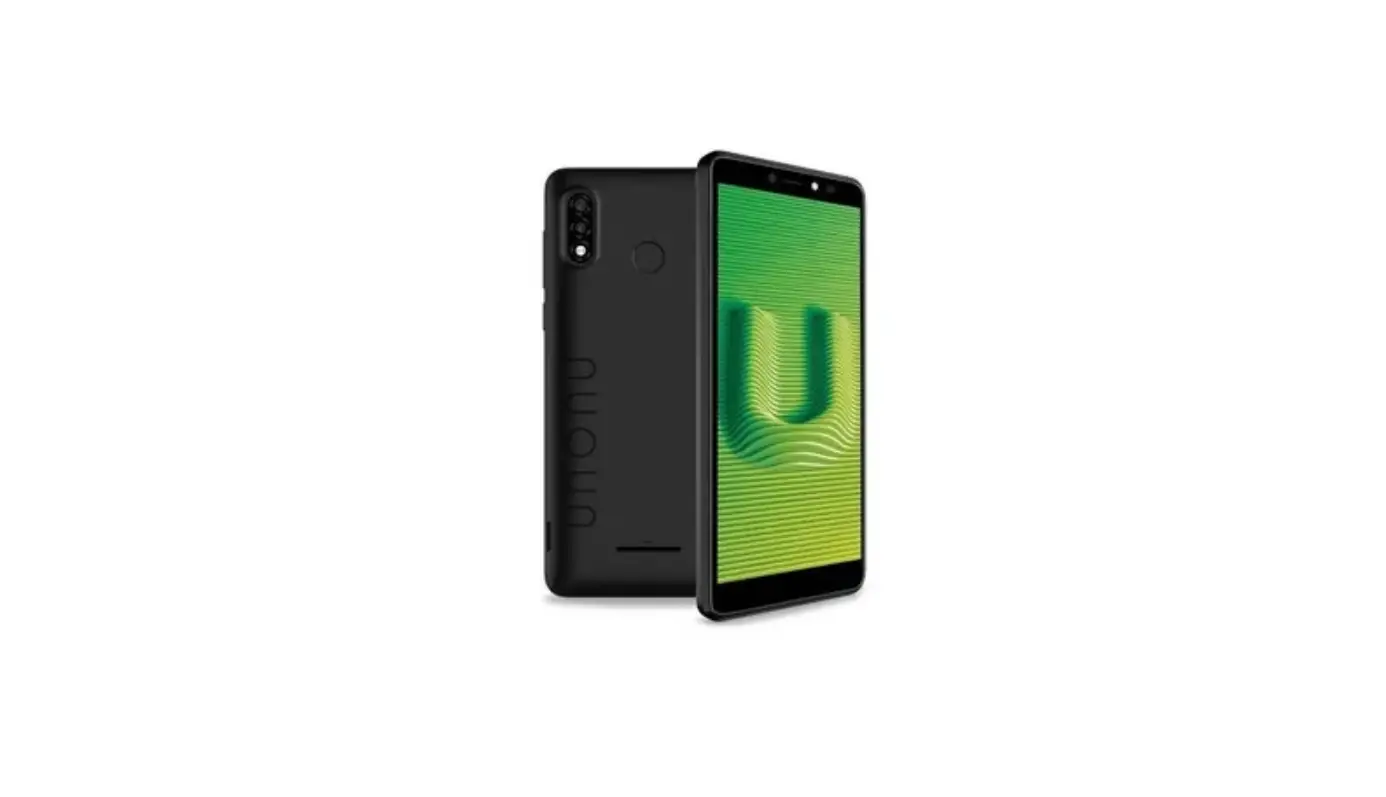

UNONU W57A 3G Smartphone

Thank you for purchasing this innovative UNONU device. The specifications in this document are subject to change without prior notice. UNONU and the UNONU logo are registered trademarks of Swagtek, Inc. Other trademarks are the property of their respective owners.
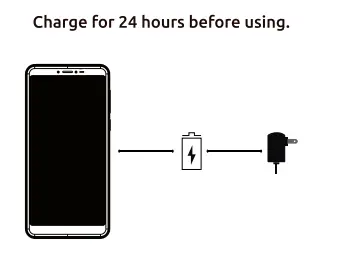
CHARGING
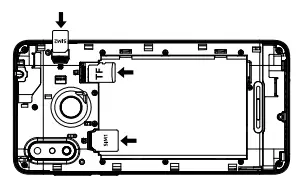
Install SIM card/ memory card
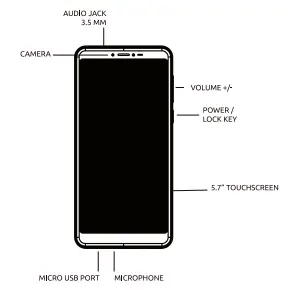
Get to know your Unonu phone
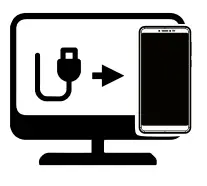
Connect your Unonu phone to the computer using the USB cable
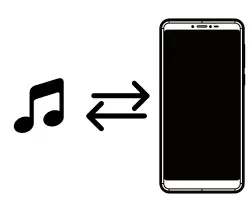
Copy music files from your computer to your Unonu phone
Warranty Certificate
Terms and Conditions
UNONU warrants that their Products will be free from defects in material and workmanship. The warranty period is one (1) year for the products and three (3) months for the accessories which are part of the original package Including the battery. The warranty period begins the date of purchase by the End-User who shall present an Invoice or a purchase receipt when requiring warranty service.otherwise the warranty period will begin from the date of manufacture of the product. UNONU will repair a product, without cost to the Customer, if it presents a manufacturing defect or defect in workmanship during the warranty period and if the defect occurred under normal conditions of use in accordance with the instructions and specifications staled in the User’s manual. For additional information about the terms and conditions of UNONU’s limited Warranty or to obtain warranty service information, please visit the support section at: unonumobile.com
unonumobile.com
Designed in the USA/ Made In China
Copyright Swagtek, Inc. 2021