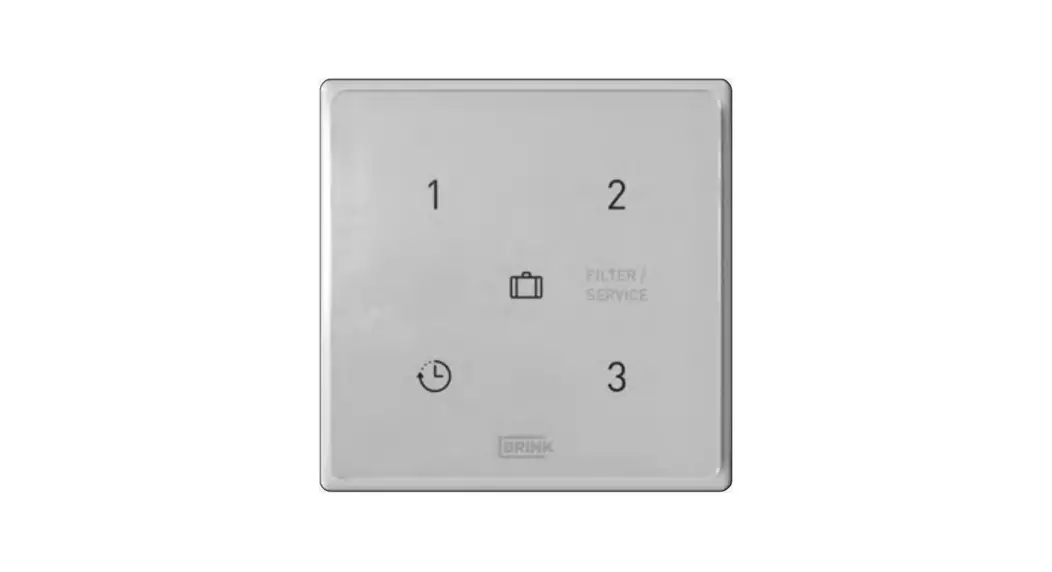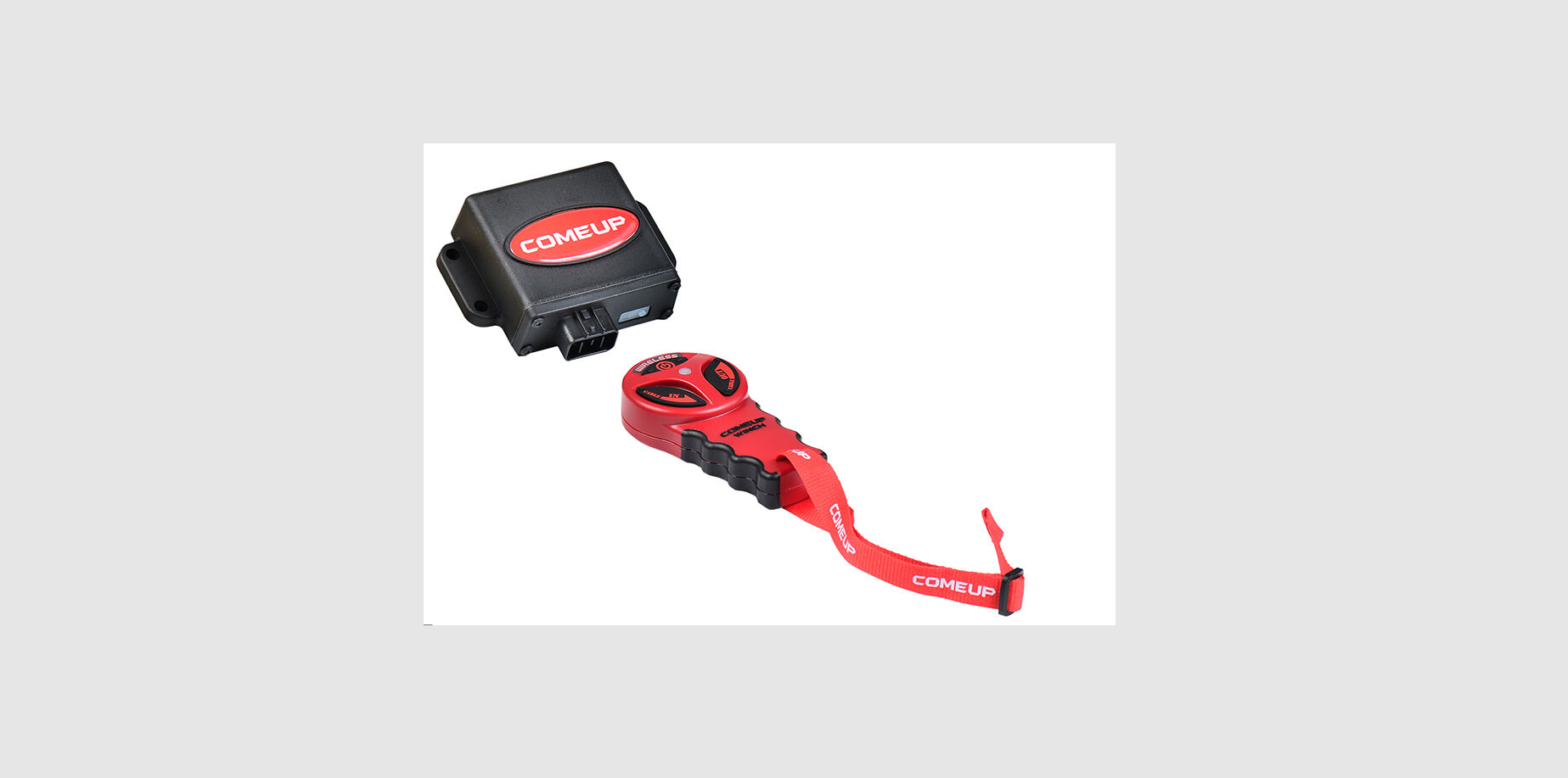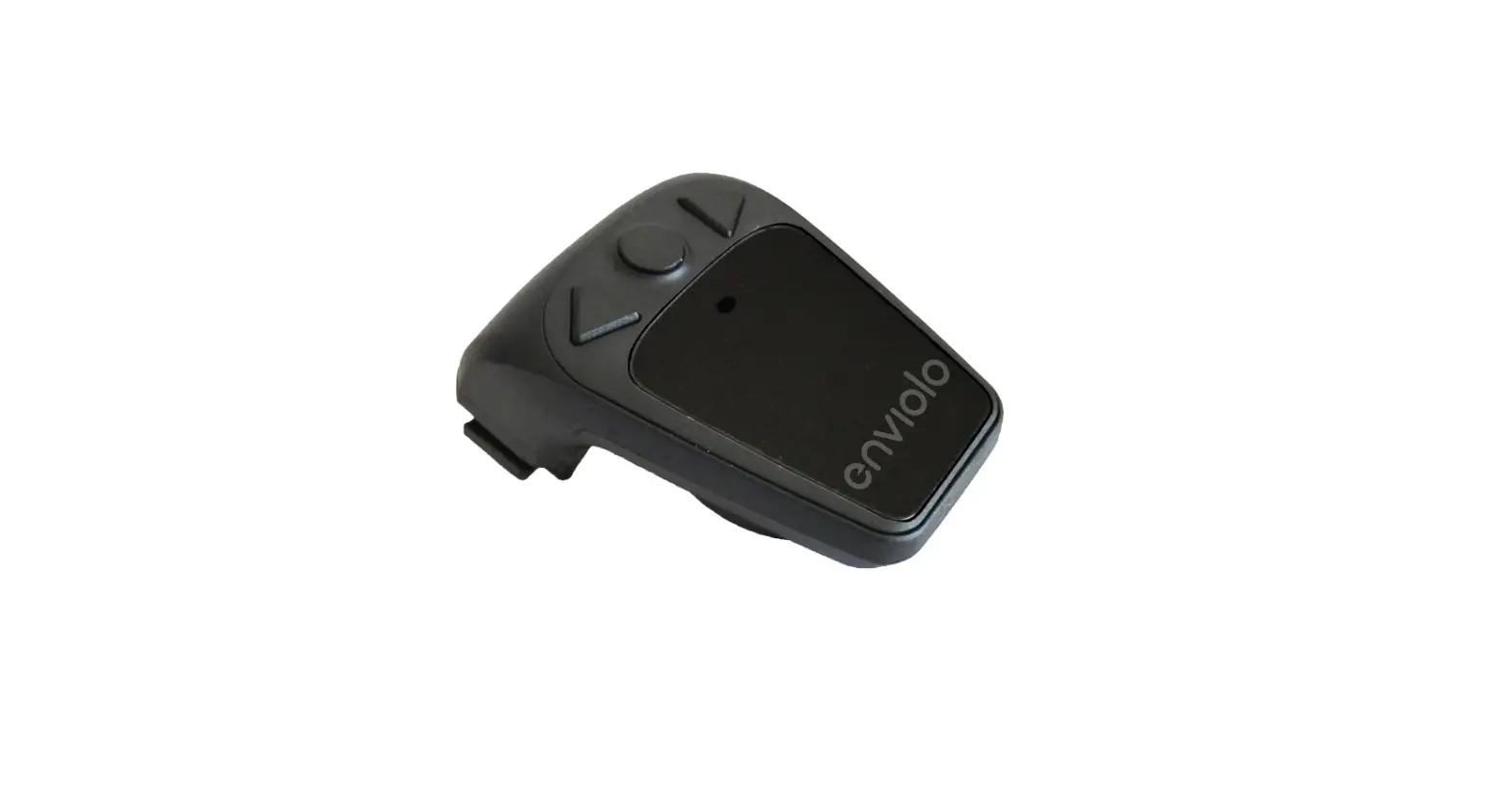

enviolo AUTOMATIQ Wireless Controller
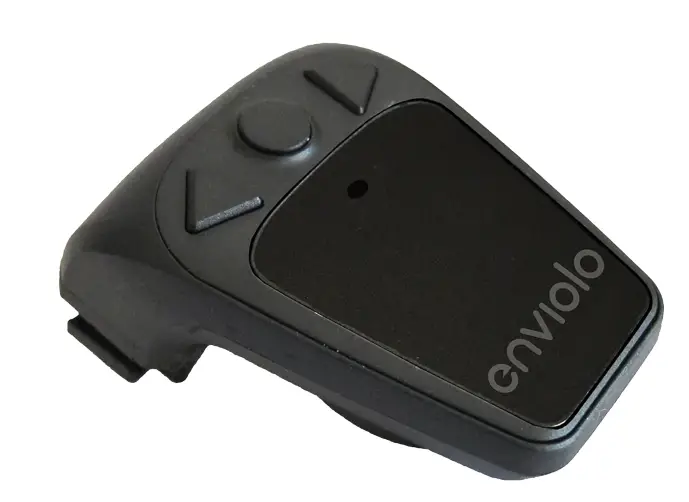
CO Controller Installation
This guide shows how to add the CO Controller or handlebar-mounted controller to the handlebar of your EVELO Electric Bicycle. This applies to models equipped with the Enviolo Automatic CVT shifting system.
Note: There is no digital display on the shifter itself. You will see a flashing LED light as a power and pairing indicator. Please see the CO Controller guide for more detailed information.
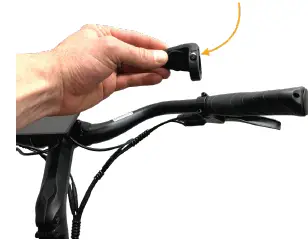
- Step 1: The handlebar-mounted controller attaches to the right side of the handlebar – make sure this area is clear of any other installed accessories.

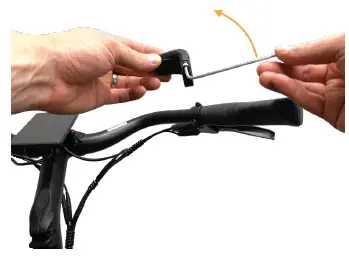
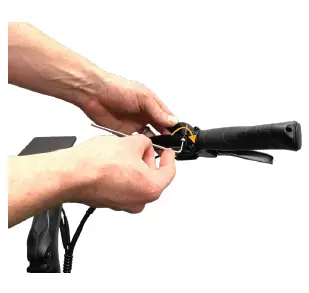
- Step 2: Locate the hex bolt on the bottom of the handlebar controller.

- Step 3: Rotate counterclockwise until it is fully removed – do not lose this bolt.

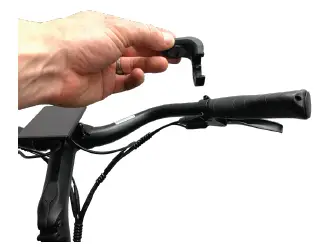
- Step 4: With this bolt removed, the hinge at the bottom will open.

- Step 5: Place the handlebar controller on the bicycle handlebar.

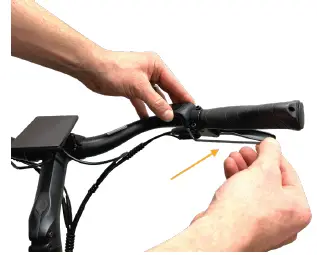
- Step 6: Insert the hex bolt removed in Step 3 and rotate clockwise until the controller is snug, but not fully tight.

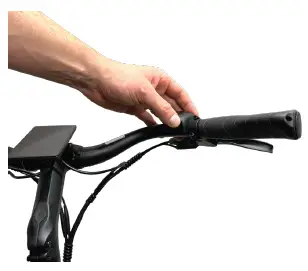
- Step 7: Rotate the controller on the handlebar and adjust for a comfortable position to press the buttons while riding. This can be adjusted again at a later time. Use the hex wrench to fully tighten the handlebar controller so it does not move while riding.

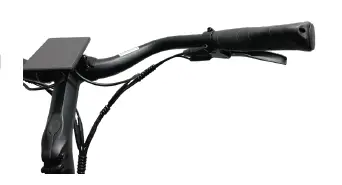
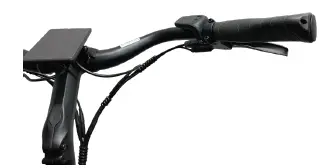
- Step 8: Your completed installation should match this photo for optimal operation.

Questions? Get In Touch:
- 877-991-7272
- [email protected]
 Best Electric Bikes With 4-Year Warranty & At-Home Trial | EVELO