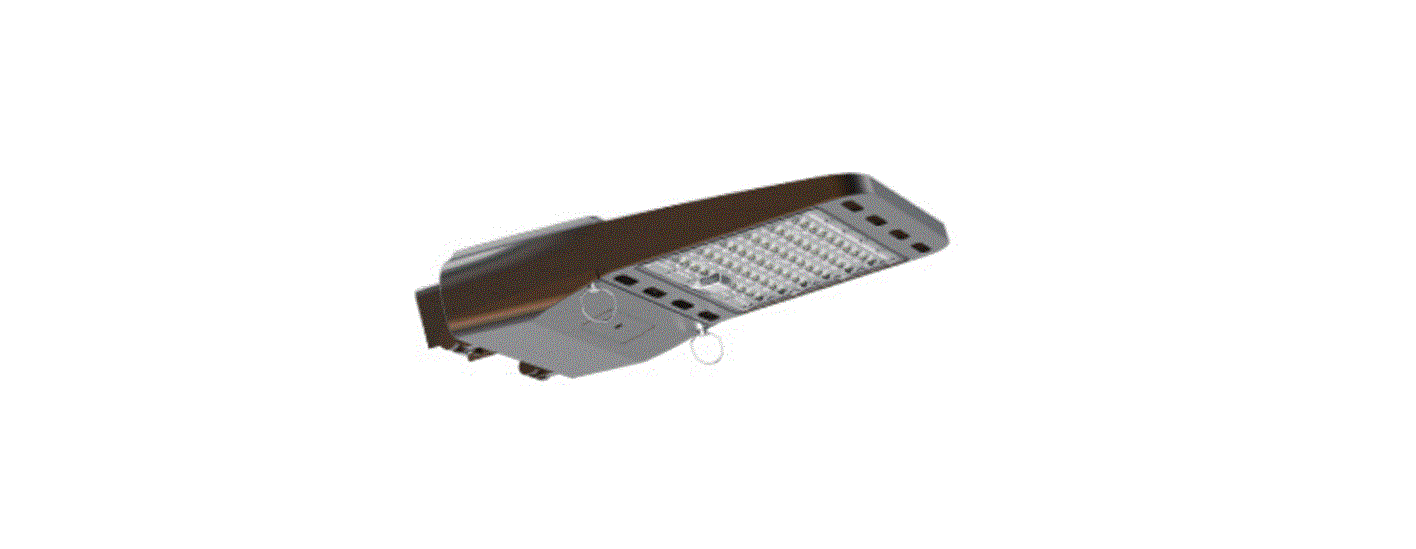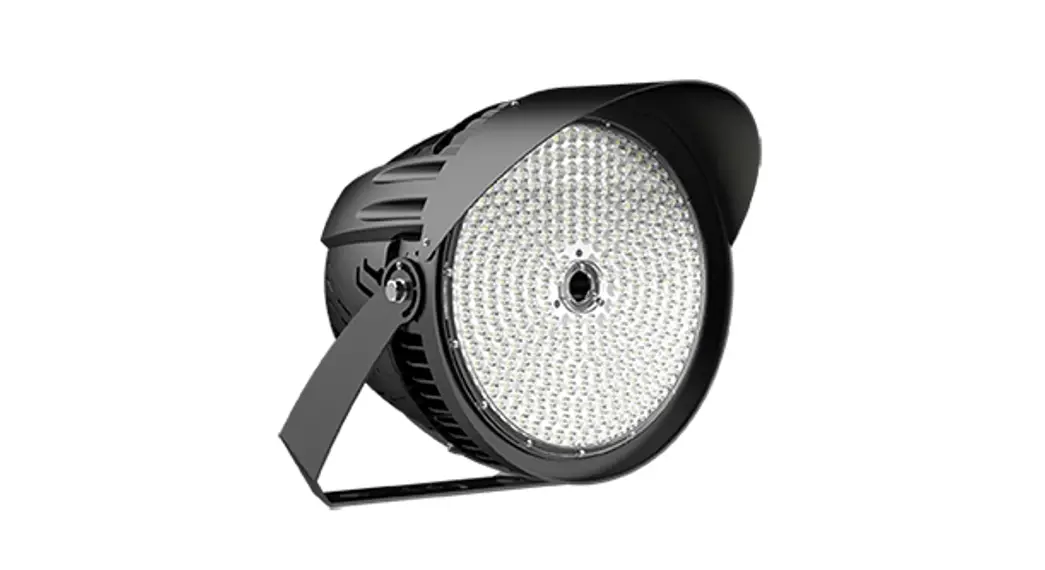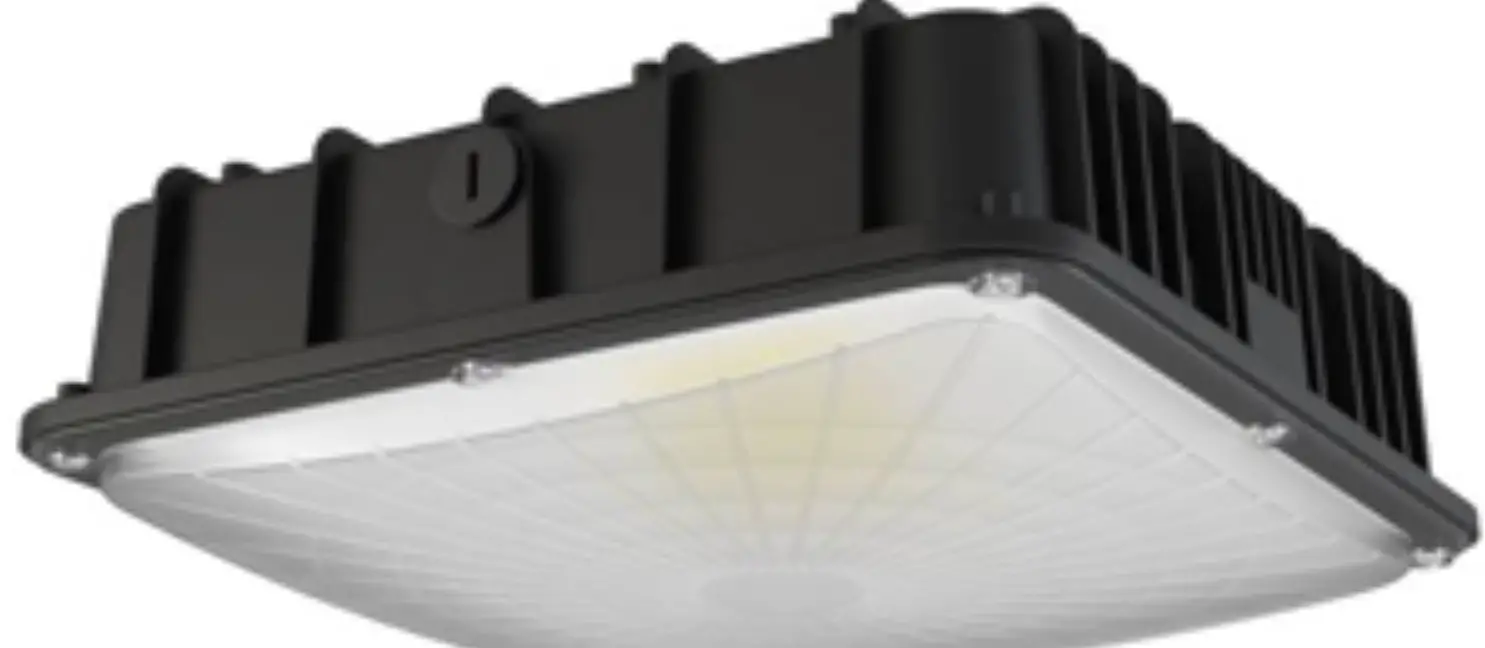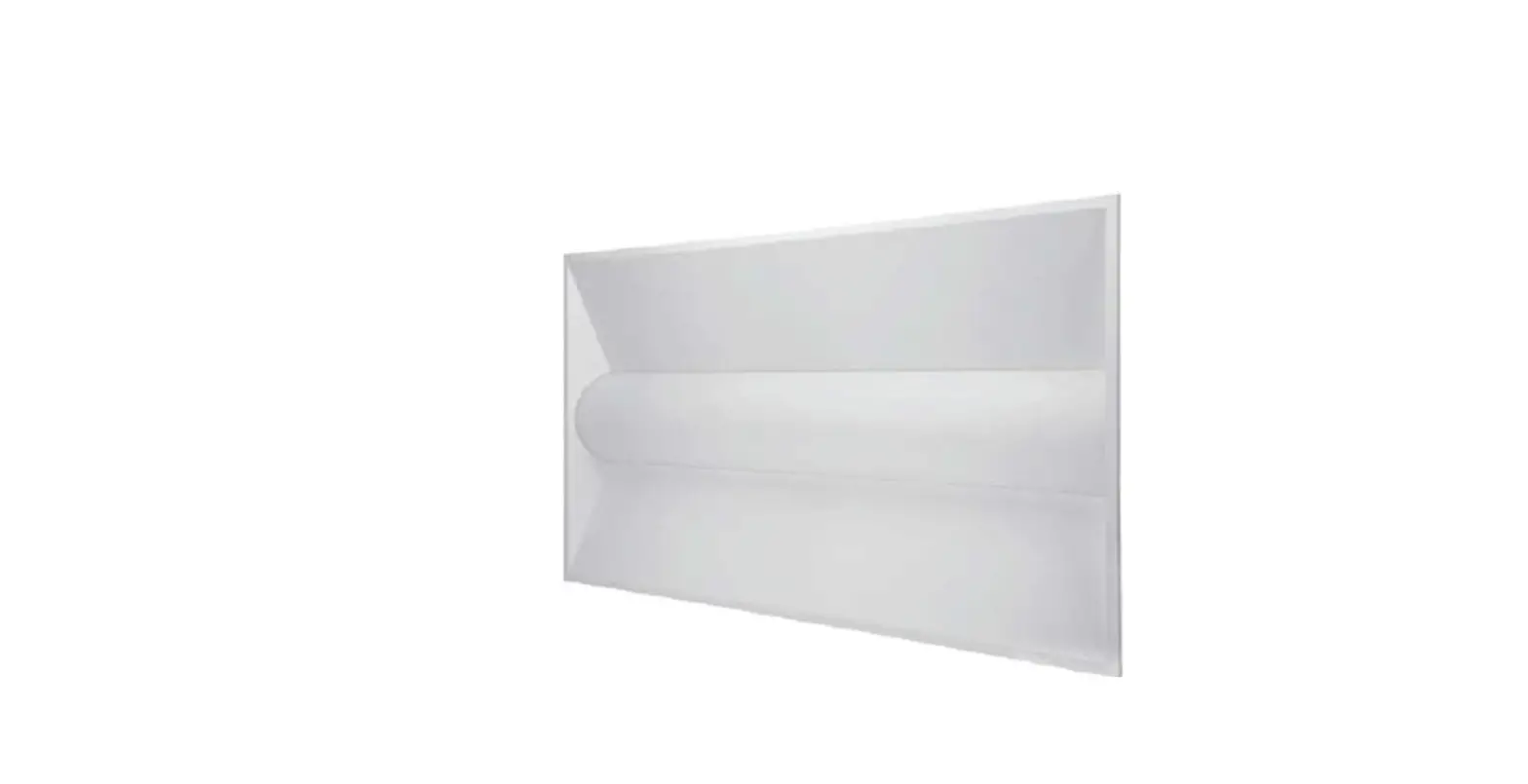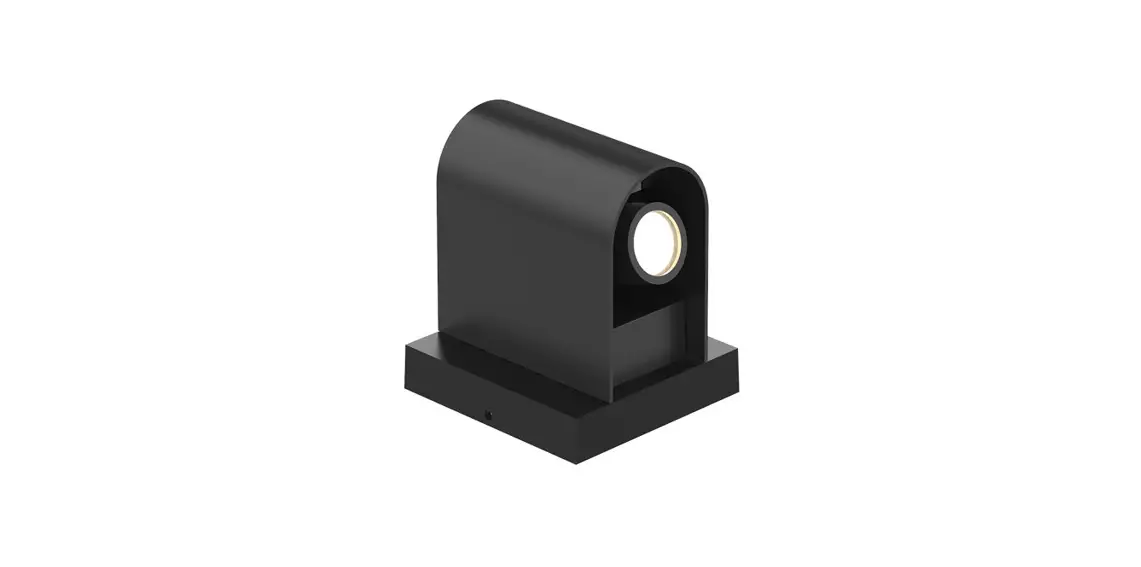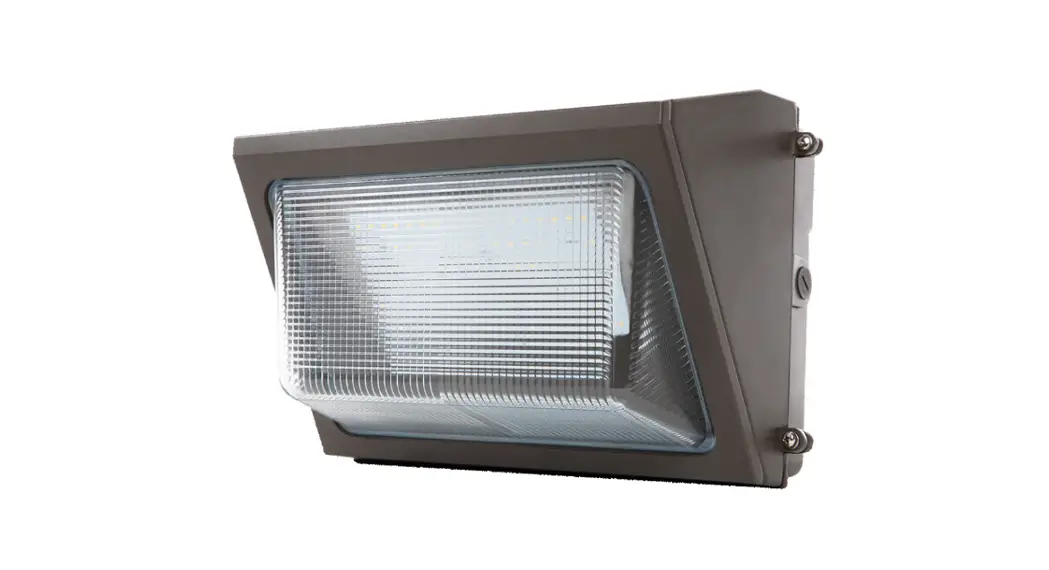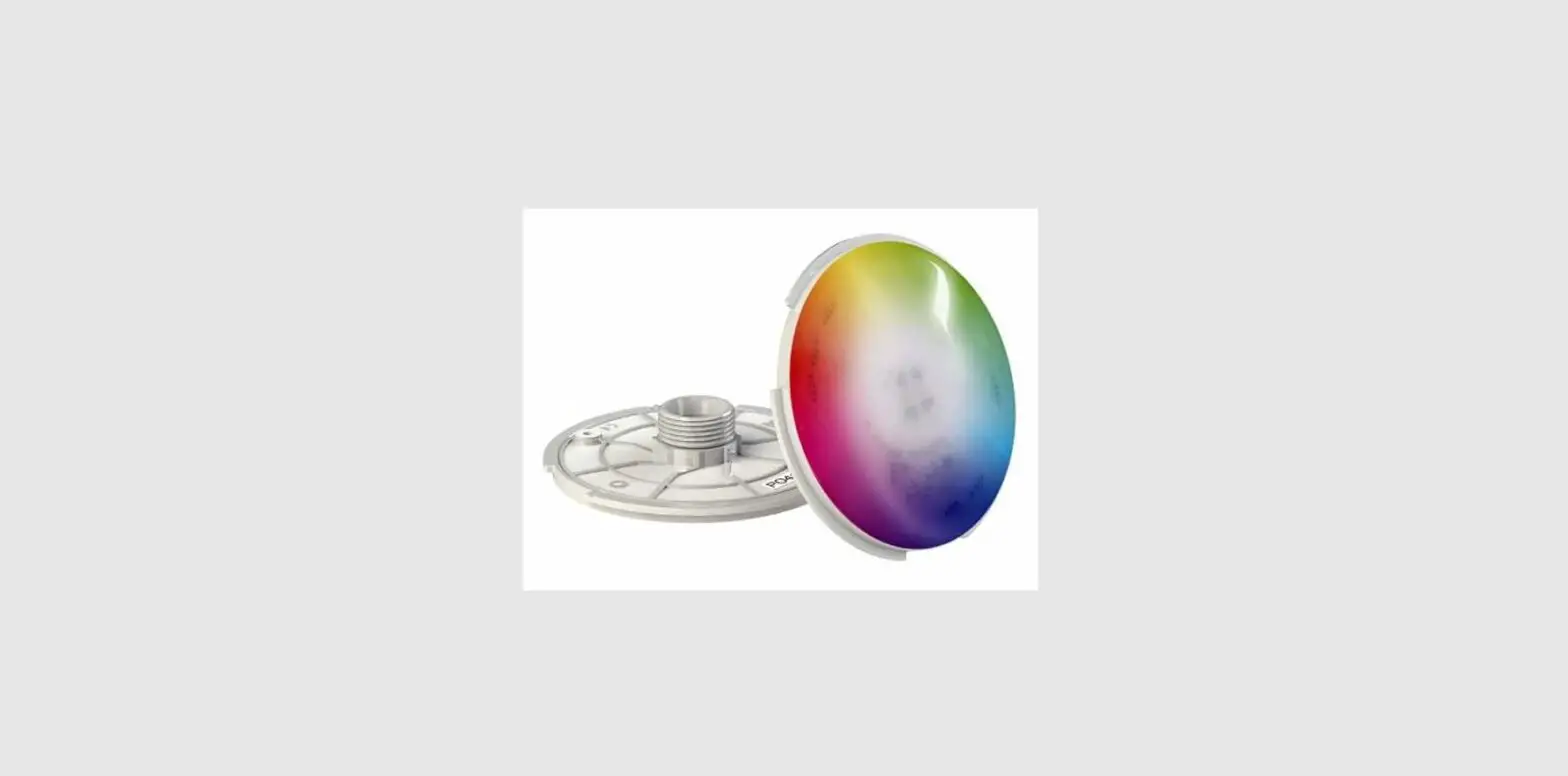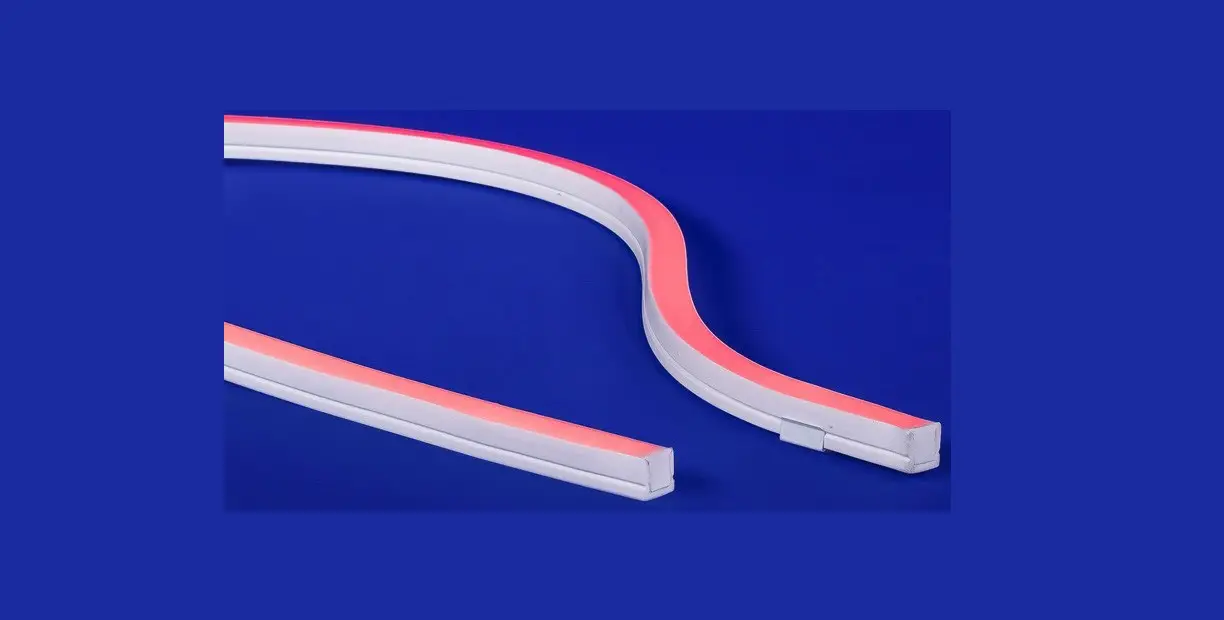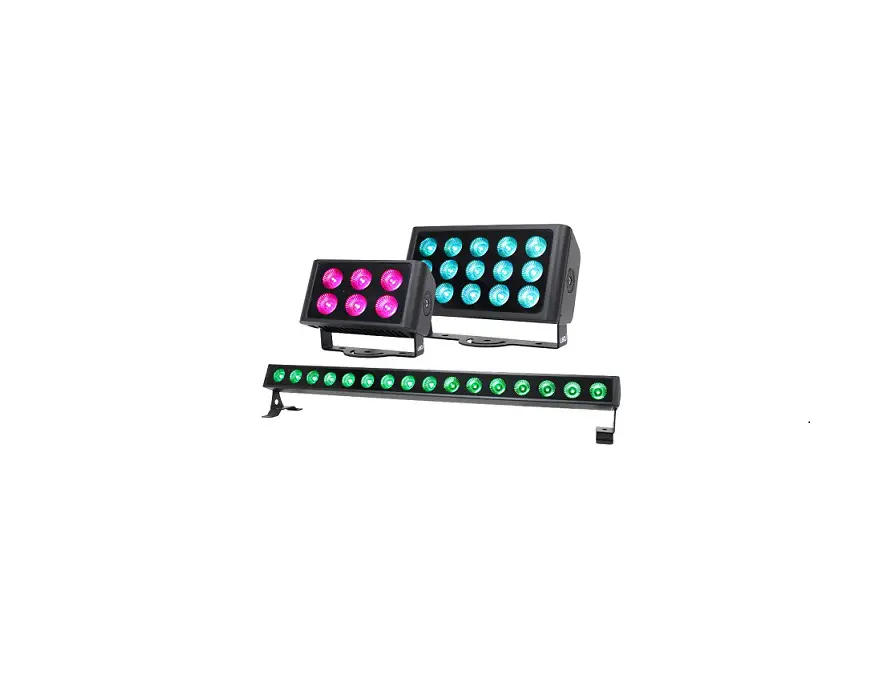
LEDJ587 Spectra Q Series Exterior Fixtures User Manual

WARNING
FOR YOUR OWN SAFETY, PLEASE READ THIS USER MANUAL CAREFULLY BEFORE YOUR INITIAL START-UP!
- Before your initial start-up, please make sure that there is no damage caused during transportation.
- Should there be any damage, consult your dealer and do not use the equipment.
- To maintain the equipment in good working condition and to ensure safe operation, it is necessary for the user to follow the safety instructions and warning notes written in this manual.
- Please note that damages caused by user modifications to this equipment are not subject to warranty.

IMPORTANT:
The manufacturer will not accept liability for any resulting damages caused by the non-observance of this manual or any unauthorised modification to the equipment.
- Never let the power cable come into contact with other cables. Handle the power cable and all mains voltage connections with particular caution!
- Never remove warning or informative labels from the unit.
- Do not open the equipment and do not modify the unit.
- Do not connect this equipment to a dimmer pack.
- Do not switch the equipment on and off in short intervals, as this will reduce the system’s life.
- Do not expose to flammable sources, liquids or gases.
- Always disconnect the power from the mains when equipment is not in use or before cleaning! Only handle the power-cable by the plug. Never pull out the plug by pulling the power-cable.
- Make sure that the available mains supply voltage is between 100~240V AC, 50/60Hz.
- Make sure that the power cable is never crimped or damaged. Check the equipment and the power cable periodically.
- If the equipment is dropped or damaged, disconnect the mains power supply immediately and have a qualified engineer inspect the equipment before operating again.
- If your product fails to function correctly, stop use immediately. Pack the unit securely (preferably in the original packing material), and return it to your Pro Light dealer for service.
- Only use fuses of same type and rating.
- Repairs, servicing and power connection must only be carried out by a qualified technician. THIS UNIT CONTAINS
NO USER SERVICEABLE PARTS.
- This lighting fixture is for professional use only – it is not designed for or suitable for household use. The product must be installed by a qualified technician in accordance with local territory regulations. The safety of the installation is the responsibility of the installer. The fixture presents risks of severe injury or death due to fire hazards, electric shock and falls.
- Warning! Risk Group 2 LED product according to EN 62471. Do not view the light output with optical instruments or any device that may concentrate the beam.
- WARRANTY: One year from date of purchase.
OPERATING DETERMINATIONS
If this equipment is operated in any other way, than those described in this manual, the product may suffer damage and the warranty becomes void. Incorrect operation may lead to danger e.g: short-circuit, burns and electric shocks etc.
Do not endanger your own safety and the safety of others! Incorrect installation or use can cause serious damage to people and/or property.
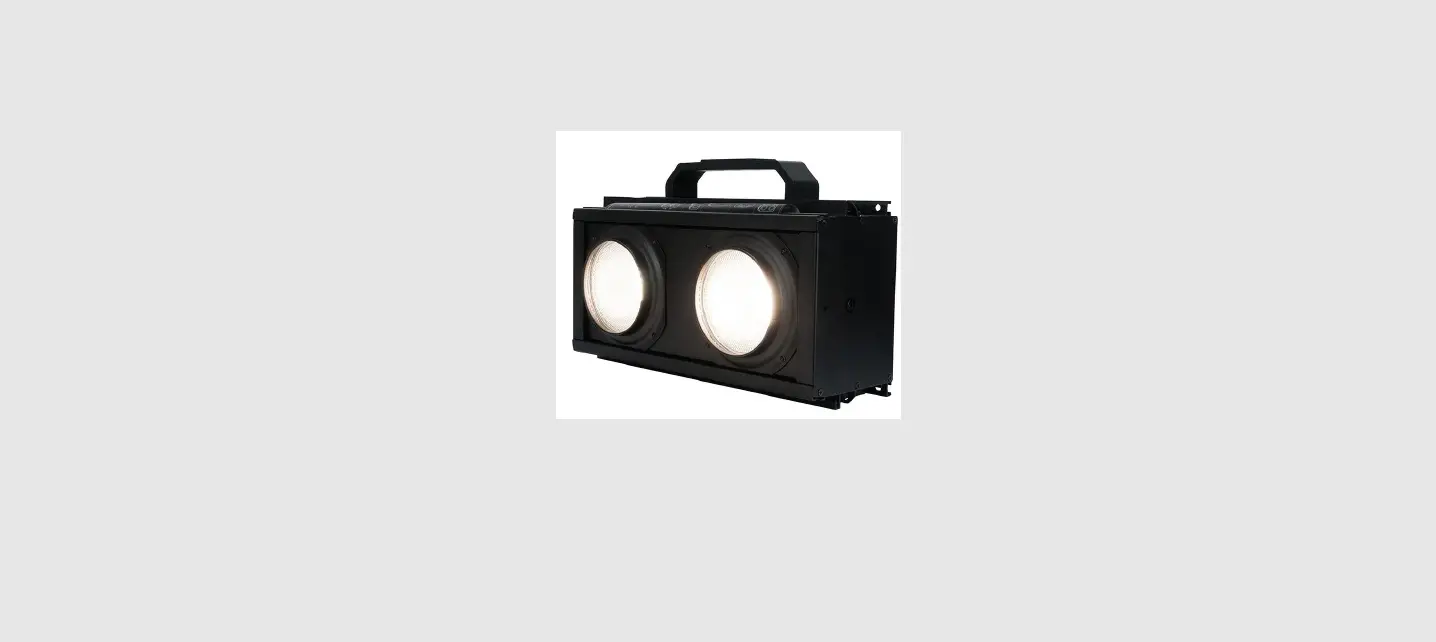
Spectra Q HEX Series
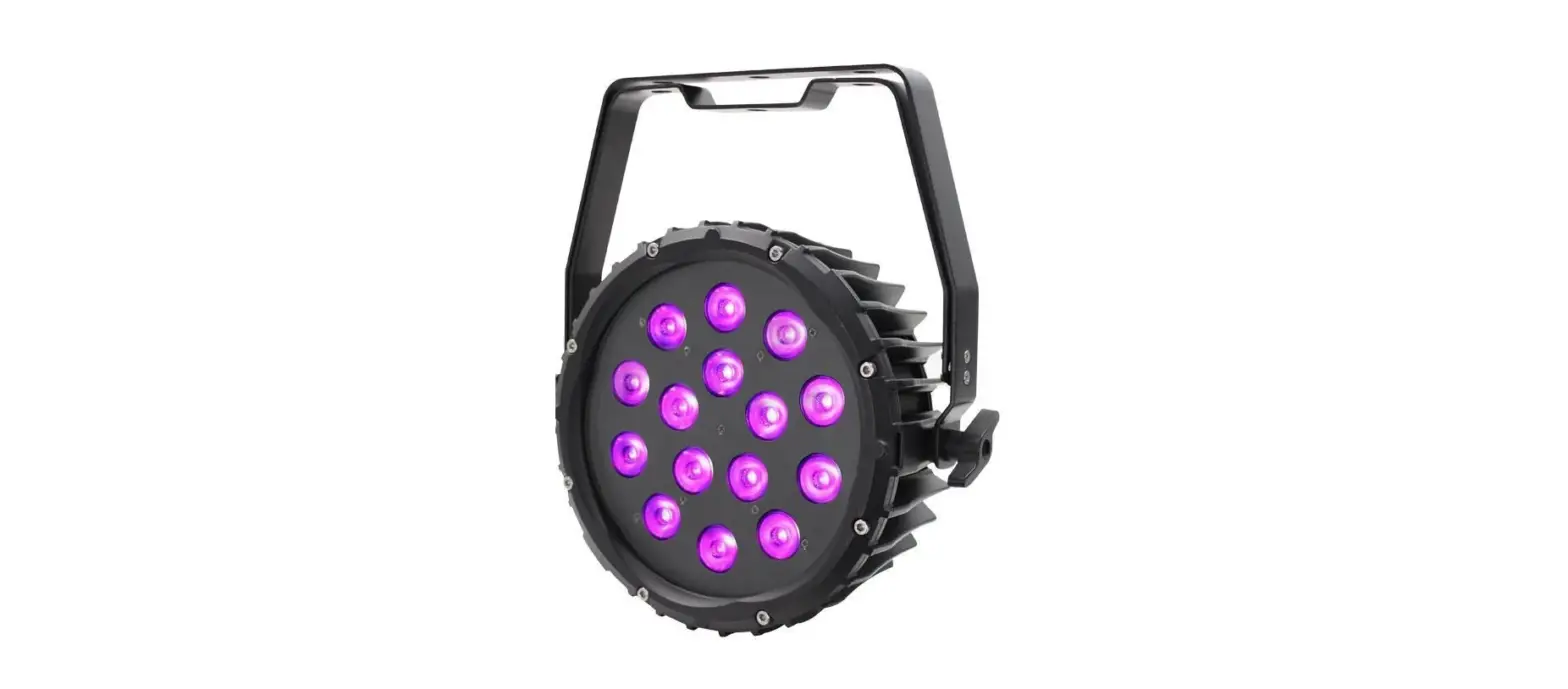
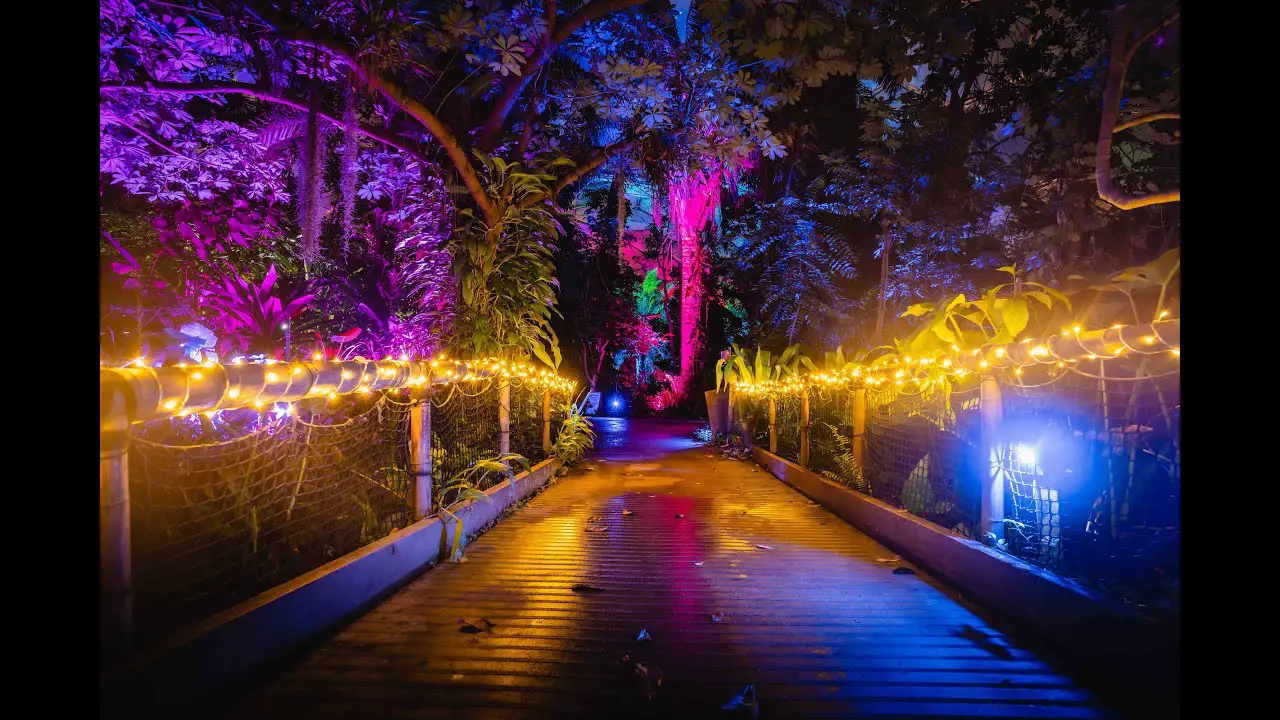
The LEDJ IP65 rated Spectra Q HEX series bathes architectural details in constantly changing colours from its high output LEDs. The wide beam angle smoothly washes facades and features in deep rich colours or warm
pastel tones. The rugged aluminium exterior ensures years of use in all weather conditions while the integral mounting brackets complete the fixtures sleek, modern appearance.
The LED menu display with 4 touch button control panel and OLED display facilitates control over colour mixing, colour fades, chases and DMX.
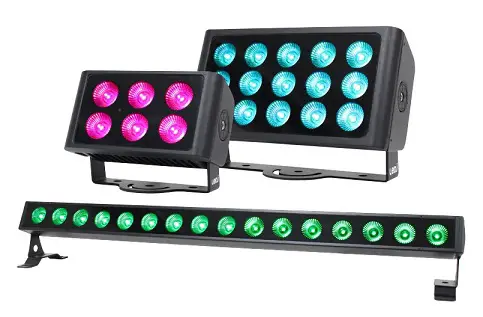
- 6 x 10W six-colour LEDs (RGBWAUV) – LEDJ586 15 x 10W six-colour LEDs (RGBWAUV) – LEDJ587 16 x 10W six-colour LEDs (RGBWAUV) – LEDJ588
- Beam angle: 40° (Q6HEX & Q15HEX) 20° x 30° (Q16HEX)
- 675 Lux @ 2m (full on) – LEDJ586 1,405 Lux @ 2m (full on) – LEDJ587 3,819 Lux @ 2m (full on) – LEDJ588
- 12kHz refresh rate
- DMX channels: 6, 8 or 12 selectable
- Static colour, colour change, colour fade, auto and master/slave modes
- 0 – 100% dimming and variable strobe
- 4 push button menu with OLED display
- Hydralock power input/output trailing connections
- Hydralock DMX input/output trailing connections


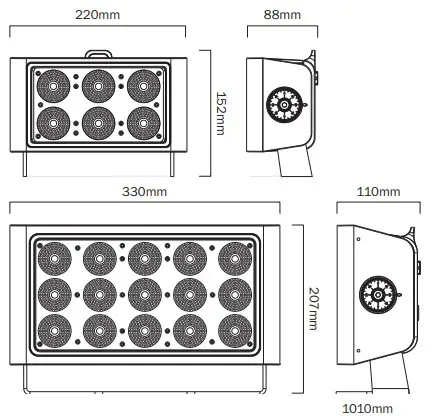

| Specifications | Spectra Flood Q6HEX | Spectra Flood Q15HEX | Spectra Batten Q16HEX |
| Power consumption | 42W | 84W | 129W |
| Power supply | 100~240V, 50/60Hz | 100~240V, 50/60Hz | 100~240V, 50/60Hz |
| Dimensions | 152 x 220 x 88mm | 207 x 330 x 110mm | 140 x 1010 x 145mm |
| Weight | 2.5kg | 5.2kg | 6.1kg |
| Order codes | LEDJ586 | LEDJ587 | LEDJ588 |
- – Bracket
- – OLED display
- – Function buttons
- – IP rated power trailing input
- – IP rated power trailing output
- – IP rated 3-Pin DMX trailing input
- – IP rated 3-Pin DMX trailing output
IMPORTANT! PLEASE NOTE:
The OLED display for this fixture has a menu locking function where after 20 seconds of inactivity it will lock. To unlock the menu hold the “MODE” and “SET” buttons for 3 seconds.
| Main Menu | Sub Menu | Options/Values | Description |
|
1:DMX | 1) Address: | 001-512 | DMX Address Setting |
| 2) Channels: | 06 (6 channel mode) | DMX Channel Setting | |
| 08 (8 channel mode) | |||
| 12 (12 channel mode) | |||
|
2:Dimmer | 1) Red | 000-255 |
Manual Dimming Mode |
| 2) Green | 000-255 | ||
| 3) Blue | 000-255 | ||
| 4) White | 000-255 | ||
| 5) Amber | 000-255 | ||
| 6) UV | 000-255 | ||
| 3:Auto | Auto Mode | ||
|
4:Program | 1) Mode: | 01-16 |
Built-in Programs |
| 2) Color: (mode 1) | 00-33 | ||
| 2) Speed: (mode 2-14) | 001-100 | ||
| 3) Strobe | 00-99 | ||
| 5:Slave | Slave Mode Setting | ||
|
6:Settings |
1) Curves Select | 1) Linear |
Dimming Curves Setting |
| 2) Square Law | |||
| 3) Inv Square Law | |||
| 4) S-Type | |||
| 2) Dimmer Speed | Fast | Dimming Curves Speed Setting | |
| Smooth | |||
|
3) Dmx Fail | Off |
DMX Signal Failure Setting | |
| Hold | |||
| Dimmer | |||
| Program | |||
| 4) Dmx Sync | On | DMX Synchronisation Setting | |
| Off | |||
| 5) Lock | Yes | Display Lock Setting | |
| No | |||
| 6) Factory | Yes | Factory Reset | |
| No | |||
|
7:Information | Versions: | Software Version | |
| Temperature: | Fixture Temperature | ||
| Work Time: | Fixtures Run Time | ||
| UID: | Fixtures UID | ||
DMX channel modes:
| Channel | Value | Function | |||
| 06 | 08 | 12 | |||
| – | 1 | 1 | 000-255 | Master dimmer (0-100%) | |
| – | 2 | 2 | 000-010 | No function | Linear Strobe |
| 011-255 | Strobe (slow-fast) | ||||
| – | – | 3 | 000-010 | No function | Random Strobe |
| 011-255 | Strobe (slow-fast) | ||||
|
– |
– |
4 | 000-007 | ||
| 008-013 | Colour 01 | ||||
| 014-020 | Colour 02 | ||||
| 021-027 | Colour 03 | ||||
| 028-034 | Colour 04 | ||||
| 035-041 | Colour 05 | ||||
| 042-048 | Colour 06 | ||||
| 049-055 | Colour 07 | ||||
| 056-062 | Colour 08 | ||||
| 063-069 | Colour 09 | ||||
| 070-076 | Colour 10 | ||||
| 077-083 | Colour 11 | ||||
| 084-090 | Colour 12 | ||||
| 091-097 | Colour 13 | ||||
| 098-104 | Colour 14 | ||||
| 105-111 | Colour 15 | ||||
| 112-118 | Colour 16 | ||||
| 119-125 | Colour 17 | ||||
| 126-132 | Colour 18 | ||||
| 133-139 | Colour 19 | ||||
| 140-146 | Colour 20 | ||||
| 147-153 | Colour 21 | ||||
| 154-160 | Colour 22 | ||||
| 161-167 | Colour 23 | ||||
| 168-174 | Colour 24 | ||||
| 175-181 | Colour 25 | ||||
| 182-188 | Colour 26 | ||||
| 189-195 | Colour 27 | ||||
| 196-202 | Colour 28 | ||||
| 203-209 | Colour 29 | ||||
| 210-216 | Colour 30 | ||||
| 217-223 | Colour 31 | ||||
| 224-230 | Colour 32 | ||||
| 231-255 | Colour 33 | ||||
DMX channel modes (cont.):
|
5 | 000-015 | No function |
Built-in programs | ||
| 016-031 | Colour Change 1 | ||||
| 032-047 | Colour Change 2 | ||||
| 048-063 | Colour Change 3 | ||||
| 064-079 | Colour Change 4 | ||||
| 080-095 | Colour Change 5 | ||||
| 096-111 | Colour Change 6 | ||||
| 112-127 | Colour Change 7 | ||||
| 128-143 | Colour Change 8 | ||||
| 144-159 | Colour Fade 1 | ||||
| 160-175 | Colour Fade 2 | ||||
| 176-191 | Colour Fade 3 | ||||
| 192-207 | Colour Fade 4 | ||||
| 208-223 | Colour Fade 5 | ||||
| 224-239 | Colour Fade 6 | ||||
| 240-255 | Colour Fade 7 | ||||
| 6 | 000-255 | Speed (slow-fast) | |||
| 1 | 3 | 7 | 000-255 | Red (0-100%) | |
| 2 | 4 | 8 | 000-255 | Green (0-100%) | |
| 3 | 5 | 9 | 000-255 | Blue (0-100%) | |
| 4 | 6 | 10 | 000-255 | White (0-100%) | |
| 5 | 7 | 11 | 000-255 | Amber (0-100%) | |
| 6 | 8 | 12 | 000-255 | UV (0-100%) | |
RDM (Remote Device Management):
The LEDJ Spectra Q HEX Series supports RDM communication protocol. RDM supports 2-way traffic in the standard DMX-512 protocol. RDM can control devices, configurations, detect fixtures and allows the changing of DMX address, DMX mode etc. Each RDM compatible fixture can be identified by the built-in unique UID code. To display the UID go to 7:Information in the menu and the UID will be displayed.
| Parameter ID | Discovery command | Set command | Get command |
| DISC_UNIQUE_BRANCH | * | ||
| DISC_MUTE | * | ||
| DISC_UN_MUTE | * | ||
| DEVICE_INFO | * | ||
| SOFTWARE_VERSION_LABEL | * | ||
| DMX_START_ADDRESS | * | * | |
| IDENTIFY_DEVICE | * | * | |
| SUPPORTED_PARAMETERS | * | ||
| SENSOR_DEFINITION | * | ||
| SENSOR_VALUE | * | ||
| DMX_PERSONALITY | * | * | |
| DMX_PERSONALITY_DESCRIPTION | * | ||
| RESET_DEVICE | * | ||
| FACTORY_DEFAULTS | * |
Setting the DMX address:
The DMX mode enables the use of a universal DMX controller. Each fixture requires a “start address” from 1- 512. A fixture requiring one or more channels for control begins to read the data on the channel indicated by the start address. For example, a fixture that occupies or uses 7 channels of DMX and was addressed to start on DMX channel 100, would read data from channels: 100,101,102,103,104,105 and 106. Choose a start address so that the channels used do not overlap. E.g. the next unit in the chain starts at 107.
DMX 512:
DMX (Digital Multiplex) is a universal protocol used as a form of communication between intelligent fixtures and controllers. A DMX controller sends DMX data instructions form the controller to the fixture. DMX data is sent as serial data that travels from fixture to fixture via the DATA “IN” and DATA “OUT” XLR terminals located on all DMX fixtures (most controllers only have a data “out” terminal).
DMX linking:
DMX is a language allowing all makes and models of different manufactures to be linked together and operate from a single controller, as long as all fixtures and the controller are DMX compliant. To ensure proper DMX data transmission, when using several DMX fixtures try to use the shortest cable path possible. The order in which fixtures are connected in a DMX line does not influence the DMX addressing. For example; a fixture assigned to a DMX address of 1 may be placed anywhere in a DMX line, at the beginning, at the end, or anywhere in the middle. When a fixture is assigned a DMX address of 1, the DMX controller knows to send DATA assigned to address 1 to that unit, no matter where it is located in the DMX chain.
Also remember that DMX cable must be daisy chained and cannot be split.
DATA cable (DMX cable) requirements (for DMX operation):
This fixture can be controlled via DMX-512 protocol. The DMX address is set on the back of the unit.
Further DMX cables can be purchased from all good sound and lighting suppliers or Pro Light Concepts dealers. Please quote:
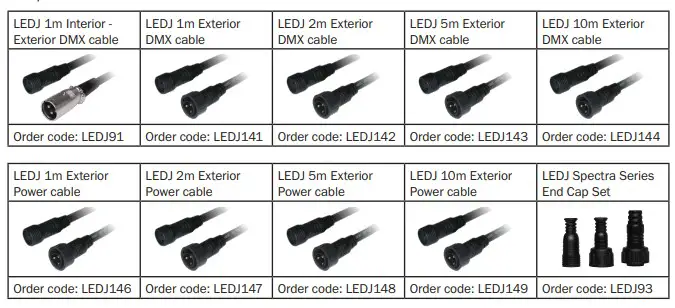
Notice:
Be sure to follow the diagrams below when making your own cables. Do not connect the cables shield conductor to the ground lug or allow the shield conductor to come in contact with the XLRs outer casing. Grounding the shield could cause a short circuit and erratic behaviour.
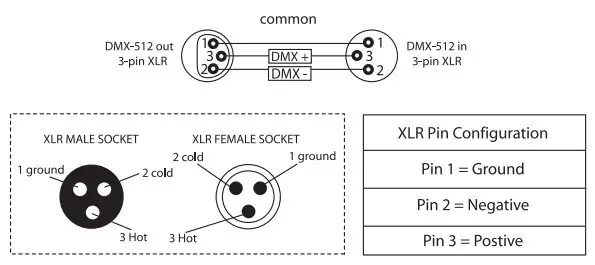
Special note:
Line termination:
When longer runs of cable are used, you may need to use a terminator on the last unit to avoid erratic behaviour.
Using a cable terminator will decrease the possibilities of erratic behaviour.
(3-pin – Order ref: CABL9O, 5-pin – Order ref: CABL89)
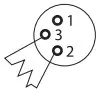
5-pin XLR DMX connectors:
Some manufactures use 5-pin XLR connectors for data transmission in place of 3-pin. 5-pin XLR fixtures may be implemented in a 3-pin XLR DMX line. When inserting standard 5-pin XLR connectors in to a
3-pin line a cable adaptor must be used. The diagram below details the correct cable conversion.

 Correct Disposal of this Product
(Waste Electrical & Electronic Equipment)
 Correct Disposal of this Product
(Applicable in the European Union and other European countries with separate collection systems)
This marking shown on the product or its literature, indicates that it should not be disposed of with other household wastes at the end of its working life. To prevent possible harm to the environment or human health from uncontrolled waste disposal, please separate this from other types of wastes and recycle it responsibly to promote the sustainable reuse of material resources.
Household users should contact either the retailer where they purchased this product, or their local government office, for details of where and how they can take this item for environmentally safe recycling.
Business users should contact their supplier and check the terms and conditions of the purchase contract. This product should not be mixed with other commercial wastes for disposal.
 Home - domain expired