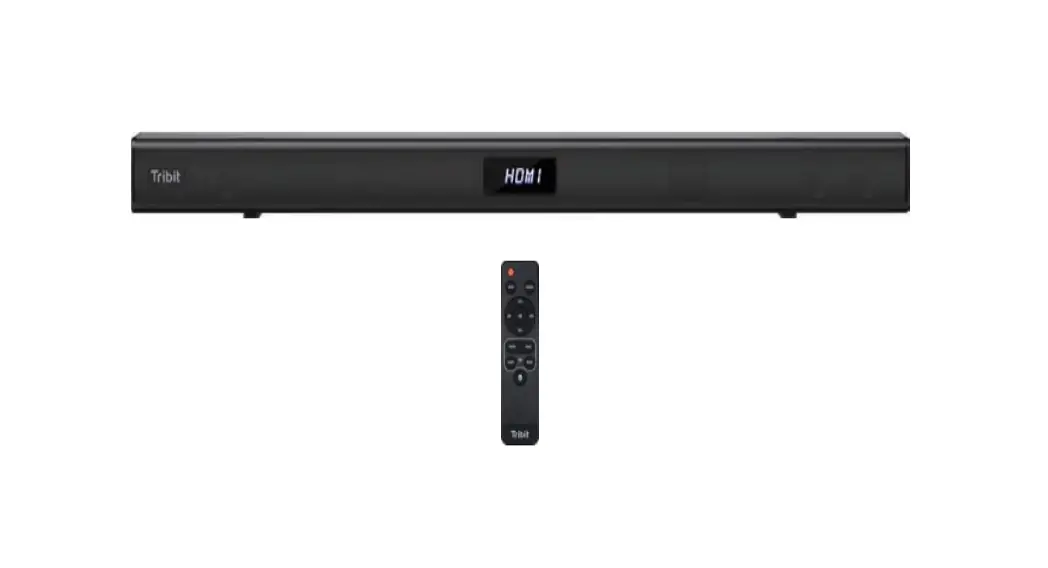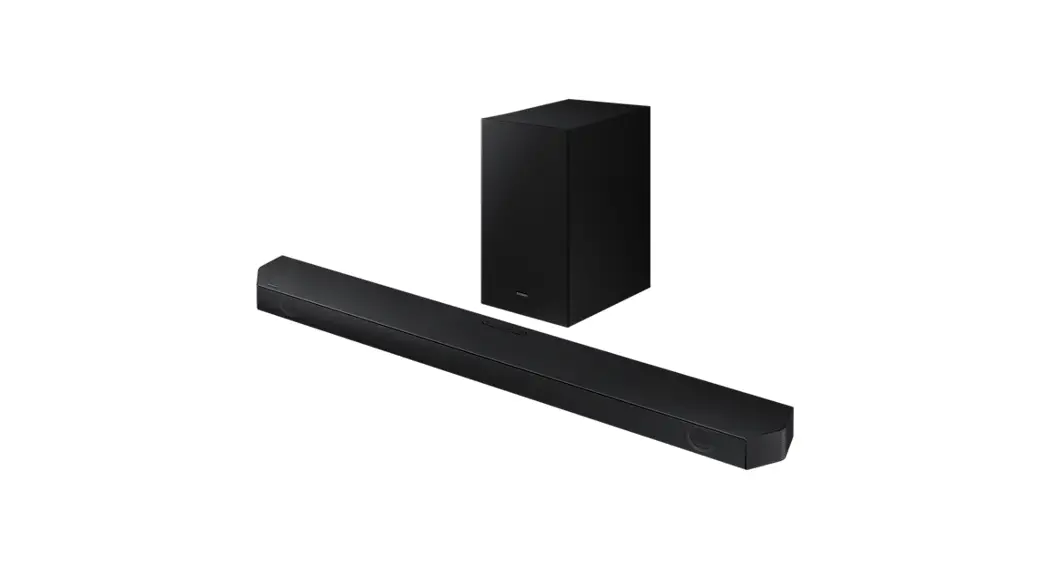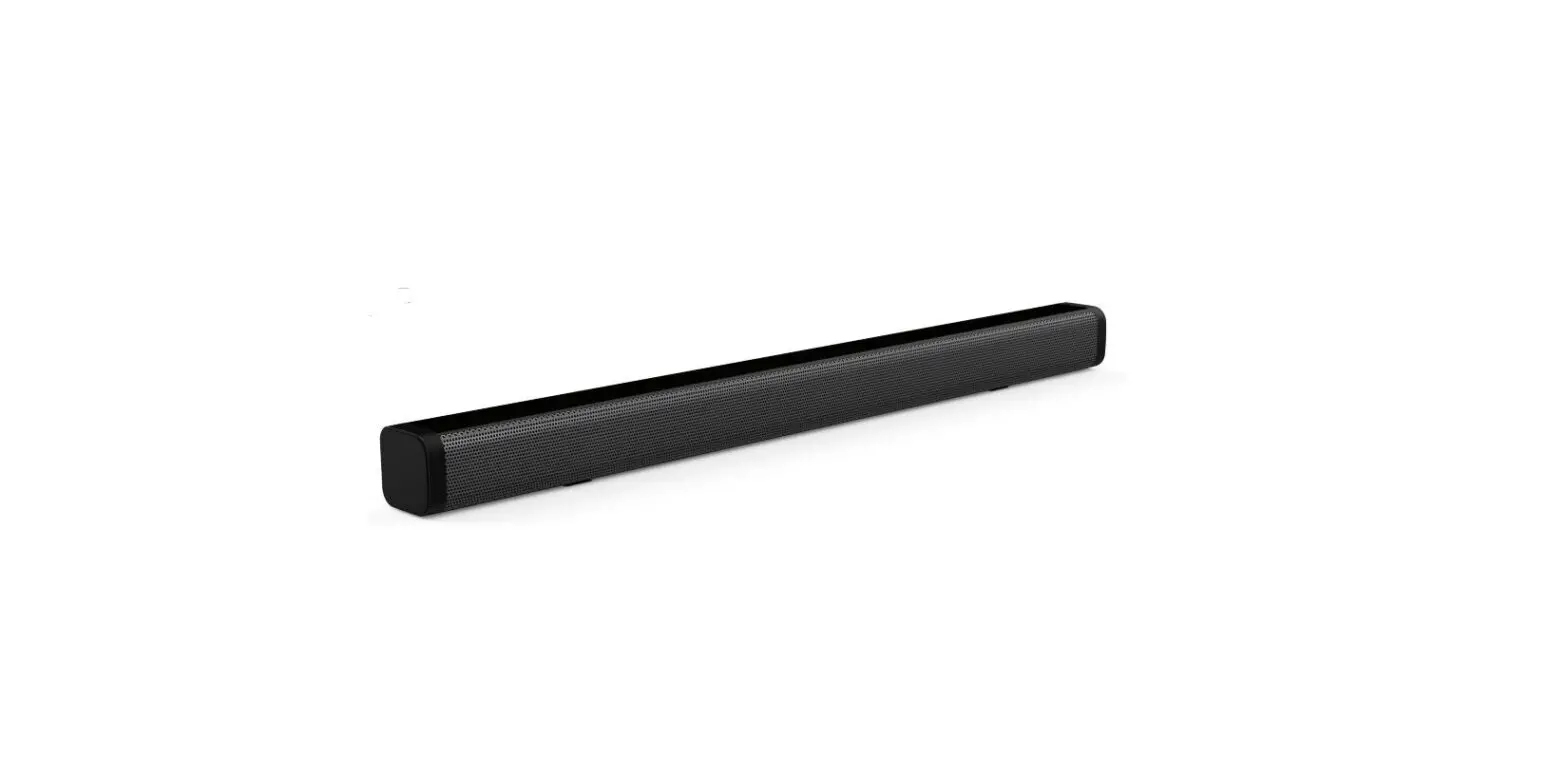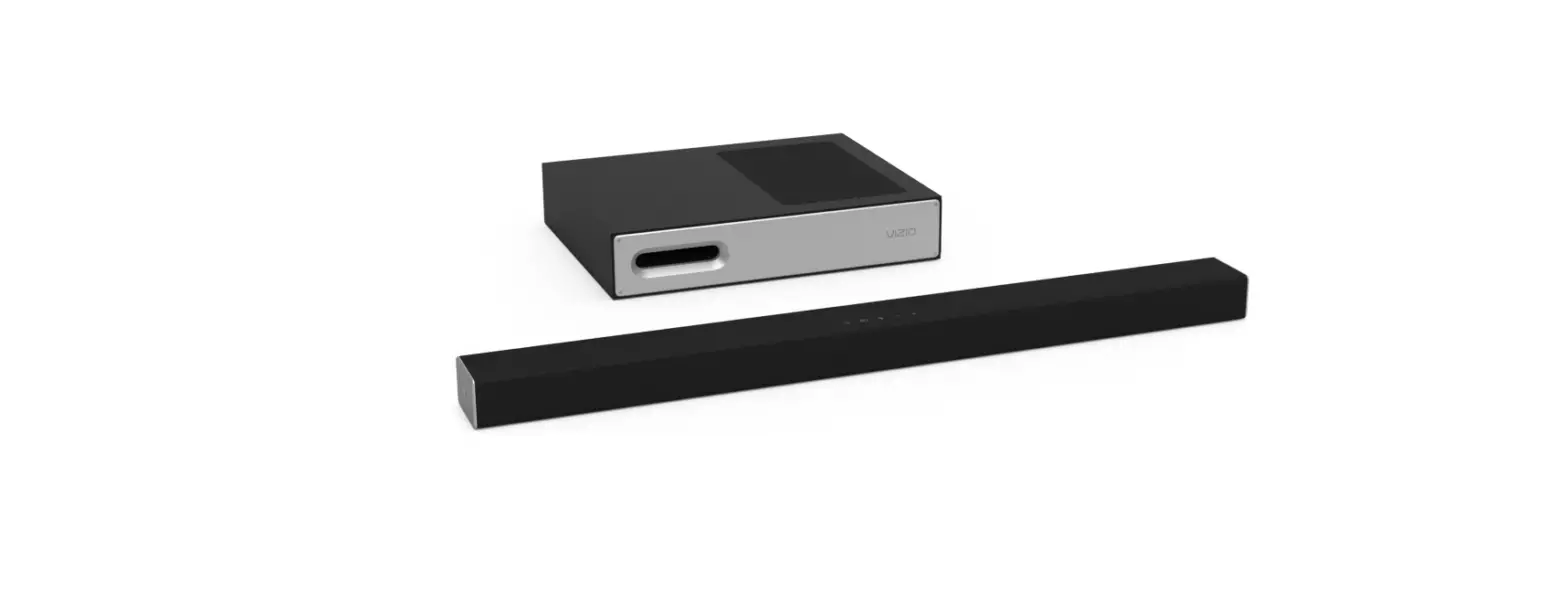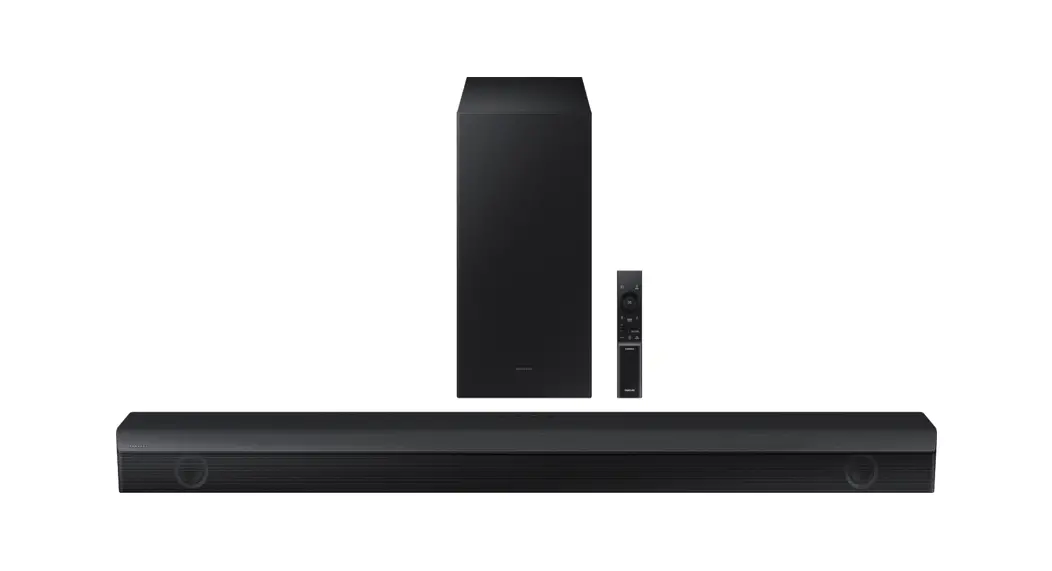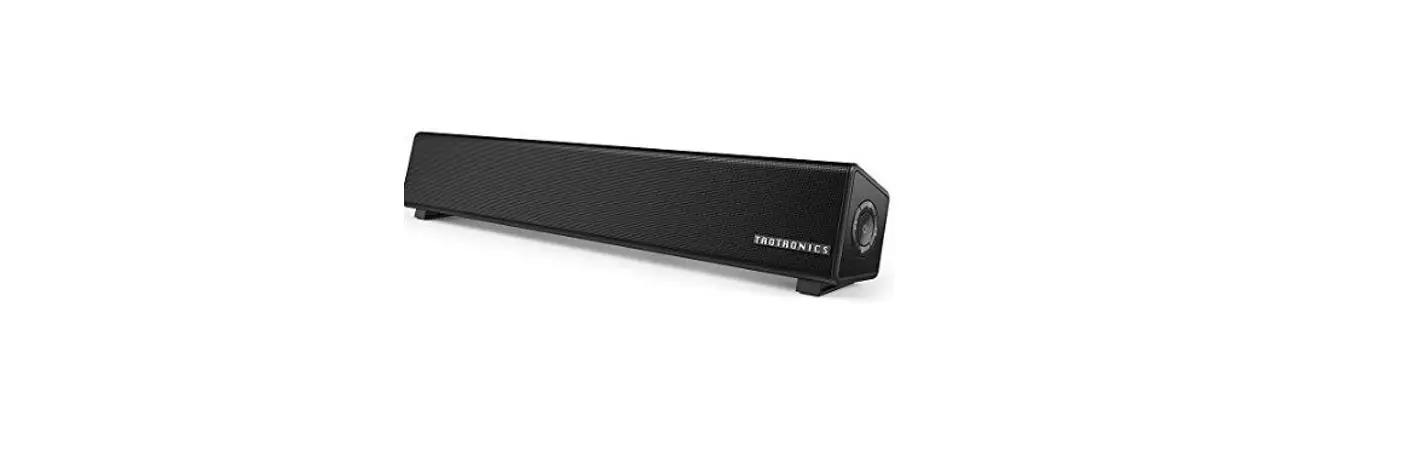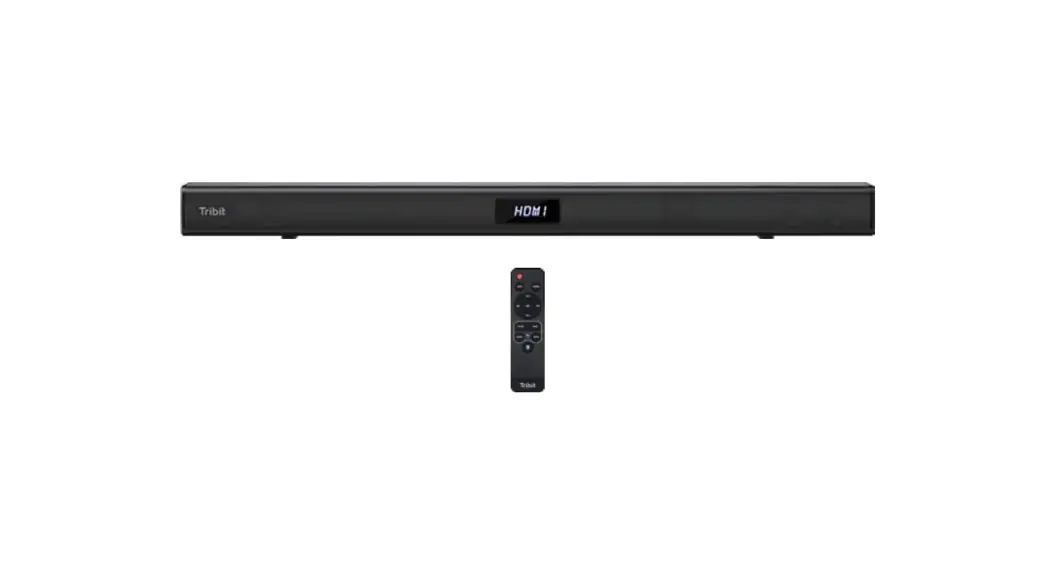

Soundbar Speaker
2.1 Channel Soundbar
BTS60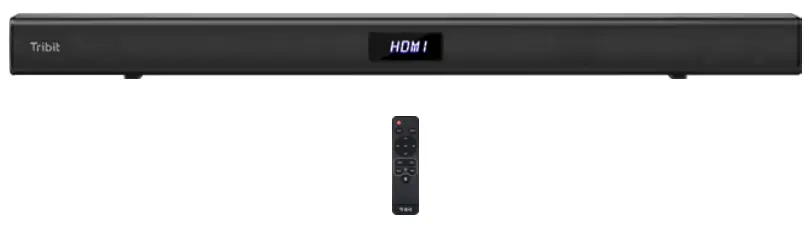
User Manual
Packing List
Tribit Home Soundbar
Optical Cable
HDMI Cable
Mounting Kit
Remote Control
Power Cable
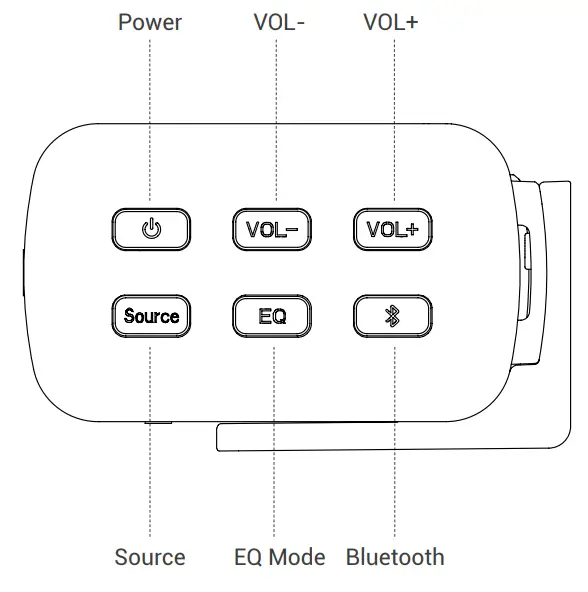
Soundbar Control Button
Input Functions
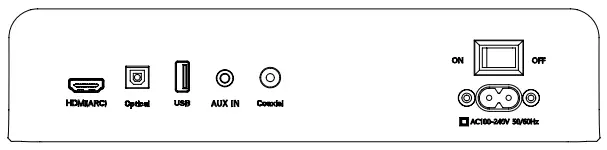
- AC Power Input:
Use included AC power cable to connect AC 100V-240V - HDMI (ARC) Mode:
(1) Using the HDMI cable connect the HDMI(ARC) connector on the soundbar to the HDMI ARC connector on the TV.(HDMI ARC port on TV may be labeled differently,For details, see the TV user manual.)
(2) Go to the setting in your TV menu to select the source as HDMI(ARC) mode. For details, see the TV manual.(may vary due to different brand)
1) Setting>Sound>select speaker to: external speaker(ARC mode)/turn off TV speaker
2) Setting>Sound(audio)>advanced Audio>digital audio output>PCM Setting> Sound(audio)>audio output format>PCM/Dolby off - Optical Mode:
(1) Using the provided optical cable connected to the TV.
(2) Select optical mode using the remote by pressing the Source button, and the soundbar indicator will show OPTIC.
(3) Go to Setting in your TV menu - AUX Mode:
(1) Turn on the soundbar, Select AUX mode using the remote by pressing the Source button or pressing the source button on the right side of the soundbar, and the soundbar indicator will show AUX.
(2) Plug in the 3.5mm AUX cable(not included) to the aux-in connector on the soundbar and start playing from the music device. - Coaxial Mode:
(1) Using the Coaxial cable (not included) connected to the TV.
(2) Select Coaxial mode using the remote by pressing the Source button, and the soundbar indicator will show COAXI
(3) Go to Setting in your TV menu. - Bluetooth Connect:
(1) Press the Source button to choose Bluetooth mode until BT is shown on the LED display.
(2) Press the Bluetooth button on the remote control or on the right side of the soundbar
(3) Search for the new device on your Bluetooth player.
(smartphone, tablet, computer.) Choose the device named Tribit Soundbar in the list of new devices detected and select it.
Equalizer Modes:
The soundbar has 4 equalizer presets, tailored to complement various styles of music. Press the EQ modes button on the remote or the right side of the soundbar to choose between Music, Movie, News, Game.
Remote Control
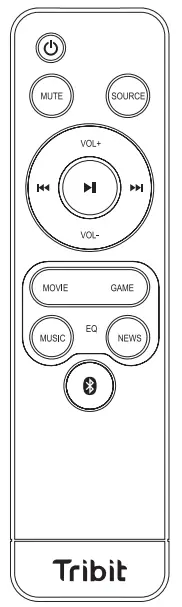
| Button | Function |
 | Power on/off |
| MUTE | Mute the sound |
| SOURCE | Shifting Input mode between HDIVI(ARC)/Optical/Coaxial/ BT/AUX/USB |
| Vol+ | Increase volume |
| VoL- | Decrease volume |
 | Previous track |
 | Play/Pause |
 | Next track |
| MOVIE | Entering to MOVIE EQ mode |
| GAME | Entering to GAME EQ mode |
| MUSIC | Entering to MUSIC EQ mode |
| NEWS | Entering to NEWS EQ mode |
 | Entering Bluetooth pairing |
Remote Control Battery replacement
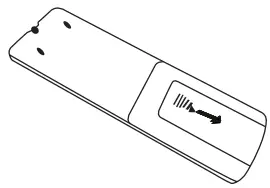 | ① Remove the battery compartment cover. |
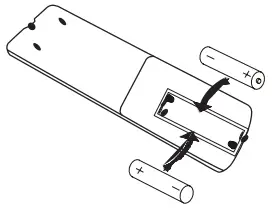 | ② Insert 2AAA batteries (Not included) according to the marking inside the compartment . |
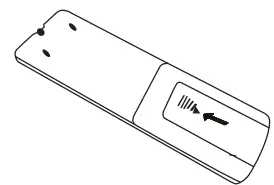 | ③ Close the compartment. |
Wall mounting
- Measure? mm and drill 2 parallel holes (1/4 in each) in the wall.

- Firmly apply a dowel into each hole in the wall. (dowel only required for solid wall)
- Install the bracket to the wall using a screw
- Attach the soundbar to the bracket, and press and push the soundbar to the right location.

Specifications
| Output Power | 25W*2+50W |
| Frequency Response | 50Hz-20KHz |
| Bluetooth Version | 5.0 |
| Power Input | 100-240V 50/60Hz |
| Function | HDIVI(ARC), Optical, Coaxial, Bluetooth, USB |
| EQ Mode | Music, Movie, News, Game |
| Size |
FCC Statement
Changes or modifications not expressly approved by the party responsible for compliance could void the user’s authority to operate the equipment.
This equipment has been tested and found to comply with the limits for a Class B digital device, pursuant to Part 15 of the FCC Rules. These limits are designed to provide reasonable protection against harmful interference in a residential installation. This equipment generates uses and can radiate radio frequency energy and, if not installed and used in accordance with the instructions, may cause harmful interference to radio communications. However, there is no guarantee that interference will not occur in a particular installation. If this equipment does cause harmful interference to radio or television reception, which can be determined by turning the equipment off and on, the user is encouraged to try to correct the interference by one or more of the following measures:
- Reorient or relocate the receiving antenna.
- Increase the separation between the equipment and receiver.
- Connect the equipment into an outlet on a circuit different from that to which the receiver is connected.
- Consult the dealer or an experienced radio/TV technician for help
This device complies with part 15 of the FCC rules. Operation is subject to the following two conditions (1)this device may not cause harmful interference, and (2) this device must accept any interference received, including interference that may cause undesired operation.
IC Caution
This device complies with Industry Canada licence-exempt RSS standard(s).
Operation is subject to the following two conditions: (1) This device may not cause interference, and (2) This device must accept any interference, including interference that
may cause undesired operation of the device.
Find more about the Declaration of Conformity, please click the below link to download:
http://files.tribit.com/bts60-uk-doc.pdf