Razer Blade Pro 17” (2019) | RZ09-0287x Support

Product Updates
Common Questions
At a Glance: Razer Blade Pro 17″ (2019) | RZ09-02876 | RZ09-02877 | RZ09-02878
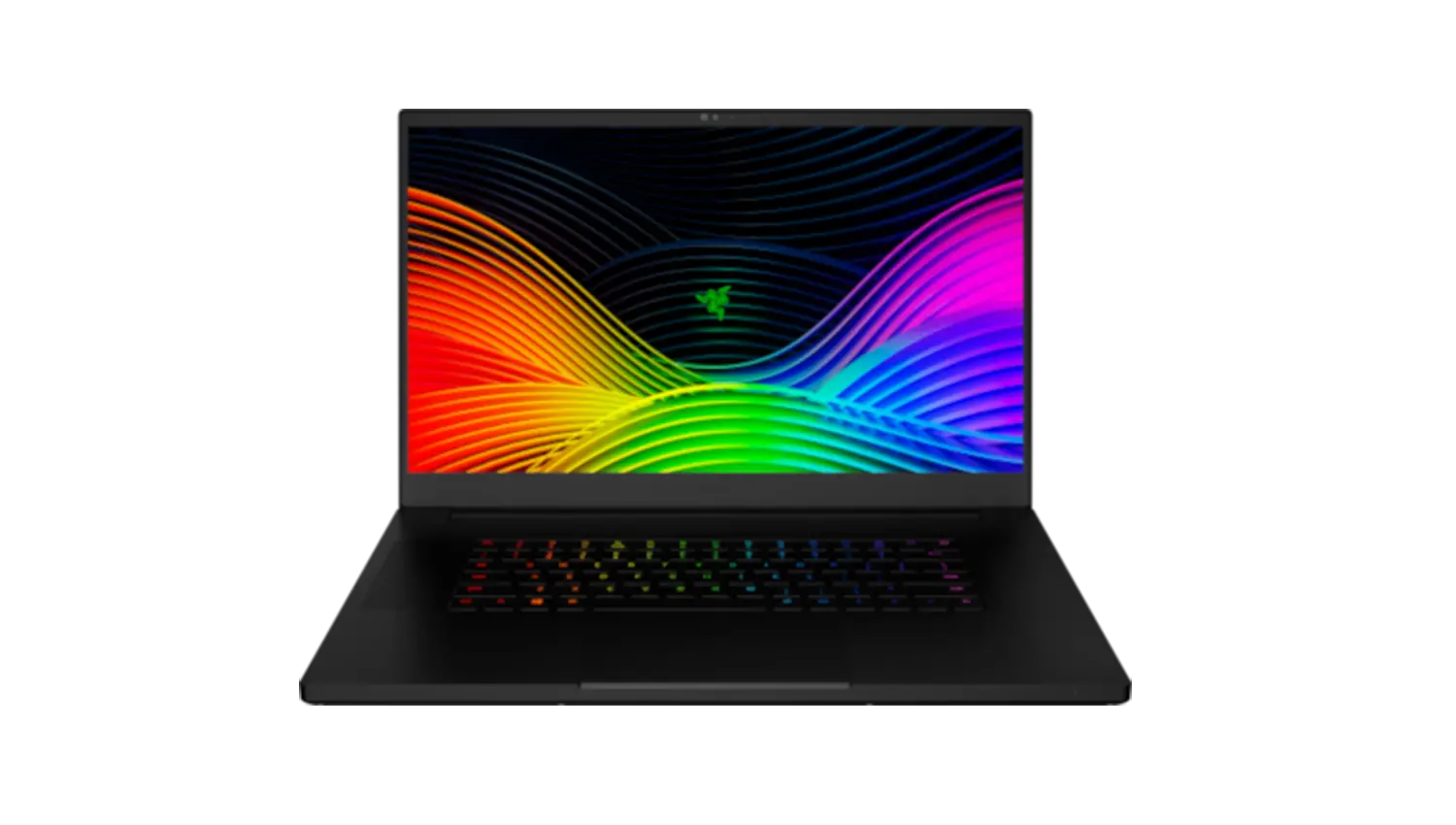
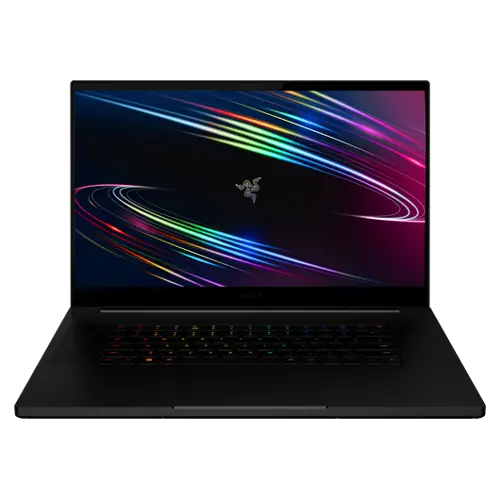
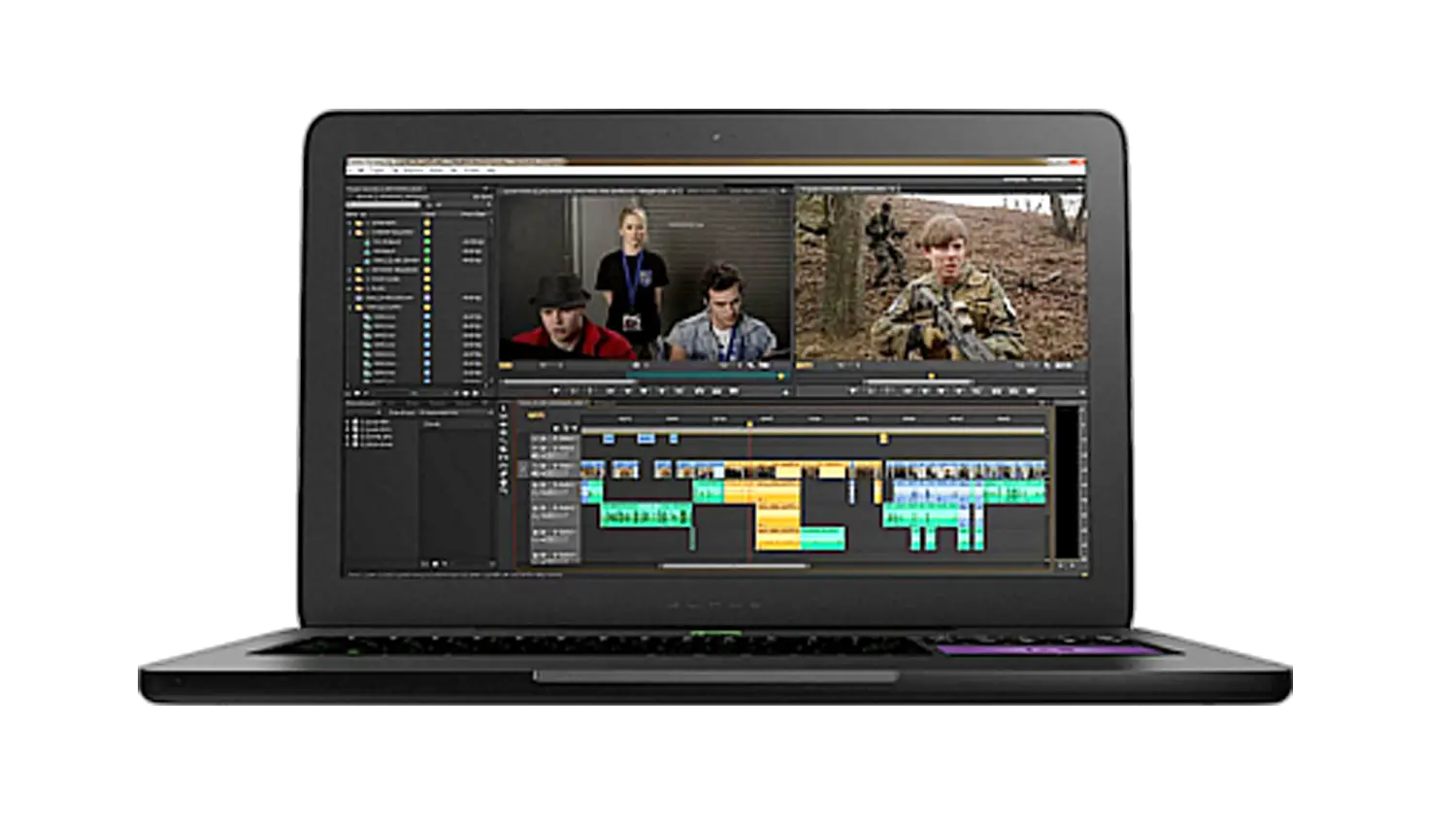
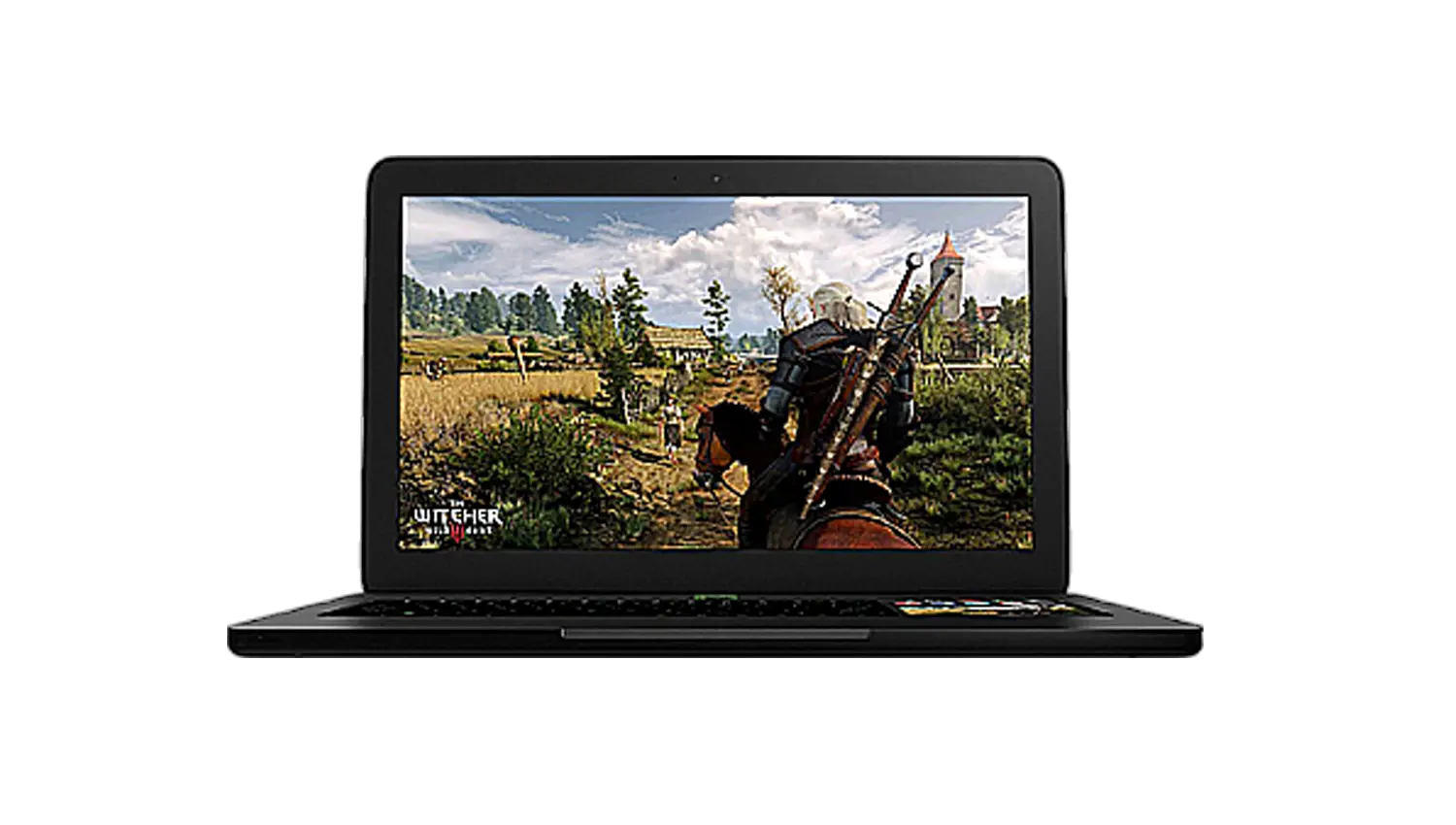
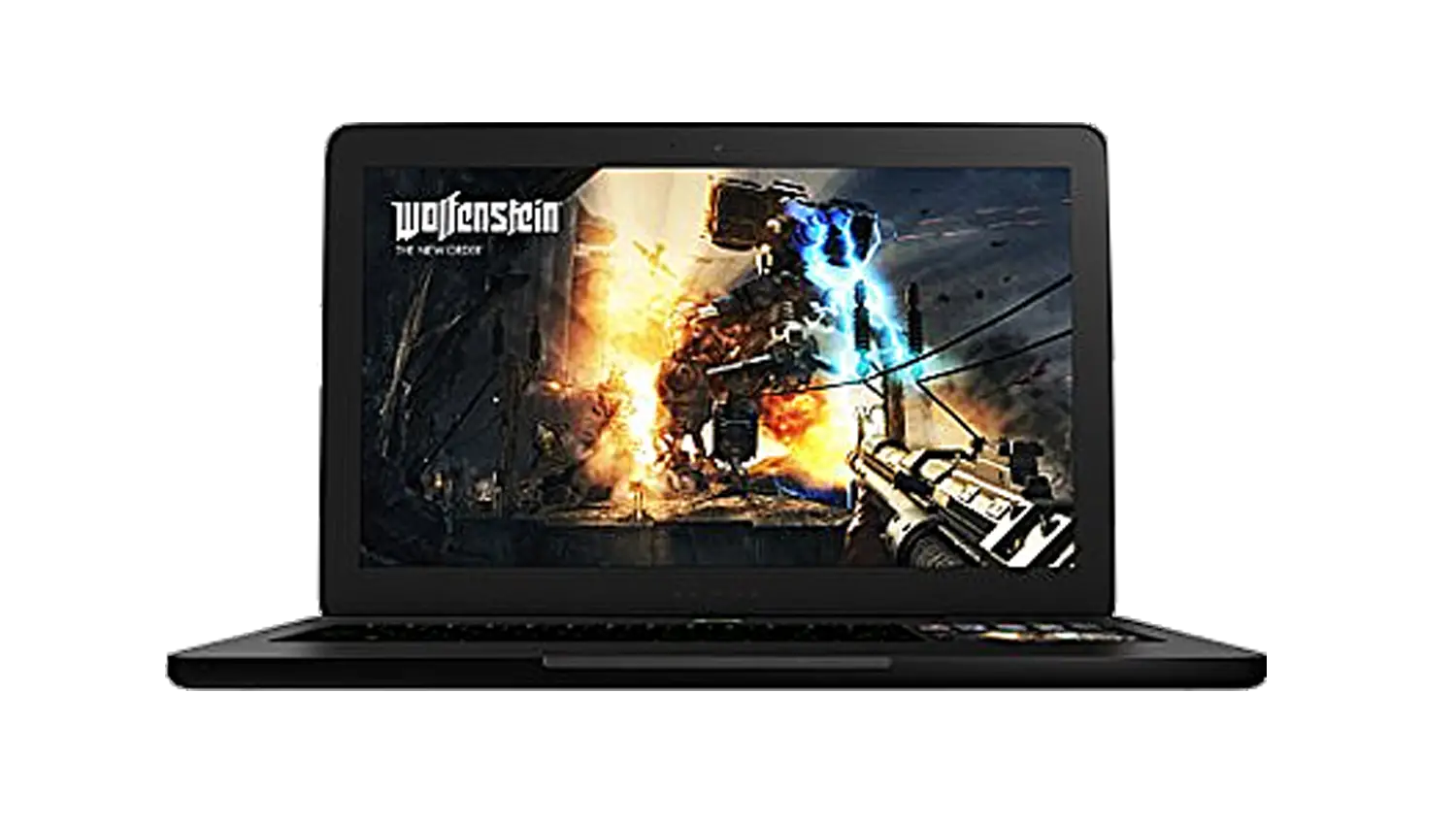
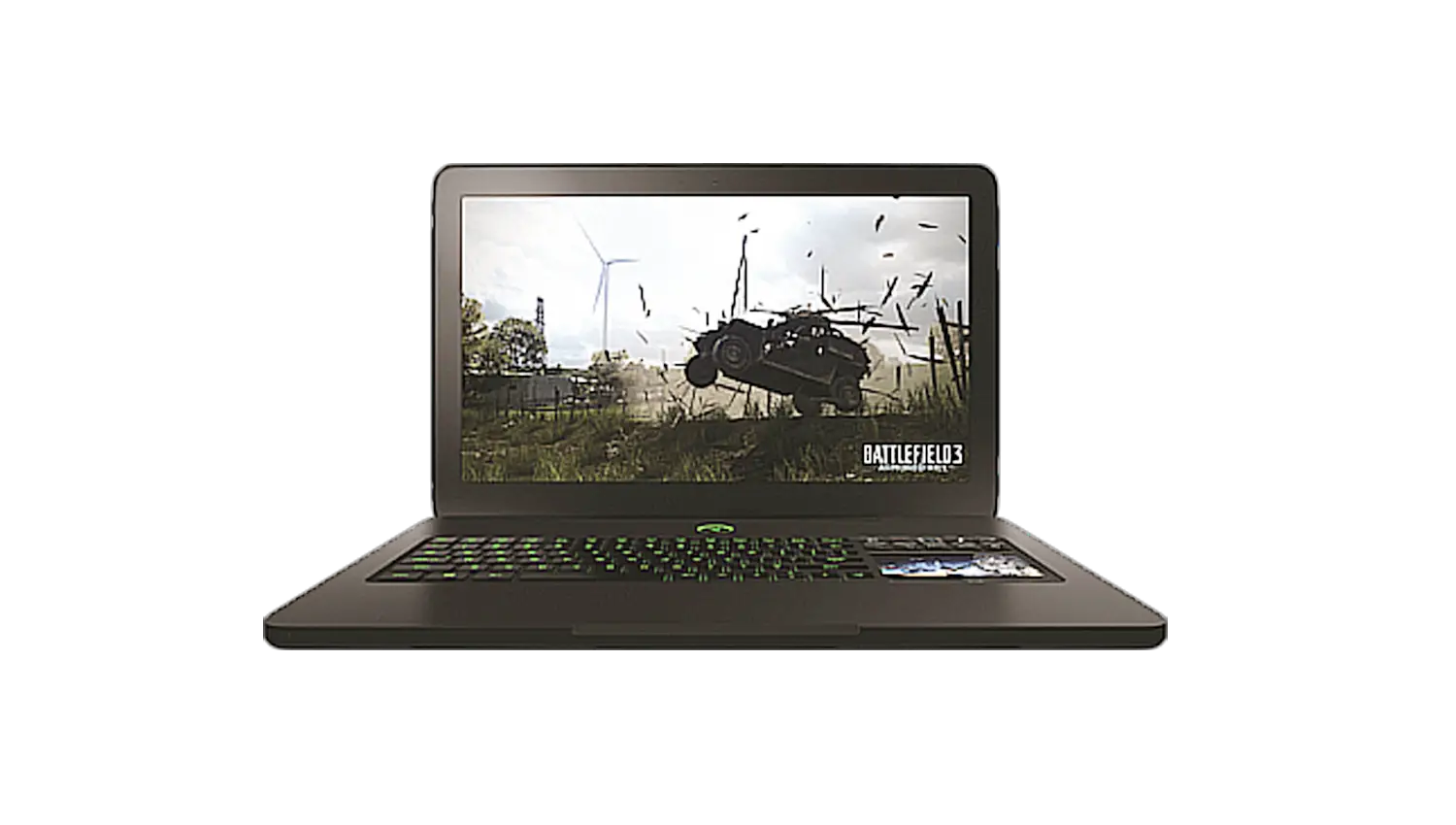
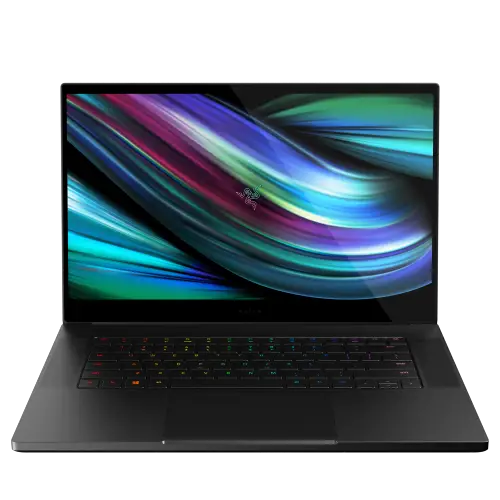
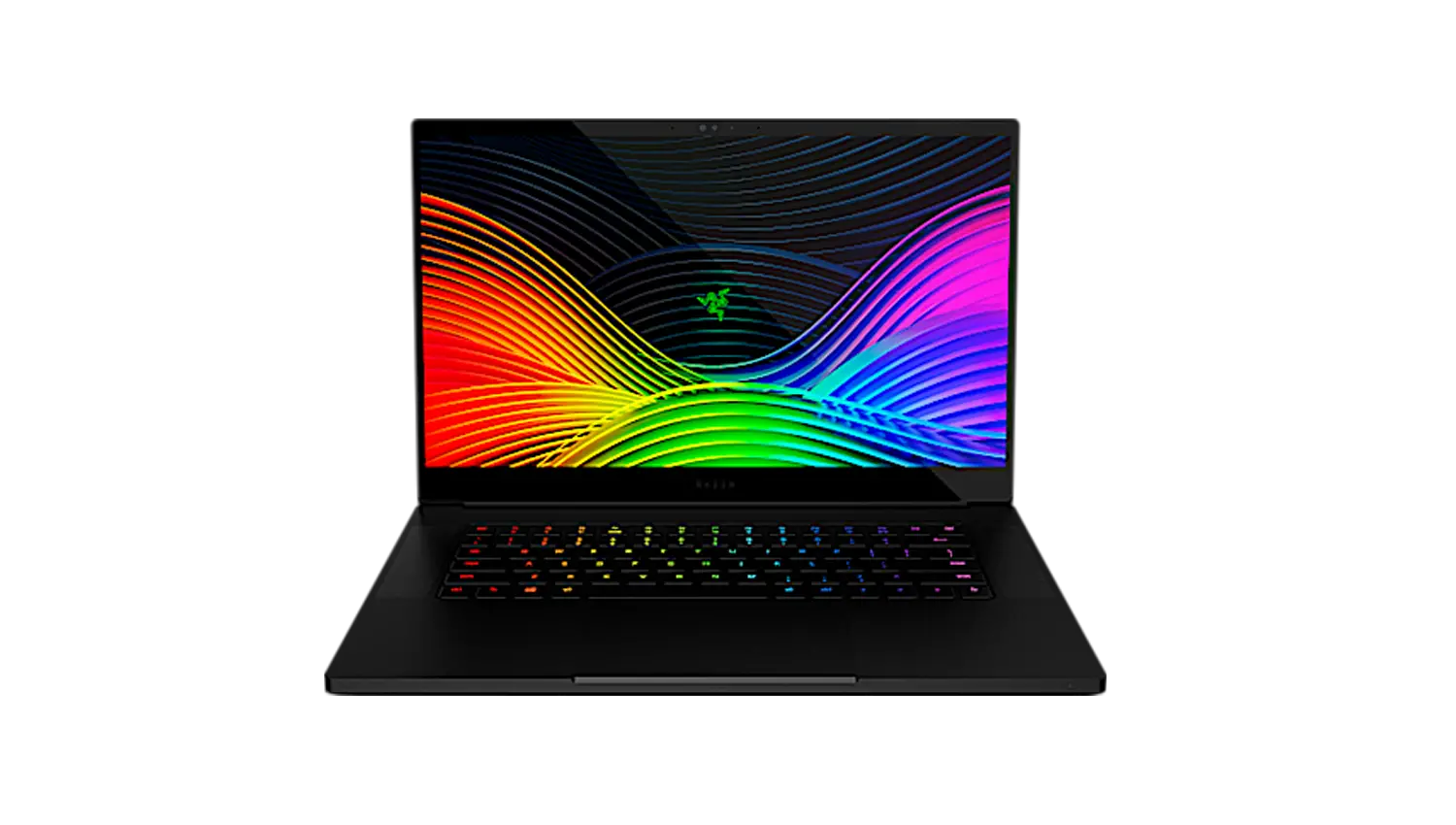
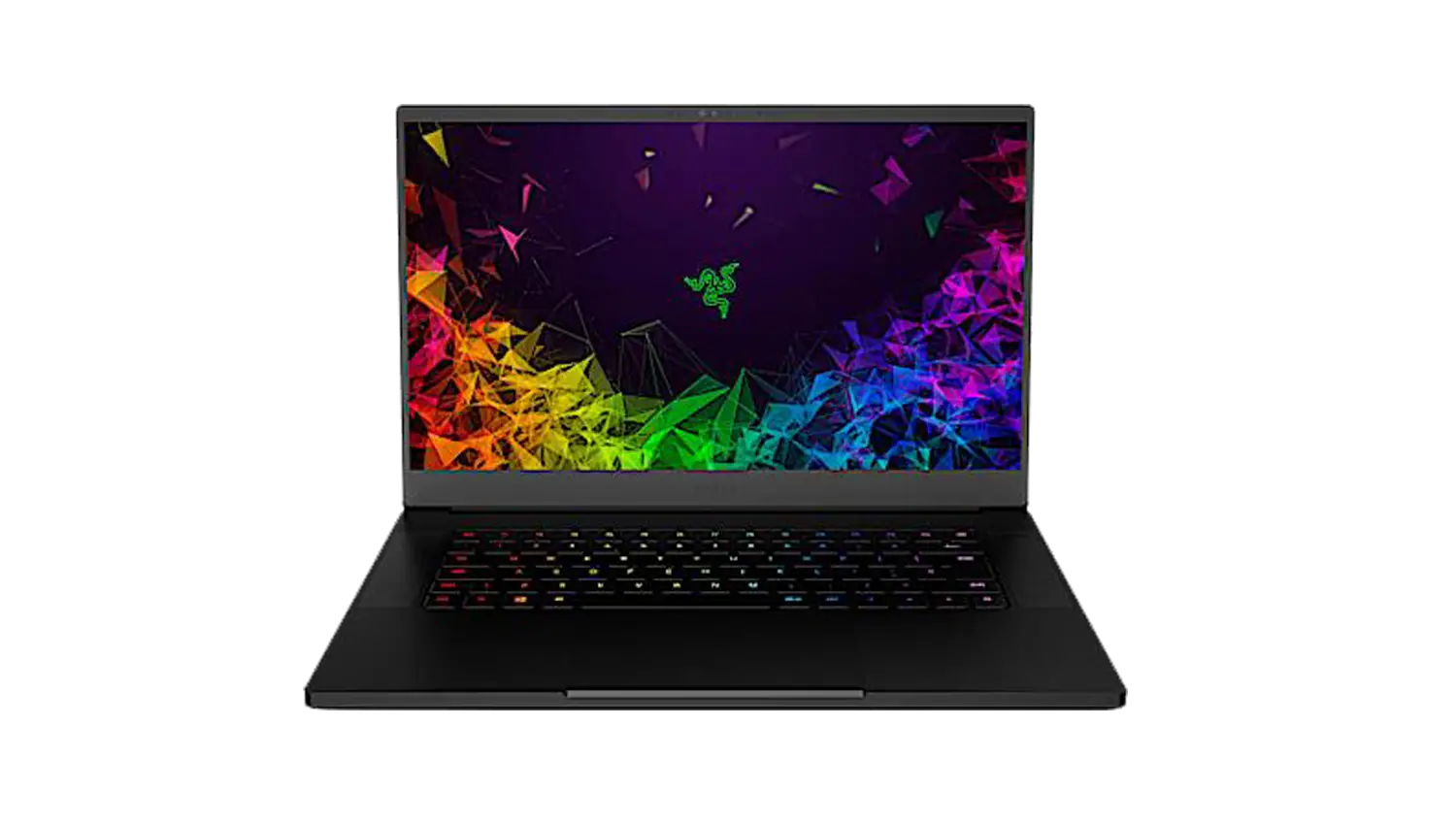
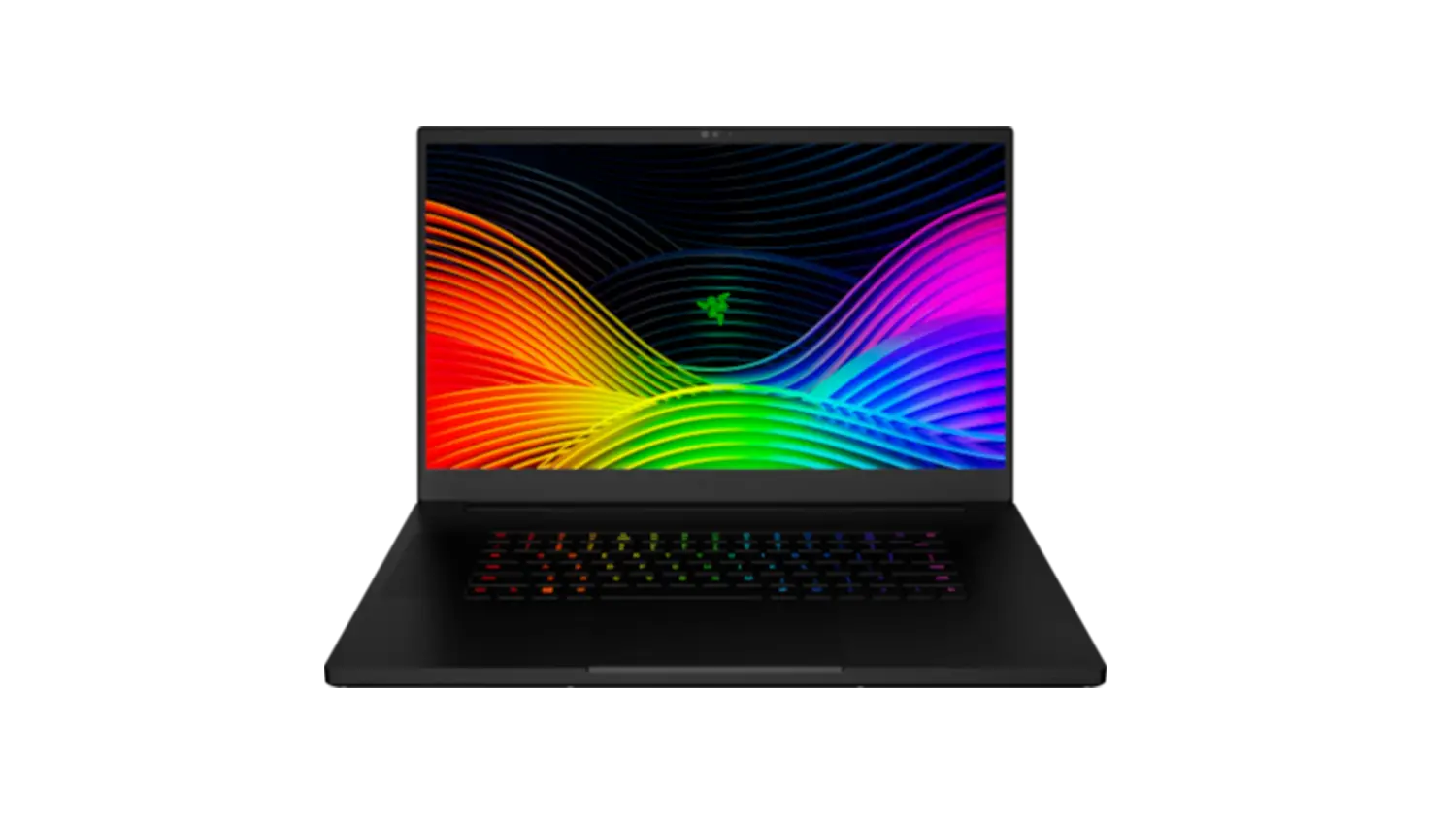
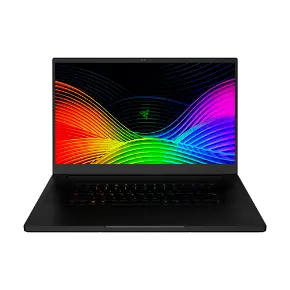
The Razer Blade Pro 17″ (2019) | RZ09-02876 | RZ09-02877 | RZ09-02878 is back and we have pushed the limits to what a gaming laptop can do. The Razer Blade Pro 17 is built to run even the most demanding AAA. It is 25% smaller than its predecessor, with a faster 17.3” display fitted into a body as sleek and compact as a 15” laptop. Equipped with a 9th gen Intel Core i7-9750H processor which features 6 cores with a base clock speed of 2.6GHz and Turbo Boost of 4.5GH, NVIDIA GeForce RTX graphics which is the holy grail of graphics giving you visually stunning graphics. Huge FHD display with a silky-smooth refresh rate of 144Hz giving you the ultimate gaming experience.
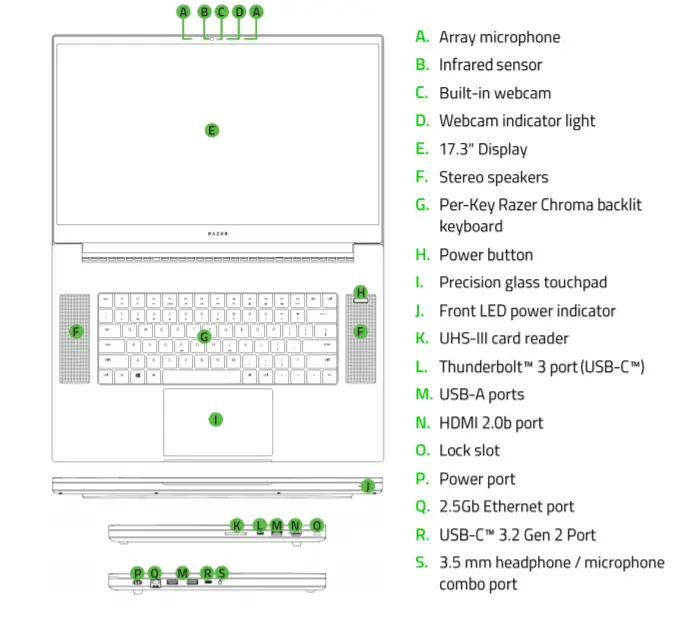
Device Layout
Full Technical Specifications
Graphics
- NVIDIA® GeForce 2060
- NVIDIA® GeForce 2070
- NVIDIA® GeForce 2080
Storage
| Display Size & Resolution | 17.3 in FHD 1920 X 1080 | ||
| Refresh Rate | 144 Hz | ||
| Display Details | Fast 144 Hz 17.3-inch (diagonal) TFT display illuminated with LED technology 100% sRGB Color Gamut | ||
| Processor | 9th Gen Intel® Core™ i7-9750H processor, 6 Cores / 12 Threads, 2.6GHz / 4.5GHz (Base / Max Turbo), 12MB Cache | ||
| Graphics (Discrete) | NVIDIA® GeForce RTX™ 2060 | ||
| Memory (Installed) | 16GB of Dual-Channel DDR4 2667MHz | ||
| Memory (# of slots) | 2 | ||
| Memory (Maximum) | Upgradeable to 64GB | ||
| Storage (Installed) | 512GB PCIe NVMe | ||
| Storage (# of slots) | 2 | ||
| Storage (Maximum) | Upgradeable to 2TB SSD, Supports PCIe and SATA SSDs | ||
| Operating System | Windows 10 Home – 64-Bit | ||
How did Razer manage to make the Razer Blade Pro 17″ (2019) 25% smaller than its predecessor?
By using a thin bezel design and integrating the innovative vapor chamber cooling system, Razer improved the overall performance while making it thinner and smaller.
In which countries is the Razer Blade Pro 17″ (2019) available?
The Razer Blade Pro 17″ (2019) is available in US, Canada, France, Germany, UK, Sweden, Norway, Iceland, Denmark, Finland, Hong Kong, Singapore, Australia, China, Japan, and Taiwan.
What comes inside the box of the Razer Blade Pro 17″ (2019)?
The Razer Blade Pro 17″ (2019) comes with a power adapter & regional power cord, microfiber cleaning cloth, and the Product Information Guide.
What are the ports available on the Razer Blade Pro 17″ (2019)?
The Razer Blade Pro 17″ (2019) has the following ports available:
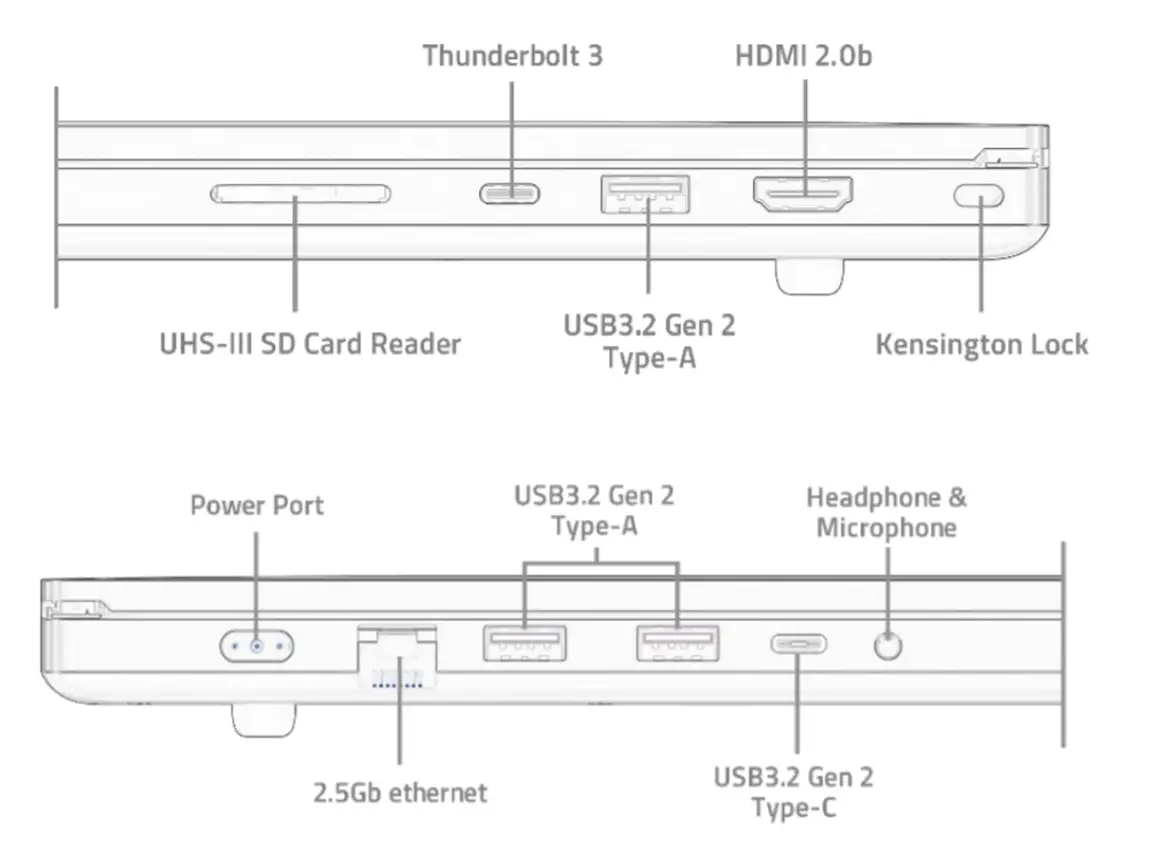
- 3x USB3.2 Gen 2 Type-A Ports
- 1x USB3.2 Gen 2 Type-C Ports
- 1x Thunderbolt 3 Port
- 1x RJ45 – 2.5Gb ethernet
- 1x Power Port
- 1x HDMI 2.0b
- 1x UHS-III SD Card Reader
What kind of cooling system does the Razer Blade Pro 17″ (2019) feature?
The Razer Blade Pro 17″ (2019) features a vapor chamber cooling system to help maximize performance by keeping critical components cool.
What types of keyboard keys are featured on the Razer Blade Pro 17” 2019?
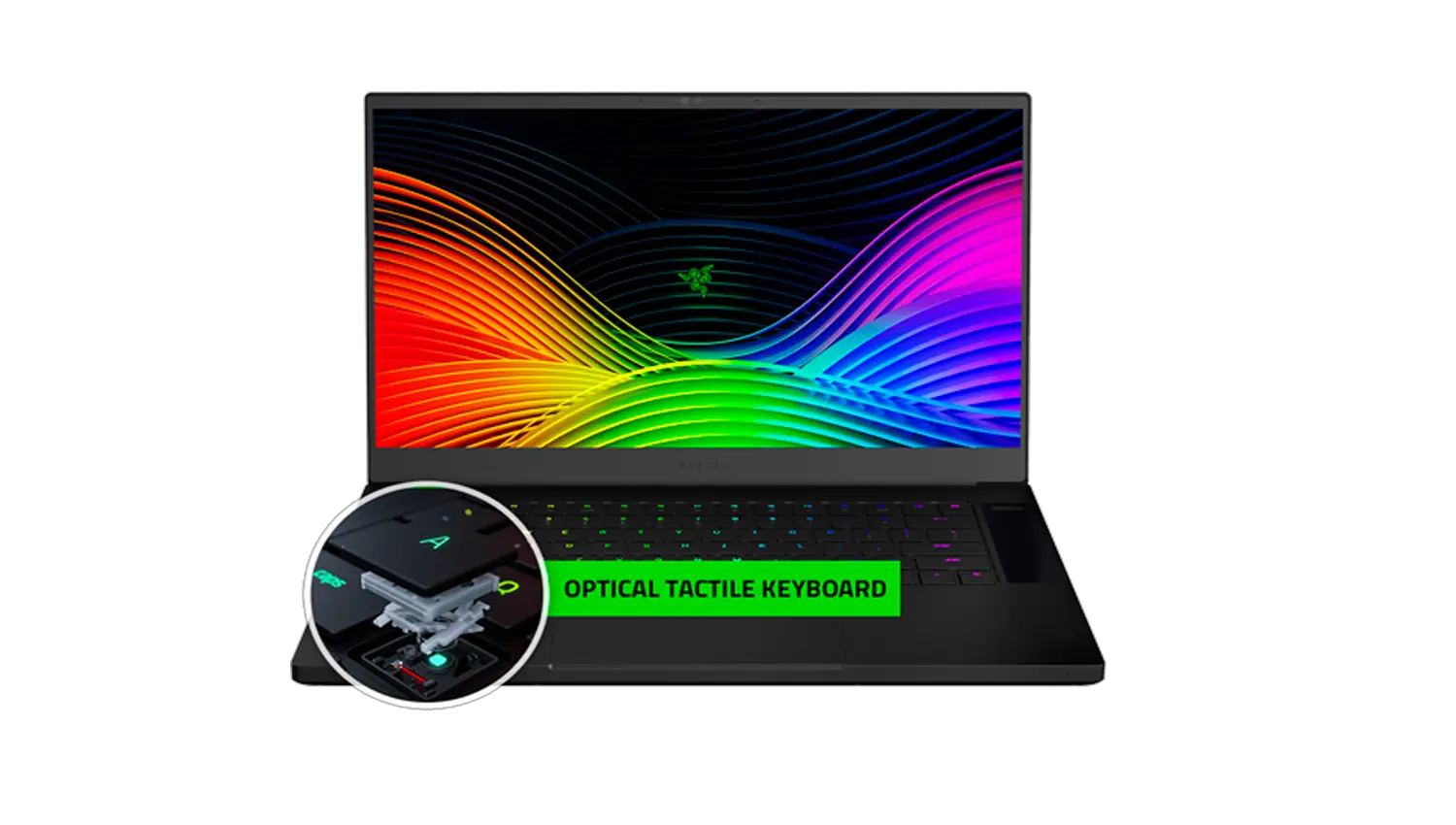
The Razer Blade Pro 17″ (2019) features an Anti-Ghosting Keyboard with Razer Chroma Per-Key Lighting.
What keyboard layouts are available for the Razer Blade Pro 17″ (2019)?
The Razer Blade Pro 17″ (2019) comes in the following keyboard layouts:
- US, Canada
- France
- Germany
- UK
- Sweden
- Norway
- Iceland
- Denmark
- Finland
- Hong Kong
- Singapore
- Australia
- China
- Japan
- Taiwan
Can I upgrade the RAM and SSD on the Razer Blade Pro 17″ (2019)?
Yes, the RAM in the Razer Blade Pro 17″ (2019) comes with 16GB dual-channel DDR4 2667MHz that can be expanded up to 64GB. It also has a 512GB SSD (PCIe 3.0 x4 NVMe, 2280) that can be upgraded to a maximum of 2TB as well as an open M.2 slot that supports both SATA and PCIe SSDs.
Note: Any damages or issues caused during installation or as a result of incompatible parts being used is not covered under the warranty and may void the warranty coverage. Razer will not be liable for any warranty coverage on any third-party part you may install, and we cannot guarantee compatibility or performance of any third-party parts.
How can I maximize the performance of my Razer Blade Pro 17″ (Early 2019)?
You can opt to increase the performance of Blade Pro 17 (Early 2019) via Razer Synapse software and change the Performance Modes to your desire. Do note that fan speed may increase and battery power may draw down faster on higher performance mode.
Can I overclock my Razer Blade Pro 17″ (Early 2019)?
Razer laptops are carefully crafted and its components are tuned to give the best performance under the most demanding gaming conditions. We do not recommend overclocking your CPU, GPU, and/or RAM as these alter the delicate balance of performance and reliability of the system. There are associated risks of damage to crucial components if unauthorized changes are made, which will result in voiding the manufacturer’s warranty.
Does the Razer Blade Pro 17″ (2019) support RAID functionality?
Yes, the Razer Blade Pro 17″ (2019) does support RAID 0,1,5,10. Users must change the settings in the BIOS to enable the RAID function.
Can I change the refresh rate on my Razer Blade Pro 17″ (2019)?
Yes. In the Razer Synapse software, under the Display tab, you can select between a 60Hz Refresh Rate or the 144Hz Refresh Rate.
Which USB port should I connect to for the fastest transfer speed on the Razer Blade Pro 17″ (2019)?
All the USB ports on the Razer Blade Pro 17″ (2019) are upgraded to USB3.2 Gen 2, which operate at 10Gbps.
How much RAM does the Razer Blade Pro 17″ (2019) have? Is it expandable?
The Razer Blade Pro 17 (2019) comes with 16GB dual-channel DDR4-2667MHz (8GB x 2) and is expandable up to 64GB.
Is the storage on the Razer Blade Pro 17″ (2019) expandable?
Yes. The SSD on the Razer Blade Pro 17″ (2019) is expandable up to 2TB m.2 2280-compatible SDD.
Is the Razer Blade Pro 17″ (2019) VR-ready?
Yes, the Razer Blade Pro 17″ (2019) features RTX 2060/2070/2080 which allows virtual reality applications to run smoothly.
Can I use the Razer Blade Pro 17″ (2019) as a secondary display for other devices such as PC,XBOX, and PS3?
No, the HDMI port is only intended for Video and Audio Out.
How many displays can I connect to the Razer Blade Pro 17″ (2019)?
The Razer Blade Pro 17″ (2019) is able to output 3 displays via USB-C, Thunderbolt 3, and HDMI.
Which data ports are connected to the iGPU and the NVIDIA GPU?
The Razer Blade Pro 17: (2019) comes with an integrated Intel and a dedicated NVIDIA GPU.
The following data ports are connected to the iGPU:
- UHS-III SD Card Reader
- USB-A 3.2 Gen 2 (x2)
The following data ports are connected to the NVIDIA GPU:
- Thunderbolt 3
- HDMI 2.0B
- USB-C 3.2 Gen 2
Razer Blade Pro 17 (2019) vs Previous Razer Blade Pro Comparison Chart.
Refer to the table below for the comparison between the Razer Blade Pro 17 (2017) and the Razer Blade Pro 17 (2019):
| SPECIFICATION | RAZER BLADE PRO 17” (2017) | RAZER BLADE PRO 17” (2019) |
| CPU | Intel 7th Gen Core i7 – 4 Cores | Intel 9th Gen Core i7 – 6 Cores |
| Display | 17.3″ 120Hz FHD or 60Hz UHD | 17.3″ 144Hz FHD IPS Display |
| Bezels | Standard | Thin |
| GPU | GTX 1060/ 1080 | RTX 2060/ RTX 2070 MQ/ RTX 2080 MQ |
| Memory | 32GB dual-channel memory (DDR4, 2667MHz), fixed | Up to 64GB |
| Keyboard | Mechanical Keyboard with Per-Key backlit Razer Chroma | Per-Key backlit with Razer Chroma |
| Vapor Chamber and Heat Pipes | Thermal cooling | Vapor chamber |
| SDXC Card Reader | Card Reader | UHS-III |
| Ethernet | Killer E2500 | 2.5G |
| Wi-Fi | Killer Wireless AC – BT 4.1 | Intel Wireless AX – BT5.0 |
| Dimensions | 424mm x 281mm x 22.5mm | 395mm x 260mm x 19.9 |
| Battery | 70WHr/ 99WHr | 70WHr |
| Battery Life | 4 hours | 3 hours |
| Power | 165/250W | 230W |
Troubleshooting
Why does my Thunderbolt 3 device not work when I connect it to the USB-C port?
The Razer Blade Stealth 13″ Early 2019 comes with two USB-C ports, but only one of these ports will work as a Thunderbolt 3 port. Please ensure that your Thunderbolt 3 device is connected to the USB-C port located on the right side of the laptop.
Hardware
Will the Razer Blade Pro 17 (2019) work with eGPUs?
Yes, the Razer Blade Pro 17 (2019) can work with eGPUs via the Thunderbolt 3 port. Users can use multi-GPU rendering.
Software
Does the Razer Blade Pro 17 (2019) support Windows Hello?
Yes, the camera in the Razer Blade Pro 17 (2019) does support Windows Hello and is IR based.
Is the Razer Blade Pro 17 (2019) supported by Synapse 3.0?
Yes, the Razer Blade Pro 17 (2019) is supported by Synapse 3.0.
Downloads Master Guides
Razer Blade Pro 17″ (2019) Master Guide (Chinese Traditional) – Download
Razer Blade Pro 17″ (2019) Master Guide (Russian) – Download
Razer Blade Pro 17″ (2019) Master Guide (Portuguese-Brazilian) – Download
Razer Blade Pro 17″ (2019) Master Guide (Japanese) – Download
Razer Blade Pro 17″ (2019) Master Guide (French) – Download
Razer Blade Pro 17″ (2019) Master Guide (Spanish) – Download
Razer Blade Pro 17″ (2019) Master Guide (German) – Download
Razer Blade Pro 17″ (2019) Master Guide (Simplified Chinese) – Download
Razer Blade Pro 17″ (2019) Master Guide (Korean) – Download
Razer Blade Pro 17″ (2019) Master Guide (English) – Download
Downloads Hardware Drivers
Razer Blade Pro 17″ 2019 – BIOS Updater v1.04 Guide – Download
Blade Pro 17″ 2019 – Realtek Card Reader Driver – Download
Blade Pro 17″ 2019 – Realtek LAN Driver – Download
Blade Pro 17″ 2019 – NVIDIA Graphics Driver – Download
Blade Pro 17″ 2019 – NVIDIA GeForce Experience App – Download
Blade Pro 17″ 2019 – Intel Wireless-AX 200 Bluetooth Driver – Download
Blade Pro 17″ 2019 – Intel Wireless-AX 200 WLAN Driver – Download
Blade Pro 17″ 2019 – Intel(R) UHD Graphics 630 – Download
Blade Pro 17″ 2019 – Intel ME Driver – Download
Blade Pro 17” 2019 – Intel DPTF Driver – Download
Blade Pro 17″ 2019 – Intel Chipset Driver – Download
Intel ME Firmware Updater Guide v1.1.1.2 – Download
RazerUpdater_v1.1.1.2_D17-2-MEv120381430 – Download