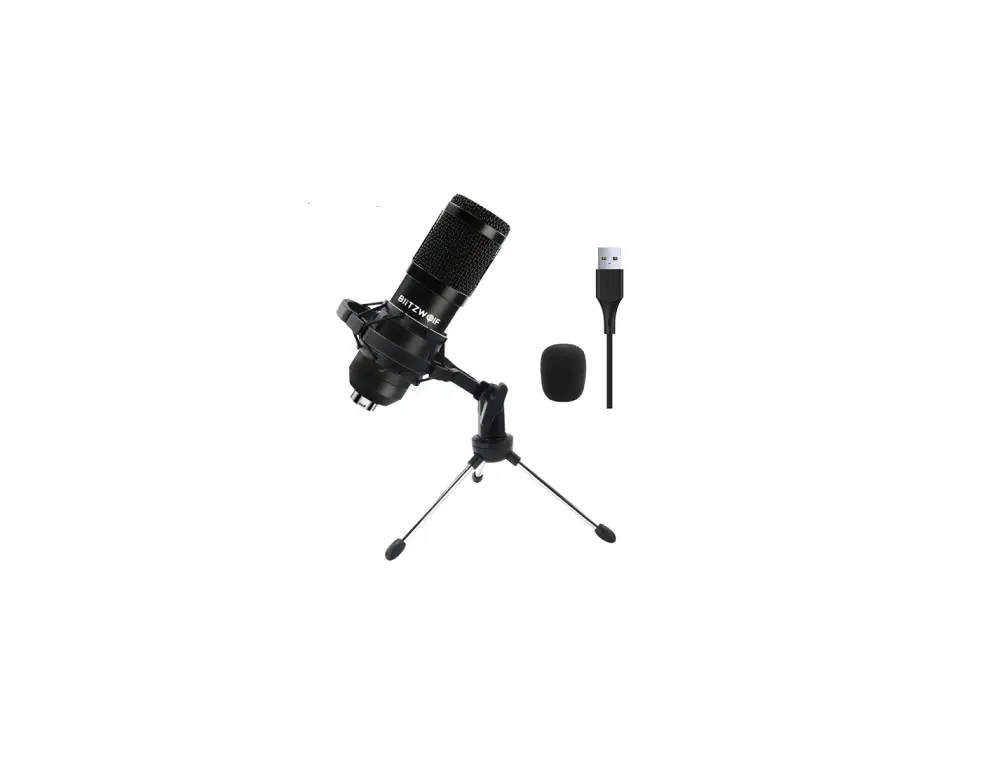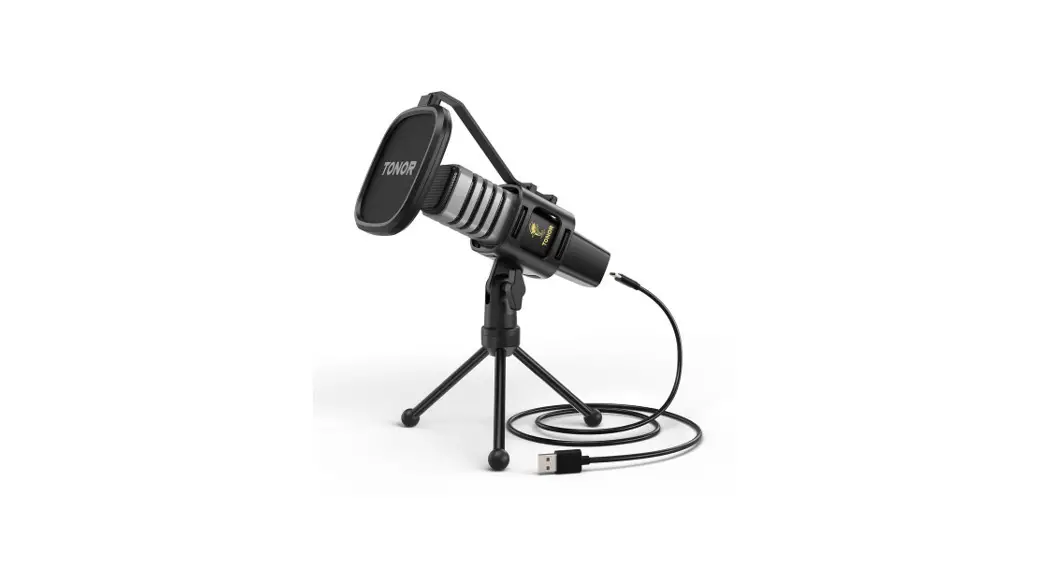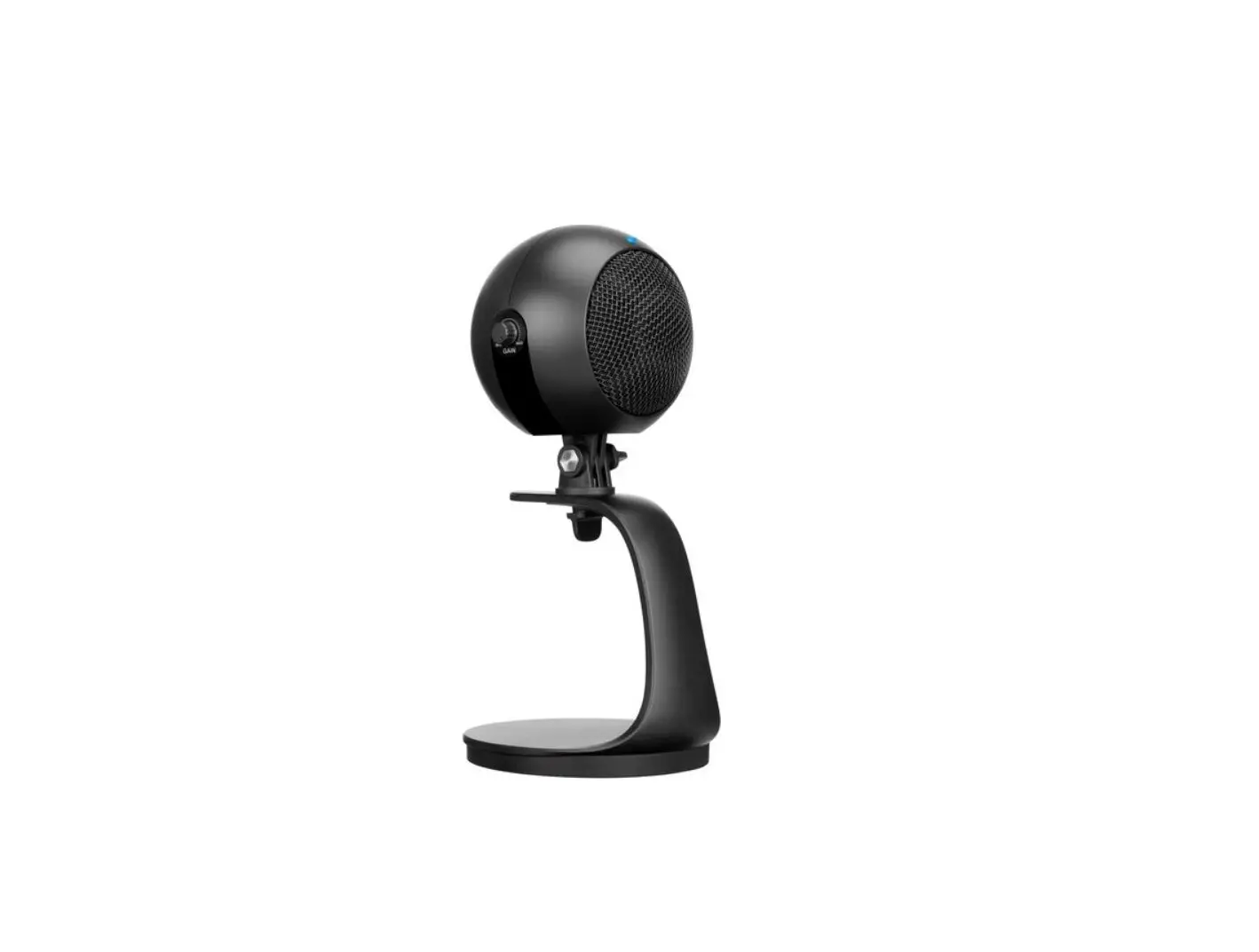
 INSTRUCTION MANUAL
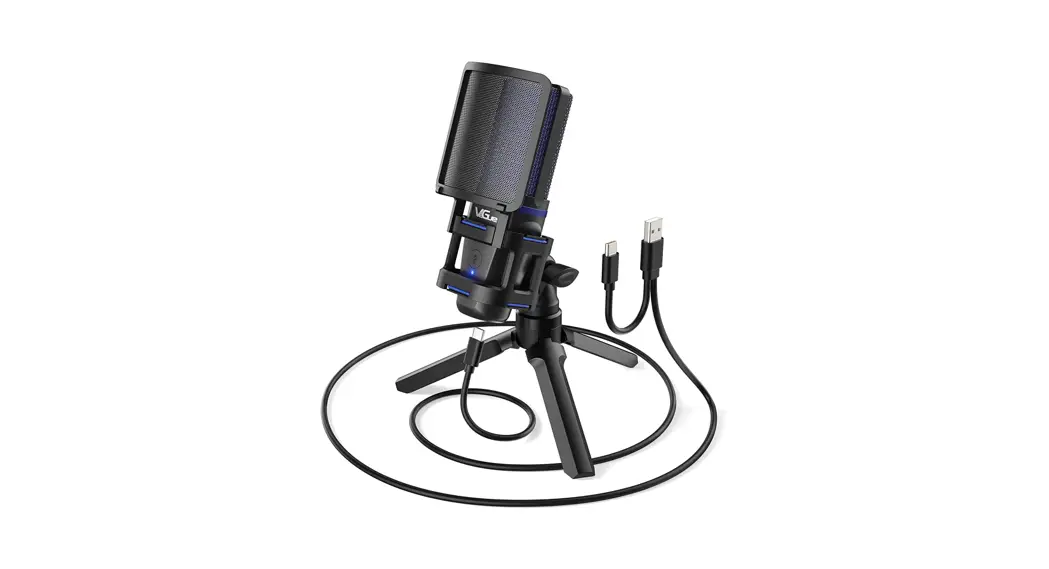
VM30 I USB CONDENSER MICROPHONE
Greetings from Venice
Thanks for choosing VM30 USB Microphone. We established a robust brand with great-value products and customer-friendly service here. Our designer spares no effort to write the user manual. Hope the manual could effectively help you to know roughly our microphone and deal with any problems when using it. We hustle day and night work out with our engineer and designer on the microphone for better quality and user experience. If you have any questions, please feel free to contact us.
Have fun with our microphone!
VeGue Team
ACCESSORIES
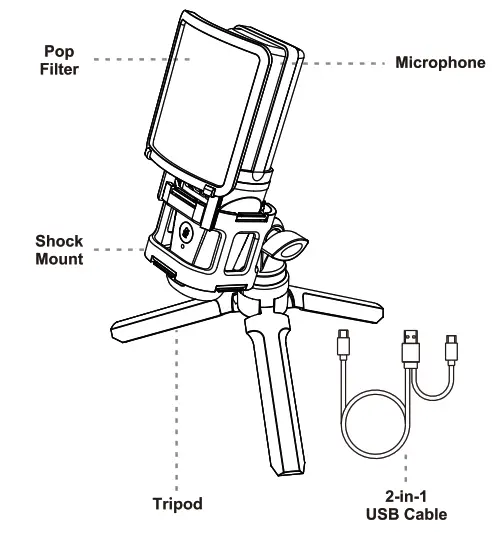
INSTRUCTIONS
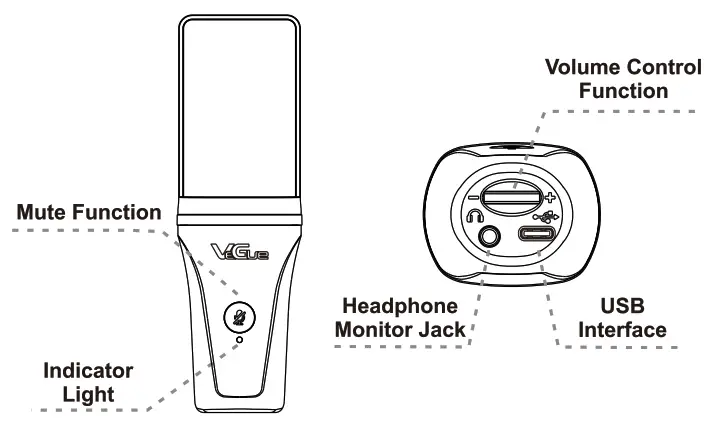
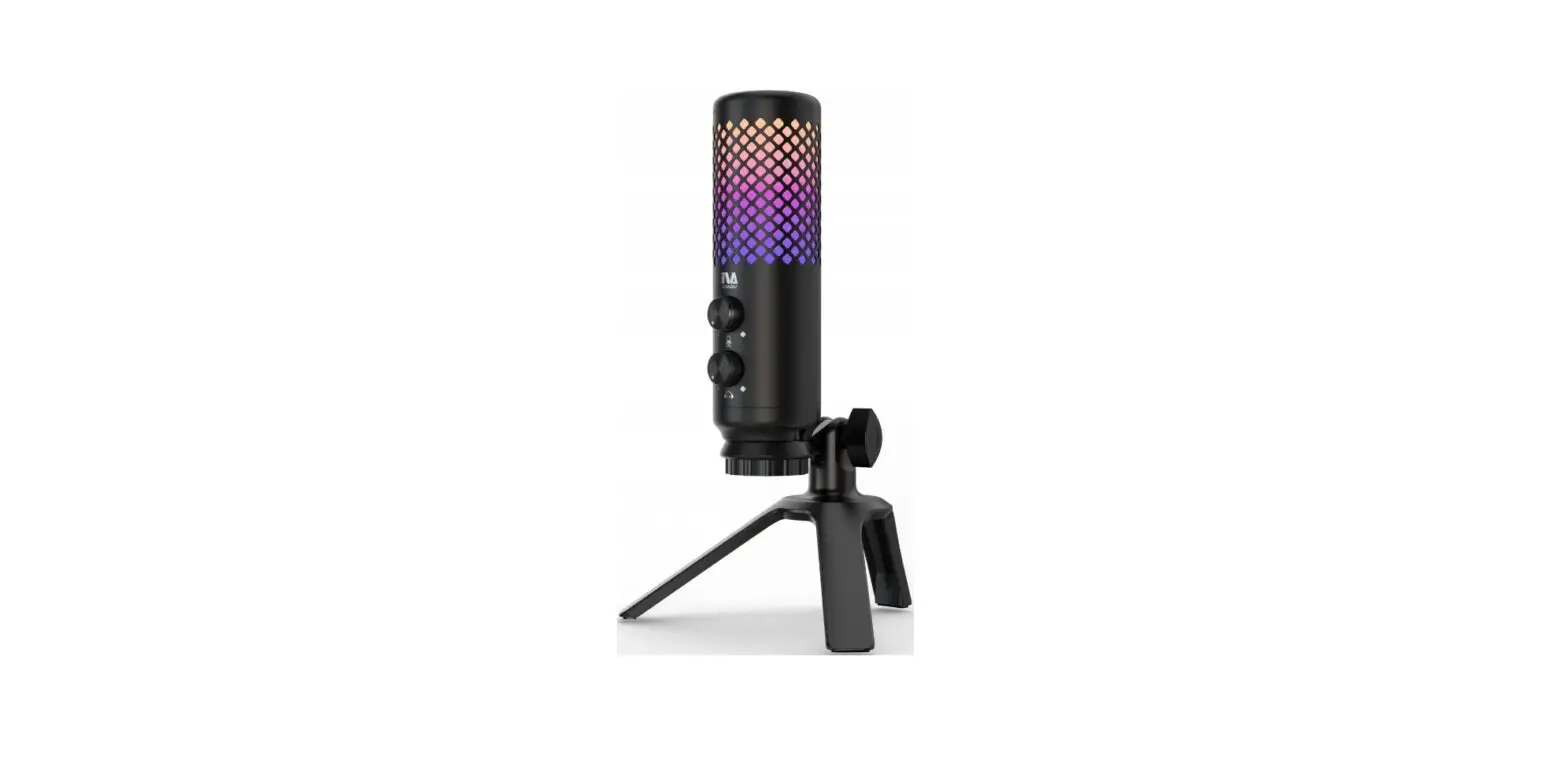
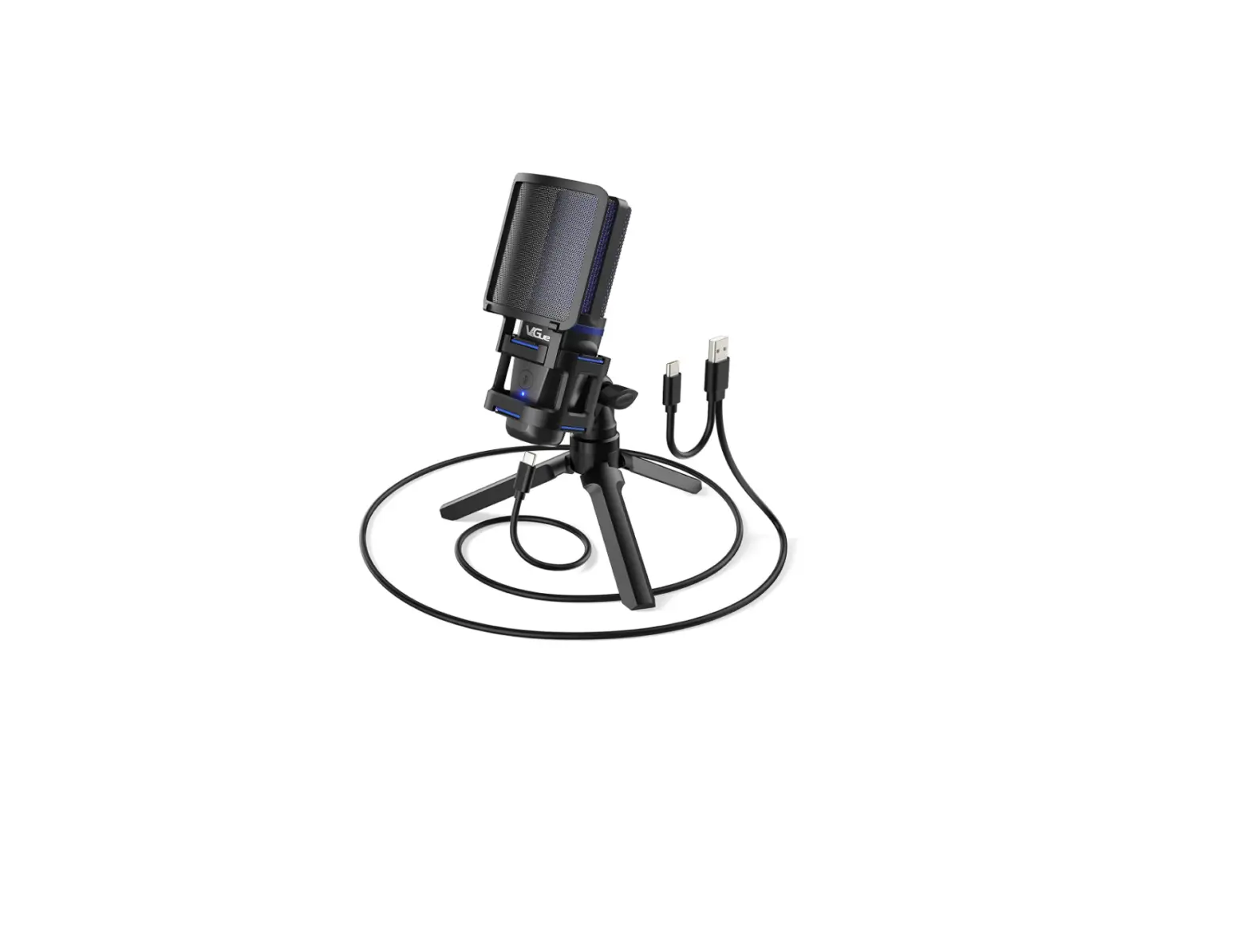
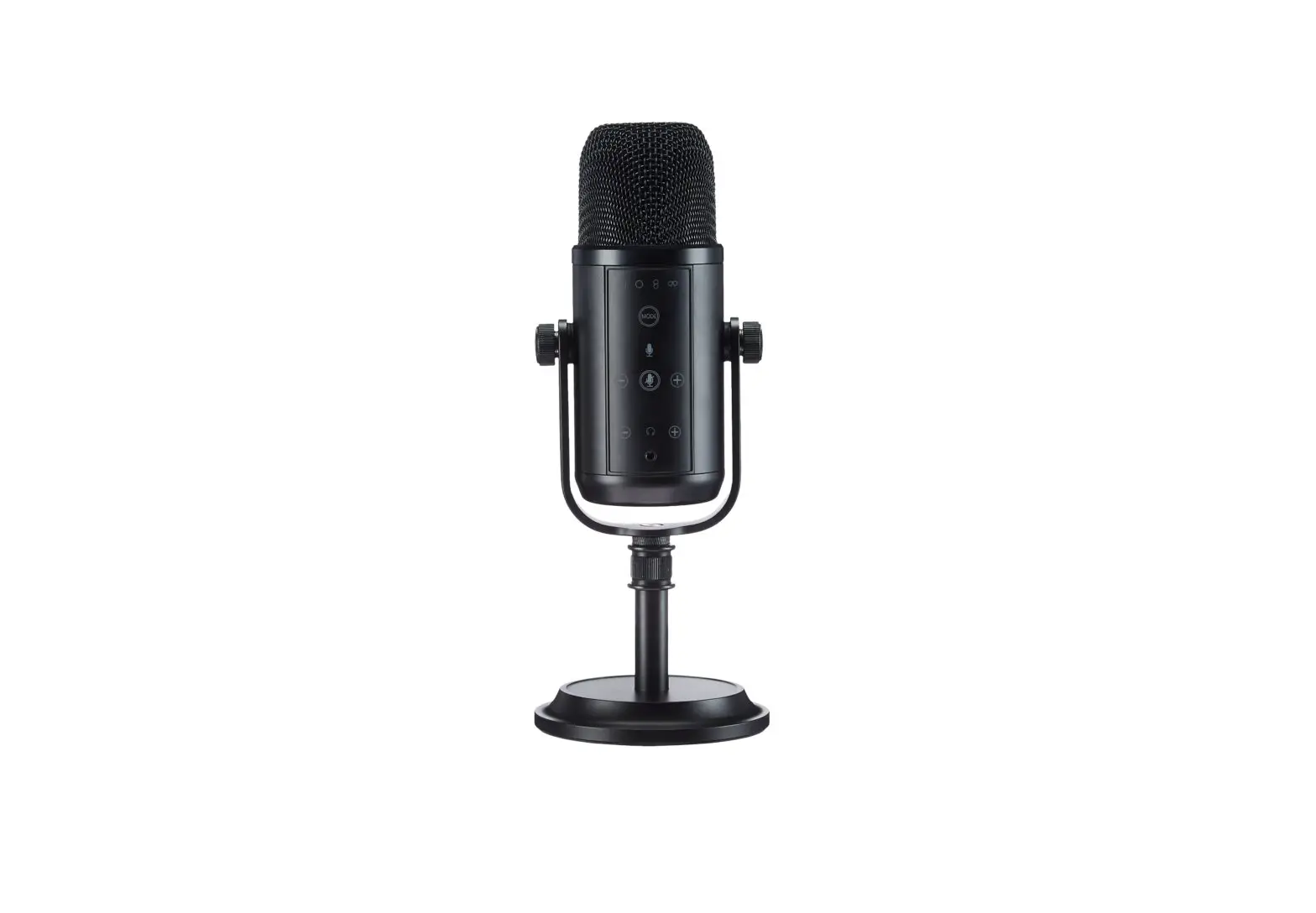
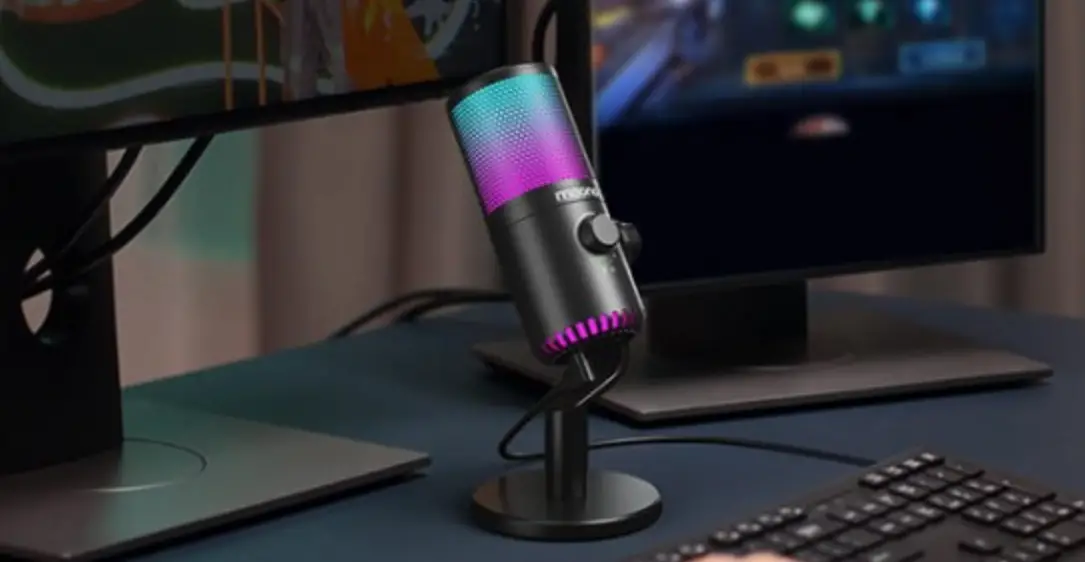
- Indicator Light The indicator light is blue when the mic is working.
- Volume Control Function Turn left to turn down the volume, turn right to turn up the volume.
- Mute Function Press the volume control knob to mute the microphone, meanwhile, the indicator light will turn red.
- Headphone Monitor Jack VM30 microphone supports zero-latency monitor function.
SPECIFICATIONS
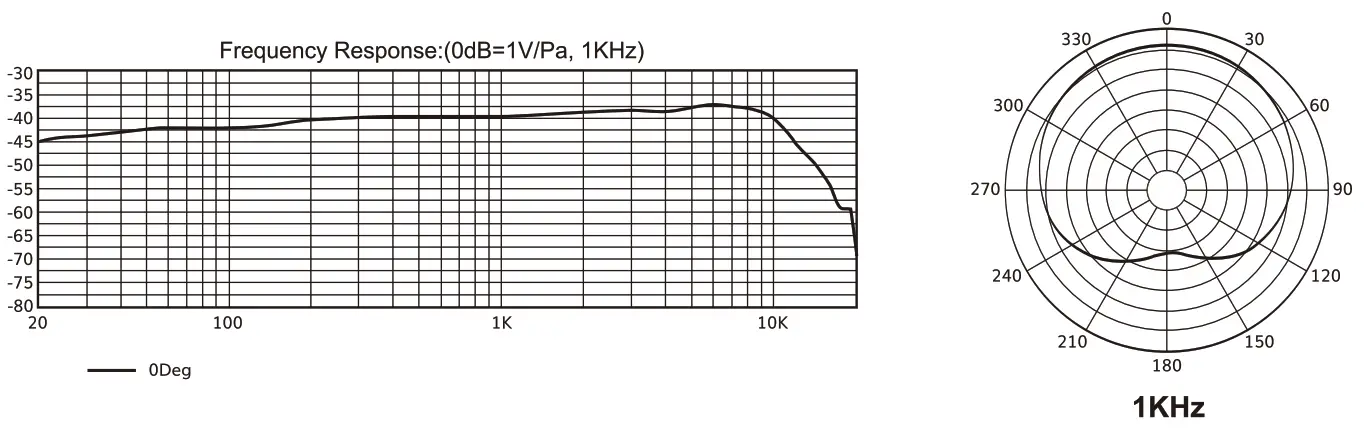
| Polar Pattern: | Cardioid |
| Input Sample Rate: | 96KHz |
| Bit Rate: | 24Bit |
| Frequency Response: | 20Hz-20KHz |
| Sensitivity: | -40dB±3dB (OdB=1 V/Pa, at 1KHz) |
| Output Impedance: | 2.2K0 |
| Max. SPL: | 110dB |
| THD+N: | <1% |
| S/N Ratio: | 95dB |
| USB Cable Length: | 2m |
COMPUTER SETUP
Windows
Step 1: Plug the VM30 microphone into your computer. The computer will automatically recognize the USB device and install a driver.
Step 2: Right-click on the sound icon on the system tray and select Sounds.
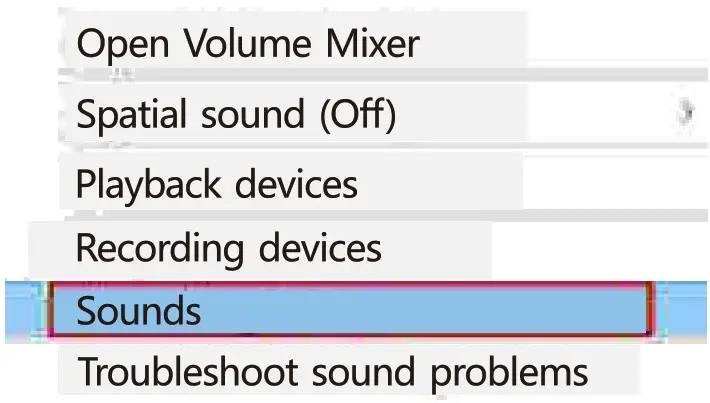
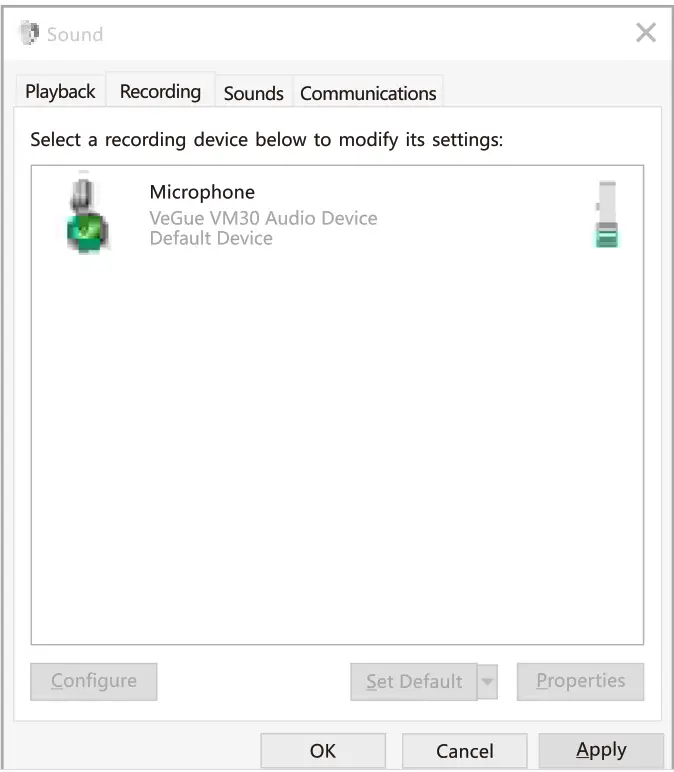
Step 3: Click the Recording tab and select the VeGue VM30 Audio Device and click on the Set Default button.
COMPUTER SETUP
MacOS
Step 1: Plug the VM30 microphone into your computer. The computer will automatically recognize the USB device and install a driver.
Step 2: Open your System Preferences.
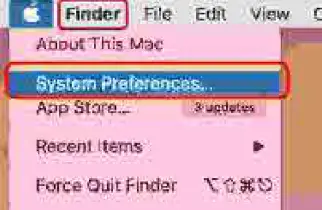
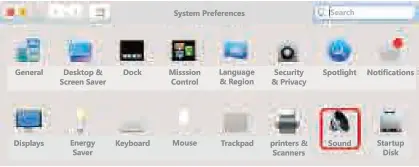
Step 3: Click sound to display the Sound preference pane.
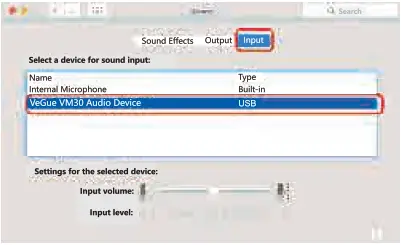
Step 4: Click the Input tab and select the VeGue VM30 Audio Device as the device for sound input.
www.veguetech.com
[email protected]
MADE IN CHINA
If you have any questions, please feel free to contact us.