EL5605 Digital Remote Interface
Product Information
Item No.: EL5605
Product Name: Digital Remote Interface
Manufacturer: WAGAN Corp.
Warranty: 1 year limited warranty
Website: www.wagan.com
Features
- Full color LCD display
- Up/Down Select buttons
- RJ45 ports
Specifications
- Mounting: Cut an opening in the mounting surface as per the
dimensions provided - Compatibility: Designed to work with DC to DC chargers and
inverters - Inverter Settings:
- – Lead acid: 10.5V (alarm), 10V (shutoff)
- – Lithium: 11.5V (alarm), 11V (shutoff)
Product Usage Instructions
Mounting the Display
Cut an opening in the mounting surface based on the dimensions
provided in the user manual.
Installation
For installation with DC to DC chargers
only:
- Locate the 4-pin connector attached to the DC to DC
Charger. - Remove the plastic dust cover from the 4-pin connector.
- Connect the 4-pin connector from the connection cable to the DC
to DC charger. Secure this connection by threading the 2 ends of
the cable together. - Feed the connection cable into the vehicle where you want to
mount the display. - Connect the RJ45 end of the cable to either port on the remote
display.
For installation with the inverter only or both DC to DC
charger and inverter:
- Locate the RJ45 to RJ45 cable included with the remote
display. - Connect one end of the RJ45 cable to the inverter remote port
and the other end to the remote display. - Turn the power switch on the inverter to remote setting.
- The inverter on/off function is controlled by the remote
display. - Note: When the inverter is connected to the remote, the remote
will receive power from the inverter. The red wire on the DC to DC
charger connection cable does not need to be connected. Tape off
this wire to avoid accidental contact with conductive
surfaces. - Follow the instructions mentioned above for installation with
DC to DC chargers only, skipping step #4.
Operating the Remote
To turn on the display, press and hold the Select button. The
Wagan logo will be displayed during startup.
Care and Maintenance
Proper care and maintenance will ensure years of reliable
service. Refer to the user manual for detailed care
instructions.
Warranty Information
The product is covered by a 1-year limited warranty from the
original purchase date. The warranty covers defects in material and
workmanship. For warranty claims, return the product to WAGAN
Corporation with an original store receipt. The defective part will
be replaced or repaired at the discretion of WAGAN Corporation. The
replacement product will be covered for the remaining warranty
period. The warranty does not cover any units used in violation of
the provided instructions.
Item No. EL5605
DIGITAL REMOTE INTERFACE
User’s Manual
We are constantly improving our products so specifications are subject to change without notice. Visit our website for the latest product information.
Digital Remote Interface by Wagan Tech®
Thank you for purchasing the Digital Remote Interface by Wagan Tech®.
With normal care and proper treatment, it will provide years of reliable service. Please read all operating instructions carefully before use.
This Digital Remote Interface is designed to work with the following items:
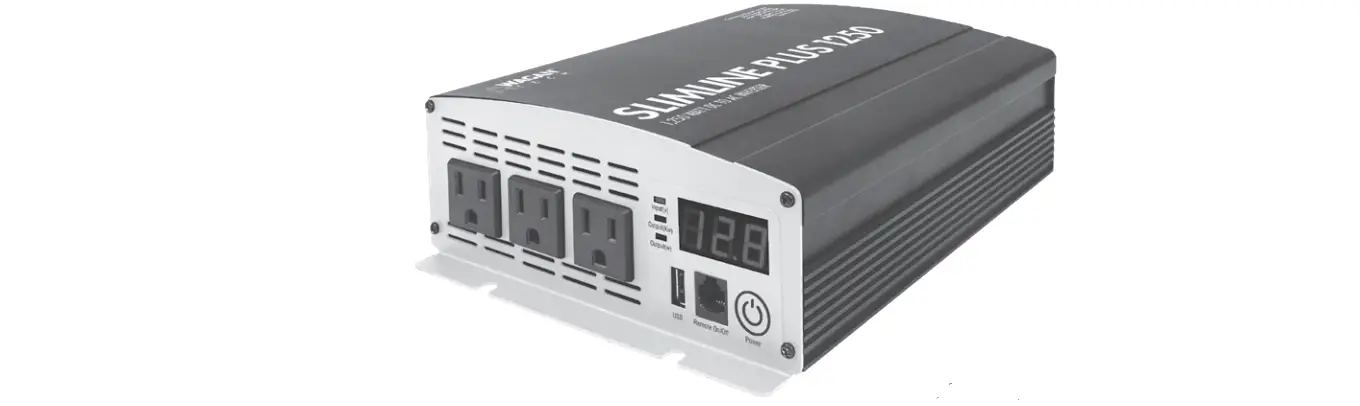
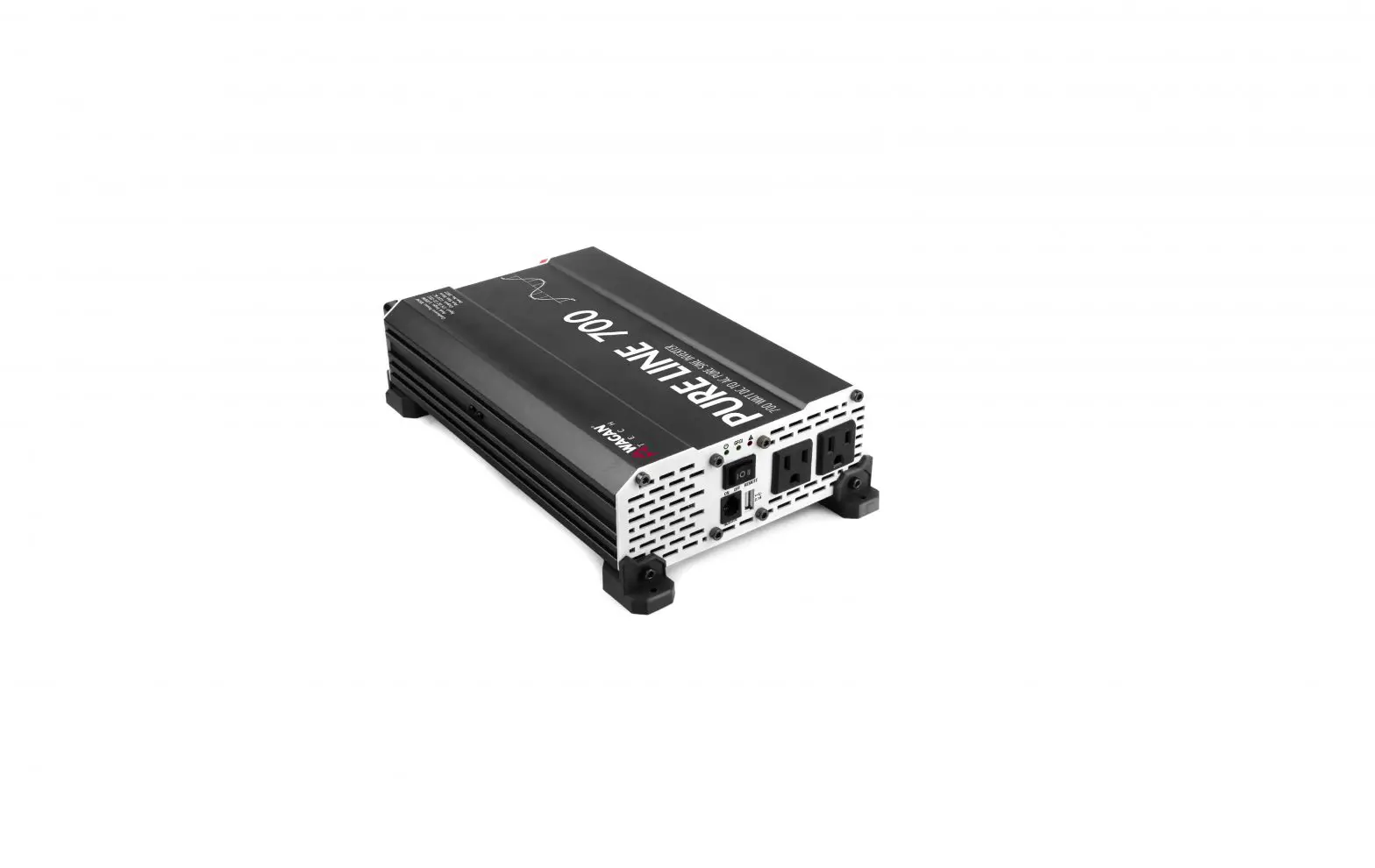
· EL7410, EL7411 DC to DC chargers · EL3814, EL3816, EL3818 Pure Line Inverters (2nd Gen)
WARNINGS
· The remote display is designed specifically for use with the above-mentioned devices. Do not attempt to use this remote with any other devices.
· Do not try to modify the connectors on this device or the accompanying cables. Any attempt to change the wiring to this display could damage either the remote display or the controlling device or both. Any such attempts will void the warranty for both this display and the controlling device.
· Only use the connection cables provided with the display. Additional or replacement cables can be purchased at www.wagan.com
PRODUCT IMAGES
Front
Back
Full color LCD display
Up/Down Select button buttons
1
www.wagan.com
RJ45 ports
User’s Manual–Read before using this equipment
MOUNTING THE DISPLAY
Cut an opening in the mounting surface based on the dimensions shown below:
2.2″
(2) 18″ @4.5″
4″
INSTALLATION
For installation with DC to DC chargers only:
1. Locate the 4-pin connector attached to the DC to DC Charger.
2. Remove the plastic dust cover from the 4-pin connector.
3. Connect the 4-pin connector from the connection cable to the DC to DC charger. Secure this connection by threading the 2 ends of the cable together.
4. Connect the red wire attached to the connection cable to any 12V source in the vehicle this will be used to power the display. Note: if the inverter will also be used with the display, connecting this red wire is not necessary.
5. Feed the connection cable into the vehicle where you want to mount the display.
©2023 Wagan Corporation. All Rights Reserved. Wagan Tech and wagan.com are trademarks of Wagan Corporation.
2
Digital Remote Interface by Wagan Tech®
6. Connect the RJ45 end of the cable to either port on the remote display.
For installation with the inverter only or both DC to DC charger and inverter: 1. Locate the RJ45 to RJ45 cable included with the remote display. 2. Connect the RJ45 cable to the inverter remote port at one end and the
remote display at the other end. 3. Turn the power switch on the inverter to “remote” setting. 4. The inverter on/off function is controlled by the remote display. 5. Note: When the inverter is connected to the remote, the remote will receive
power from the inverter, so the red wire on the DC to DC charger connection cable does not need to be connected. Tape off this wire to avoid accidental contact with conductive surfaces. 6. Follow instructions in the previous section “DC to DC chargers only” above to install the DC to DC Charger, skipping step #4.
3
www.wagan.com
User’s Manual–Read before using this equipment OPERATING THE REMOTE
1. Press and hold the “Select” button to turn the display on. The Wagan logo will be displayed during startup.
2. Press the up and down buttons to switch between views. · Inverter status view: Press the “Select” button to turn the inverter on / off.
· Inverter settings view: Press the “Select” button to enter setting mode. Note, this will shut the inverter off in order to change the settings. Press the up /down buttons to switch between settings and the “Select” button to change the setting. Once setting is complete, press and hold the “Select” button for 3 seconds. The remote will restart to save the program changes in the inverter.
©2023 Wagan Corporation. All Rights Reserved. Wagan Tech and wagan.com are trademarks of Wagan Corporation.
4
Digital Remote Interface by Wagan Tech®
· DC Charger view: There are no settings or selections controlled in this view.
CHANGING INVERTER SETTINGS
· AC frequency – The default setting for the frequency is 60Hz Warning: Before changing this setting, be sure to confirm the frequency requirement of the appliances being connected to the inverter. Wagan will not be responsible for damage to appliances that are not compatible with the inverter setting.
· Power Save – Turning on the Power Save function will enable the inverter to enter a standby mode when no load is applied.
· Battery type – adjusts operational and alarm settings based on battery type.
– Lead acid: 10.5V (alarm), 10V (shutoff) – Lithium: 11.5V (alarm), 11V (shutoff)
5
www.wagan.com
User’s Manual–Read before using this equipment
· Low Voltage Alarm setting – Allows you to manually set the desired low voltage alarm setting according to your system requirements. This will change the low voltage shutoff settings accordingly (0.5 V below Alarm value). NOTE: changing the Low Voltage Alarm setting will override the default Low Voltage settings based on Battery Type.
CARE AND MAINTENANCE
· Keep away from water and condensation. · Do not attempt to disassemble the remote.
©2023 Wagan Corporation. All Rights Reserved. Wagan Tech and wagan.com are trademarks of Wagan Corporation.
6
WAGAN Corp. Limited Warranty
The WAGAN Corporation warranty is limited to products sold only in the United States.
Warranty Duration: Product is warranted to the original purchaser for a period of one (1) year from the original purchase date, to be free of defects in material and workmanship. WAGAN Corporation disclaims any liability for consequential damages. In no event will WAGAN Corporation be responsible for any amount of damages beyond the amount paid for the product at retail.
Warranty Performance: During the warranty period, a product with a defect will be replaced with a comparable model when the product is returned to WAGAN Corporation with an original store receipt. WAGAN Corporation will, at its discretion, replace or repair the defective part. The replacement product will be warranted for the balance of the original warranty period. This warranty does not extend to any units which have been used in violation of written instructions furnished.
Warranty Disclaimers: This warranty is in lieu of all warranties expressed or implied and no representative or person is authorized to assume any other liability in connection with the sale of our products. There shall be no claims for defects or failure of performance or product failure under any theory of tort, contract or commercial law including,but not limited to negligence, gross negligence, strict liability, breach of warranty, and breach of contract.
Returns: WAGAN Corporation is not responsible for any item(s) returned without an official Return Authorization number (RA#). Please contact our customer service team by phone or email to obtain an RA#. You can also visit our website and chat with our team during our normal business hours. For more details and instructions on how to process a warranty claim, please read the “Returns” section under the “Contact” page on our website. WAGAN Corporation is not responsible for any shipping charges incurred in returning the item(s) back to the company for repair or replacement.
©2023
31088 San Clemente Street Hayward, CA 94544, U.S.A.
Tel: +1.510.471.9221 U.S. & Canada Toll Free: +1.800.231.5806
[email protected] www.wagan.com
©2023 Wagan Corporation. All Rights Reserved. Wagan Tech and wagan.com are trademarks of Wagan Corporation.
REV20230613
 Wagan Corp | Wagan Corporation
 Wagan Corp | Wagan Corporation