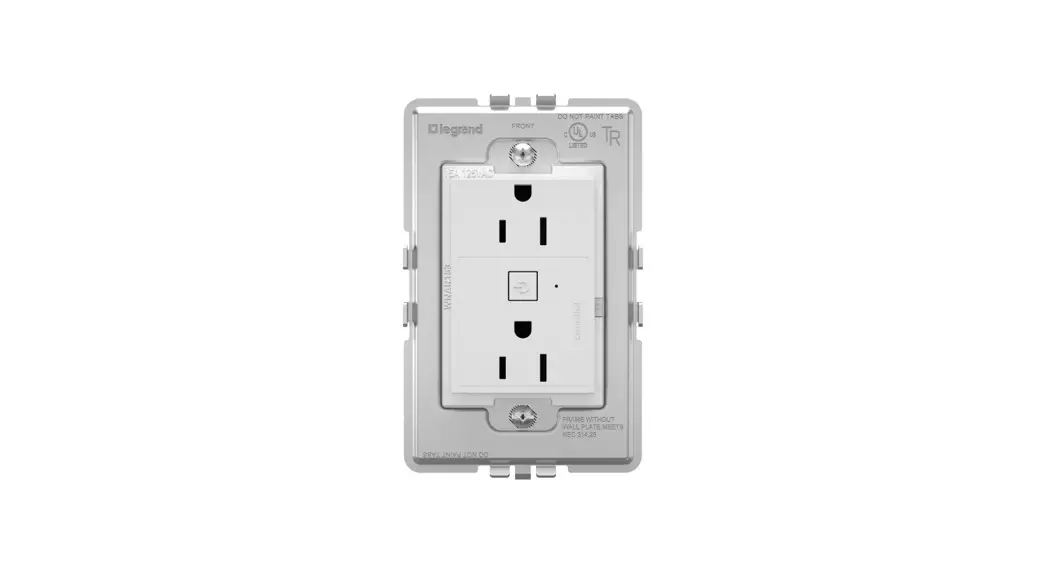
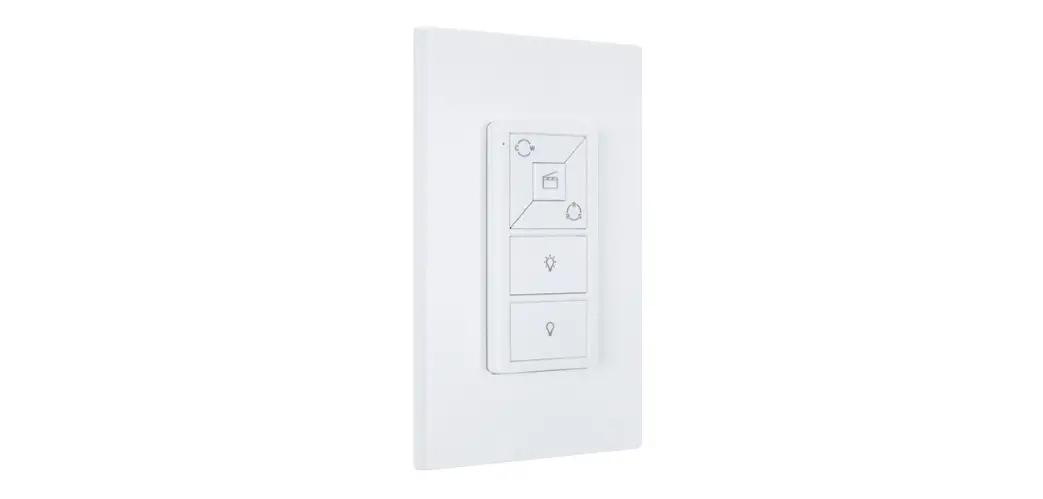
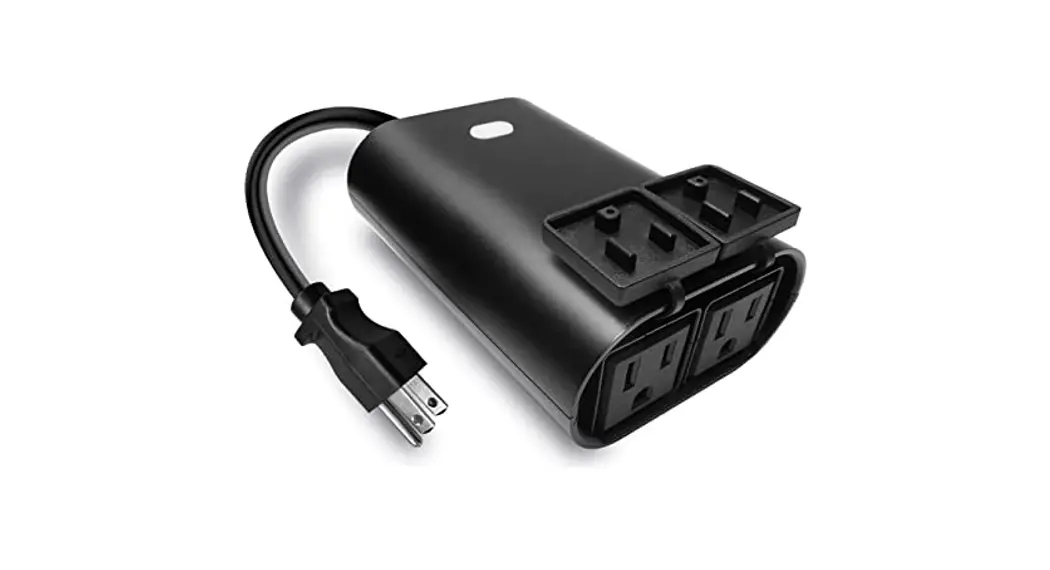
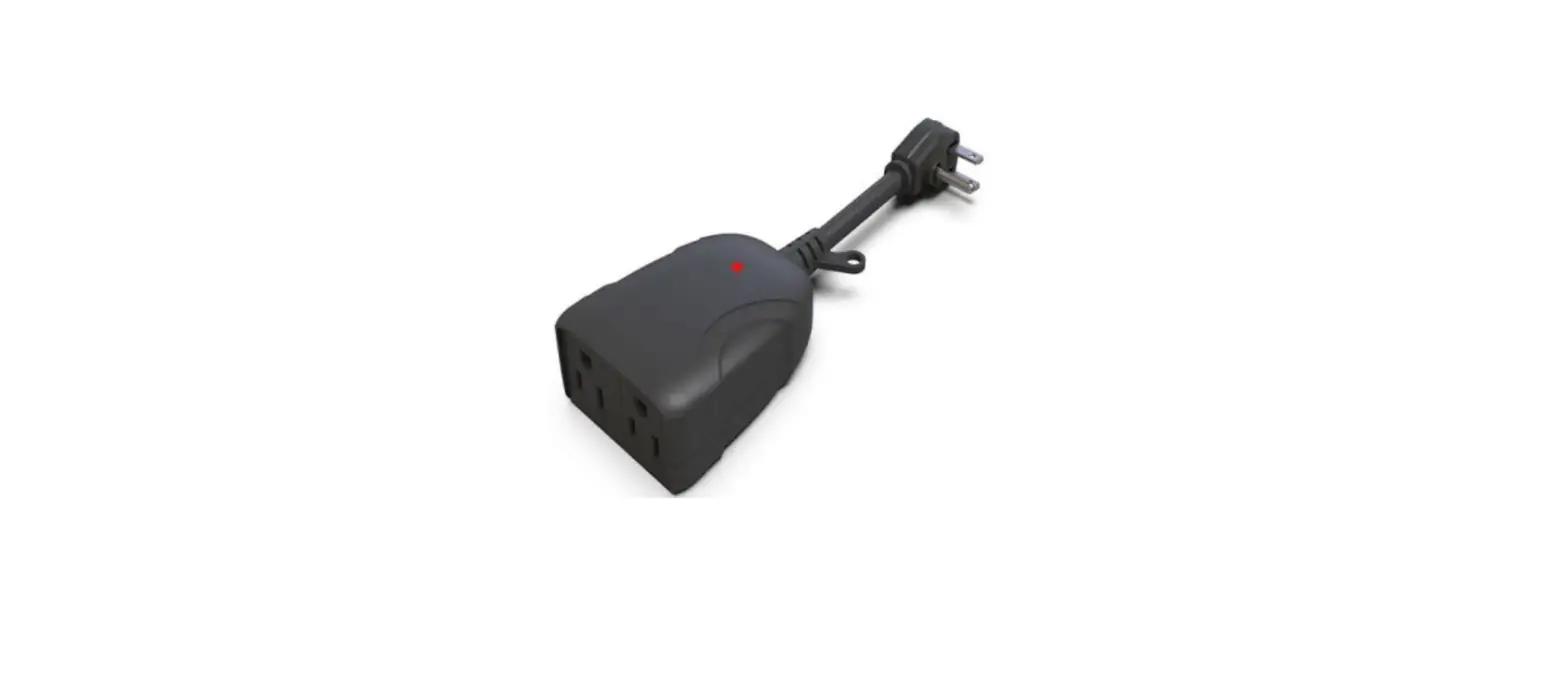
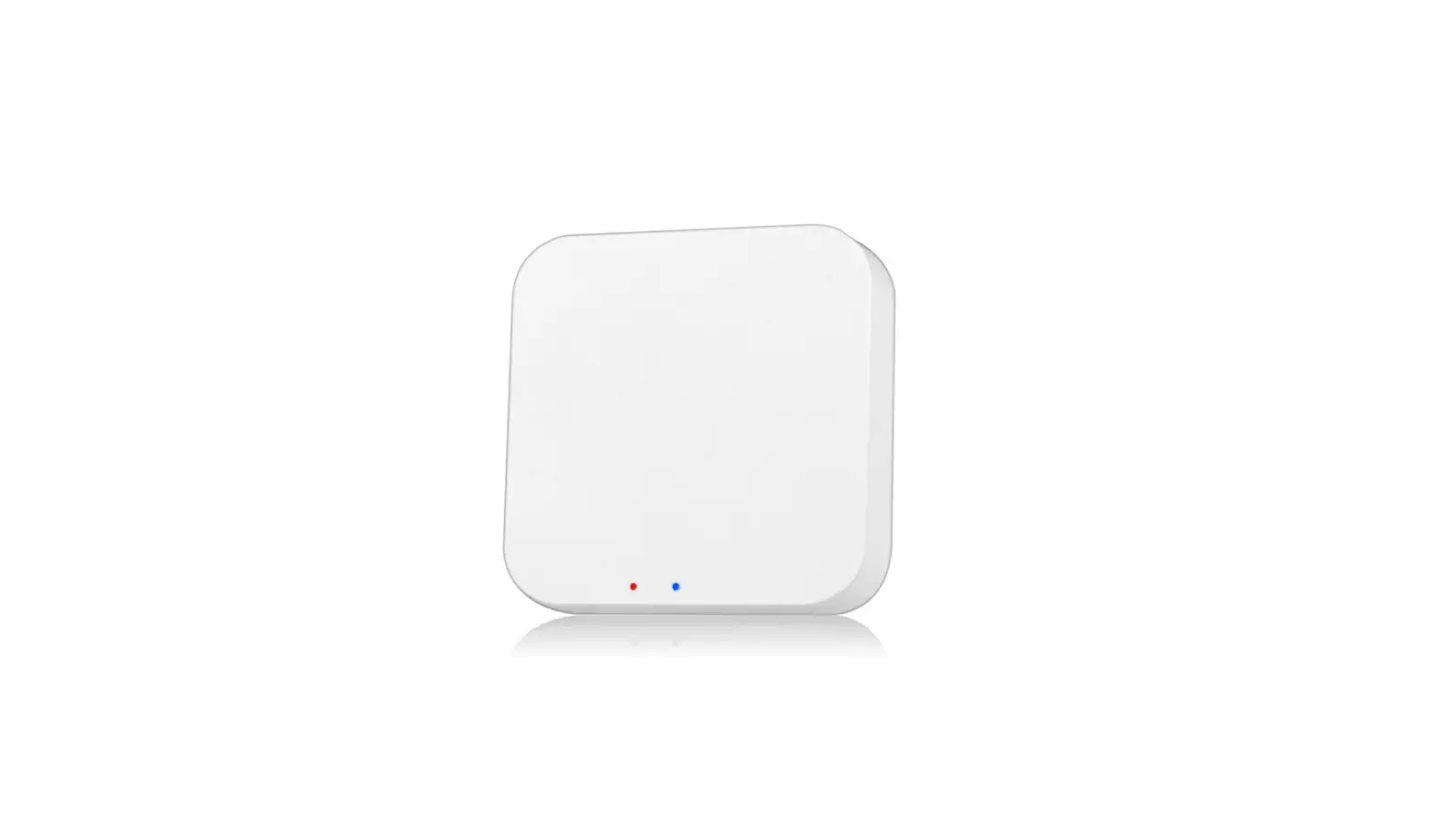
SPKPL-OUTLETW-2S-WH Spektrum+ Smart Outlet Receptacle
Product Information
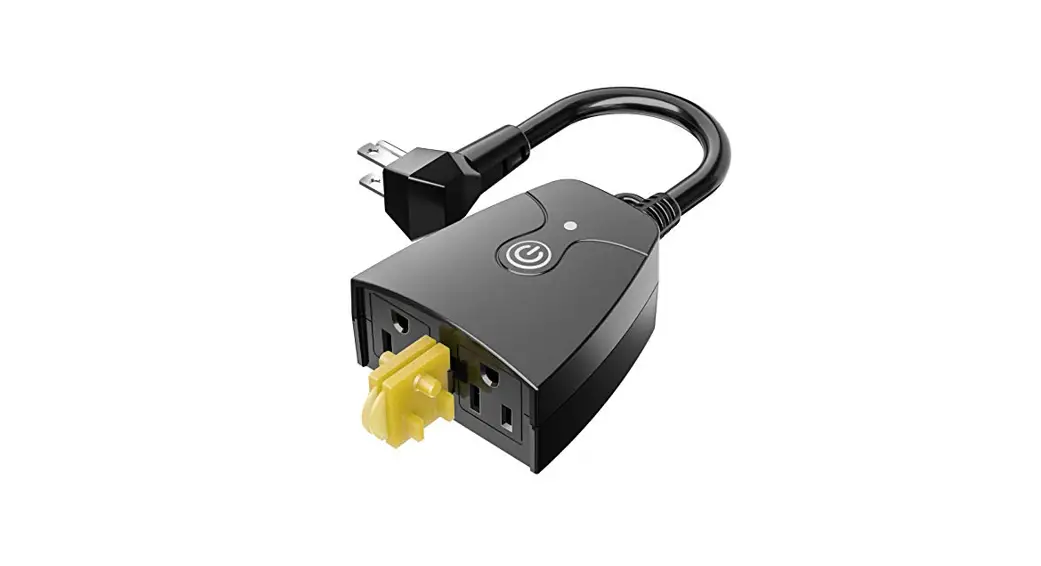
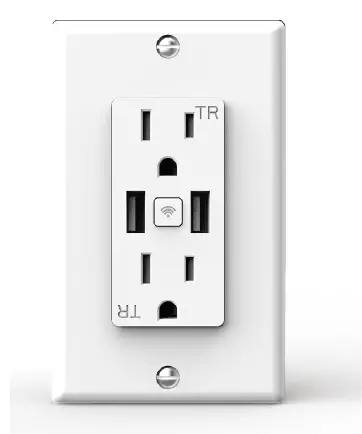
The 120V Spektrum+ Smart Receptacle (model SPKPL-OUTLETW-2S-WH)
is a high-quality electrical receptacle designed to provide
convenient and smart control over power outlets. It is equipped
with a Bluetooth pairing button, a power socket, and a light status
switch. The receptacle is compatible with a maximum load of 10A and
should be installed in accordance with the provided instructions,
current electrical codes, and the National Electric Code (NEC).
The product comes with a cover panel, wire nuts, and screws for
easy installation. It requires basic tools such as a Phillips head
screwdriver, pliers, a flat-head screwdriver, and a voltage tester.
The installation process takes approximately 30 minutes and should
be performed by a qualified electrician.
The receptacle has different light status indicators to show its
power state. When powered on, the light color is blue, and when
powered off, the light blinks quickly (0.5s) or blinks slowly (1s)
depending on the switch status.
Product Usage Instructions
- Before starting the installation process, disconnect the power
from the source. - Refer to Figure 1 for the visual
representation of the receptacle. - Gather the necessary tools: Phillips head screwdriver, pliers,
flat-head screwdriver, and voltage tester. - Make all connections and mount the receptacle in a single gang
junction box. - Ensure that all work meets applicable local and national
electrical codes. - Once the receptacle is properly installed, restore power to the
system. - Use the Bluetooth pairing button to connect the receptacle to
your smart device or control system. - To turn the power on, press the power socket switch or use the
associated smart device/control system. - The light status indicators will show the power state: blue for
power on and blinking quickly (0.5s) for power off. - If you encounter any difficulties or are unsure about any part
of the installation or usage instructions, seek assistance from a
qualified electrician.
Please note that this is a brief summary of the product
information and usage instructions. For detailed guidance, refer to
the complete user manual provided with the product.
For further assistance or inquiries, please contact:
Address: 11775 E. 45th Ave. Denver, CO 80239
Phone: 1-800-880-1180
Fax: 303-695-7633
120V SPEKTRUM+ SMART RECEPTACLE
INSTALLATION INSTRUCTIONS SPKPL-OUTLETW-2S-WH
WARNING
These products may represent a possible shock or fire hazard if improperly installed or attached in any way. Products should be installed in accordance with these instructions, current electrical codes, and/or the current National Electric Code (NEC).
WARNING
Do not exceed maximum recommended loads! 10A total.
WARNING: RISK OF ELECTRIC SHOCK
Electricity can cause personal injury and property damage if handled improperly.If you are not sureabout any part of these instructions,please seek professional assistance from a qualified electrician. Ensure all work meets applicable local and national codes.
SAFETY INFORMATION
· Read all installation instructions before beginning; if not qualified, do not attempt installation. Contact a qualified electrician.
· To reduce the risk of fire, electric shock, or injury to persons, pay close attention to this manual and stay within its guidelines when using this product. Save these instructions for future use.
· This product is suitable for indoor use in dry locations only. · Do not submerge in liquids nor use the product in the vicinity of standing water or
other liquids, or where water can accumulate. · Do not use if there is any damage to the product; inspect periodically. · Do not install in tanks or enclosures of any kinds. · This product utilizes Bluetooth® 2.4Ghz wireless technology. · The rated input power for this unit is 100-120V AC 60Hz. · The maximum rated current for this unit is 10A. · The standby power consumption of this unit is 0.5W. · This unit is not intended to be used in conjuction with a any dimmer.
Cover Panel
Bluetooth Pairing Button
Power Socket
Light Color Light Statu s Switch Status
Remarks
ON
Power ON(Default)
Blue
OFF
Blink Quickly (0.5s )
Power OFF(Default)
Blink Slowly (1s )
CONTENTS:
Receptacle Cover Panel
Wire Nuts Screws
CONSIDERATIONS: Tools Needed:
Phillips Head Screwdriver Pliers
Flat-Head Screwdriver Voltage Tester
30min
Approximately 30 minutes to install and setup receptacle
INSTALLATION: Disconnect power from source prior to attempting installation. Make all connections and mount in place prior to providing power to system. This product is designed to be installed in a single gang junction box.
FIGURE 1
1. Locate the circuit breaker panel and turn off the power to each switch being replaced/installed. More than one circuit breaker may need to be turned off. See Figure 1. 2. Remove the existing faceplate by unscrewing the mounting screws and pull it away from the wall. See Figure 2. 3. Verify power is off. Once the faceplate is removed from the existing receptacle, use an electrical voltage tester to test all wires connected to the switch to ensure there is no voltage in the circuit. See Figure 3. 4. Unscrew the mounting screws from the junction box and pull out the existing receptacle. See Figure 4. 5. Connect Smart Receptacle to wires from home wiring. Note which wire goes to which terminal (Green/Ground, White/Neutral, Black/Hot) See Figure 5. – Note: The color of your wire may be different from the color shown in Figures. 6. Use two long screws to connect Smart Receptacle to junction box. See Figure 6. 7. Use two short screws to connect faceplate to Smart Receptacle. See figure 6. 8. To set up device once installed, press the bluetooth connectivity button in the middle of the receptacle for 8 seconds. A blinking light will indicate the device is in pairing mode. 9. Open the Spektrum+ Smart App and click the “+” button to add a device. 10. Add the Smart Plug device from the auto-add menu. If the device does not show up automatically, use the “add manually” option to add the device manually. 11. Follow the pairing instructions on screen. 12. Once device is paired, utilize the Spektrum+ App to configure settings for device.
FIGURE 3 FIGURE 5 FIGURE 6
FIGURE 2
1 2
FIGURE 4
GREEN / GROUND BLACK / HOT
WHITE / NEUTRAL
©2023 American Lighting, Inc. REV2324 www.AmericanLighting.com
Page 1 of 2
11775 E. 45th Ave. Denver, CO 80239 Ph: 1-800-880-1180 Fax: 303-695-7633
120V SPEKTRUM+ SMART RECEPTACLE
INSTALLATION INSTRUCTIONS
SPKPL-OUTLETW-2S-WH
CONTROLLING THE SMART SWITCH: The Spektrum+ smart power receptacle utilizes Bluetooth Wireless Technology and can be controlled via the Spektrum+ Smart Lighting App. It is not intended to be used in conjunction with any dimmer. DISTANCE OF REMOTE CONTROL CAPABILITY: 25 meters (approx. 80ft) RESET THE DEVICE: For Easy Mode reset, press the bluetooth pairing button in the middle of the receptacle 3 times. A fast blinking light indicates easy mode. For AP Mode reset, press the bluetooth pairing button in the middle of the receptacle 3 additional times. A slow blinking light indicates AP Mode. USING THE SPEKTRUM+ SMART LIGHTING APP: Please follow the Spektrum+ Smart Lighting App guide.
FCC Compliance Statement This device complies with part 15 of the FCC Rules. Operation is subject to the following two conditions: 1. This device may not cause harmful interference, and 2. This device must accept any interference received, including interference that may cause undesired operation. FCC WARNING This equipment has been tested and found to comply with the limits for a Class B digital device, pursuant to Part 15 of the FCC Rules. These limits are designed to provide reasonable protection against harmful interference in a residential installation. This equipment generates, uses and can radiate radio frequency energy and, if not installed and used in accordance with the instructions, may cause harmful interference to radio communications. However, there is no guarantee that interference will not occur in a particular installation. If this equipment does cause harmful interference to radio or television reception, which can be determined by turning the equipment off and on, the user is encouraged to try to correct the interference by one or more of the following measures: · Reorient or relocate the receiving antenna. · Increase the separation between the equipment and the receiver. · Connect the equipment into an outlet different from that to which the receiver is connected. · Consult the dealer or an experienced radio/TV technician for help. Changes or modifications not expressly approved by the party responsible for compliance could void the user’s authority to operate the equipment.
©2023 American Lighting, Inc. REV2324 www.AmericanLighting.com
Page 2 of 2
11775 E. 45th Ave. Denver, CO 80239 Ph: 1-800-880-1180 Fax: 303-695-7633