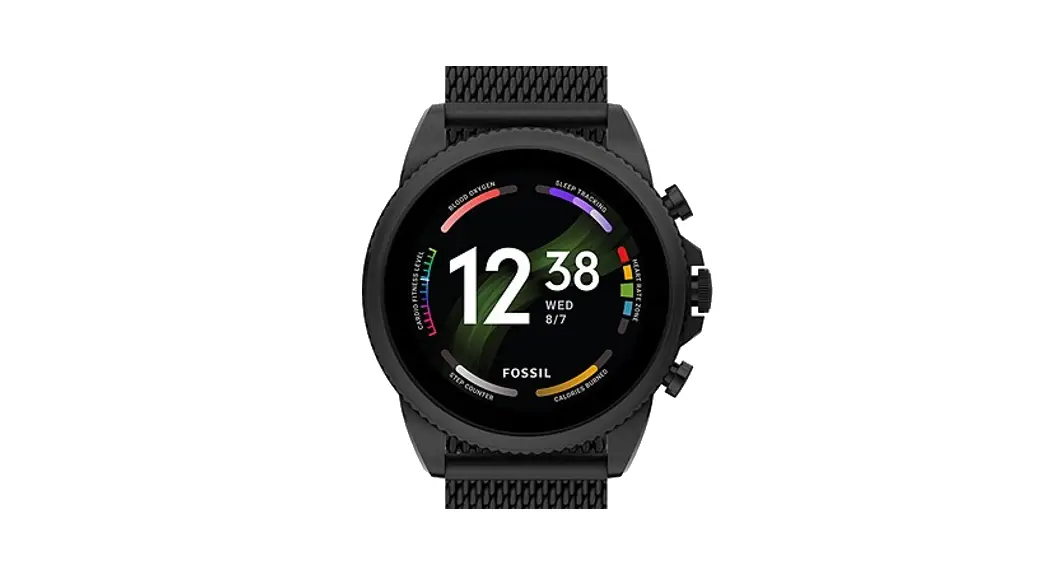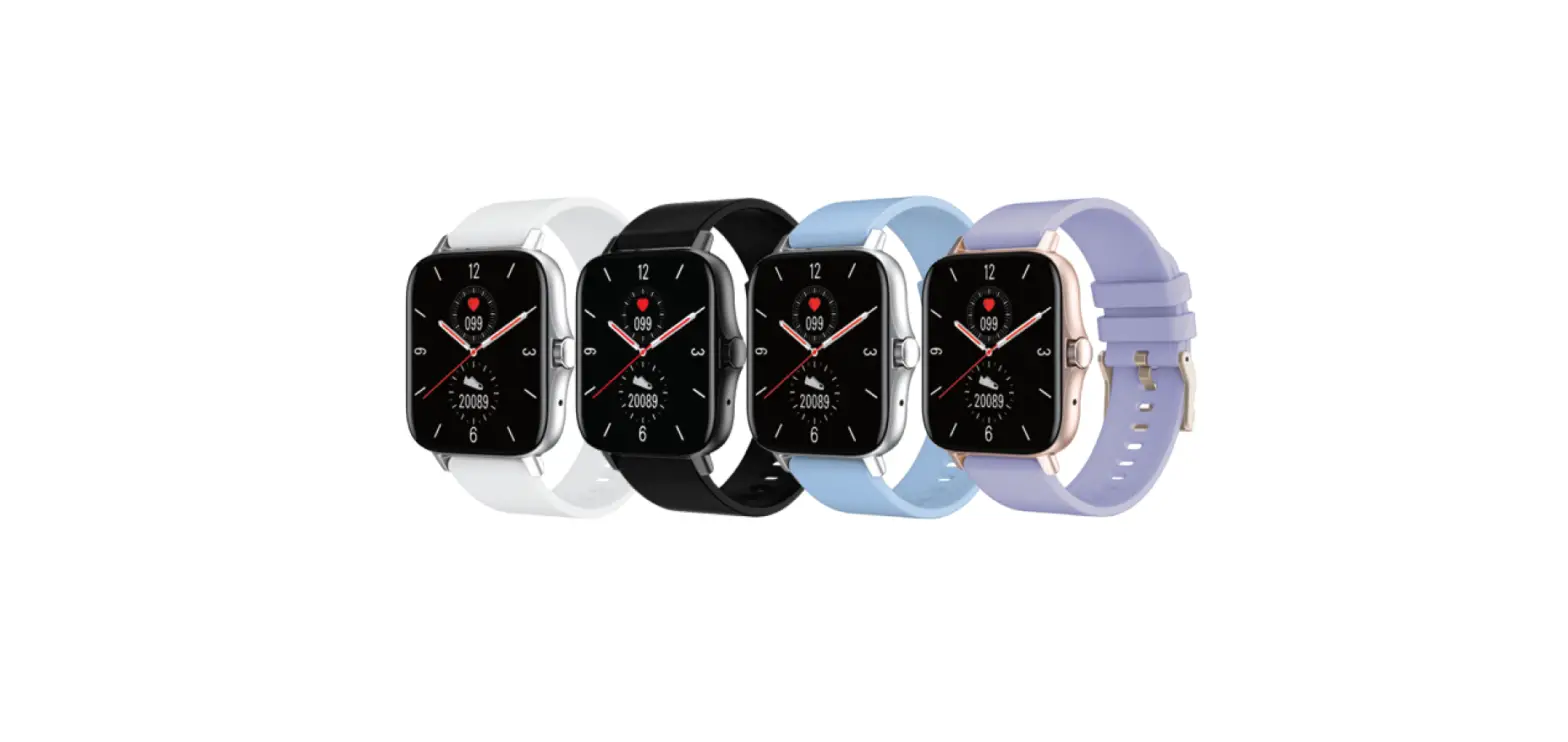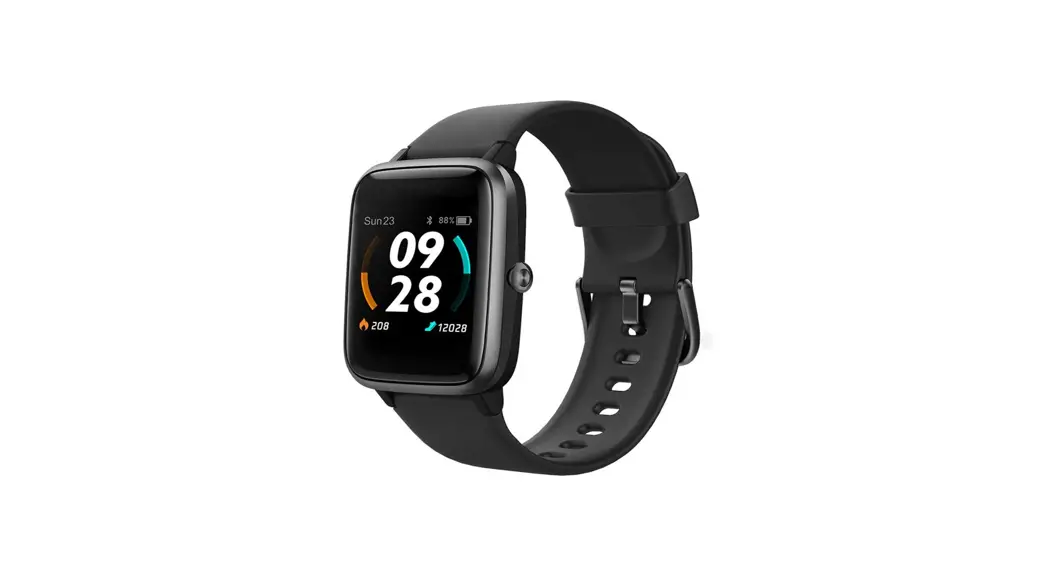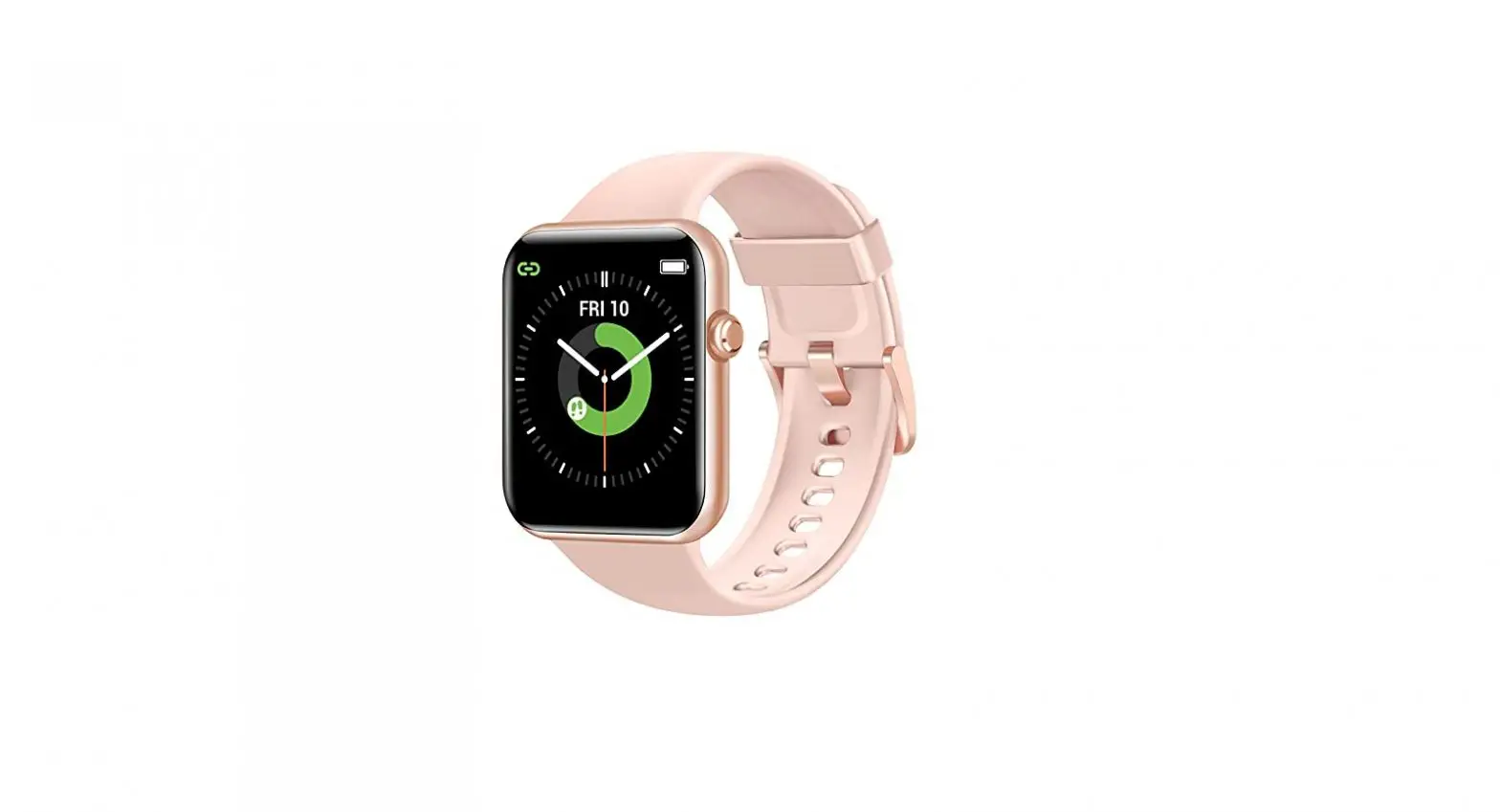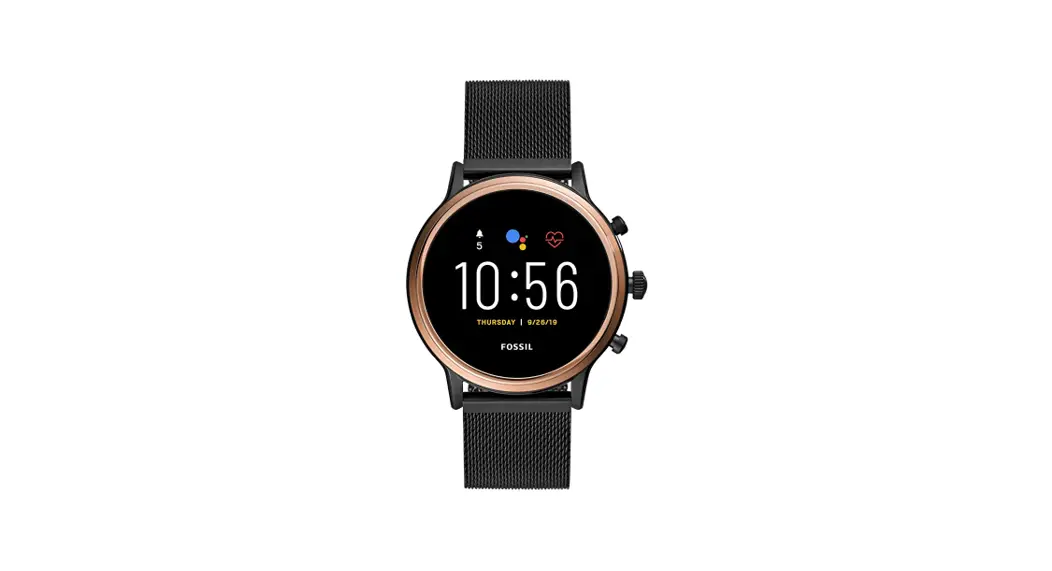

SMARTWATCHES
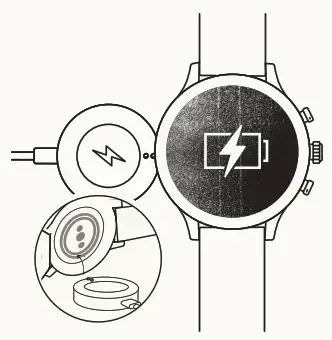
CHARGE & POWER ON
Connect your smartwatch to the included charger. Once it automatically turns on, tap the screen to begin and choose your language. Keep your smartwatch charging during pairing and setup.
NPUT: 5V 0.5A
0.5A
WARNING: To avoid damage to your watch, only use it with included charger cord. Do not use a USB hub, USB splitter, USB y-cable, battery pack or another peripheral device to charge.
DOWNLOAD & PAIR
On your phone, enable Bluetooth, then download the Wear OS by Google app. Open the app and follow the onscreen instructions to pair. Once paired, your smartwatch will give you an interactive tutorial.
Enable your LTE plan via the Wear OS by Google app on your phone or by visiting your mobile carrier’s website or local store. 
USEFUL TIPS
 Remember to turn on your phone’s Bluetooth and keep the Wear OS by Google app running in the background to ensure your watch stays connected.
 Continue to charge your smartwatch throughout the pairing process, as the initial setup can drain battery life.
 Connect your smartwatch to Wi-Fi to download updates. These can take a few minutes.
HELP & SUPPORT
 To learn more about the Google services on your watch, visit: support.google.com/wearos
  Visit support.fossil.com for how-to’s, troubleshooting, frequently asked questions & more.
- USB
- Bluetooth support.google.com/wearos
Wear OS by Google and Google Play are trademarks of Google LLC.
Google LLc
support.fossil.com
 Fossil - The Official Site for Fossil Watches, Handbags, Jewelry & Accessories
 Wear OS Smartwatches
 Fossil Support
 Google Help