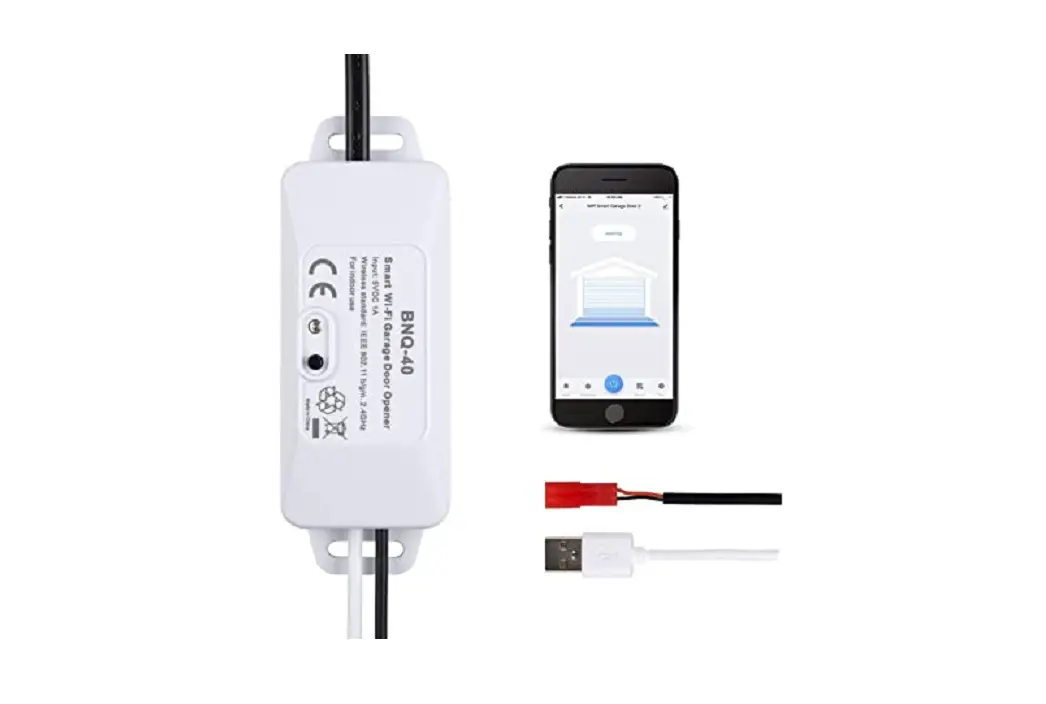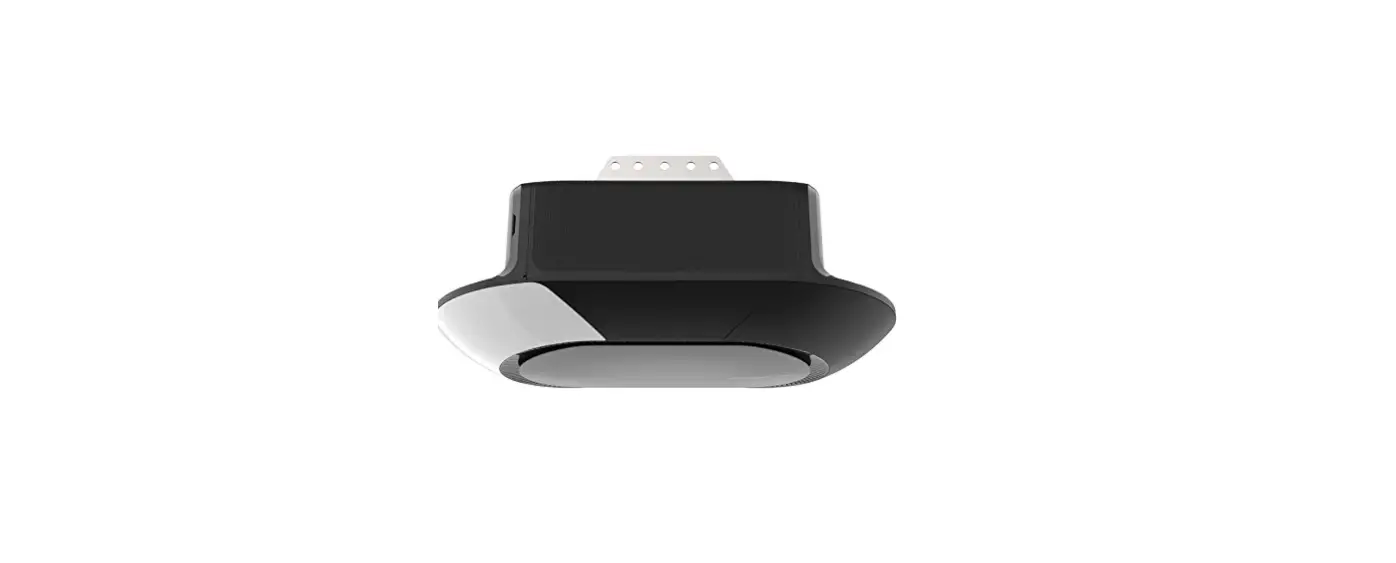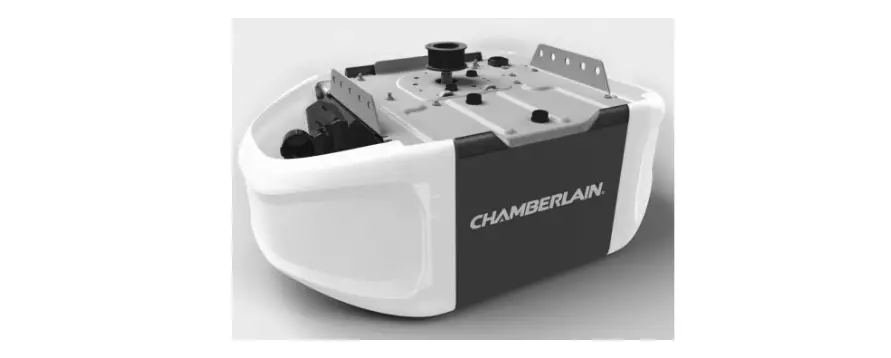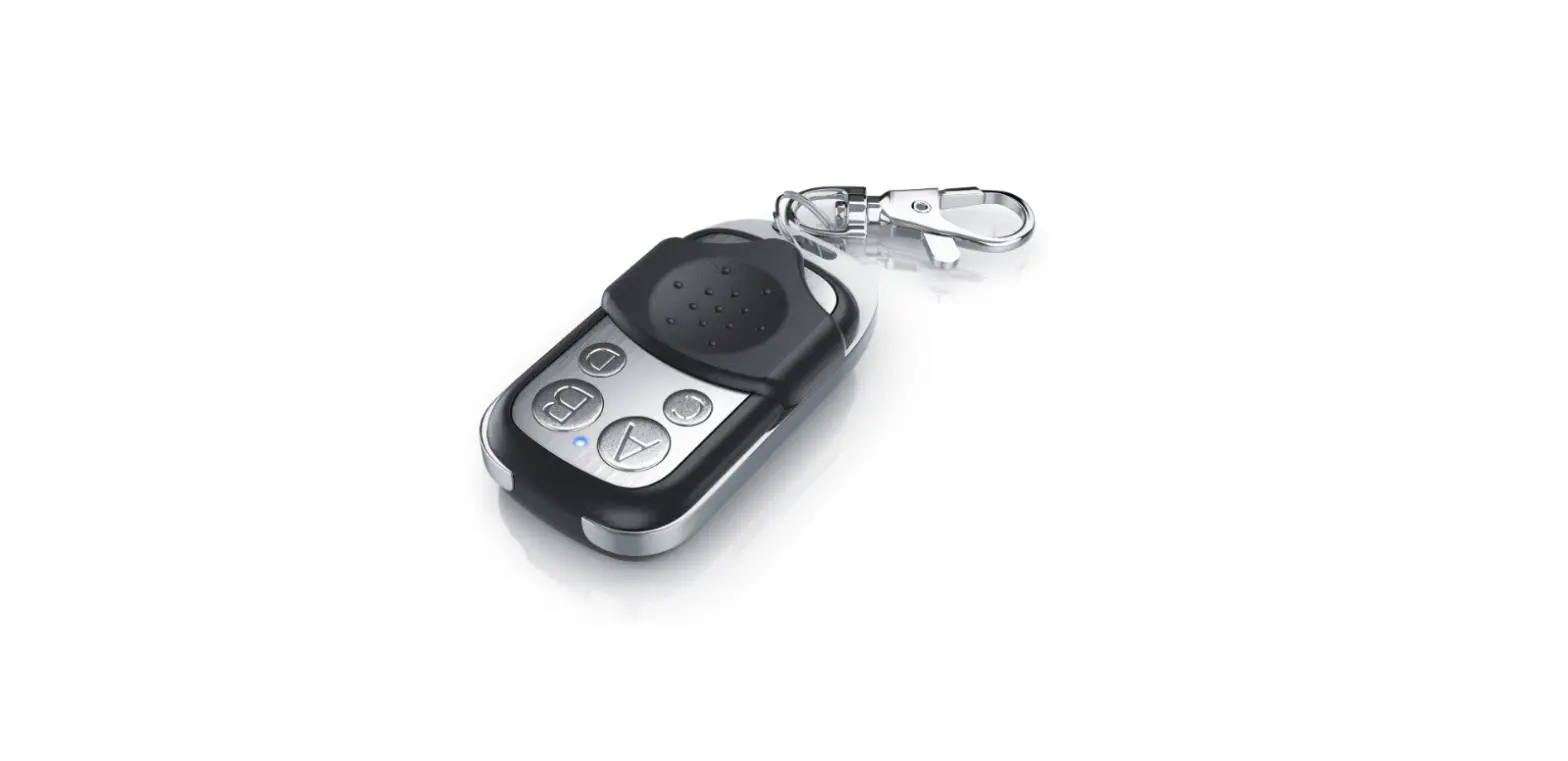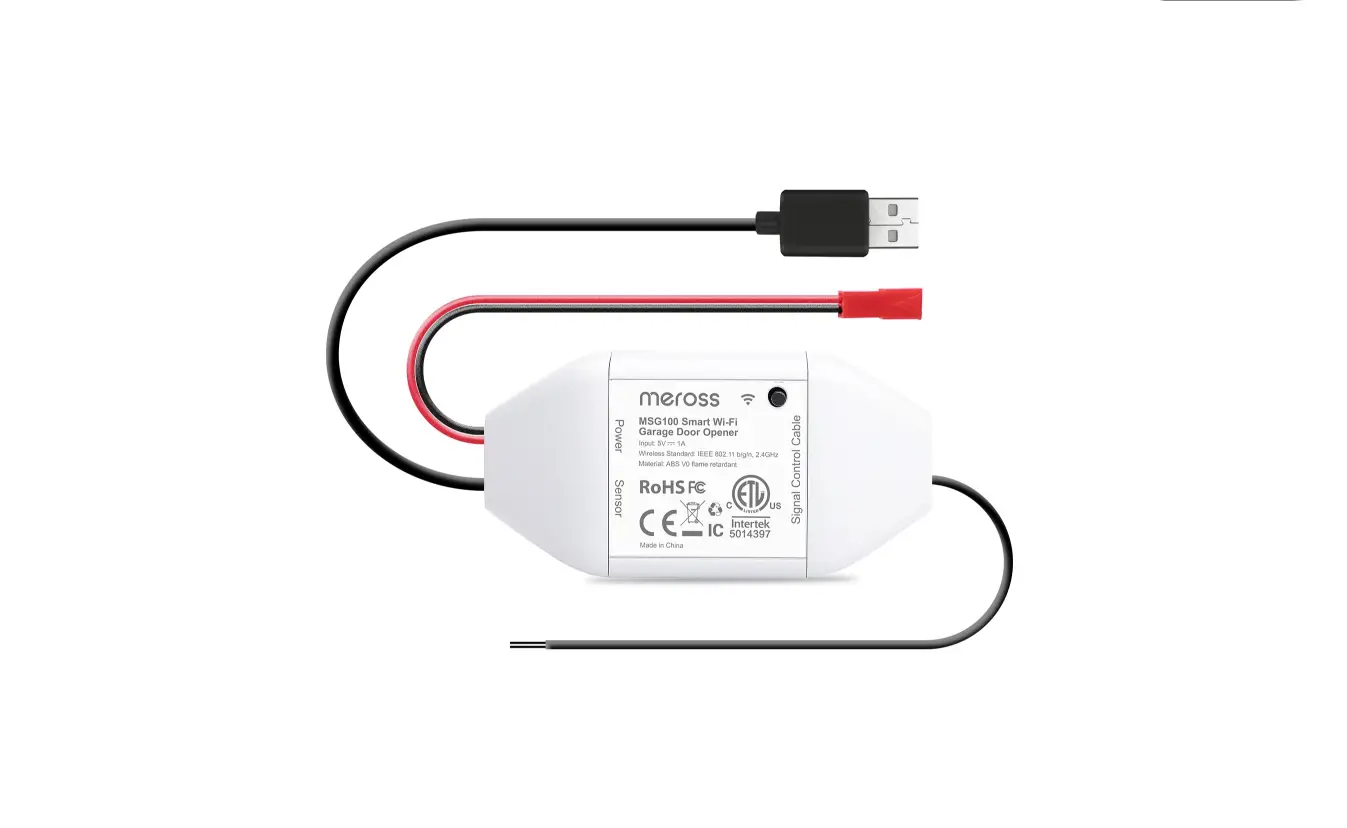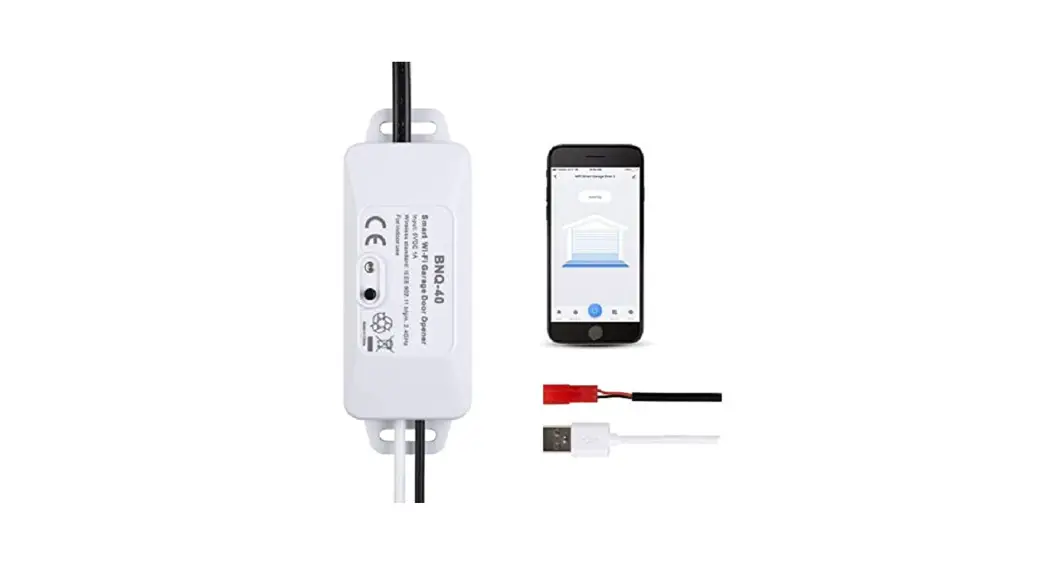
BNQ-40 Smart Garage Door Opener
 BNQ-40 Smart Garage Door Opener
User Manual
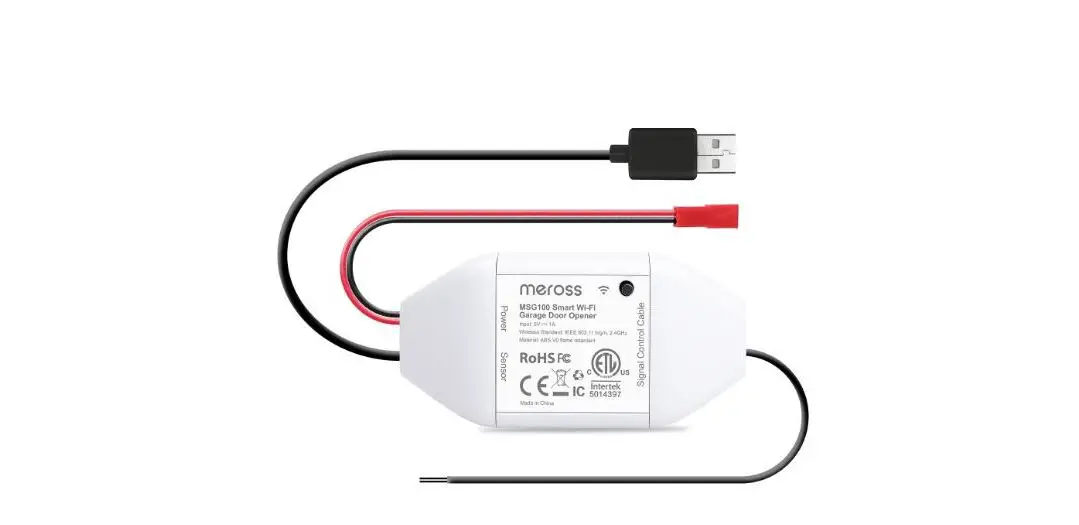
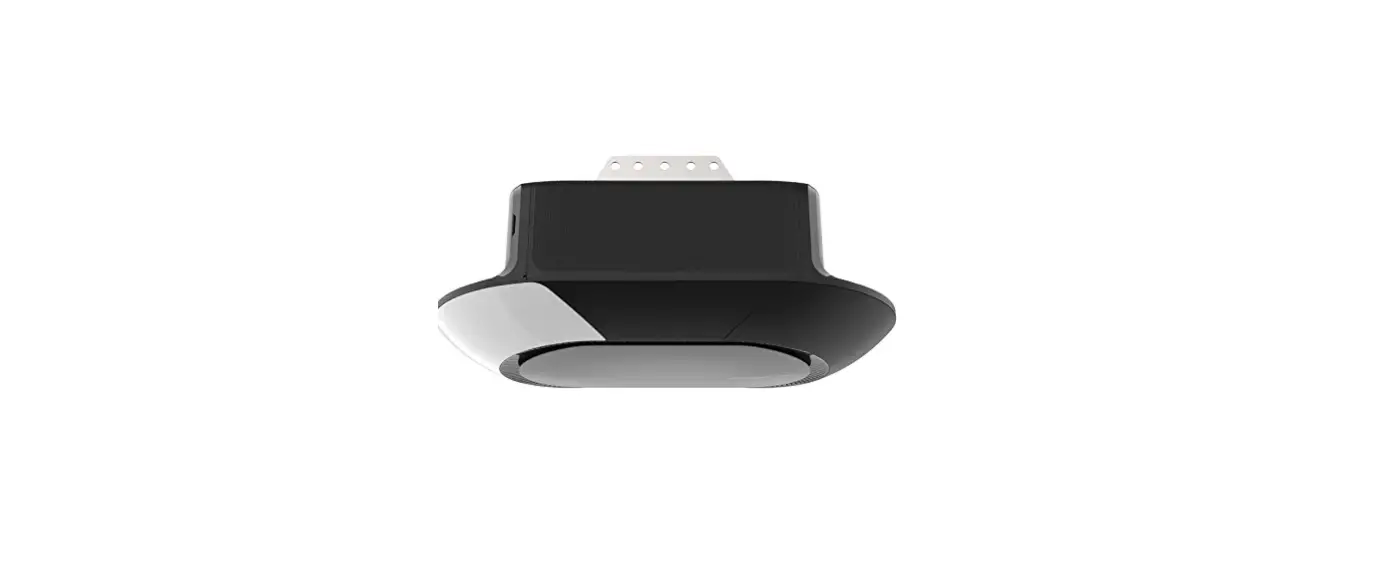
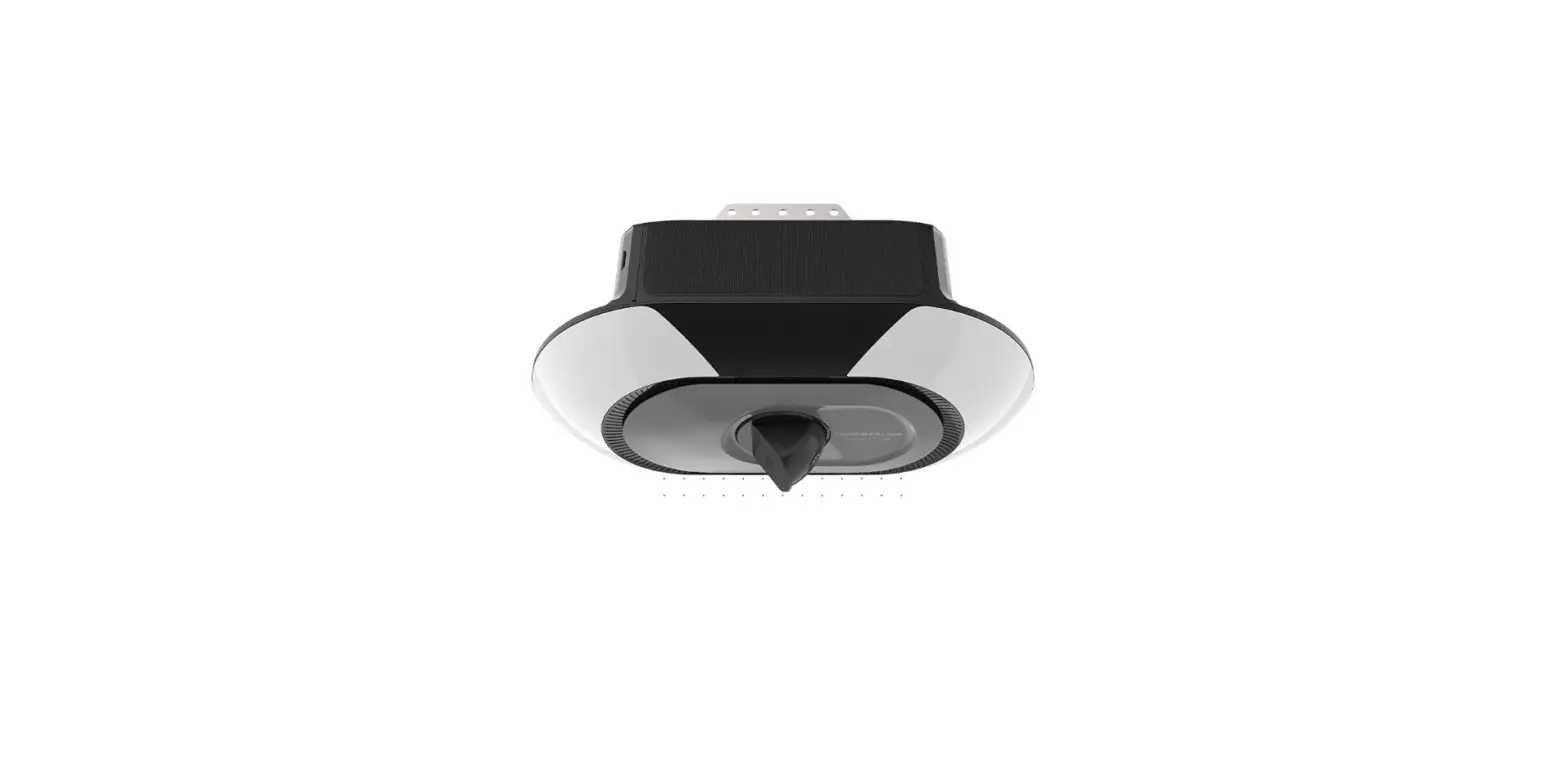
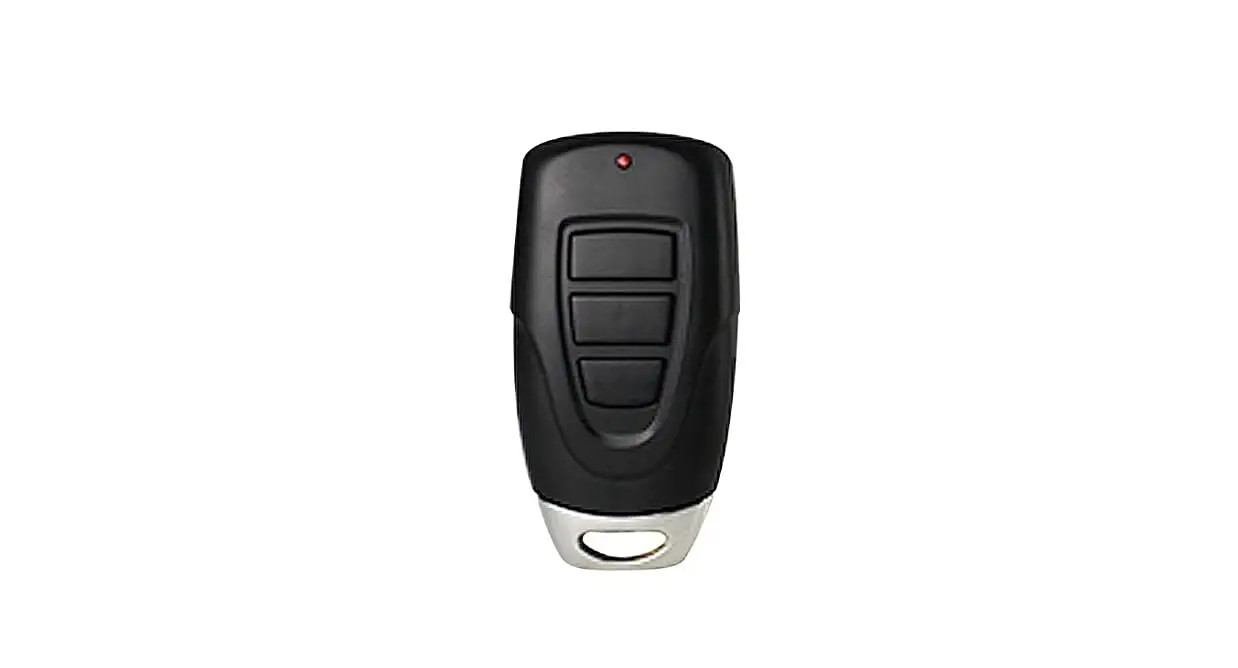
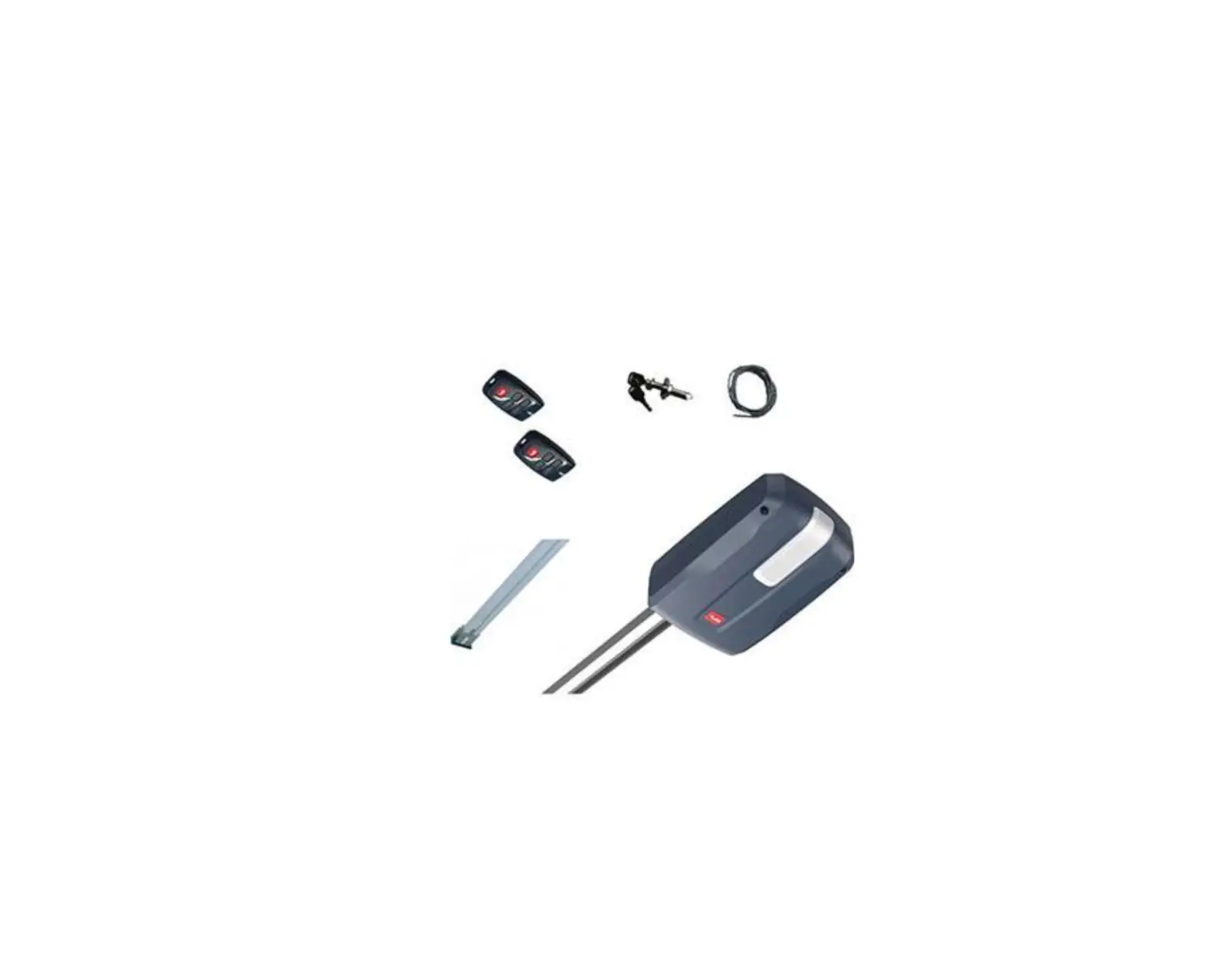
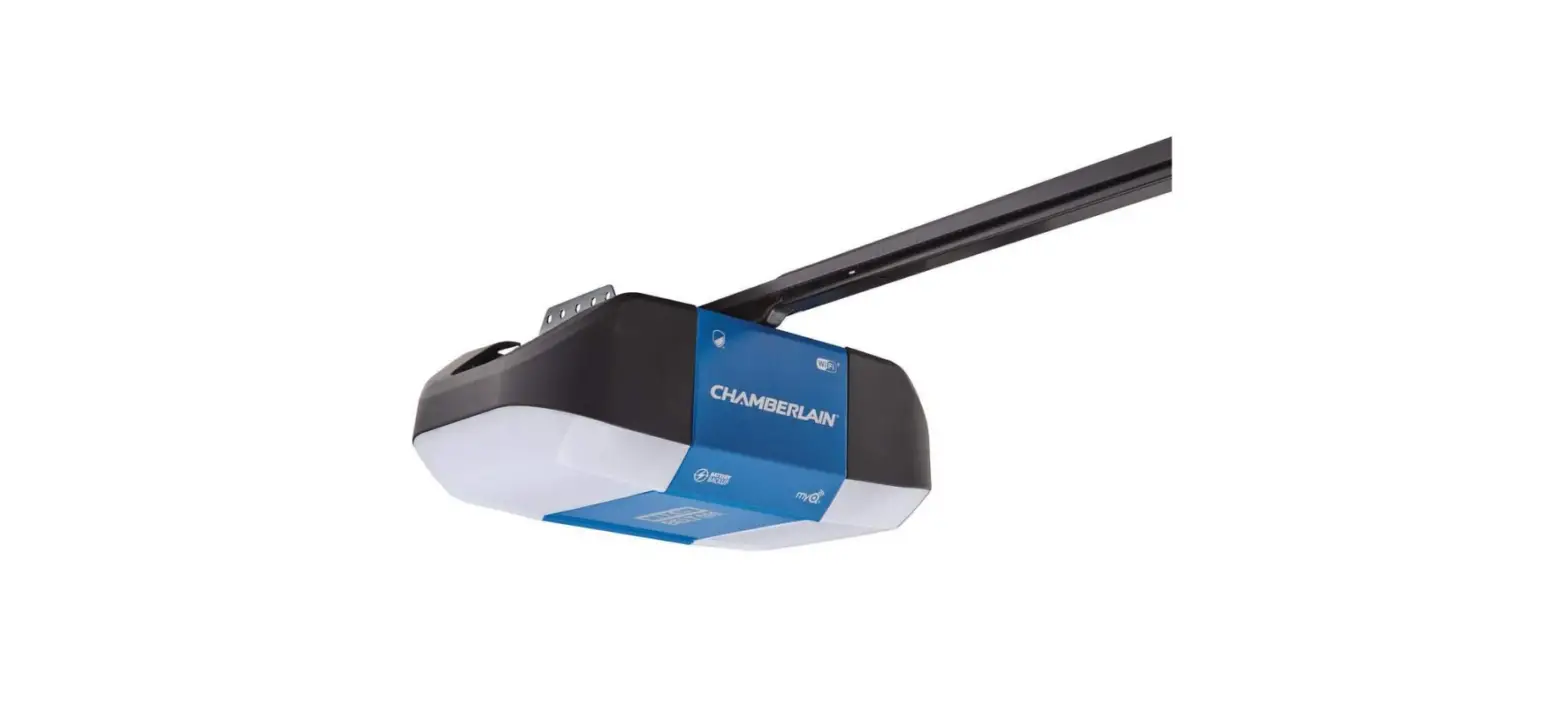
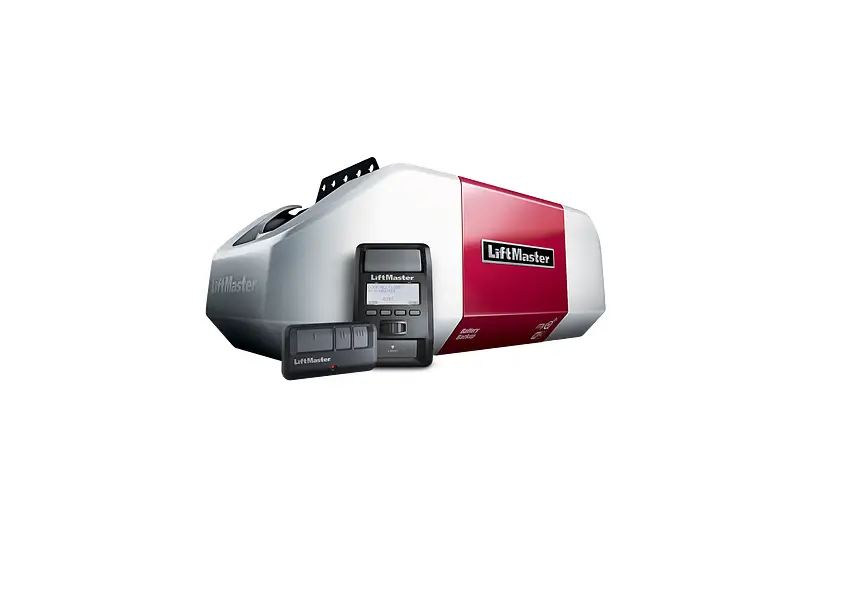
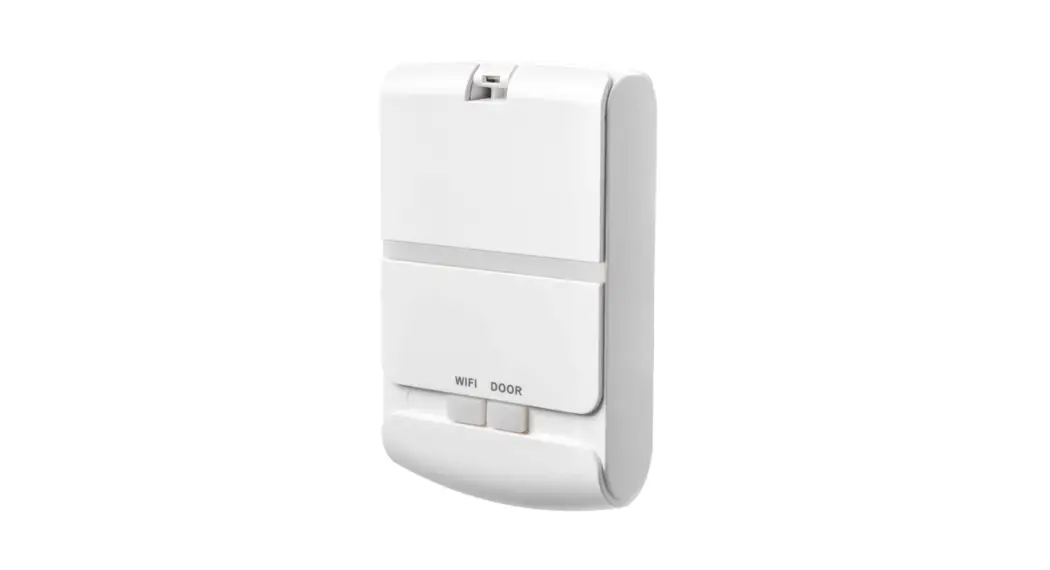
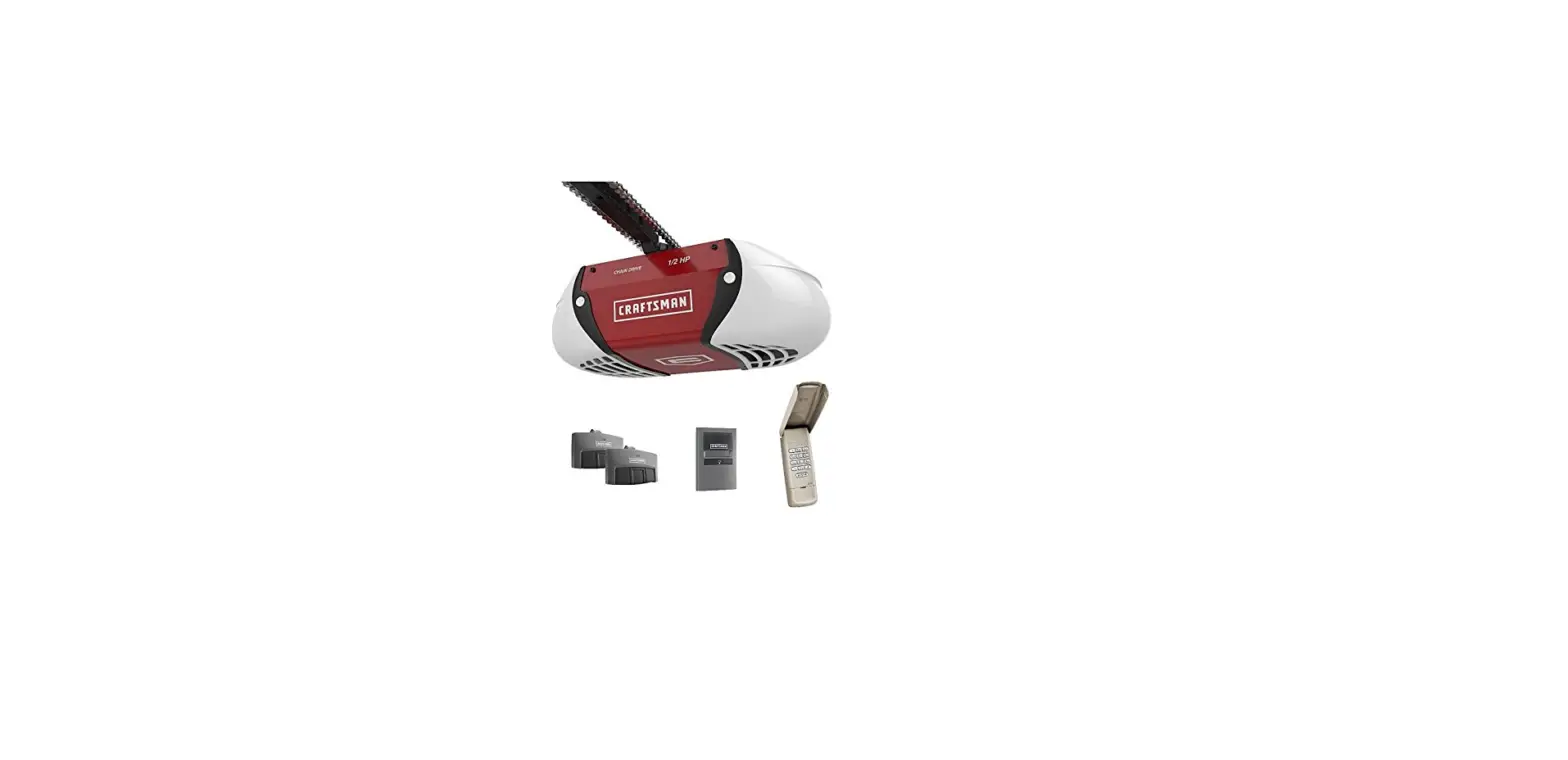
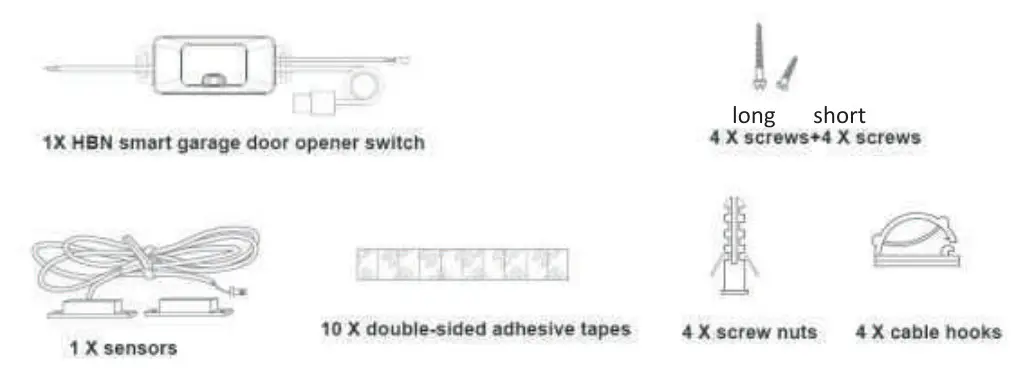
Main Parts & Accessories
How to install the sensors
Find a proper place on the garage door to mount the sensors, Please make sure that the distance between the two sensors is less than l inch (2. Sem) when the garage door is closed and two sensors are well separated when the garage door is open.
You can use the 3M sticker or screws to fix the sensors. Before fixing the sensors. Make sure the sensors work well and the fixing point is in the right place 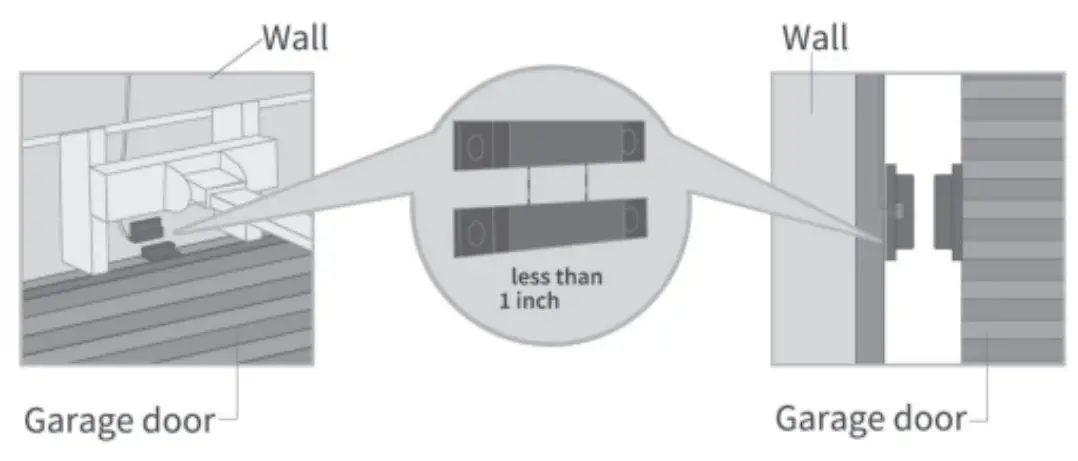
How to wire
The HBN smart garage door opener is the companion device of the existing garage door opener Its main working principle is as follows:
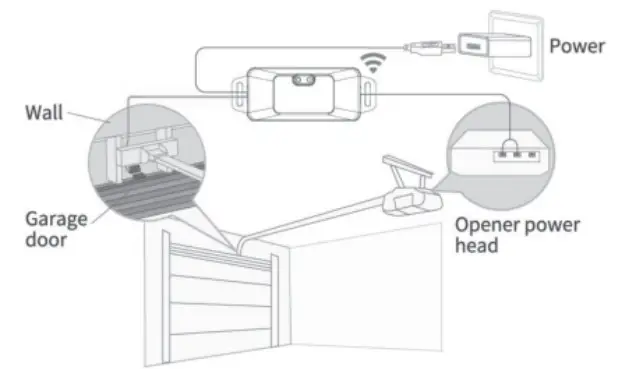
You can choose either of the below methods to install the smart garage door opener.
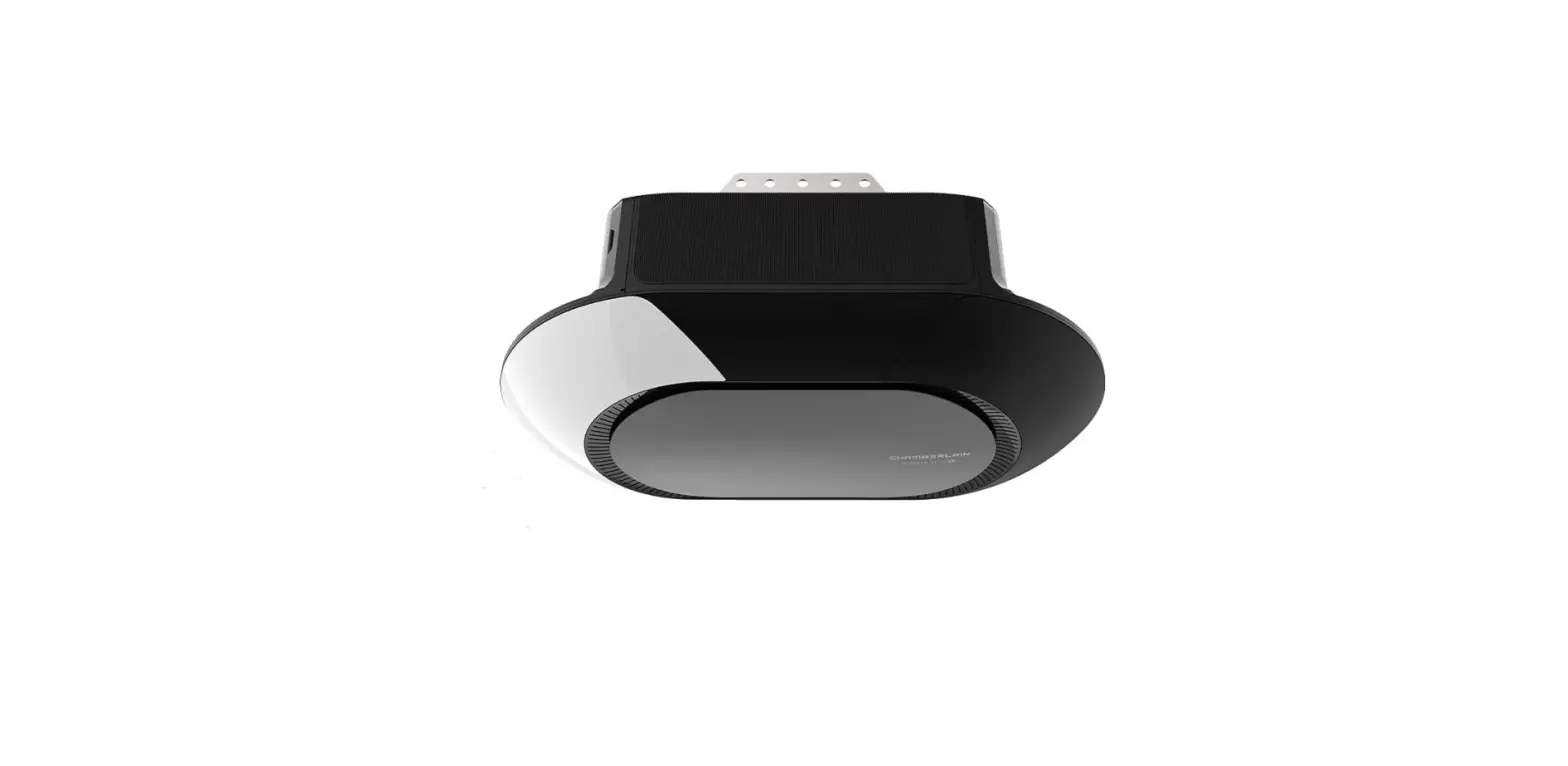
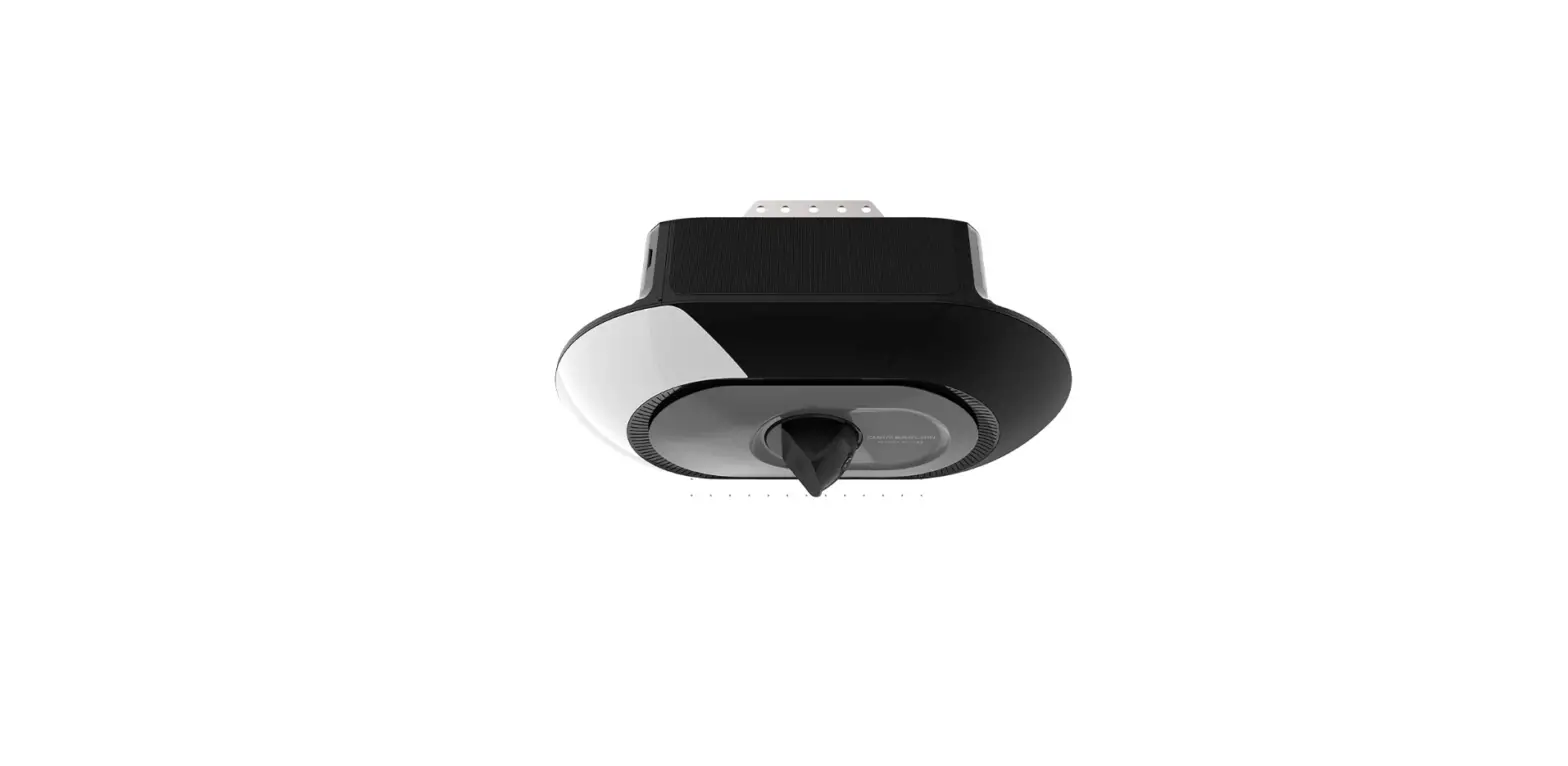
A. Install with GARAGE DOOR OPENER motor controller directly
a. Find a proper place on the garage wall and use a 3M sticker or screws to fix the smart garage door opener.
b. Open the existing GARAGE DOOR OPENER power box, and connect the signal control cable of the smart garage door opener to the terminals connecting to the wall button. (no wire order required) 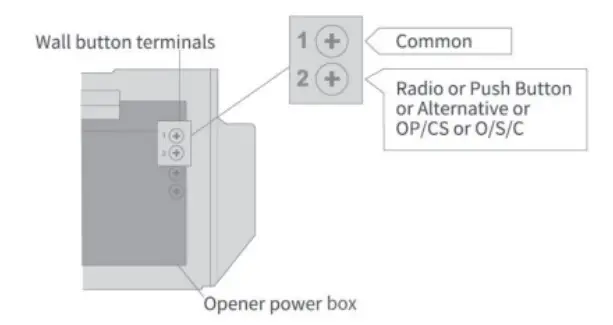
c. Restore the existing opener power box
B. Parallelly install the HBN mart garage door opener to the existing wall button
You can also choose to install the HBN smart garage door opener parallel to an existing wall button following the below steps
a. Find a proper place on the garage wall to fix the smart garage door opener
b. Open the existing wall button, and connect the signal control cable of the smart garage door opener to the two wall button terminals. (no wire order required) 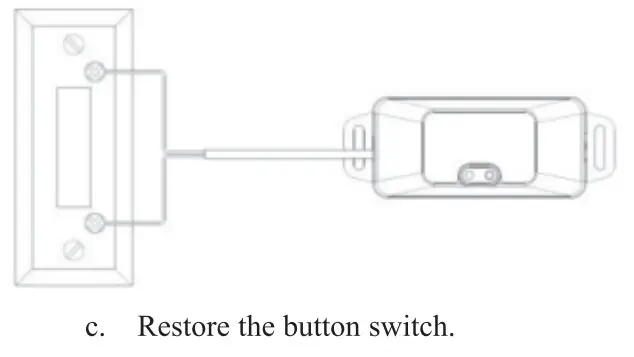
Control the opener from your smartphone
A. Download the HBN Smart” app from App Store or Google Play.
CONTROL FROM ANYWHERE
B. Power ON the smart garage door opener
C. Launch HBN Smart” app and sign in with your account.
D. Press and hold the push button on the smart garage door opener for about S seconds and then release it, the indicator will blink quickly
E. Add the device in the app: You can manually select the device or have the app search it 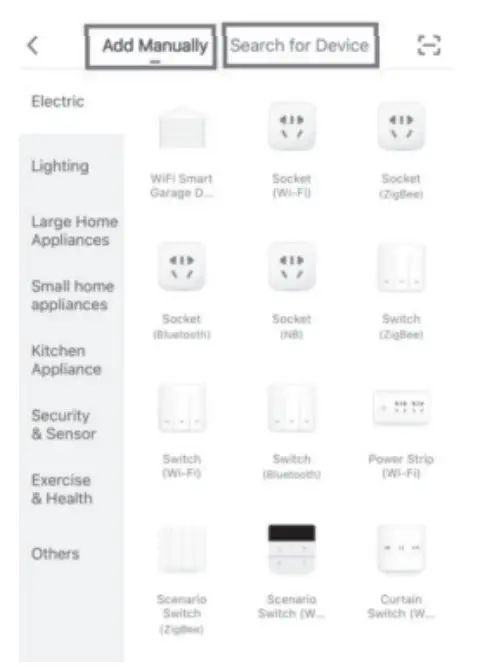
F. To add the device manually, find the WiFi smart garage door opener” in category Electric” and follow the instructions.
You can add the device in regular mode or in AP mode
After completing all the above steps, power on the existing garage door opener system. Then you can use HBN Smart Garage Door Opener to control and monitor your garage door anywhere from your smartphone 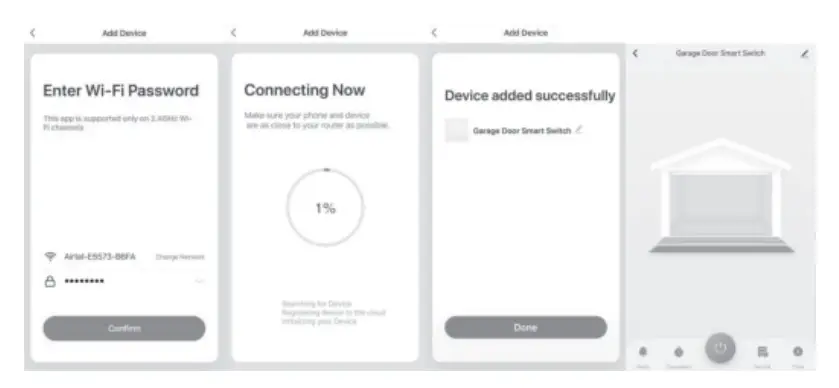
Main Features
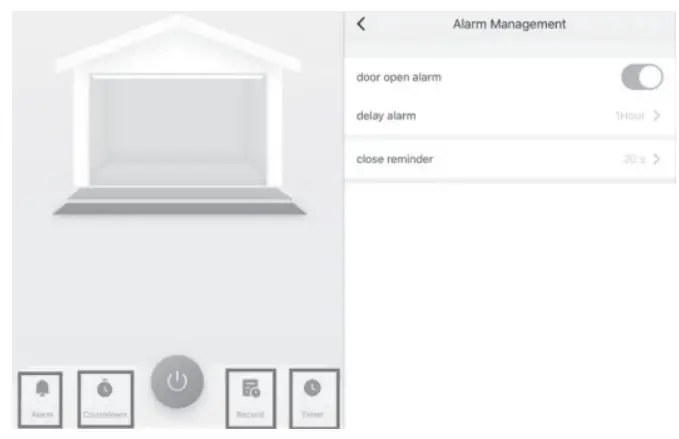
| A. Door open notification | E. Open/close log |
| B. Time-out notification | F. Timed open/close |
| c Door closing reminder | G. Works with Alexa |
| D. Countdown close/open | H Works with Google Assistant |
FAQ
Any questions about the Smart Garage Door Opener please feel free to contact
Email [email protected]
- Can l manage multiple smart garage door openers with one APP One smart garage door opener controls one garage door only, but you can manage multiple sm garage door openers from one app
- What shall I do when my app is unable to control the existing smart garage door opener!
Please try the below measures
A. Check that the Wi-Fi and router are working well with access to the internet.
B. Check that the access password of the Wi-Fi network is correct
C. Reset the device and start over