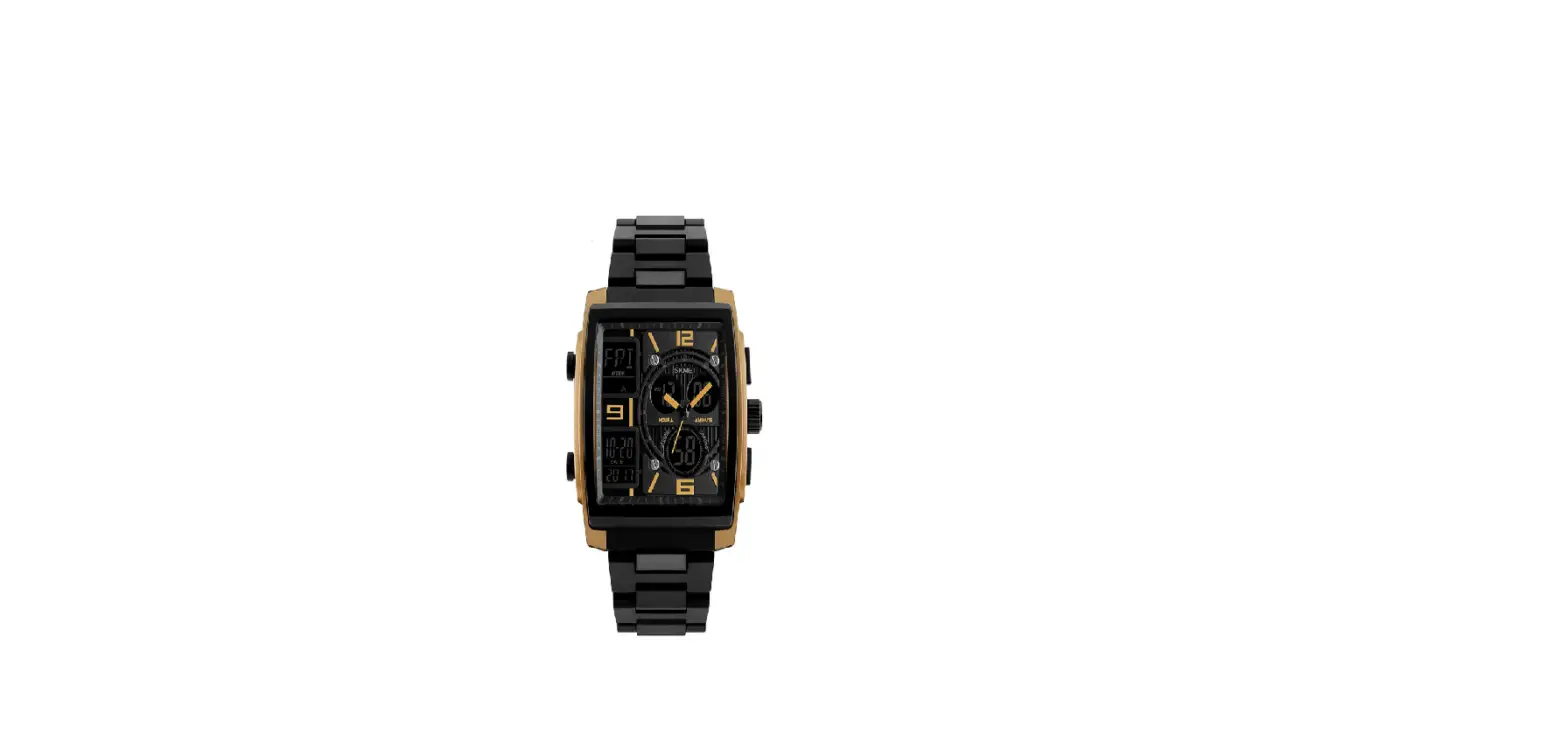
 1016 Men’s Waterproof Running Dual Quartz Watch
Instruction Manual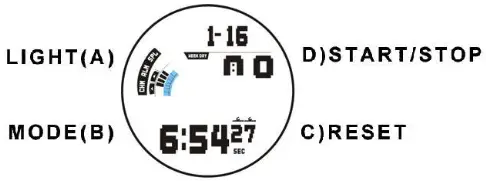
A. Features
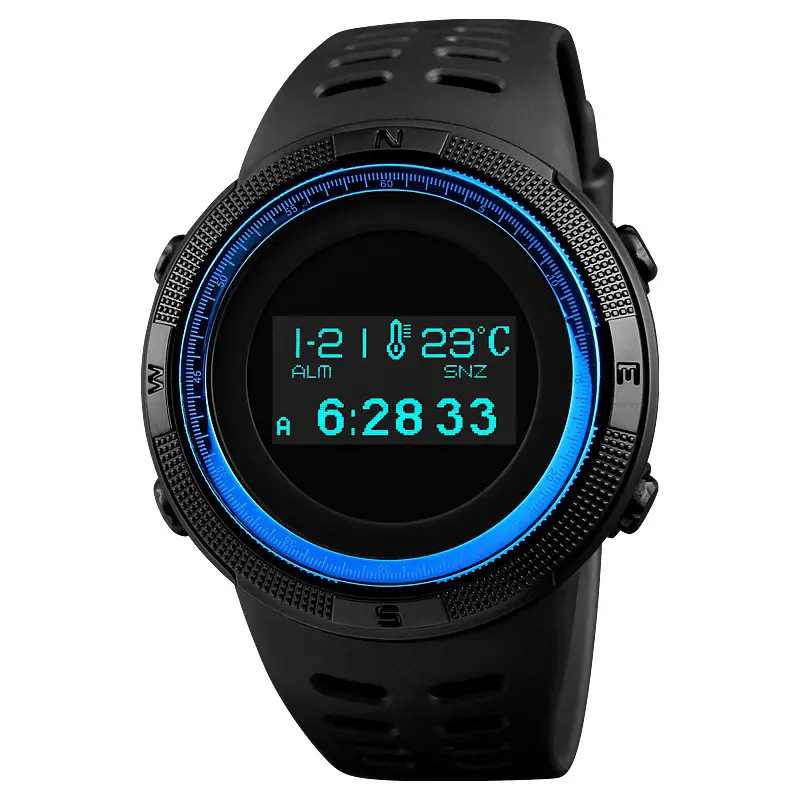
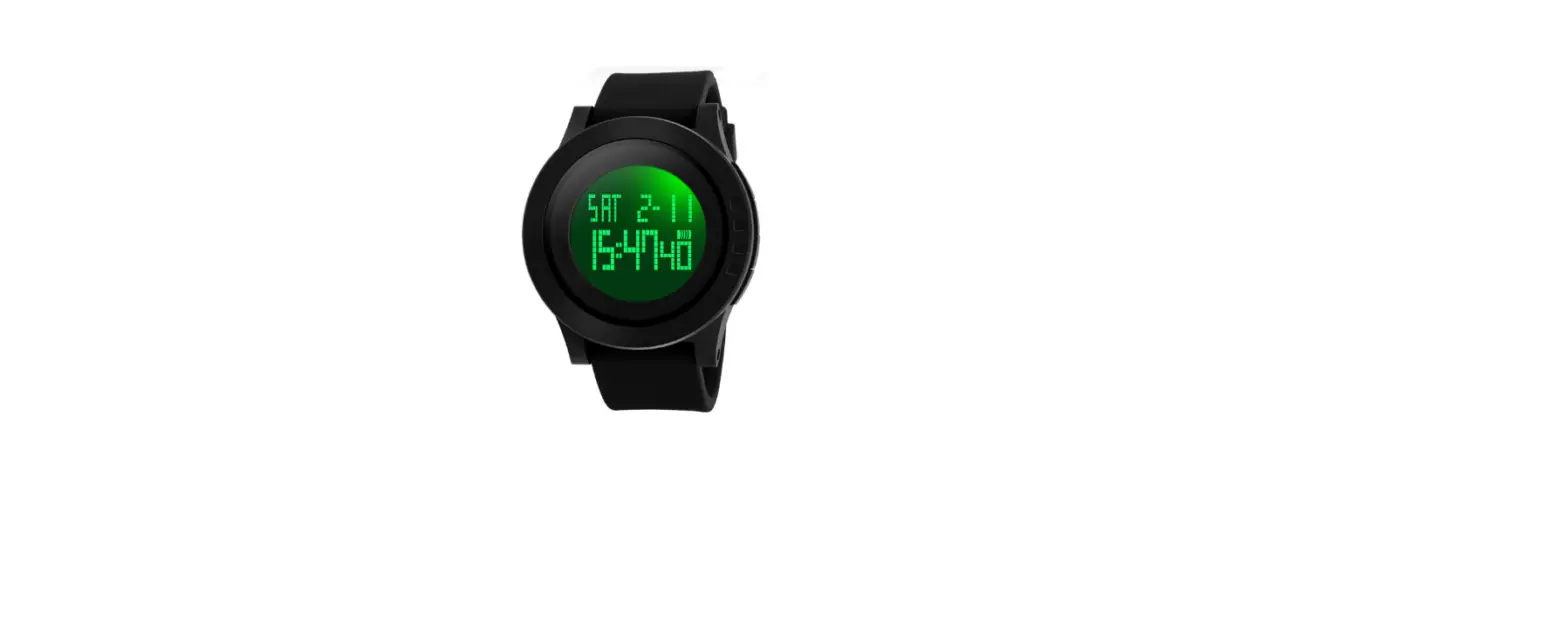
- 12 Digits LCD Display,Display Hour ,Minute ,Second ,Month ,Day and Week
- Daily Alarm and Chime hourly
- 12 / 24H format, Auto Calendar
- 1/100 second Chronograph with split functions
- EL backlight
B. Operational Manual
- In any Mode Press A Key for LED light ON for 3s
- Press B key to convert the mode as following:

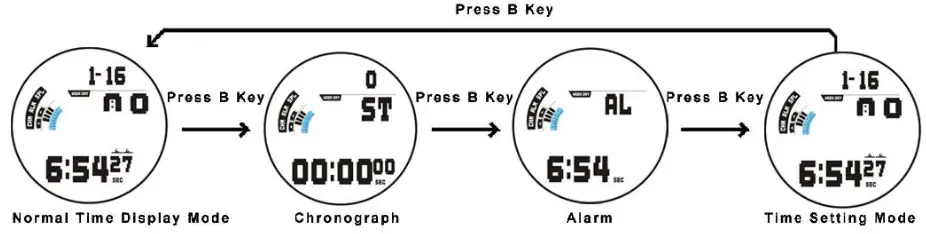
Chronograph function
In normal display mode: press B key once, enter Chronograph mode
- Press D key once to start, press D key again to suspend.When suspend, press C key back to 0:00:00.
- In Chronograph mode, press D key to start, press C key enter into split function.press C key again to get the record and the stop watch still processing in the back ground. Press D key to suspend.press C key back to 0:00:00
Alarm Setting
- In normal display Mode, press B key twice to the Alarm mode
- Press C key the Hours will flash, press D key the adjust the Alarm Hours.
- Press C key again the Minutes will flash , press D key to adjust the Alarm Minutes
- Press B key to exit.
Alarm&Chime ON/OFF
In normal display mode press B key twice enter the alarm mode,press D key to ON/OFF the Alarm and Chime function , If only “ALM” icon ON means when the time is alarm time will chime;if only “CHM” icon ON,means every Hour will chime;if the two icon ON means in alarm time and every Hour will chime.
Time & Date Setting
In normal display Mode, press B key three times to enter time setting mode and the icon of seconds will flashing. Press D key to zero.
- Press C key and the icon of Hours will flash. Press D key to reach the correct Hours (Pay attention: A/P/H,”A” means “AM”, “P” means “PM”,“H” is 24 hour format)
- Press C key and the icon of the Minute will flash. Press D key to reach the correct Minutes.
- Press C key and the icon of the Month will flash. Press D key t o reaches the current Month
- Press C key and the icon of the Date will flash. Press D key to reach the current date
- Press C key and the icon of the week will flash. Press D key to adjust the day
- Press B key to exit.