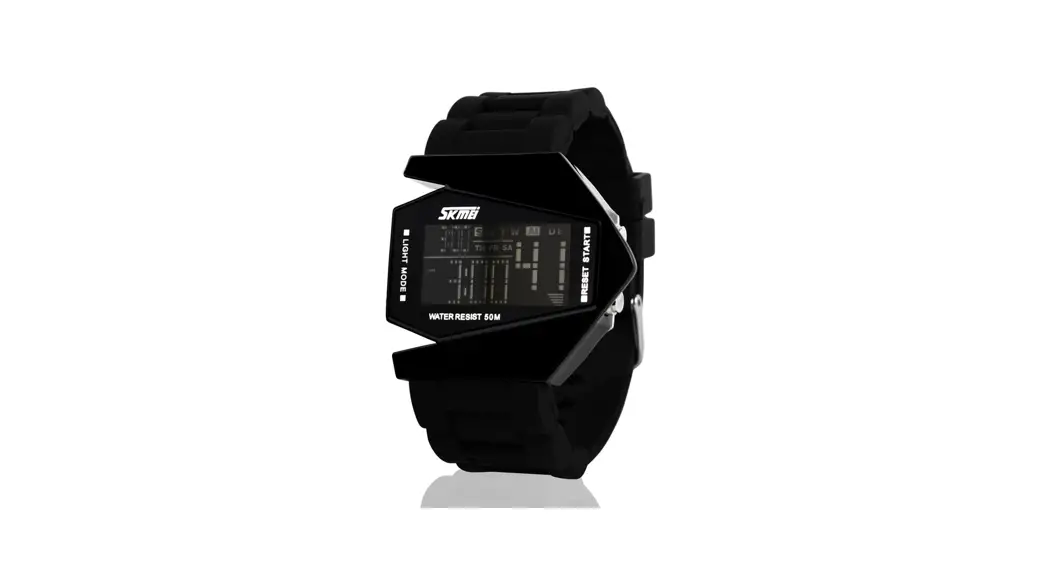
 1141 Elegant Stylish Watch
Instruction Manual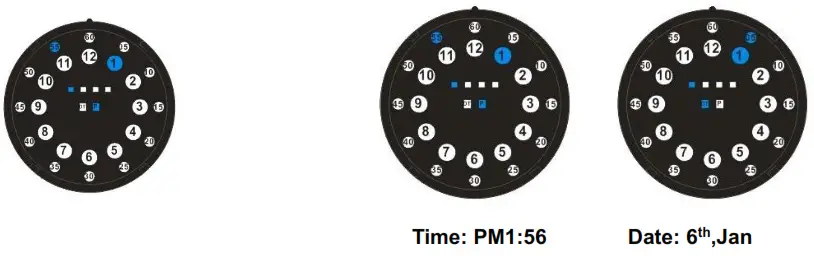
1141 Elegant Stylish Watch
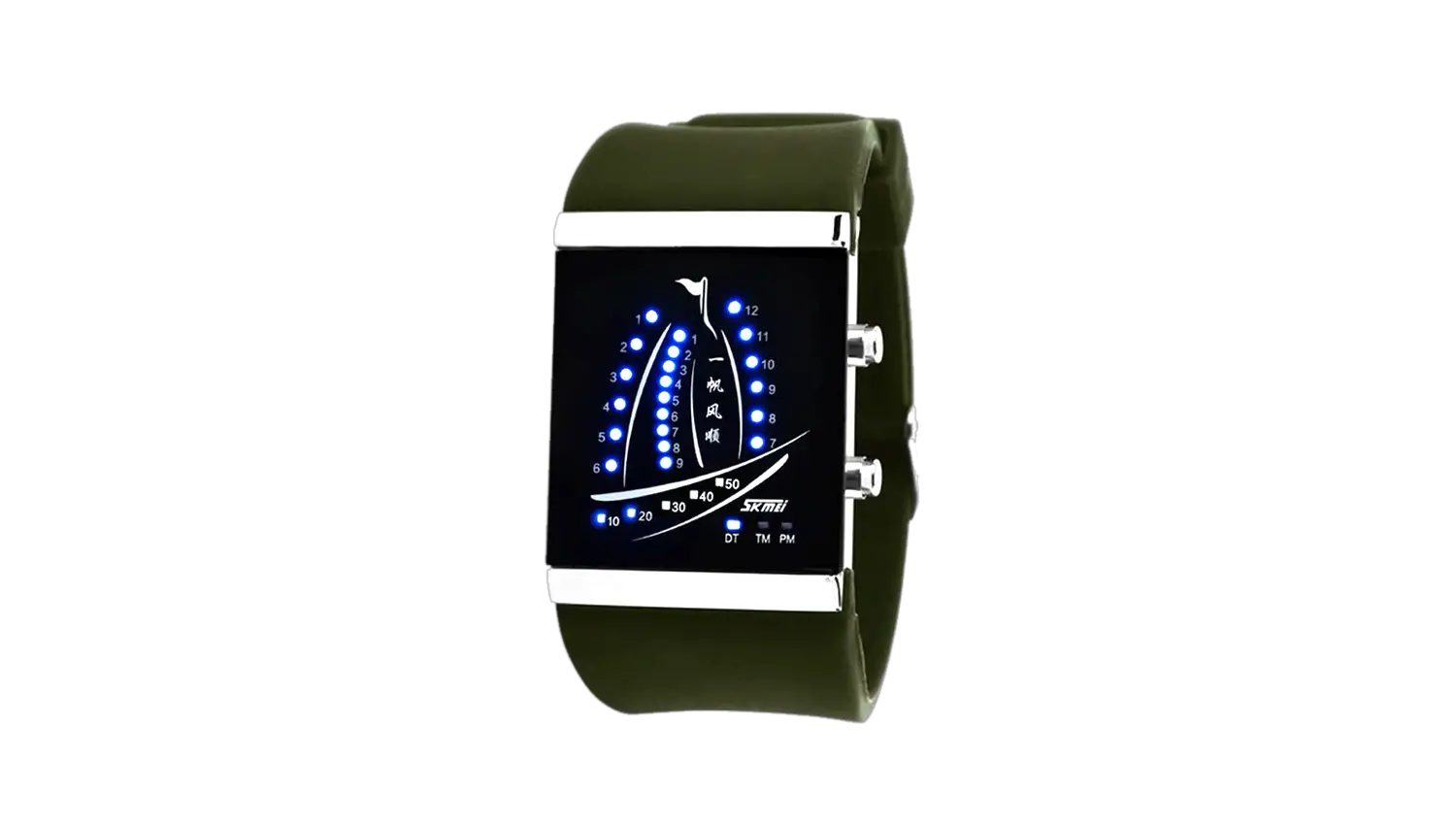
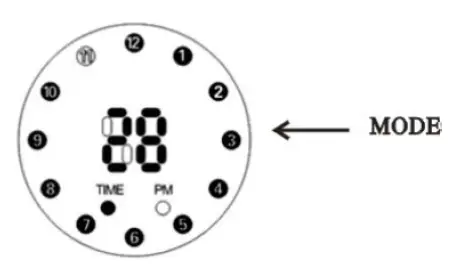
External circular 05-60 said minutes parameters; Semi-atuo 1-12 says hours parameters; Among the four pane ranks 1-4 minutes, said the following two squares left for the date icon, right for the afternoon icon
Functional description:
- Normal display mode: display hours and minutes.
- press “S2” a display time, press two to display the date
- “S1” for setting key.
Time Settings
In standby mode under the S1 / S2 display the time, then press “S1” into the time setting mode and hours of Numbers will be flashing,
- press “S2” change hours;
- press “S1” minutes flashing, press “S2” change minutes;
- press “S1”, month flashing ,press “S2” change month;
- press “S1” date flashing, press “S2” change the date;
In any display modes such as five seconds without buttons operation will return to standby mode.