

Mobile Mapping Software
User Guide
OVERVIEW
PointMan is a patented mobile mapping software application that captures, records, and displays the precise location and the associated metadata to subsurface and surface infrastructure. In addition to a full interface with popular GPS products, it also supports the LaserTech TruPulse rangefinders.
Compatible products
- TruPulse 360/R
- Pointman ver 5.2
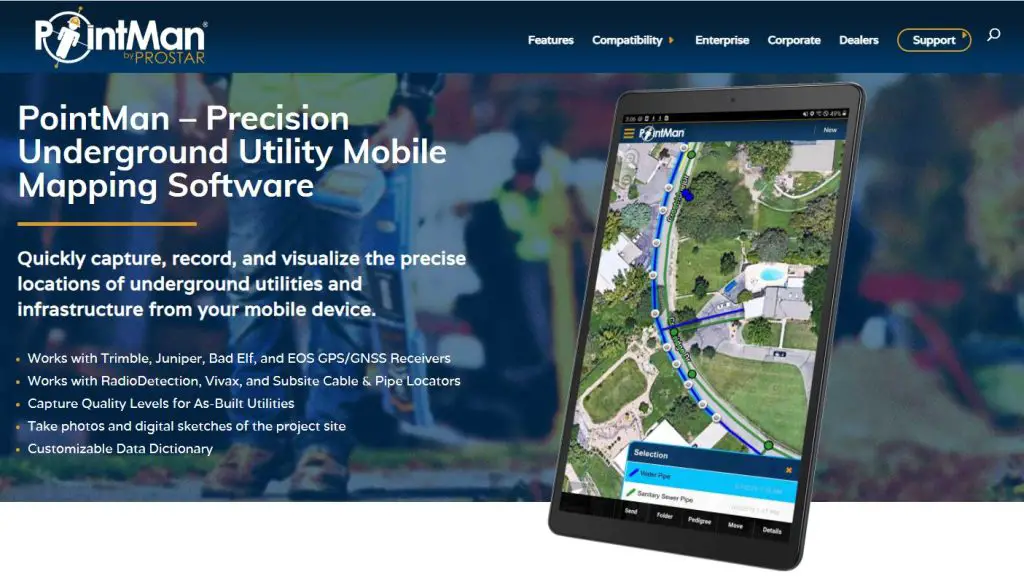
Type of Laser Methods available in Pointman
- Distance/Azimuth
- Measure Slope Distance, Inclination & Azimuth
Start Pointman and Connect Laser
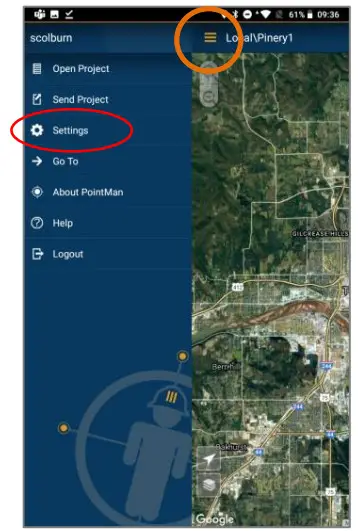
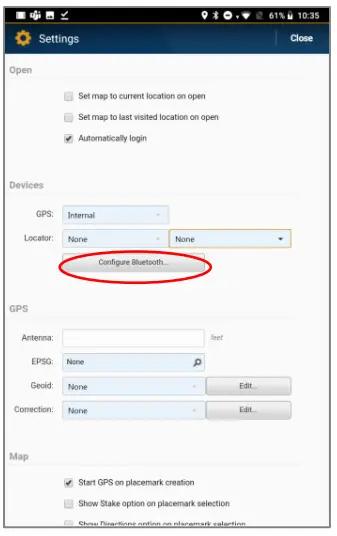
| 1. TAP MENU Tap Settings To configure TruPulse | 2. TAP Configure Bluetooth |
 |  |
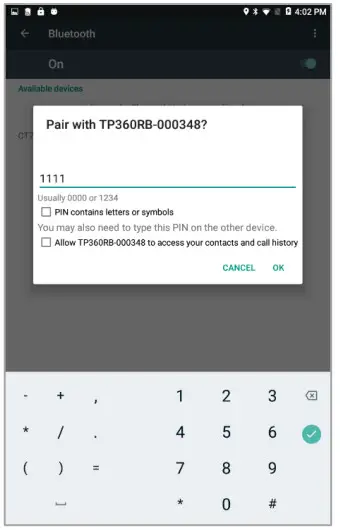
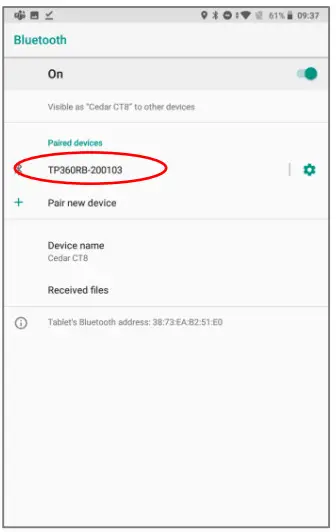
| 3. PAIR With Laser Passcode = 1111 | 4. CONFIRM Pairing Tap the Back button on device to return to app |
 |  |
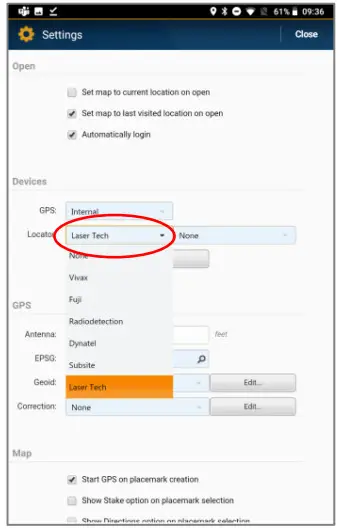
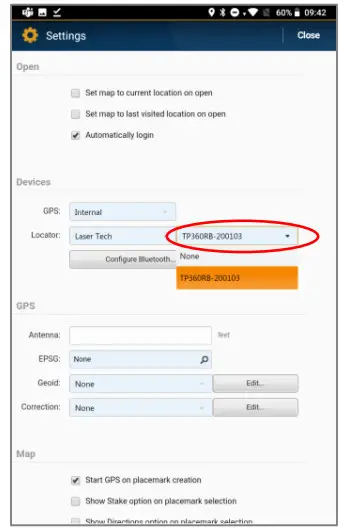
| 5. TAP LOCATOR Select Laser Tech | 6. TAP NAME Select TruPulse |
 |  |
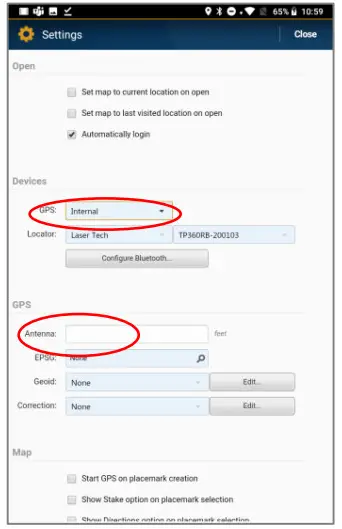
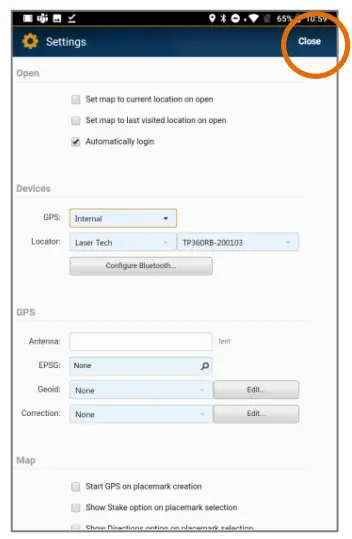
| 7. TAP GPS Select type Antenna Height = Laser Height | 8. TAP CLOSE After Configuring GPS and Laser Settings |
 |  |
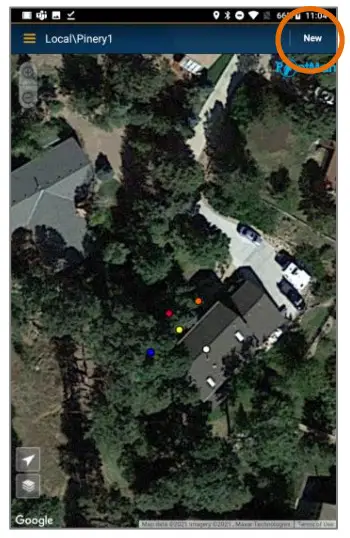
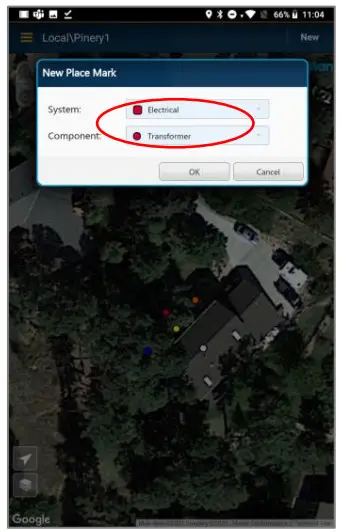
| 9. TAP NEW | 10. SELECT POINT Feature Type GPS button at bottom will turn Yellow |
 |  |
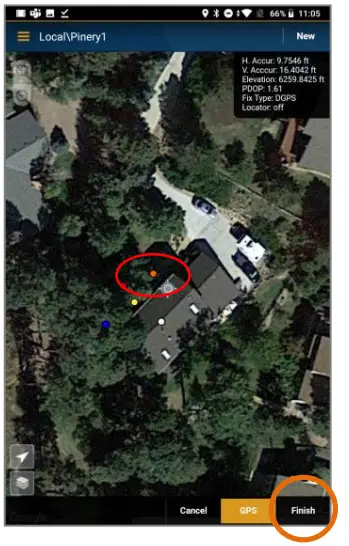
| 11. FIRE LASER At Feature Chirp will sound TAP FINISH | 12. FEATURE DISPLAYED Tap X to close the window |
 | 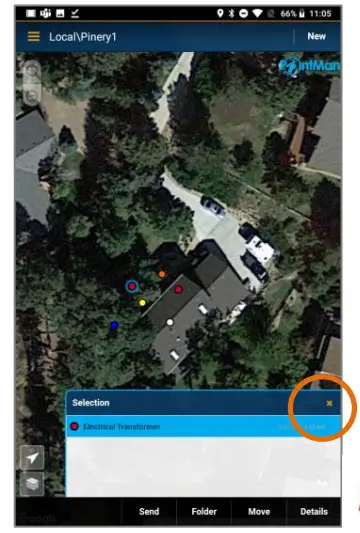 |
| 13. TAP NEW | 14. SELECT LINE Feature Type GPS button at bottom will turn Yellow |
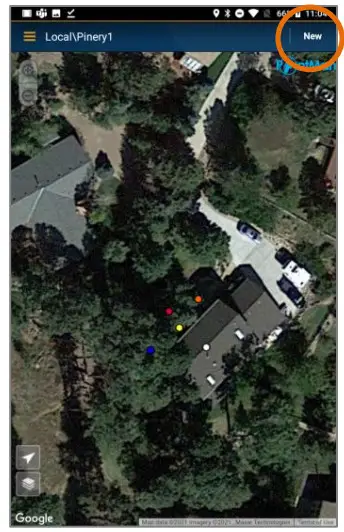 | 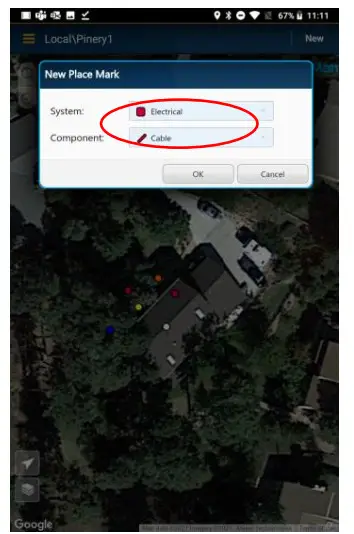 |
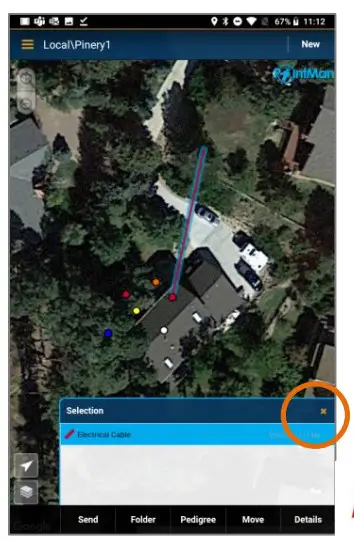
| 15. FIRE LASER At Points on Line Chirp will sound for each TAP FINISH | 16. FEATURE DISPLAYED Tap X to close the window |
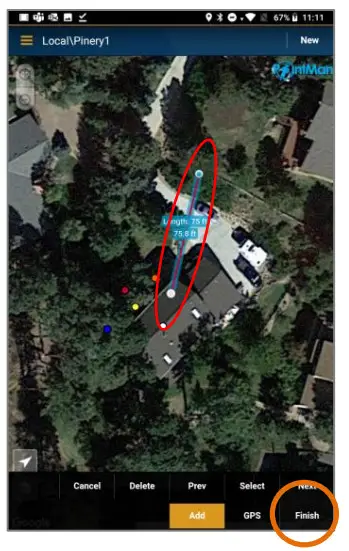 |  |
Product Resources
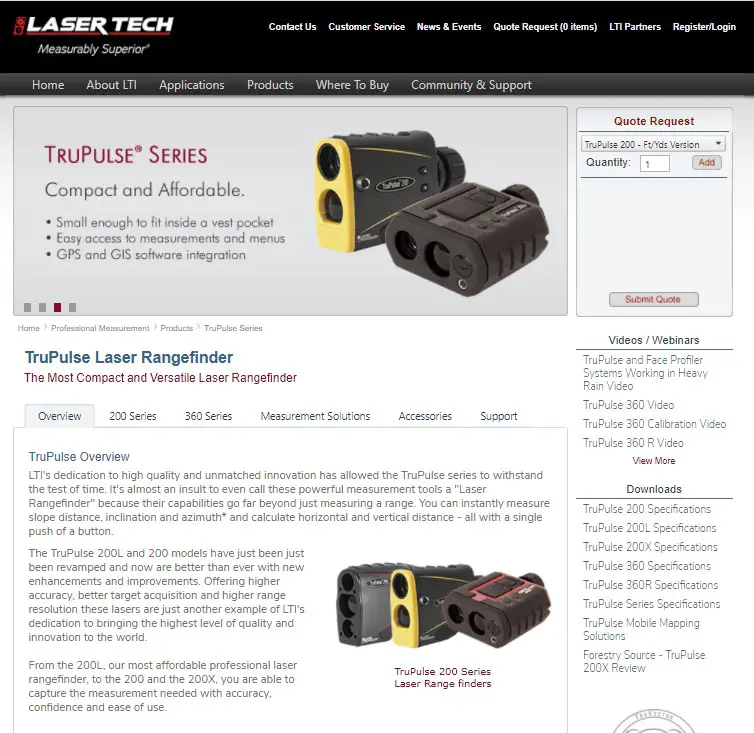
Product Page/User’s Guides:
https://www.lasertech.com/TruPulse-Laser-Rangefinder.aspx
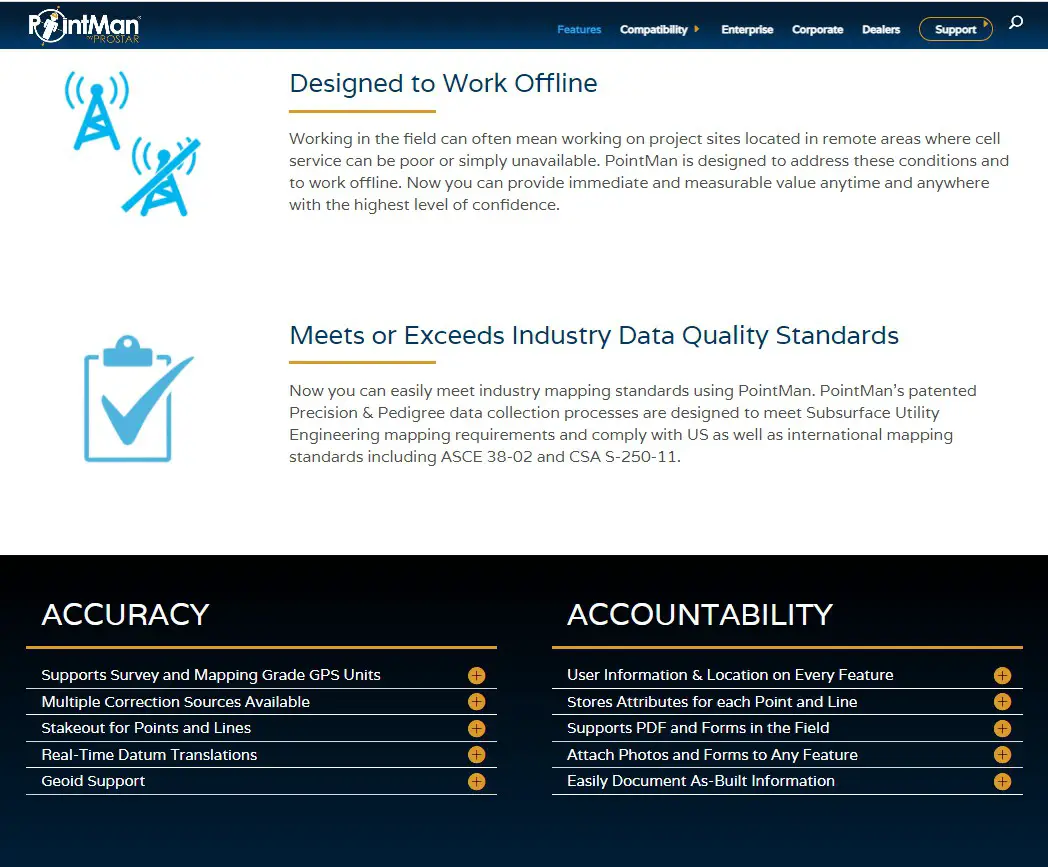
https://pointman.com/features/
Contact LaserTech
Questions regarding the interface to Pointman or our laser products? 
Please contact us at:
1.800.280.6113 or
1.303.649.1000
[email protected]
Laser Technology, Inc.
6912 S. Quentin St.
Centennial, CO 80112
www.lasertech.com
 Laser Tech | Laser Technology Company | Laser Measurement Tools