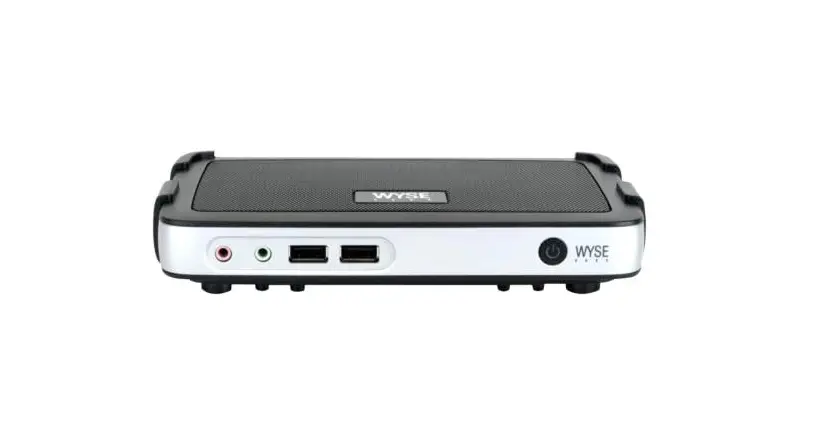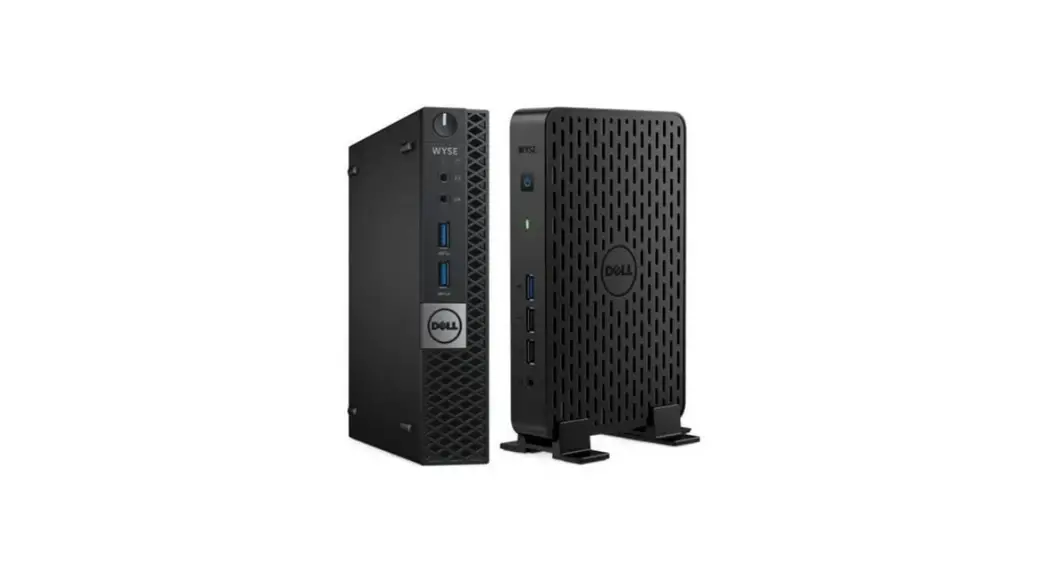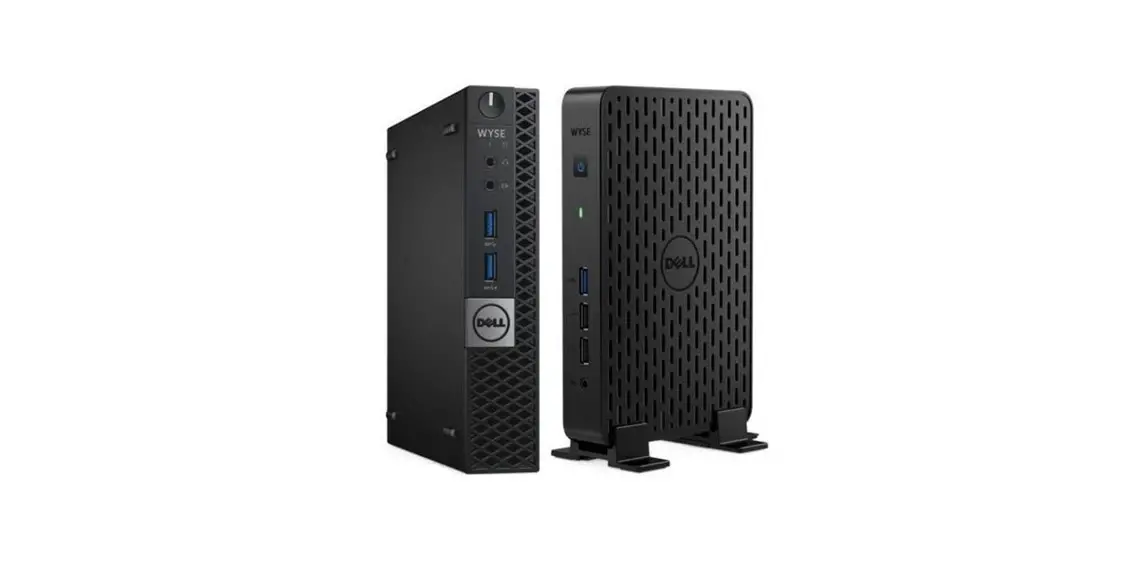
 Wyse 3030 Thin Client
User Guide
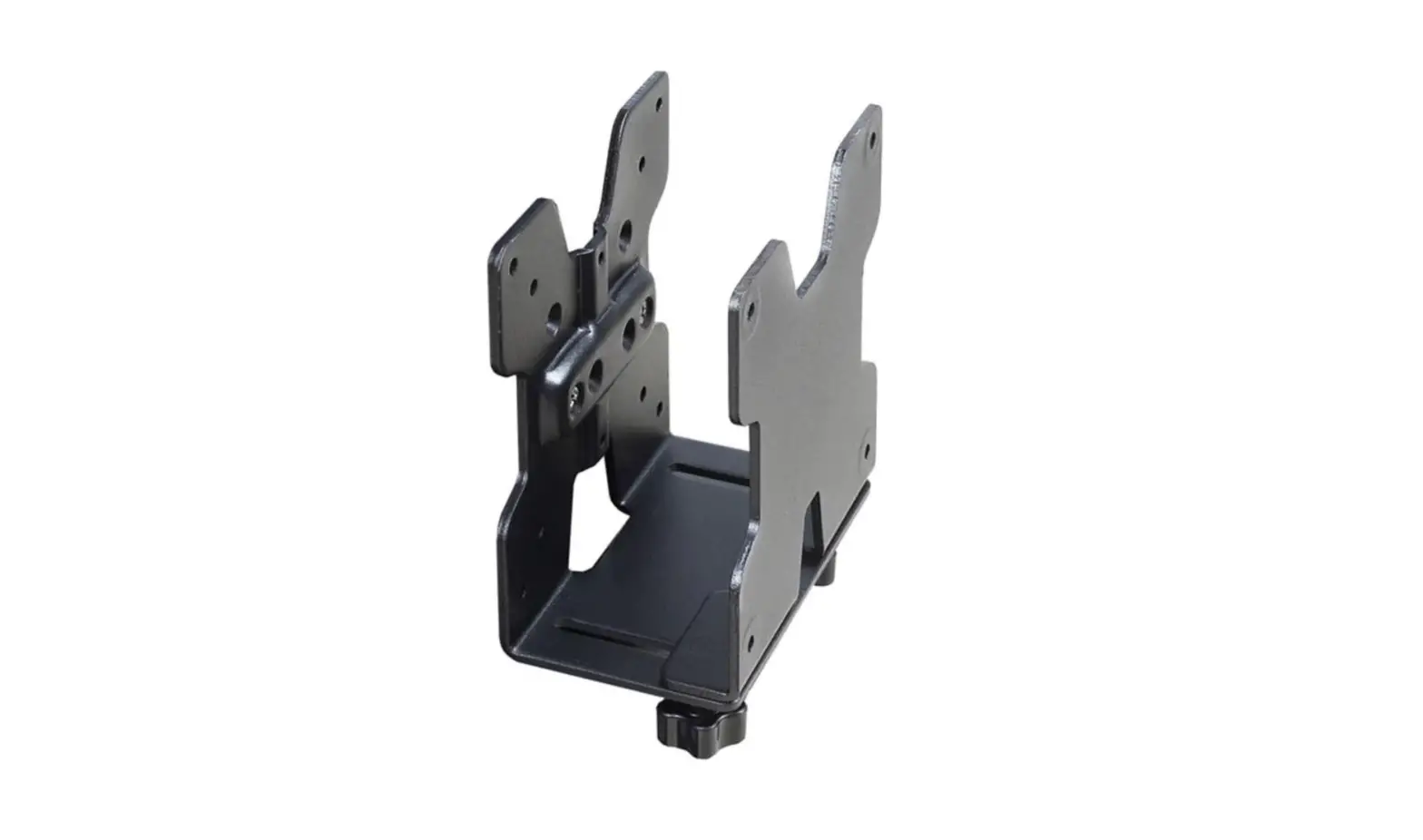
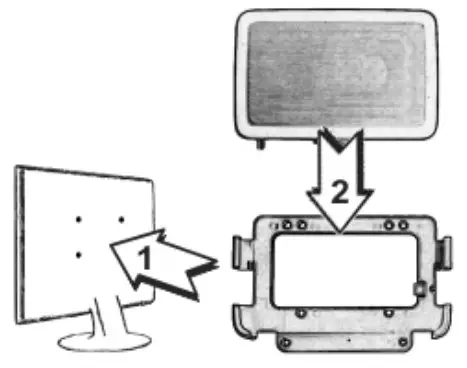
Install the vertical stand or the VESA mount
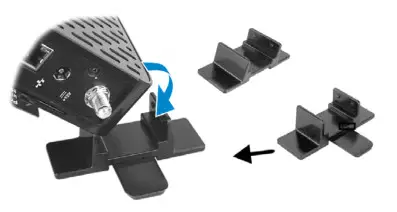
Vertical stand
Or
Connect the keyboard and mouse
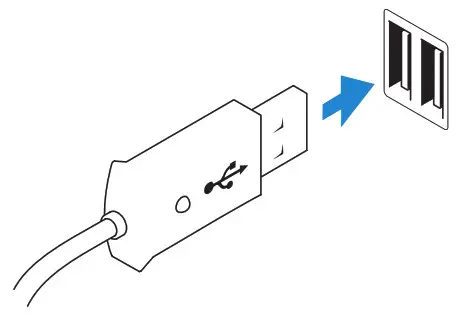
USB connector
Connect the network
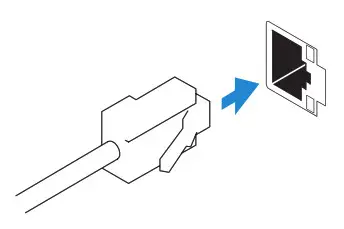
Network connector
Or
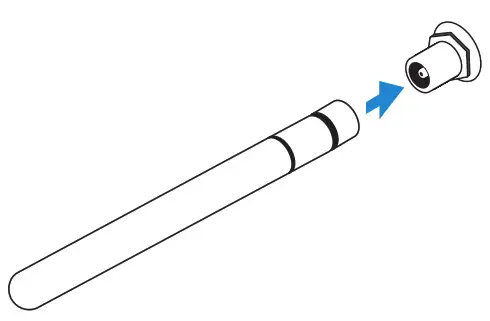
Wireless antenna
Or
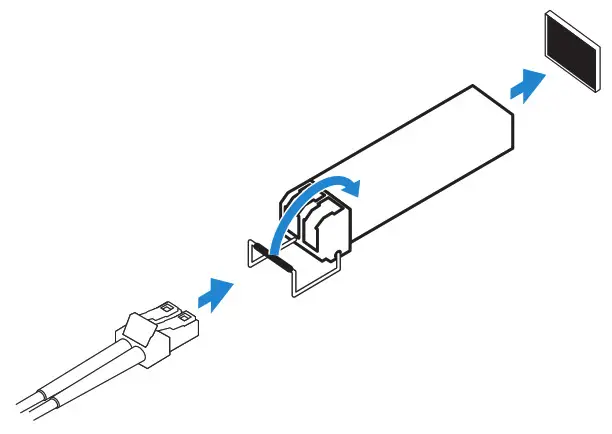
Fiber SFP module
Connect the display
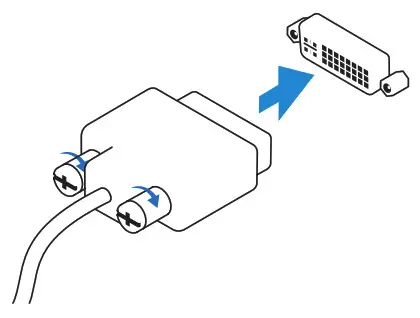
DVI-I connector
Or
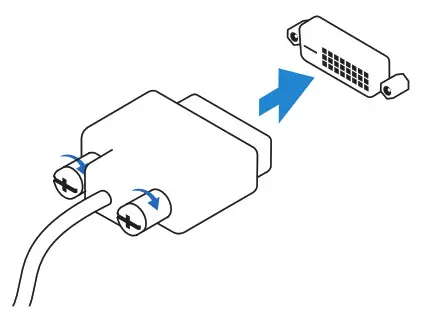
DVI-D connector
Or
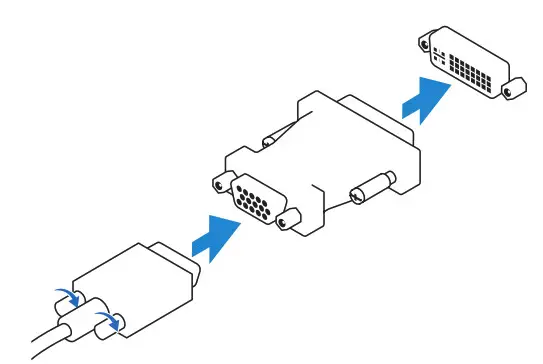
VGA adapter
Connect the power cable on your client device and display
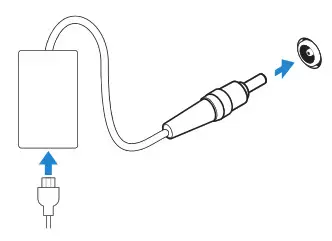
Client device power connector
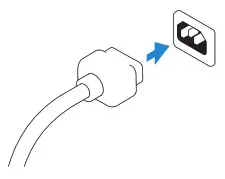
Display power connector
 NOTE: Your client device is ready to use when the client device activity light goes off.
Turn on your client device and display
Features
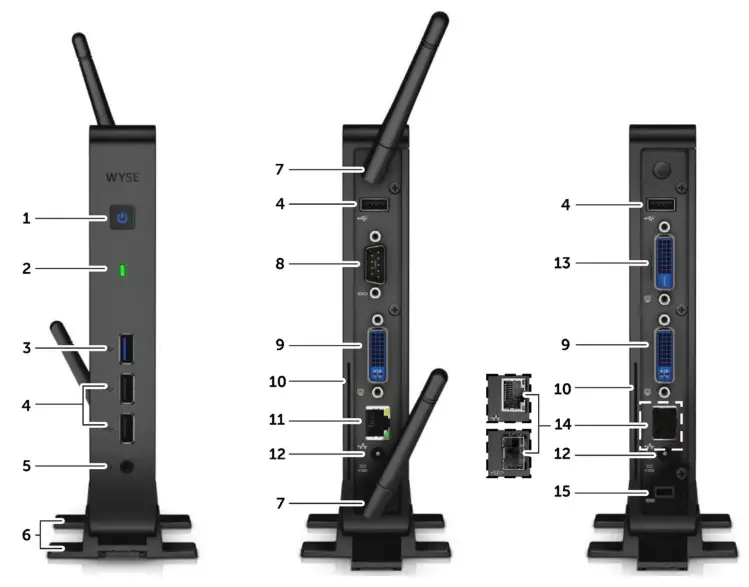

| 1. Power on/off button and light | 9. DVI-I port |
| 2. Activity light | 10. Product information tab |
| 3. SuperSpeed USB 3.0 port | 11. Network port, 10/100/1000 Base-T |
| 4. USB 2.0 port (3x) | 12. +12V Power adapter input |
| 5. Headphone/microphone jack | 13. DVI-D port |
| 6. Feet | 14. Network port, 10/100/1000 Base T, or SFP/Mini-GBIC slot |
| 7. Wireless antenna port (optional) | 15. Lock receptacle (non-wireless only) |
| 8. Serial port |
NOTE: Components may vary based on model and location.
Product support and manuals
Contact Dell
Regulatory and safety
Regulatory model
Computer model
dell.com/support
dell.com/support/manuals
dell.com/contactdell
dell.com/regulatory_compliance
N03D
Dell Wyse Cloud Client
Wyse 3030

 Contact Support | Dell US