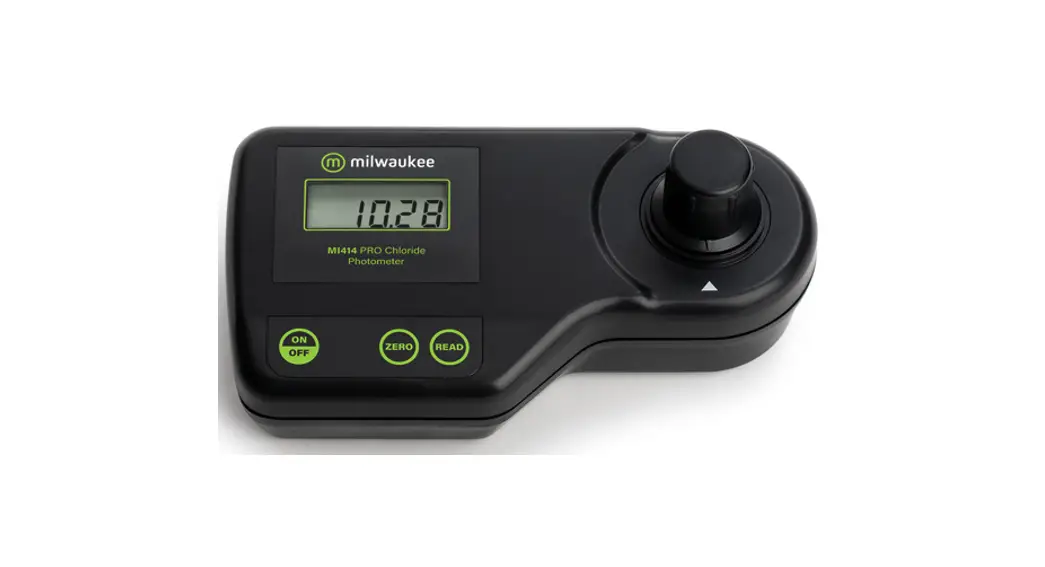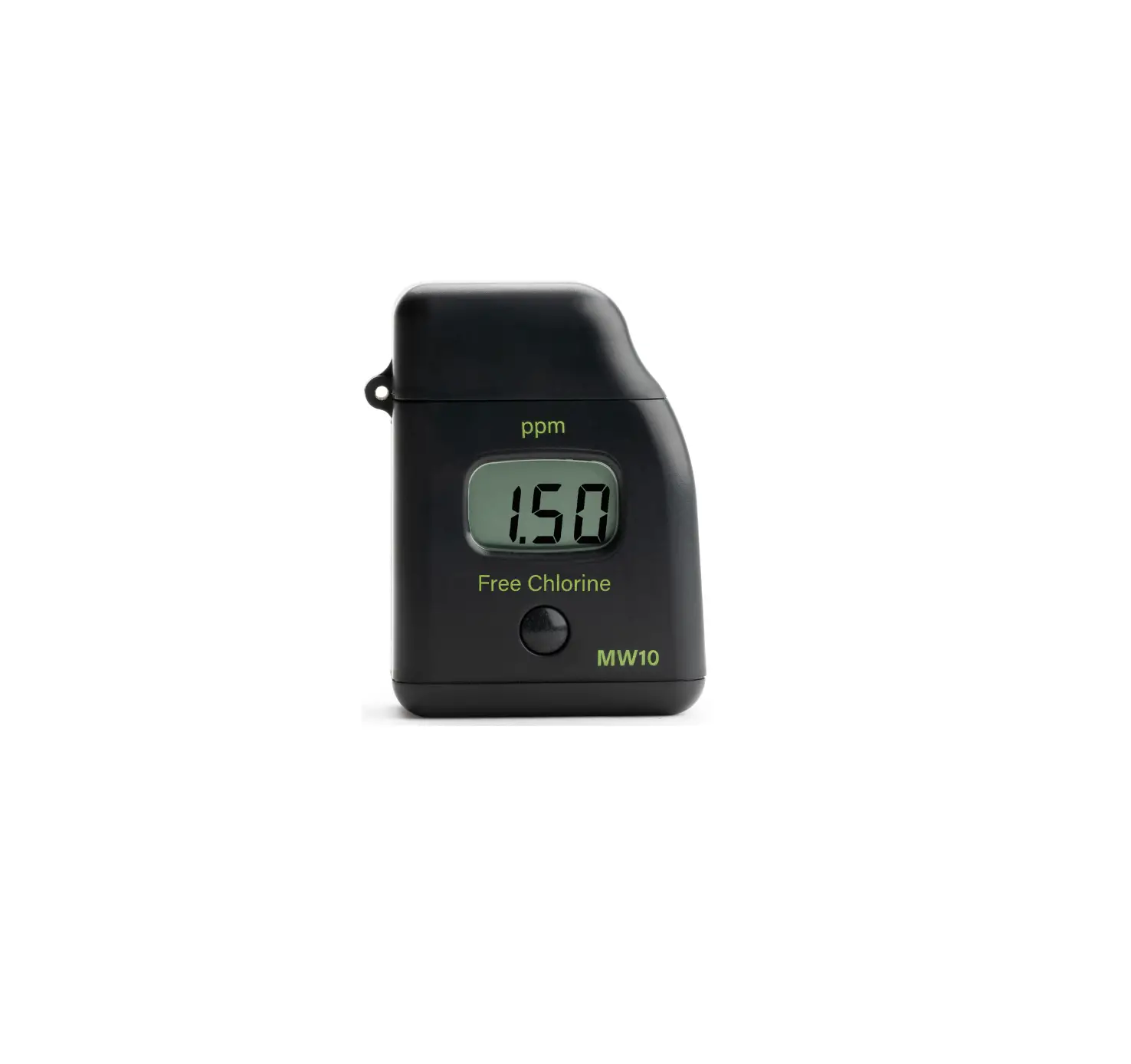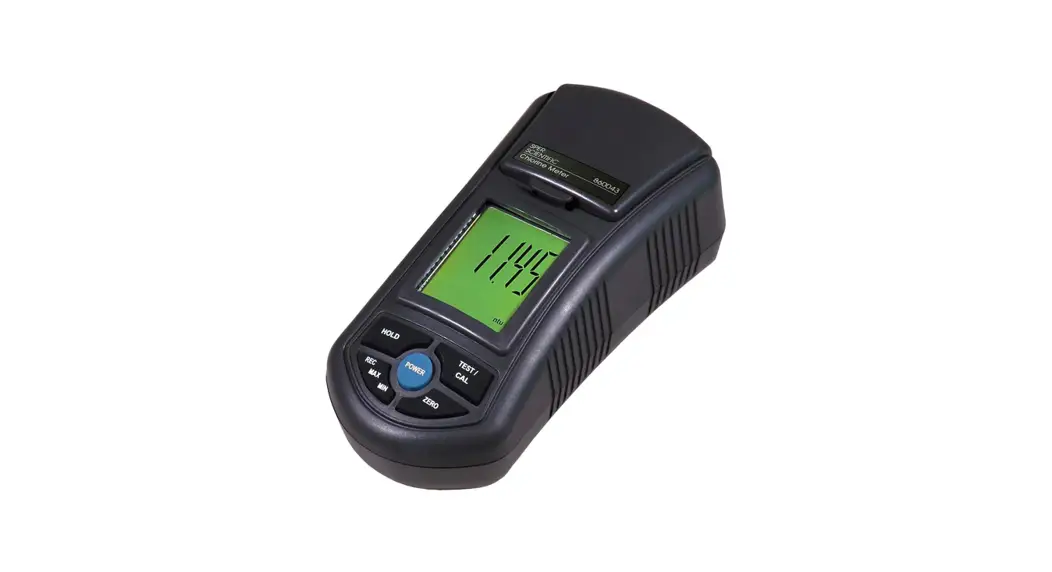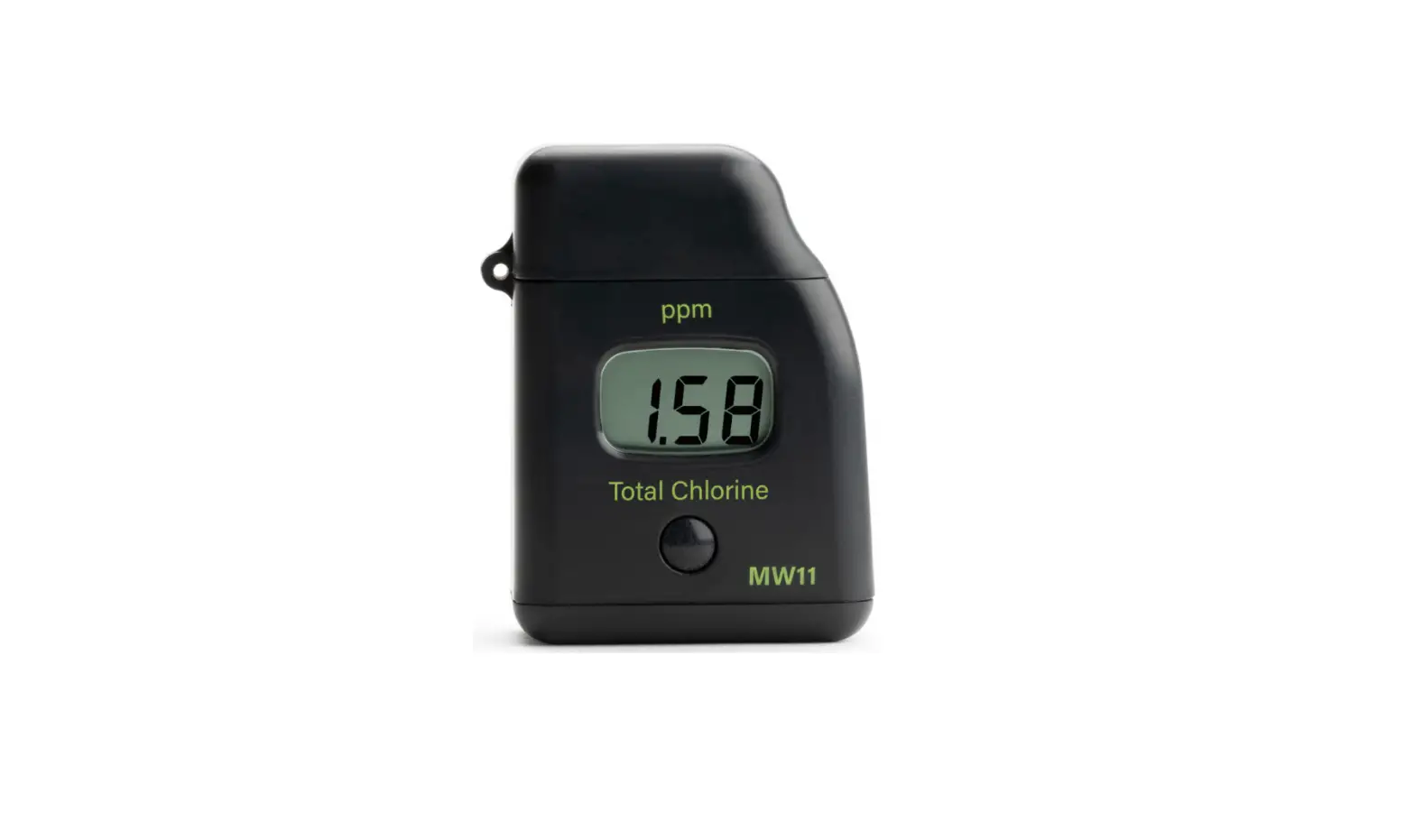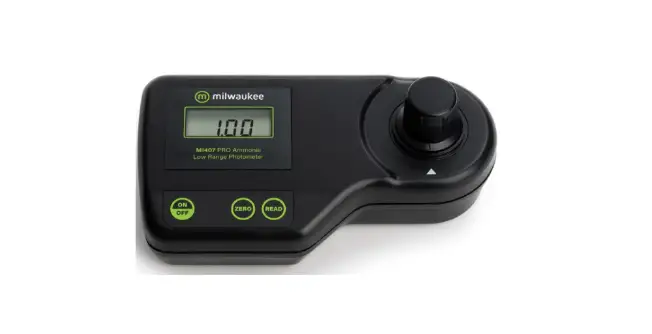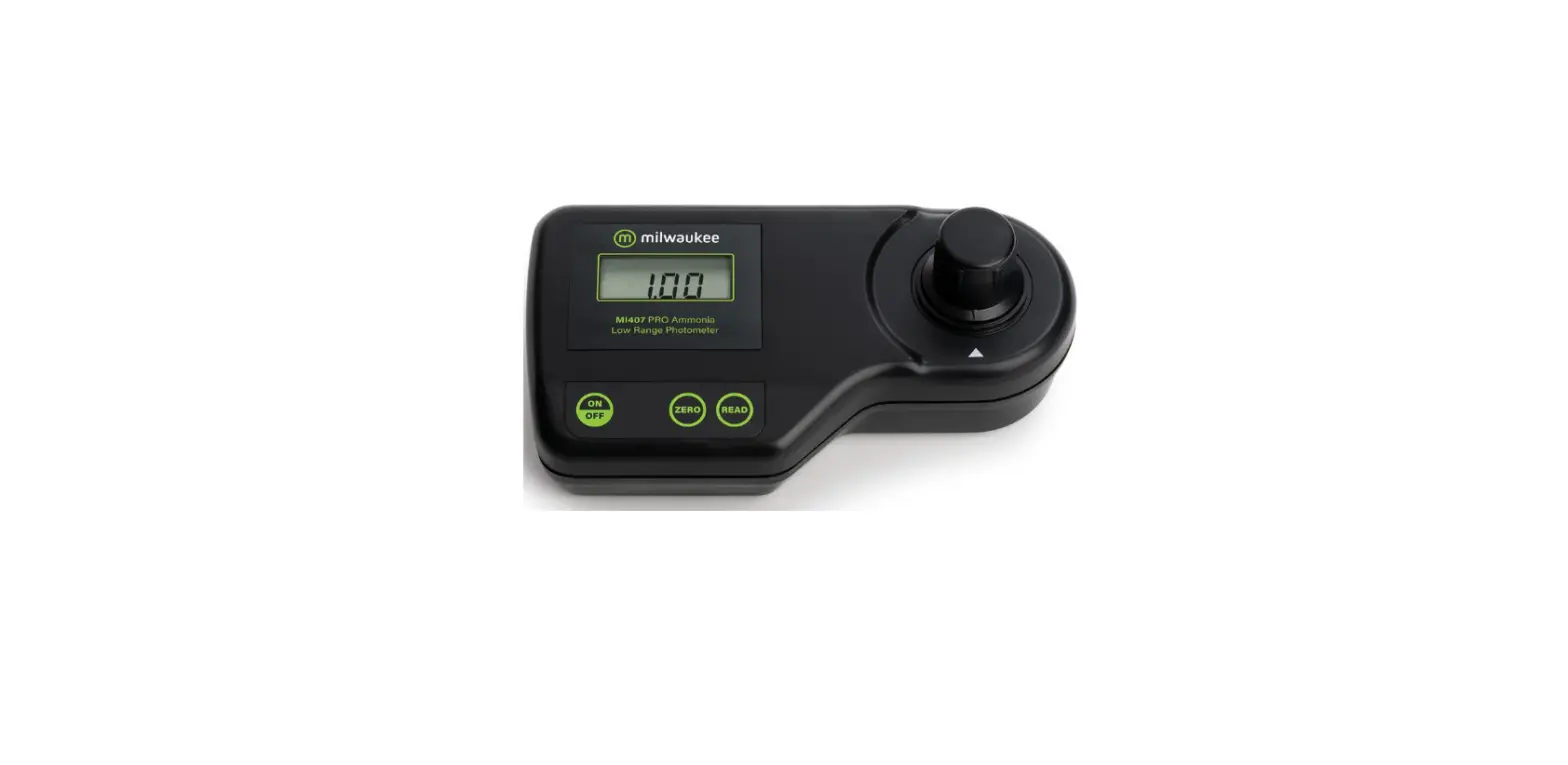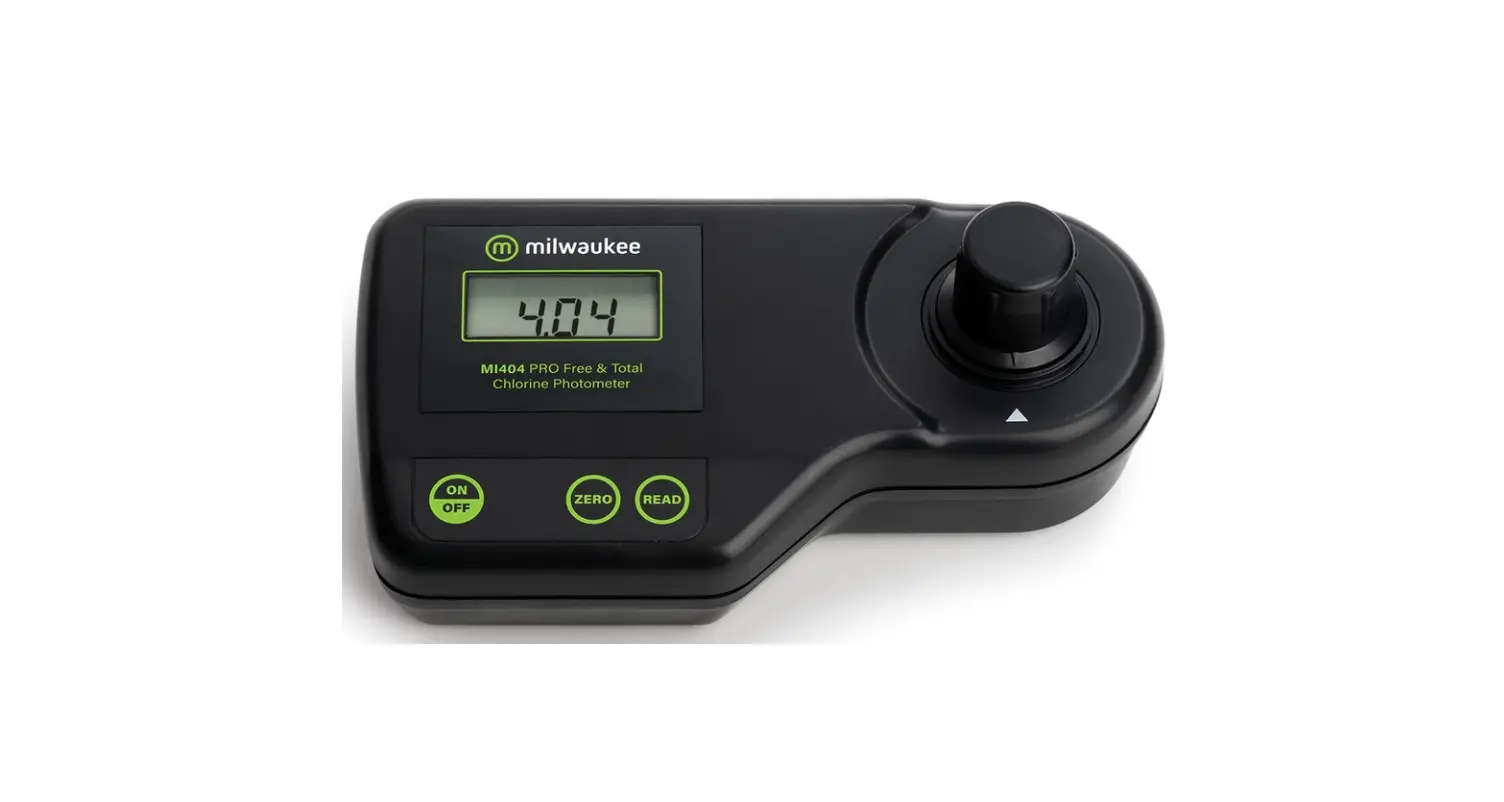
milwaukee MI404 Pro Free and Total Chlorine Photometer User Manual
Dear Customer,
Thank you for choosing a Milwaukee Instruments product. This manual will provide you with the necessary information for the correct use of the instrument. Please read it carefully before using the meter.
SPECIFICATIONS
Range 0.00 to 5.00 mg/L Cl2
Resolution 0.01 mg/L (0.00 – 3.50 mg/L) 0.10 mg/L (3.50 mg/L)
Precision ±0.06 mg/L @1.50 mg/L
Light Source Tungsten lamp
Light Detector Silicon Photocell and 525 nm narrow band interference filter
Method Adaptation of the USEPA method 330.5 and Standard Method 4500-Cl G
Environment 0 to 50 °C (32 to 122 °F) 100% RH max
Battery Type 9 volt (1 pc)
Auto-Shut off After 10’ of non-use
Dimensions 192 x 104 x 52 mm (7.5 x 4.1 x 2”)
Weight 380 g
MEASUREMENT PROCEDURE
- Turn the meter on by pressing ON/OFF.
- When the LCD displays “- – -”, the meter is ready.

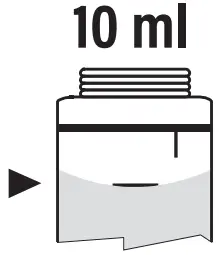
- Fill the cuvet with 10 mL of unreacted sample, up to the mark, and replace the cap.
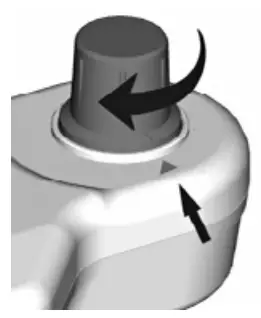
- Place the cuvet into the holder and ensure that the notch on the cap is positioned securely into the groove.

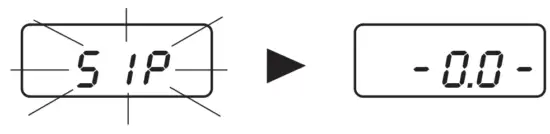
- Press ZERO and “SIP” will blink on the display.

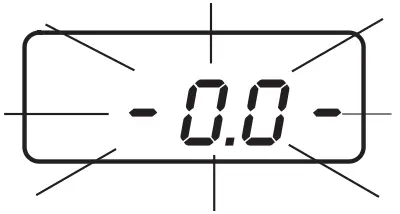
- After a few seconds the display will show “-0.0-”. The meter is now zeroed and ready for measurement.

- Remove the cuvet.
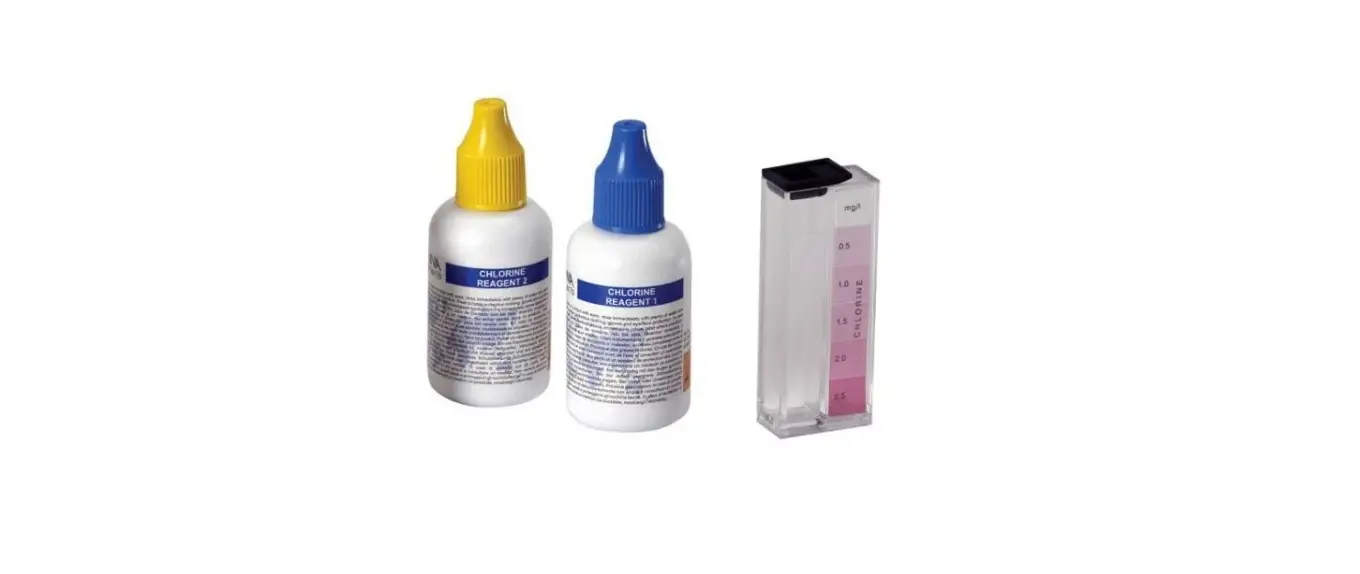
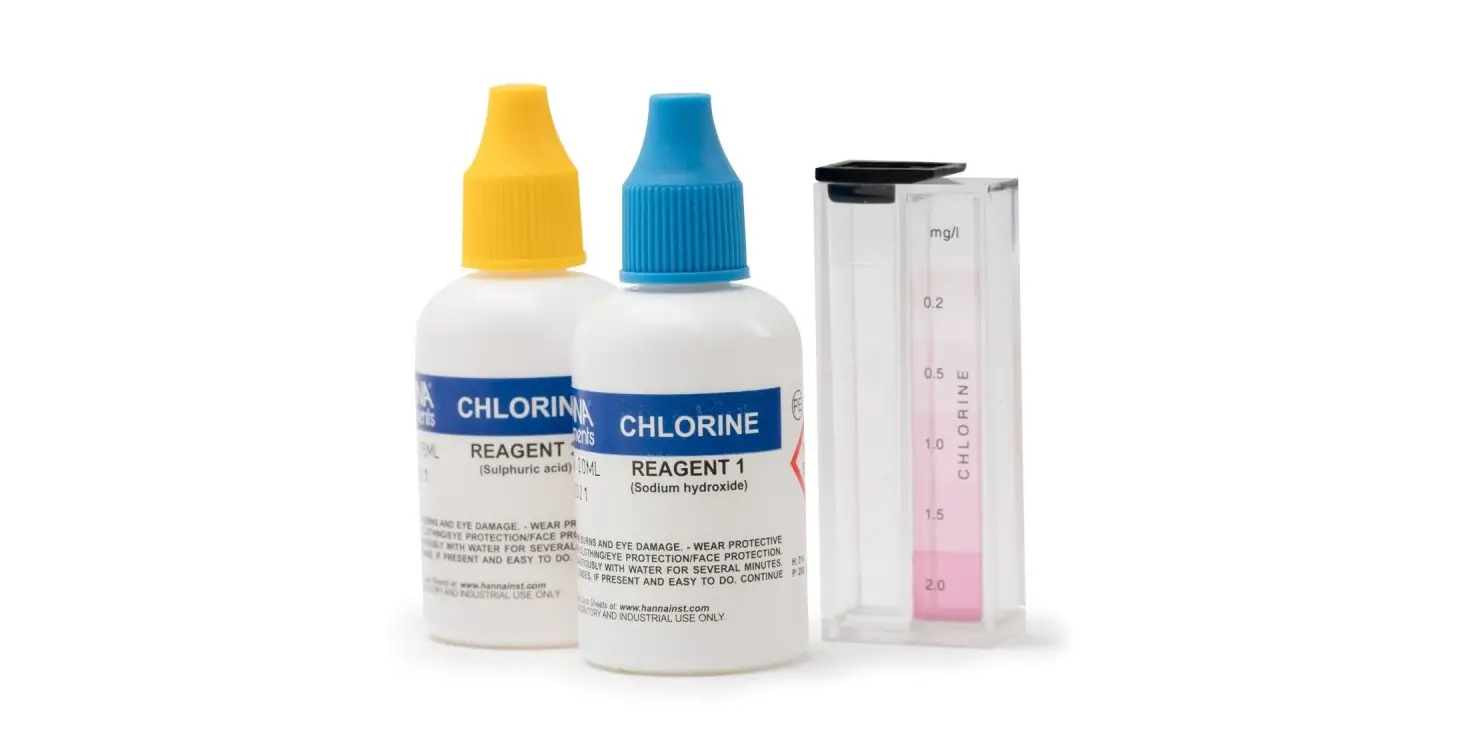
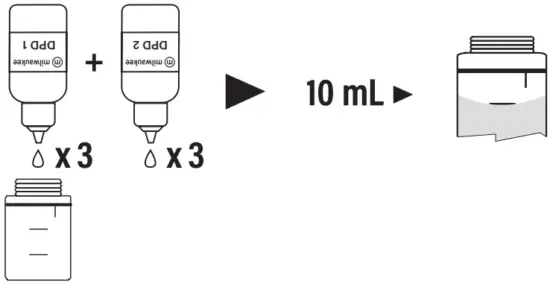
- For free chlorine measurement: add 3 drops of DPD 1 indicator and 3 drops of DPD 2 buffer to an empty cuvet. Immediately add 10 mL of unreacted sample.
Replace the cap and swirl gently. - Immediately reinsert the cuvet into the holder and ensure that the notch on the cap is positioned securely into the groove.

- Press READ and “SIP” will blink during measurement.
- The instrument directly displays concentration in mg/L of free chlorine.
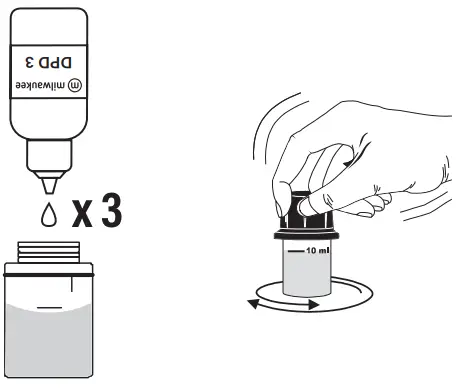
- Then, for total chlorine measurement, remove the cuvet and add to the reacted sample 3 drops of DPD 3. Replace the cap and swirl gently

- Reinsert the cuvet into the holder and ensure that the notch on the cap is positioned securely into the groove.
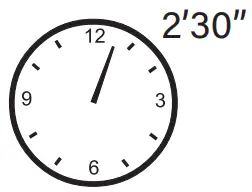
- Wait for 2 minutes and 30 seconds then press READ and “SIP” will blink during measurement.


- The instrument directly displays concentration in mg/L of total chlorine.


Interferences
- Bromine (positive error)
- Chlorine dioxide (positive error)
- Iodine (positive error)
- Oxidized Manganese (positive error)
- Chromium (positive error)
- Ozone (positive error)
- Alkalinity above 250 mg/L CaCO3 or acidity above 150 mg/L CaCO3 will not reliably develop the full amount of color or it may rapidly fade. To resolve this, neutralize the sample with diluted HCl or NaOH.
- In case of water with hardness greater than 500 mg/L CaCO3, shake the sample for approximately 2’ after adding the reagent.
GUIDE TO DISPLAY CODES
This prompt appears for 1 second each time the instrument is turned on.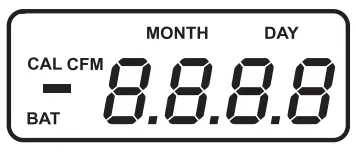
The dashes “- – -” indicates that the meter is in a ready state and zeroing can be performed.
Sampling In Progress. Flashing “SIP” prompt appears each time the meter is performing a measurement.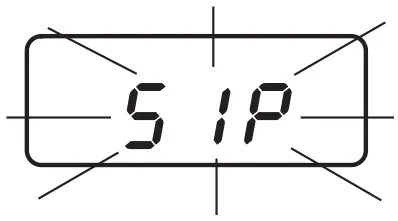
“-0.0-”, the meter is in a zeroed state and measurement can be performed.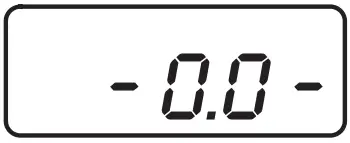
The blinking “BAT” indicates that the battery voltage is getting low and the battery needs to be replaced.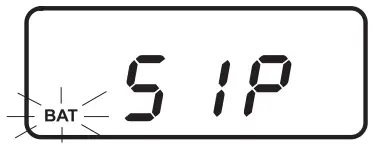
“-bA-”, the battery is dead and must be replaced. Once this indication is displayed, the meter will lock up.
Change the battery and restart.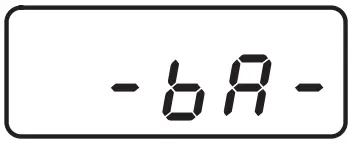
“Conf”, the meter has lost its configuration. Contact your dealer or the nearest Milwaukee Customer Service Center.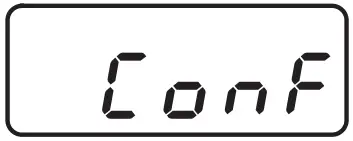
ERROR MESSAGES
On Zero Reading
- Blinking “-0.0-” indicates that the zeroing procedure failed due to a low signal-to-noise ratio. In this case press ZERO again.

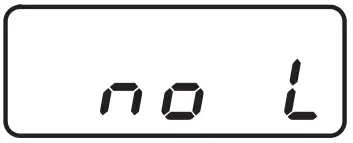
- “no L”, the instrument cannot adjust the light level. Please check that the sample does not contain any debris.

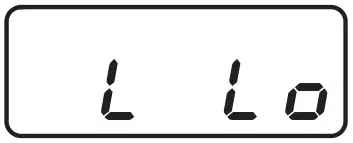
- “L Lo”, there is not enough light to perform a measurement. Please check the preparation of the zero cuvet.
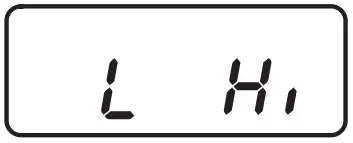
- “L Hi”, there is too much light to perform a measurement. Please check the preparation of the zero cuvet.
On Sample Reading
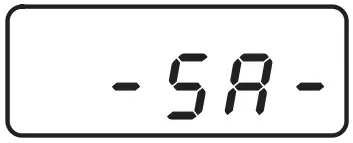
- “-SA-”, there is too much light for the sample measurement. Please check if the right sample cuvet is inserted.
- “Inv”, the sample and the zero cuvet are inverted.
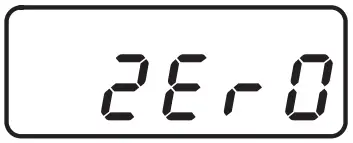
- “ZErO”, a zero reading was not taken. Follow the instruction in the measurement procedure for zeroing the meter.
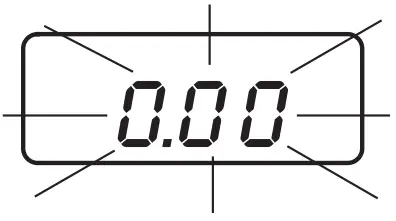
- Under range. A blinking “0.00” indicates that the sample absorbs less light than the zero reference. Check the procedure and make sure you use the same cuvet for reference (zero) and measurement.

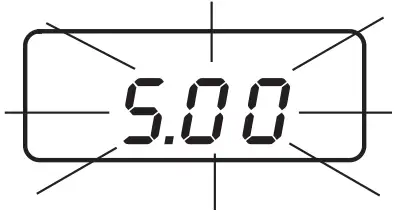
- A flashing value of the maximum concentration indicates an over range condition. The concentration of the sample is beyond the programmed range: dilute the sample and re-run the test.


BATTERY REPLACEMENT
Battery replacement must only take place in a nonhazardous environment. Simply rotate the battery cover on the back of the meter.
Detach the battery from the terminals and attach a fresh 9V battery while paying attention to the correct polarity. Insert the battery and replace the cover.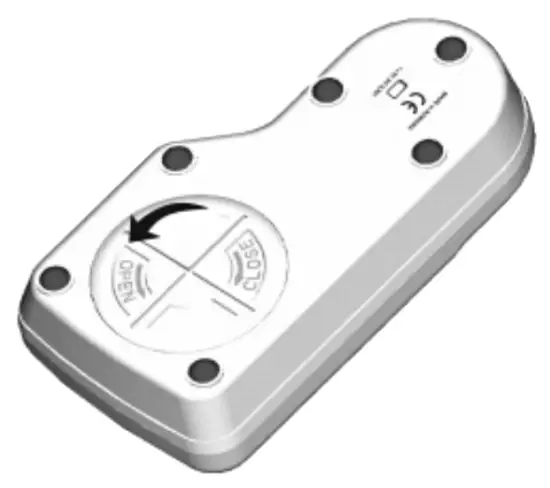
ACCESSORIES
MI504-100 Free & Total Chlorine (100 tests)
MI0001 Glass cuvets (2 pcs)
MI0002 Caps for cuvets (2 pcs)
MI0003 Stoppers for cuvets (2 pcs)
MI0004 Tissue for wipping cuvets (4 pcs)
MI0005 9V battery (1 pc)
CERTIFICATION
 Milwaukee Instruments conform to the CE European Directives.
 Disposal of Electrical & Electronic Equipment. Do not treat this product as household waste. Hand it over to the appropriate collection point for the recycling of electrical and electronic equipment.
 Disposal of waste batteries. This product contains batteries. Do not dispose of them with other household waste. Hand them over to the appropriate collection point for recycling.
Please note: proper product and battery disposal prevents potential negative consequences for human health and the environment. For detailed information, contact your local household waste disposal service or go to www.milwaukeeinstruments.com (USA & CAN) or www.milwaukeeinst.com.
RECOMMENDATION
Before using this product, make sure it is entirely suitable for your specific application and for the environment in which it is used. Any modification introduced by the user to the supplied equipment may compromise the meter’s performance. For your and the meter’s safety do not use or store the meter in hazardous environment. To avoid damage or burn, do not perform any measurement in microwave ovens.
WARRANTY
These instruments are warranted against defects in materials and manufacturing for a period of 2 years from the date of purchase. This warranty is limited to repair or free of charge replacement if the instrument cannot be repaired. Damage due to accidents, misuse, tampering or lack of prescribed maintenance is not covered by warranty. If service is required, contact your local Milwaukee Instruments Technical Service. If the repair is not covered by the warranty, you will be notified of the charges incurred. When shipping any meter, make sure it is properly packaged for complete protection.

 Shop Milwaukee Instruments - the Official EU Site
 Shop Milwaukee Instruments - Official US Site
 Shop Milwaukee Instruments - the Official EU Site
 Shop Milwaukee Instruments - Official US Site