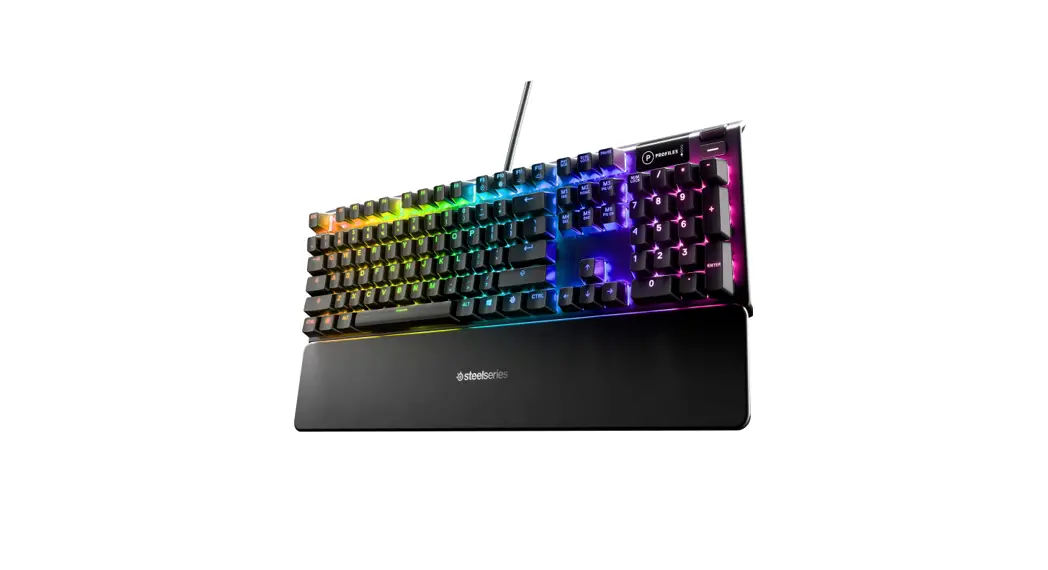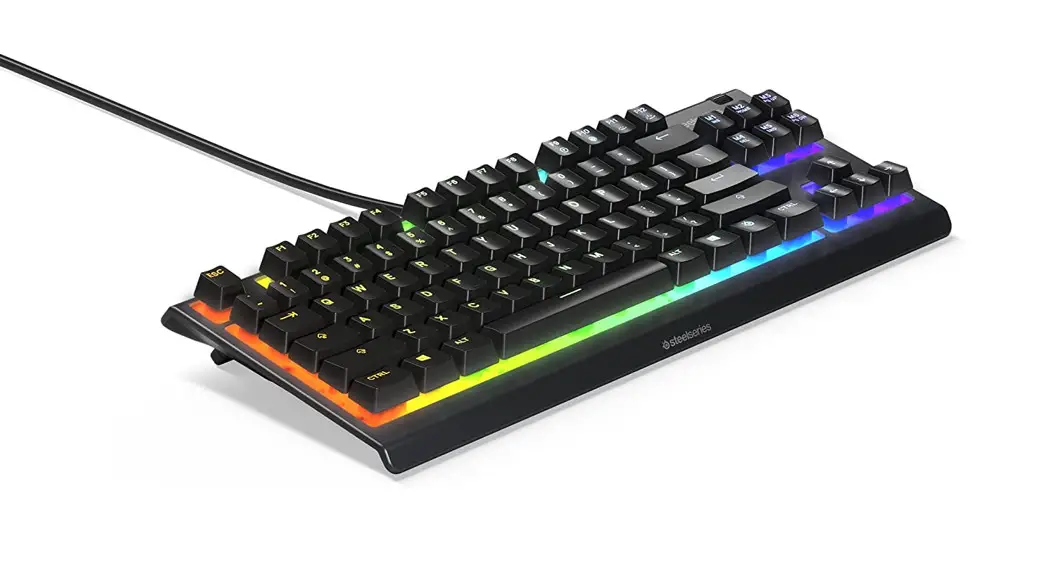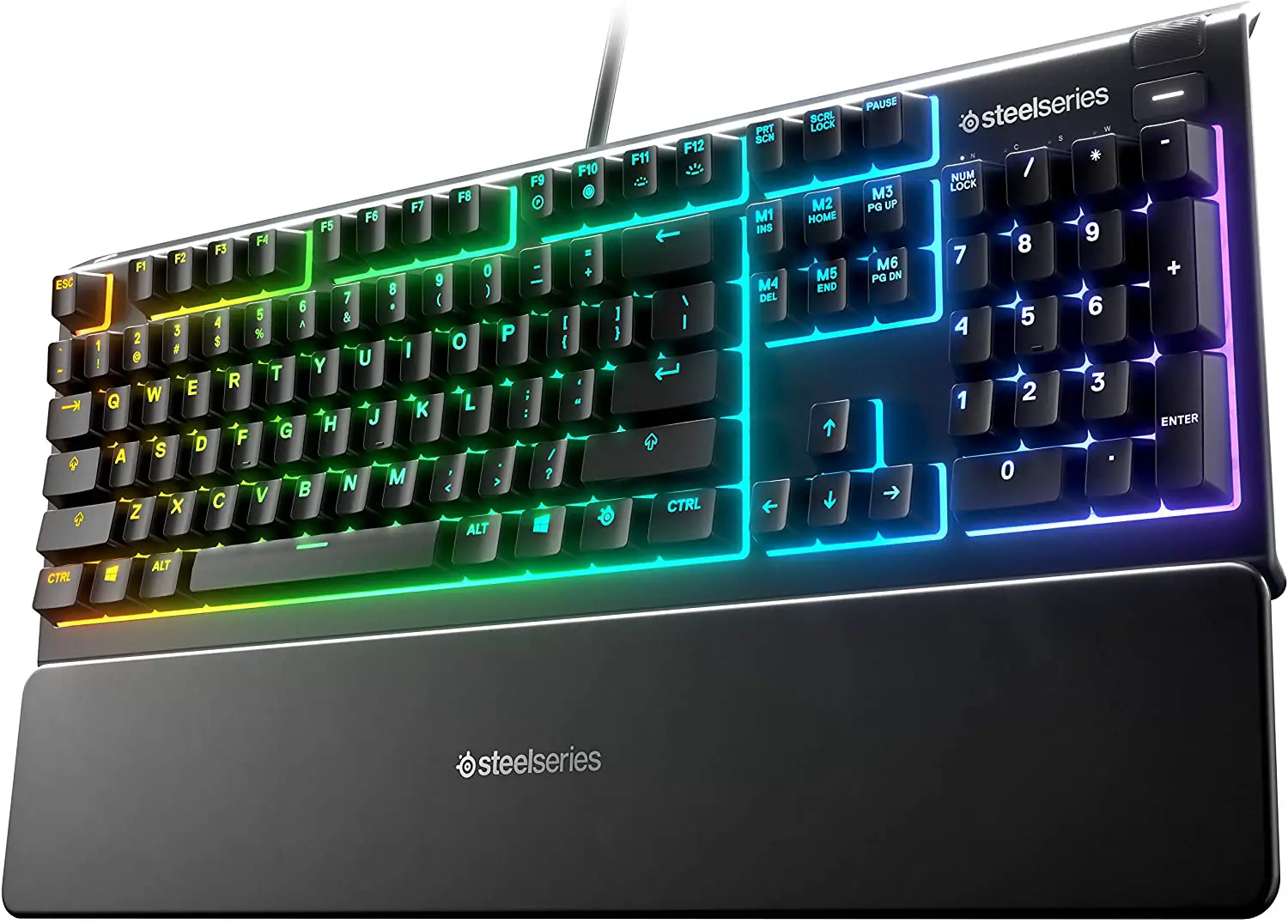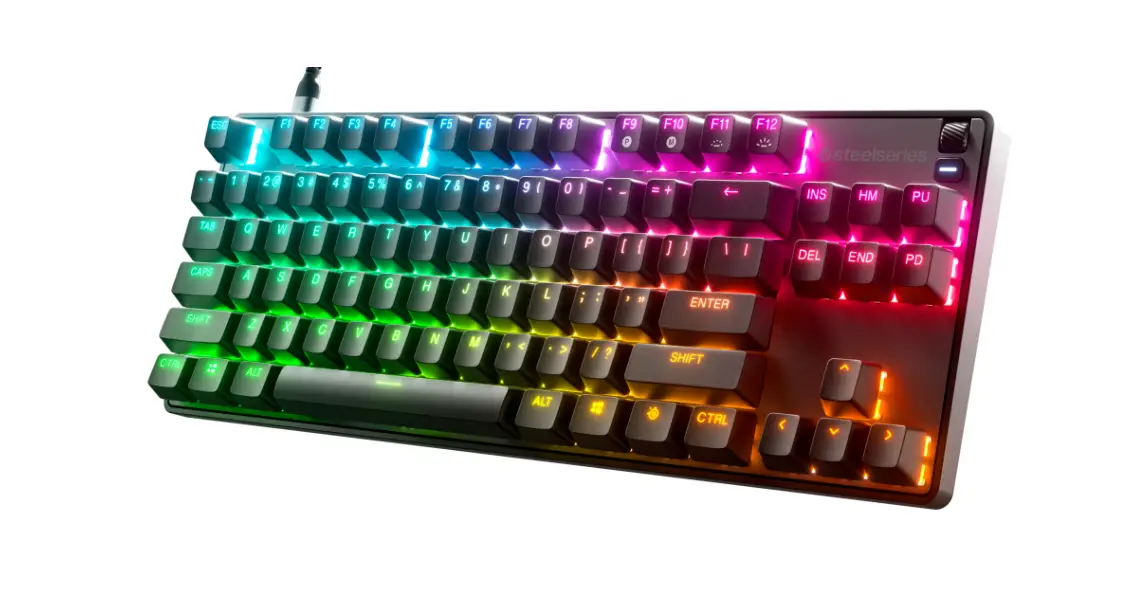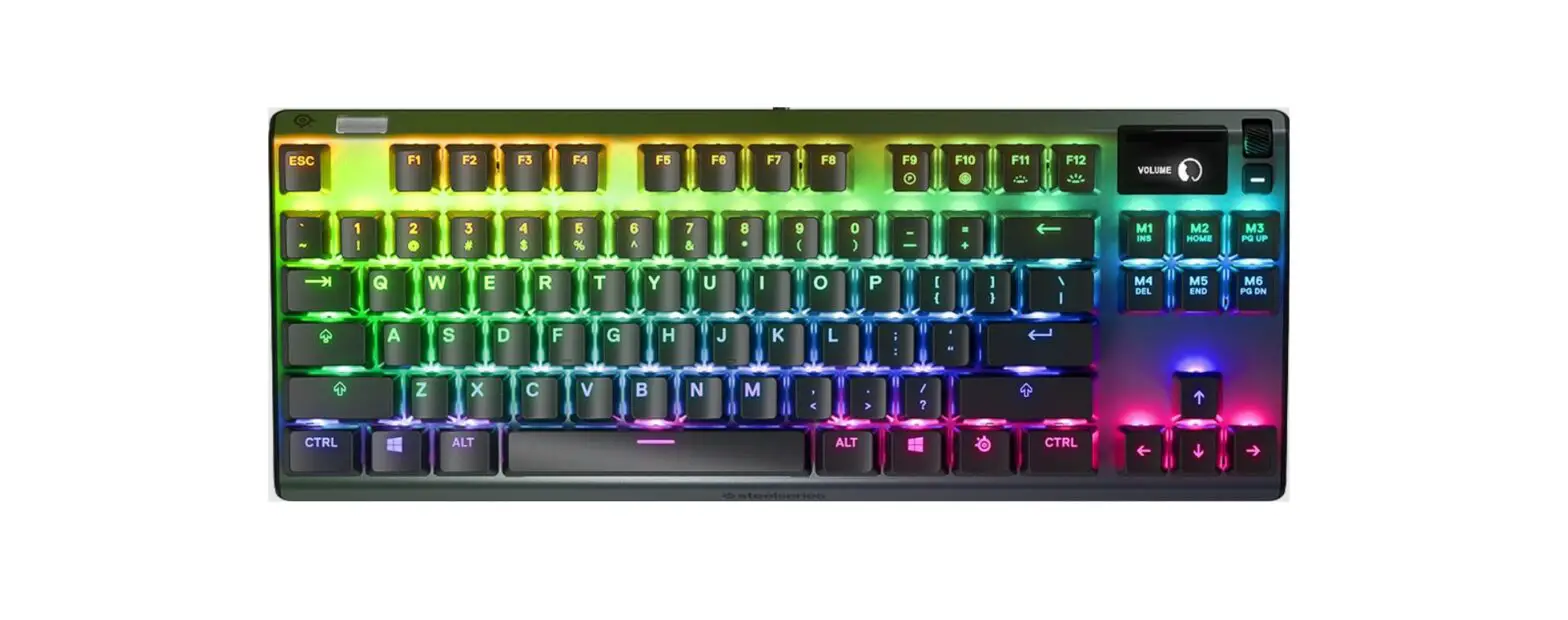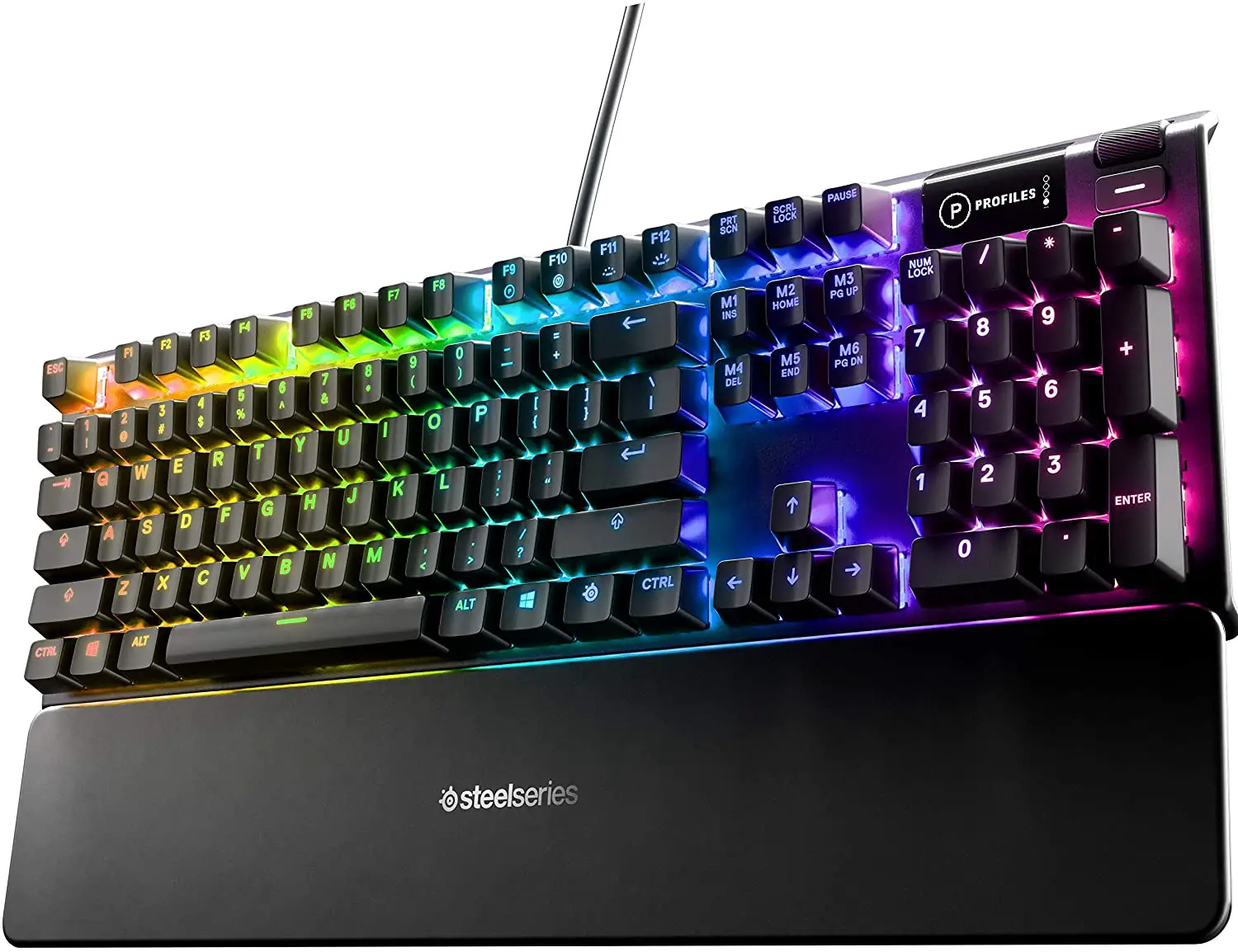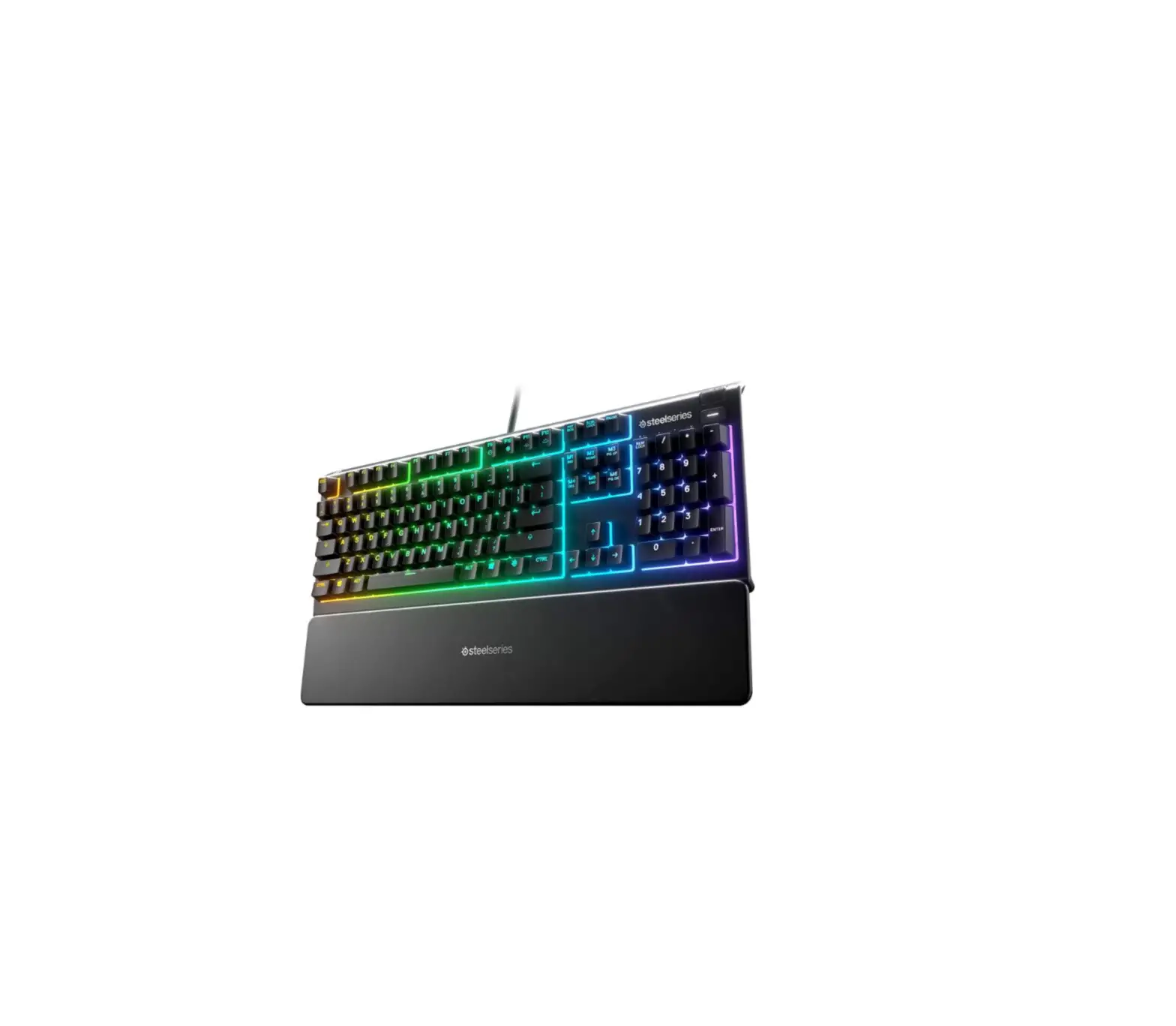
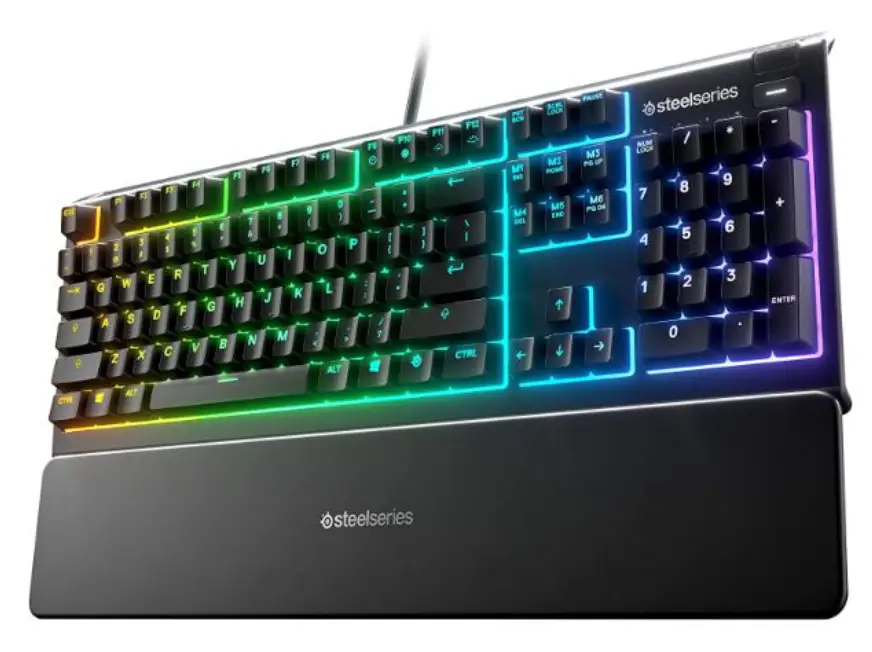
steelseries APEX 3 Water Resistant Gaming Keyboard
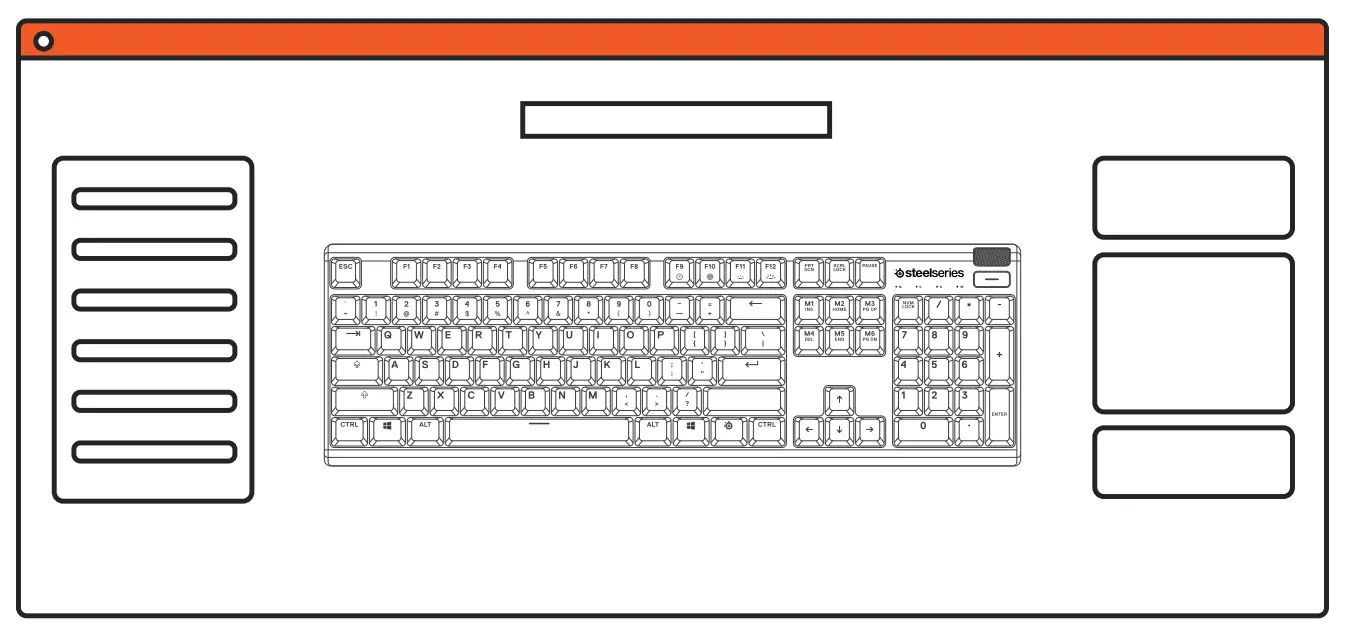
STEELSERIES ENGINE
PRODUCT OVERVIEW
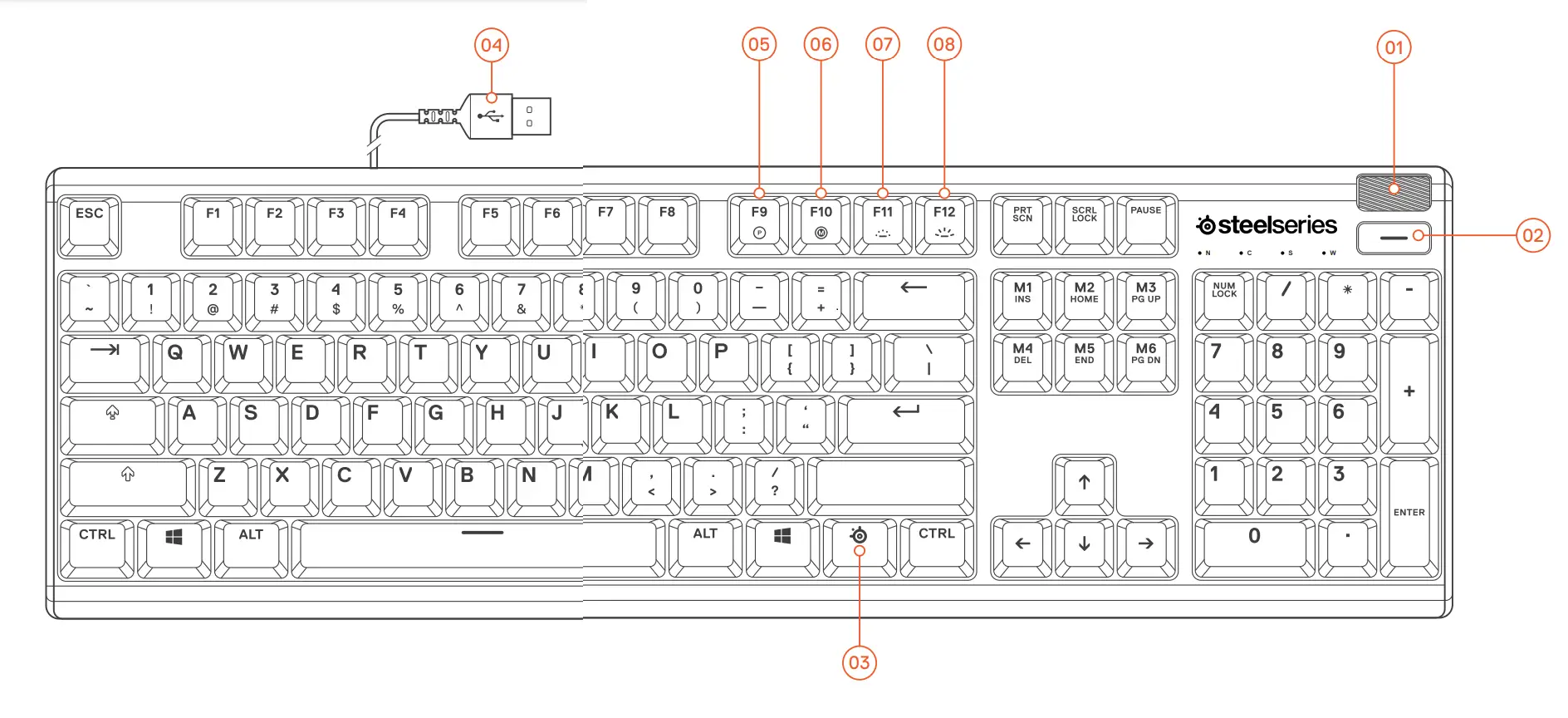
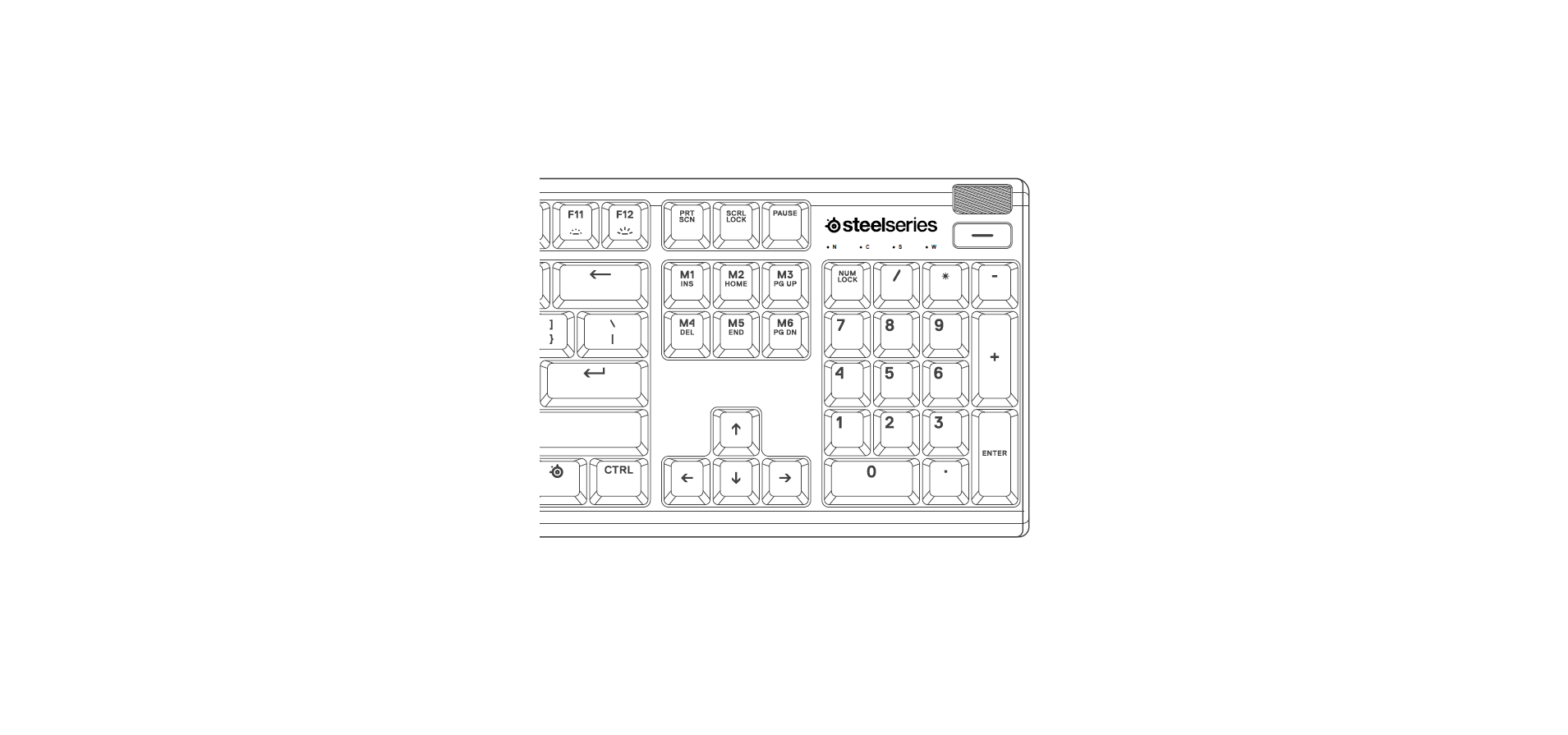
- Multimedia Volume Roller
- Multimedia Button
- SteelSeries Function Key
- USB Keyboard Plug
- Profile Switching Key
- On-the-fly Macro Recording Key
- Illumination Brightness Down Key
- Illumination Brightness Up Key
*Find accessories and replacement parts at steelseries.com/gaming-accessories
PACKAGE CONTENTS
Apex 3 Keyboard
Magnetic Wrist Rest
ENGINE REQUIREMENTS
Windows 7 – Windows 10
Mac OSX 10.8 – 10.12
120 MB of free hard drive space for installation
PLATFORM COMPATIBILITY
PC
Mac
Xbox One
PS4
SETUP
CONNECTION
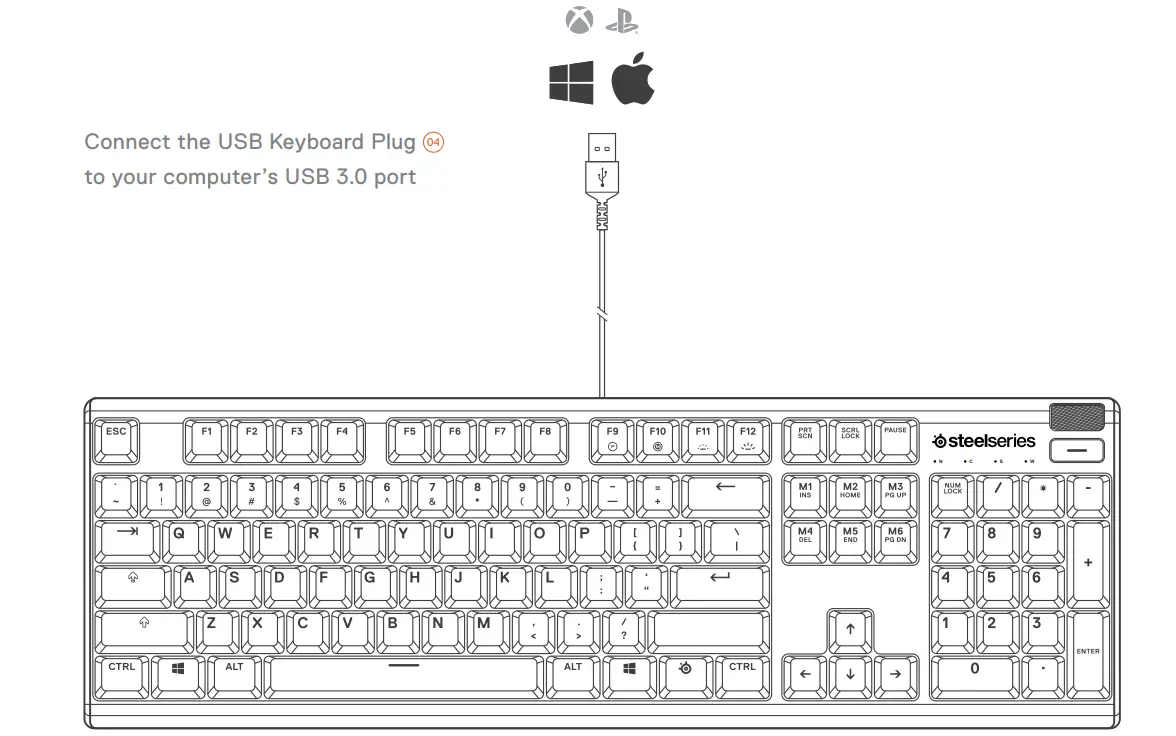
FUNCTIONS
MULTIMEDIA CONTROLS
MULTIMEDIA VOLUME ROLLER 01 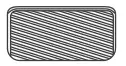
| Volume Up | Scroll Wheel Up |
| Volume Down | Scroll Wheel Down |
| Mute / Unmute Toggle | Press Wheel |
MULTIMEDIA BUTTON 02 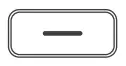
| Play / Pause | Single Press |
| Forward / Skip Track | Double Press |
| Back / Previous Track | Triple Press |
PROFILE SWITCHING
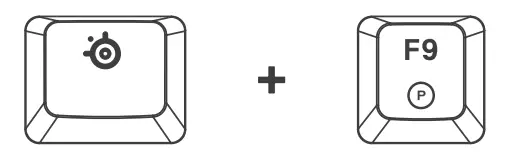
Press the SteelSeries Function Key 03 + Profile Switching Key 05 repeatedly to cycle through the profiles
ON-THE-FLY MACRO RECORDING
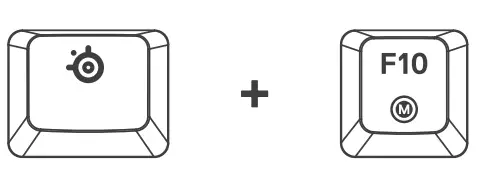
- Press and hold the SteelSeries Function Key 03 + Macro Recording Key 06 for 3 seconds to start recording
- Type your desired key combinations
- Press the SteelSeries Function Key 03 + Macro Recording Key 06 toend Macro Recording
ILLUMINATION BRIGHTNESS CONTROL
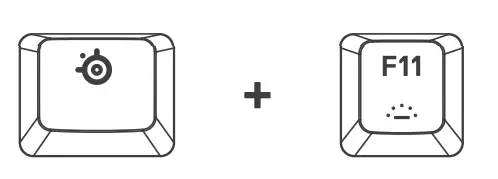
Press the SteelSeries Function Key 03 + Illumination Brightness Down Key 07 to reduce Illumination Brightness
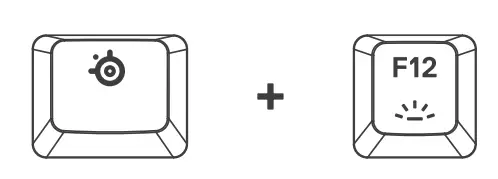
Press the SteelSeries Function Key 03 + Illumination Brightness Up Key 08 to increase Illumination Brightness
REGULTORY
 Europe – EU Declaration of Conformity
Hereby, SteelSeries ApS. declares that the equipment which is compliance with directive RoHS 2.0 (2015/863/EU), EMC Directive (2014/30/EU), and LVD (2014/35/EU) which are issued by the Commission of the European Community.
The full text of the EU declaration of conformity is available at the following internet address: https://steelseries.com/
Operating Temperature: 0 to + 40 °C
SteelSeries ApS. hereby confirms, to date, based on the feedback from our suppliers indicates that our products shipping to the EU territory comply with REACH (Registration, Evaluation, Authorization, and Restriction of Chemicals – (EC) 1907/2006) compliance program. We are fully committed to offering REACH compliance on the products and posting accurate REACH compliance status for the all of products.
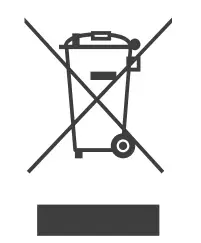 WEEE
WEEE
This product must not be disposed of with your other household waste or treat them in compliance with the local regulations or contact your local city office, your household waste disposal service or the shop where you purchased the product.
 Federal Communication Commission Interference Statement
This device complies with Part 15 of the FCC Rules. Operation is subject to the following two conditions: (1) This device may not cause harmful interference, and (2) this device must accept any interference received, including interference that may cause undesired operation.
This equipment has been tested and found to comply with the limits for a Class B digital device, pursuant to Part 15 of the FCC Rules. These limits are designed to provide reasonable protection against harmful interference in a residential installation. This equipment generates, uses and can radiate radio frequency energy and, if not installed and used in accordance with the instructions, may cause harmful interference to radio communications. However, there is no guarantee that interference will not occur in a particular installation. If this equipment does cause harmful interference to radio or television reception, which can be determined by turning the equipment off and on, the user is encouraged to try to correct the interference by one of the following measures:
- Reorient or relocate the receiving antenna.
- Increase the separation between the equipment and receiver.
- Connect the equipment into an outlet on a circuit different from that to which the receiver is connected.
- Consult the dealer or an experienced radio/TV technician for help.
Industry Canada Statement:
This device complies with RSS standards of the Industry Canada Rules. Operation is subject to the following two conditions: (1) This device may not cause harmful interference, and (2) this device must accept any interference received, including interference that may cause undesired operation.
CUSTOMER SUPPORT

learn more at steelseries.com
 Official Site - For Glory | SteelSeries