Daintree WTS10 Wireless Controls
OVERVIEW
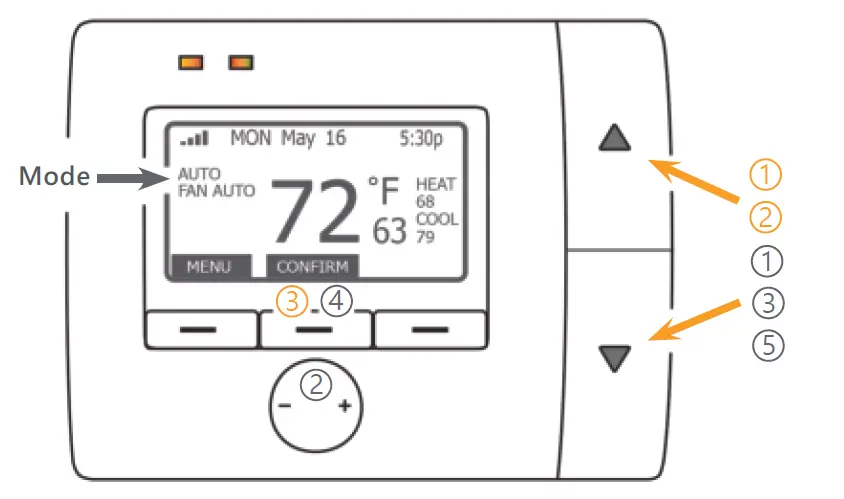
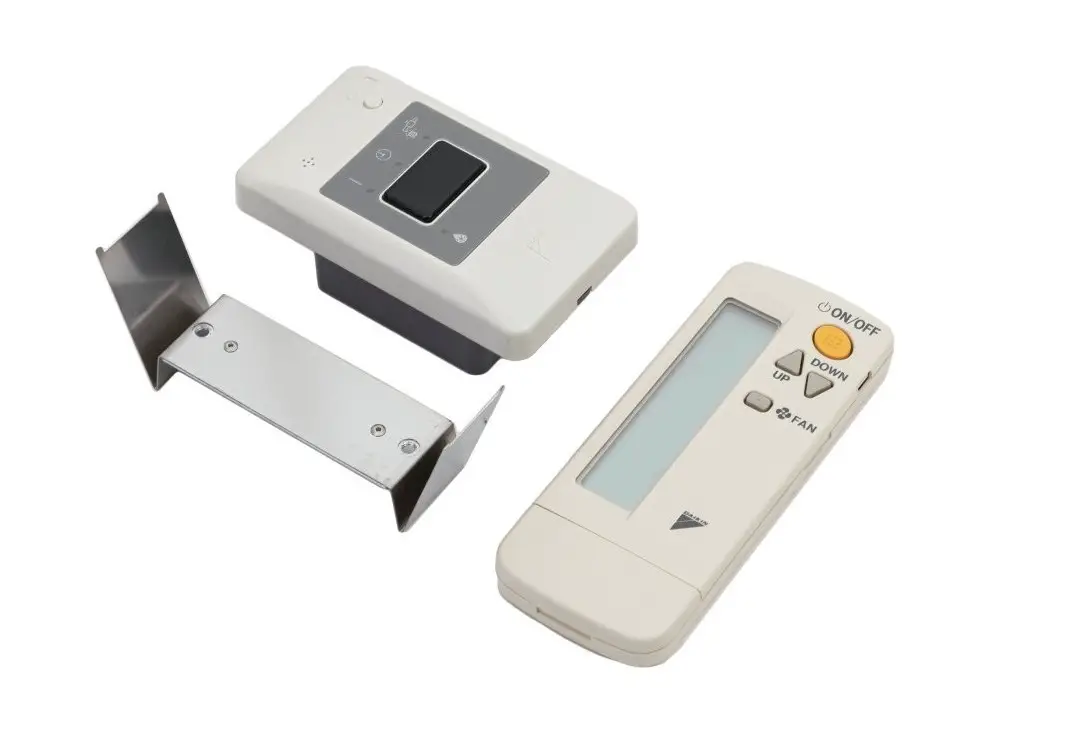
To override the Auto program
- Press the
 or
or  button to activate the display.
 - Press the to raise or button to lower both the
- Heat and Cool set points.
- Confirm the settings by pressing the middle button
 or
or  button to activate the display.
To change the individual Mode settings
- Press the or button to activate the display.
- Press the — button to select Heat/Cool mode; press the + button to select the Fan mode.
- Press the or button to select the mode.
- When the desired mode appears, press the middle button to CONFIRM.
- Press the button to raise or button to lower the set point for the currently selected mode.
© 2021 Current Lighting Solutions, LLC. All rights reserved. GE and the GE monogram are trademarks of the General Electric Company and are used under license. iBeacon is a trademark of Apple Inc. Information provided is subject to change without notice. All values are design or typical values when measured under laboratory conditions.
DT100 (Rev 05/24/21)
T 1-888-694-3533
www.gecurrent.com
 Commercial Lighting and Lighting Controls | Current - GLI Brands