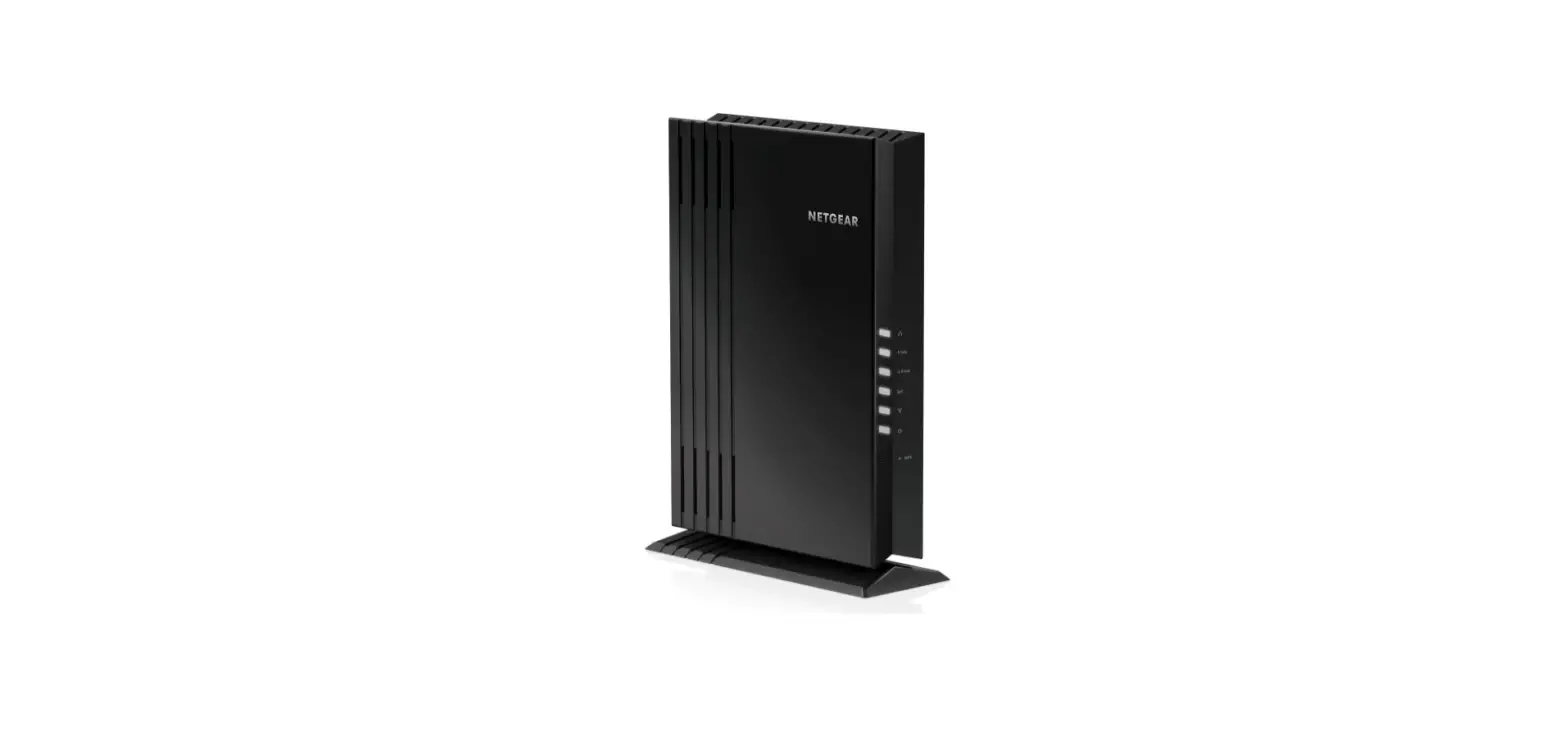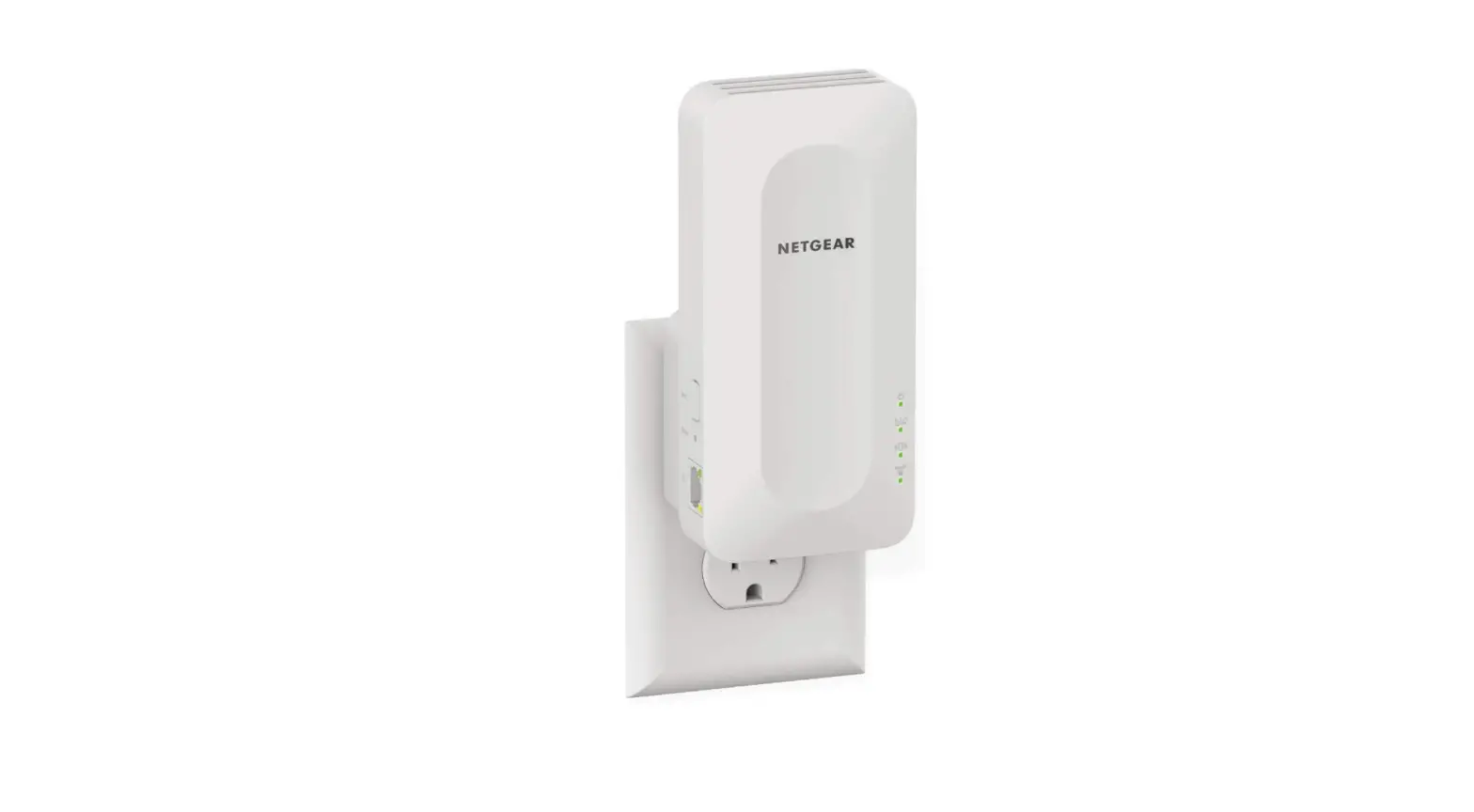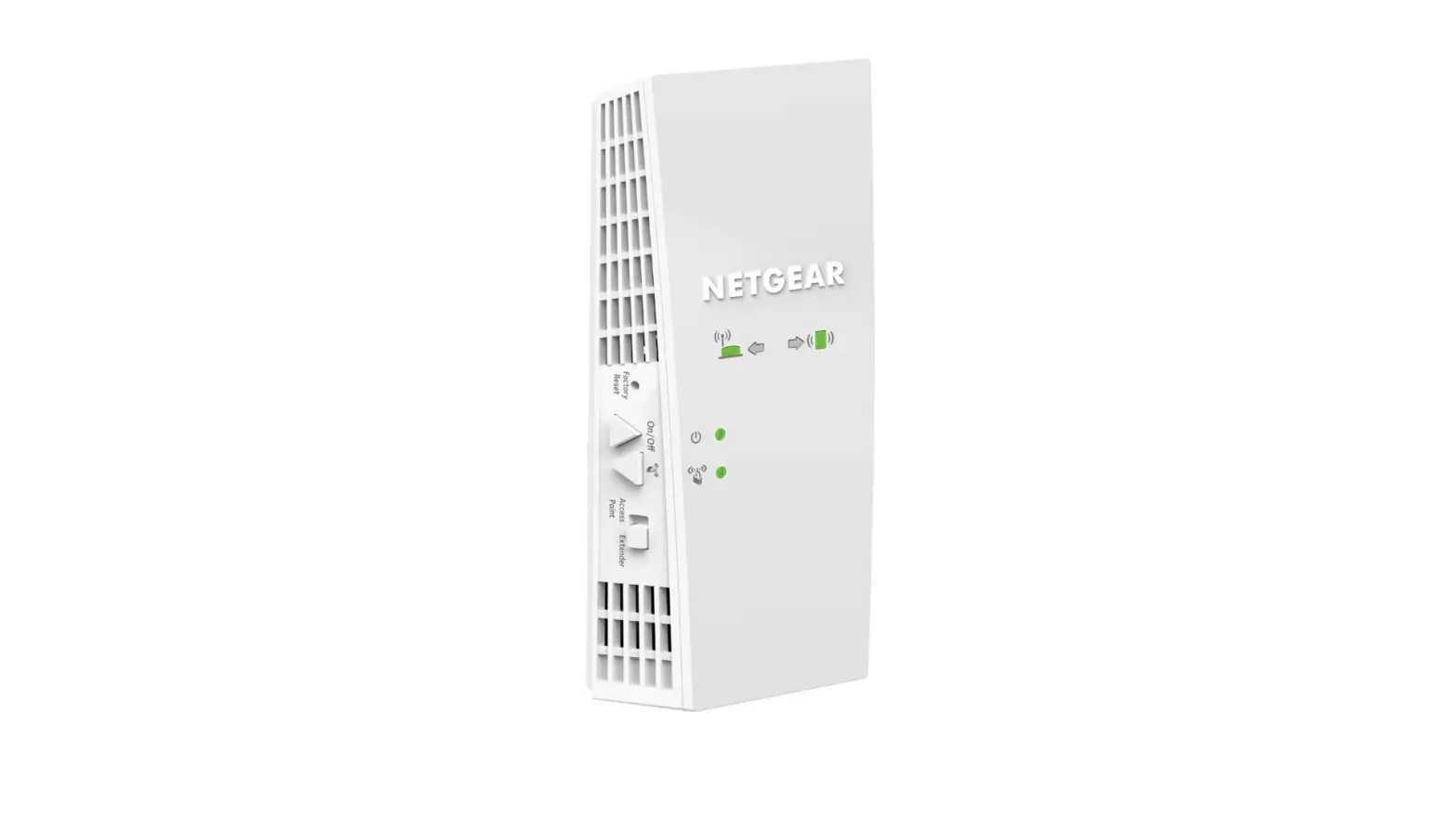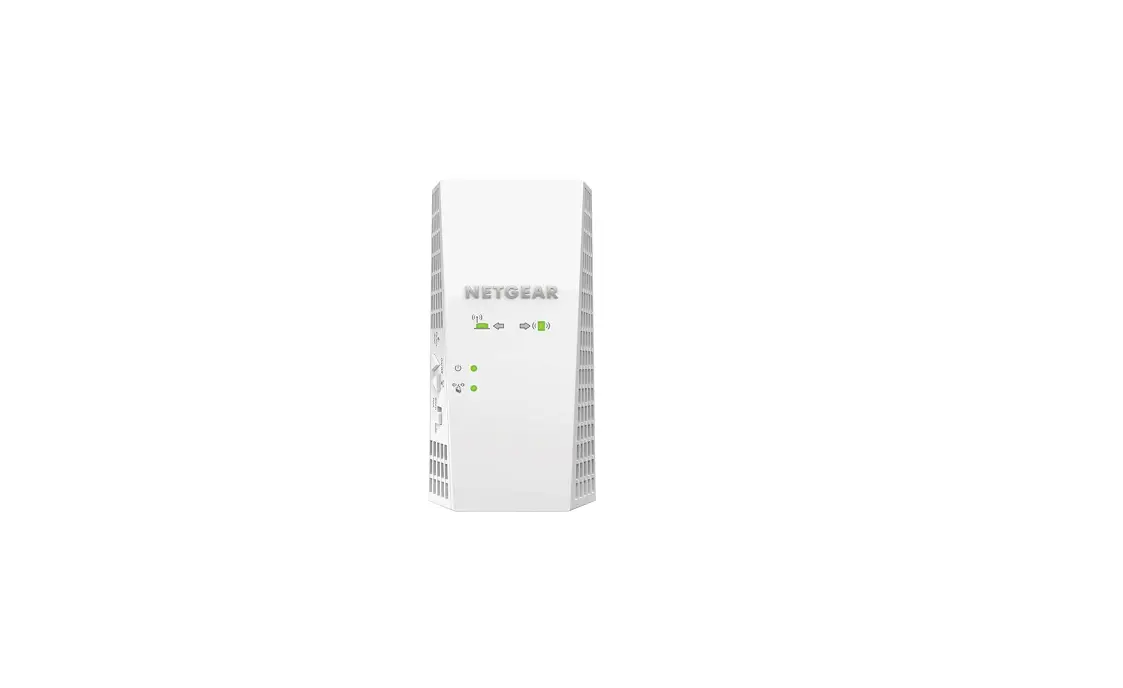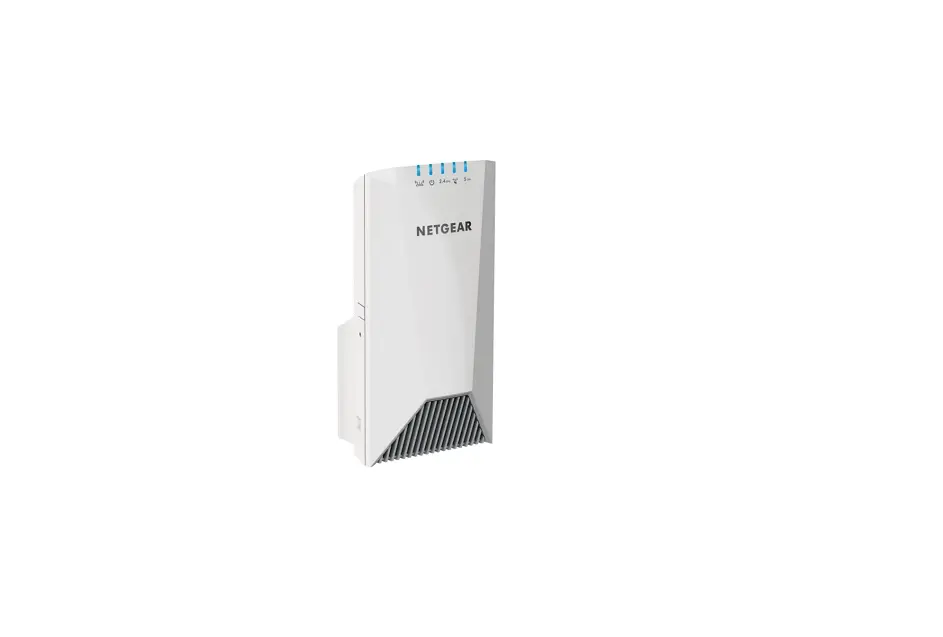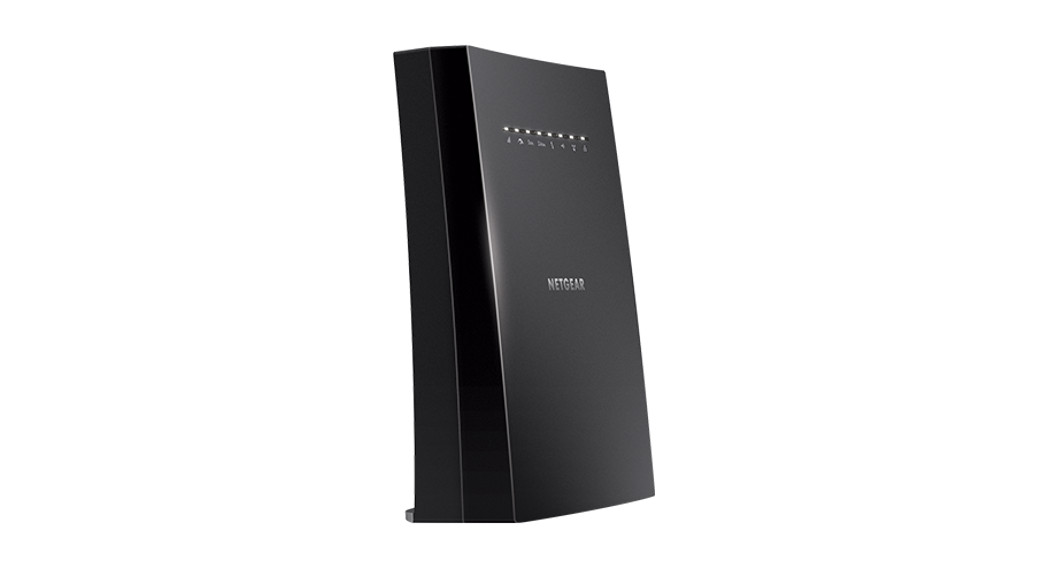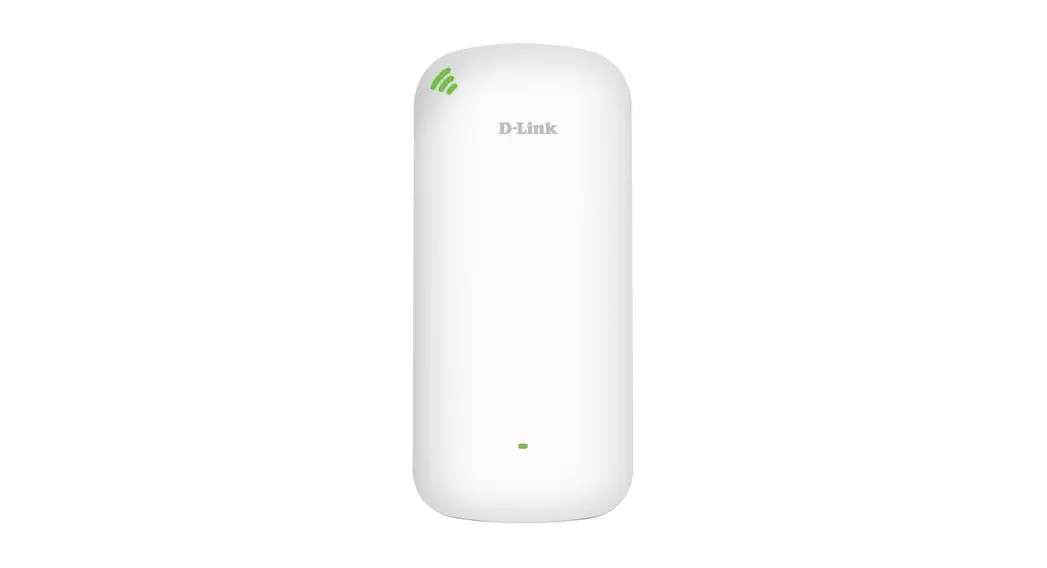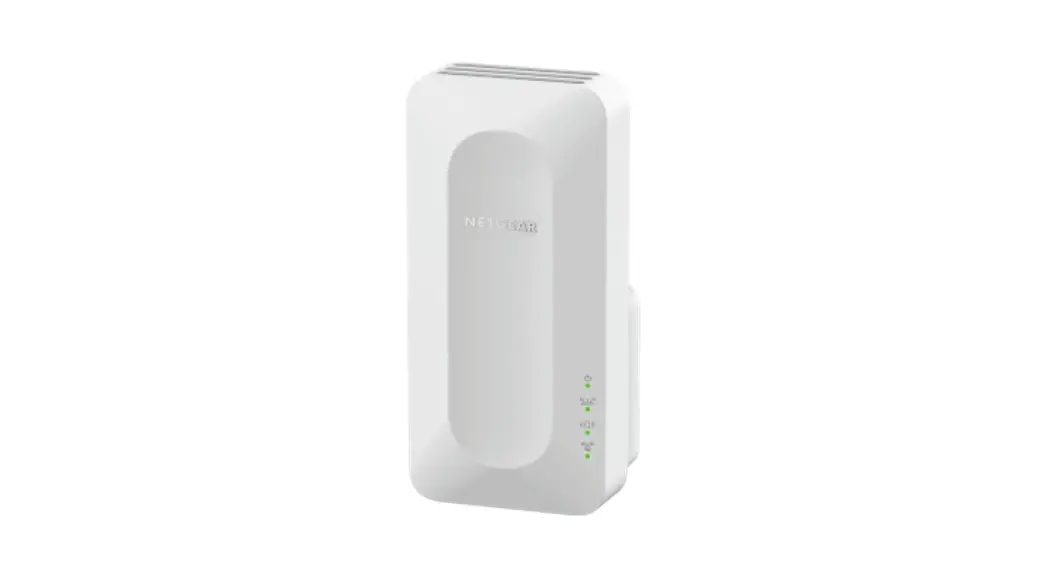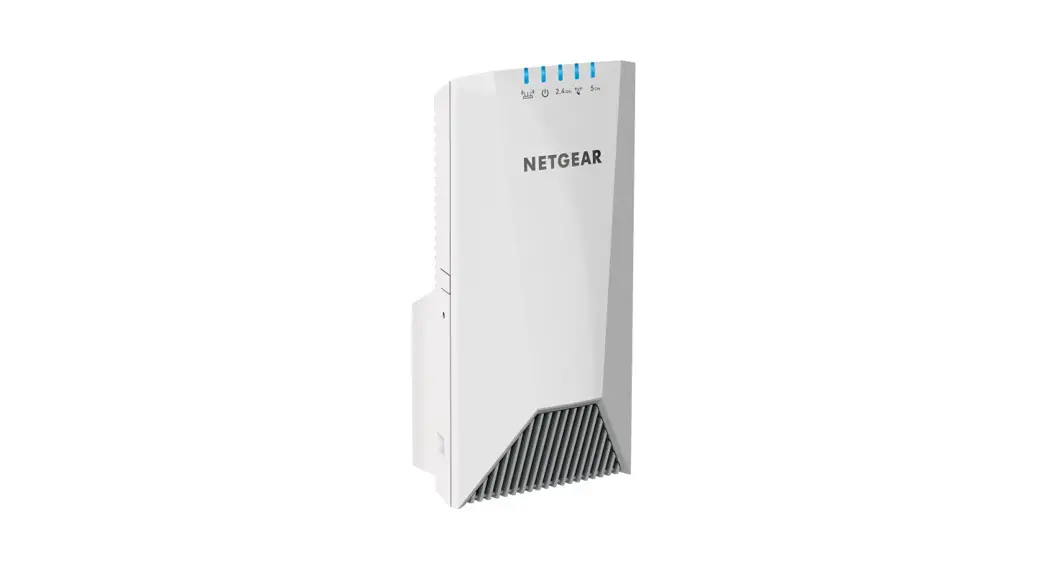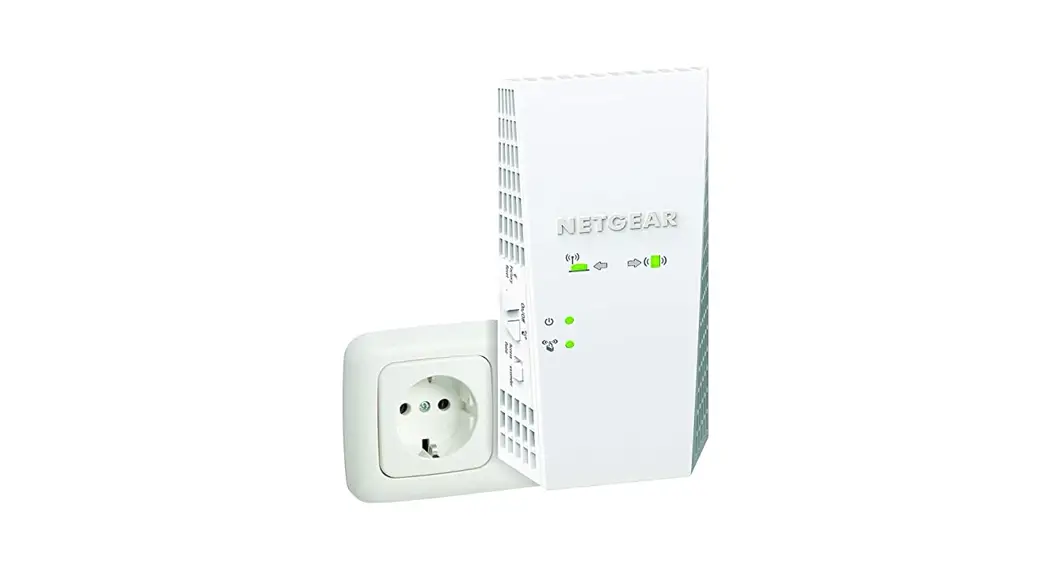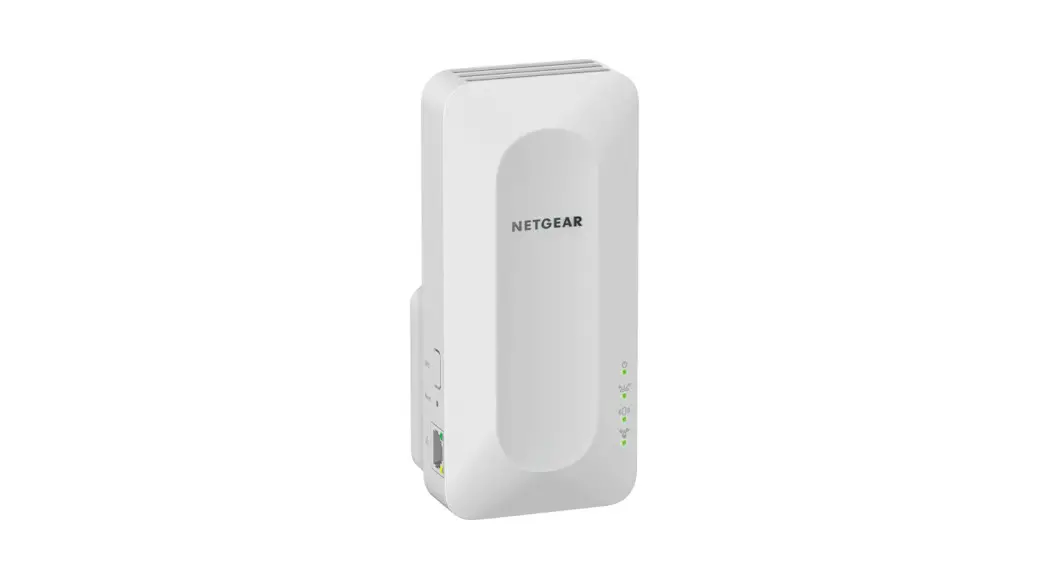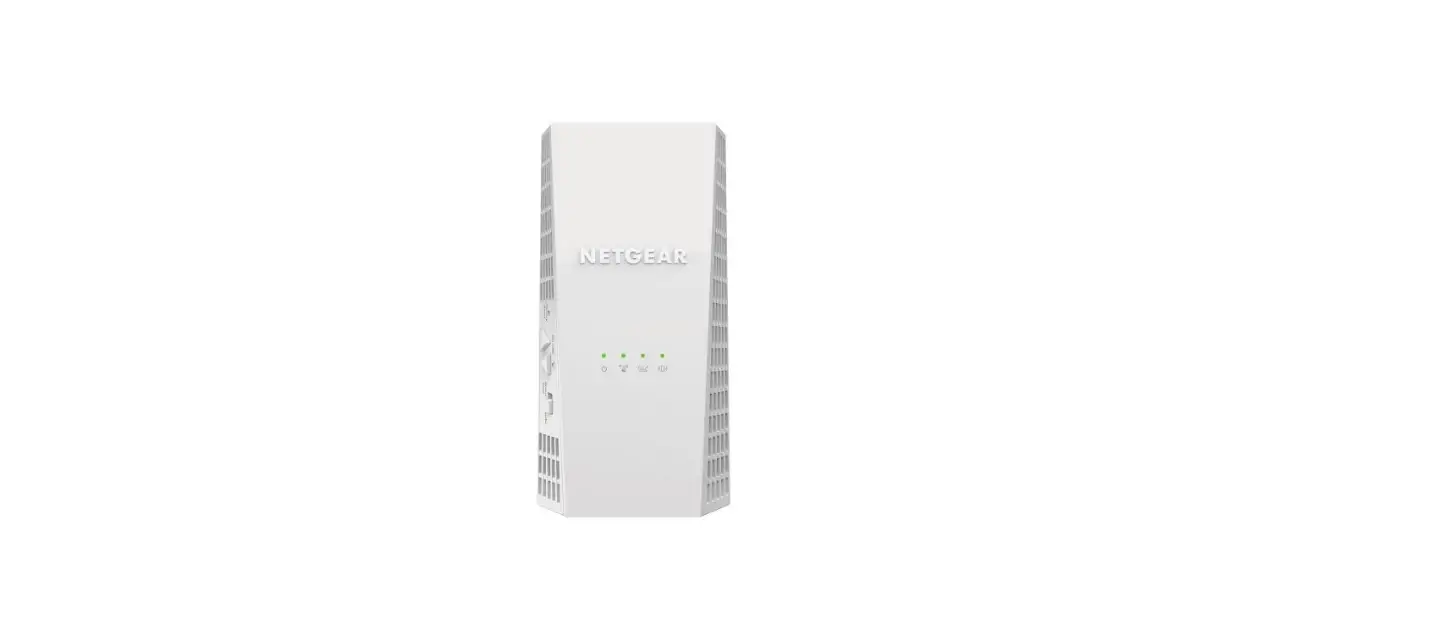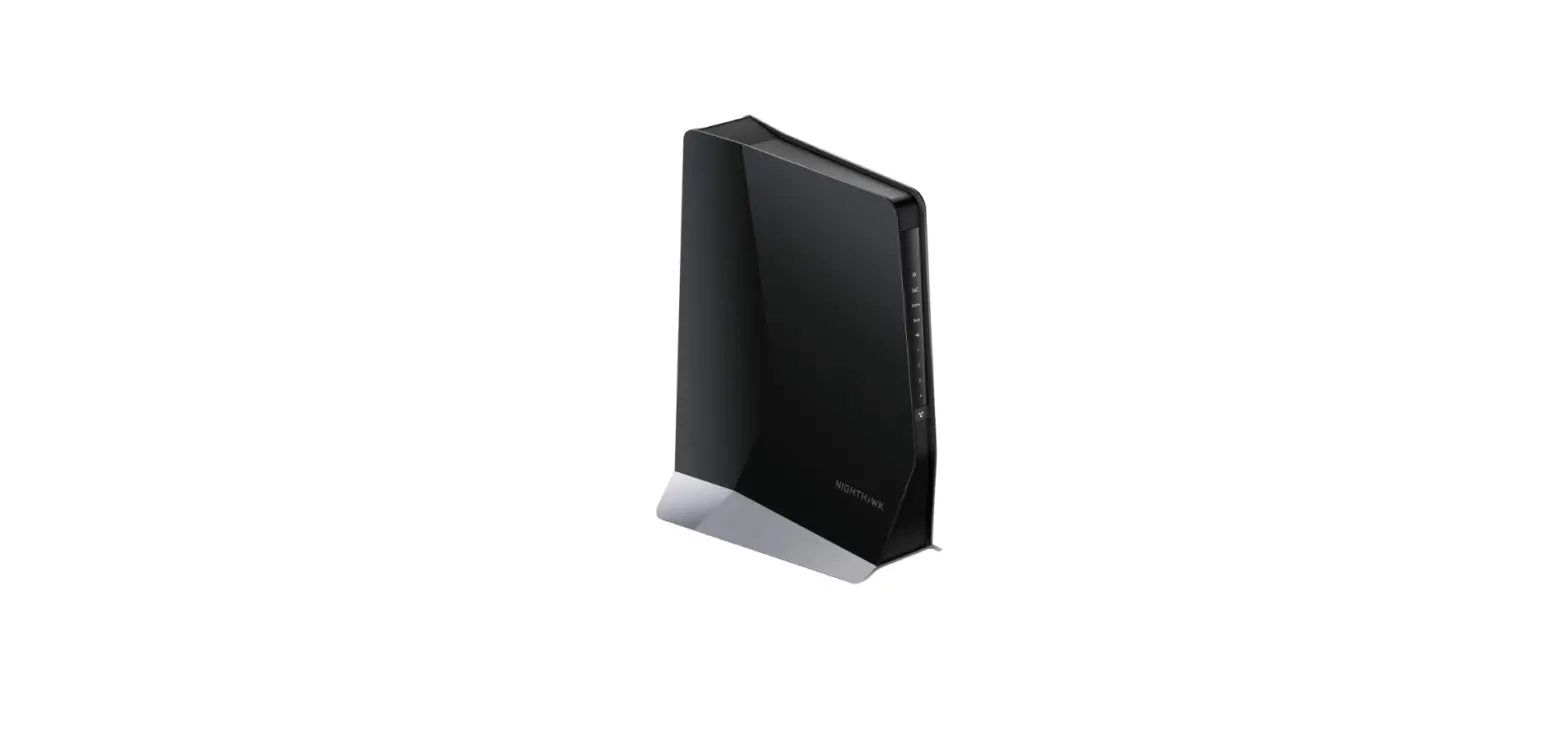

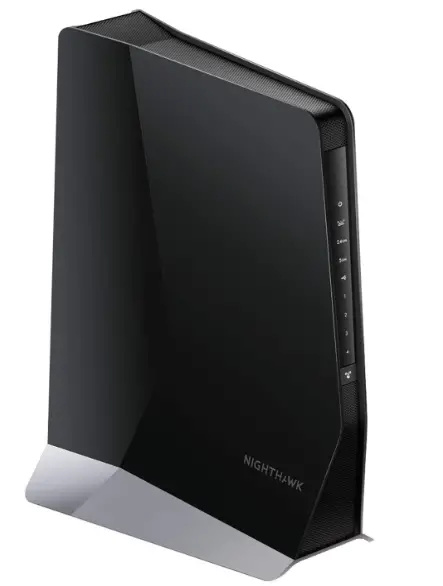
NETGEAR EAX80 Nighthawk WiFi 6 Mesh Range Extender
Specifications
- Package Dimensions
12.95 x 10.2 x 5 inches - Item Weight
3.1 pounds - Wireless Communication Standard
802.11ax - Data Transfer Rate
6 Gigabits Per Second - Frequency Band Class
Safe & Secure - WiFi Technology
802.11ac - WiFi Performance
AX6000 - Router
2.4 and/or 5GHz 802.11 a/b/g/n/ac/ax WiFi router or gateway - Brand
Netgear
Introduction
Using the Nighthawk AX8 8-stream Wi-Fi 6 mesh extender, a robust whole-home network is created. Connect existing Wi-Fi to mesh networks With lightning-fast rates of up to 6Gbps, you can have a better sense of connectedness across your home and extend faster Wi-Fi to every nook and cranny. All devices connected to the Wi-Fi network have greater accessible bandwidth thanks to 8-Stream Wi-Fi. Uses Dual-Band WiFi technology to deliver up to 6Gbps performance for demanding 4K HD streaming and multiplayer gaming.
What’s In the Box?
- Nighthawk® 8-Stream WiFi 6 Mesh Extender (EAX80)
- Power adapter
- Quick start guide
Quick Start
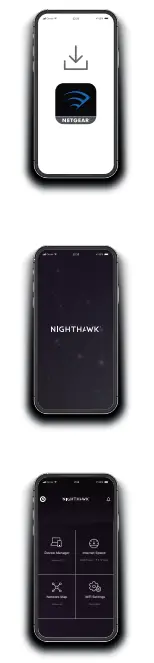
- Download the Nighthawk app to install your extender
On your mobile phone, download the Nighthawk app, available on the Google Play™ store and the Apple App Store. - Connect your phone to the extender WiFi
Plug in your extender. Connect your mobile phone to the extender WiFi network called NETGEAR_EXT. Open the Nighthawk app and follow the step-by-step instructions to set up your extender. - Do more with the app
Check out everything you can do on the Nighthawk app! Run a speed test, see all the connected devices, and more.
Overview
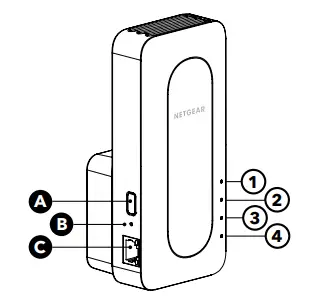
- WPS button
- B Reset button
- C Ethernet port
- Power LED
- 2 – Router Link LED
- Client Link LED
- 4 – WPS LED
Troubleshooting
If you need help with the installation, visit netgear.com/extenderhelp for more information.
Support and Community
Visit netgear.com/support to get your questions answered and access the latest downloads.
You can also check out our NETGEAR Community for helpful advice at community.netgear.com
Regulatory and Legal
(If this product is sold in Canada, you can access this document in the Canadian French at http://downloadcenter.netgear.com/other/
For regulatory compliance information including the EU Declaration of Conformity, visit https://www.netgear.com/about/regulatory/
See the regulatory compliance document before connecting the power supply. For NETGEAR’s Privacy Policy, visit https://www.netgear.com/about/privacy-policy
By using this device, you are agreeing to NETGEAR’s Terms and Conditions at https://www.netgear.com/about/terms-and-conditions. If you do not agree, return the device to your place of purchase within your return period.
NETGEAR INTERNATIONAL LTD
Floor 1, Building 3,
University Technology Centre
Curraheen Road, Cork,
T12EF21, Ireland
NETGEAR, Inc
350 East Plumeria Drive
San Jose, CA 95134, USA
NETGEAR, Inc., NETGEAR and the NETGEAR Logo are trademarks of NETGEAR, Inc. Any non-NETGEAR trademarks are used for reference purposes only.
Frequently Asked Questions
You could connect it to an Orbi system, but it would not be part of the Orbi mesh. If you want an additional extender, you can add an extra Orbi satellite to your existing system.
I did a chat with Netgear about your question. The eax20 works with your current router to create a mesh system. Easy setup. The mk62 can work with an existing router, but requires a more in-depth setup, in that you have to make your existing router a bridge. Additionally (according to Netgear) it does not create the seamless WiFi network that the eax20 does. Bottom line – the eax20 is designed to work with your existing router, and the mk62 is better suited to be a standalone system. I am sure a more network-savvy person can make it work (and better explain), but it is beyond my abilities. I will go with the eax20 or eax80
The 1st answer is incorrect. I actually have a CAX80 attached to 2 EAX80’s and they run beautifully. You need to use the nighthawk app and it will do the rest. Literally takes 5-7 mins
Look for the sticker on the bottom. The very small print. You should see a WPS pass number. But if I remember correctly, the easiest way to set it up using the WPS button below the six lights in the front. It should connect if you push and hold the button on the extender until it starts flashing then activate the router WPS by pushing and holding the WPS button on your router. With luck, they should find each other and connect.
I am not sure of compatibility, although I don’t see why not. I have a large house in the country and the internet is limited, so my internet service is VERY crappy. I have 2 of these extenders and they really help extend the internet to other areas and floors of the house. Was not hard to set up.
It should work as an internal router, giving you a home network on the private side of Verizon. Will it extend your Verizon router? NO. Netgear equipment is designed to give you a private home network. The primary router will connect to your service (Verizon) modem. Everything on YOUR network goes through the Netgear router which hands it off / accepts it from the service modem. One further comment – I use a Netgear Nighthawk against the service modem, then two EAX20 Mesh Range Extenders to cover my entire house with my own personal network.
I cannot state for certain as I do not use the Nighthawk hotspot. However, this is an extender with Mesh technology. I have installed 3, and never had difficulty connecting to various WiFi routers including the Acronis used by many cable TV companies.
I can’t answer that. I had problems with it causing my router to randomly reassign ip addresses. After two hours on the phone to technical support at Netgear, the rep said they had been some problems with the device and suggested I return it. I did.
No and yes. What’s nice about this product is that it is a true extender where it does not need to be wired in however, it gives you the option to connect it with the cat six cable. If you do have the cable connected then the extender would work at its max level.
Rachel, by my understanding, YES you can use this Mesh Range Extender with a Mobile Hotspot. I have not tested that form of function of use and capabilities myself, however from what I understand from my research of that type of use, it should perform as a normal extender. Using an ethernet cable may help even more for devices that are capable, as well as for certain programs that may be being used. If I’m incorrect in my own understanding I’m giving to you, I apologize for the inconvenience. I will say though, it is a wonderful extender just as a regular WiFi signal extender.
I’m not sure exactly what your goal is. If it is to prevent certain devices from connecting to your wifi network period, then I’m sure that would be best managed by the router. If you mean you want only certain devices to connect to the router rather than the extender then I believe the only way to accomplish this would be separate SSIDs for the router and extend. But by doing this you are actually causing a disservice to your network and the capabilities of these devices in doing so as they are designed to connect each device in the network to the optimal radio available to it at any given time.
It should be NP. I have an older NETGEAR router (802.11n, WiFi 4) connected via a 50 ft ethernet cable which solved my immediate issue. Your Wifi 5 router should work fine. Ya, I know I’m not getting the full WiFi 6 capability out of the new extender. I decided to stay with the same manufacturer when I purchased this extender to maybe reduce potential issues. Some people will stay it shouldn’t matter and this extender should work with routers from other manufacturers; maybe it’s brand loyalty. It working great now and the wife is happier with a better connection in her quiet spot. Someday, I’ll upgrade my router to WiFi 6 (or better), but I live in a small rural town and we are not crowded for WiFi bandwidth, yet.
Yes, as long as the outlet used for powering the unit is 110volt as almost all normal household outlets are…if the outlet used is also used for lamps, vacuum cleaners, toasters, TVs, and other normal appliances then you should have no problem.
No, this is meant to work with non-Orbi units. You would want an additional Orbi satellite (like the RBS50 if you have an Orbi WiFi 5 system) to add to your current system.