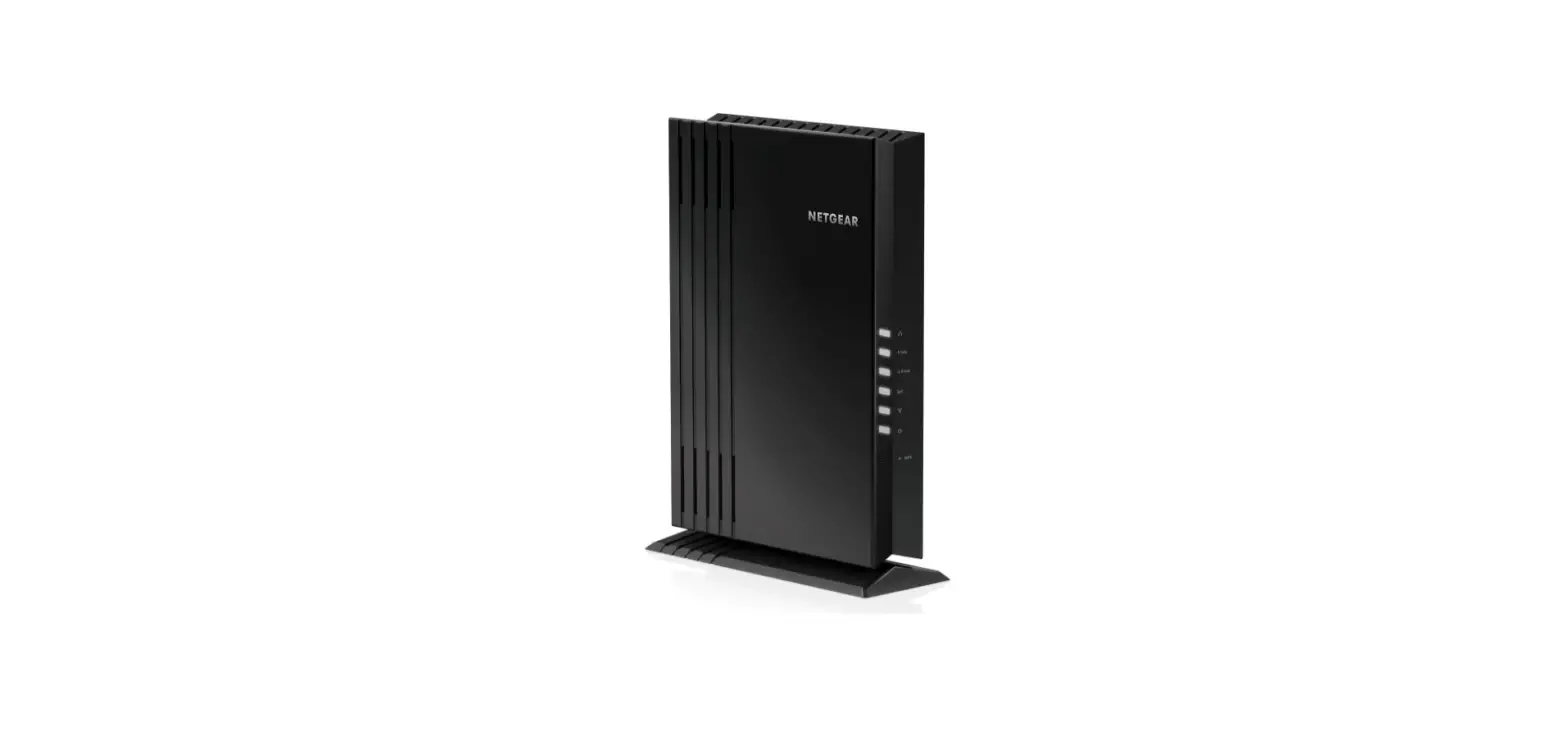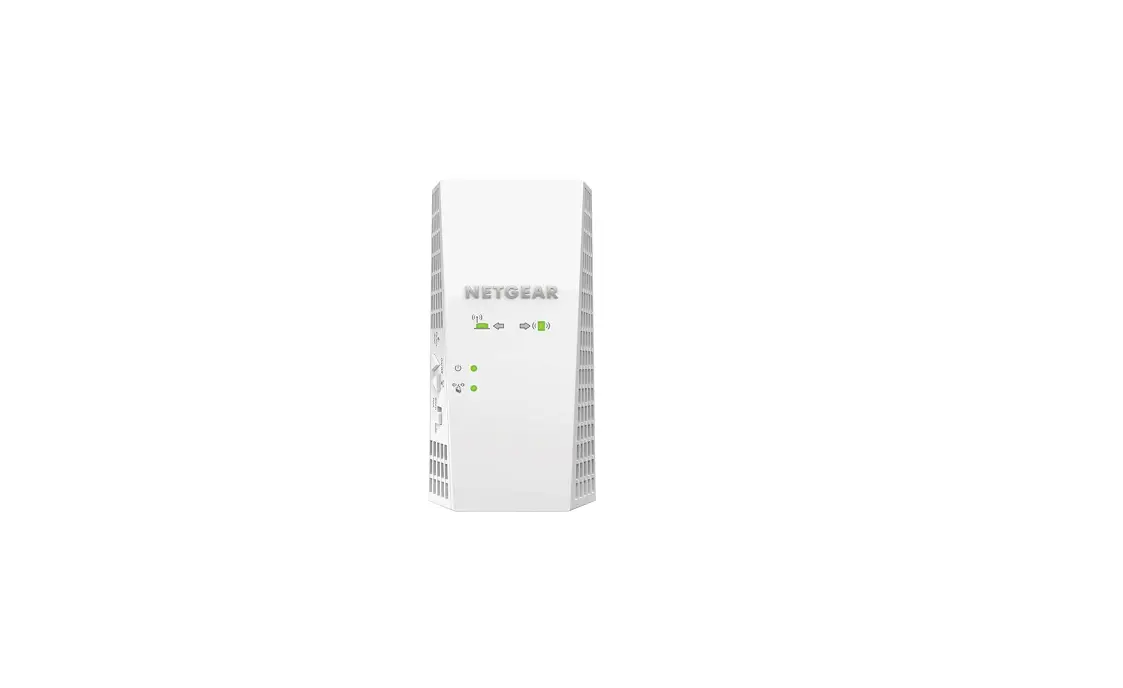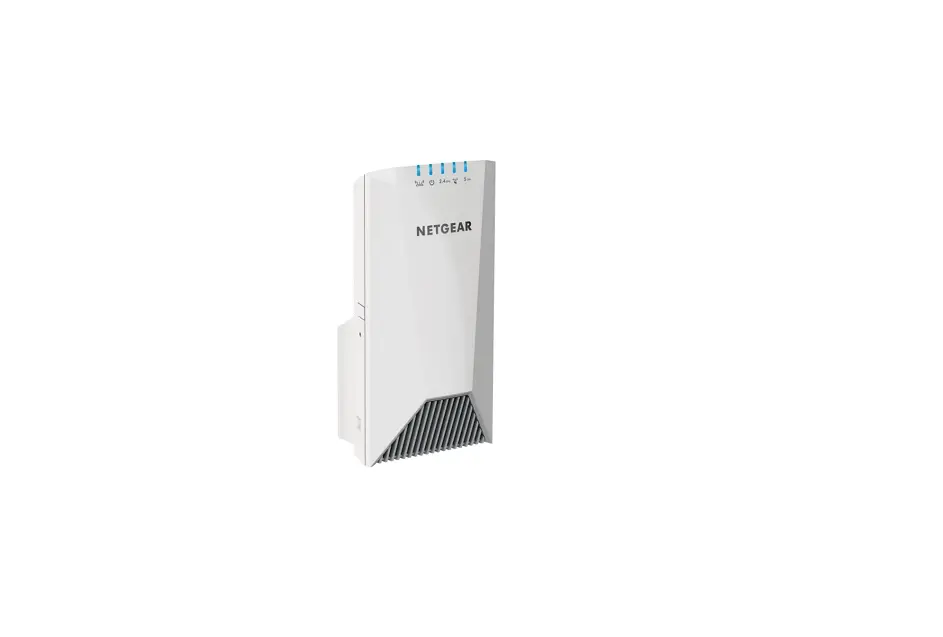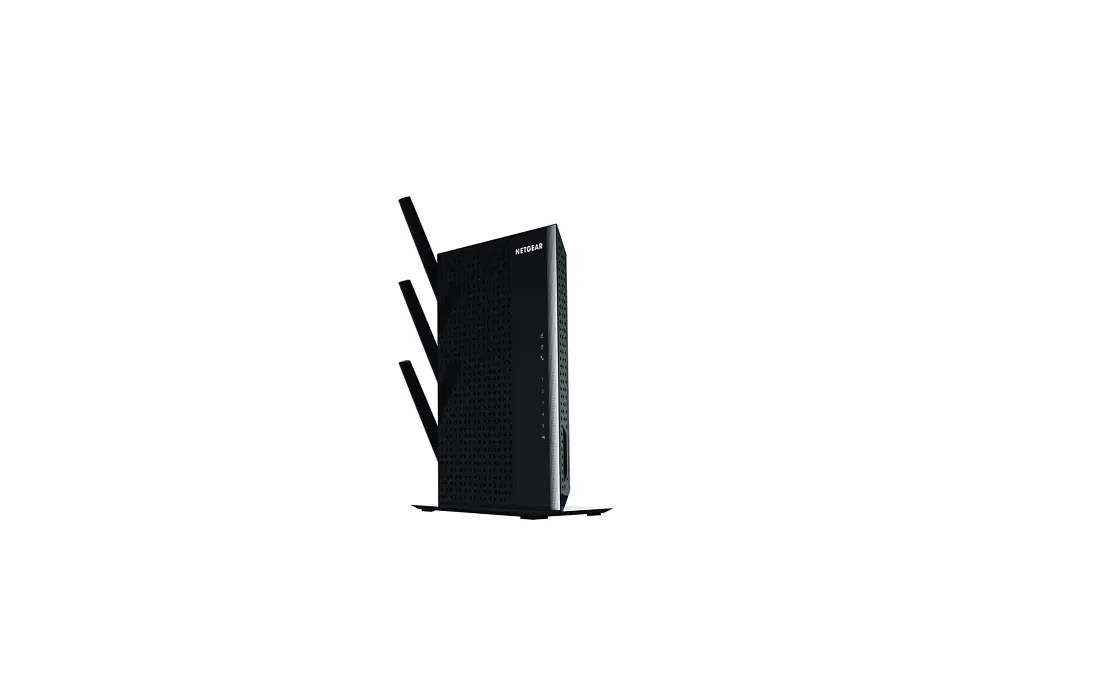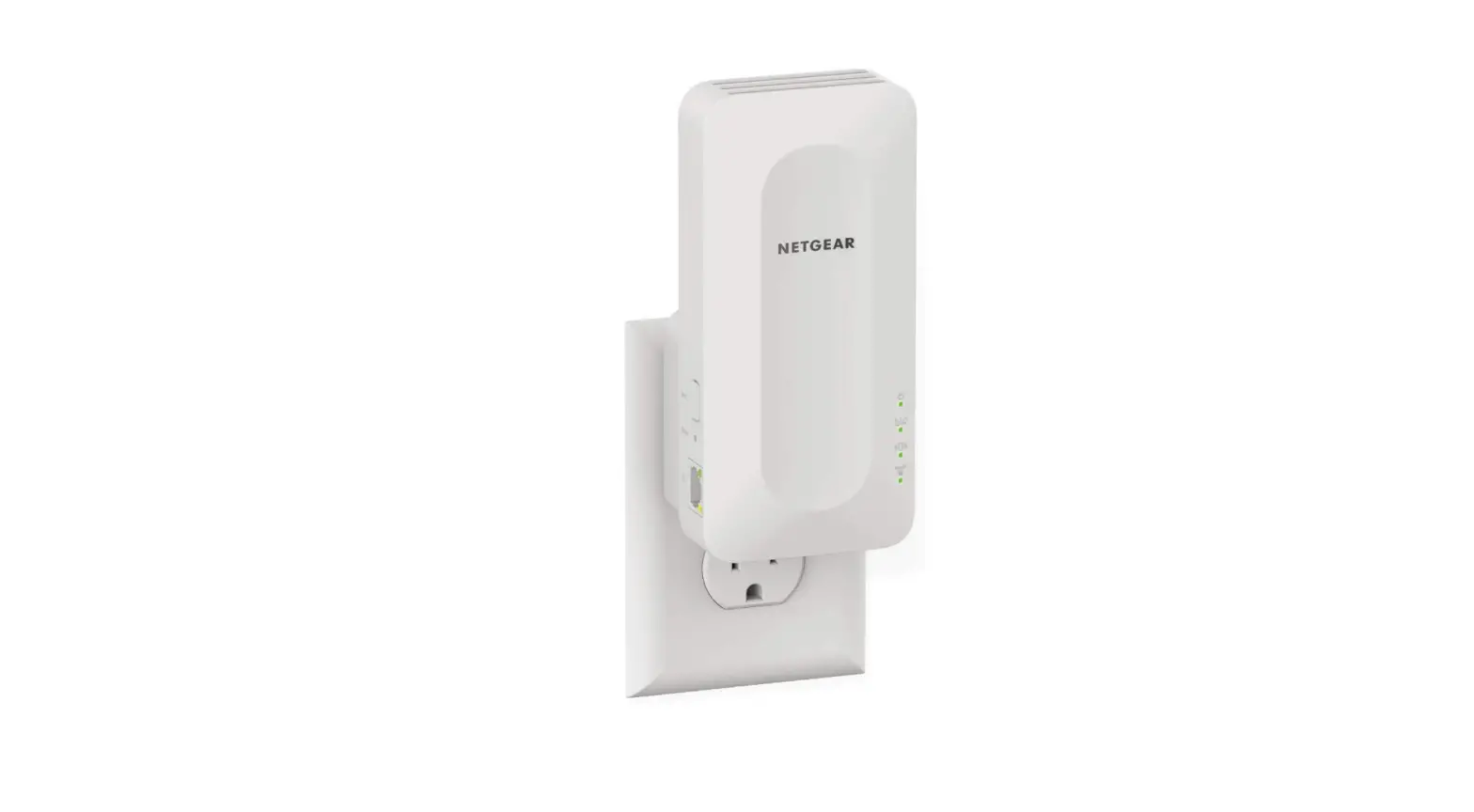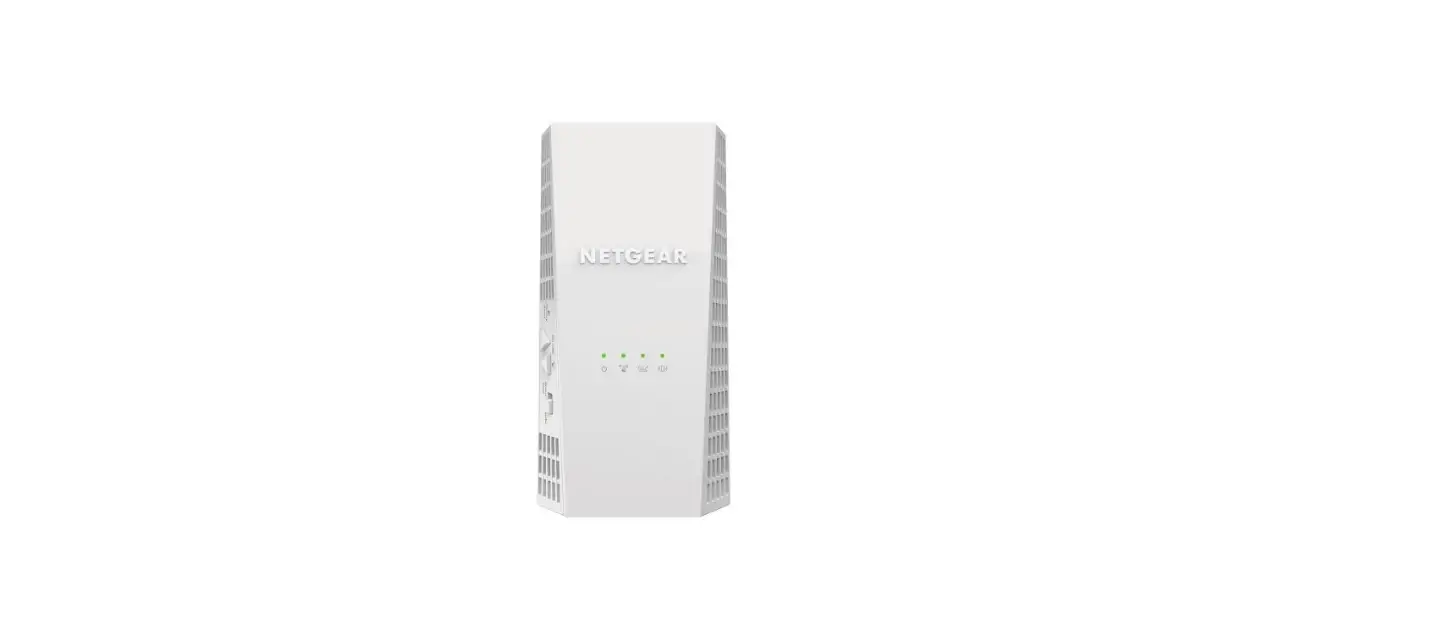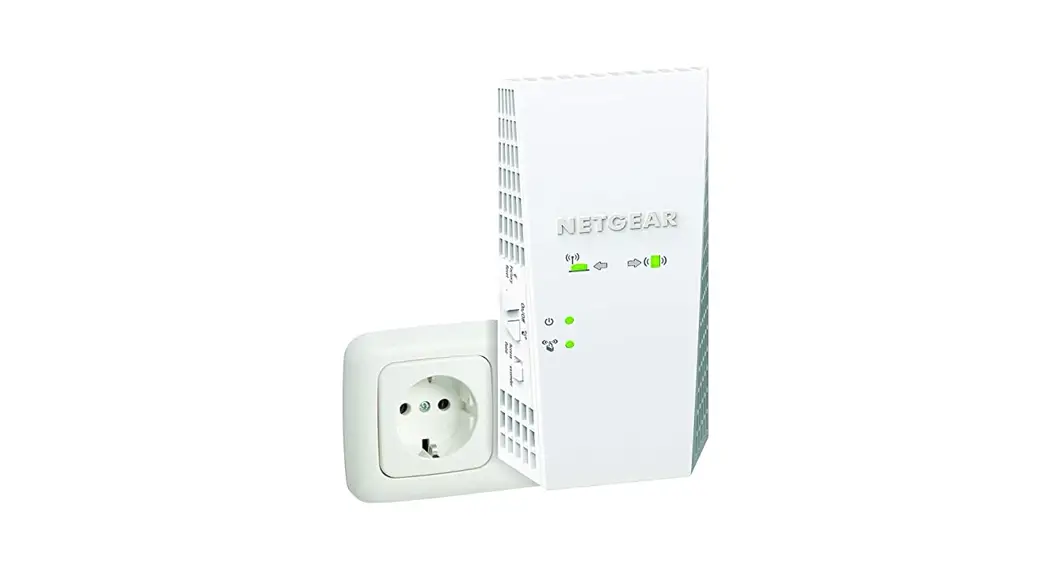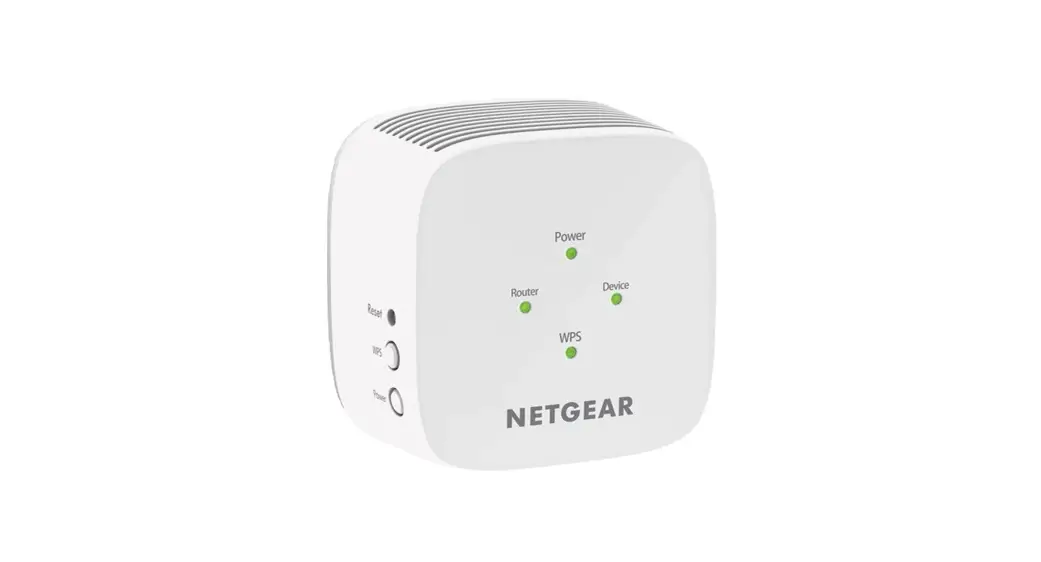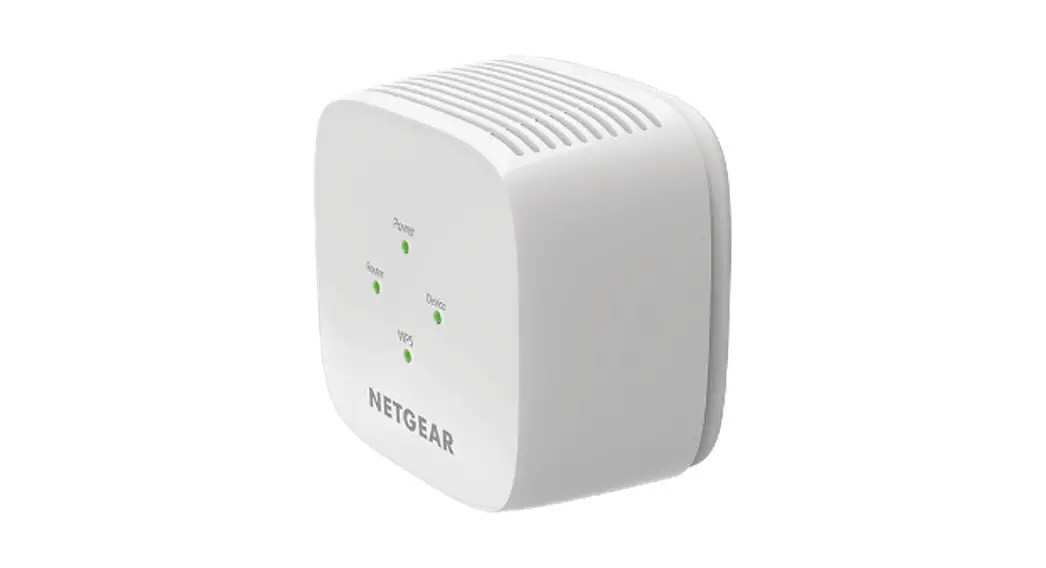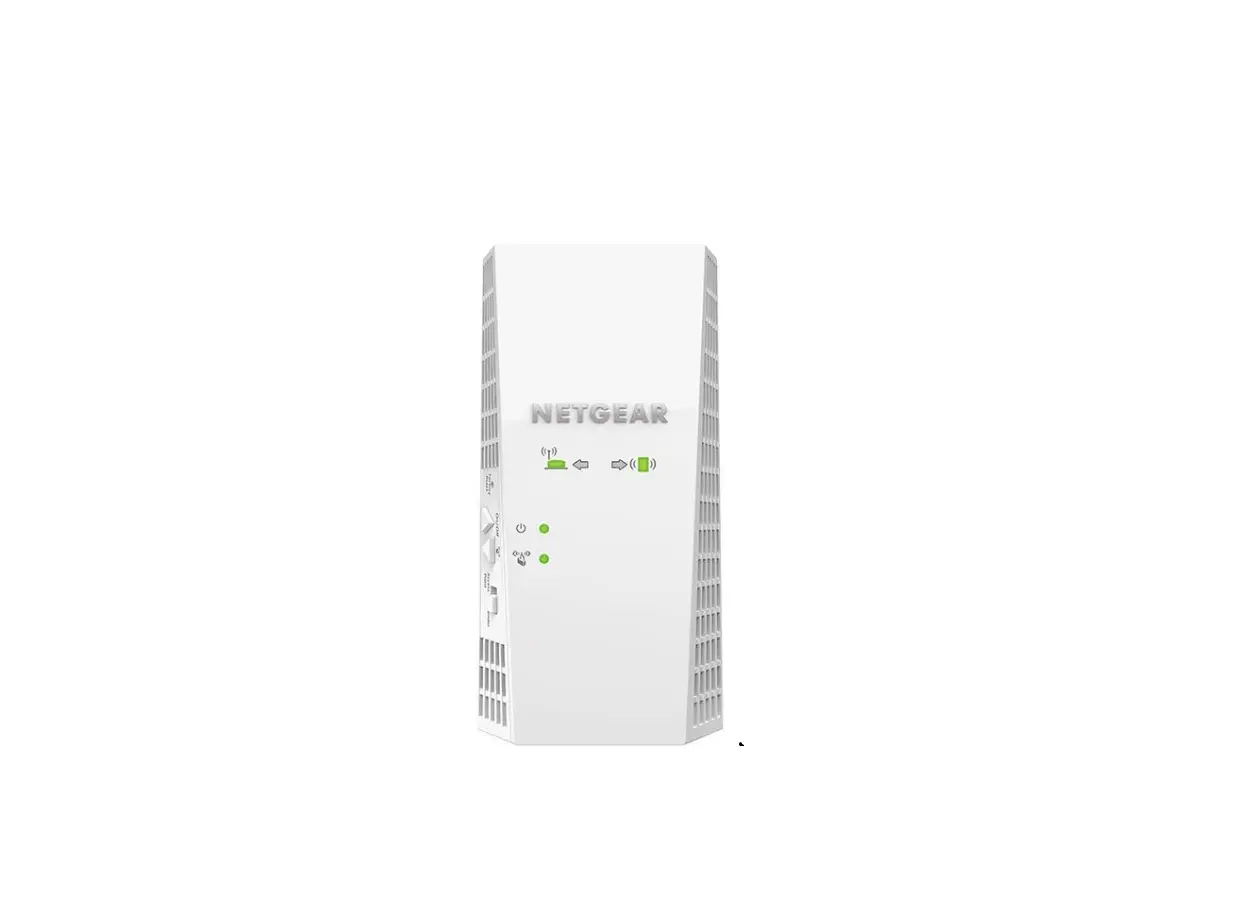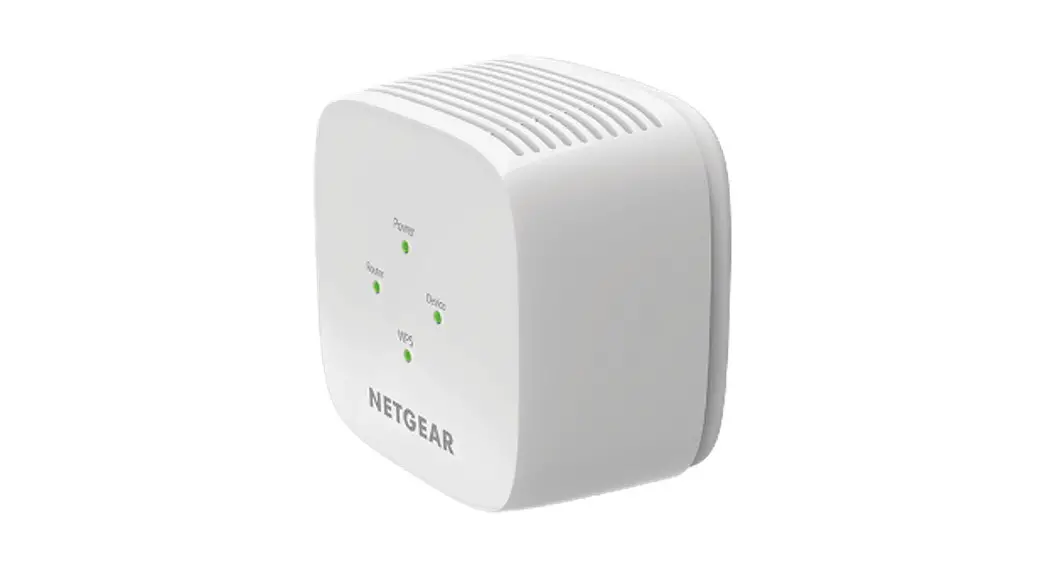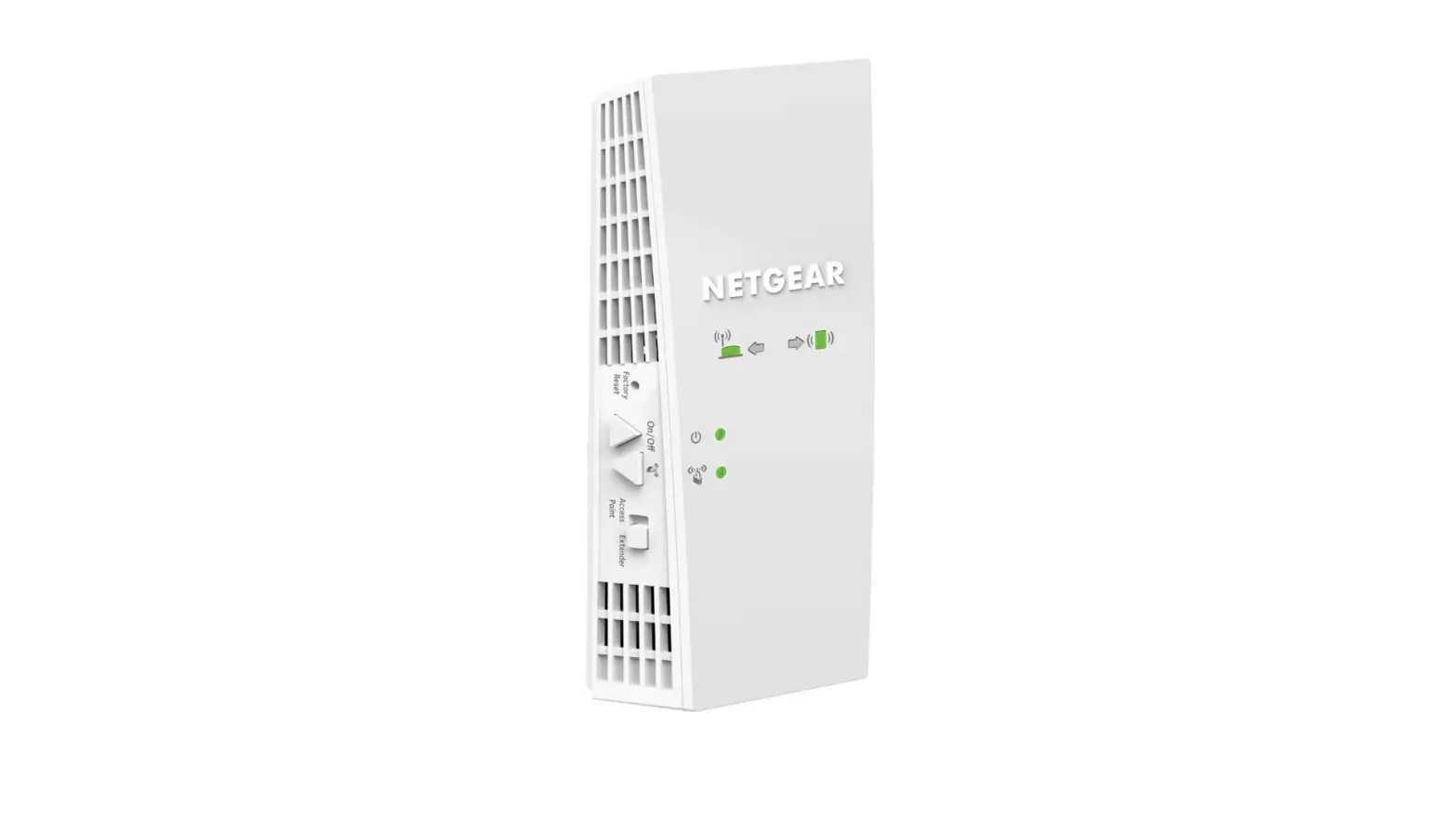

NETGEAR EX6250 WiFi Mesh Range Extender
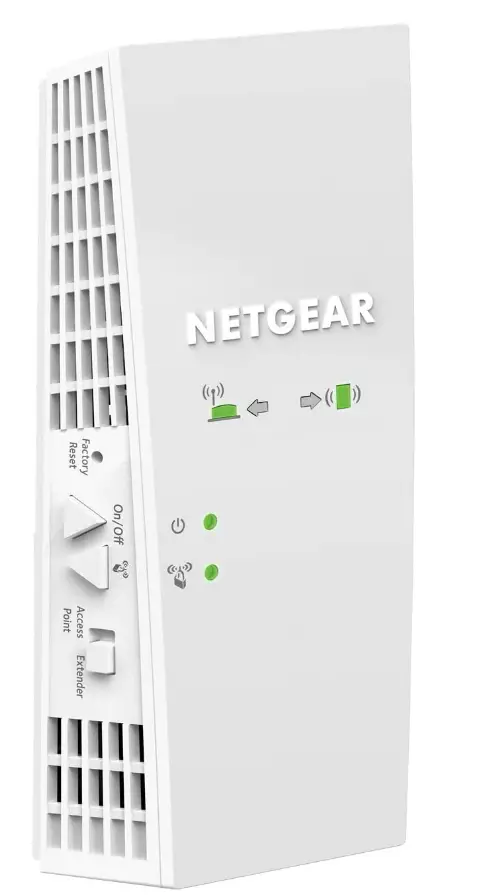 Specifications
- Product Dimensions
1.75 x 6.34 x 3.2 inches - Item Weight
10.6 ounces - Voltage
100240 Volts - Wireless Type
802.11ac - Wireless Type
802.11ac - Data Transfer Rate
1750 Megabits Per Second - Frequency Band Class
Dual-Band - Brand
NETGEAR
Introduction
With the NETGEAR AC1750 Mesh WiFi Extender, you can extend your current WiFi and enjoy the speeds you pay for throughout your entire home. With the help of your home WiFi and this mesh extender, you can build a strong WiFi system. includes mesh features like One WiFi Name and Smart Roaming. No additional WiFi identities or passwords are required to easily connect all of your smart home devices to one network. While uninterruptedly streaming television on your mobile device, move from room to room. works with the WiFi router, gateway, or ISP-provided gateway that you already have.
What’s In the Box?
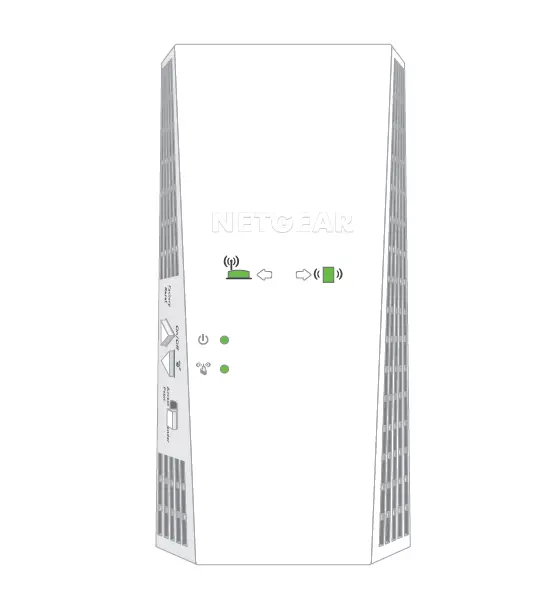
- AC1750 WiFi Mesh Extender (EX6250v2)
- User Manual
Boost your existing WiFi
- Dual-band WiFi up to 1750Mbps
- Smart Roaming. One WiFi Name
- Supports 802.11ac & a/b/g/n WiFi devices
- Works with your existing WiFi
Overview
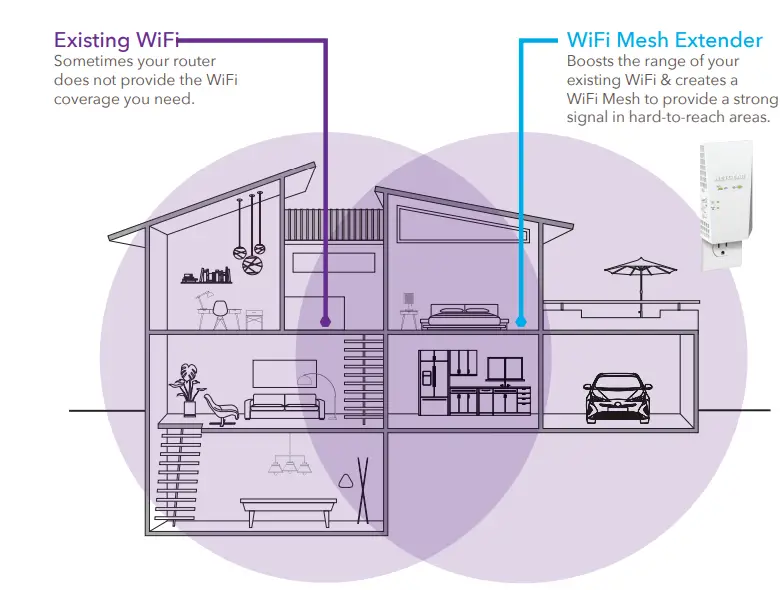
NETGEAR AC1750 Dual Band WiFi Mesh Extender boosts WiFi coverage with your existing home WiFi to create a powerful WiFi Mesh for greater wireless speed & coverage. It works with any standard WiFi router & is ideal for HD video streaming & gaming. Get the connectivity you need for iPads® smartphones, laptops & more.
WiFi Mesh
Easily create a whole home WiFi Mesh with your existing router.
Push Button Setup
Easy setup with a push of a button.
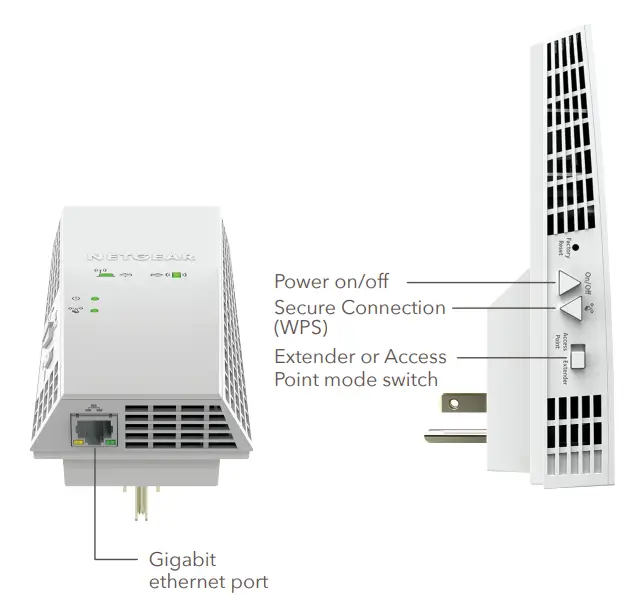
Gigabit Ethernet Port
Connect a wired device like a Blu-ray® player, game console, smart TV or streaming player to your WiFi network.

Smart Roaming
Automatically connects your mobile devices to the best available WiFi.
One WiFi Name
Extends coverage of your home’s WiFi with the same WiFi name & security password.
FastLane™ Technology
Use both WiFi bands to establish one high-speed connection; ideal for HD streaming & gaming.

Boost WiFi coverage with your existing home WiFi to create a powerful WiFi Mesh for greater wireless speed & coverage throughout your home. Improve your home’s WiFi & get better connections for iPads®, smartphones, laptops & more.
Nighthawk® App—Get more from your WiFi
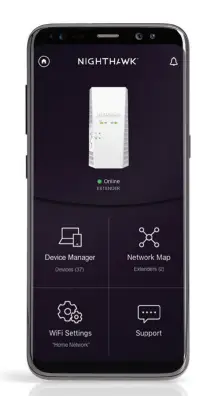
- Quick Setup
Get connected in just minutes - WiFi Settings
View your WiFi network name (SSID) and password - Device List
Check devices connected to the extender - Network Map
View extenders connected to the network

WARRANTY
www.netgear.com/about/warranty
SUPPORT
90-day complimentary technical support.
EASE OF USE
- Quick install using Nighthawk App
- Push ‘N’ Connect using WPS
SYSTEM REQUIREMENTS
- 2.4 and/or 5GHz 802.11ac & a/b/g/n wireless router or gateway
- Microsoft® Internet Explorer 8.0, Firefox® 20 or Safari® 5.1, or Google Chrome™ 25.0 browsers or higher
SECURITY
- Standards-based WiFi Security (802.11i, 128-bit AES encryption with PSK)
STANDARDS
- IEEE® 802.11 b/g/n 2.4GHz
- IEEE® 802.11 a/n/ac 5GHz
- One (1) 10/100/1000Mbps Gigabit Ethernet port with auto-sensing technology.
This product comes with a limited warranty that is valid only if purchased from a NETGEAR-authorized reseller. 90-day complimentary technical support following purchase from a NETGEAR authorized reseller.
¹Works with devices supporting Wi-Fi Protected Setup® (WPS). Data throughput, signal range, and wireless coverage per sq. ft. are not guaranteed and may vary due to differences in operating environments of wireless networks, including without limitation building materials and wireless interference. Specifications are subject to change without notice. The product may not be compatible with routers or gateways with firmware that has been altered, is based on open source programs, or is non-standard or outdated. For indoor use only.
NETGEAR and the NETGEAR Logo are trademarks of NETGEAR, Inc. Apple, the Apple logo, iPad, and Mac logo are trademarks of Apple Inc., registered in the U.S. and other countries. App Store is a service mark of Apple Inc., registered in the U.S. and other countries. Google Play and the Google Play logo are trademarks of Google, LLC. Any other trademarks mentioned herein are for reference purposes only. ©2019 NETGEAR, Inc.
Frequently Asked Questions
Yes, you can connect two separate extenders to the main router, but ideally you would do this if you have two low coverage areas in the home that are separate from each other. You cannot “chain” two extenders together to extend the coverage distance.
I found out from experience that a mirror directly between your computer and the wifi router will weaken the signal. A metal filing cabinet would do the same, but wooden furniture doesn’t hurt it at all.
Yes the voltage is listed as 100-240v on the back label (in very small print).
In my case, our router & cable internet connection was in my son’s room. By the time we got to my room and other rooms in the house the connection got slower, more interruption, lousy TV streaming, etc. Now that we have this extender all of those issues have disappeared. No one can explain it in simpler terms than me because I listen to my son who is going to school for computer programming.
Yes, this will definitely help. I have as well extended my wifi signal from my router in the living room to my garage, which is at least the same range as you need to cover. I needed it for the irrigation panel which was installed in my garage and also for the security camera in front of my garage overlooking the driveway. Both have perfect signals now
I’m assuming by “SID” you mean the SSID from your Main router. Yes, the Main router has to be broadcasting a Wifi signal. It can be hidden, but this extender connects to the Main router much the same way your laptop connects to the Main router via Wifi.
You can wire it to a router as an access point. Or make it wireless in extender mode. You’ll have to wire it to your computer first to configure the unit.
you can connect it to your main router without ethernet hookup. The directions will show how to connect without an ethernet cable.
I did not read or observe any information about this extender being surge protected
I don’t know. I returned it. It wasn’t strong enough for my needs. I went with an Orbi. Or had a bigger range and took on many more connections to the router, which is what I was looking for.
It boosts the wifi signal from one modem. We have had no problems using the boosted signal for multiple devices at the same time, e.g. two phones and a tablet.
No, your WiFi password is only used locally and is not transmitted or needed by NETGEAR for setup.
Yes, it would work on the 220V.
I think that you can but I’m not positive. I had 2 extenders from a different manufacturer connected in the past and it seemed to give me more coverage. I would check with Netgear to be sure.