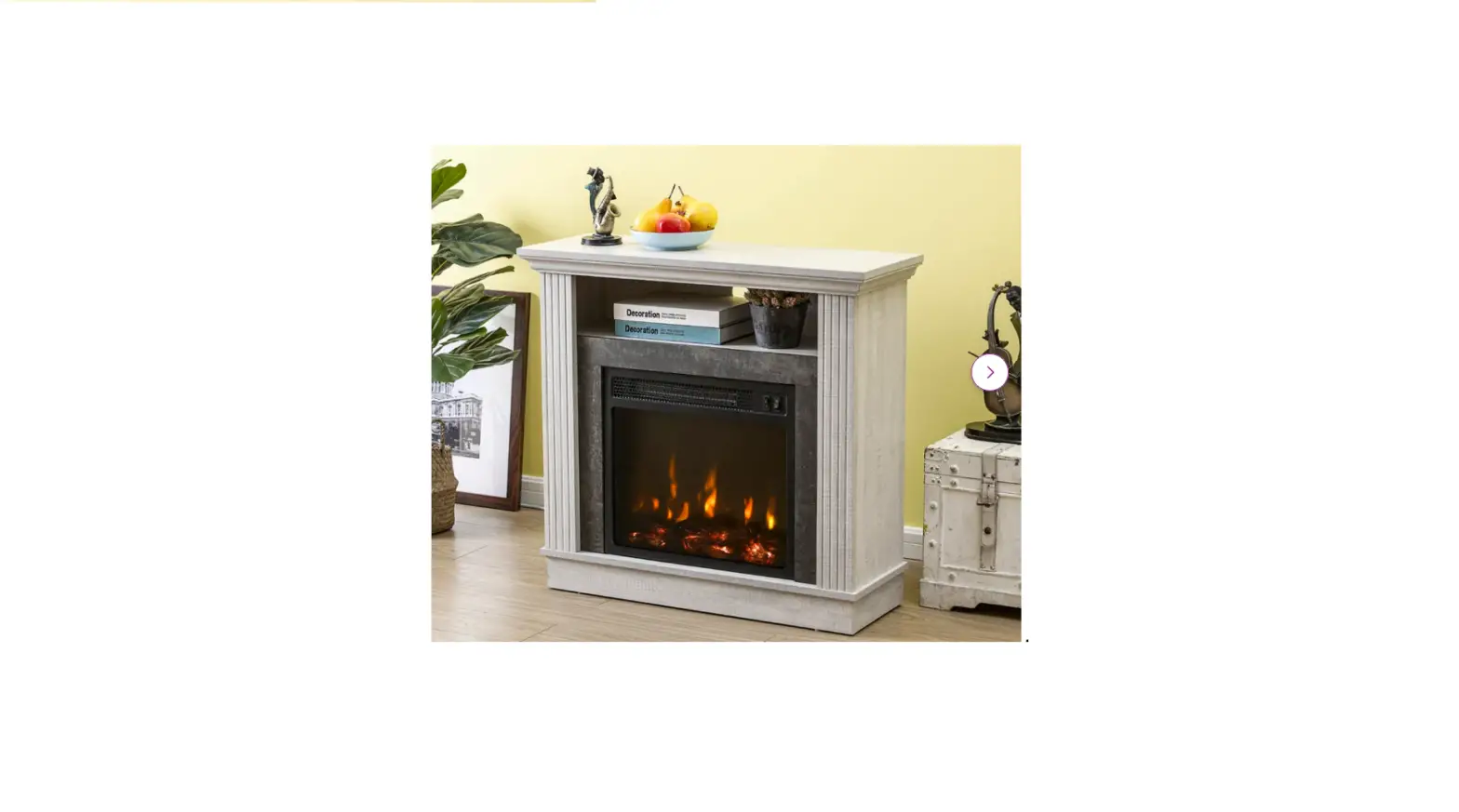
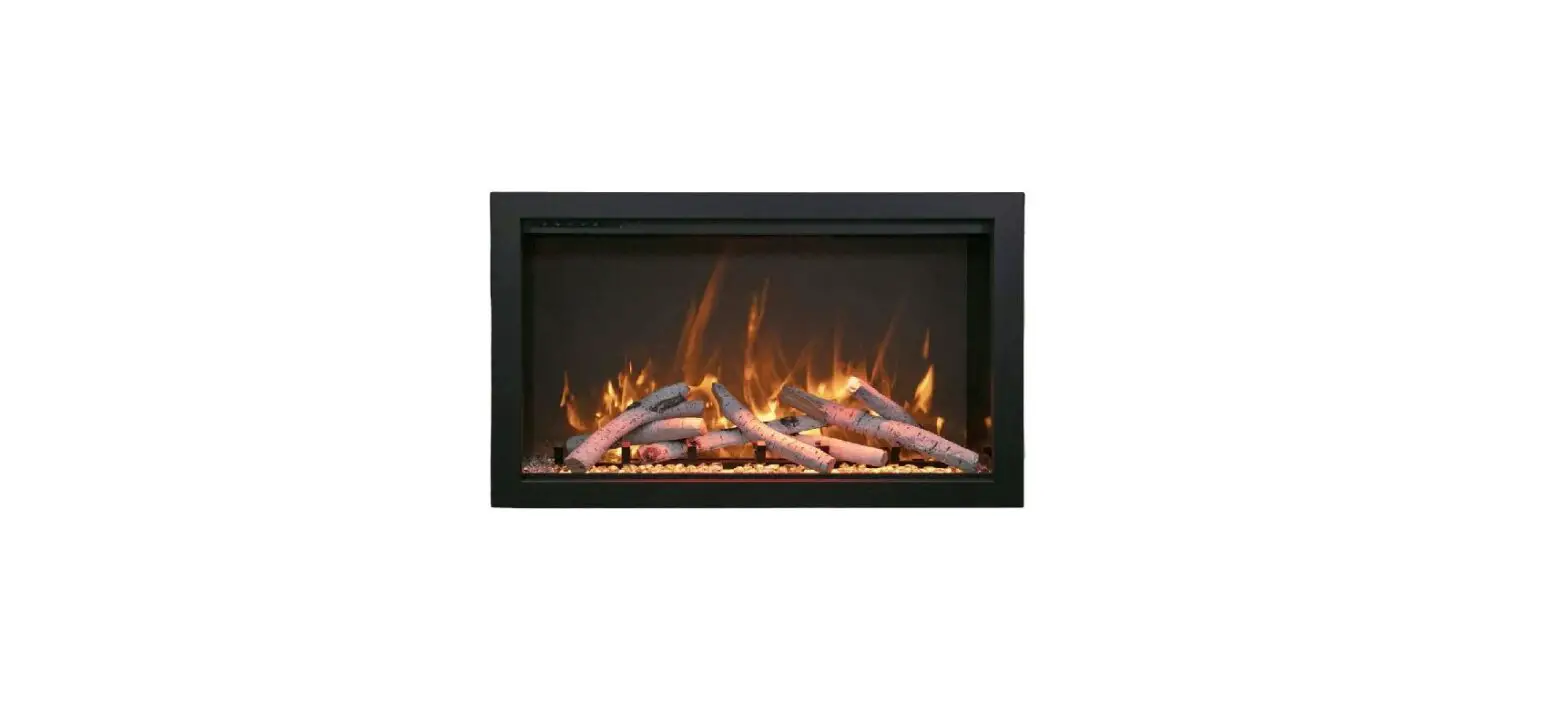
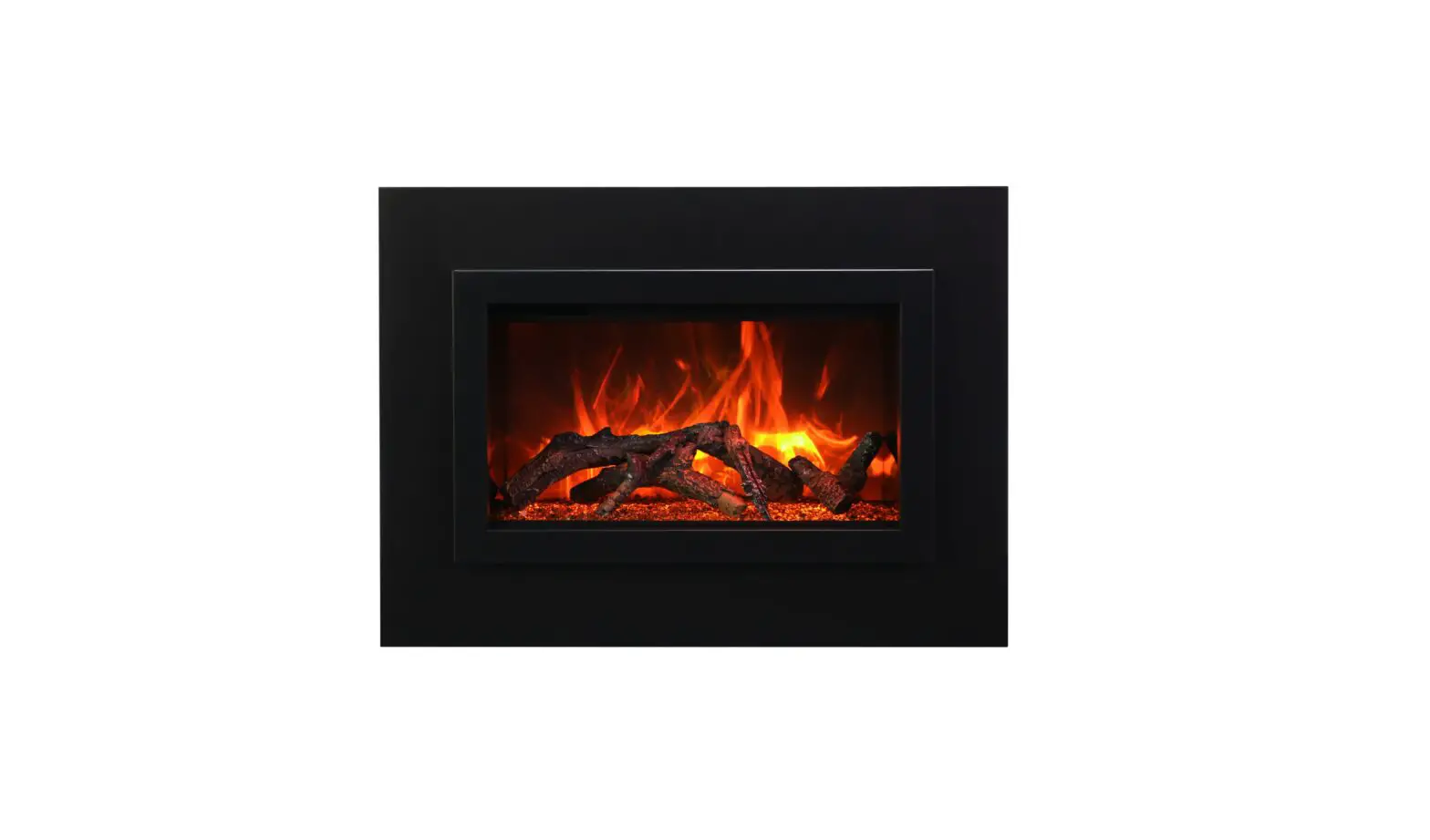
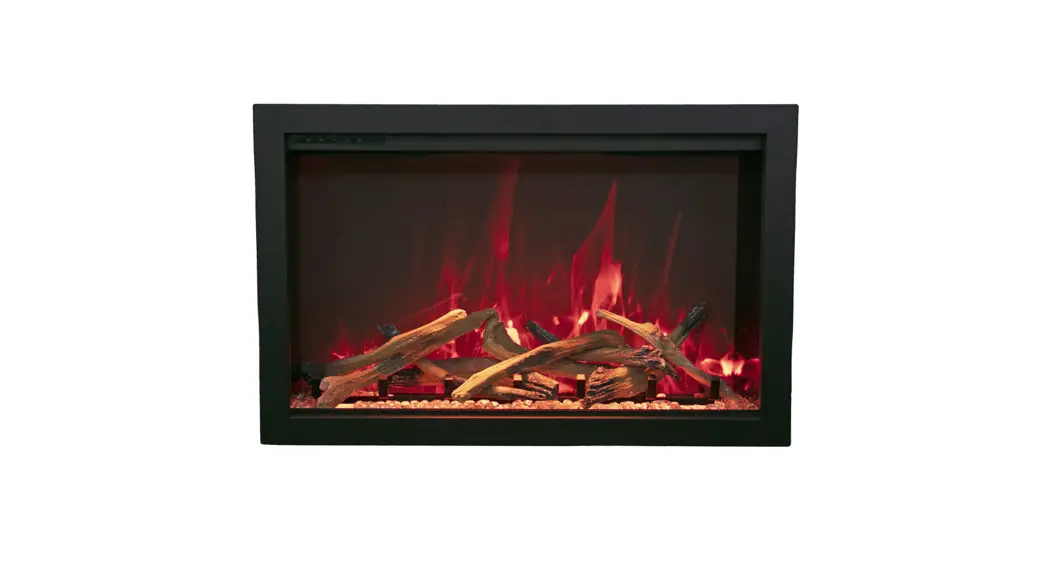
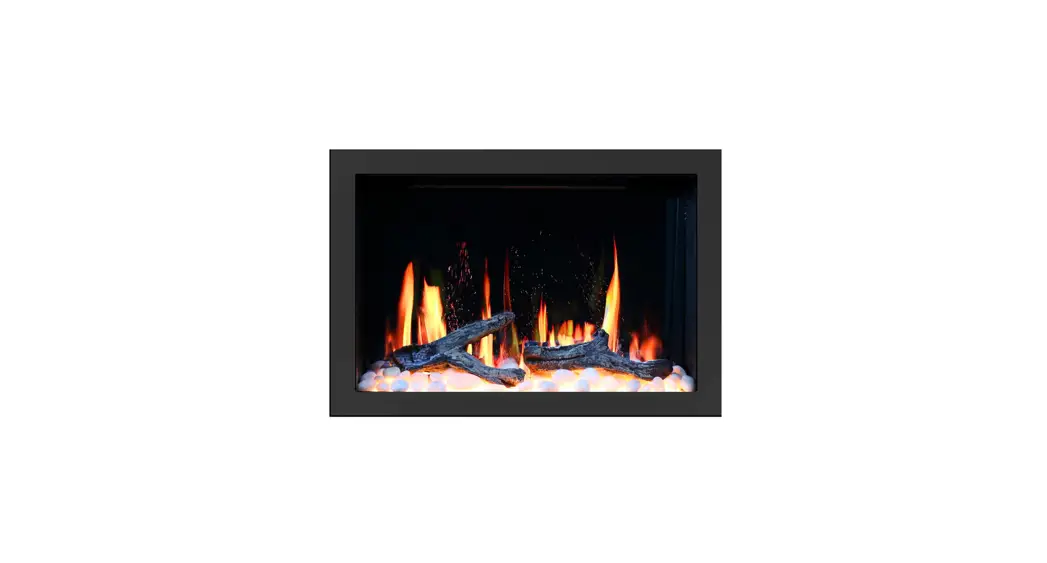
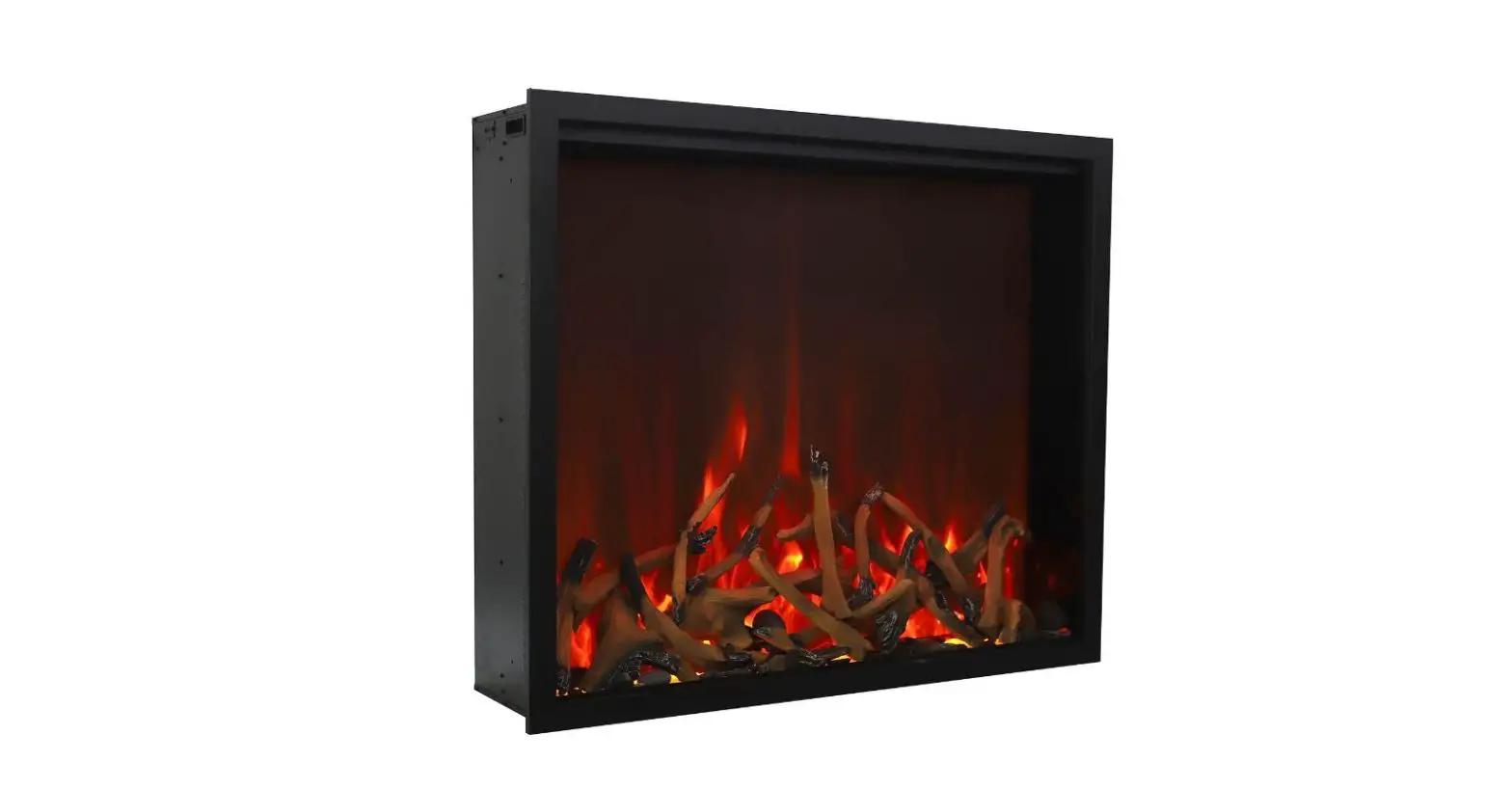
TRD-33 Traditional 33 Electric Fireplace
Product Information: Fix your Fireplace TRD series
The TRD series fireplace is a modern and stylish heating
appliance that uses LED lights to create a realistic flame effect.
The fireplace is equipped with various components such as LED
lights for the ember bed and flame, a flicker motor, PCB board,
heating assembly, touch panel, canopy light, and signal receiver.
These components can be replaced easily when needed.
Product Usage Instructions: Replace LED Light for Ember
Bed
- Step 1: Unscrew the 2 screws from the trim where marked red
arrows. The trim is fixed at the bottom of the fireplace with
magnetic stones. - Step 2: When the screws are removed, you can take off the trim.
Please mind there are magnetic stones fixed at the bottom of the
trim connecting the trim and the fireplace. - Step 3: When the trim is removed, you can take off the front
glass panel. - Step 4: Unscrew the 2 screws on each side to take off the inner
side metal piece fixing the ember bed glass panel. - Step 5: After the inner side metal pieces are removed, you can
take off the ember bed glass panel now. - Step 6: Now you can replace LED light for ember. Unplug to
replace it.
Product Usage Instructions: Replace Flicker Motor for
Flame
Please follow Steps 1 to 9 in replacing LED light for ember
bed.
- Step 1: Unscrew the screw and then disconnect the flicker rod
from the motor. - Step 2: Unscrew the screws to take off the motor from the
fireplace.
Product Usage Instructions: Replace PCB Board
Please follow Steps 1 to 3 in replacing LED light for ember
bed.
- Step 1: Unscrew the screws on 4 sides to take off the top
cover. - Step 2: After the screws are removed, you can take off the top
cover now. - Step 3: Unscrew the screws to replace the PCB board.
Product Usage Instructions: Replace Heating Assembly
Please follow Steps 1 to 8 in replacing LED light for ember
bed.
- Step 1: Unscrew the screws to disconnect the heating assembly
from the fireplace. - Step 2: Now you can take off the heating assembly from the
fireplace. Unscrew the screws to take off the metal pieces from the
heating assembly. Unplug to replace the heating assembly.
Product Usage Instructions: Replace Touch Panel
Please follow Steps 1 to 3 in replacing LED light for ember
bed.
- Step 1: Unscrew the screws on 4 sides to take off the top
cover. - Step 2: Unscrew the screws take off the fireplace.
- Step 3: Unplug to replace the touch panel.
Product Usage Instructions: Replace Canopy Light
Please follow Steps 1 to 8 in replacing LED light for ember
bed.
- Step 1: Unscrew the screws to disconnect the canopy light from
the fireplace. - Step 2: Pull the canopy light out under the heating
assembly. - Step 3: Unplug to replace the canopy light.
Product Usage Instructions: Replace Signal Receiver
Please follow Steps 1 to 8 in replacing LED light for ember
bed.
- Step 1: Unscrew the screws to disconnect the signal receiver
from the fireplace. - Step 2: Unscrew the screws.
- Step 3: Plug to replace the signal receiver.
Fix your Fireplace
TRD series
Content
· How to replace LED light (ember bed light and flame light
· How to replace flicker motor · How to replace the PCB board · How to replace heating element · How to replace the touch panel · How to replace the canopy light · How to replace the signal receiver
Replace LED light
For ember bed
Step 1 Unscrew 2 screws from the trim where marked red arrows.
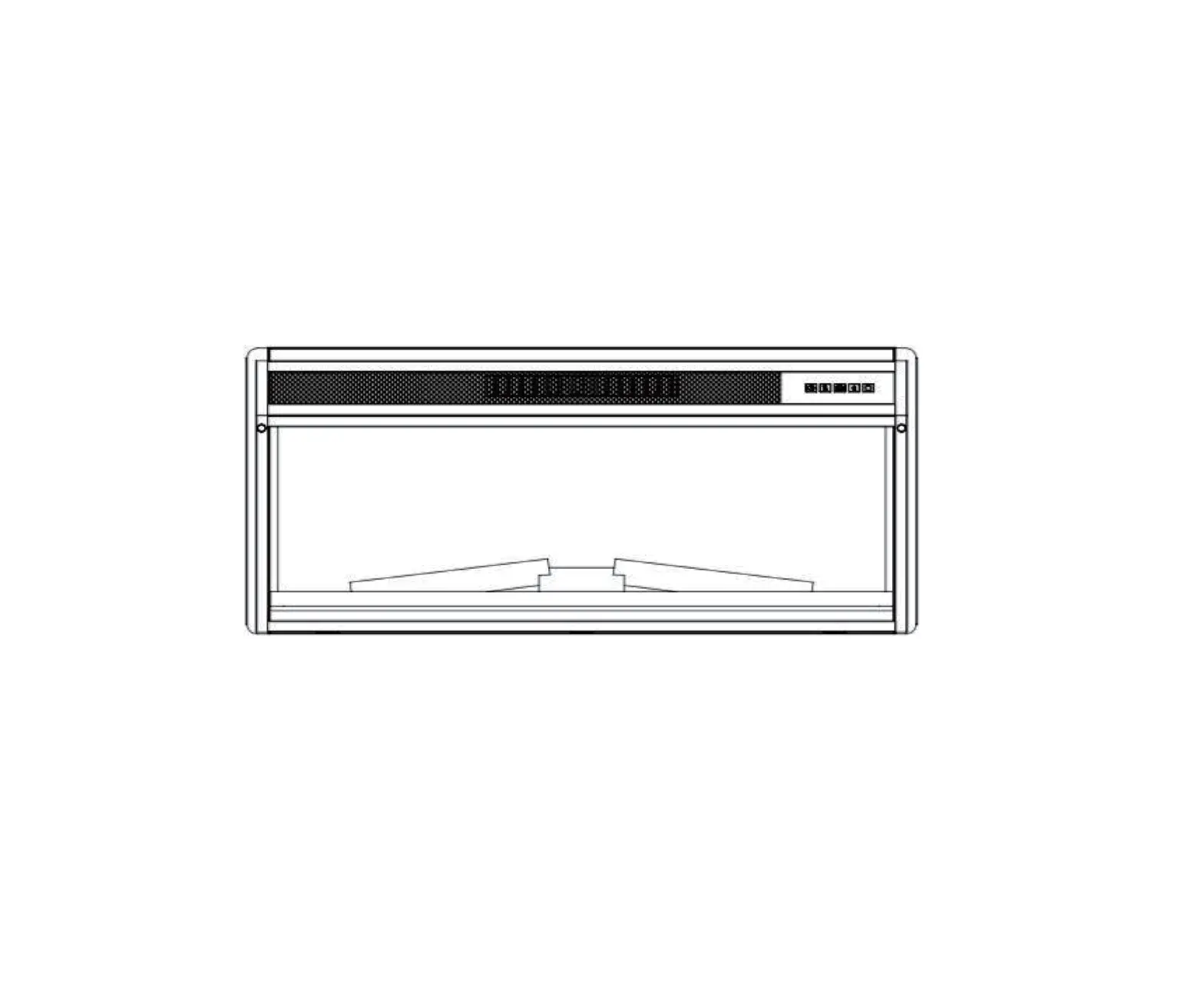
Front view
Horizontal view
Step 2
When the screws are removed, you can take off the trim. Please mind there are magnetic stones fixed at the bottom of the trim connecting the trim and the fireplace.
Magnetic stone The trim
The fireplace
Step 3 When the trim is removed, you can take off the front glass panel.
Step 4
Unscrew the 2 screws on each side to take off the inner side metal piece fixing the ember bed glass panel.
Inner side metal piece
Step 5
After the inner side metal pieces are removed, you can take off the ember bed glass panel now.
Step 6 Now you can replace LED light for ember. Unplug to replace it.
LED light for the flame
Step 7 Unscrew the screws to take off the metal bar fixing the back glass panel.
Step 8 After metal bar is removed, now you can take off the back glass.
Back glass panel
Step 9 Unscrew the screws to take off the flame stencil.
Flame stencil
Step 10When the flame stencil is removed, you can see the LED light for the
flame under it. Now you can replace the LED light for the flame.
Replace flicker motor for the flame
Please follow Step 1 to 9 in replacing LED light.
Flicker motor for the flame lies here
Step 1
Unscrew the screw and then disconnect the flicker rod from the motor
Step 2
Unscrew the screws to take off the motor from the fireplace
Replace PCB Board
Please follow Step 1 to 3 in replacing LED light.
Step 1 Unscrew the screws on 4 sides to take off the top cover.
Front
Back
Left
Right
Step 2 After the screws are removed, you can take off the top cover now.
Top cover
Step 3 Unscrew the screws to replace the PCB board.
Replace heating assembly
Please follow Step 1 to 8 in replacing LED light.
Step 1 Unscrew the screws to disconnect the heating assembly from the fireplace.
Step 2 Now you can take off the heating assembly from the fireplace. Unscrew the
screws to take off the metal pieces from the heating assembly. Unplug to replace the heating assembly.
Metal piece
Replace the touch panel
Please follow Step 1 to 3 in replacing LED light.
Step 1 Unscrew the screws on 4 sides to take off the top cover.
Front
Back
Step 2 Unscrew the screws take off the fireplace.
Step 3 Unplug to replace the touch panel.
Replace the canopy light
Please follow Step 1 to 8 in replacing LED light.
Step 1 Unscrew the screws to disconnect the canopy light from the fireplace.
Step 2
Pull the canopy light out under the heating assembly
Step 3
Unplug to replace the canopy light
Replace the signal receiver
Please follow Step 1 to 8 in replacing LED light.
Signal receiver lies here
Step 2 Unscrew the screws
Step 3 Plug to replace the signal
receiver
Plug for signal receiver

![Amantii Electric Fireplace User Manual [sym-34 Bespoke, Sym-42 Bespoke, Sym-50 Bespoke]](https://static-data1.manualsee.com/1/img/254/68708/2021/02/Amantii-Electric-Fireplace-User-Manual-SYM-34-BESPOKE-SYM-42-BESPOKE-SYM-50-BESPOKE.jpg "Amantii Electric Fireplace User Manual [sym-34 Bespoke, Sym-42 Bespoke, Sym-50 Bespoke]")


![Amantii Electric Fireplace User Manual [sym-34 Bespoke, Sym-42 Bespoke, Sym-42 Bespoke, Sym-60 Bespoke, Sym-74 Bespoke, Sym-88 Bespoke, Sym-100 Bespoke]](https://static-data1.manualsee.com/1/img/199/72272/2021/02/Amantii-Electric-Fireplace-User-Manual-SYM-34-Bespoke-SYM-42-Bespoke-SYM-42-Bespoke-SYM-60-Bespoke-SYM-74-Bespoke-SYM-88-Bespoke-SYM-100-Bespoke.jpg "Amantii Electric Fireplace User Manual [sym-34 Bespoke, Sym-42 Bespoke, Sym-42 Bespoke, Sym-60 Bespoke, Sym-74 Bespoke, Sym-88 Bespoke, Sym-100 Bespoke]")