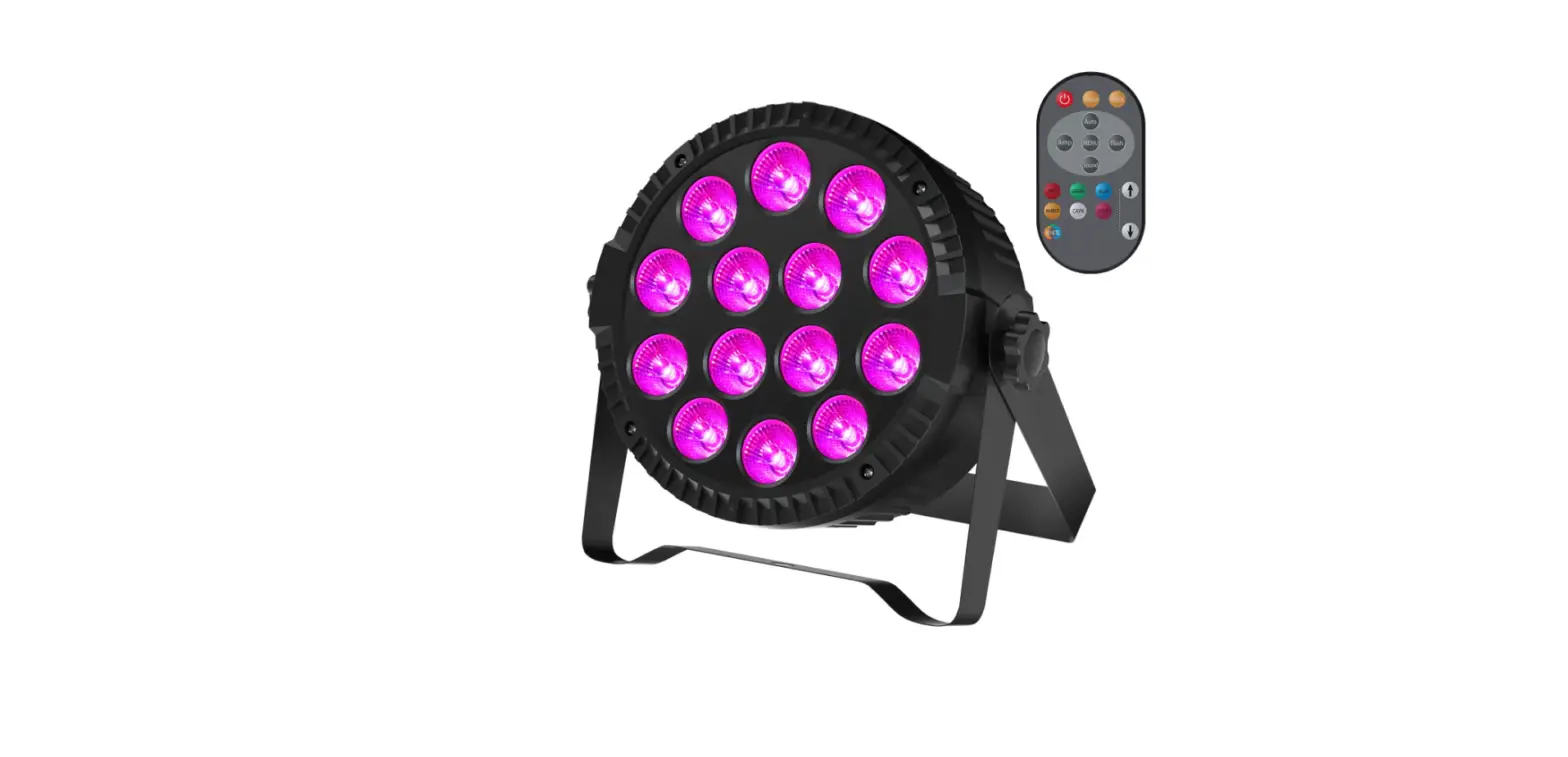
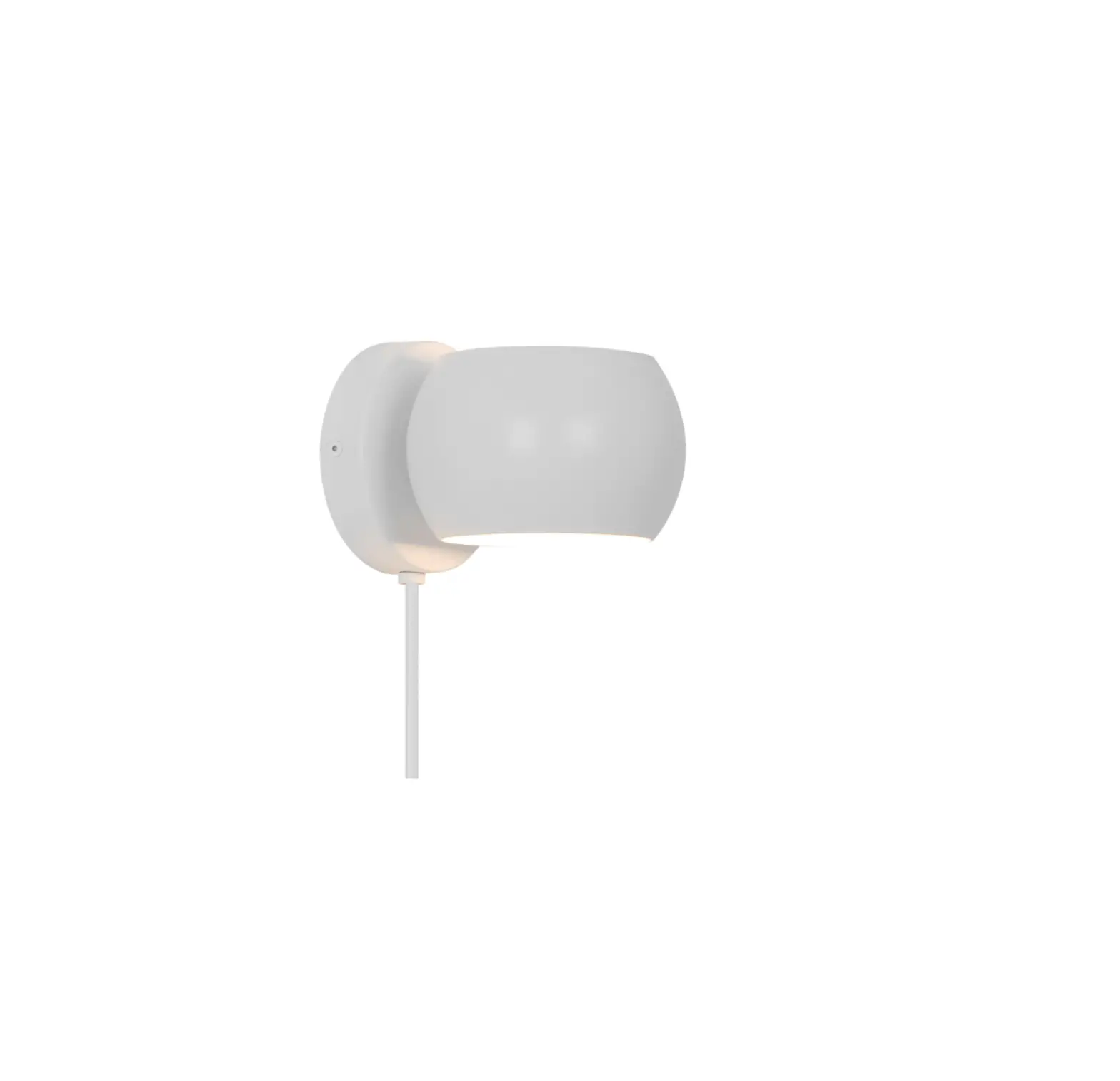
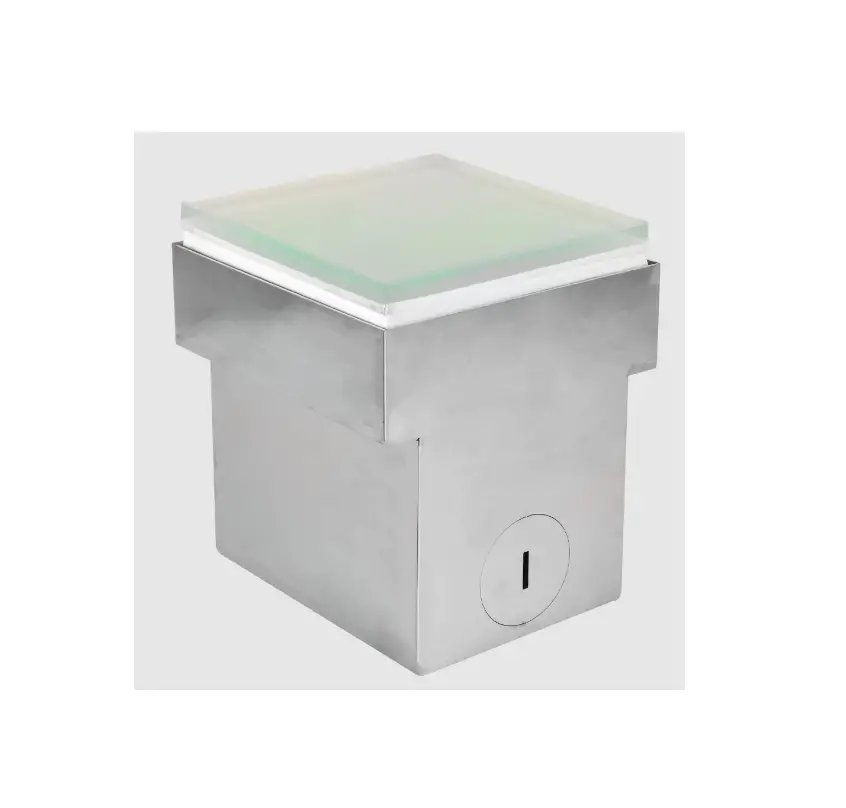
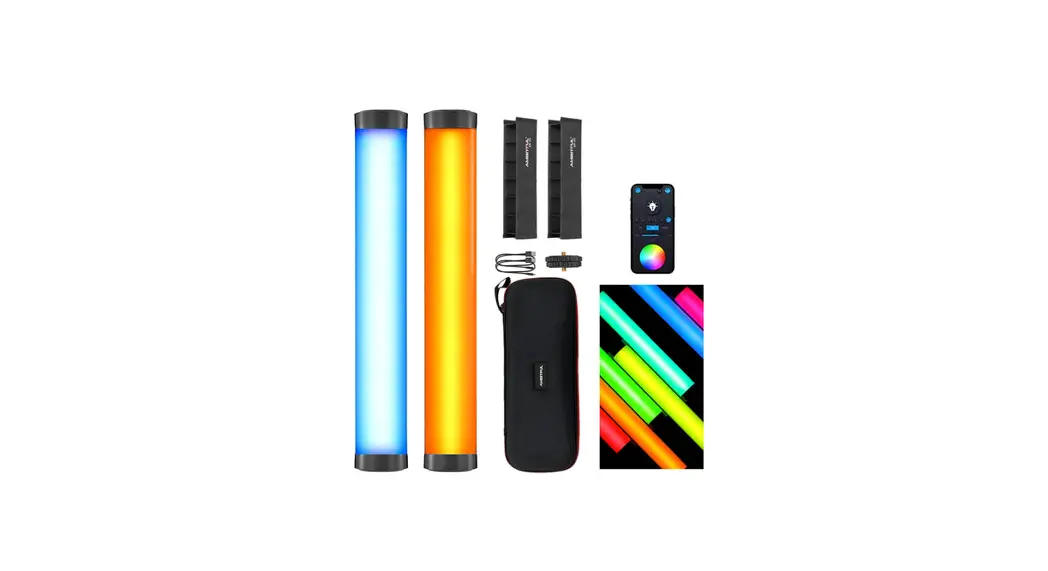
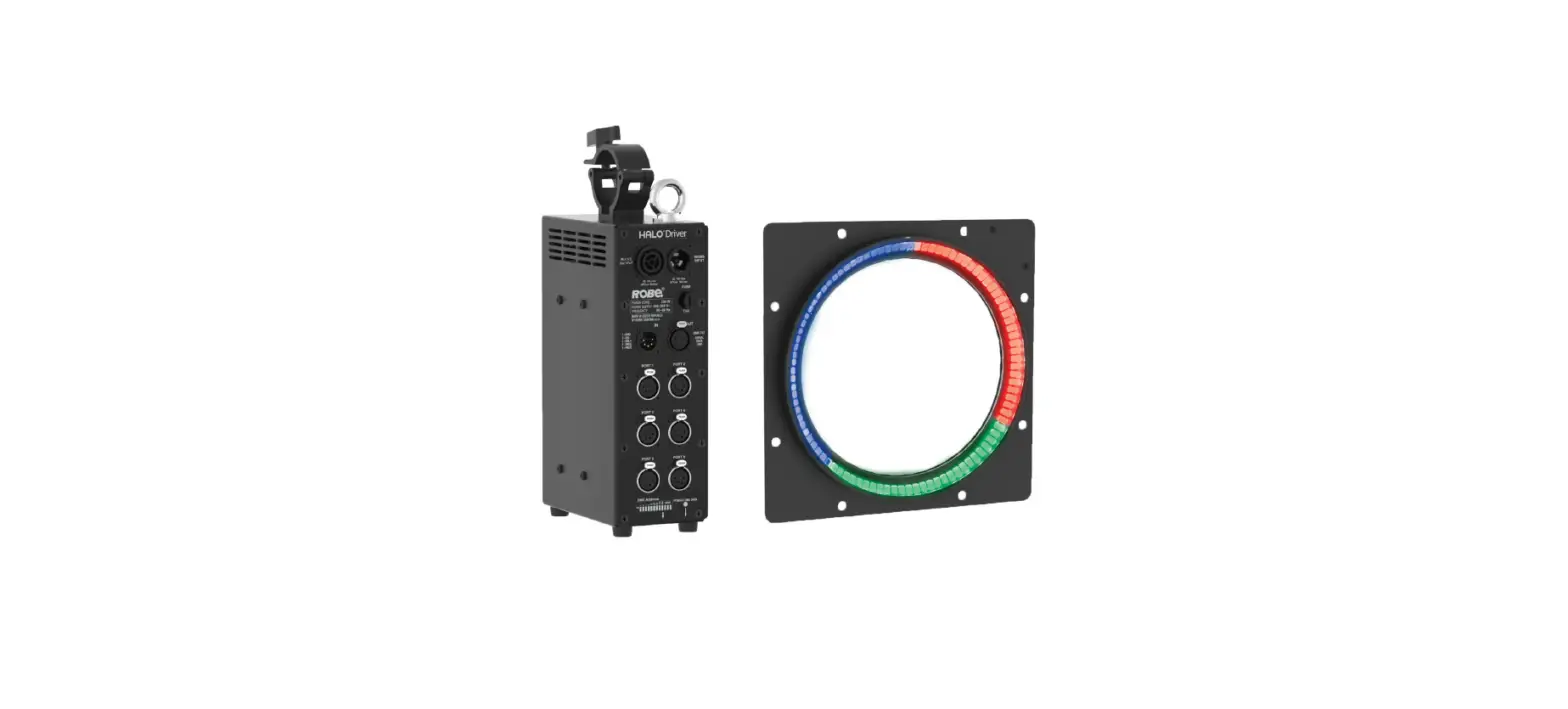
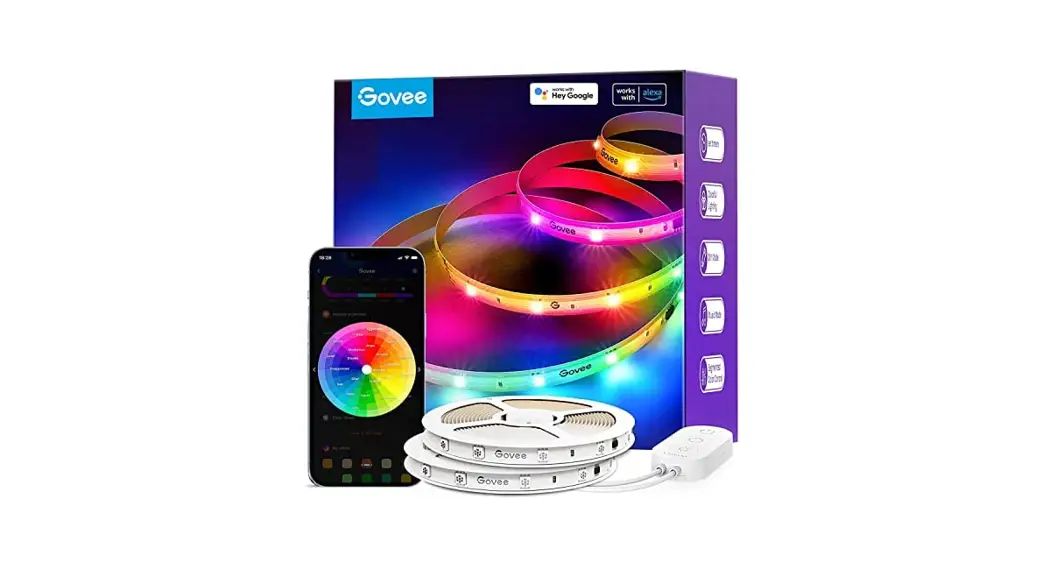
UTV-RZR-1 RGB RZR Fang Light
Product Information
The XYZ Product is a versatile and user-friendly device designed
to simplify your everyday tasks. It comes with a range of features
and functions that enhance efficiency and productivity.
Key Features:
- High-resolution display for clear visibility
- Intuitive touch screen interface
- Advanced connectivity options (Wi-Fi, Bluetooth)
- Long-lasting battery life
- Multiple storage capacity options
Product Usage Instructions:
- Power On/Off:
To power on the device, press and hold the power button until
the screen lights up. To power off, press and hold the power button
again and select the “Power Off” option. - Charging the Battery:
Connect the provided charger to the device’s charging port. Plug
the charger into a power outlet. The battery indicator will display
the charging progress. It is recommended to fully charge the
battery before initial use. - Navigating the Interface:
Use the touch screen to navigate through menus and options. Tap
on icons or buttons to select or activate them. Swipe left, right,
up, or down to scroll through lists or pages. - Connecting to Wi-Fi:
Go to the device settings and select “Wi-Fi.” Choose your
desired Wi-Fi network from the available options and enter the
password if required. Once connected, the device will automatically
connect to the same network when available. - Bluetooth Pairing:
Access the device settings and select “Bluetooth.” Turn on
Bluetooth and wait for the device to discover available devices.
Select the desired device from the list and follow the on-screen
instructions to complete pairing.
,))=GXTOTM9ZGZKSKTZ )NGTMKYUXSUJOLOIGZOUTYTUZK^VXKYYR_GVVXUKJH_ZNKVGXZ_XKYVUTYOHRKLUXIUSVROGTIKIU[RJUOJZNK[YKXYG[ZNUXOZ_ZU UVKXGZKZNKKW[OVSKTZ:NOYKW[OVSKTZNGYHKKTZKYZKJGTJLU[TJZUIUSVR_]OZNZNKROSOZYLUXG)RGYY(JOMOZGRJKOIK V[XY[GTZZU6GXZULZNK,))8[RKY:NKYKROSOZYGXKJKYOMTKJZUVXUOJKXKGYUTGHRKVXUZKIZOUTGMGOTYZNGXSL[ROTZKXLKXKTIKOT GXKYOJKTZOGROTYZGRRGZOUT:NOYKW[OVSKTZMKTKXGZKY[YKYGTJIGTXGJOGZKXGJOULXKW[KTI_KTKXM_GTJOLTUZOTYZGRRKJGTJ[YKJOT GIIUXJGTIK]OZNZNKOTYZX[IZOUTYSG_IG[YKNGXSL[ROTZKXLKXKTIKZUXGJOUIUSS[TOIGZOUTY.U]KKXZNKXKOYTUM[GXGTZKKZNGZ OTZKXLKXKTIK]ORRTUZUII[XOTGVGXZOI[RGXOTYZGRRGZOUT/LZNOYKW[OVSKTZJUKYIG[YKNGXSL[ROTZKXLKXKTIKZUXGJOUUXZKRKOYOUT XKIKVZOUT]NOINIGTHKJKZKXSOTKJH_Z[XTOTMZNKKW[OVSKTZULLGTJUTZNK[YKXOYKTIU[XGMKJZUZX_ZUIUXXKIZZNK OTZKXLKXKTIKH_UTKUXSUXKULZNKLURRU]OTMSKGY[XKY 8KUXOKTZUXXKRUIGZKZNKXKIKOOTMGTZKTTG /TIXKGYKZNKYKVGXGZOUTHKZ]KKTZNKKW[OVSKTZGTJXKIKOKX )UTTKIZZNKKW[OVSKTZOTZUGTU[ZRKZUTGIOXI[OZJOLLKXKTZLXUSZNGZZU]NOINZNKXKIKOKXOYIUTTKIZKJ )UTY[RZZNKJKGRKXUXGTK^VKXOKTIKJXGJOU:<ZKINTOIOGTLUXNKRV :NOYJKOIKIUSVROKY]OZNVGXZULZNK,))8[RKY5VKXGZOUTOYY[HPKIZZUZNKLURRU]OTMZ]UIUTJOZOUTY :NOYJKOIKSG_TUZ IG[YKNGXSL[ROTZKXLKXKTIKGTJ ZNOYJKOIKS[YZGIIKVZGT_OTZKXLKXKTIKXKIKOKJOTIR[JOTMOTZKXLKXKTIKZNGZSG_IG[YK[TJKYOXKJUVKXGZOUT 8,+^VUY[XK9ZGZKSKTZ :USGOTZGOTIUSVROGTIK]OZN,))
Y8,+^VUY[XKM[OJKROTKY:NOYKW[OVSKTZYNU[RJHKOTYZGRRKJGTJUVKXGZKJ]OZNSOTOS[S JOYZGTIKULISZNKXGJOGZUX_U[XHUJ_:NOYJKOIKGTJOZYGTZKTTGYS[YZTUZHKIURUIGZKJUXUVKXGZOUTOTIUTP[TIZOUT]OZN GT_UZNKXGTZKTTGUXZXGTYSOZZKX