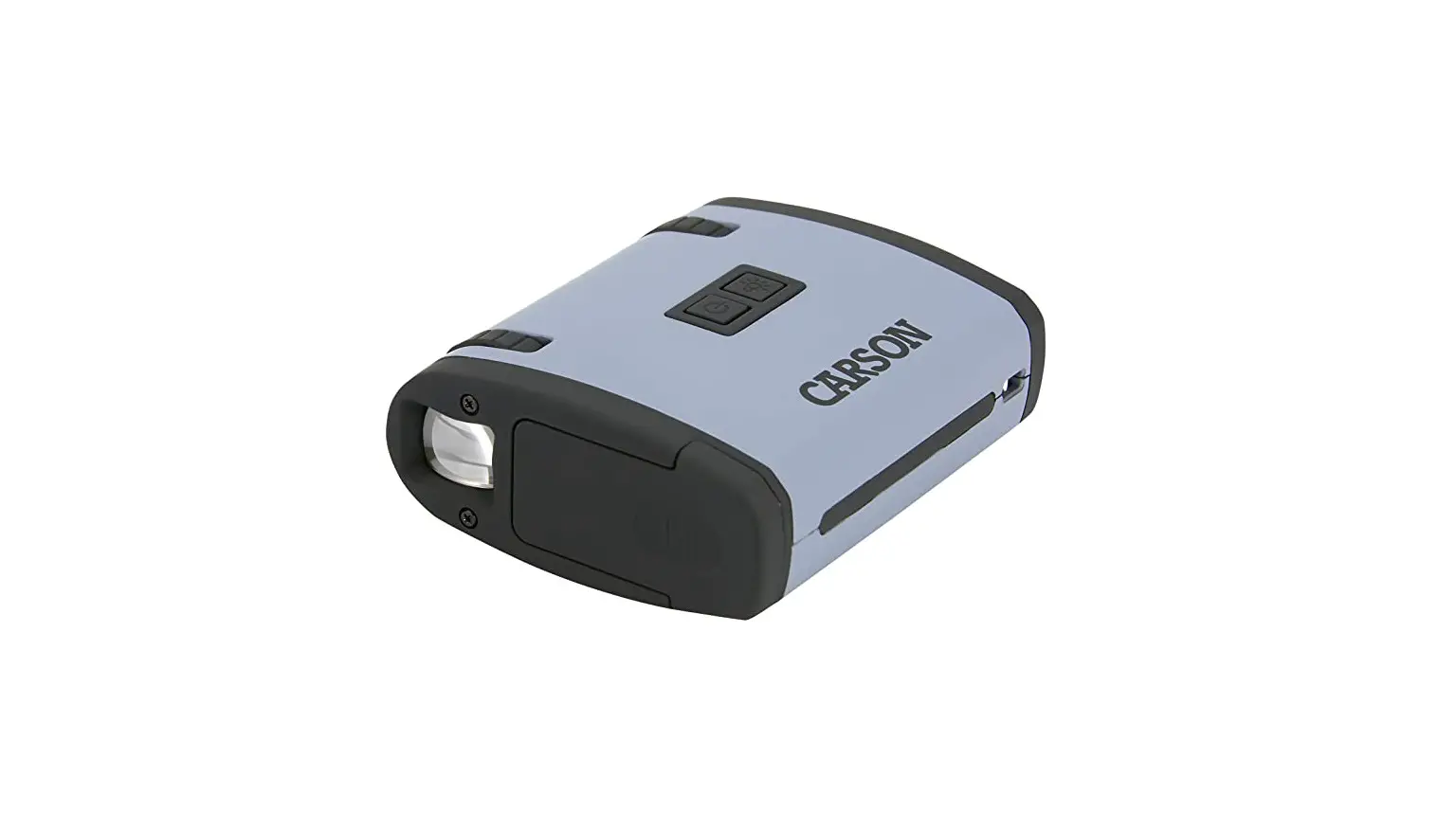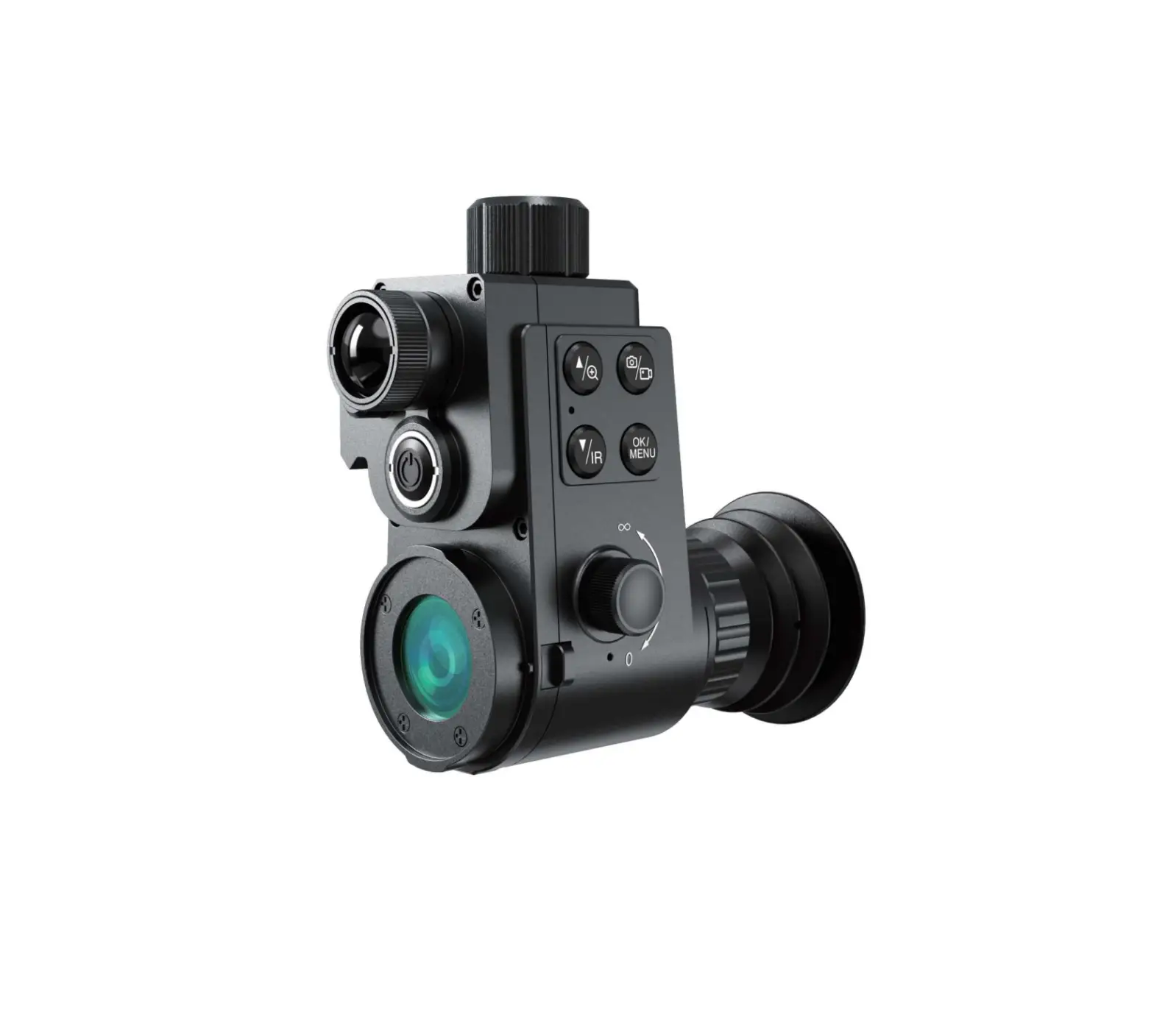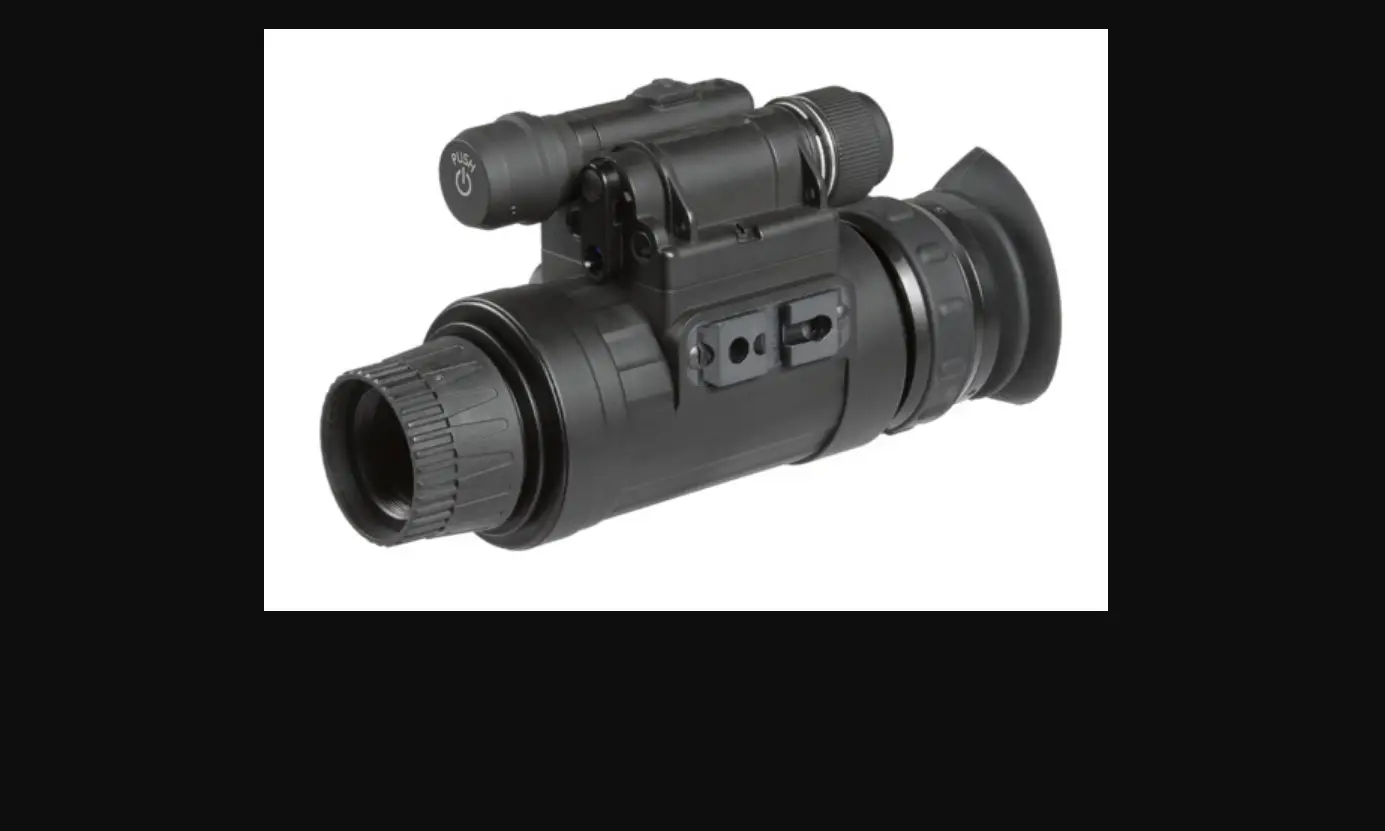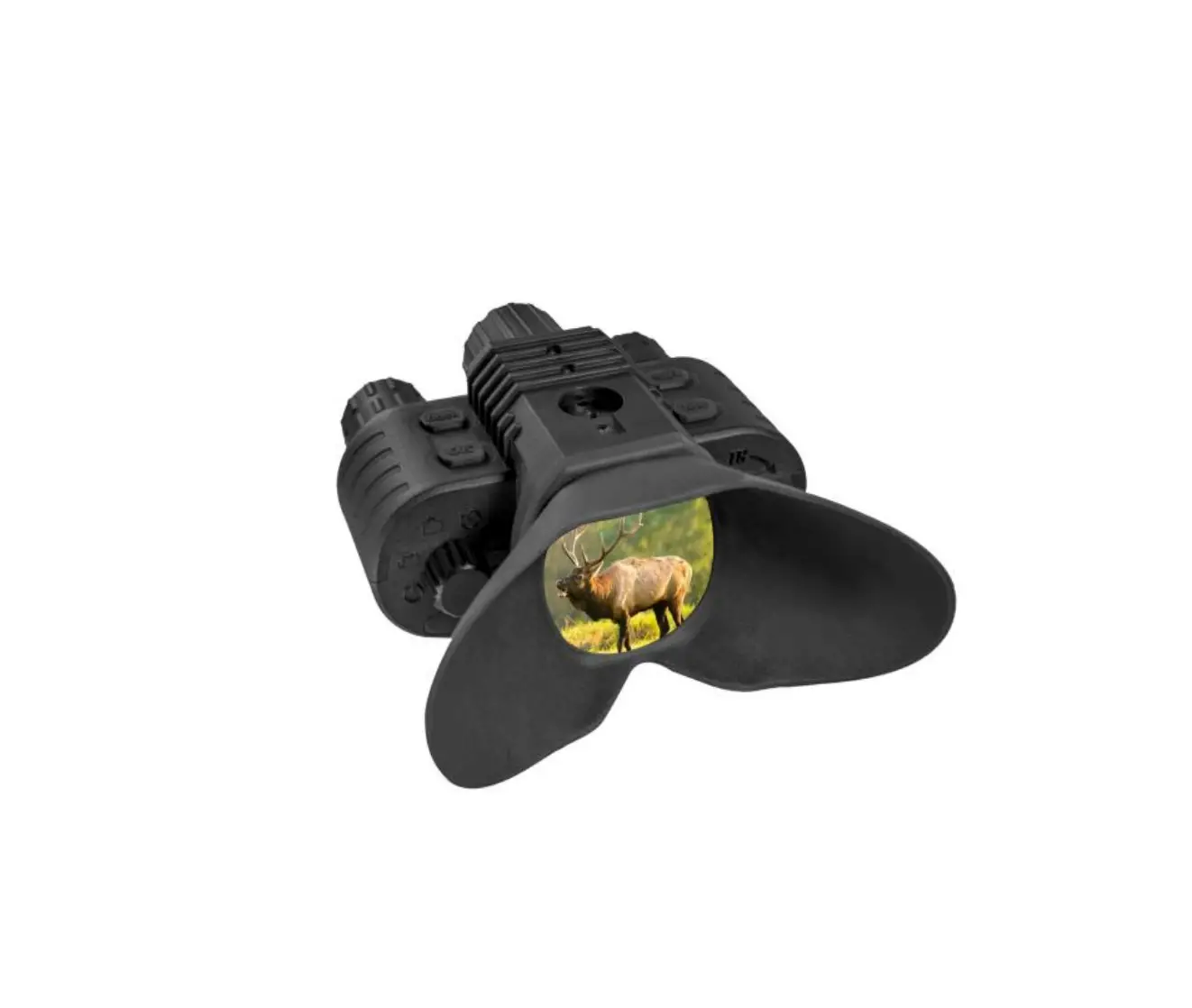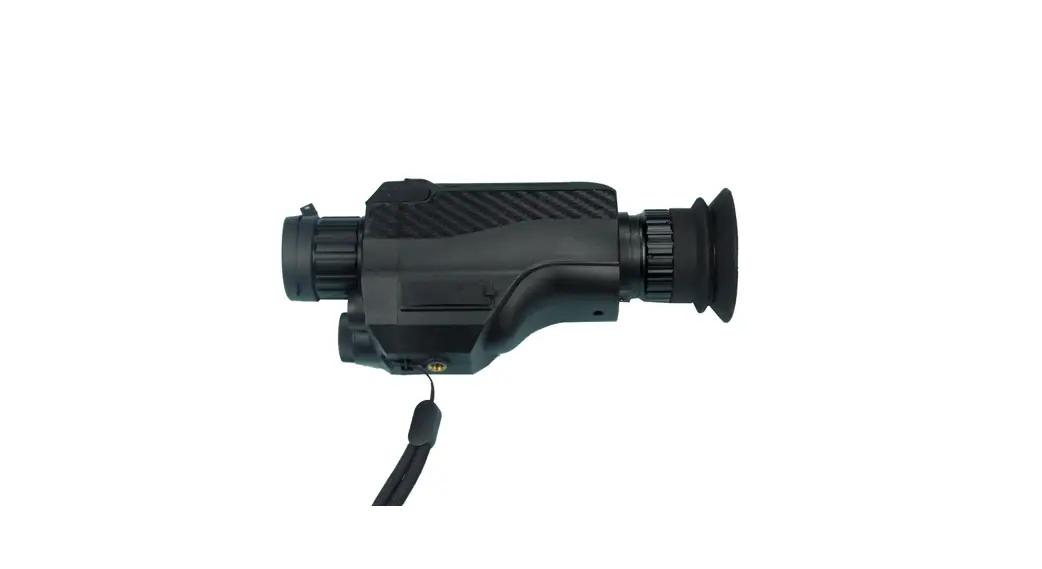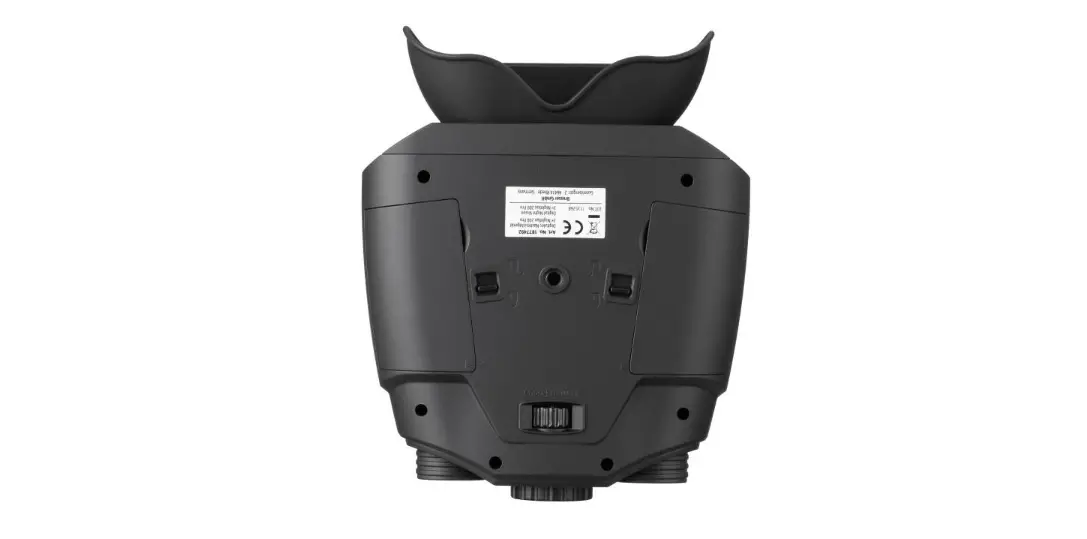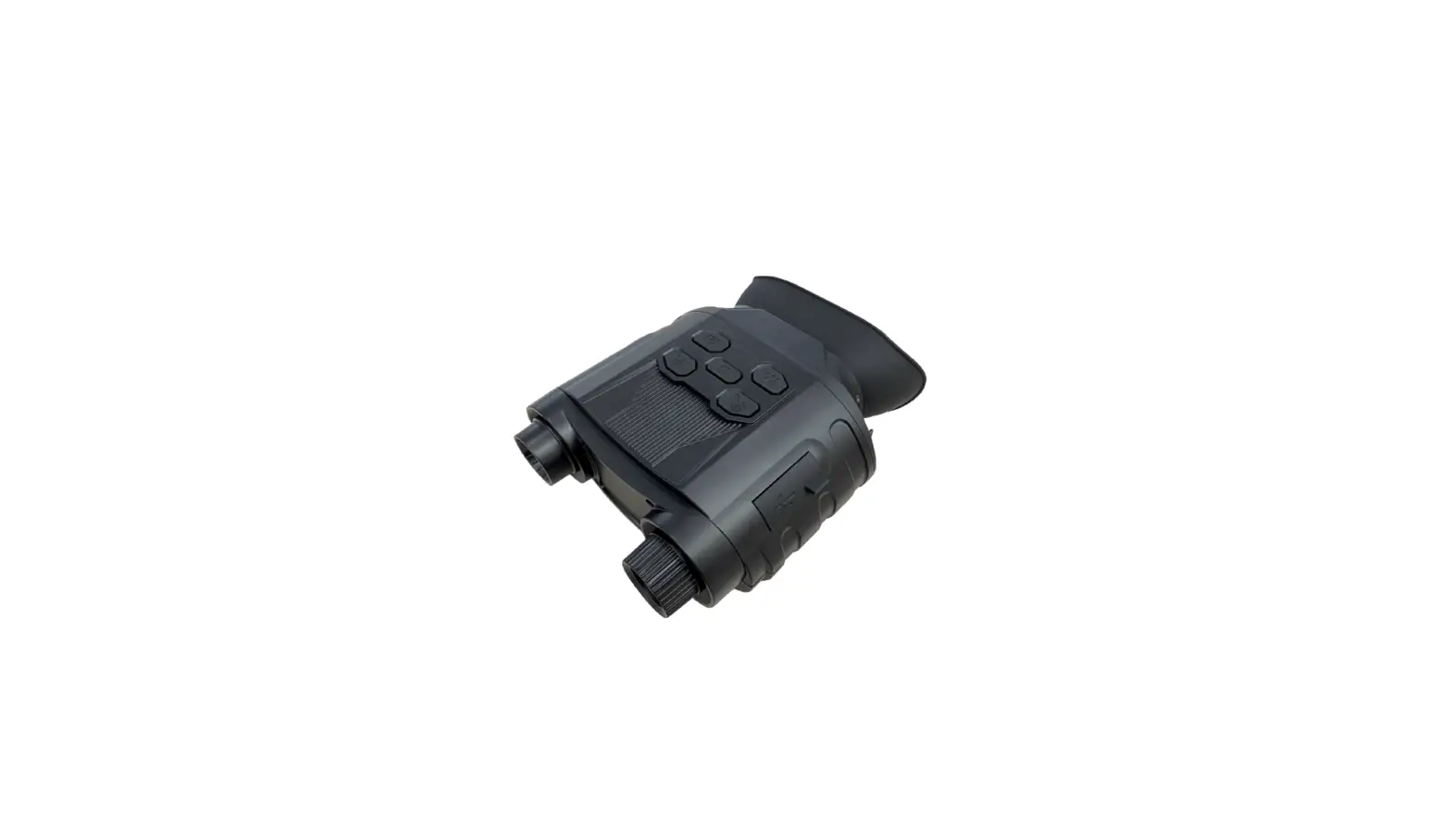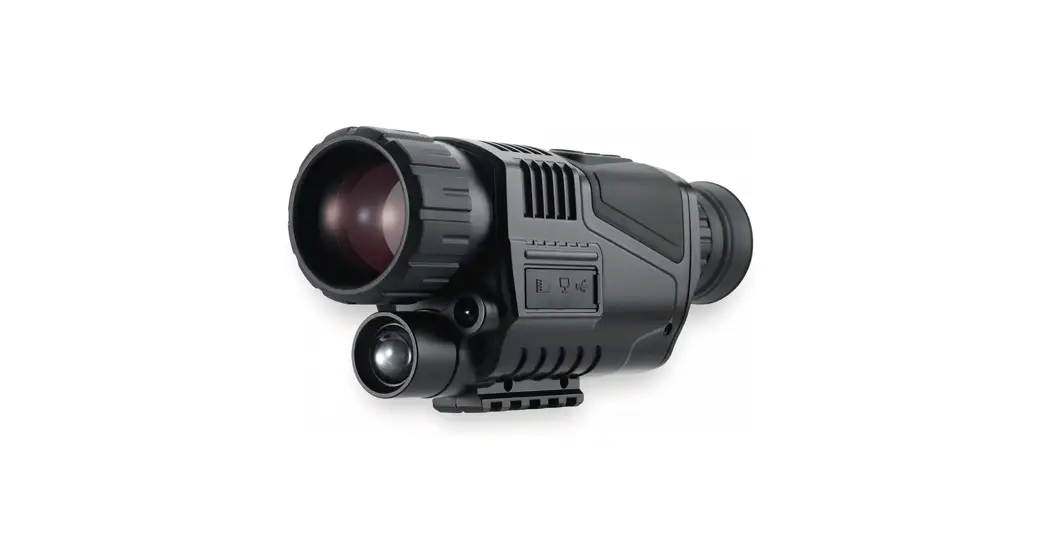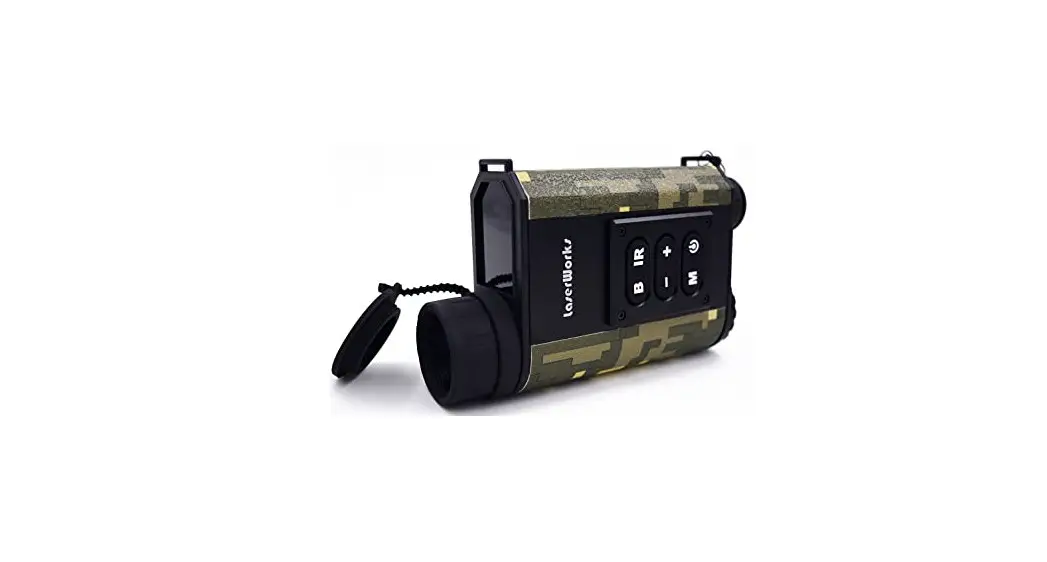
Laser Ranging Night Vision
operating instructions
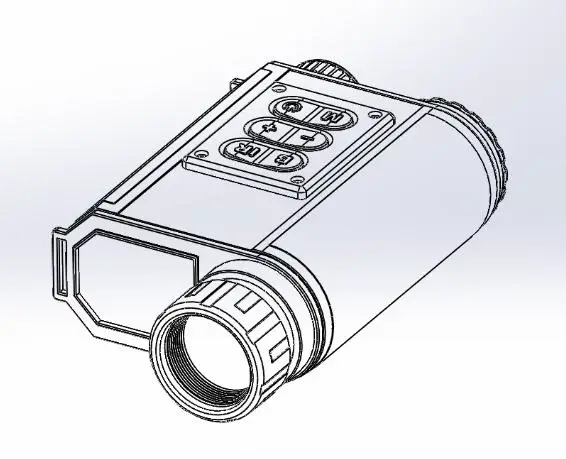
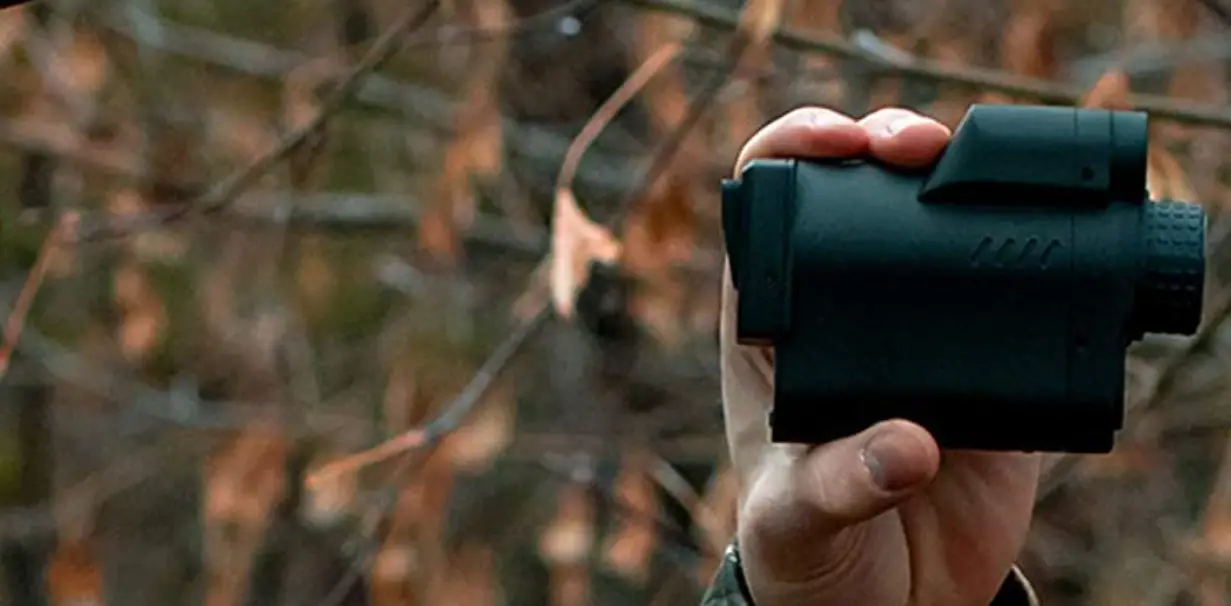
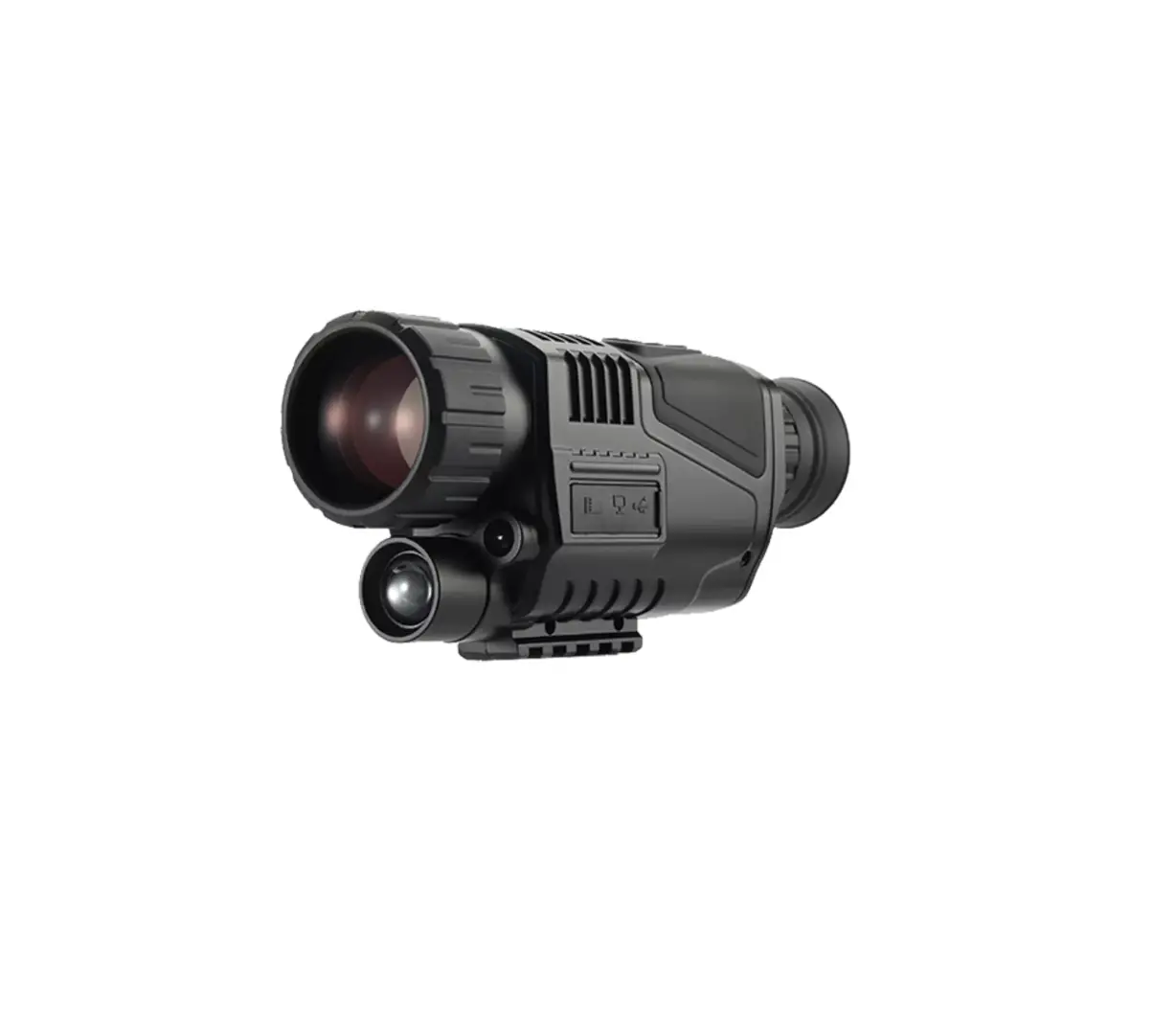
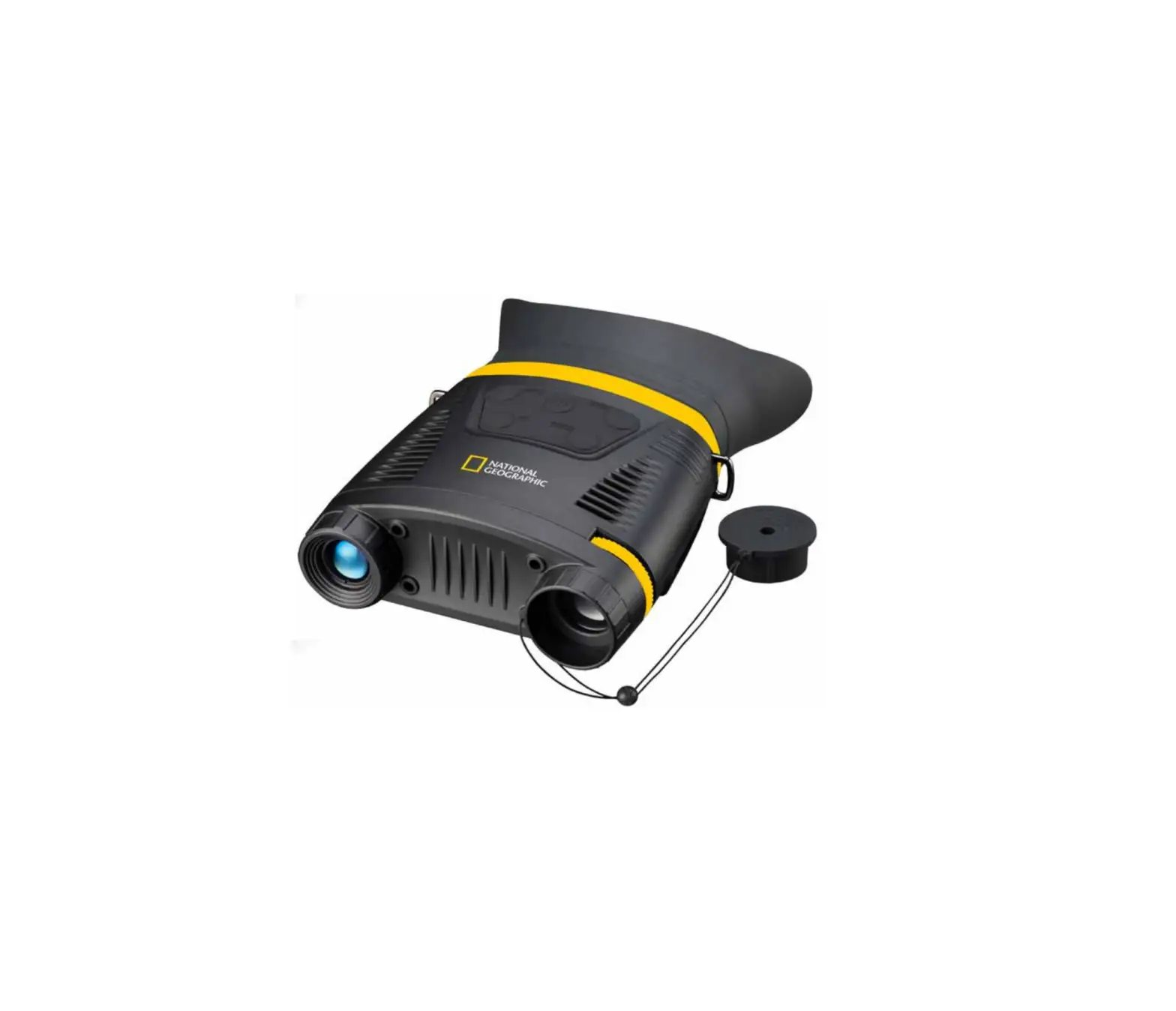
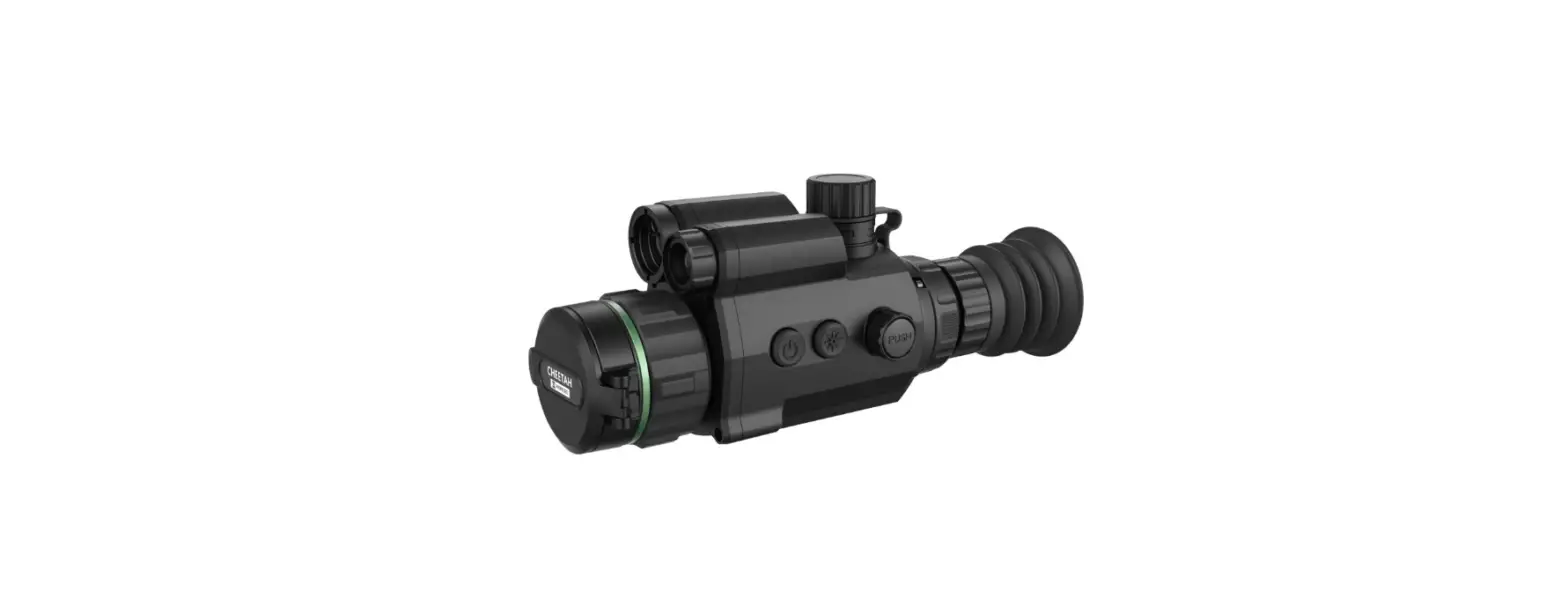
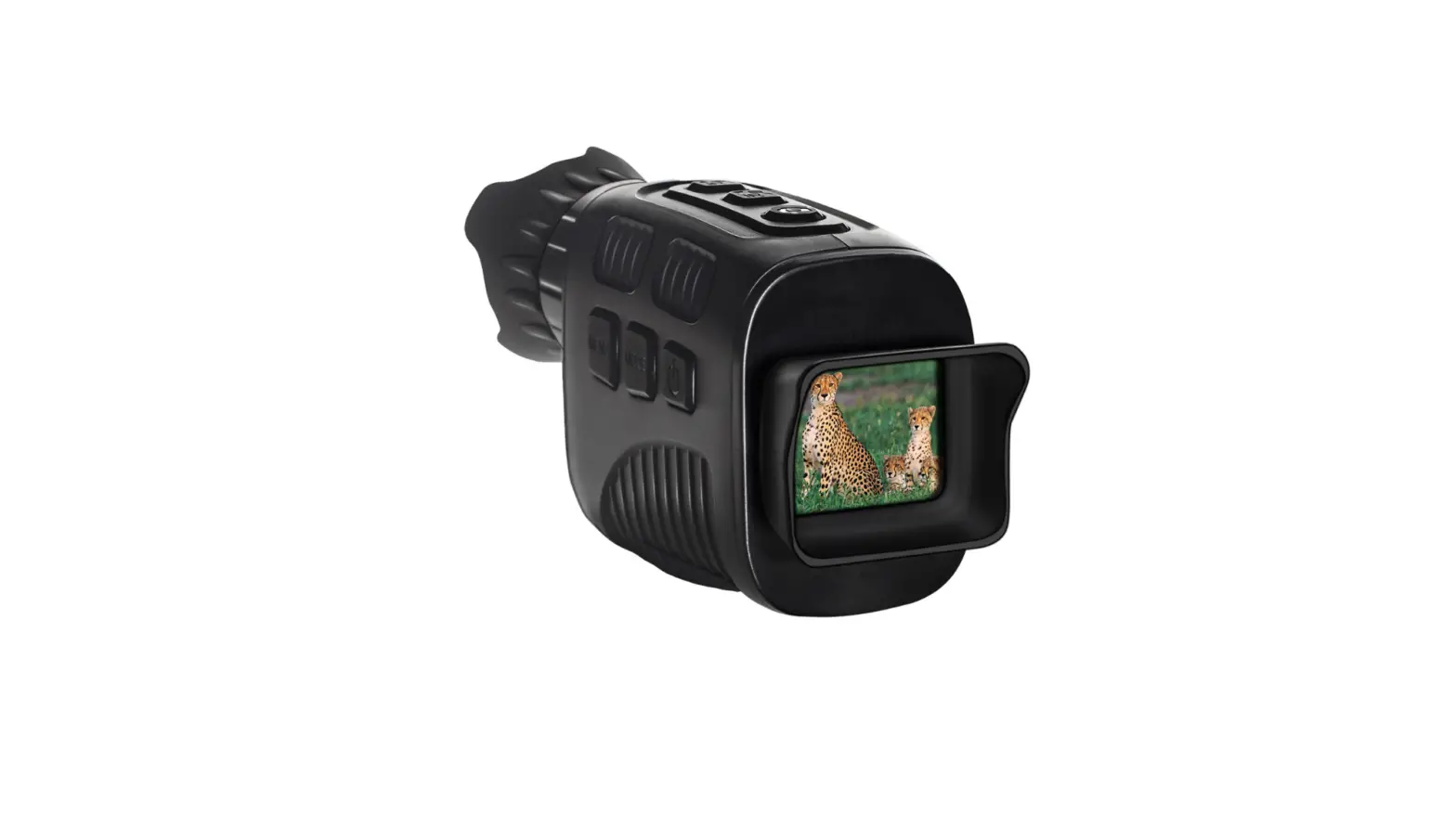
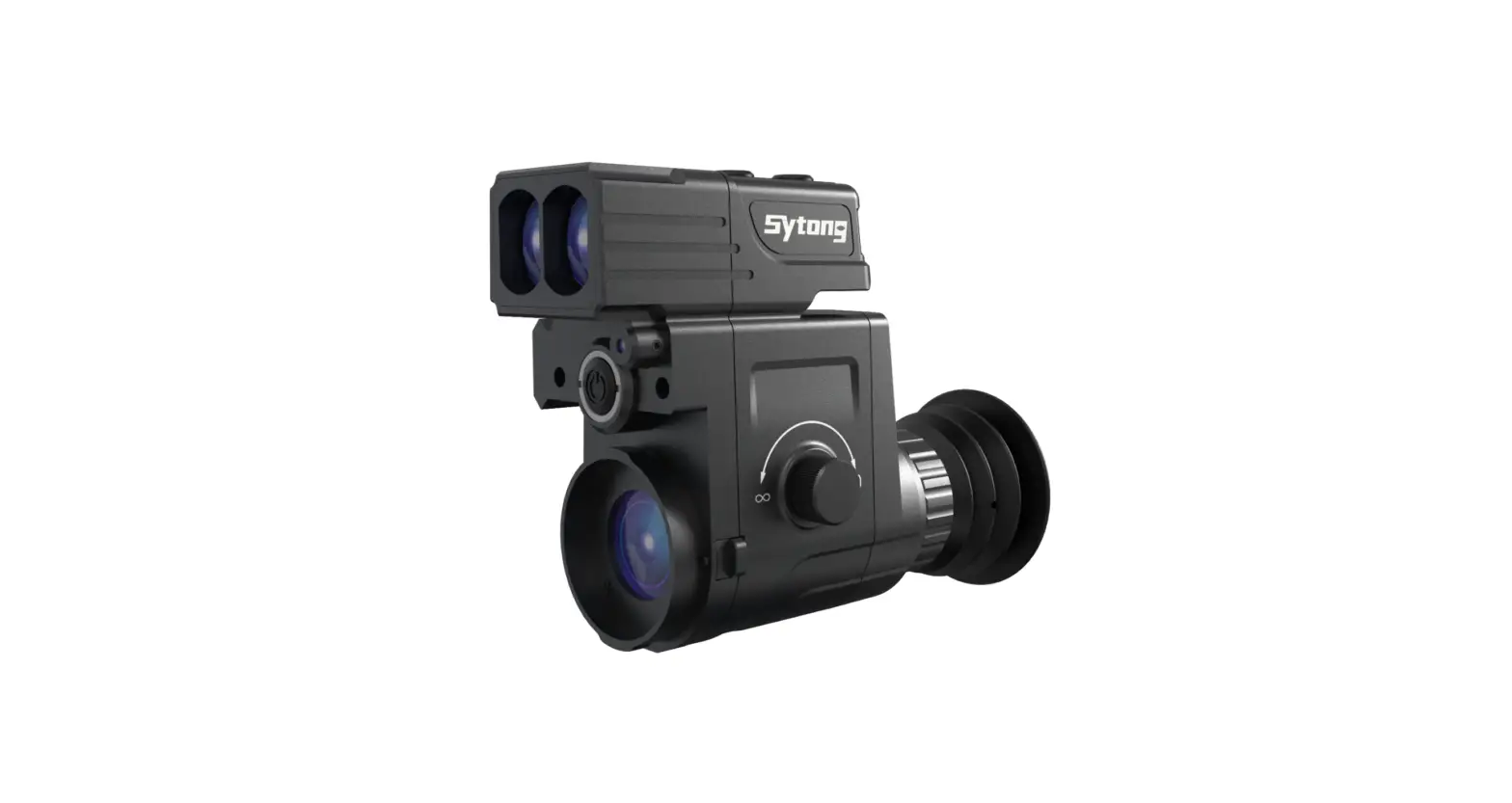
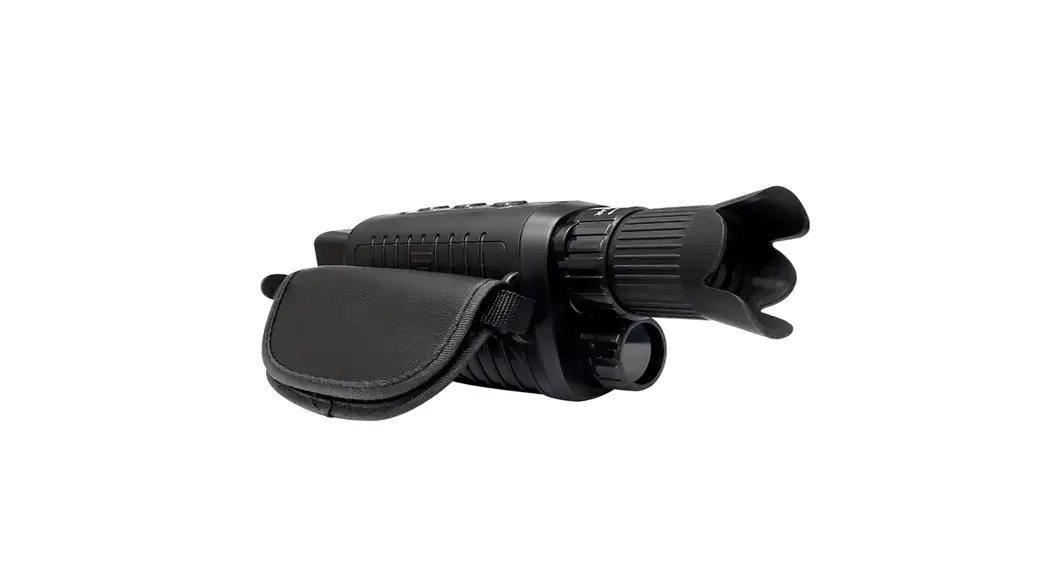
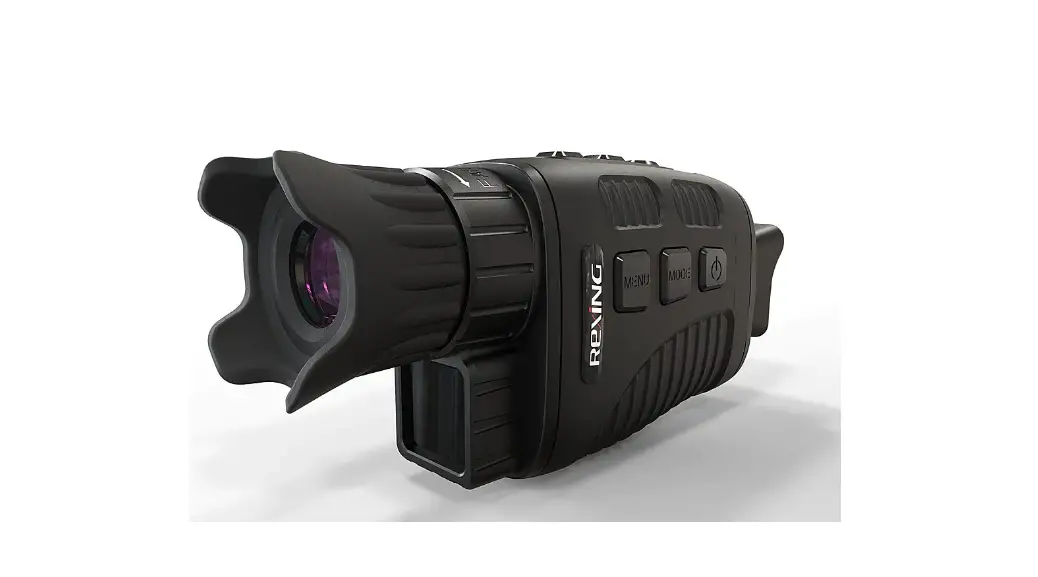
Multifunctional Laser ranging night vision 200m with distance measurement 500m.
The optical amplification system is 6×32, suitable for viewing wildlife at night, fishing & hunting usage.
Feature:
| Laser rangefinder | 500m | Eyepiece Di | 32mm | FOV | 6° |
| Night vision | 200m | Battery type | AA x4 | Sensor resolution | 720*480 |
| Angle display | +/-90° | Battery life | 2 hours | Display resolution | 480*240 |
| Magnification | 6X | Weight | 398g | Strength of LED IR | 1W |
| Digital magnification | 4X | Dimension | 175*100*51mm | IR wavelength | 850nm |
Introduction
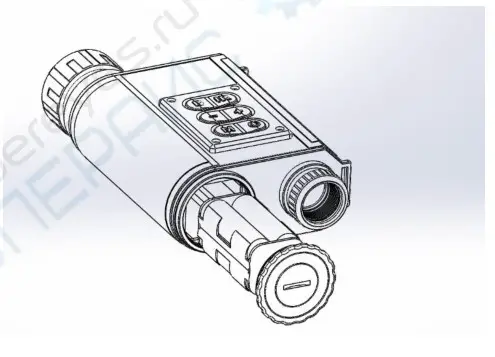
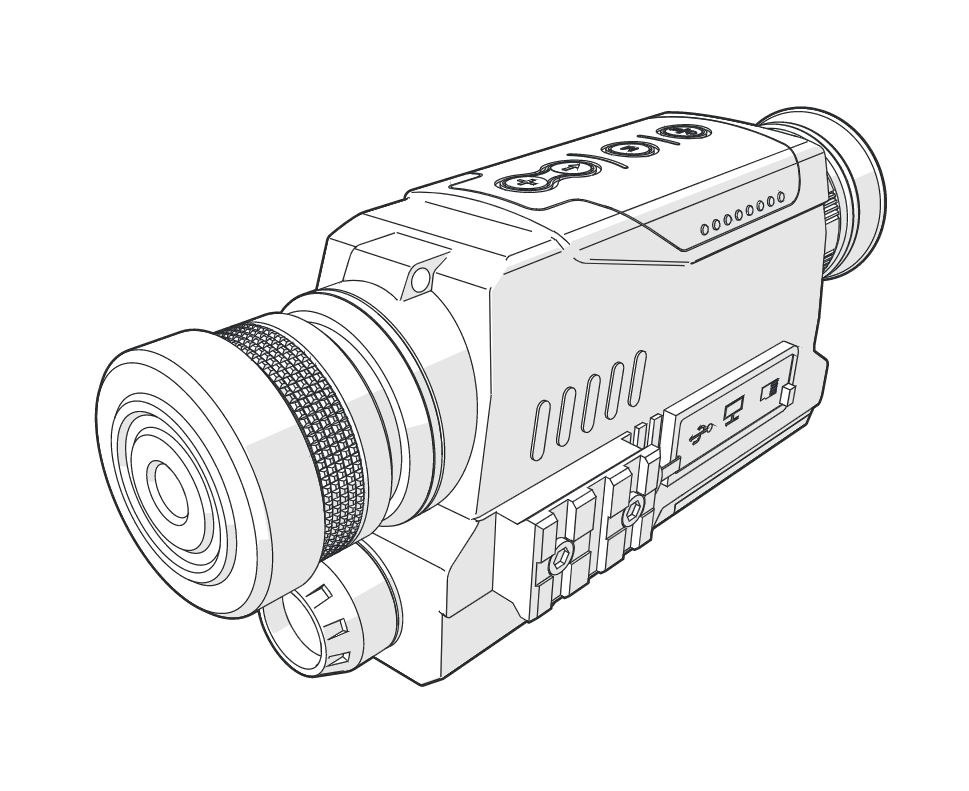
Components introduction
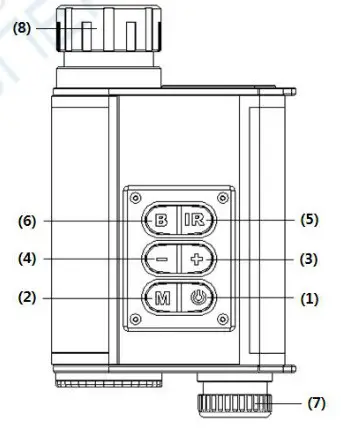
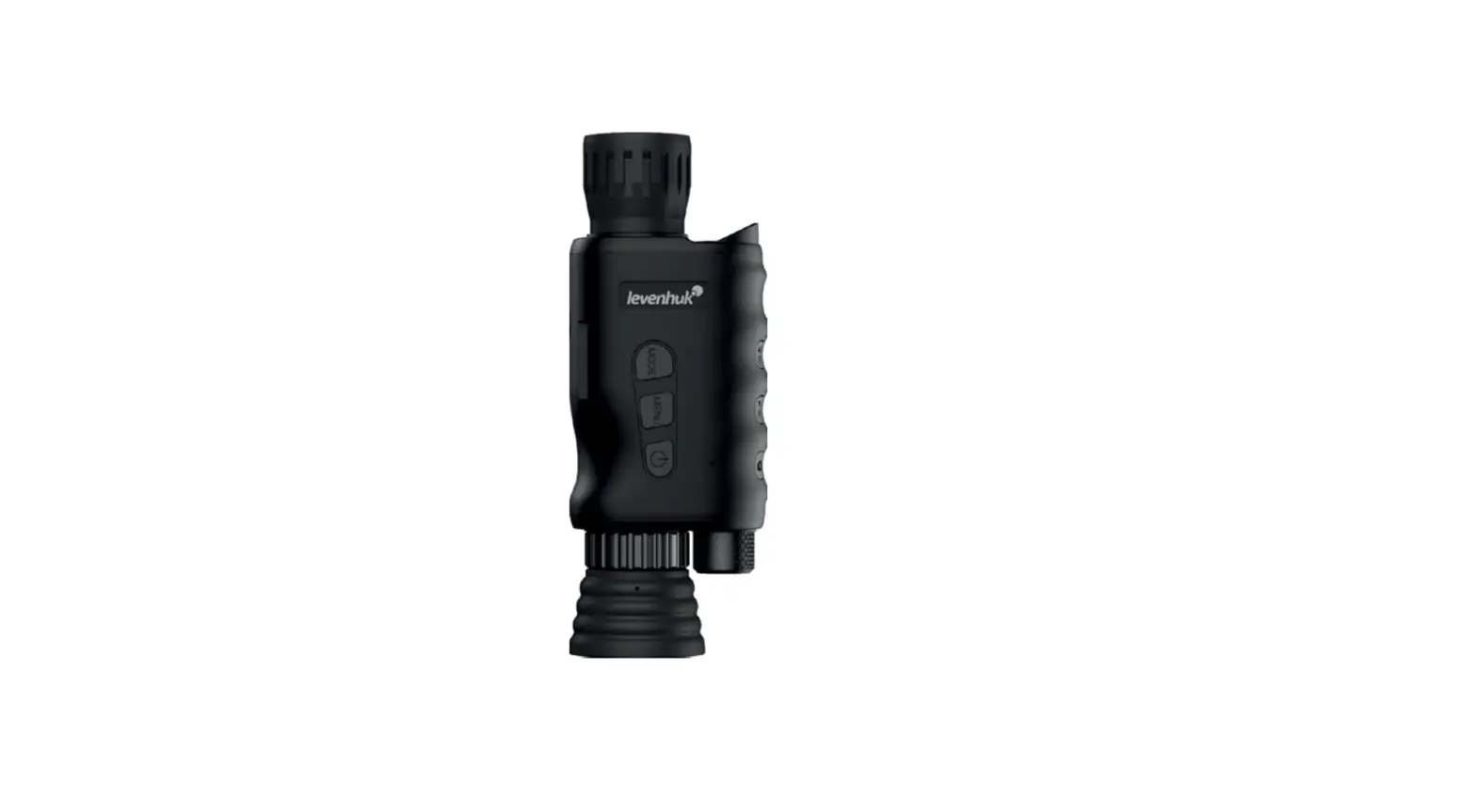
 Power key: ON/OFF or Ranging.
- M Mode key: Function Switch
- + key: Digital magnification plus or Increase the brightness of the brightness adjustment function.
- – key: Digital magnification minus or Reduce the brightness of the brightness adjustment function.
- IR key: ON/OFF and adjust the infrared light.
- B key: ON/OFF Brightness adjustment function.
- Eyepiece
- Objective
Screen Display:
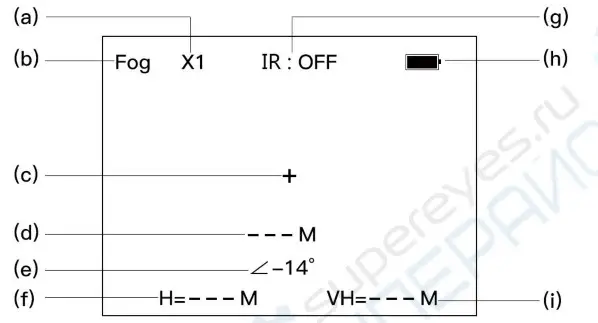
| (a)Digital magnification (c)aim point (e)auto angle display (g)IR LED status display | (b)Fog mode (d)Measured data display (f)horizontal distance display (h)Battery power display |
(i)Vertical height display compared to the horizontal distance
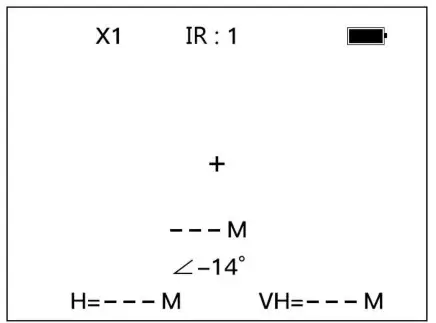
Operating Instructions
- Boot: Long Press key to boot.
- Shutdown: Long Press key 3 seconds to shutdown.
- Scenery observation
a)Boot
b) Adjust the (7) Eyepiece to get the sharp images.
c) Adjust the (8)objective focusing to get the sharpest image.
d)Digital magnification will be implemented by pressing + or – ranging at 1X to 4X.
Screen brightness adjustment
Press B the key to open the screen brightness adjustment.
Press + the key to increasing the brightness.
Press – key reduces the brightness.
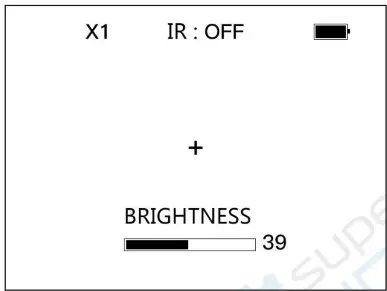
Infrared illumination adjustment
Press IR key to open the Infrared illumination adjustment.
Press IR key again, the Infrared illumination will cycle from IR1, IR2, IR3, OFF.
When the infrared light to on, the screen will display the corresponding. See 2-(g)
The rear fuselage led light will turn on together.
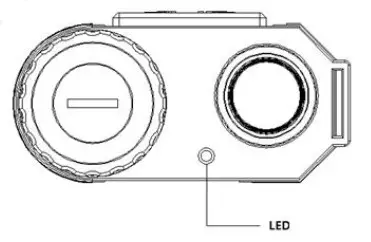
Ranging Mode selection
Press M key to select the normal ranging mode and fog mode.
Normal ranging mode
Press  key to start continuous distance, press again to stop.
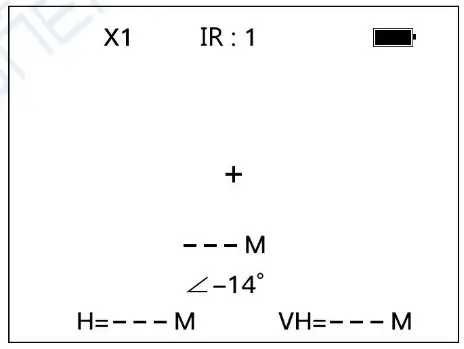
key to start measuring the distance.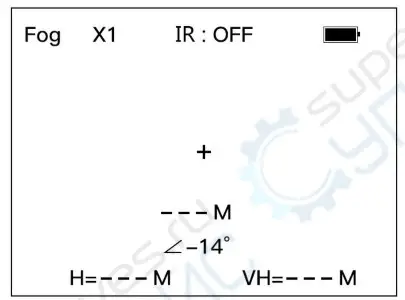
Parameter settings
a)Long press M to enter the parameter setting mode.
b)Short press M to Select Parameters.
c)Short press to changing parameters Unit.
d)Long press M to exit parameter setting.
- OSD Color:
1- Yellow 2- Green 3-Red 4-Blue 5-White 6-Black - Power OFF:
5 to 40 mins with 5 mins in between - scan mode:
1 min to 10 mins or always - Distance Unit:
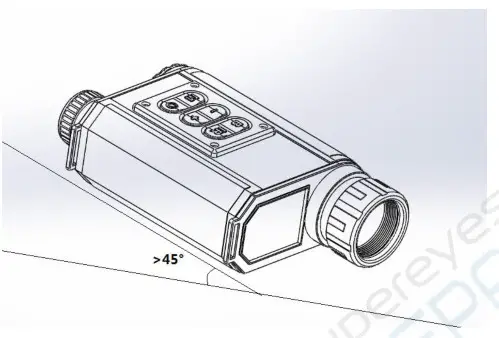
M or Yd - The rangefinder on/off
Battery Replacement
When the battery icon 2-(h) starts flashing, please replace the battery. After the battery is inserted right, please tighten the battery cover.