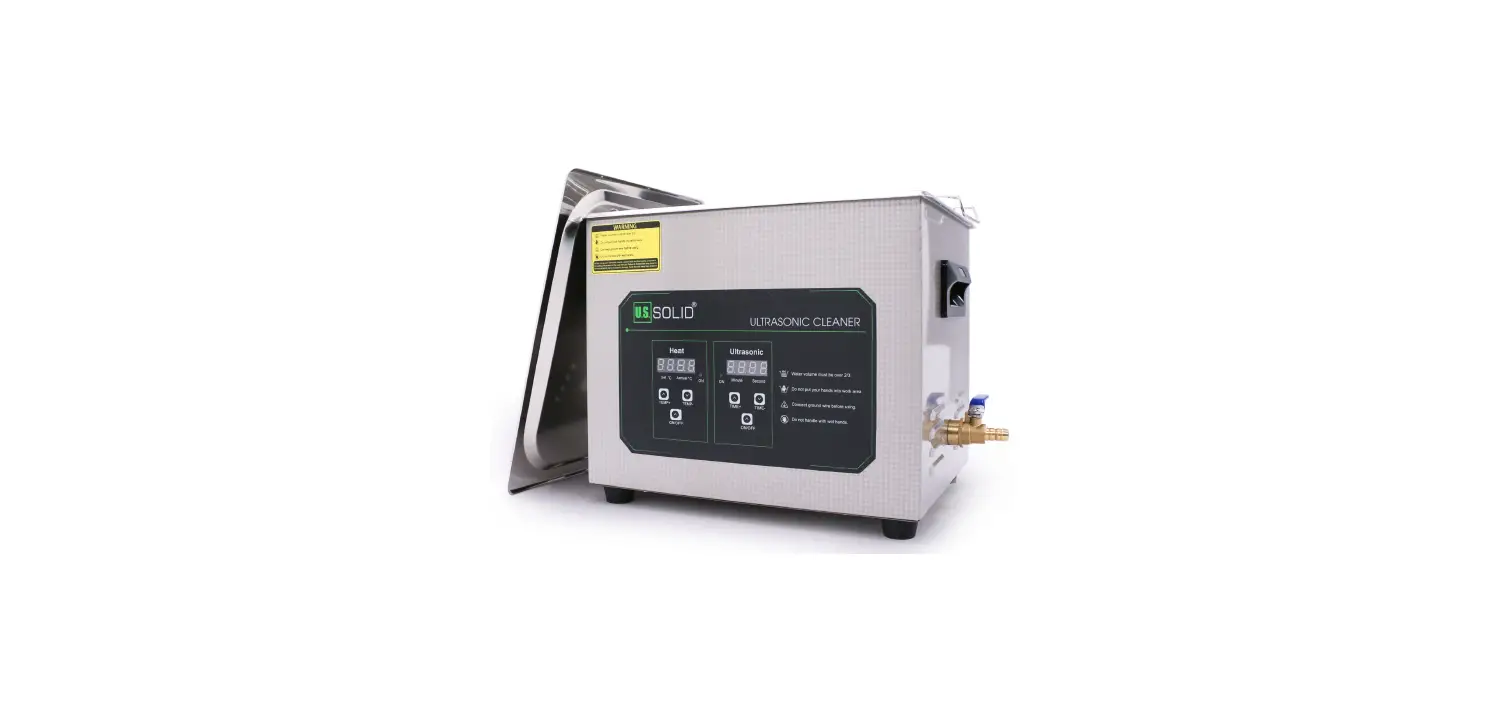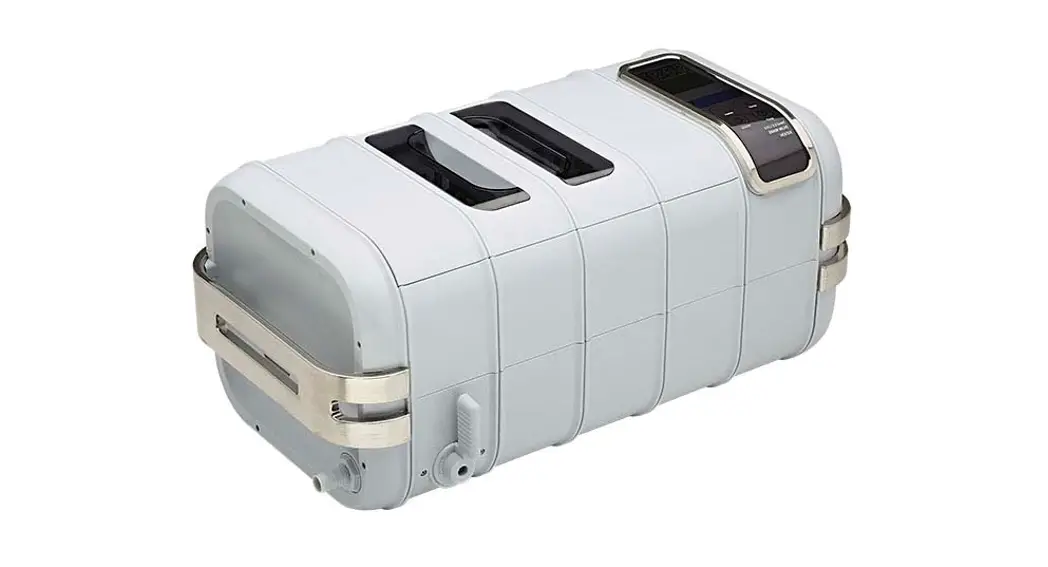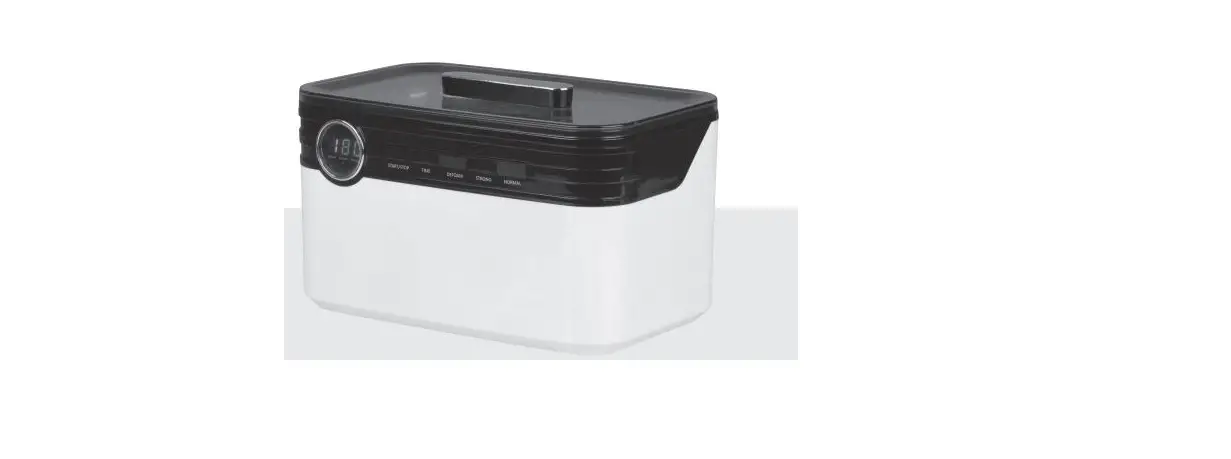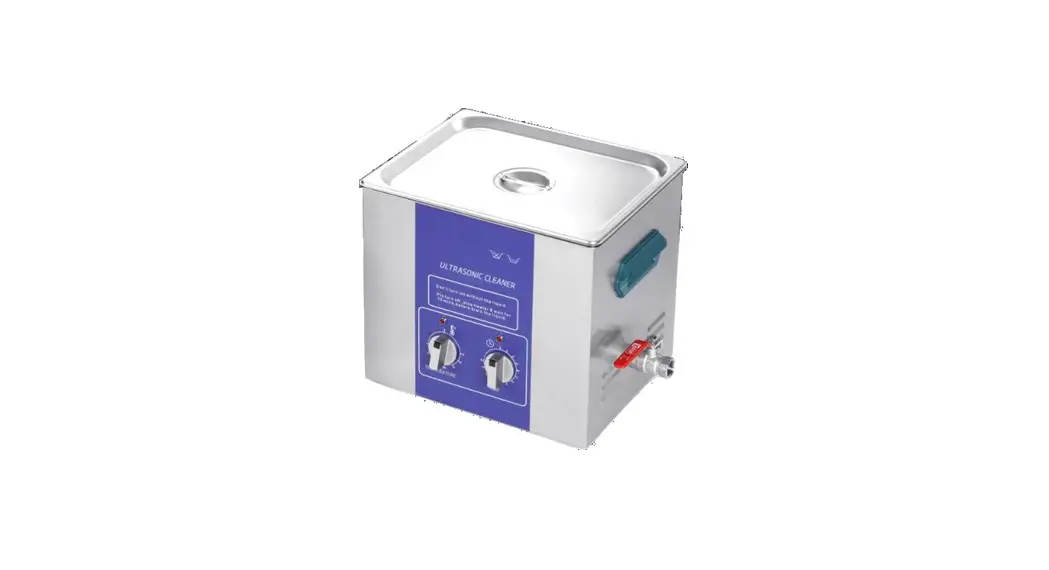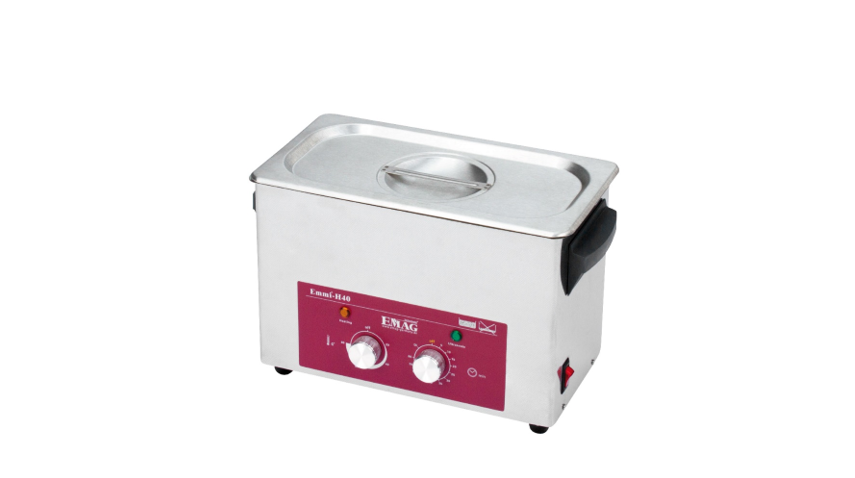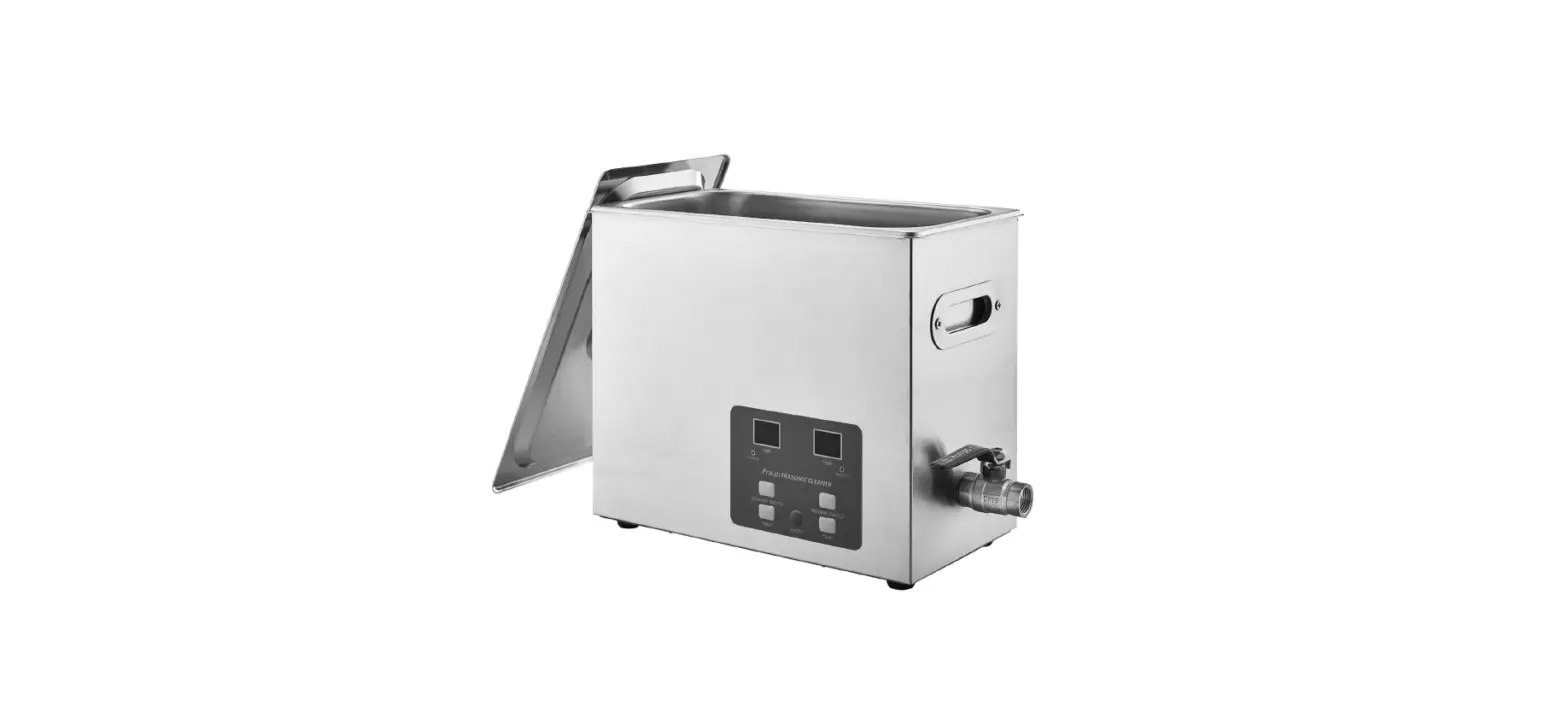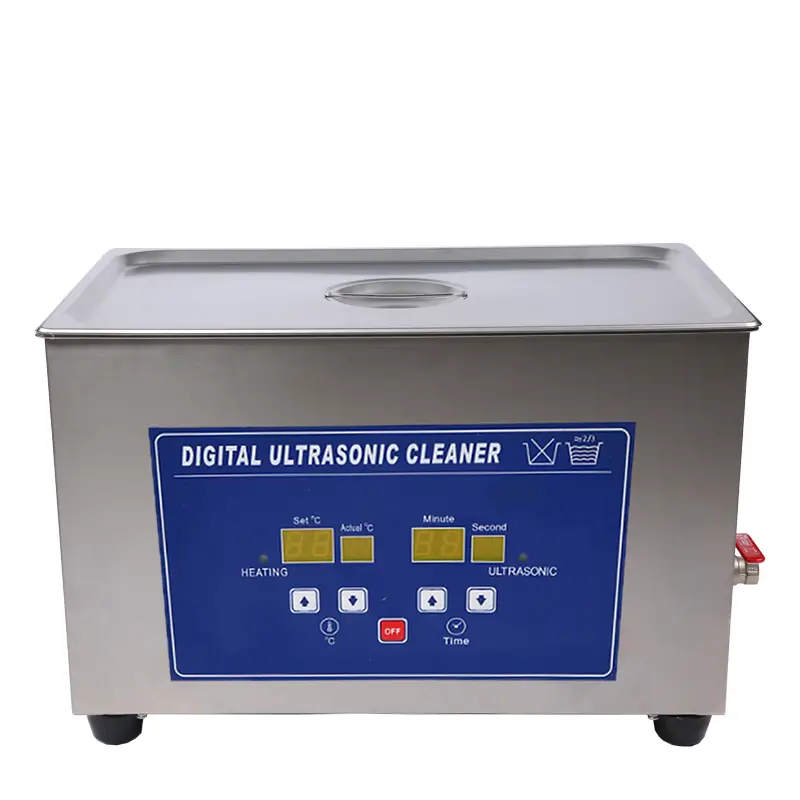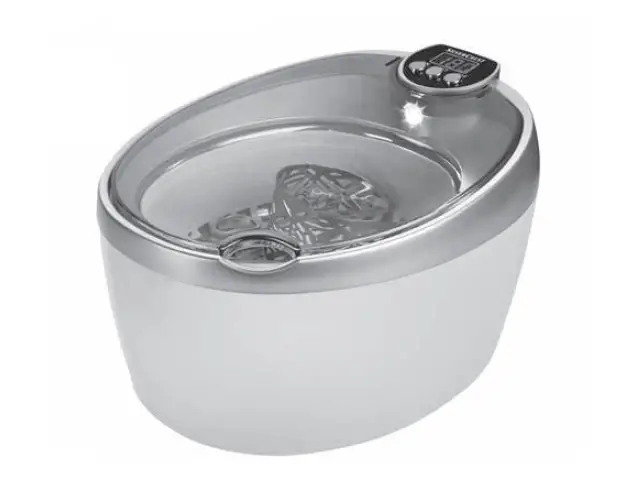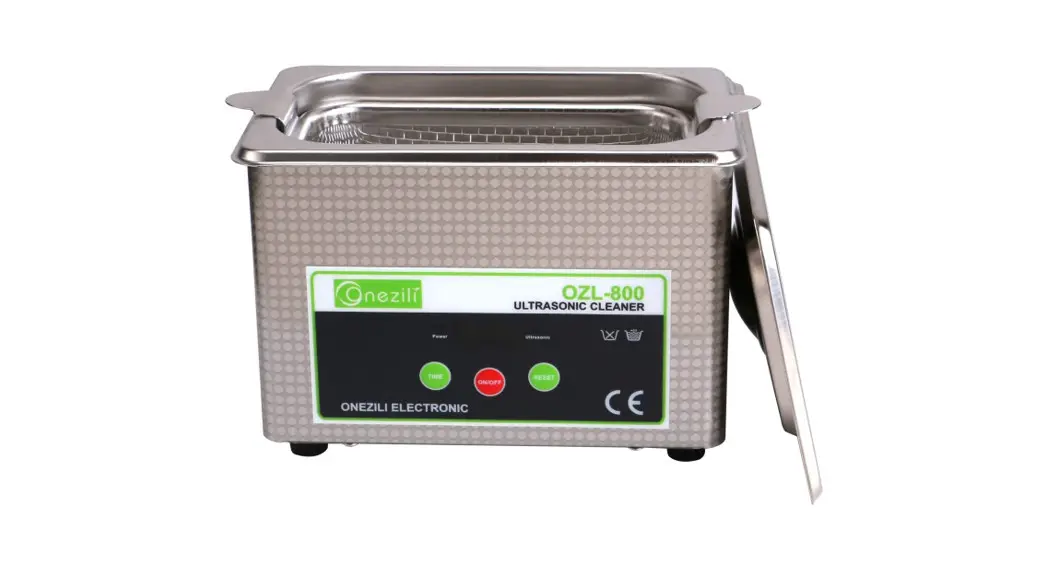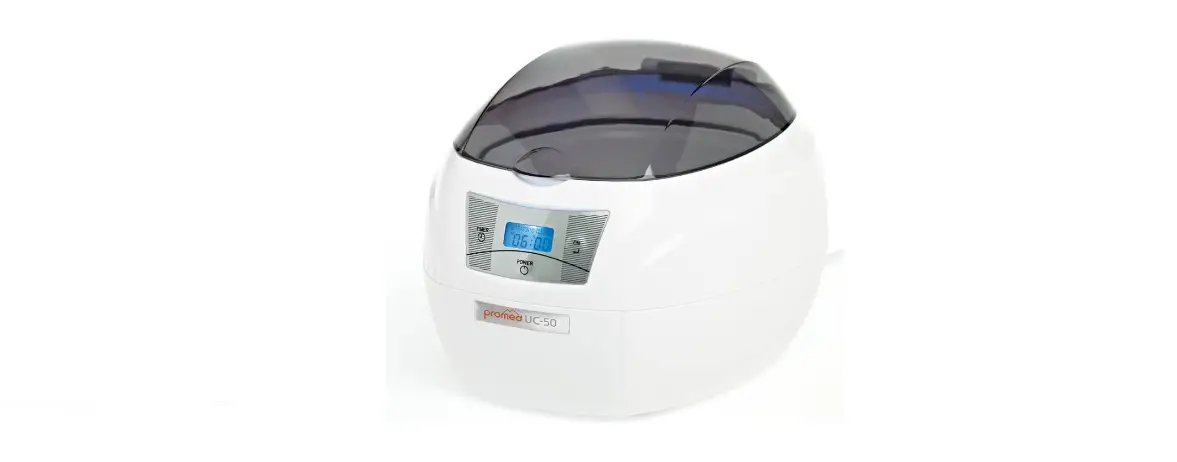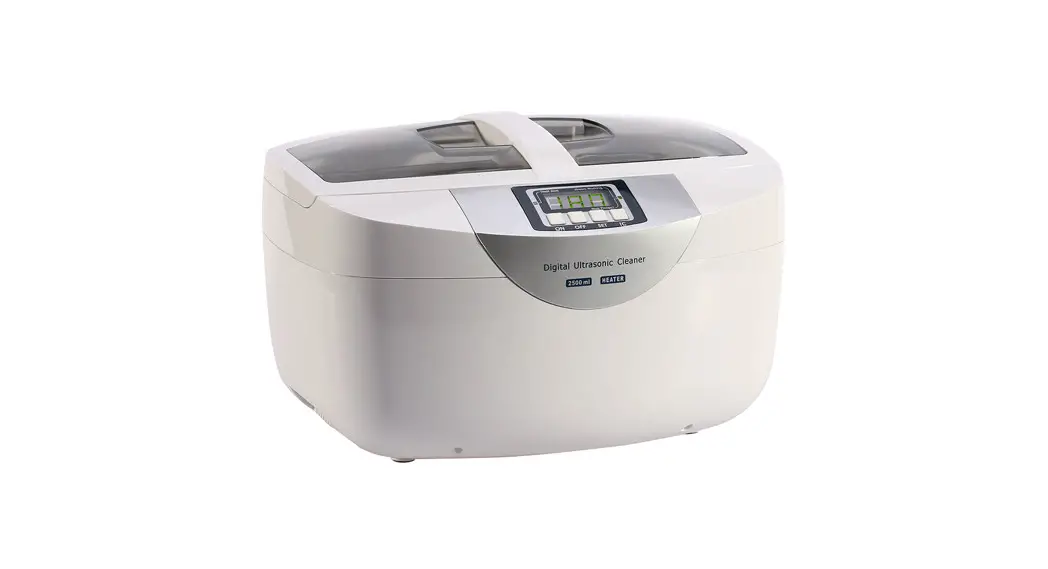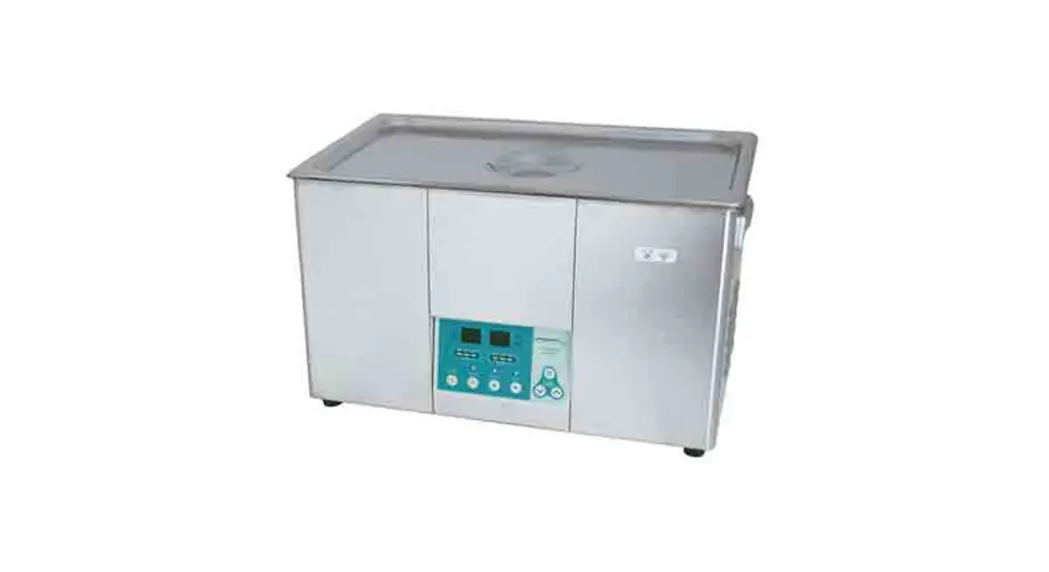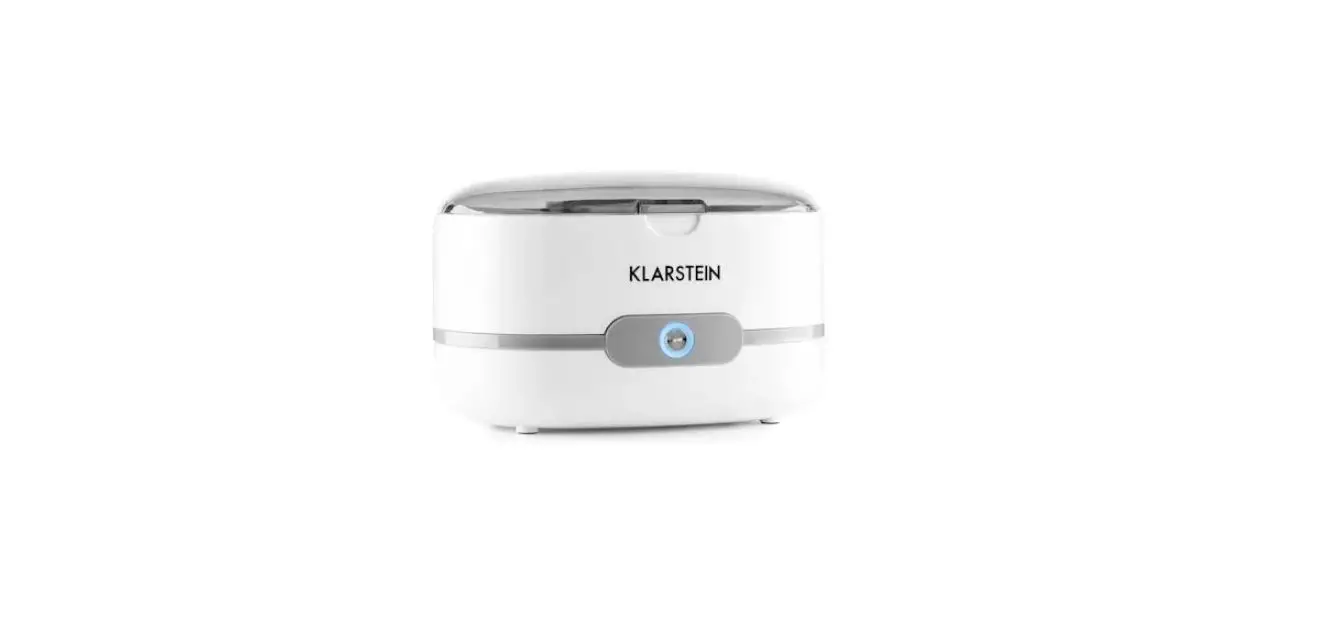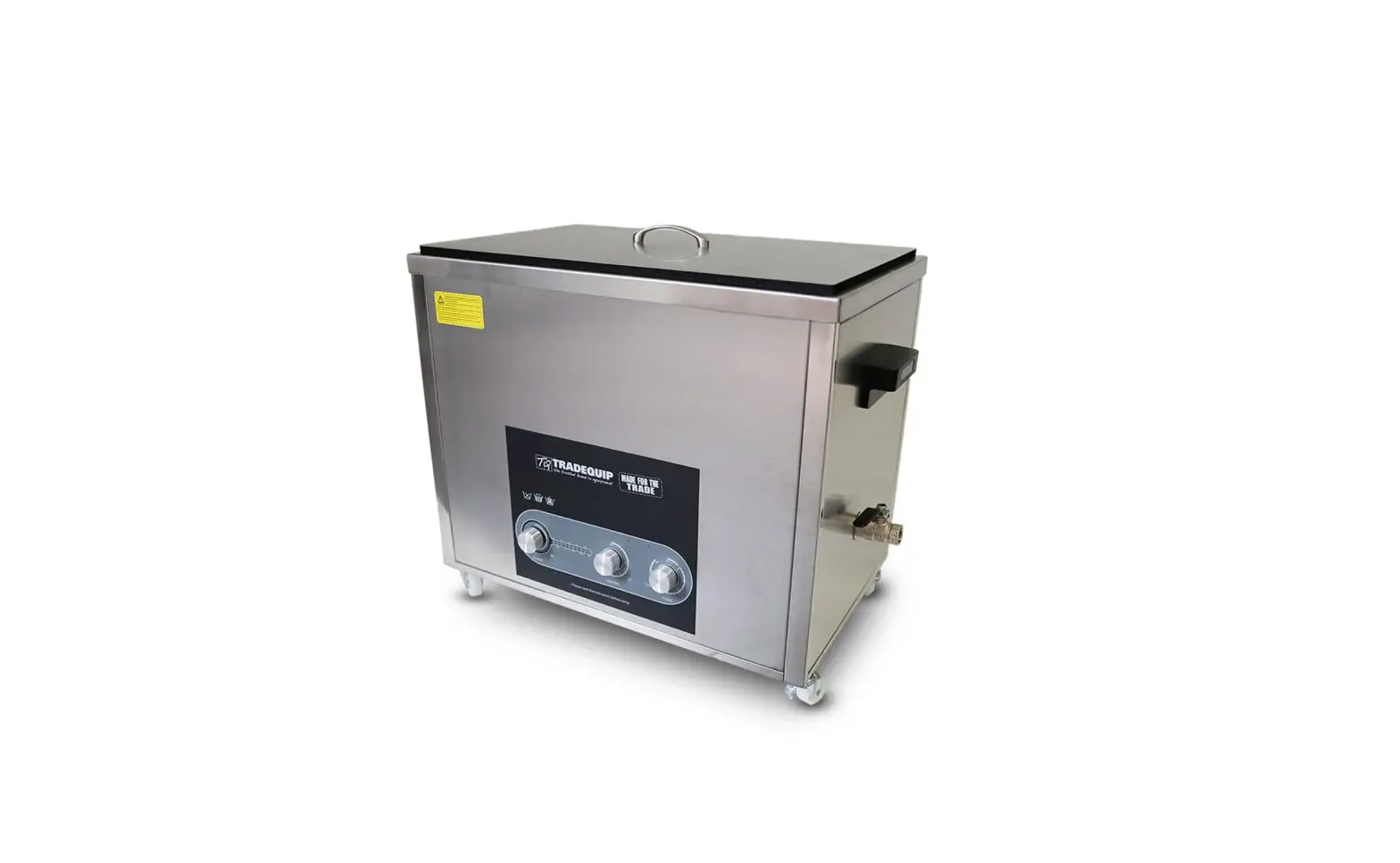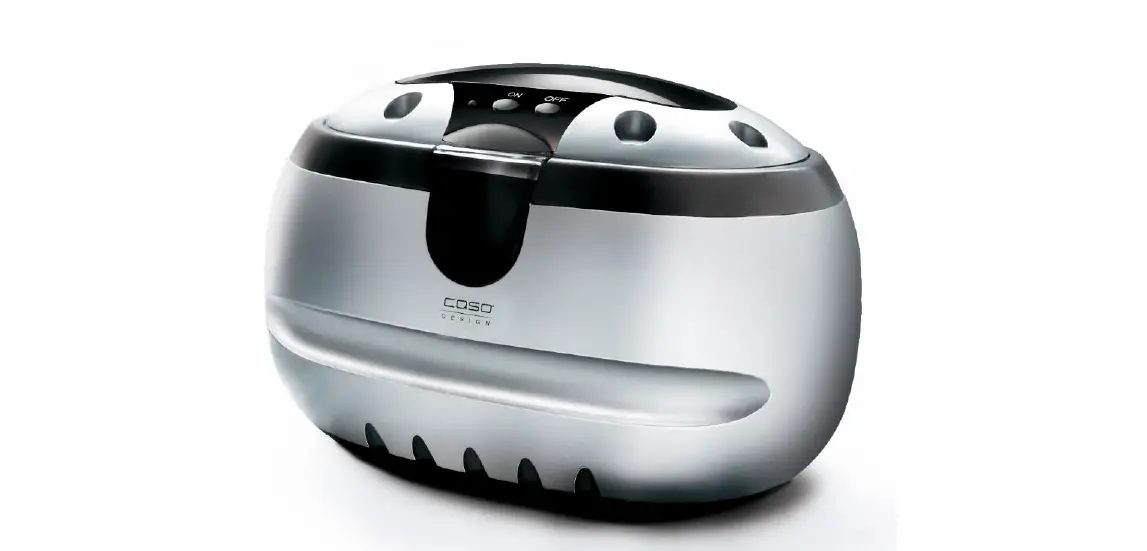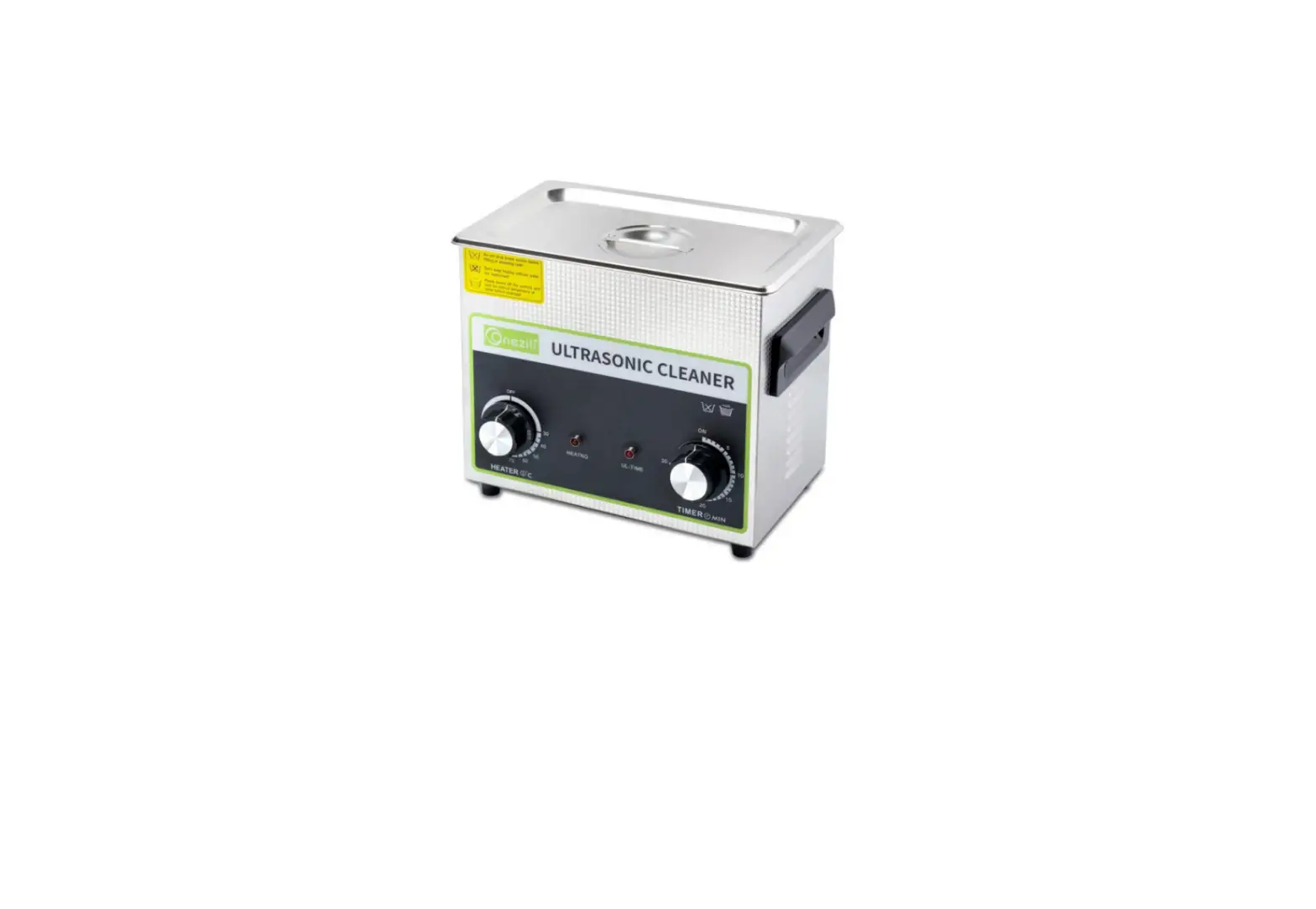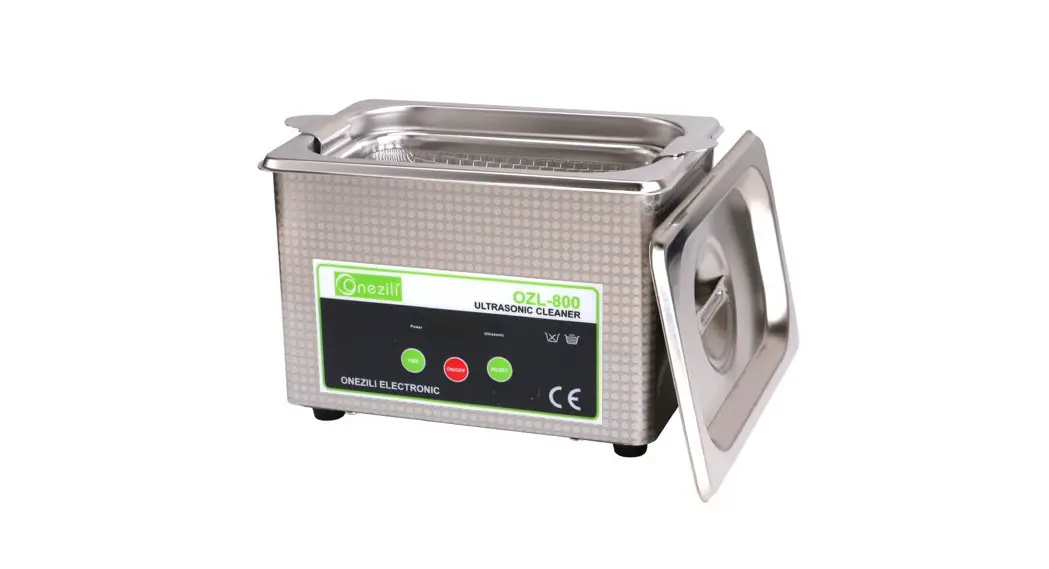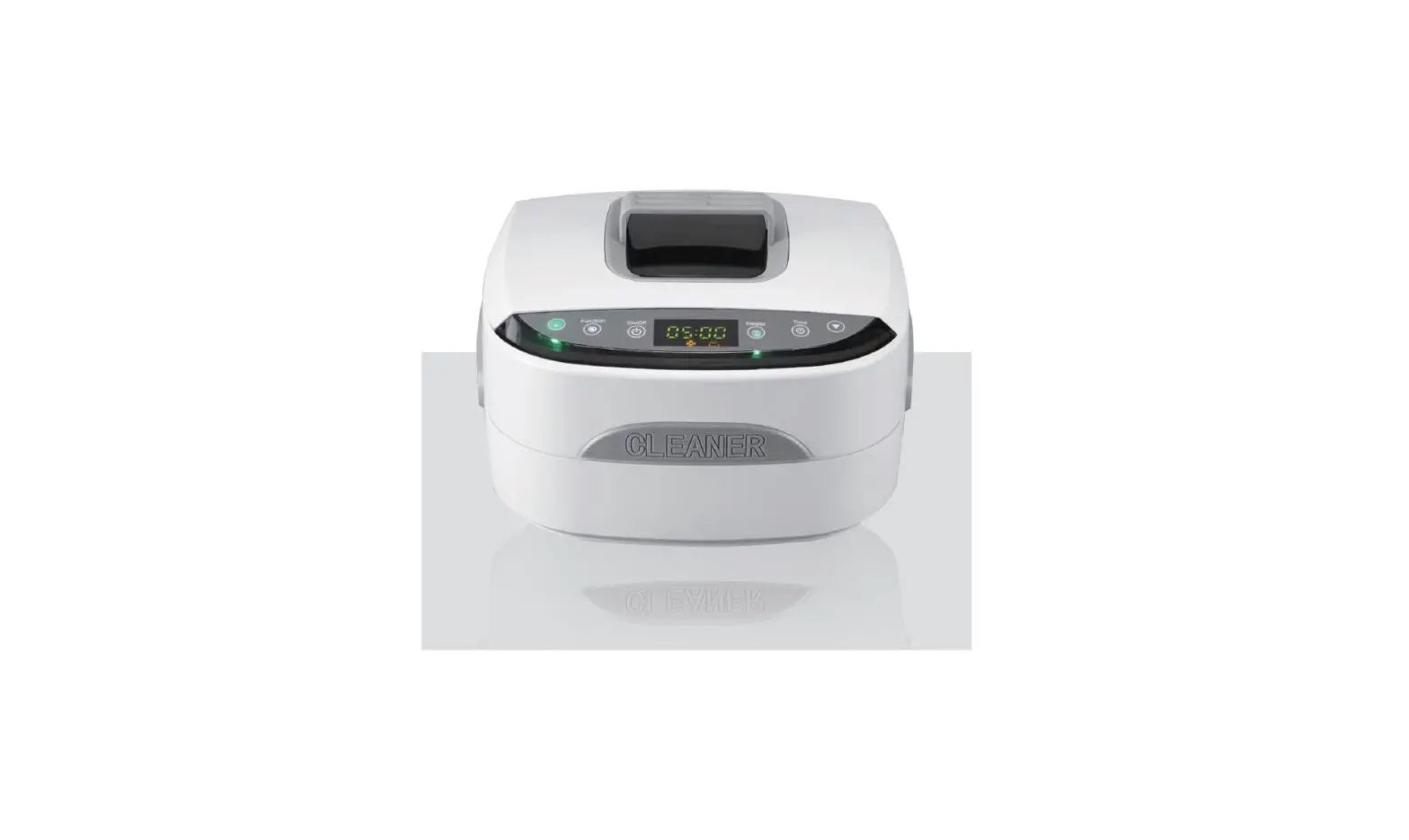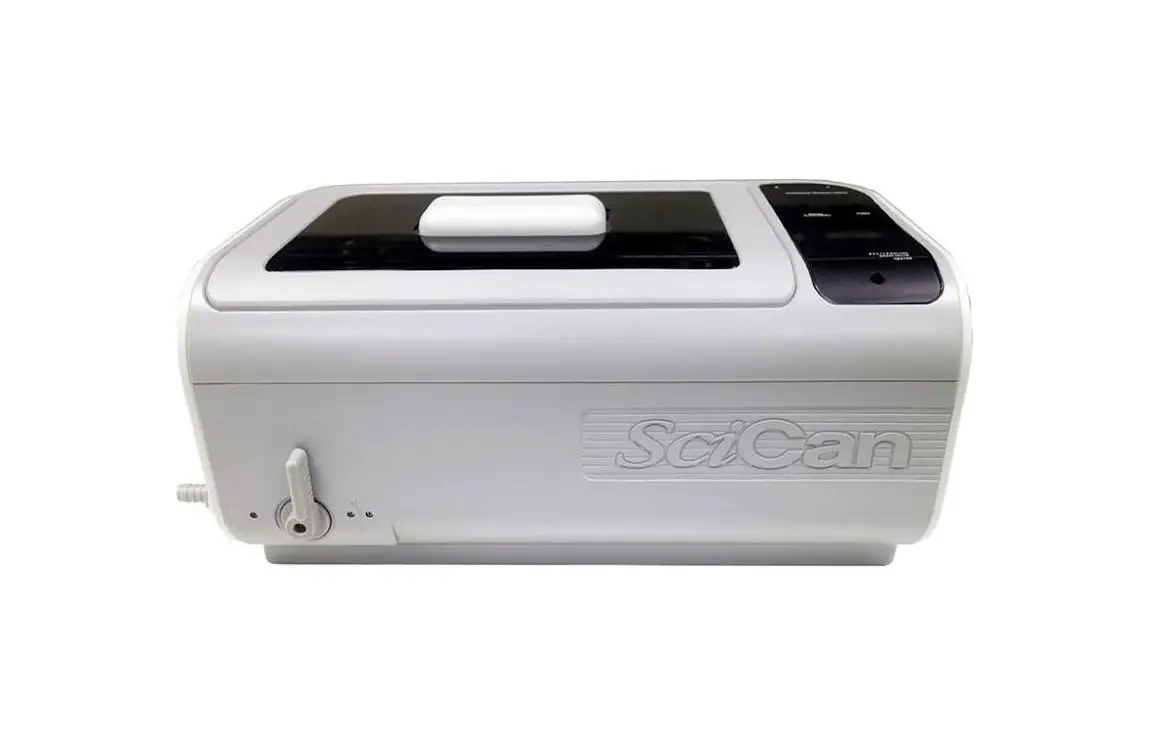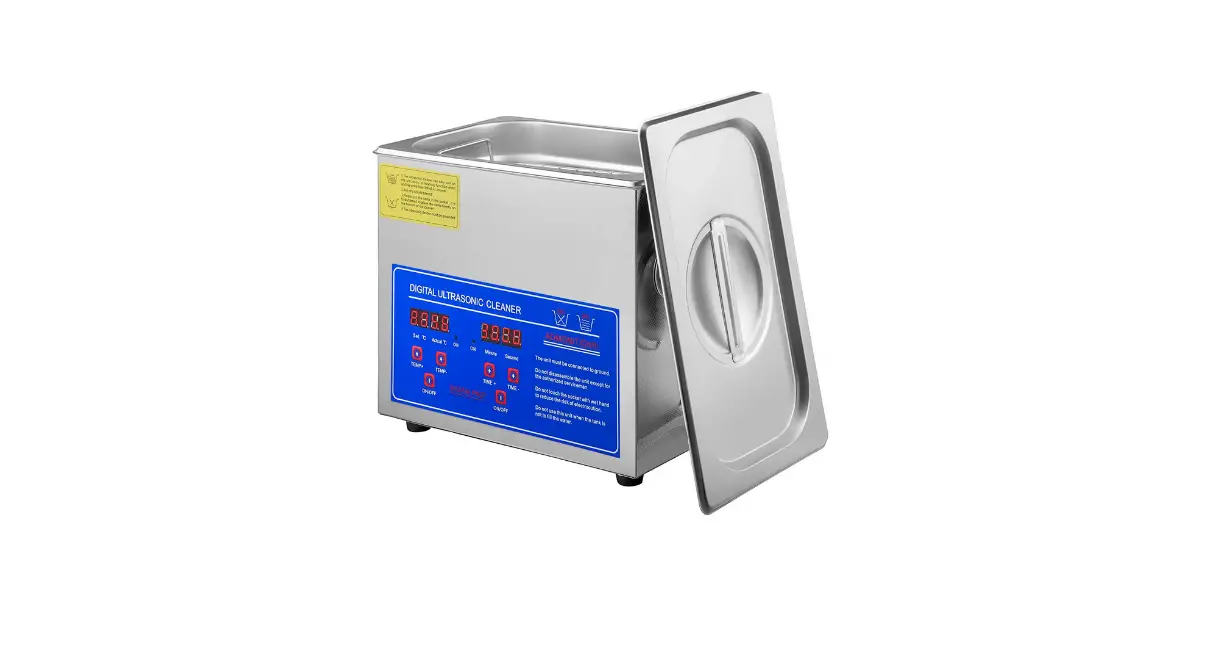

VEVOR 41100000 Professional Ultrasonic Cleaner
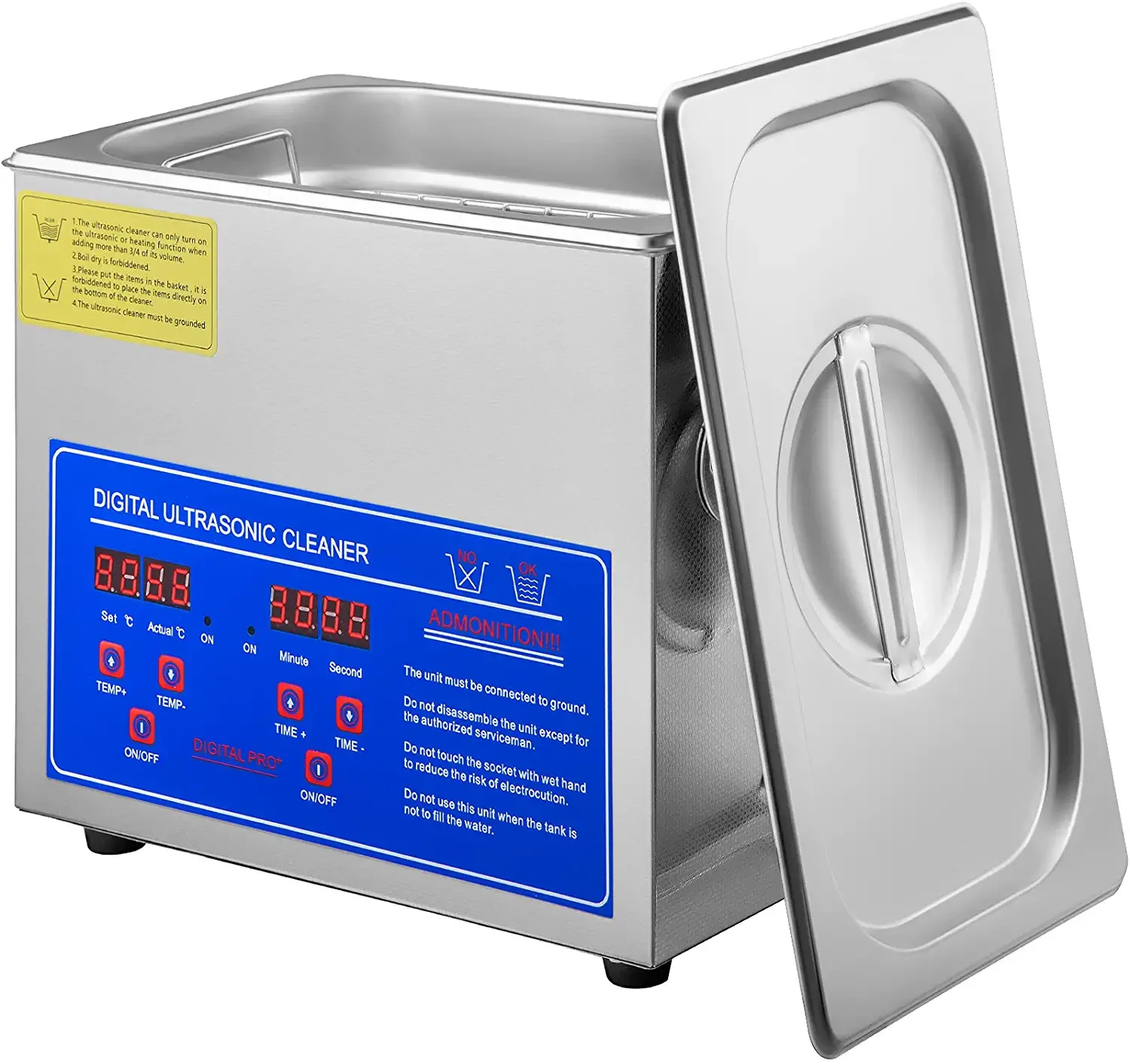
APPLICATION: Electronic factory, Car work shops, Industrial and mining area,Laboratories, Hospitals, Dental clinics, Watch shop,Optical shops, Jewelry shops, Mobile phone repair shops, and household use.
CAUTION
Thanks for purchase ultrasonic cleaner,Please read the instruction manual carefully before operation to avoid damage to the machine or any danger to personal safety. And please keep it for reference.
- Ensure the power supply is in rated range before power cable is connected. Refitting is strictly prohibited! Attention that the control panel will be eroded by organic solution, strong acid and strong alkali.
- Ensure the earth wiring is well connected before starting.
- Ensure the power key or knob is on the ‘OFF’ place before starting.
- Do not operate if the tank is empty, or ultrasonic generator will be damaged. If heating is needed, the water level shouldn’t be less than 2/3.
- Please close the lid to reduce noise and pay attention to water and steam in case of burning skin while open the lid.
- Do not relocate the machine when fluid in the tank in case of overflow.
- Suggest using water-soluble liquid for bentch top ultrasonic cleaners. Strong acid or flammability cleaner is forbidden.
- Do not use the machine in severe environment:
- The place where temperature changes fiercely;
- The place where humidity is too high and is easy to produce dew;
- The place where vibration or impact is strong;
- The place where exists corrosive gas or dust.
- The place where water, oil or chemicals splash.
- The place where is filled with explosive and flammable gas.
- Shorten the daily working time. Suggestion is to stop for a few minutes for heat dissipation after working over 30 minutes.
Heater is forbidden when using flammable liquid (such as alcohol, solvent cleaner etc.) to clean objects.
Cleaning effect will be much better if using the machine together with proper solvent.
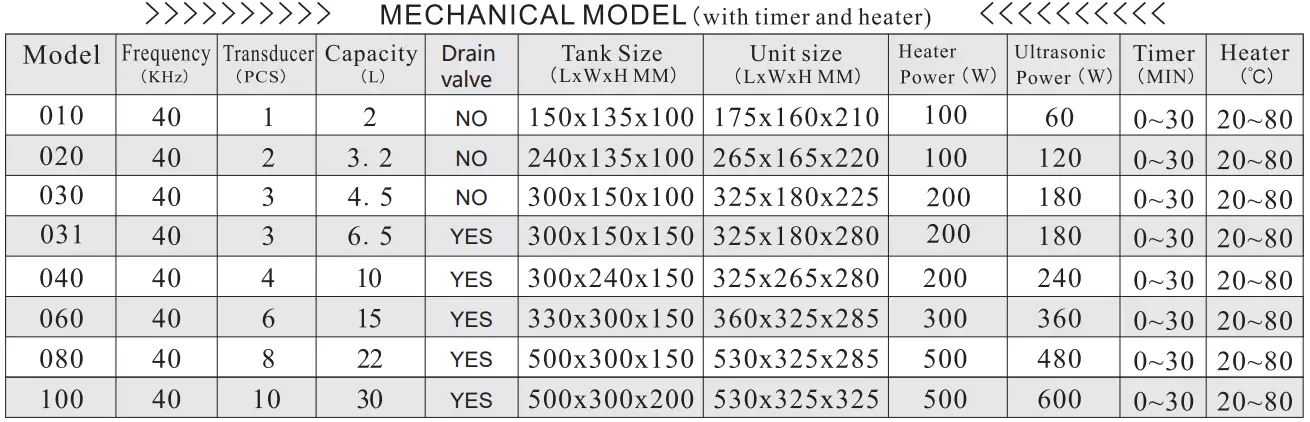
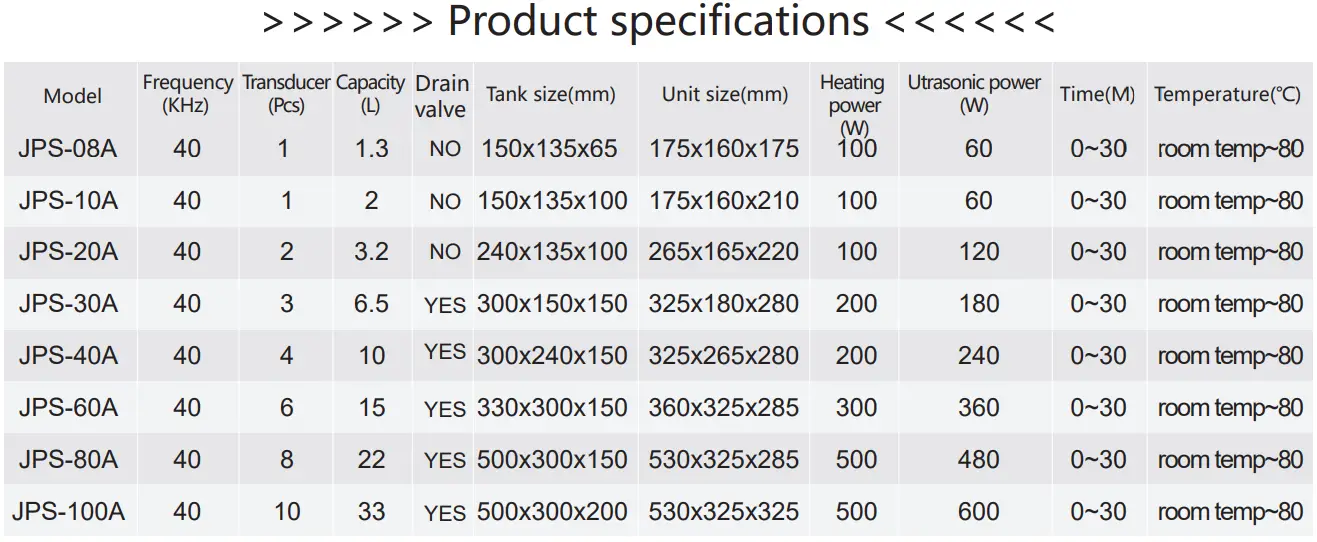
SPECIFICATION
APPLICATION
Cleaning Application:
PCB, jewelry, electronic components, car parts, hardware,metal tools,computer parts, Laboratory instruments, clock & watches, eyeglasses, contact lens, dentures, dental tools, DVD & VCD, golf, table-ware, printer inkjet, seal and comb, toothbrush, coins, etc.
| Industry | The cleaning products and materials | Clear dirt |
|
Semi-conductor | Integrated circuit, power tube , silicon wafe r, d iode , lead frame, capi lla ry, tray , etc. | Har ds, etching oil , stamping oil, polishing wax , dust particles, etc. |
|
Electrical & electronic machine |
Tube parts , cathode ray tube , printed circuit board , quartz parts , electronic components, telephone switching equipment , speaker components, power meter, LCD glass, core iron parts, computer floppy d isk , video parts, hoop parts, head, photo die mask , etc. |
Finger pr int , powder , cutting oi l, stamping oil, iron fi l ings , polish ing materials, walnut powder , polishing wax, resin, dust , etc. |
|
Precision machine | Bea ring , sewing machine parts , typewr ite r, textile mach ine , optical mechanical device , gas valve , watches, cameras, metal filter el eme nt , etc. | Machine cutting oil, iron filings, polishing powder, finger print, oil , grease, dirt, etc. |
|
Opt ica l device | Glasses , lens, pr is m, optical lens, filter le ns , glass device, film, optical fiber, etc. | Plastic , res in , para ff i n, finger pr inti ng , etc. |
|
Hardware & machinery parts | Bear i ng , gear, ball, metal shaft parts , tools, adjustable va l ve and cylinder parts, burner , compressors , hydraulic press, gun and ult racentrifuge , city water faucet, etc. | Cutting oil , iron fili ngs , grease, polishing powder, finger printing, and so on. |
| Medica l instrument | Medical inst ru me nt , denture, etc. | Iron fi li ngs , polishing powder , o i l, stamping oil , d i rt , etc. |
|
El ectro pla te |
Ga l v an ized parts, mold, stamping parts, etc. | Polishing scrap iro n, oil , black iron she ll, rust, oxidation shell, scrap iron, polishing powder , stamping oi l, di rt , etc. |
|
Car parts |
Piston ring , carburetor, flow meter housing, compressor shell, electrical components, etc. |
Iron fi li ngs , polishing powder, oil , stamping oil, dirt, etc. |
|
Chemical fiber |
Chemical or arti fic ia l fiber nozzle filter protector chemical fiber texture, etc. |
Chemical colloid, glue , and other solid material, dust, etc. |
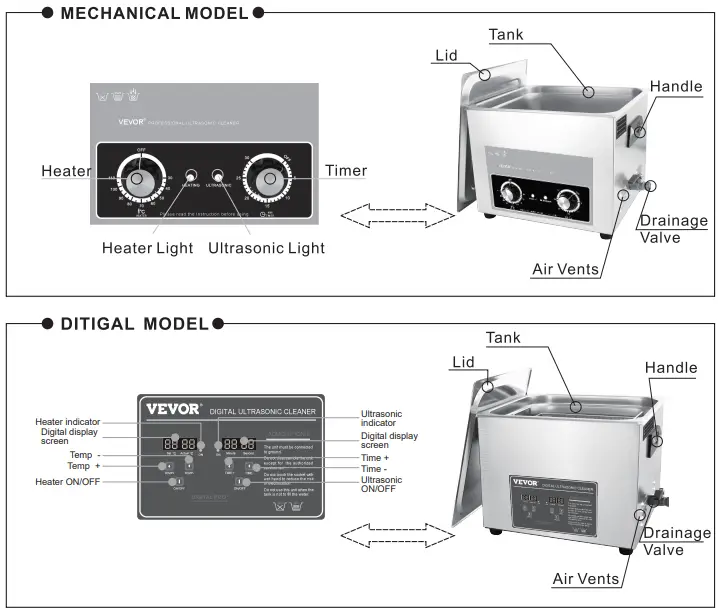
PRODUCT DRAWING & INDICATION
OPERATION PROCEDURE
- Before starting the equipment, check the machine to see if there is loosen parts.
- Keep the unit on a stable and flat working platform in dry and cool environment.
- According to the size and quantity of washing objects, add little bit detergent in the tank which can help improve the cleaning effect. (Empty tank working is forbidden!)
- Ensure correct power and switch connect before starting the equipment. 4
- Operation Instructions: (Mechanical models)
- Start (ULTRASONIC), clockwise rotate to choose the time you required between 0-30 min. When the indicator light is on and make “ZIZI” sound, it shows ultrasonic operation work OK.
- If need heating, start(HEATING) to adjust required temperature, normally 40-60’C is the best.(Heating is optional upon needs)
- To stop cleaning.
- press OFF once, the ultrasonic stop run, the indicator light will also be off.
- rotate the heating control knob to “OFF” , the indicator light will also be off.
- then switch off the unit and disconnect the power.
- empty out the liquid and clean the tank and the unit with clean cloth for next use.
- Operation Instructions: (Digital models)
- Timer setting: When power is connected, the default setting is “05:00” .Press TEME+ once will increase time by 1 min; Press TEME+ once will decrease time by lmin.( Free choice and digital countdown control).
- Temperature setting: (heating is optional upon needs):When power is connected, the default setting is “50°C” and Actual is room temp., press TEMP+ once, will increase temperature by 1 ‘C; Press TEMP- once, will decrease temperature by 1 ‘C. If the setting temperature is lower than the actual tank temperature, the operation will stop automatically. When the temperature rises to the setting temperature, the indicating light goes off. When ultrasonic work, two temperature screen shows set temperature and actual temperature has been reached.
- After set the time and temperature, press ON/OFF once, the equipment will work automatically. Press ON/OFF again, the work process will stop. Then switch off the unit and disconnect the power supply, empty out the liquid and clean the tank and the unit with clean cloth for next use.
- Adjusting power:
- The function is only available for power adjustable models! Rotate SLOWLY the power knob clock-wise to increase the power from 40% to 100%,and counter-clockwise SLOWLY is to decrease sonic power.
- Operation Instructions: (Mechanical models)
MAINTENANCE
- Maintenance
- The unit must be opened by authorised specialised person only for maintenance and care of it.
- Clean the contaminant in the tank frequently.
- Trouble clearing
No. Problems Possible causes Solutions Remarks A, Po wer s upp l y not co nn e ct
B, F u se broken
A , Check and plug po wer swit ch.
B, Check the fitted powe r suppl y and chang e
the same spe c i ficat io n fuse .
N o u ltr ason ic C, Cab le short c i rcuit D, Trans duc er short c ir cu it
E, PCB Board broke n
F , Other re asons
C, Connect fitted cable or re p lace a ne w D, Inqu iry our after serv ice engineer. E, Check the broken part and chan ge it. F, Inq ui ry our after servic e engineer.
2
Time control
failure
A, Ti mer knob out of control
B, Timer fa il ure
C, Othe r re aso ns
A, Lo os en or tighten the scre w.
B, R e place tim e r or digi tal panel.
C, Inquir y our after service engineer.
A, Heater po w er sw itc h bad
A, Check heating plug and conn ect we l l , Check Sugge st io n
6 0
S0- 0 C
link age outlet lin e with multim eter: if OK and resi stanc e valu e is few hundred OH M s. 3 No heat ing B, Fu se burn out B, Change th e same s pec i ficat io n fuse. C, He at i ng pad burn out C, Replace th e bad heating pad if open circuit. D, Dig ita l di splay board out of D, Check the broken par t and change it. control E, Other rea son s E, Inqu iry our after serv ice e ng i nee r. 4
T e mp e ratur e control failur e
A, Th erm ostat lo ose n
B, Thermo stat tube broken
C, Digital dis play out of control
D, Oth e r re asons
A, Fasten th e th erm ostat head er.
B, Re place th e rmo stat.
C, Check the broken part and change it.
D, Inquiry our aft er servic e engin ee r.
5
Not well cleaning
A , Not strong ultrasonic cleaning B, Too high too low liquid surface C, Too high too low temperature D, Not suitable clean in g liquid
E, Other reasons
A , Connect ultrasonic button and adjust.
B, Adjust liquid in to the best surface.
C, Adjust temperature into the most fitted.
D, Stop and switch off power supply, replace
suit able liquid after the previou s liquid cool down.
E, Inquiry our after service engineer.
Suggestion
so-6o·c
6
Electricle pakage
A, Customer s id e not grounded
B, Machine not grounded
A , To ensure ground ed.
B, C heck if machine earth wire loosen.
7 Other problems