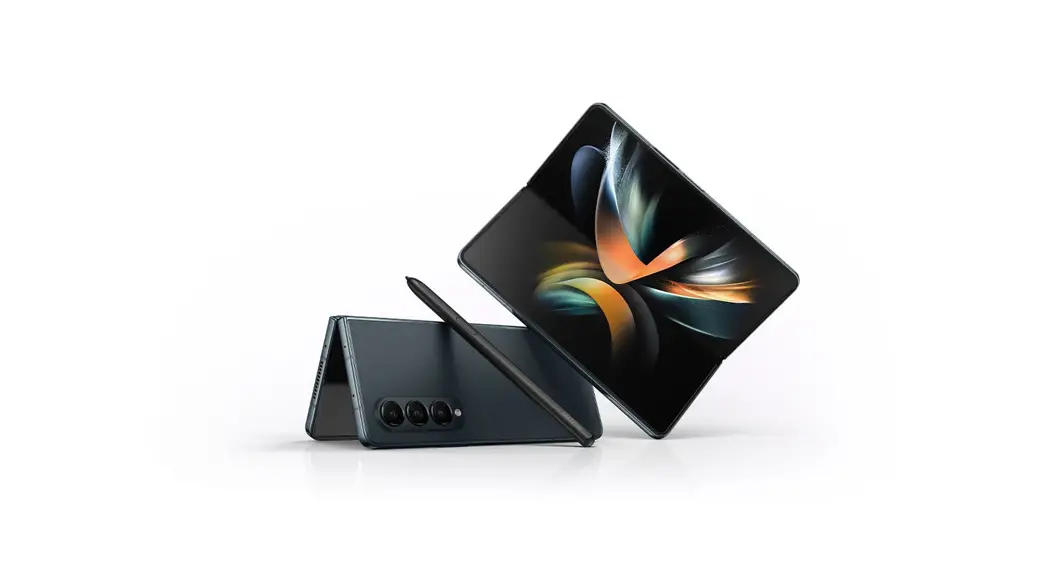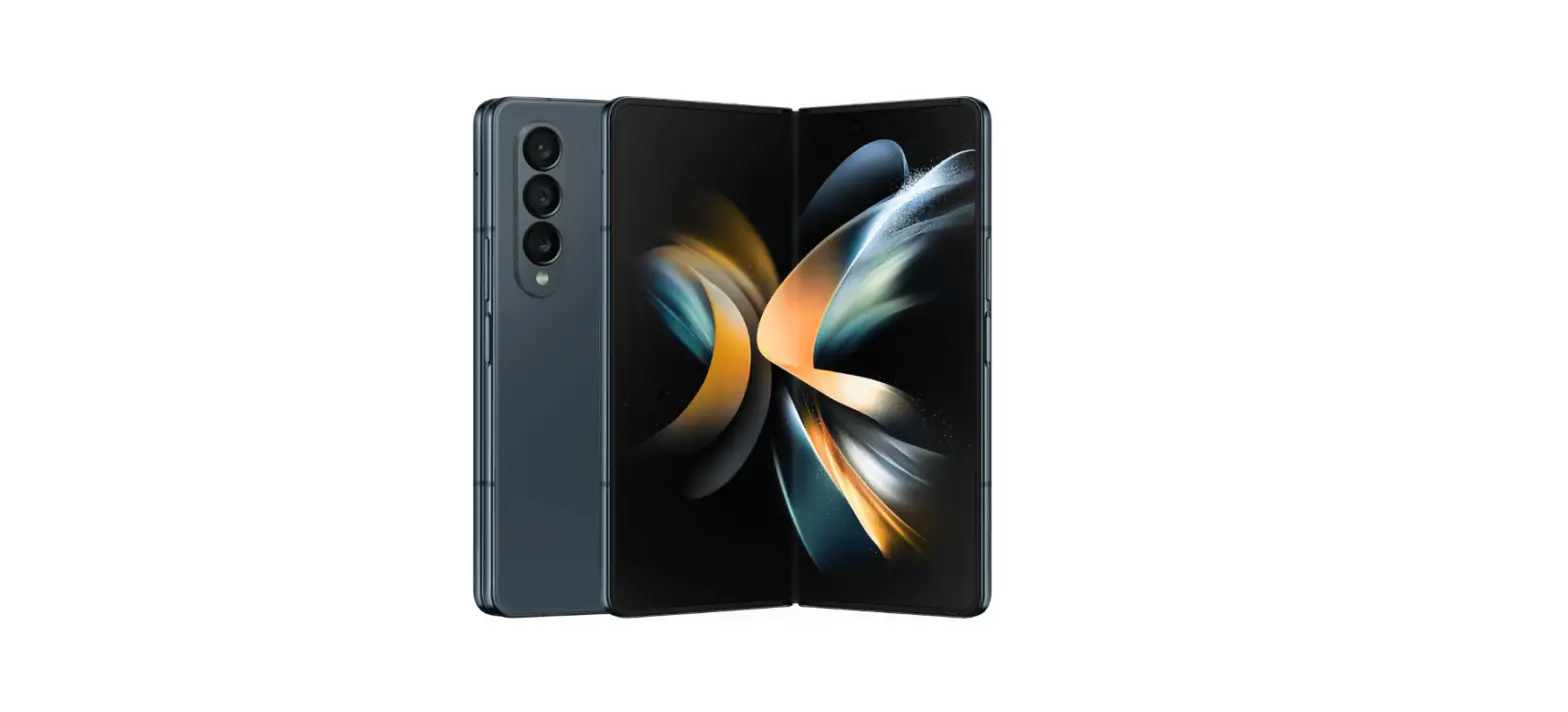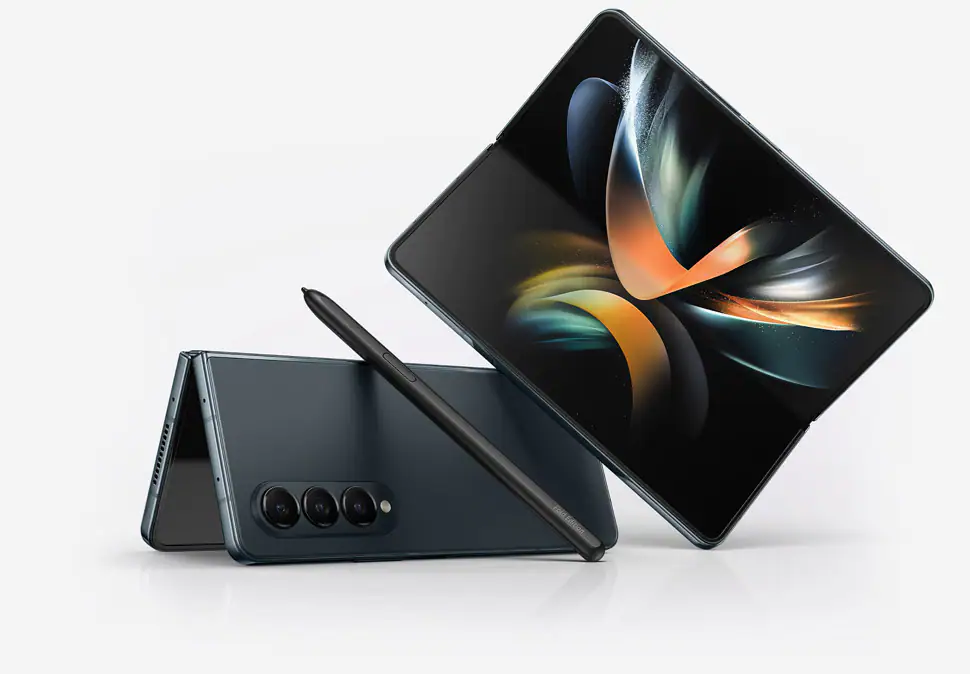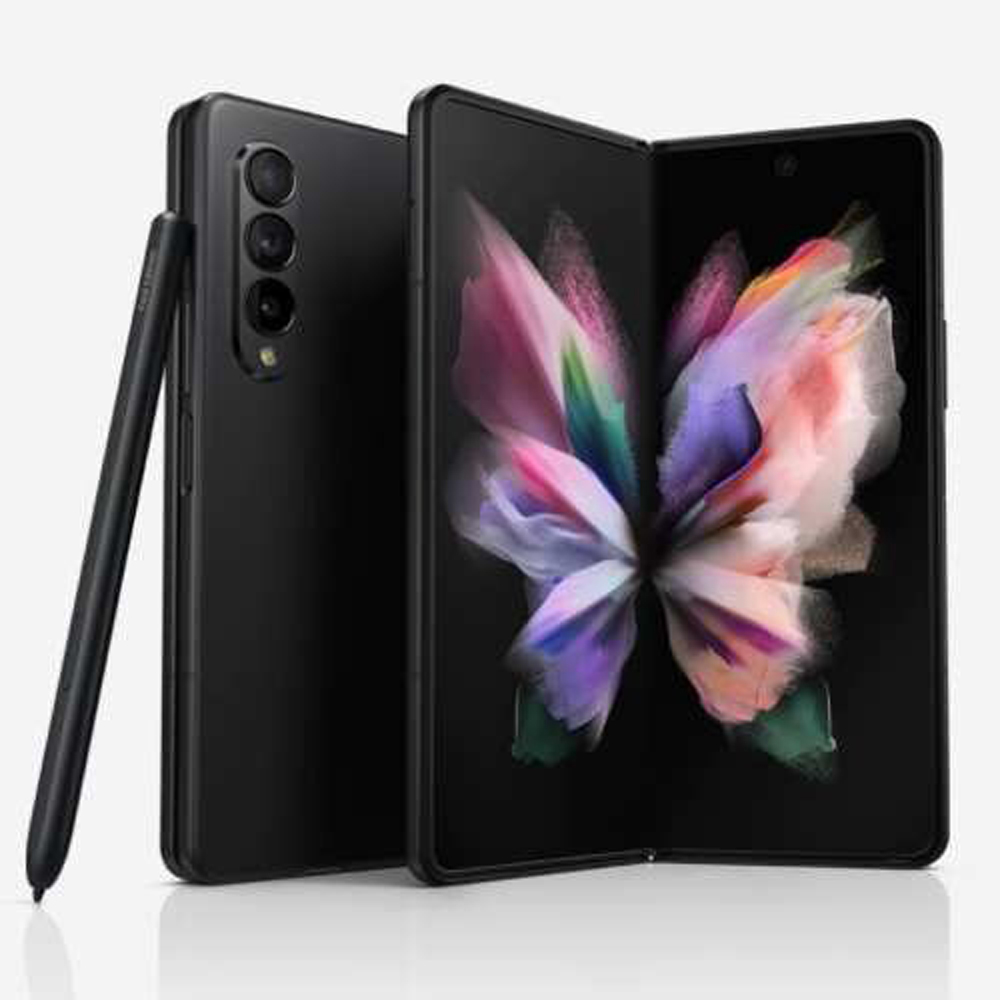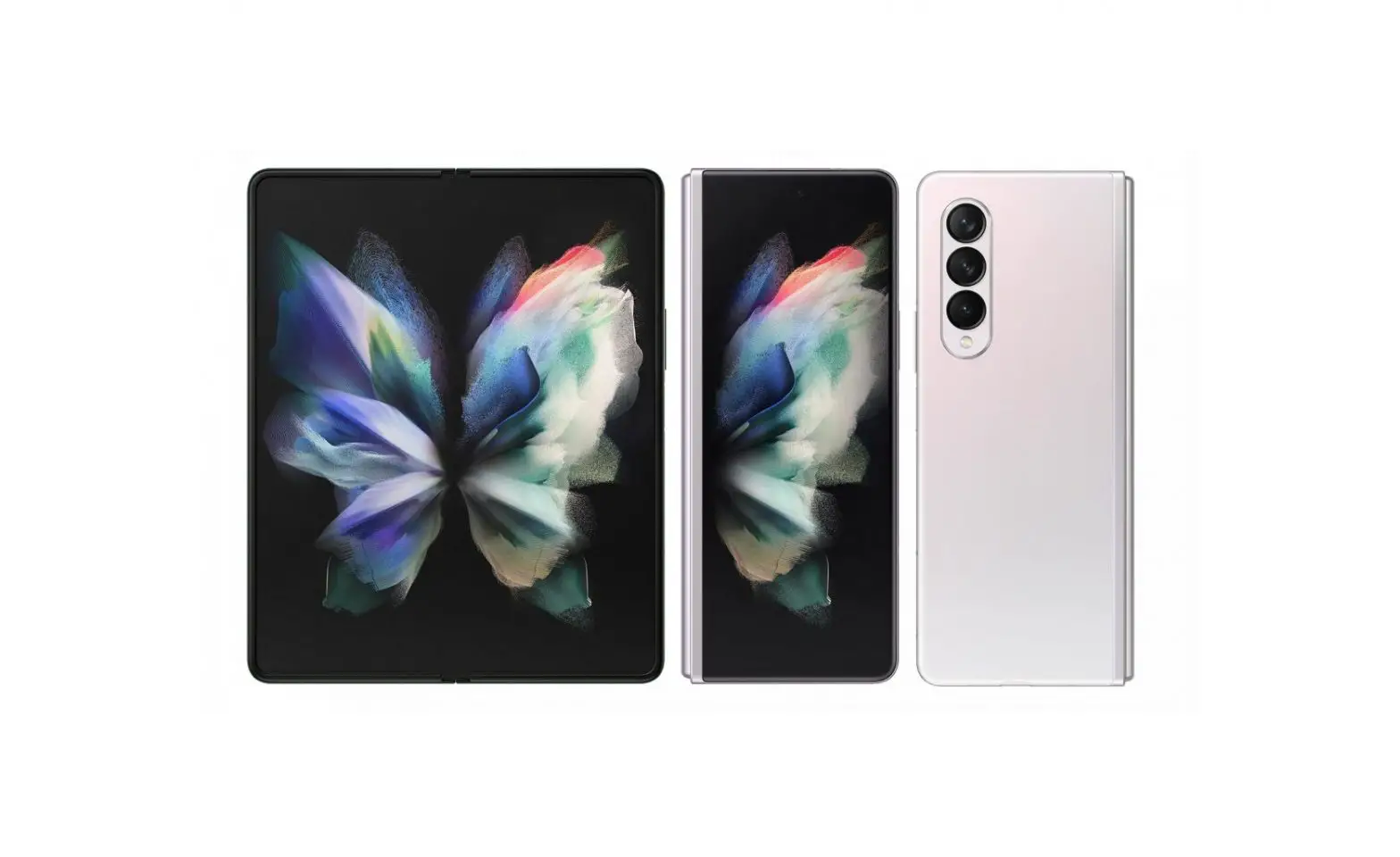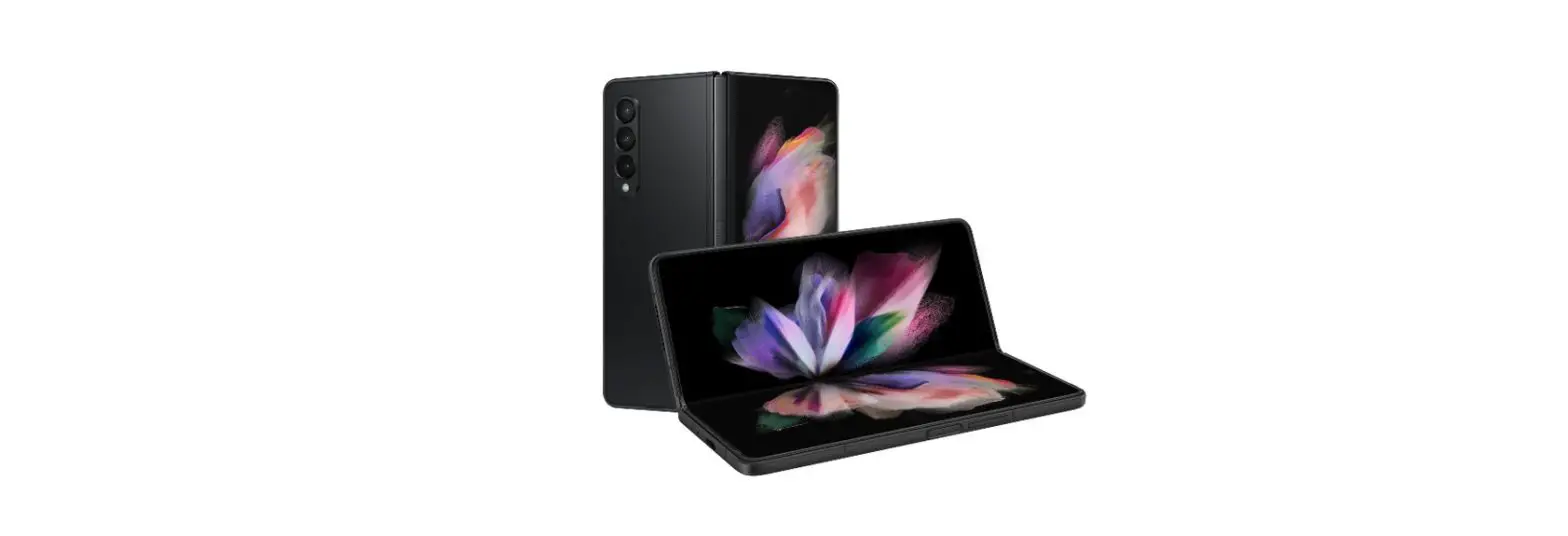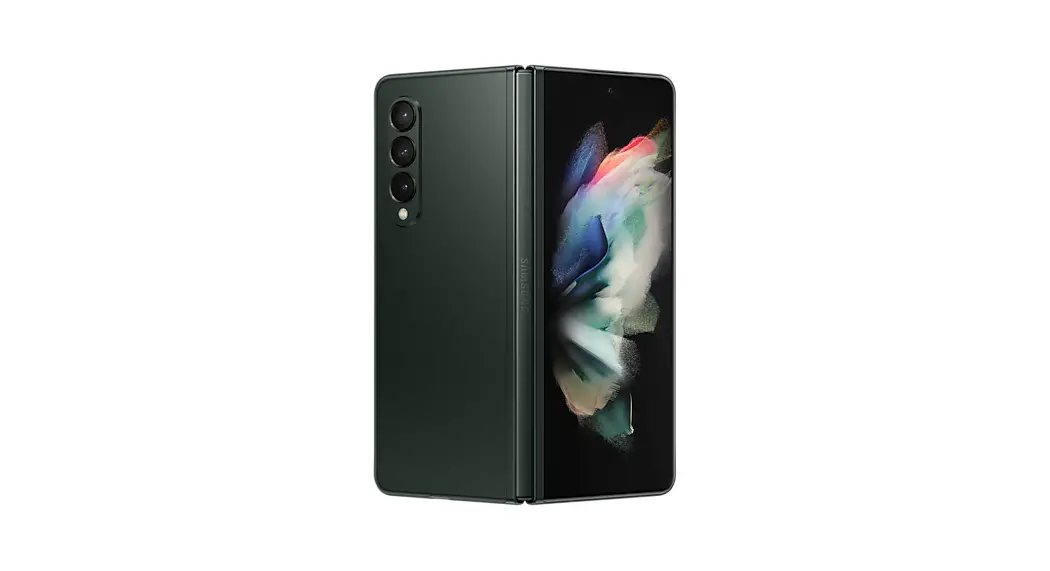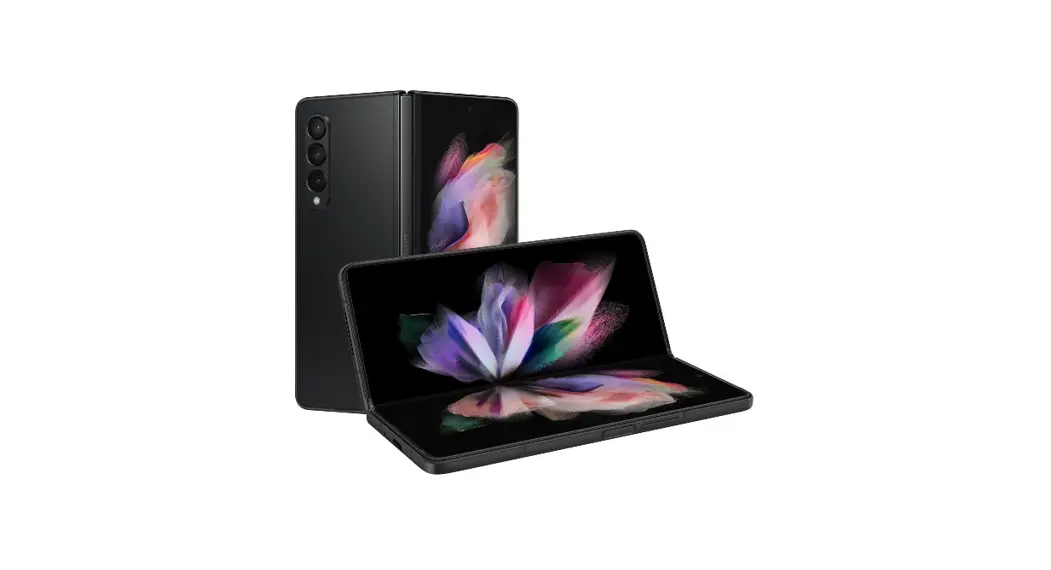

SAMSUNG Galaxy Z Fold 4
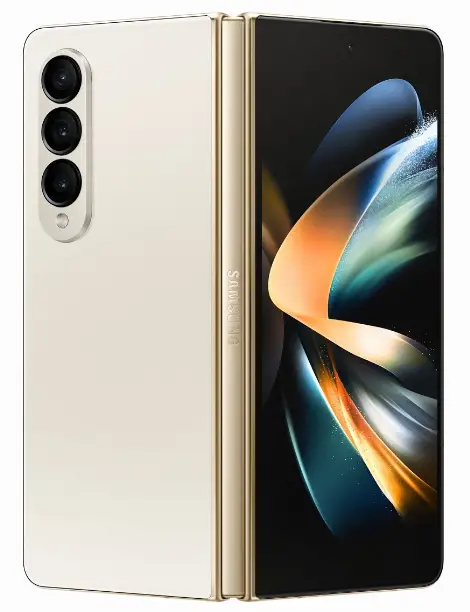
Your device
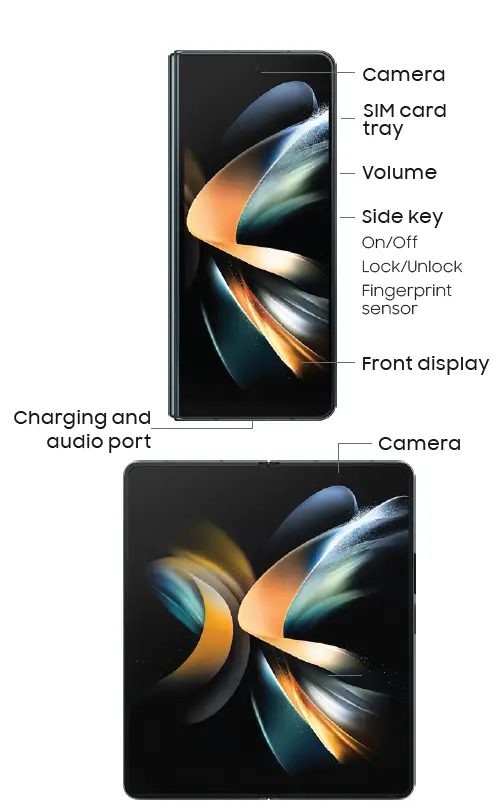
Use only Samsung-approved charging devices and accessories. Damage caused by the use of accessories that are not approved may not be covered by a warranty. Do not press the screen or the front camera lens with a hard or sharp object, such as a pen or fingernail, or apply excessive pressure. Do not attach adhesives such as films or stickers to the main screen. When folding the device, do not place any objects, such as cards, coins, or keys, on the screen.
Get Connected
This device may support a combination
of SIM card and eSIM, which is built into the device. Your new device may not include a SIM card. Depending on your wireless carrier, if no SIM card is included you may be able to activate your device with the built-in eSIM by following the prompts on the device. If a SIM card is included, you can use it, or move the SIM card from your old device to the new one.
For more information about SIMs, visit:
SIM cards for your Galaxy phone
samsung.com/us/support/answer/ANS00079039/
Insert a SIM card (optional)
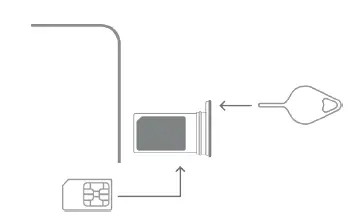
- SIM tool
- Use the SIM tool to
- open the SIM tray
- SIM card
- Insert the SIM card
- in the tray
Set up your device
Scan the code
Use your old device for more information on how to switch
or visit
Follow the setup screens
to get started with your new device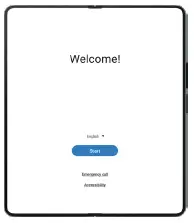
Do more Register your device
for access to benefits like service and support, warranty info, the latest news, and more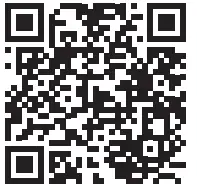
Scan the code or visit
samsung.com/us/support/register-product/
Samsung Care+
Get coverage for repairs and dedicated 24/7 support
samsung.com/us/support/samsung-care-plus
Get help
at samsung.com/us/support
youtube.com/samsungcare samsung.com/us/support/simulators
- Find the user manual on your device
- Settings
- Tips and user manual
5G
Not all devices, signals, or uses are compatible; check device specs. Check with your carrier for your 5G coverage area, access, & network management details.
Approved firmware versions
This device will only operate with firmware versions that have been approved for use by your wireless carrier and the device manufacturer. If unauthorized firmware is placed on the device it might not function properly. Information about safeguarding devices We encourage customers to take appropriate measures to secure their devices and invite them to take advantage of the features available on this device to help secure it from theft and/or other unauthorized access and use. This device has a locking function (e.g., user-defined codes or patterns) that can serve as the first line of defense against unauthorized use or access to stored information. Preloaded security applications that allow customers to track or locate misplaced devices can be found on several devices. Lost or stolen devices should be immediately reported to your wireless carrier so that proper measures can be taken to protect accounts. For additional information, visit your wireless carrier’s Privacy Policy.
Terms & Conditions
Read this document before operating the mobile device, accessories, or software (defined collectively and individually as the “Product”) and keep it for future reference. This document contains important Terms and Conditions. Electronic acceptance, opening the packaging, use, or retention of the Product constitutes acceptance of these Terms and Conditions. You can obtain a copy of the complete Terms and Conditions and Samsung Standard One-year Limited Warranty by contacting Samsung at the address or phone number provided in this document. Arbitration Agreement – This Product is subject to a binding Arbitration Agreement between you and SAMSUNG ELECTRONICS AMERICA, INC. (“Samsung”). You can opt out within 30 calendar days of purchase: email optout@sea.samsung.comorcall 1-800-SAMSUNG (726-7864) and provide the applicable information. The Arbitration Agreement, Standard One-year Limited Warranty, End User License Agreement (EULA), and additional Health, Safety and Device care information, including:
- Device Temperature
- Samsung Knox security platform
- Maintaining Dust and Water Resistance (IP rating)
- Location, Navigation, GPS and AGPS
- Wireless Emergency Alerts (WEA)
are available at:
English:
www.samsung.com/us/support/legal/mobile
Spanish:
www.samsung.com/us/support/legal/mobile-sp
This information is also on the device: Settings > About phone or About device or About tablet > Legal information > Samsung legal or, search for “Legal” You can view the Federal Communications Commission (FCC) certification, if applicable, by opening Settings > About phone or About device or About tablet > Status or Status information
Diagnostic software
This device may be equipped with diagnostic software reporting usage and performance information used to assess, deliver and improve network quality and the overall device experience for wireless customers. Please refer to your service provider’s terms and conditions or privacy policy for more information.
Specific Absorption Rate (SAR) certification information
For information visit:
- ww.fcc.gov/general/radio-frequency-safety-0
- ww.fcc.gov/encyclopedia/specific-absorption-rate-SAR-cellular-telephones
- www.samsung.com/sar
- Exposure to Radio Frequency (RF) signals
- For information, visit www.samsung.com/us/support/legal/mobile then select
- Health and Safety Information >
- Radio Frequency (RF) signals
- Samsung mobile products and recycling
- WARNING! Never dispose of batteries in a fire because they may explode. Do not disassemble, crush, puncture, heat, burn or reuse batteries.
- For more information, visit:
- www.samsung.com/recycling
- or call 1-800-SAMSUNG.
FCC Part 15 Information and Notices
This device complies with part 15 of the FCC Rules. Operation is subject to conditions:
- This device may not cause harmful interference, and
- this device must accept any interference received, including interference that may cause undesired operation.
Operate devices that support wireless power-sharing at least 8 inches/20 cm away from your body. FCC Hearing Aid Compatibility (HAC) regulations for wireless devices The FCC established requirements for devices to be compatible with hearing aids and other hearing devices. For more information, visit www.fcc.gov/consumers/guides/hearing-aid-compatibility-wireline-and-wireless-telephones HAC for newer technologies This device has been tested and rated for use with hearing aids for some of the wireless technologies that it uses. However, there may be some newer wireless technologies used in this device that have not been tested yet for use with hearing aids. It is important to try the different features of this device thoroughly and in different locations, using your hearing aid or cochlear implant, to determine if you hear any interfering noise. Consult your service provider or the manufacturer of this device for information on hearing aid compatibility. If you have questions about return or exchange policies, consult your service provider or device retailer.
Emergency calls
Emergency calls may not be possible on all wireless mobile device networks or when certain network services and/or mobile device features are in use. Check with local service providers. If certain features are in use (e.g. call blocking) you may first need to deactivate those features before you can make an emergency call.
Smart practices while driving
Samsung is committed to both promoting responsible driving and giving drivers tools to address distractions. For more information, visit www.samsung.com/us/support/legal/mobile then select Health and Safety Information > Smart practices while driving
Responsible Listening
CAUTION! Avoid potential hearing loss by not exposing yourself to loud sounds for a prolonged period of time. For more information, visit
www.samsung.com/us/support/legal/mobile then select Health and Safety Information > Responsible Listening
Pacemakers and implantable medical devices
CAUTION! Persons who have implantable medical devices should consult their health care provider before using mobile electronic devices. For more information, visit
www.samsung.com/us/support/legal/mobile then select Health and Safety Information > FCC Part 15 Information and Notices
WARNING: Your Samsung device contains magnets. Keep it away from credit cards and devices that may be affected by magnets. Keep your Samsung device more than 6 in./15cm away from medical devices. If you suspect interference with a medical device, stop using your Samsung device and consult your medical provider.
FAQS
LTE (Long Term Evolution) is a wireless standard that allows you to connect to the internet and your network. 5G (Fifth Generation) is a wireless technology that will allow you to connect to the internet and your network faster than ever before.
If you have a compatible device, then yes, you will be able to connect to LTE.
You can check the specifications of your device on our website at samsung.com/us/support/answer/ANS00079039/ . If your device supports 5G, it will say so on the specifications page. If it doesn’t say so, then it doesn’t support 5G.
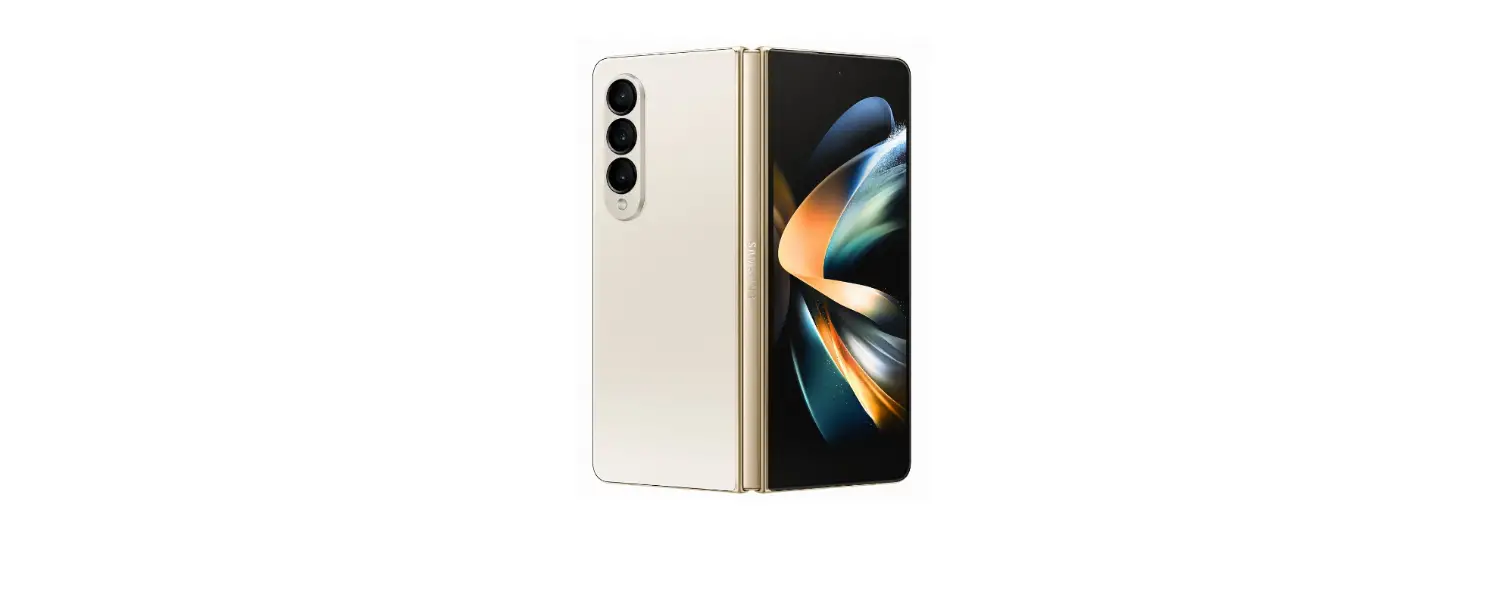
Galaxy Z Fold4 5G comes with 50.0 MP (Wide) + 12.0 MP (Ultra Wide) + 10.0 MP (Tele) Rear Camera, 4.0 MP Under Display Camera and 10.0 MP Cover Camera.
Galaxy Z Fold4 5G comes with minimum 3 years of software and security updates
The Taskbar is a useful tool that you can find on any Galaxy Z Fold4, allowing you to manage your favourite apps, work and switch between them, and more. Find out more about how to use, activate and make the most out of the Taskbar below.
The Under-Display Camera is a camera that you can find in the Galaxy Z Fold4, which hides the camera under the current display of the screen to let you enjoy videos or games uninterrupted with the whole screen dedicated to them.
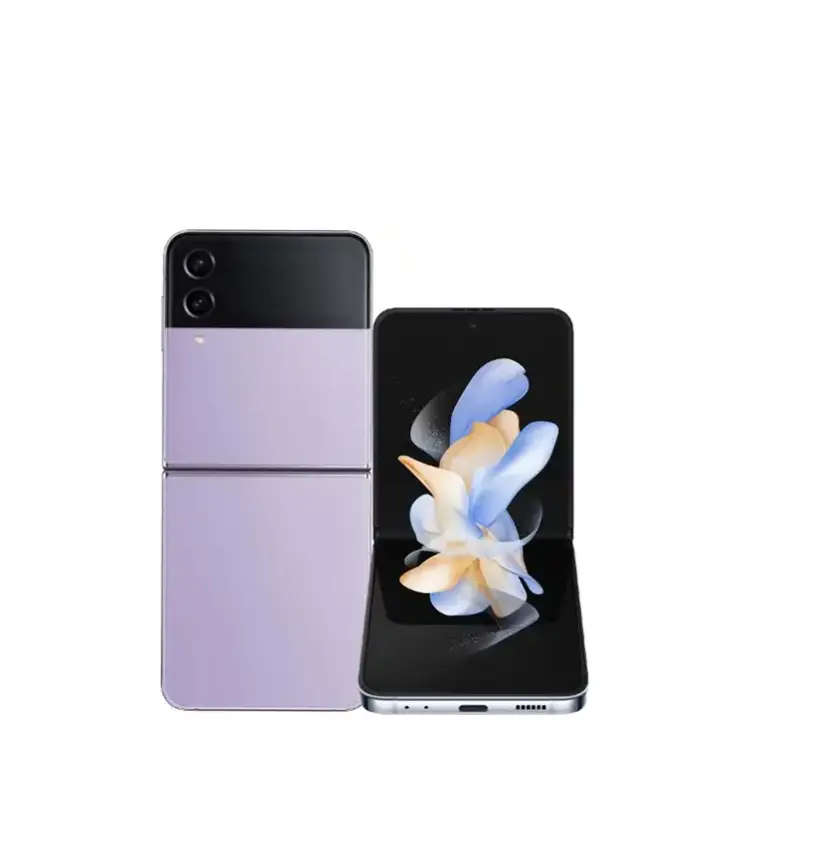
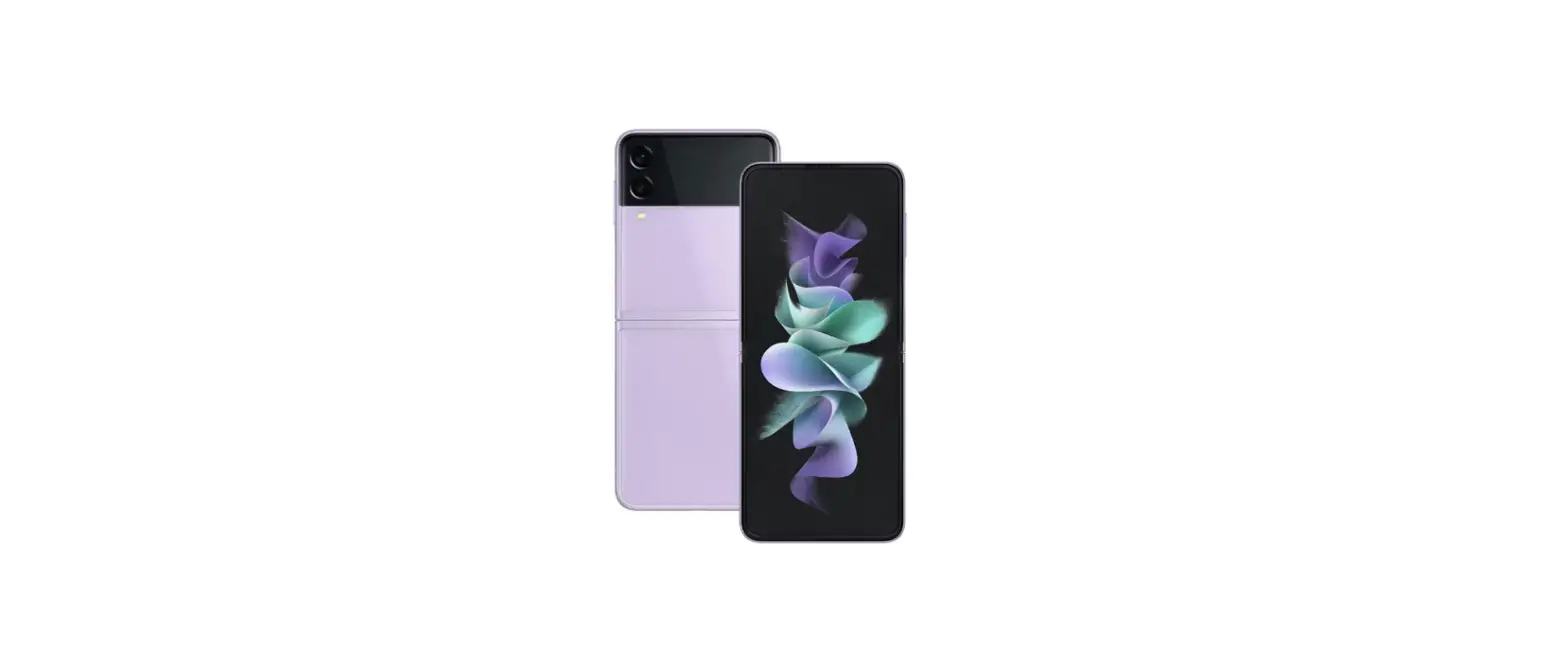
When opening the Galaxy Z Flip4 and Galaxy Z Fold4, you will notice a foldable display and protective film that is attached to the device. Find out more about the features designed to protect your devices and what to do if you have any issues with the protective film.
Our newest devices come with a number of features and one of the most exciting new additions is fast charging. Samsung now offers super fast charging so you can spend less time waiting and more time (and battery) being productive.
After taking a photo with your Galaxy phone, if you want to change the size of the photo or make the size of the photo file smaller, you can easily adjust it using the photo editor in the Gallery app. Check out the guide below for resizing photos.
Galaxy Z Fold4 5G supports fast charging upto 25W. Charger is not included, it can be sold separately, however, USB Type C to C cable will be provided.
We recommend to use Samsung 25W Type C Fast charging charger.
Insurance can be purchased separately.
Galaxy Z Fold4 5G Country of Origin is South Korea.
Galaxy Z Fold4 5G supports fast charging upto 25W. Charger is not included, it can be sold separately, however, USB Type C to C cable will be provided.
Video
- Samsung Electronics America, Inc.
- 85 Challenger Road
- Ridgefield Park, NJ 07660
- Phone: 1.800.SAMSUNG (726-7864)
- Internet: www.samsung.com
- 2022 Samsung Electronics America, Inc. Samsung & Samsung Galaxy have registered trademarks of Samsung Electronics Co., Ltd.
- Other company and product names mentioned herein may be trademarks of their respective owners. Screen images simulated.
- The appearance of the device may vary.
- The images shown are for reference only.
- If you use a screen protector, make sure it allows for use of touch screen features.
References
 Steps to a Smarter Android Switch
 Samsung US | Mobile | TV | Home Electronics | Home Appliances | Samsung US
-
Support Home | Official Samsung Support US
-
Support Home | Official Samsung Support US
-
Register Samsung Device
-
Samsung Care+: Support 24/7, Protection & Warranty | Samsung US
-
Samsung Simulators | Samsung US
 Consumer Help Center | Federal Communications Commission
-
Samsung US | Mobile | TV | Home Electronics | Home Appliances | Samsung US
-
Environment | Corporate Citizenship | Samsung Electronics | About Us | Samsung
-
SAMSUNG
-
Samsung US | Mobile | TV | Home Electronics | Home Appliances | Samsung US
-
Mobile Terms and Conditions
-
Términos y Condiciones
 Steps to a Smarter Android Switch
 Samsung US | Mobile | TV | Home Electronics | Home Appliances | Samsung US
 Consumer Help Center | Federal Communications Commission
 Samsung US | Mobile | TV | Home Electronics | Home Appliances | Samsung US