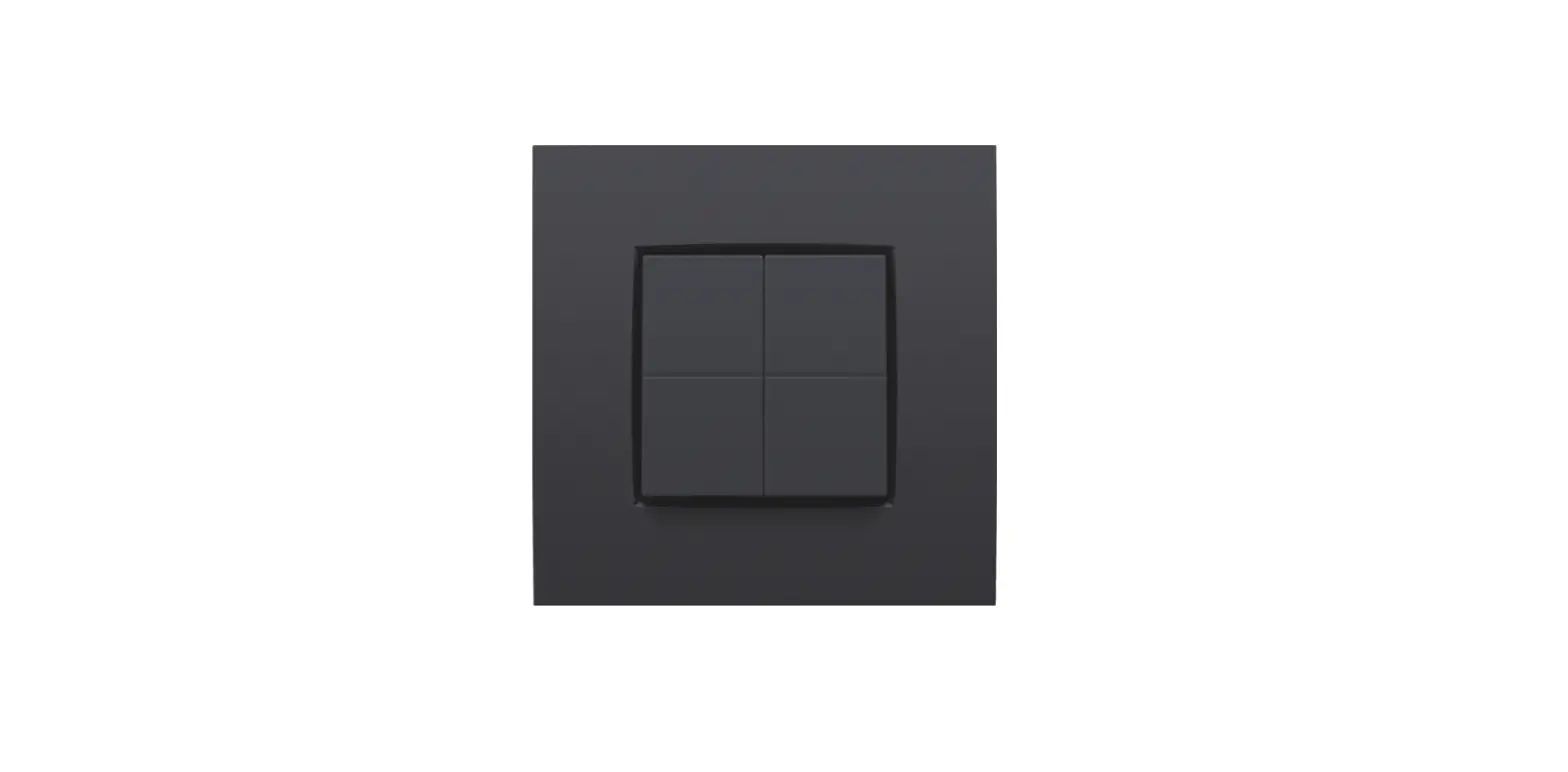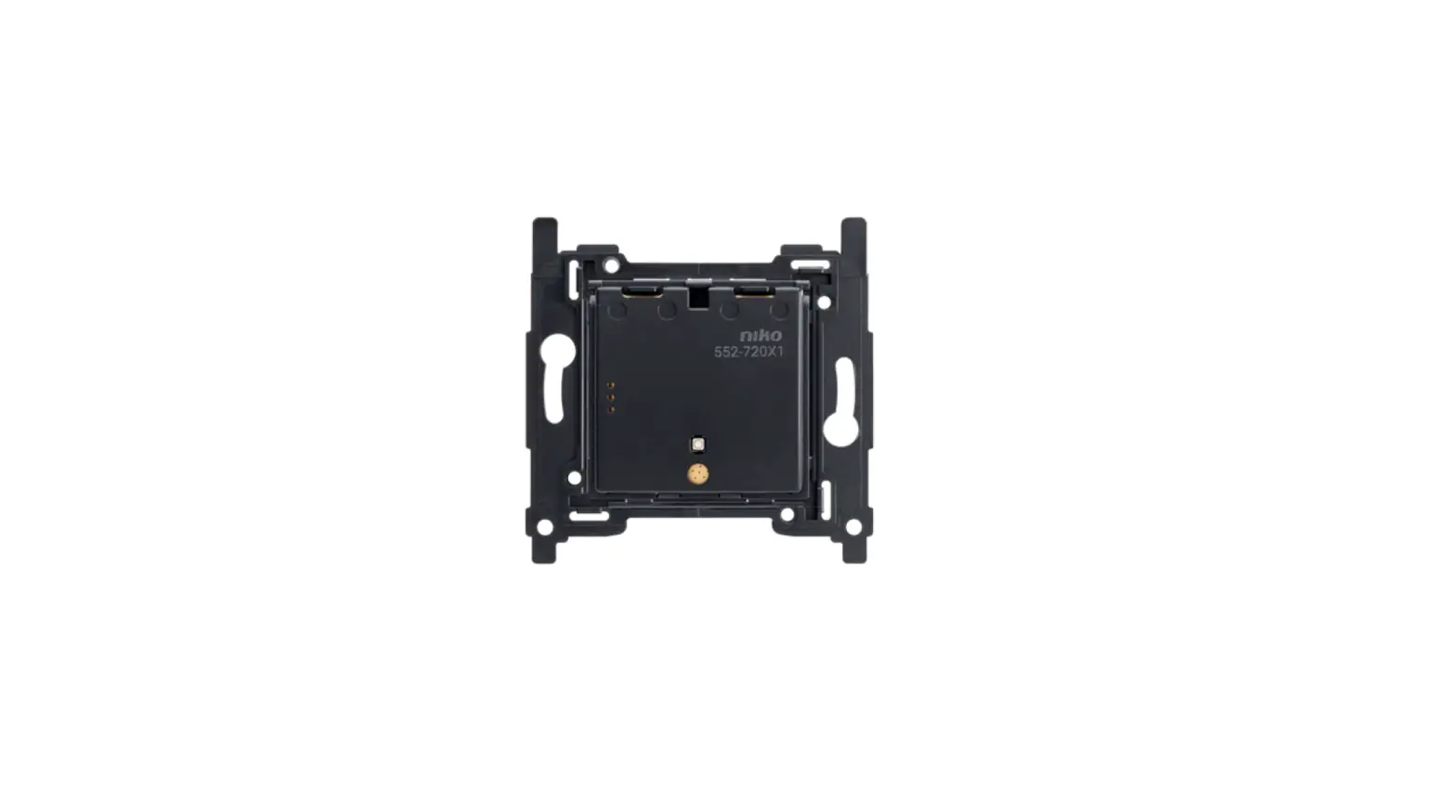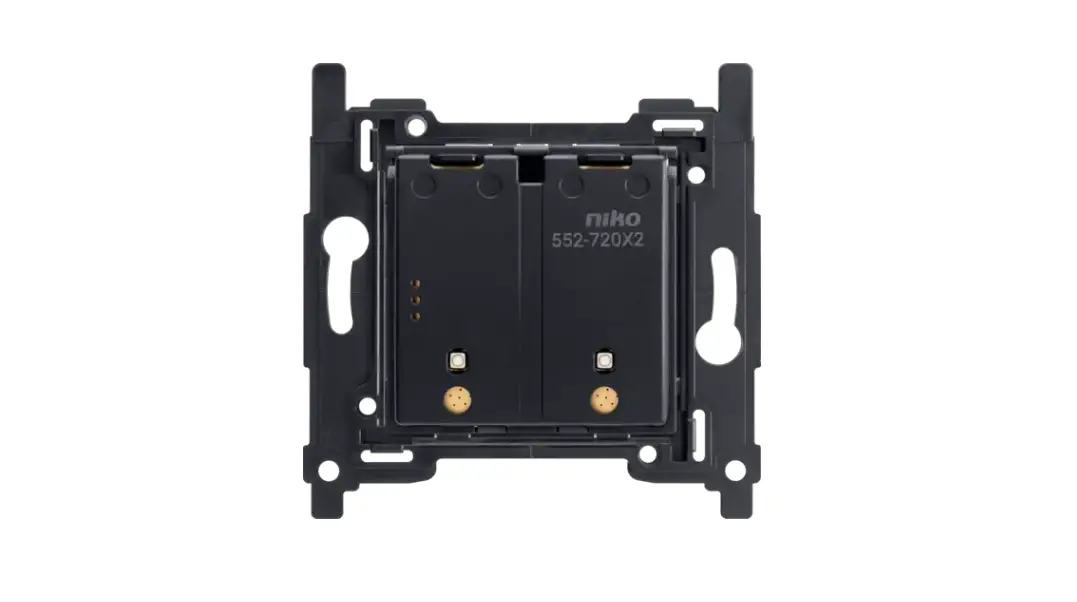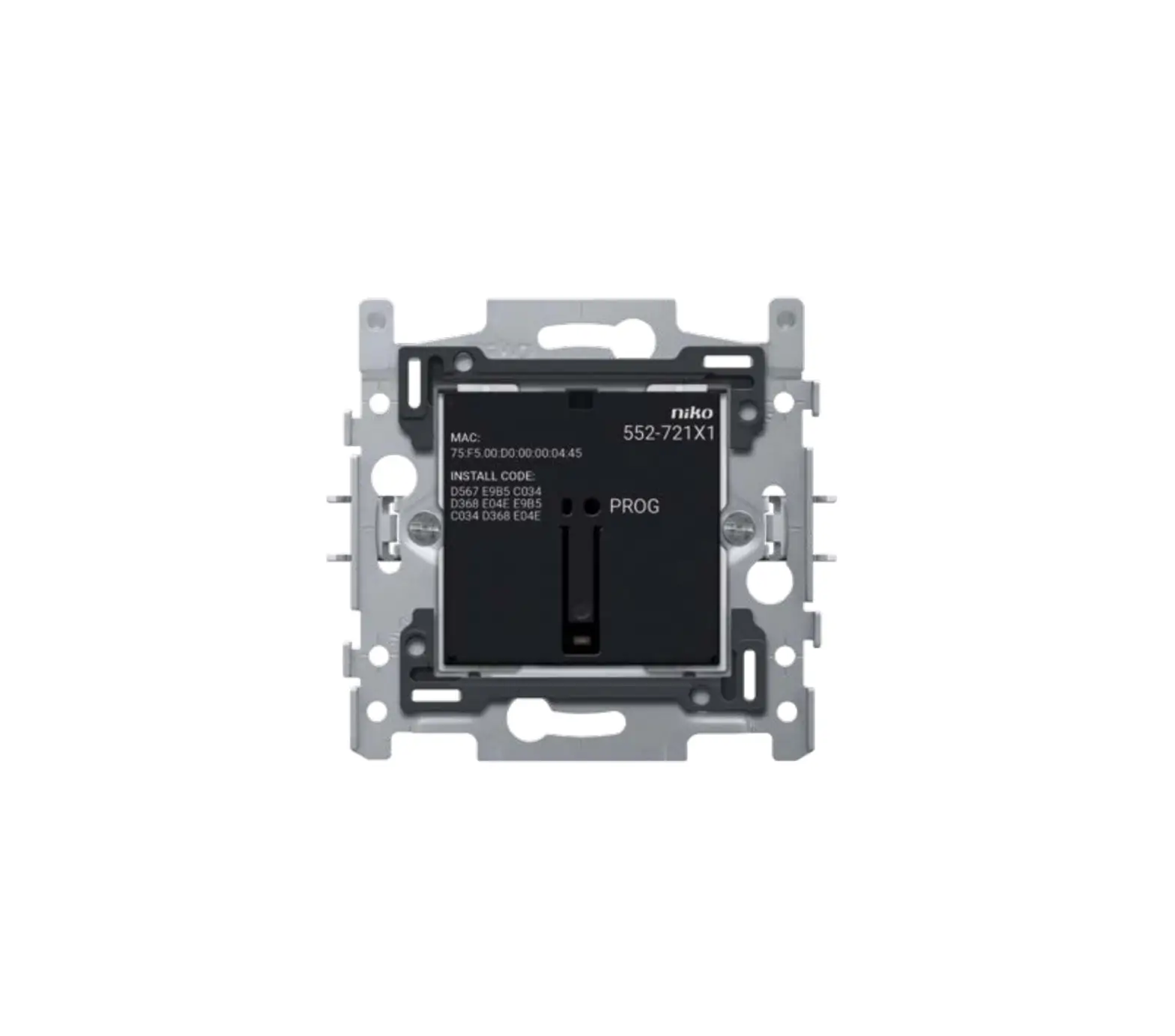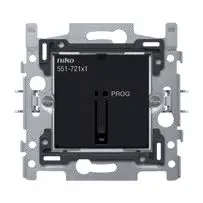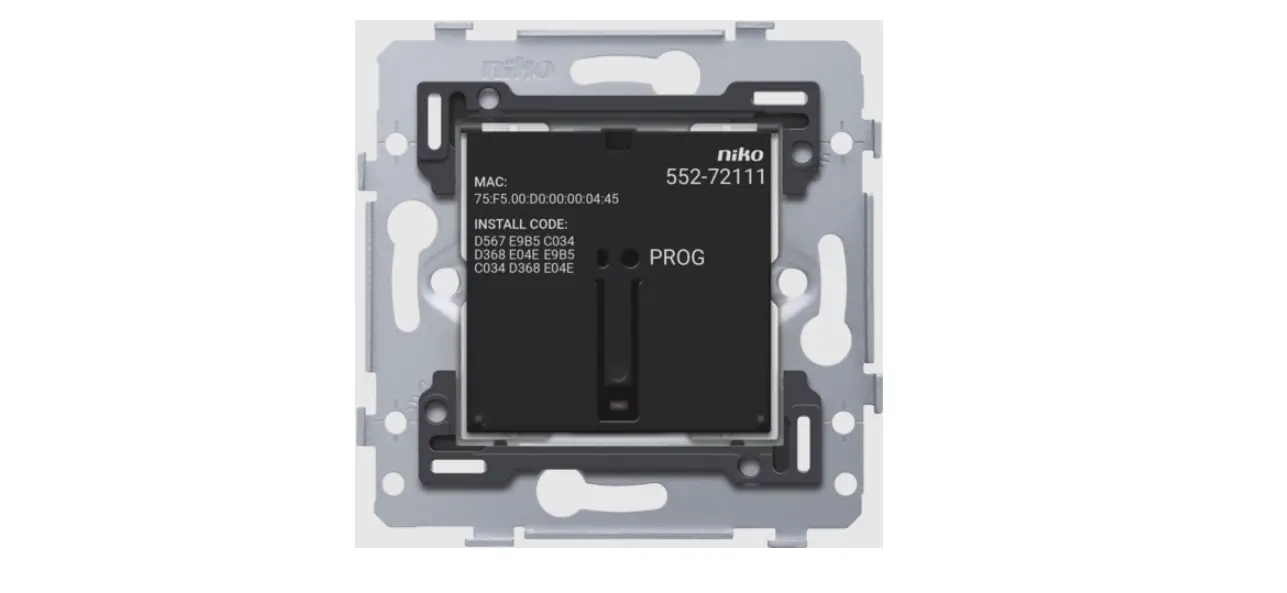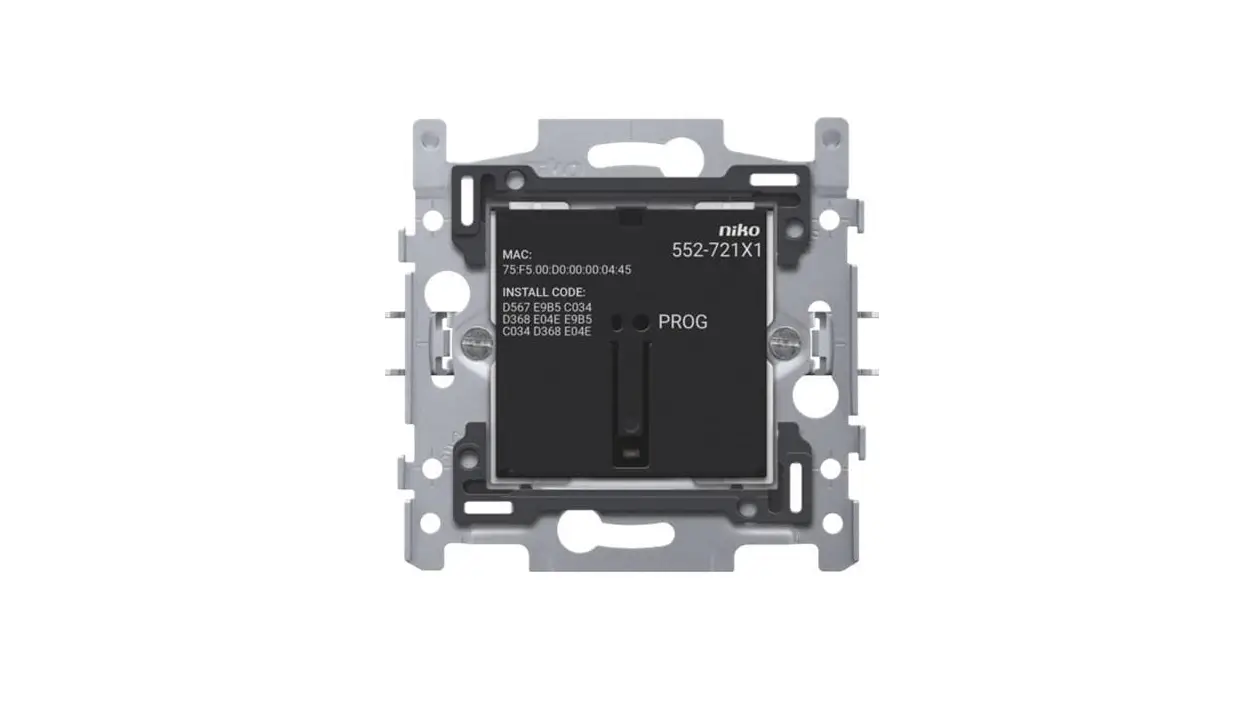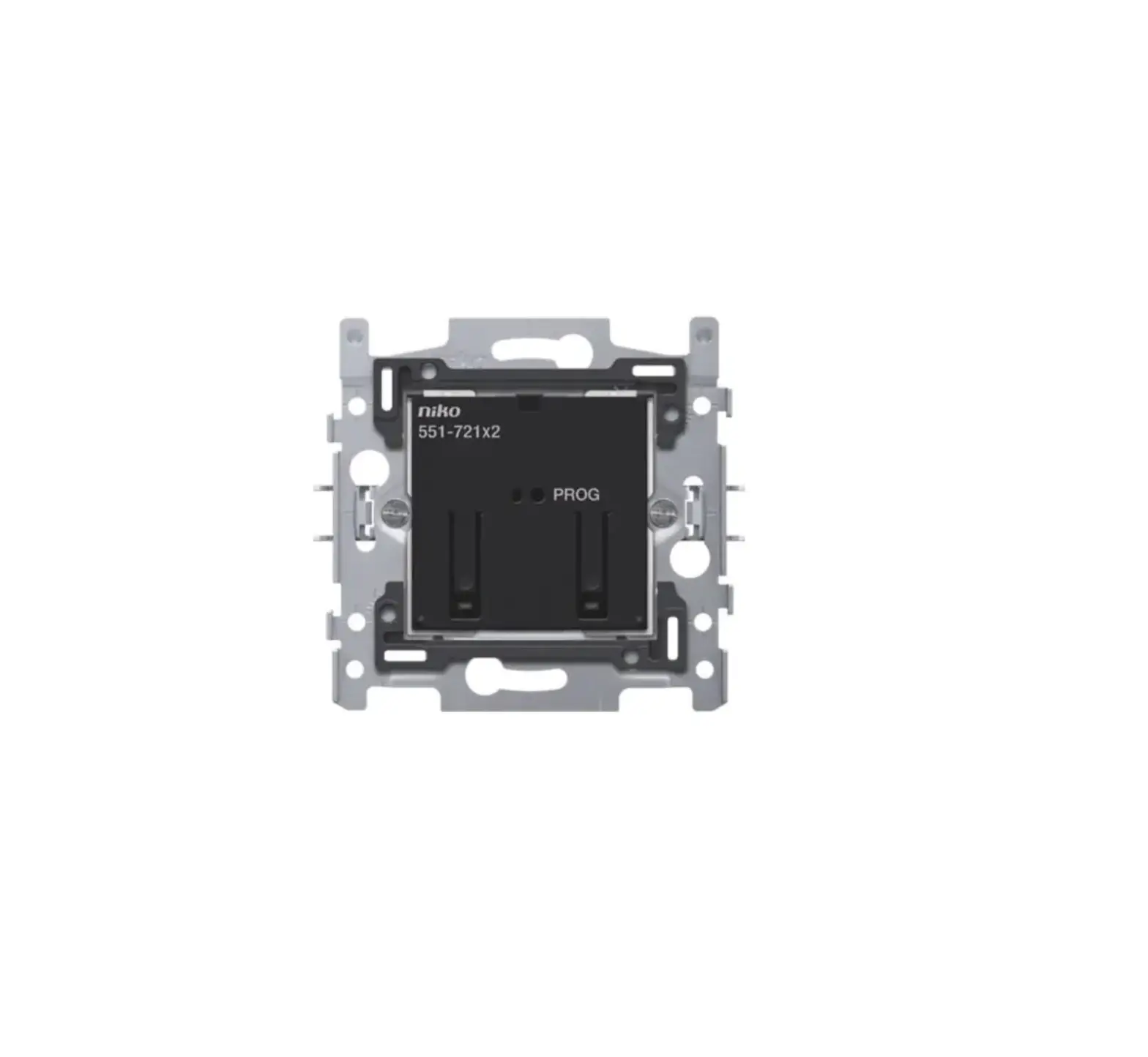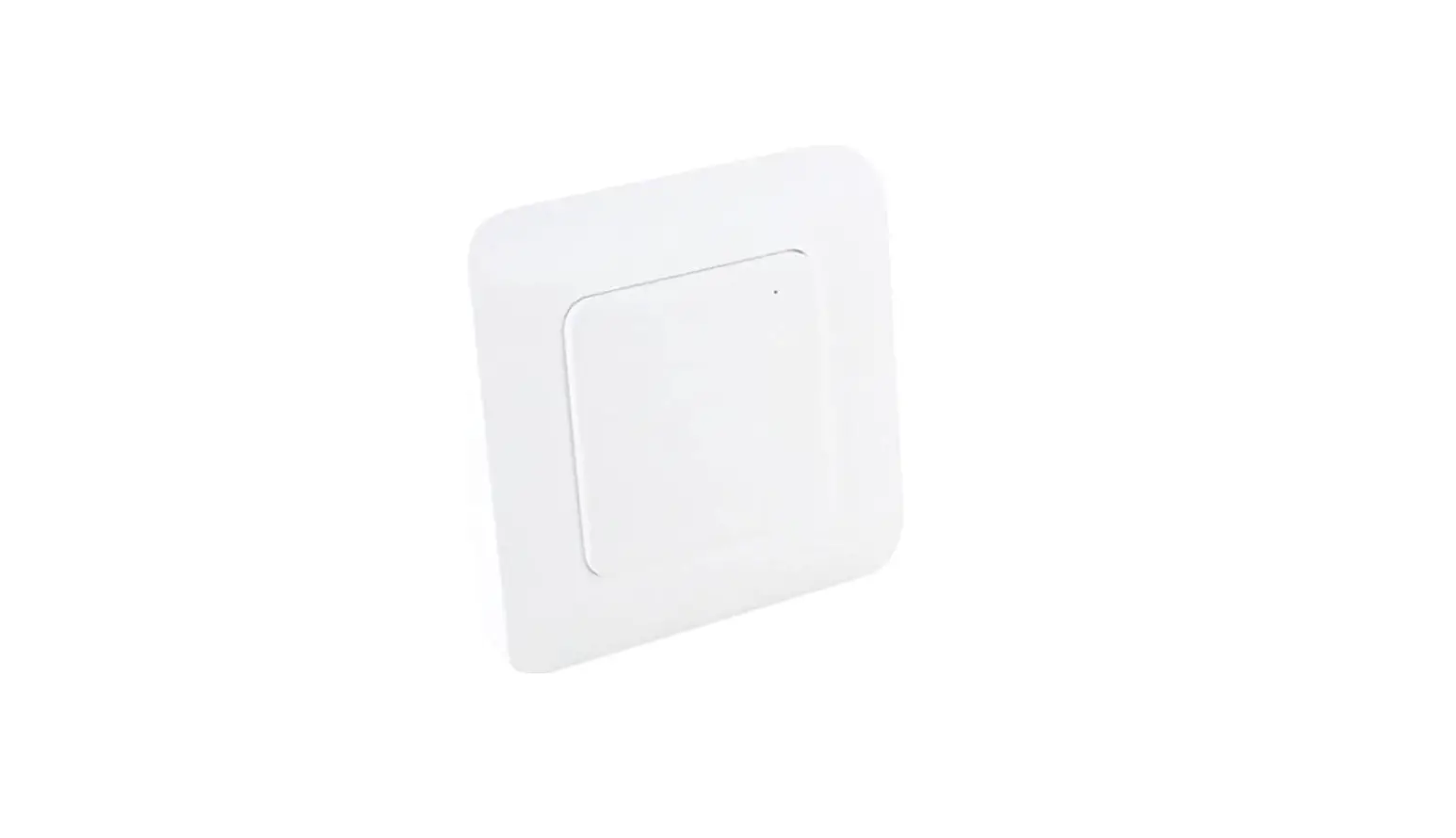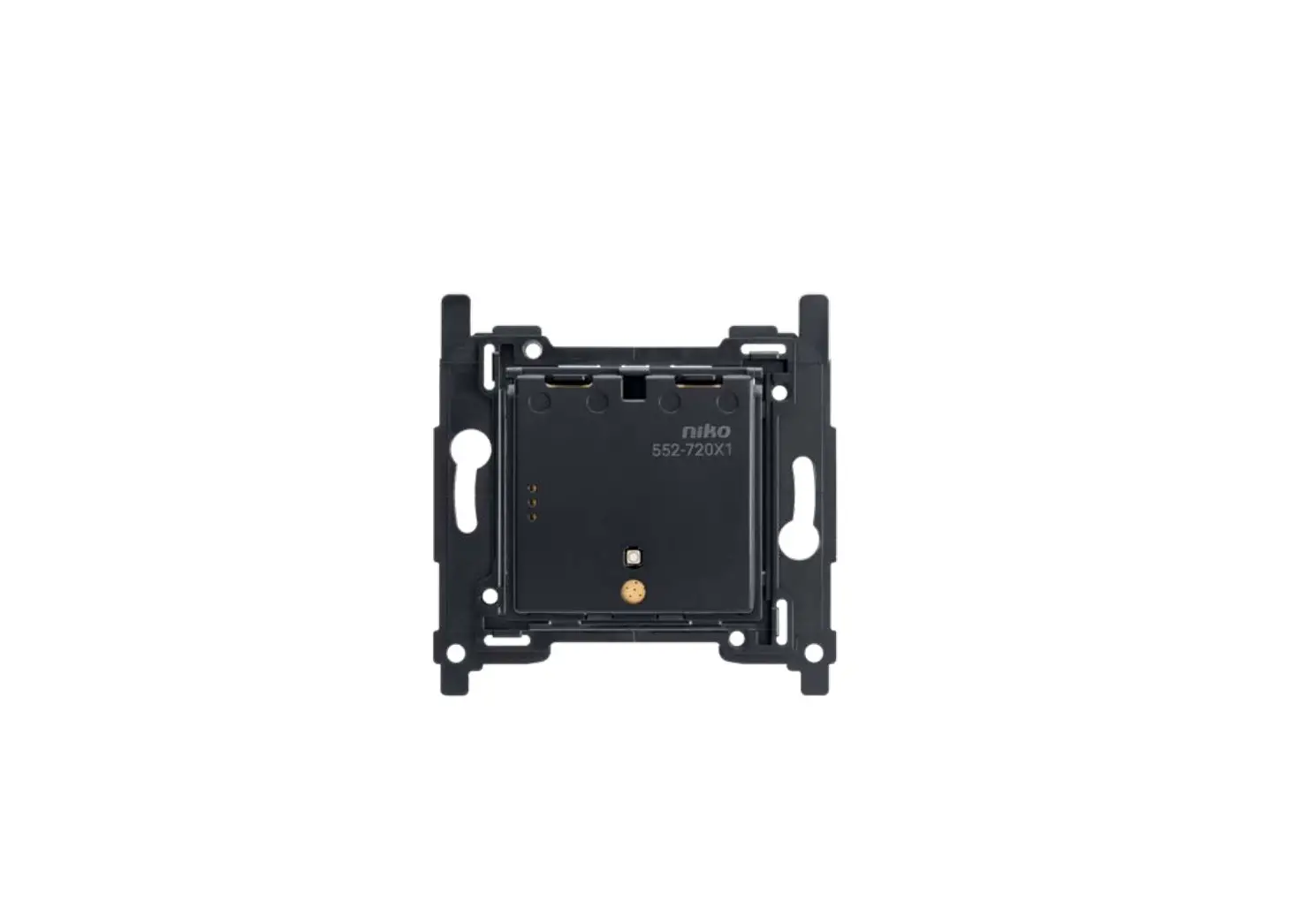

niko 552-720X1 Wireless Battery-Powered Switch
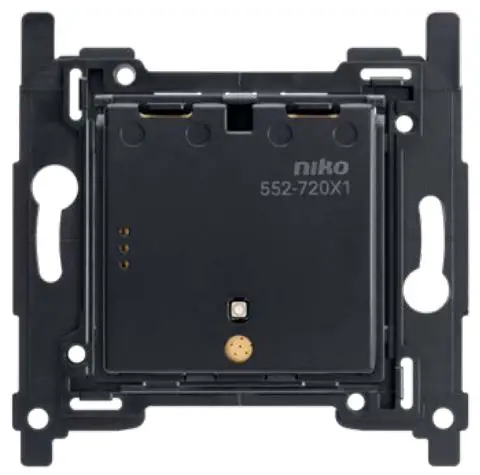
Description
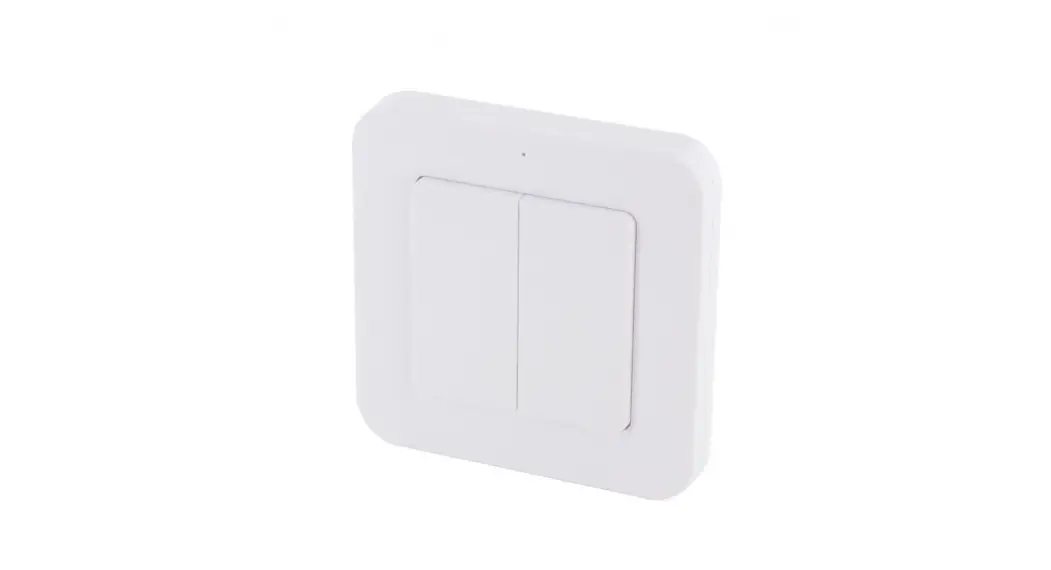
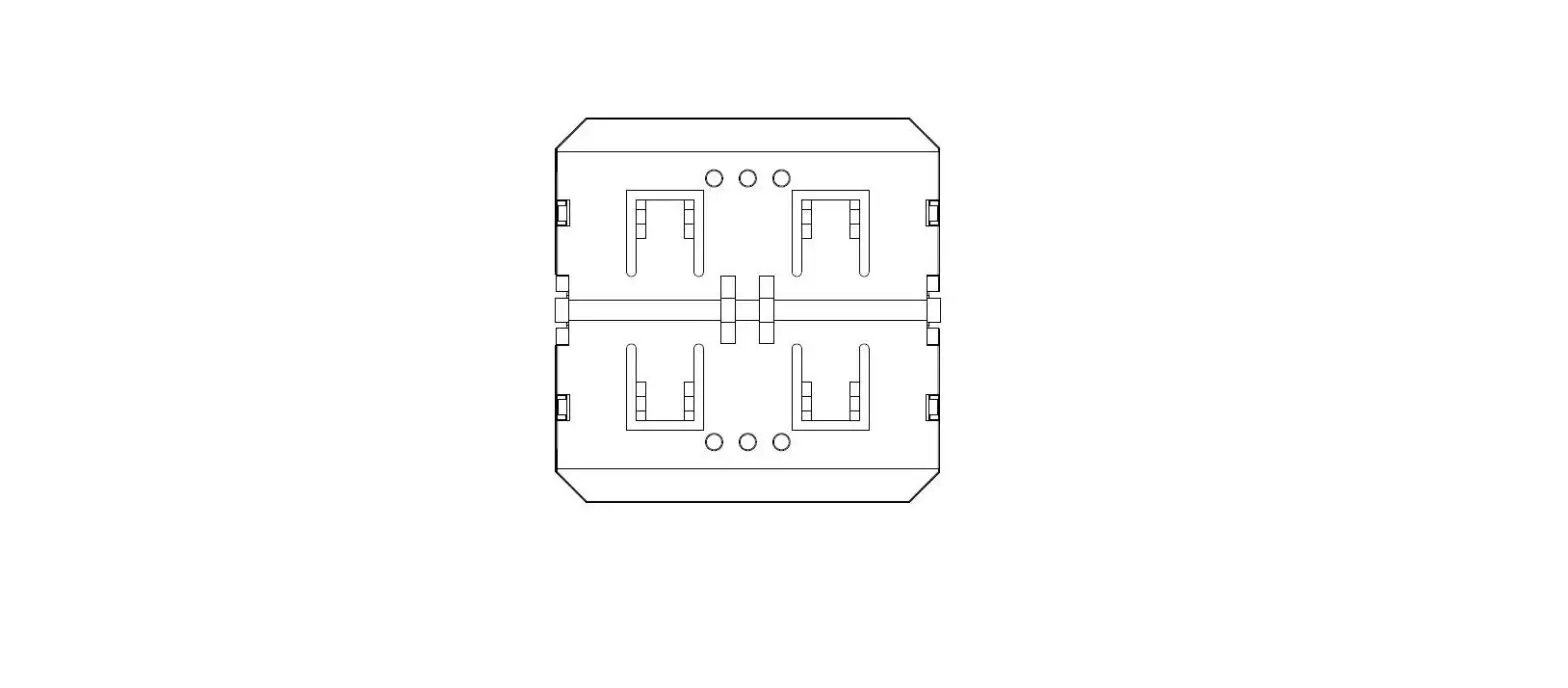
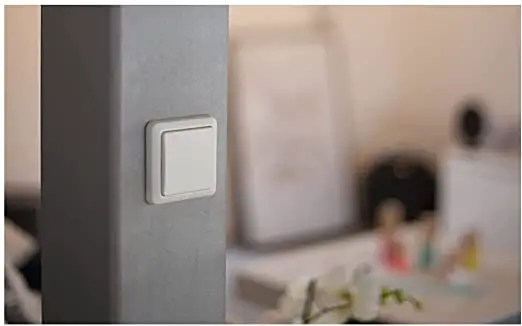
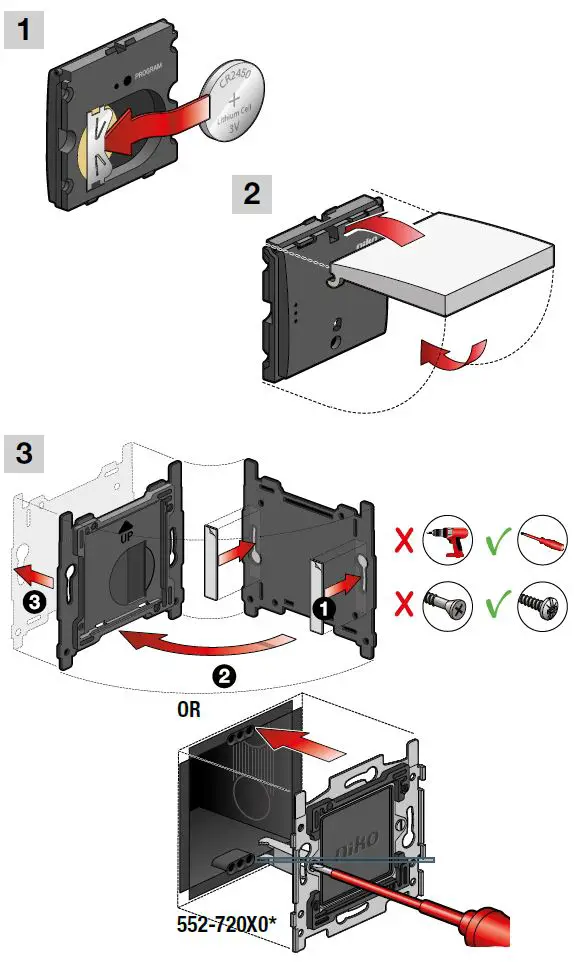
This onefold wireless battery-powered Zigbee® switch allows you to remotely control wireless Zigbee® devices. It can either be used in a Niko Home Control installation (max. fifty Zigbee® devices) or connected to a third-party Zigbee® system as a standard dimmer switch (ON/OFF/dimming) via EZ-mode pairing. The switch also supports Touchlink or Find&Bind to pair with up to eight Zigbee® receivers (ON/OFF/dimming) for stand-alone use or decentral networks. The wireless Zigbee® switch is battery powered with a lifetime of at least five years, based on twenty short press actuations a day. The variant with a plastic baseplate (552-72001) is used for wall installation. Fixation is possible with double-sided adhesive tape (included) or screws (excluded). For flush-mounting box installation, use variant 552-72011 together with the metal baseplate (552-720X0) suitable for your region.
Dimensions
552-72001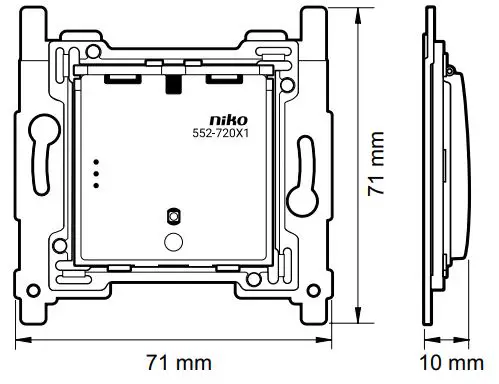
552-72011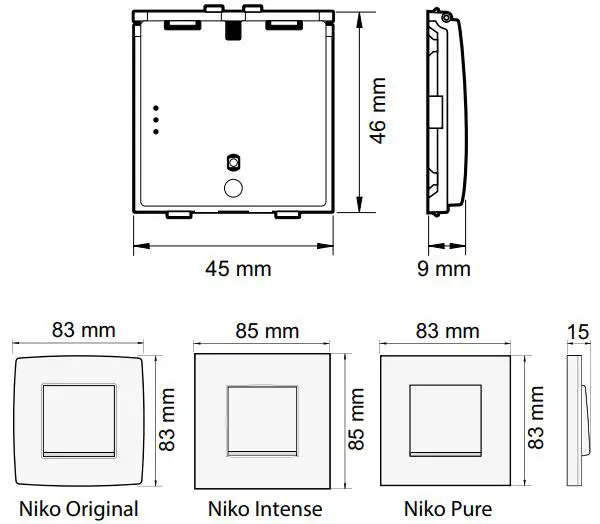
Zigbee® network
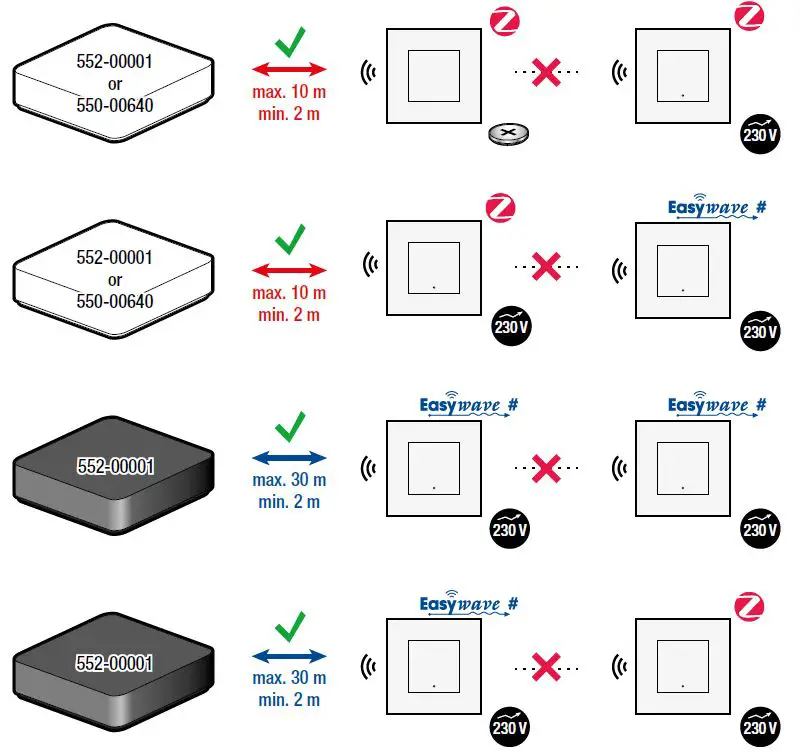
Install the onefold wireless battery-powered Zigbee® switch within 10 m of a Zigbee® receiver. Battery-powered Zigbee® devices act as endpoints and do not support Zigbee® mesh networking. For more information on Zigbee® network principles and signal range, consult guide.niko.eu.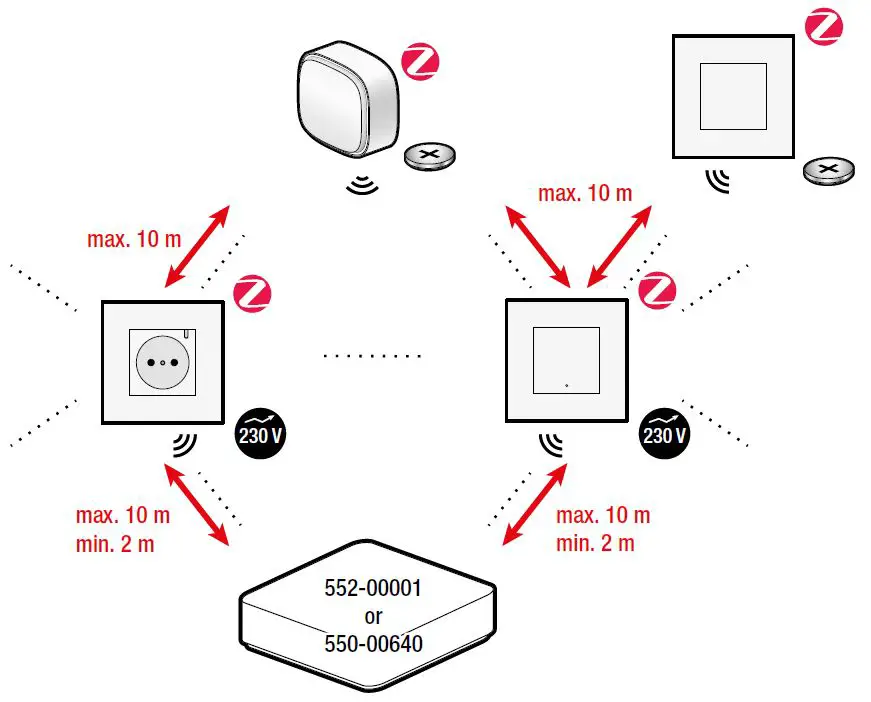
Installation
Battery replacement
Stand-alone use
The onefold wireless battery-powered Zigbee® switch (522-720X1) can be used in stand-alone mode without a gateway. In this mode, the switch can be paired with up to eight Zigbee® receivers (ON/OFF/dimming), such as a smart Zigbee® 3.0 lamp. Pairing is done via Touchlink or Find&Bind.
Touchlink pairing
Reset all Zigbee® devices if they were previously connected to another Zigbee® network. See § Reset.
For Find&Bind pairing consult guide.niko.eu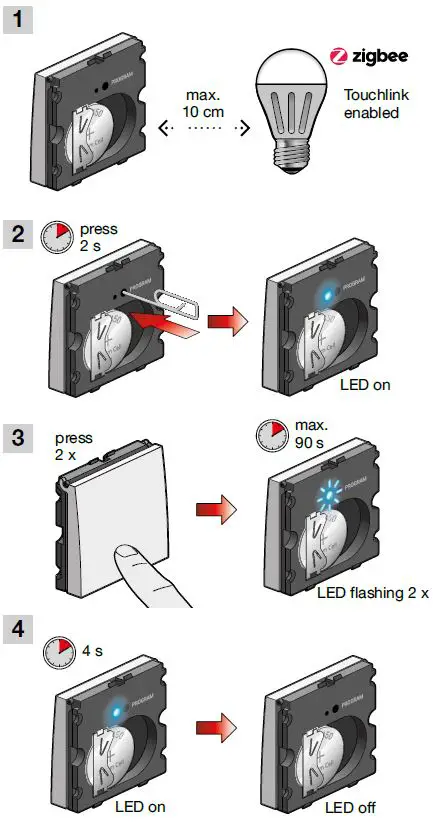
Connected use
Connected to a Niko Home Control installation
More advanced functionalities become available if you connect this device to your wireless smart hub (552-00001) or wireless bridge (550-00640) using the Niko Home Control programming software or Niko Home app. Consult guide.niko.eu for more information about the installation and the connected use.
Download the Niko Home Control programming software
www.niko.eu/article/550-99102(Windows)
www.niko.eu/article/550-99202(Mac)
Control your device with the Niko Home app
How to connect the Niko device to the Niko Home Control network
- Reset the Niko Zigbee® device if it is already connected to another network. See § Reset
- Follow the onboarding procedure in the Niko Home Control programming software or the Niko Home app to add new Niko Zigbee® devices
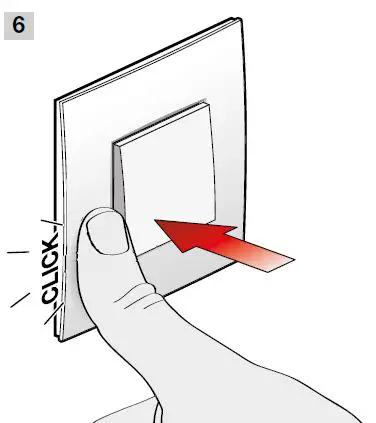
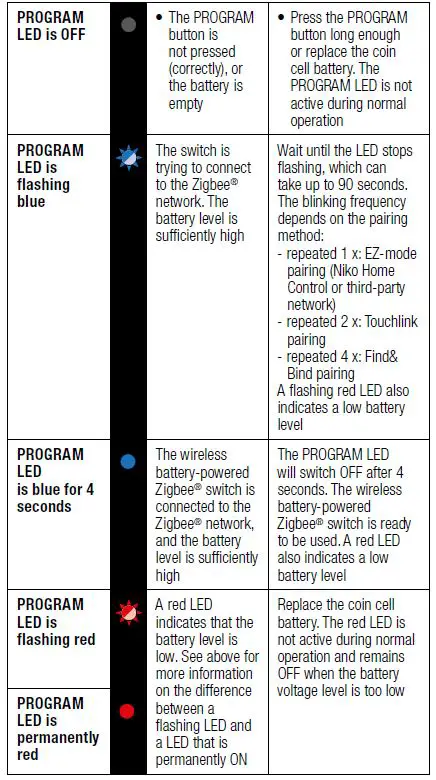
- Set the Niko Zigbee® device in EZ-mode by pressing the switch button 3 x within 6 seconds > see the image on ‘EZ-mode pairing’. The blue PROGRAM LED starts blinking for max. 90 seconds
- The Zigbee device is successfully added to the Niko Home Control installation when the blue PROGRAM LED is ON for 4 seconds and then turns OFF again
EZ-mode pairing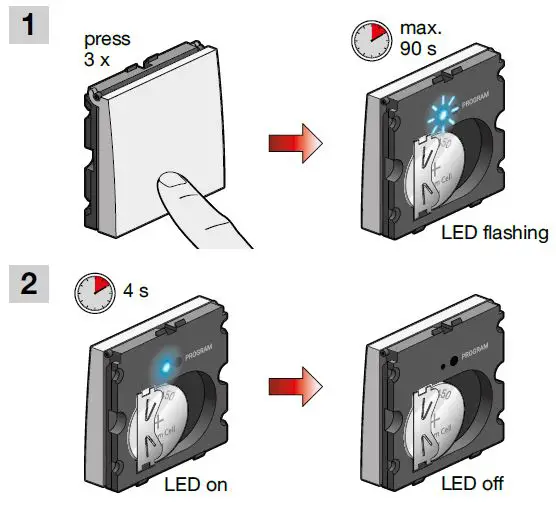 Connected to a third-party Zigbee® network
The onefold wireless battery-powered Zigbee® switch can be connected to a third-party network via EZ-mode pairing. Refer to the third-party soft-ware or smartphone app to link a specific button of the battery-powered Zigbee® switch to an actor within the third-party network. You can also use Find&Bind pairing. Consult guide.niko.eu and the manufacturer’s manual for more information on using third-party Zigbee® devices in their network. Note that specific Niko Home Control functions will not be enabled when Niko Zigbee® devices are connected to a third-party Zigbee® gateway. See also the disclaimer at http://www.niko.eu/zigbee.
Online guide
Consult guide.niko.eu for more information about the installation, onboarding, the stand-alone/connected use and troubleshooting.
Troubleshooting
| Problem | Cause | Action |
| The connected switch cannot be found in the Niko Home app or programming software | The power supply of the wireless smart hub for Niko Home Control is OFF | Switch on the power supply of the wireless smart hub for Niko Home Control |
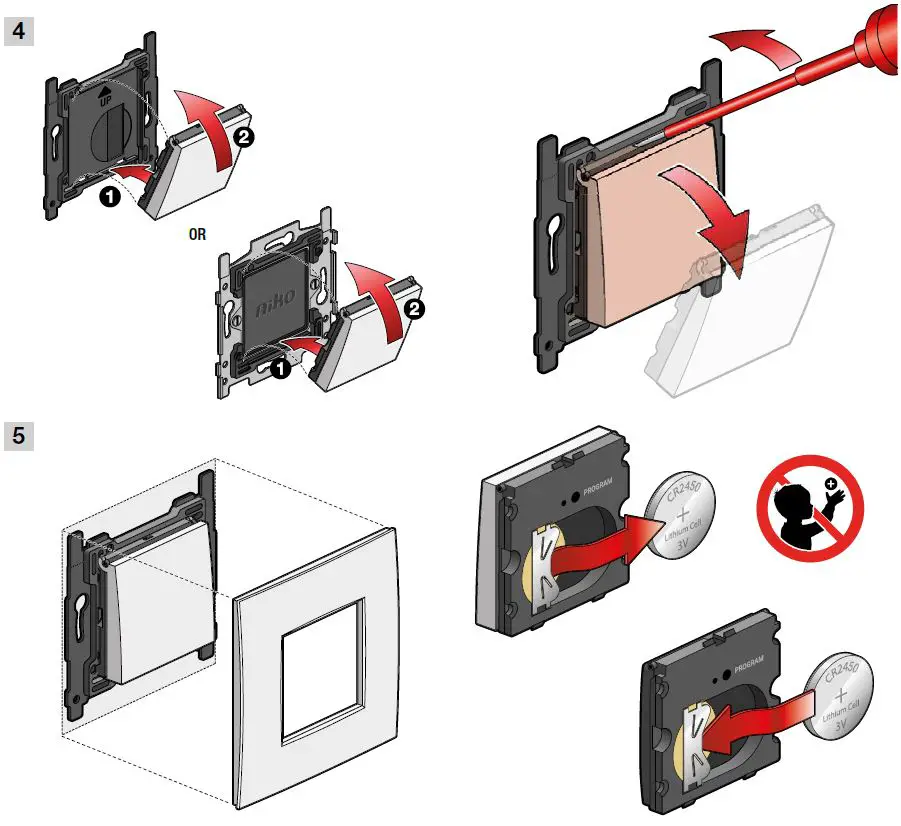
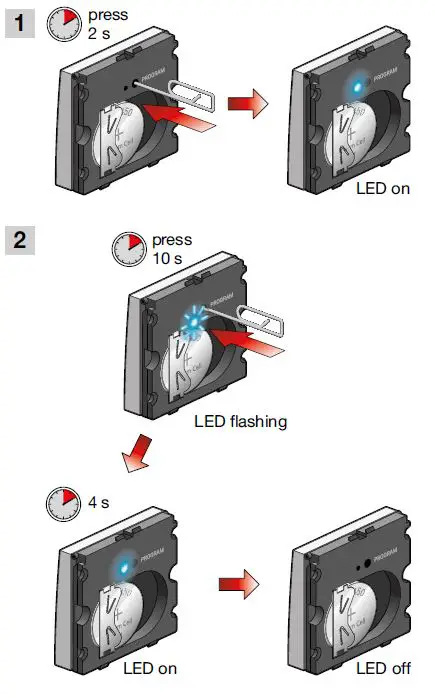
| The battery of the Zigbee® switch is drained | A battery low warning is displayed on the Niko Home Control Home app. A battery low indication (red-coloured LED) will only be shown on the Zigbee® device after a long press on the PROGRAM button (see § Reset). Replace the coin cell battery (refer to § Battery replacement). Mind that the PROGRAM LED remains OFF when the battery voltage level is below the minimum threshold | |
| The receiver never responds when I press a Zigbee® switch button in stand-alone use | The battery of the Zigbee® switch is drained | |
| The Zigbee® switch is not correctly paired with the receiver | Reset the Zigbee® battery-pow- ered switch if it was paired to another Zigbee® network. Pair the switch to a stand-alone receiver, Niko Home Control, or a third-party Zigbee® network. See guide.niko.eu for more details | |
| Another Zigbee® battery-powered switch is paired with the receiver | ||
| The Zigbee® battery-powered switch is mounted outside of the receiver’s radio coverage or is sometimes moved outside the range | Move the Niko Zigbee® switch closer to the receiver or use a range extender such as a 230 V powered Zigbee® 3.0 device in a Niko Home Control installation or third-party system | |
| The radio path is obstructed, which attenuates the radio signal | Reposition the Zigbee® switch or use a range extender such as a 230 V powered Zigbee® 3.0 device in a Niko Home Control installation or third-party system | |
| A jammer or a source of interference is blocking the telegrams from the Zigbee® battery-powered switch to the receiver | Reposition the Zigbee® switch or Zigbee® receiver. Remove the interfering device or use a range extender such as a 230 V powered Zigbee® 3.0 device in a Niko Home Control installation or third-party system | |
| The Zigbee® battery-pow- ered switch is defective | Replace the switch and pair the new Zigbee® battery-powered switch with the receiver. Both devices may have to be reset first | |
| The receiver is defective | Replace the receiver and pair it with the new Zigbee® receiver | |
| The receiver doesn’t always respond when I press the Niko Zigbee® battery-pow- ered switch | The receiver is located at the border of the radio coverage area | Install the switch closer to the receiver or use a range extender such as a 230 V powered Zig- bee® 3.0 device in a Niko Home Control installation or third-party system |
| A jammer or a source of interference is blocking the telegrams from the Niko Zigbee® battery-powered switch to the receiver | Reposition the Zigbee® switch or receiver, remove the interfering device or use a range extender such as a 230 V powered Zig- bee® 3.0 device in a Niko Home Control installation or third-party system |
LED behaviour
Reset
Specifications
- Article number…………………………………………………………..552-721X1
- Power supply………………………………………………… 3 V battery, CR2450
- Battery life span………………………………… 5 years at 20 actuations/day
- Protocol………………………………………………………. Zigbee® 3.0, 2.4 GHz
- Mounting method 552-72001…………………………………..wall mounting
- Mounting method 552-72011……… flush-mounting box in combination
…………………………………………………….with metal baseplate 552-720X0 - Flush-mounting box specifications……………….. depth = min. 40 mm
……………………………………………………………claw/screw fixing = 60 mm
………………………………………………………….inner diameter box = 60 mm
…………………………….multiple boxes centre distance horizontal = 71 mm
………………………………. multiple boxes centre distance vertical = 71 mm
…………….multiple boxes centre distance vertical = 60 mm for BE and FR - Mounting height……………………………………………………. 105 – 120 cm
- Dimensions with Niko Original or Niko Pure faceplate (HxWxD) ….
………………………………………………………………………… 83 x 83 x 15 mm - Dimensions with Niko Intense faceplate (HxWxD) ………………………
………………………………………………………………………… 85 x 85 x 15 mm
Protection degree………………………………………………………………..IP20
Maximum range (between switch and smart hub or wireless
bridge) ………………………………………. 10 m (longer ranges possible with
……………………meshing capability of 230 V connected Zigbee® devices) - Maximum per installation …. max. 50 connected Zigbee® devices per
……………………………………………………….. Niko Home Control installation
……………………………………………..stand-alone: max. 8 Zigbee® receivers
…………………………………………………………(ON/OFF/dimming) per switch - Operating frequency………………………………………………………..2.4 GHz
- Antenna………………………………………………………….. integrated antenna
- Maximum RF power…………………………………………………..8 dBm EIRP
- Ambient temperature operation………………………………..5 °C – 30 °C
- Ambient temperature storage…………………………………..0 °C – 40 °C
- Humidity………………………… 0 – 95 % relative humidity, non-condensing
- Weight 552-72001………………………………………………………. 23 g ±1 g
- Weight 552-72011………………………………………………………. 17 g ±1 g
- Marking.………………………………………………………………….. CE, Zigbee®
Warnings regarding installation
The installation of products that will permanently be part of the electrical installation and which include dangerous voltages, should be carried out by a qualified installer and in accordance with the applicable regulations. This user manual must be presented to the user. It should be included in the electrical installation file and it should be passed on to any new owners. Additional copies are available on the Niko website or via Niko customer services.
Support & contact
www.niko.eu
+32 3 778 90 80
[email protected]
Niko prepares its manuals with the greatest care and strives to make them as complete, correct and up-to-date as possible. Nevertheless, some deficiencies may subsist. Niko cannot be held responsible for this, other than within the legal limits. Please inform us of any deficiencies in the manuals by contacting Niko customer services at [email protected].
 Confluence Mobile - Niko Guide
 Niko - home automation, switches, socket outlets and detector
 Niko - home automation, switches, socket outlets and detector