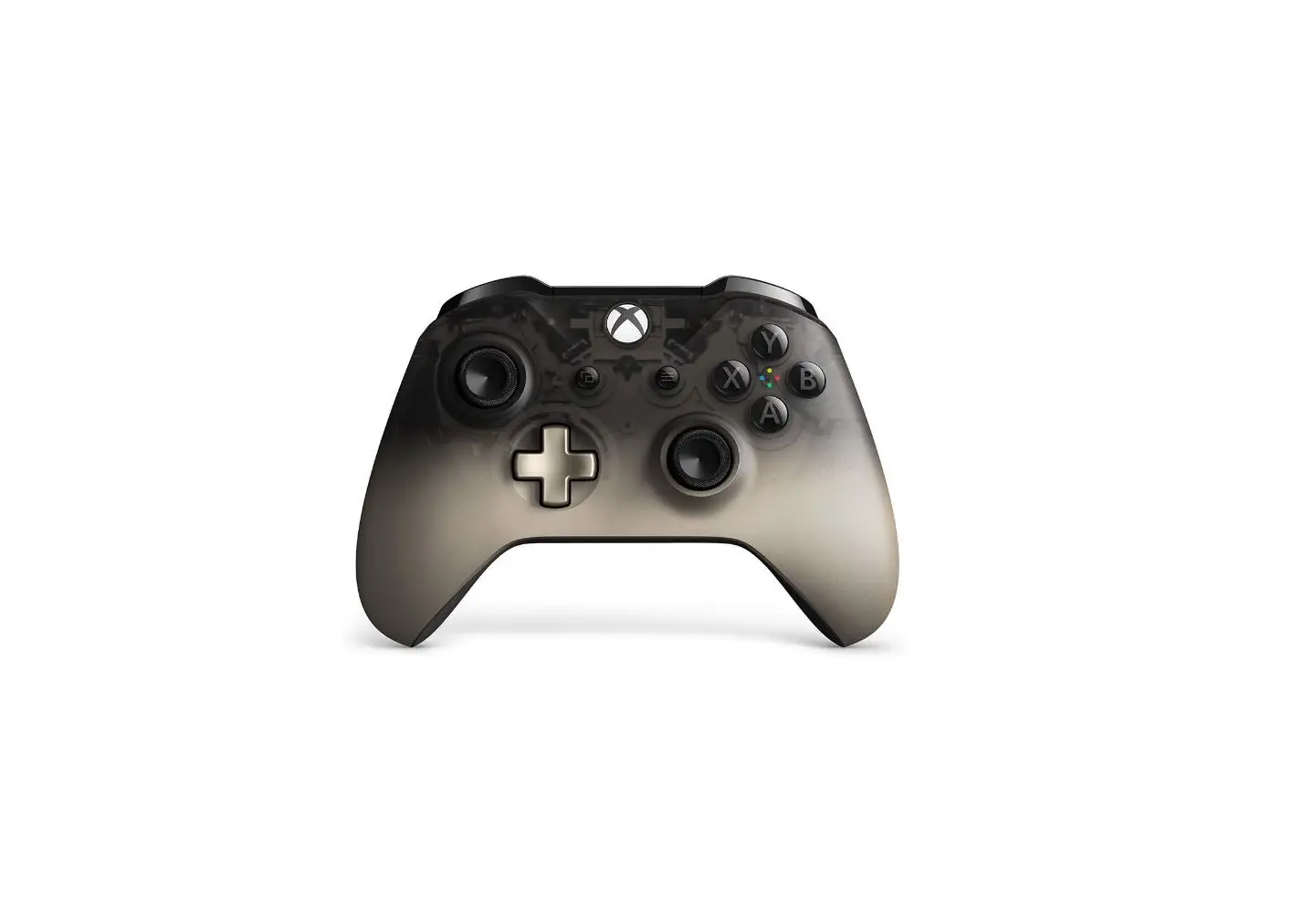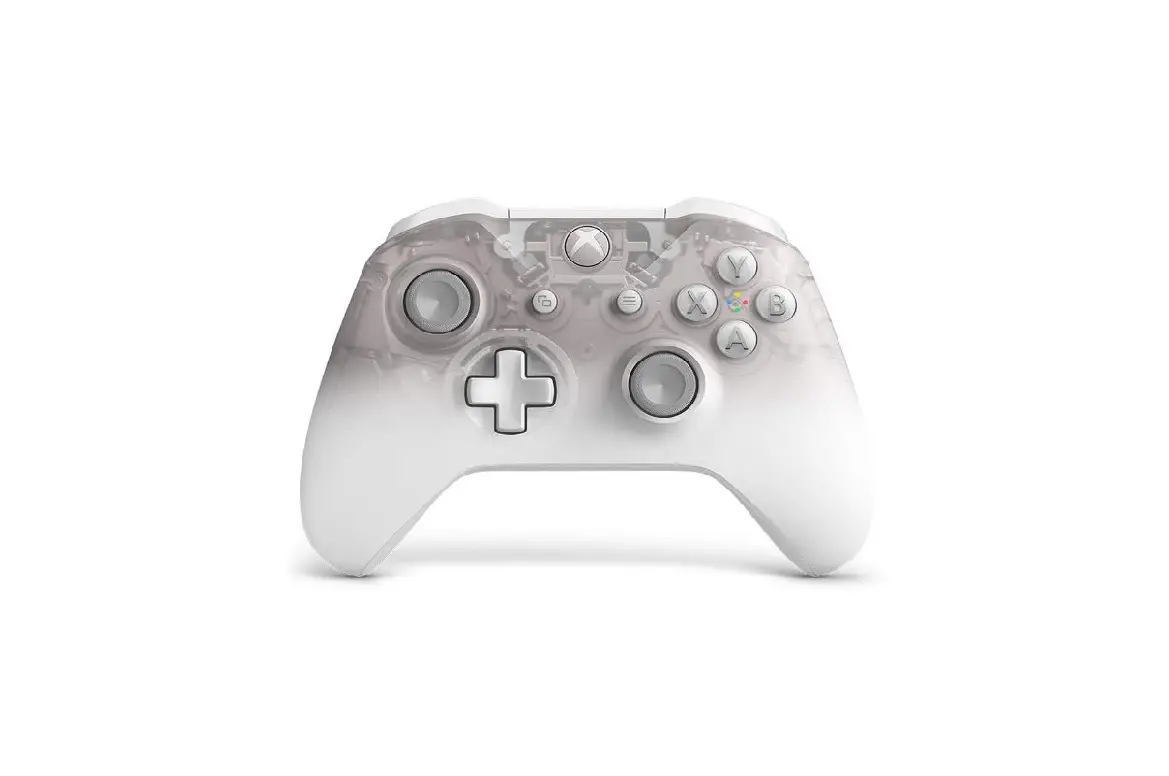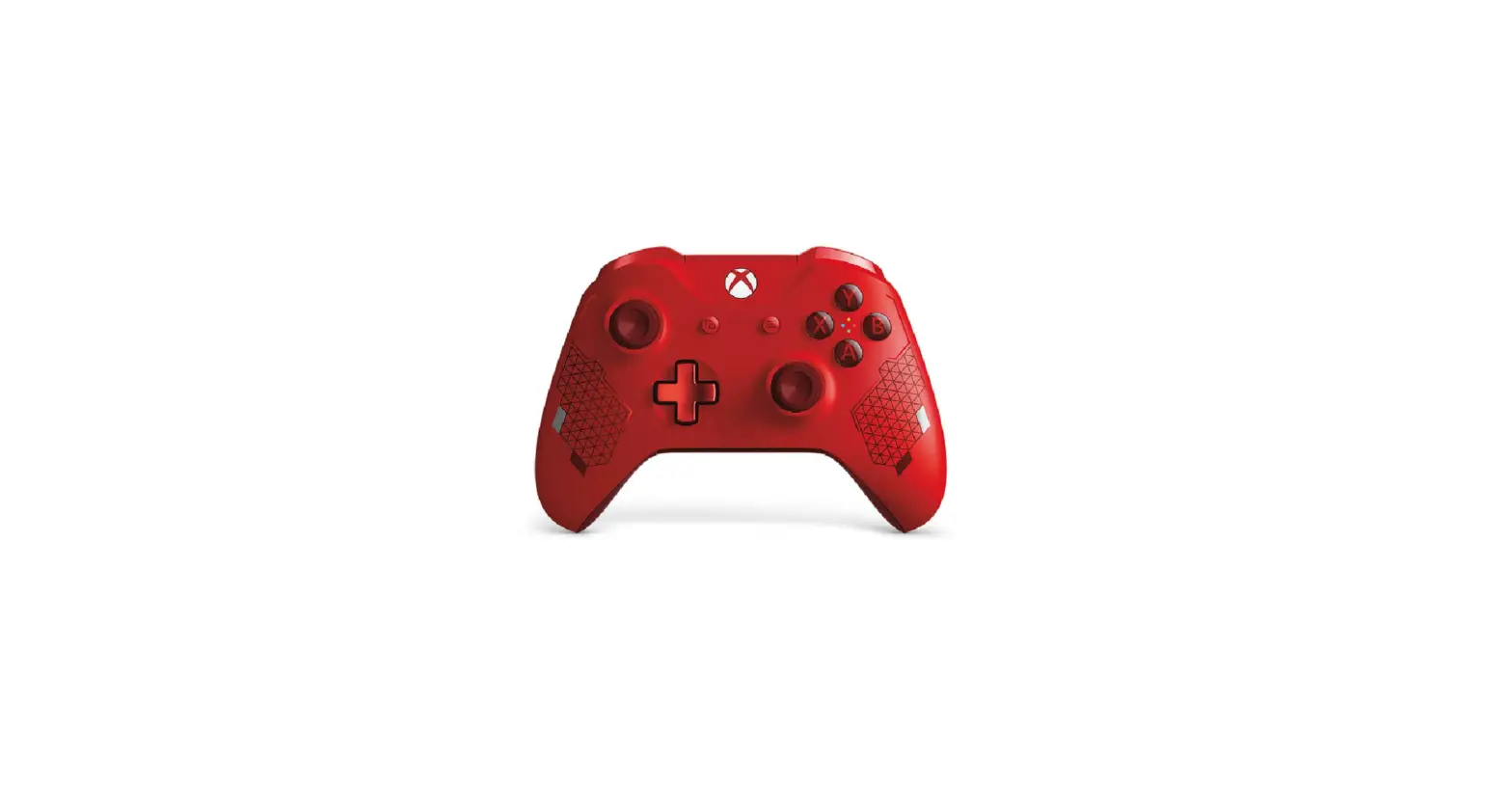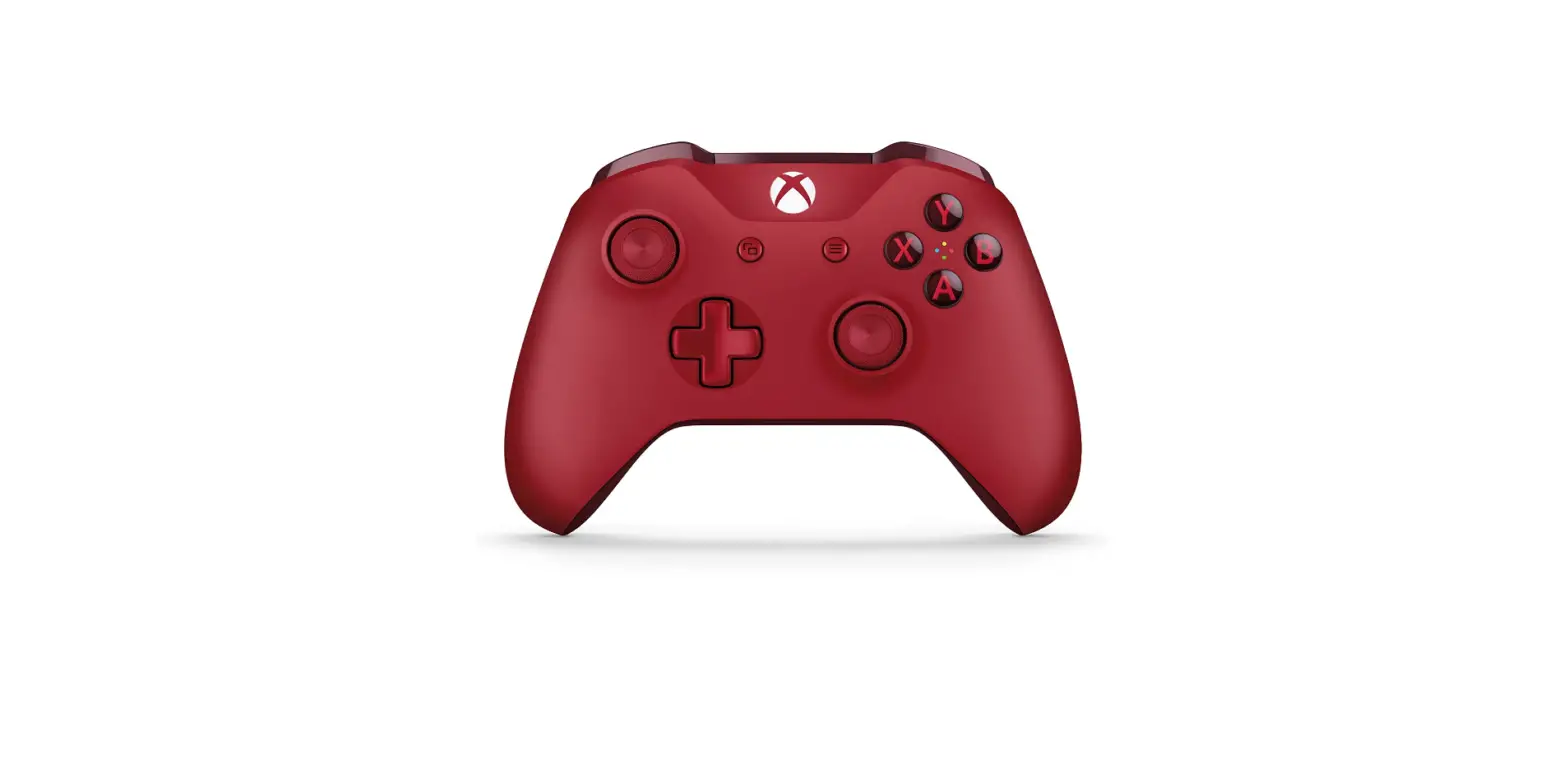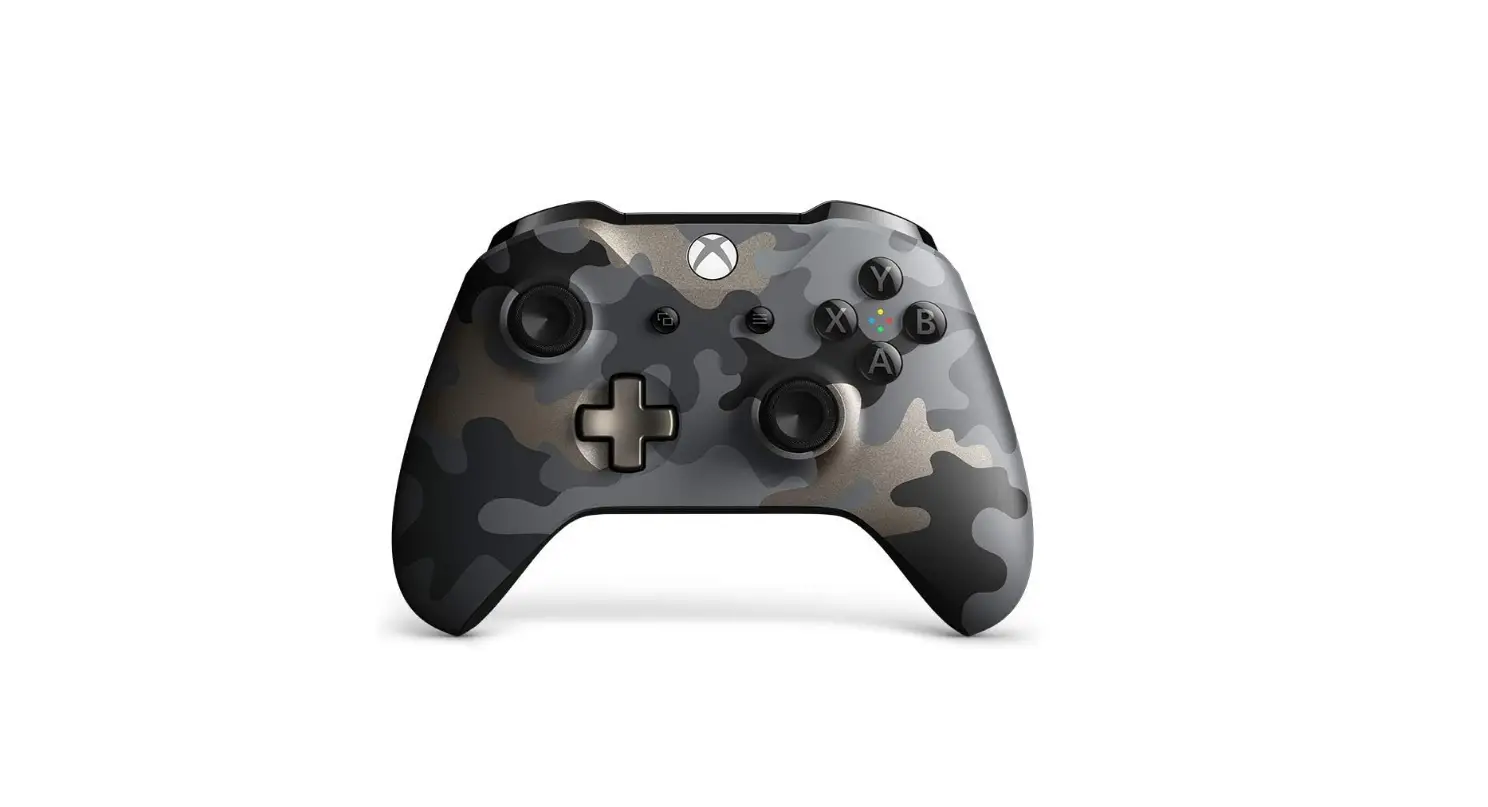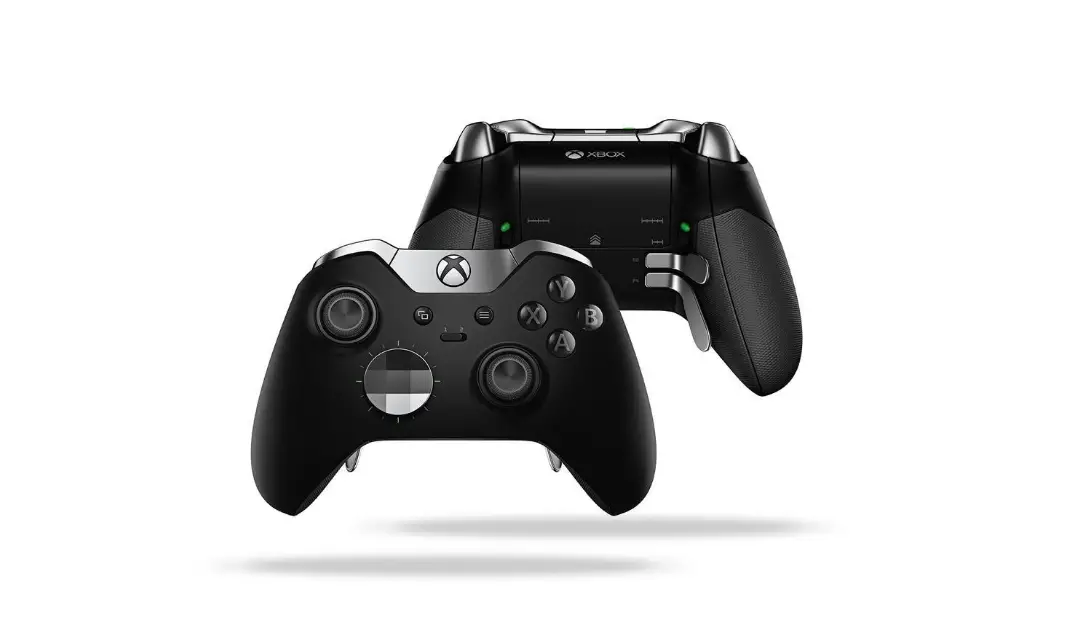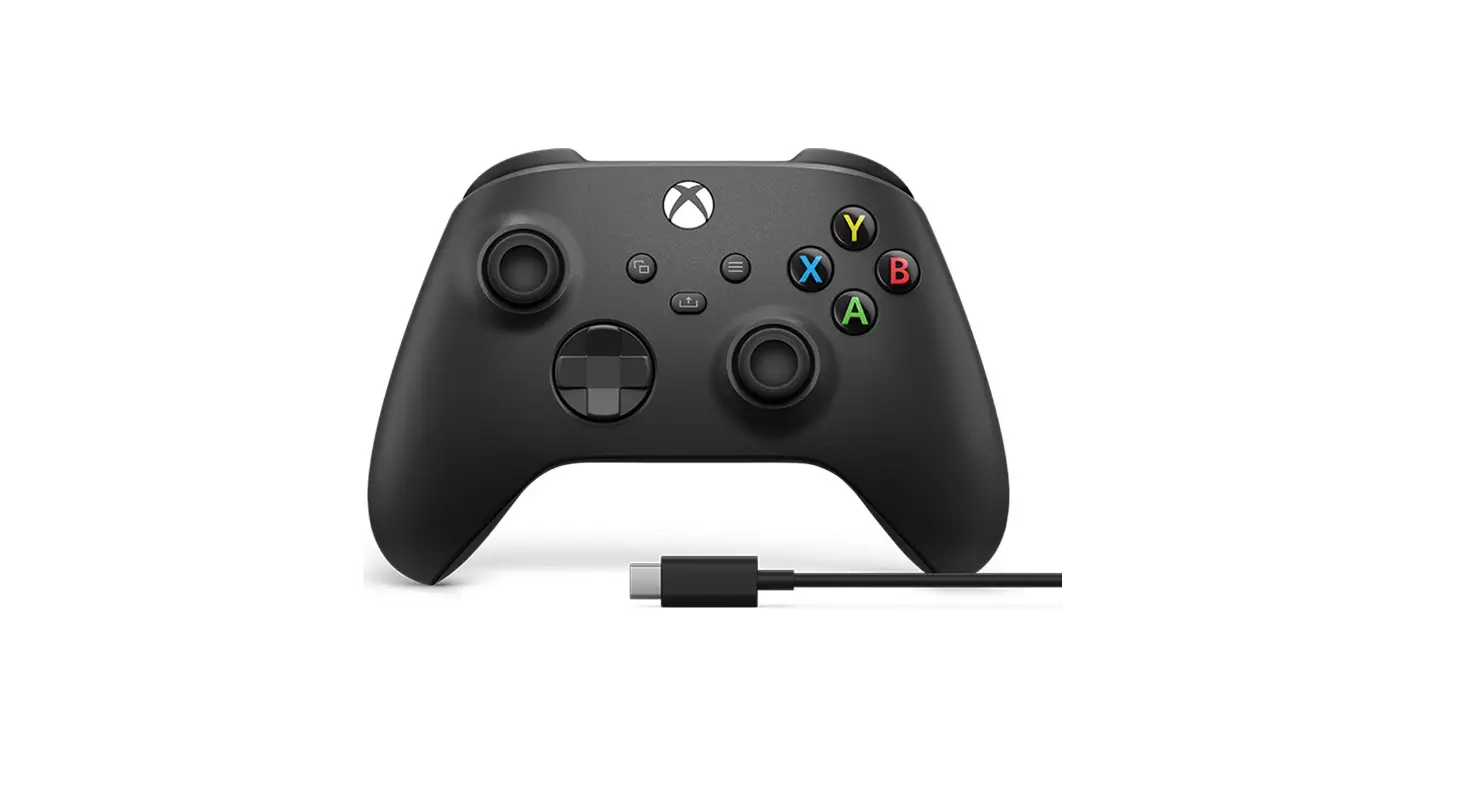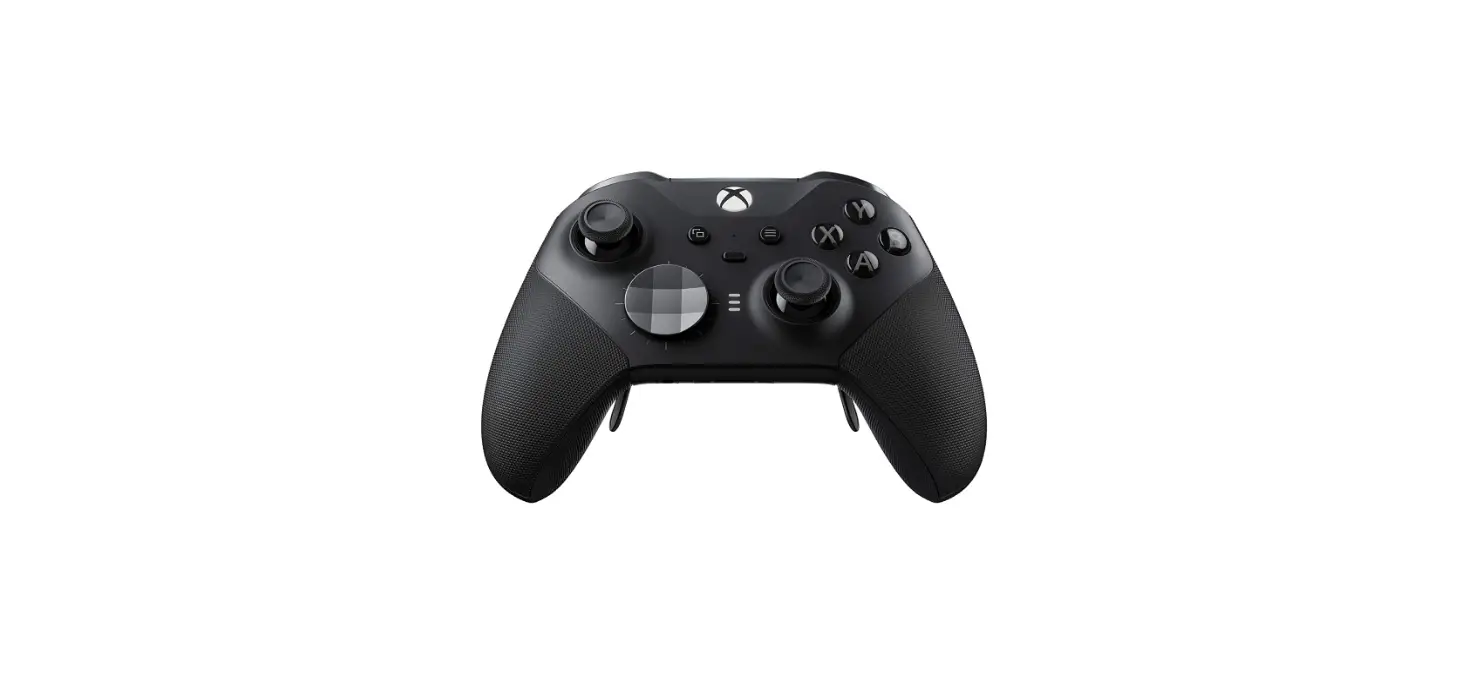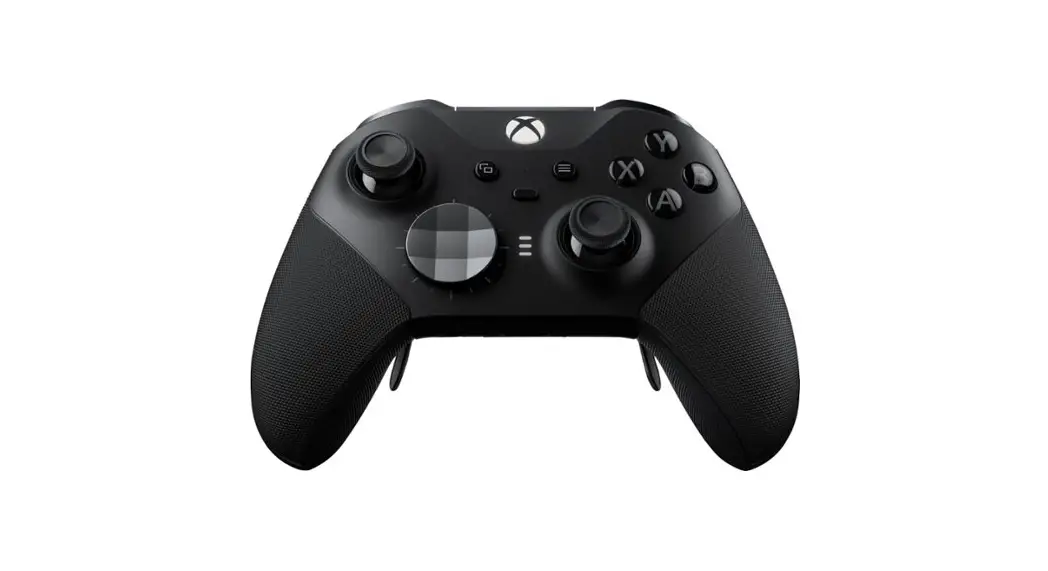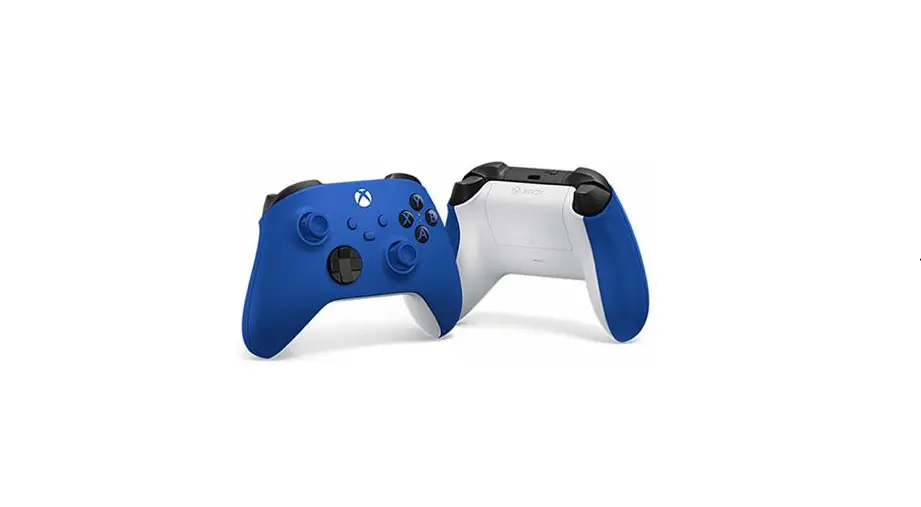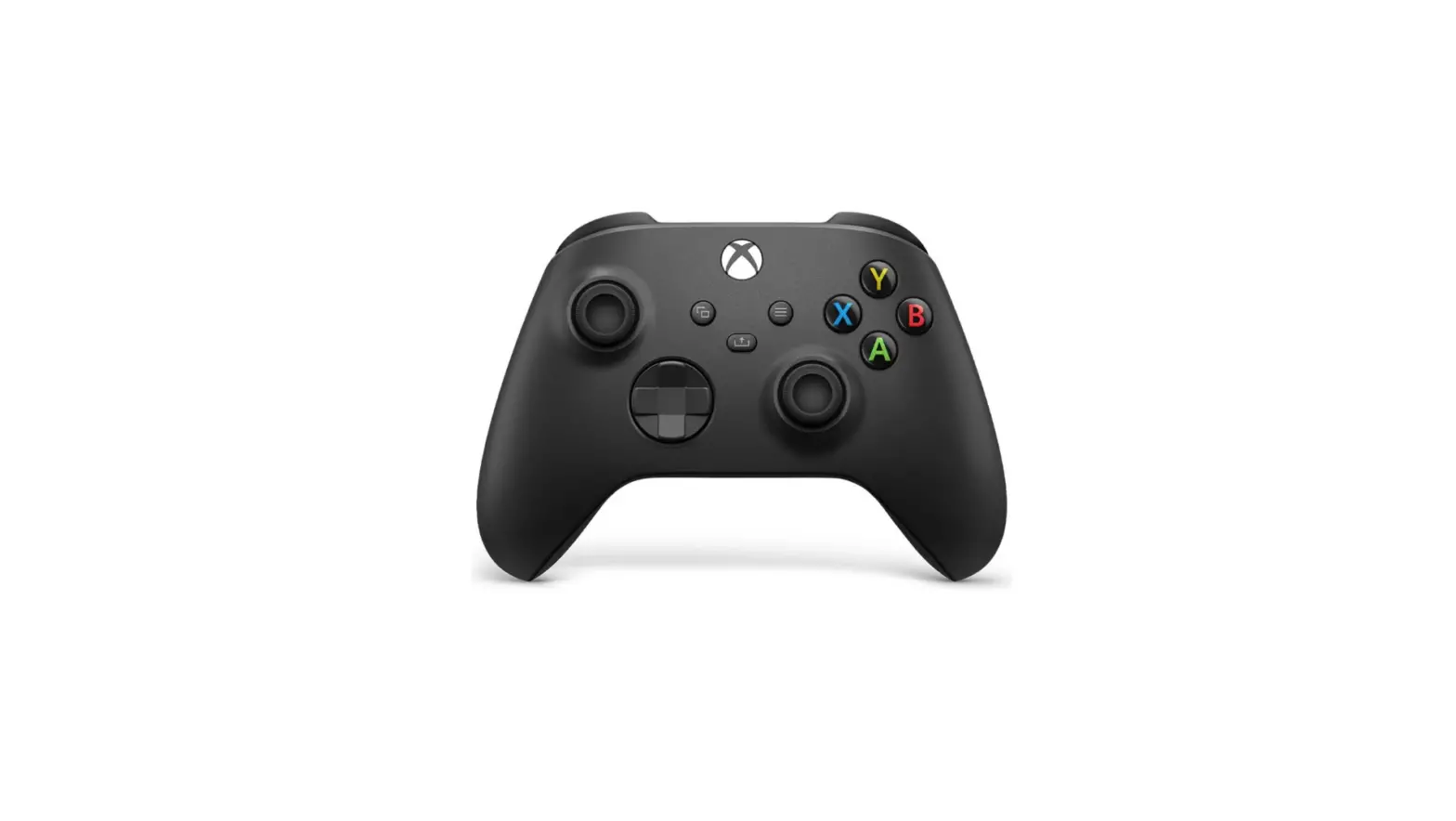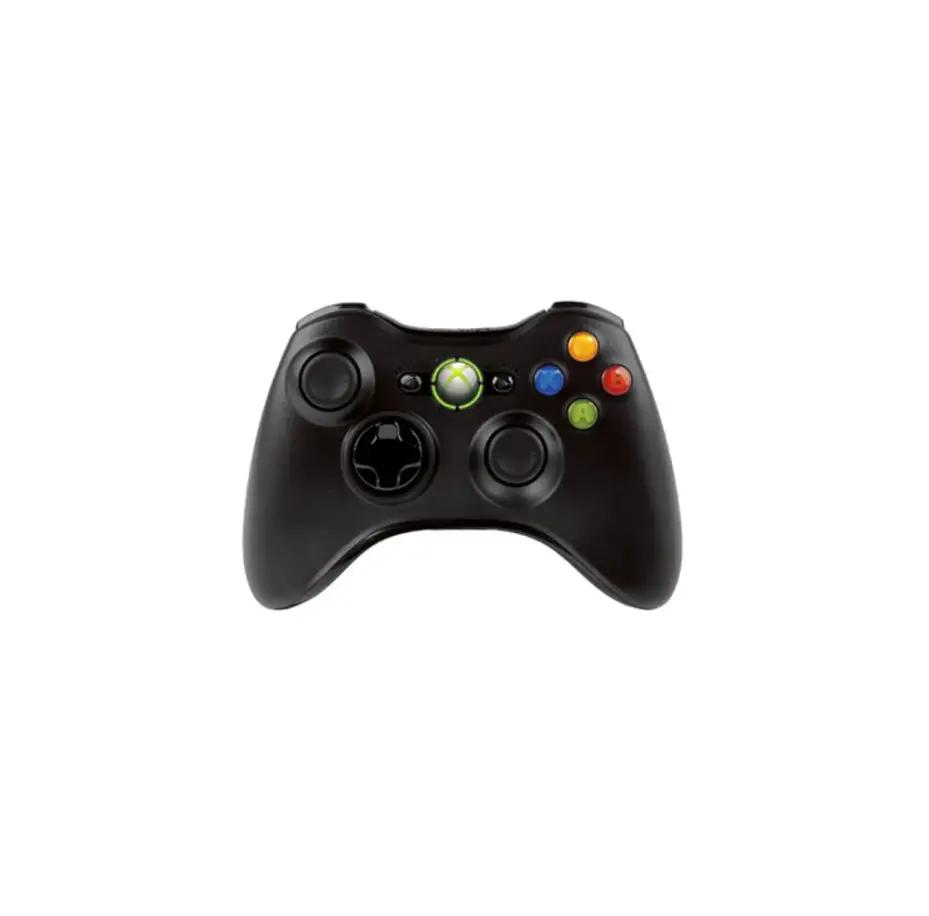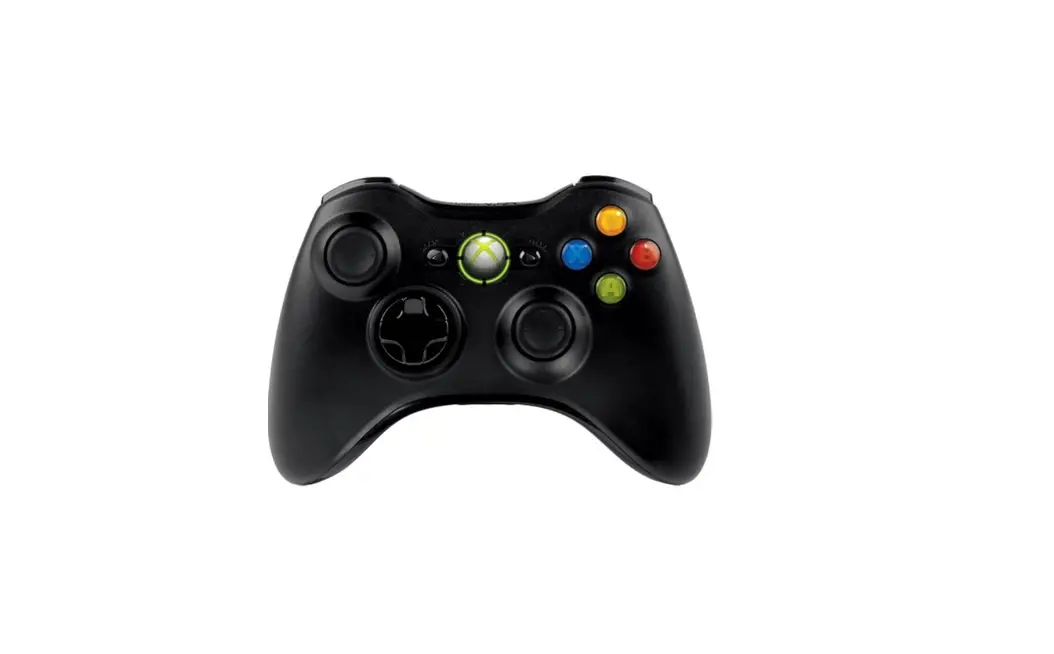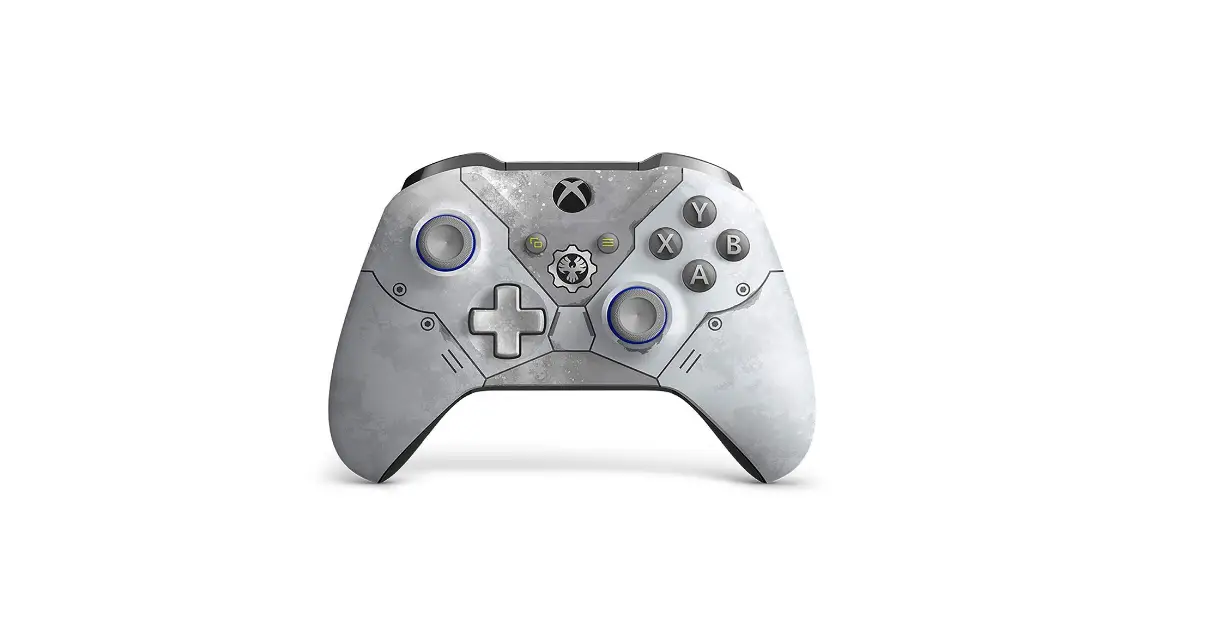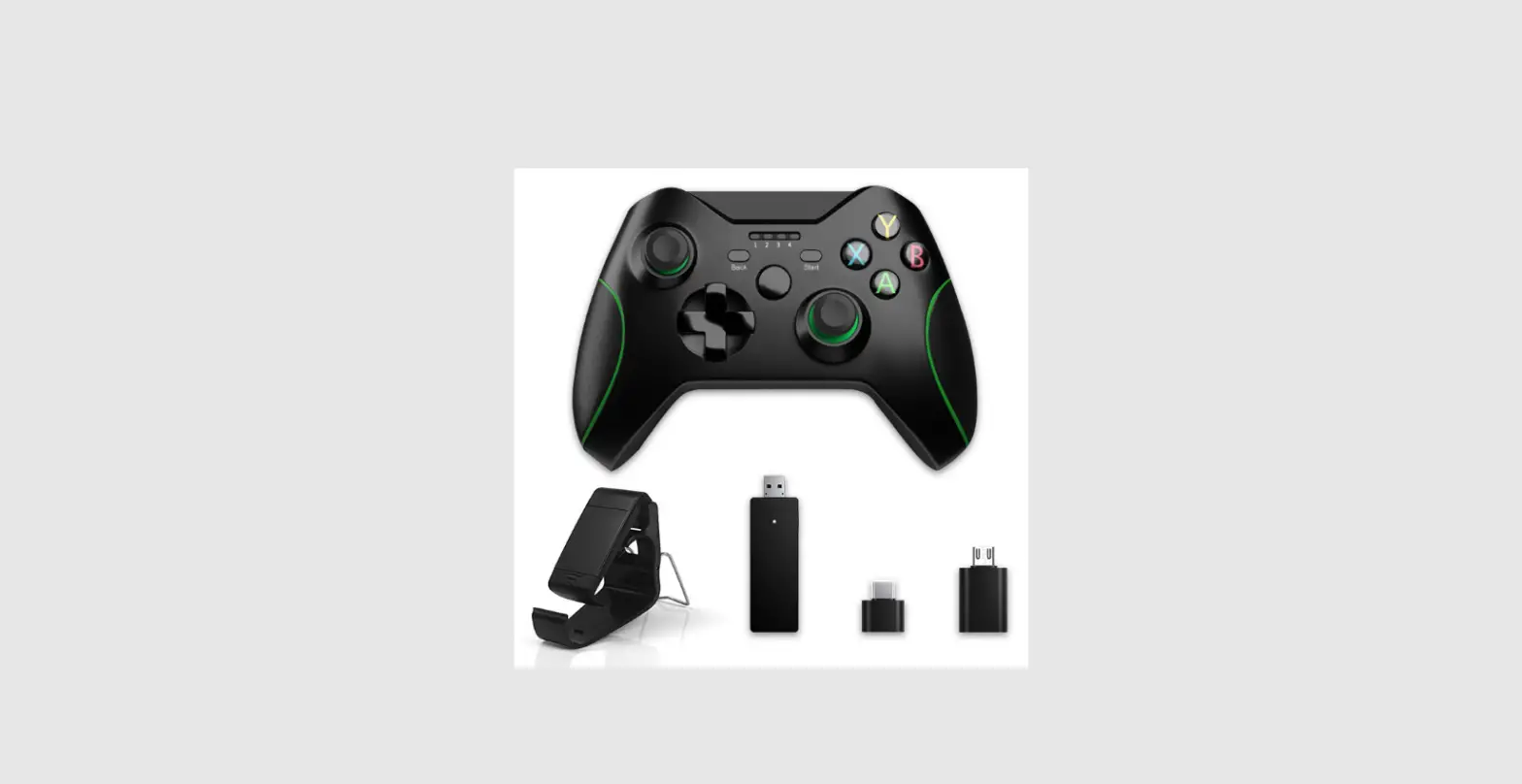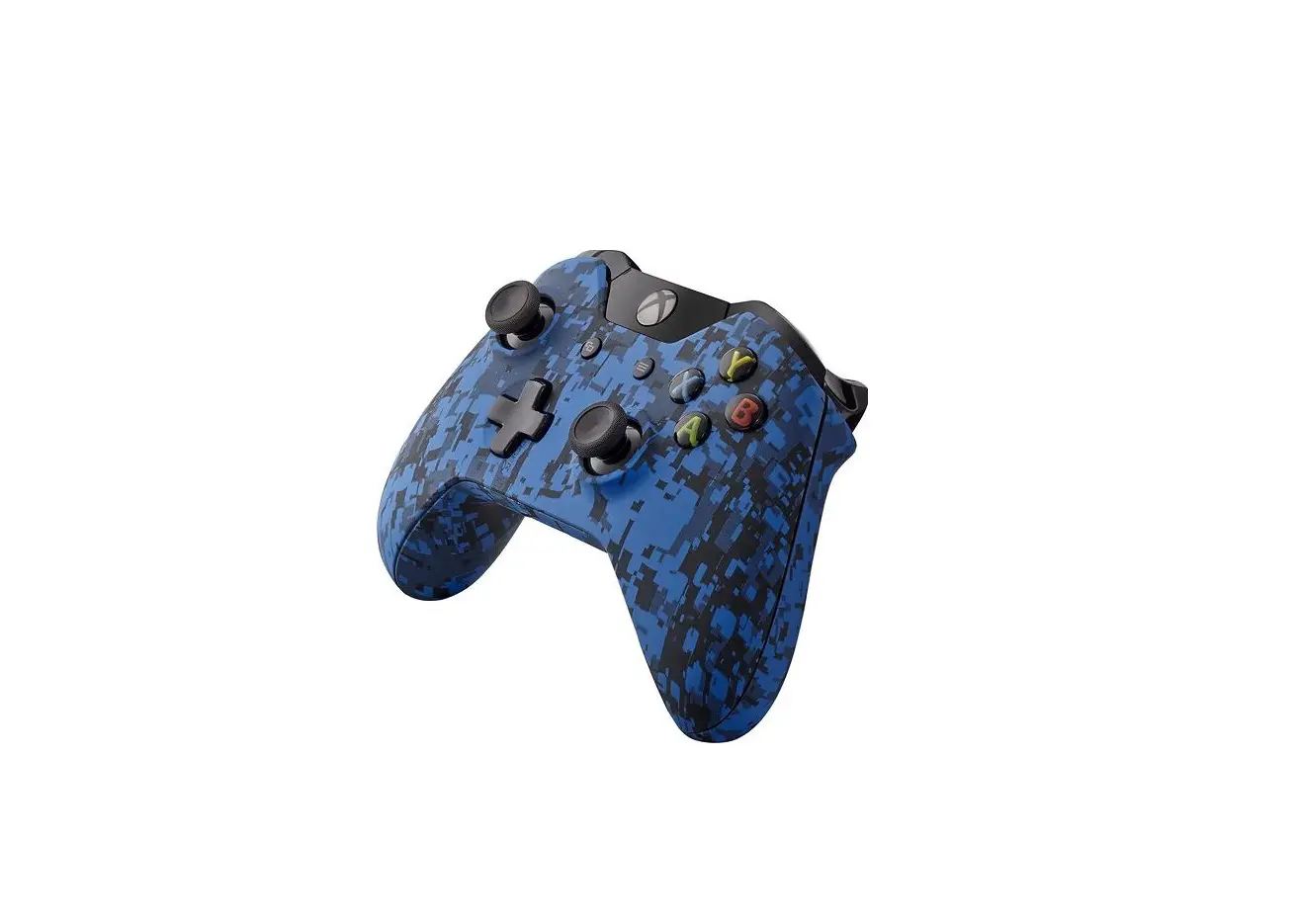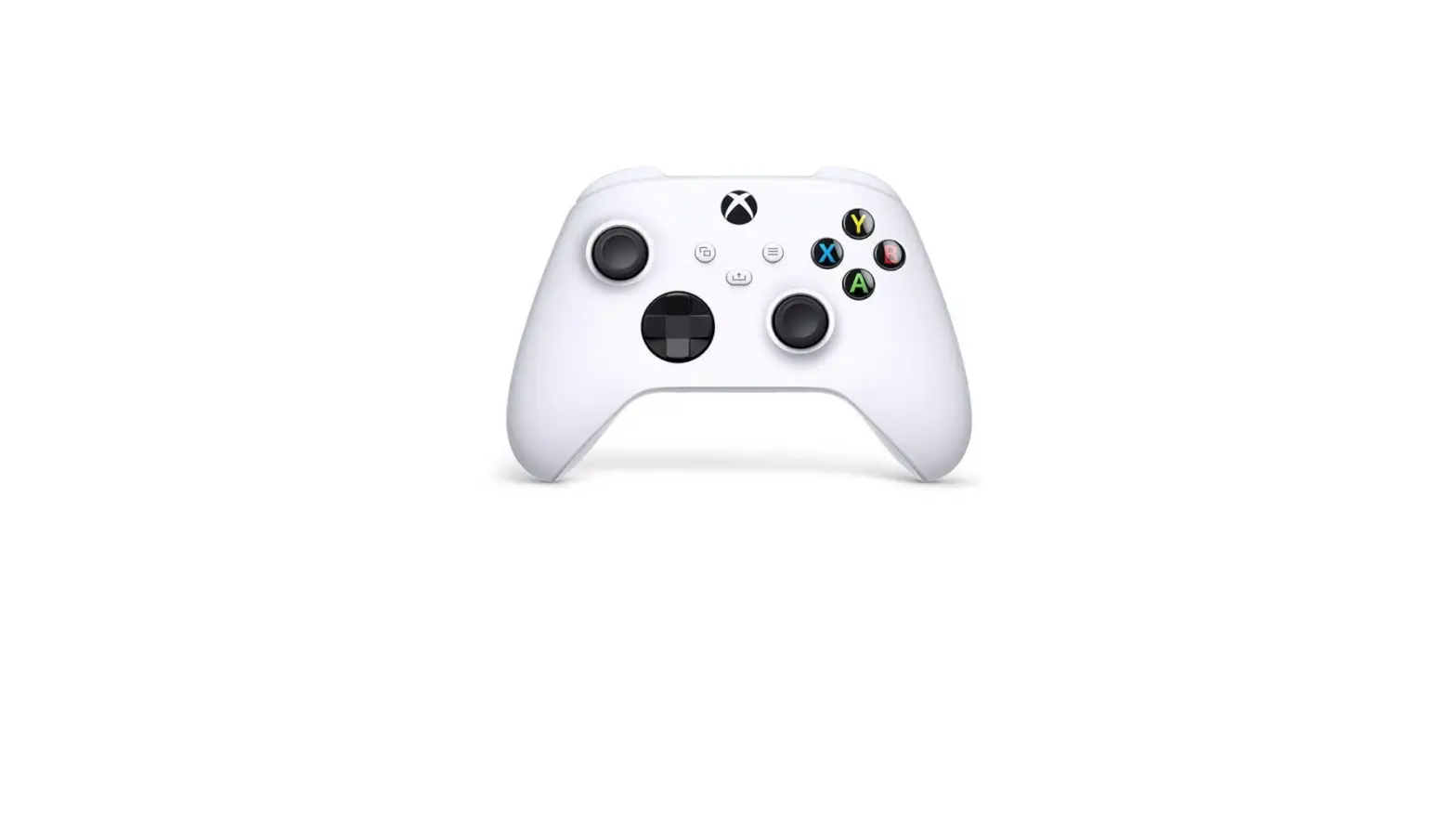
Microsoft WL3-00174 Xbox One Wireless Gaming Controller
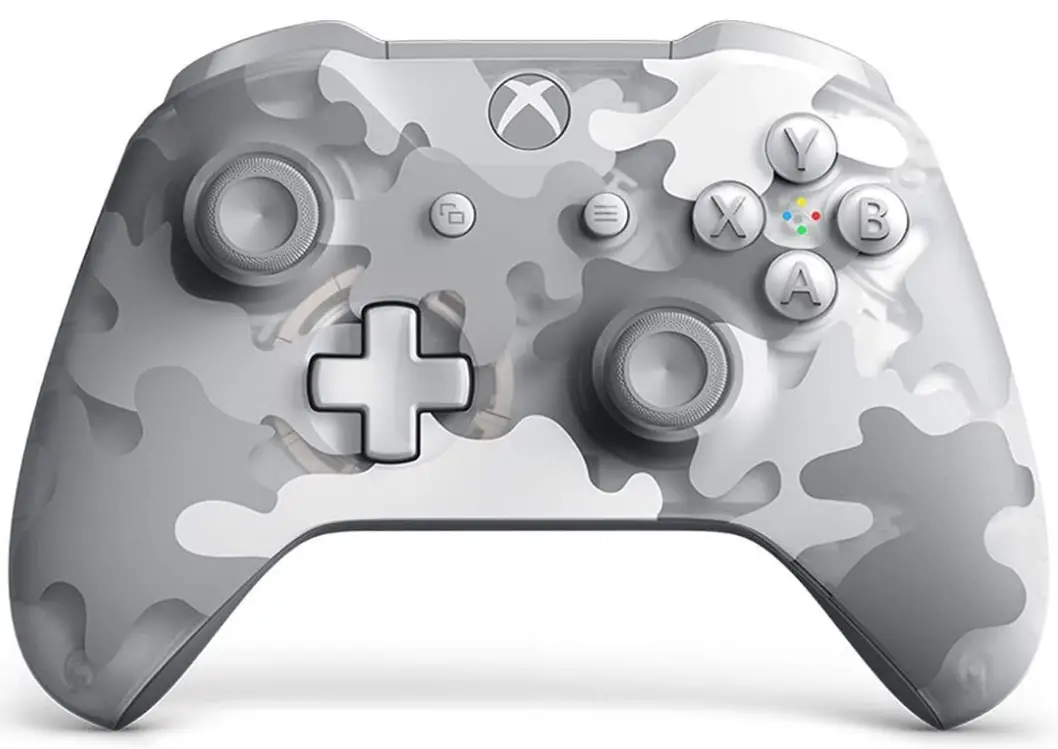
SPECIFICATIONS
- Brand: Microsoft
- Compatible Devices: Xbox One, Windows
- Controller Type: Gamepad
- Connectivity Technology: Bluetooth
- Special Feature: Wireless
- Hardware Platform: Microsoft Xbox One
- Operating System: Windows 10
- Item Weight: 16 ounces
- Product Dimensions: 7.09 x 3.94 x 7.87 inches
- Batteries: 1 CR2 batteries required. (included)
WHAT’S IN THE BOX
- Xbox One Wireless Gaming Controller
- User Guide
DESCRIPTION
The Microsoft WL3-00174 Xbox One Wireless Gaming Controller is a controller designed for use with the Xbox One gaming console. It features a sleek and ergonomic design that fits comfortably in your hands, with textured grips that provide a secure hold during gameplay.
The controller uses wireless connectivity to communicate with the Xbox One console, allowing you to play games without being tethered to the console itself. It uses Bluetooth technology for wireless connectivity and has a range of up to 30 feet.
The controller features a traditional button layout, with dual analog sticks, a D-pad, and a range of buttons for controlling gameplay. It also includes triggers and bumpers for more precise control during action-packed moments.
One of the standout features of the Microsoft WL3-00174 Xbox One Wireless Gaming Controller is the 3.5mm stereo headset jack, which allows you to plug in any compatible headset and chat with your friends during multiplayer games. The controller also includes a built-in speaker for in-game sound effects.
Overall, the Microsoft WL3-00174 Xbox One Wireless Gaming Controller is a reliable and comfortable controller that is perfect for gamers of all skill levels.
FEATURES
- Wireless connectivity:
The controller uses Bluetooth technology to connect wirelessly to the Xbox One console, allowing you to play games without being tethered to the console. - Range:
The controller has a wireless range of up to 30 feet, giving you plenty of room to move around while gaming. - Ergonomic design:
The controller has a sleek and ergonomic design that fits comfortably in your hands, with textured grips that provide a secure hold during gameplay. - Traditional button layout:
The controller features a traditional button layout, with dual analog sticks, a D-pad, and a range of buttons for controlling gameplay. - Triggers and bumpers:
The controller includes triggers and bumpers for more precise control during action-packed moments. - 3.5mm stereo headset jack:
The controller features a 3.5mm stereo headset jack, allowing you to plug in any compatible headset and chat with your friends during multiplayer games. - Built-in speaker:
The controller includes a built-in speaker for in-game sound effects. - Compatible with Windows 10:
The controller is also compatible with Windows 10, allowing you to use it to play games on your PC.
FREQUENTLY ASKED QUESTIONS
The controller is compatible with Xbox One and Windows devices.
The controller uses Bluetooth technology for wireless connectivity.
The controller has a wireless range of up to 30 feet.
Yes, the controller has a sleek and ergonomic design that fits comfortably in your hands, with textured grips that provide a secure hold during gameplay.
The controller features dual analog sticks, a D-pad, and a range of buttons for controlling gameplay.
Yes, the controller includes triggers and bumpers for more precise control during action-packed moments.
Yes, the controller features a 3.5mm stereo headset jack, allowing you to plug in any compatible headset and chat with your friends during multiplayer games.
Yes, the controller includes a built-in speaker for in-game sound effects.
Yes, the controller is also compatible with Windows 10, allowing you to use it to play games on your PC.
The controller is compatible with Xbox One consoles and Windows 10 PCs.
Yes, the controller comes with two AA batteries.
Yes, you can use rechargeable batteries with the controller.
To connect the controller to your Xbox One console, press the Xbox button on the controller to turn it on, then press and hold the Connect button on the console until the controller’s Xbox button flashes.
To connect the controller to your Windows 10 PC, make sure your PC has Bluetooth capability, turn on Bluetooth on your PC and the controller, then follow the on-screen instructions to pair the controller with your PC.
While the controller is primarily designed for use with Xbox One consoles and Windows 10 PCs, it may work with other devices that support Bluetooth controllers.
No, the controller does not support motion control.
Yes, you can use the controller wired by connecting it to your console or PC with a micro-USB cable.