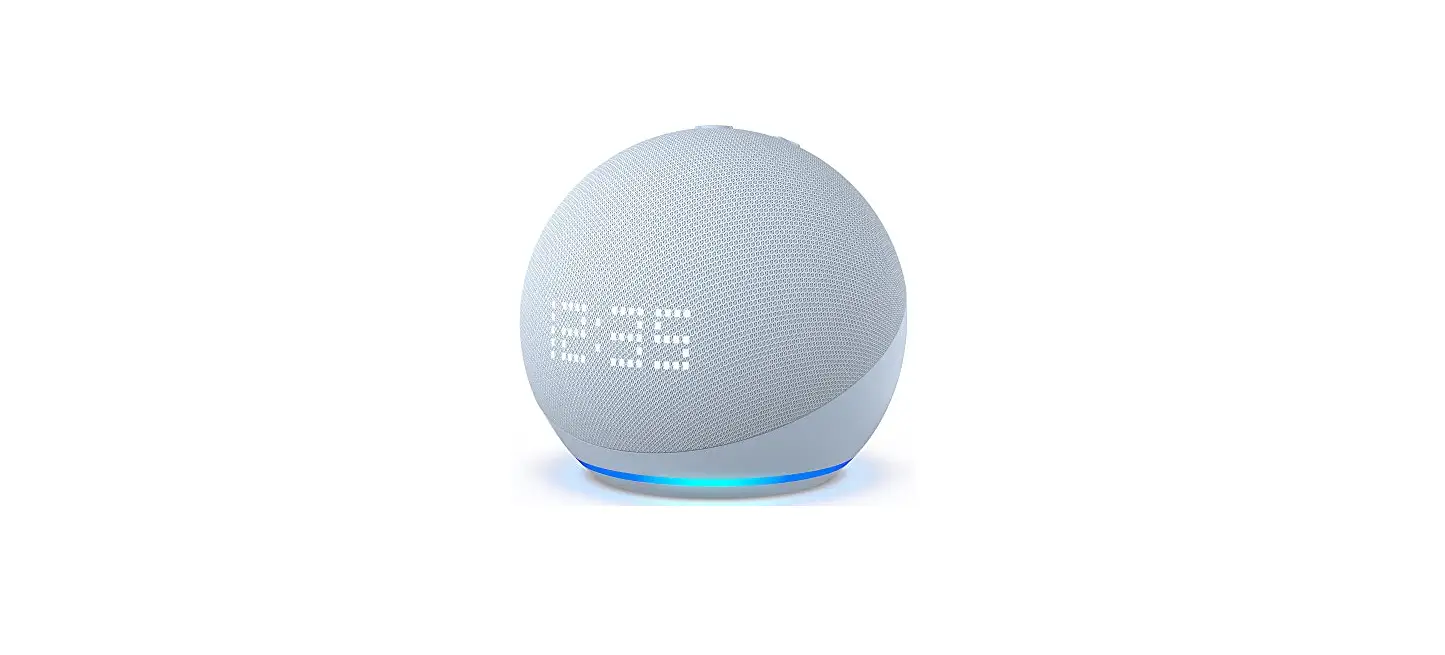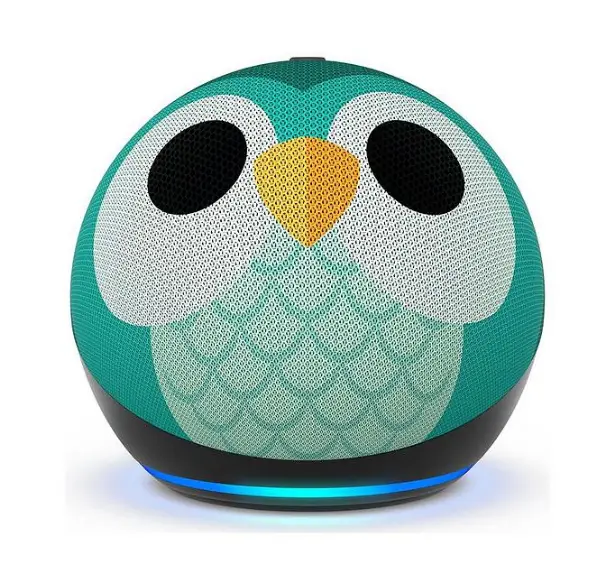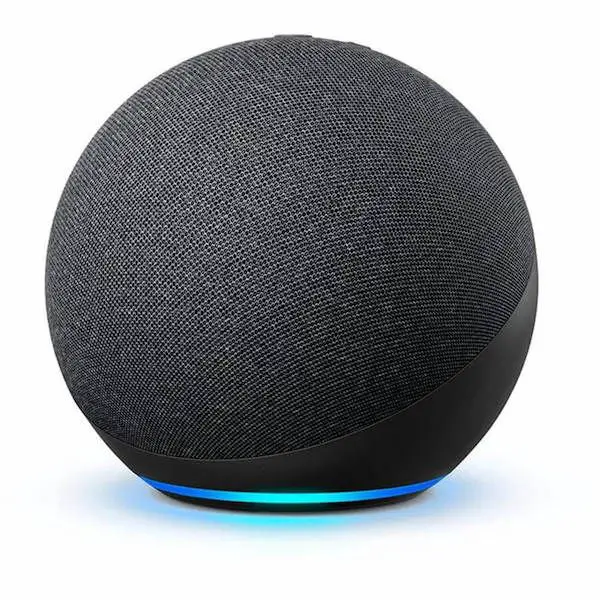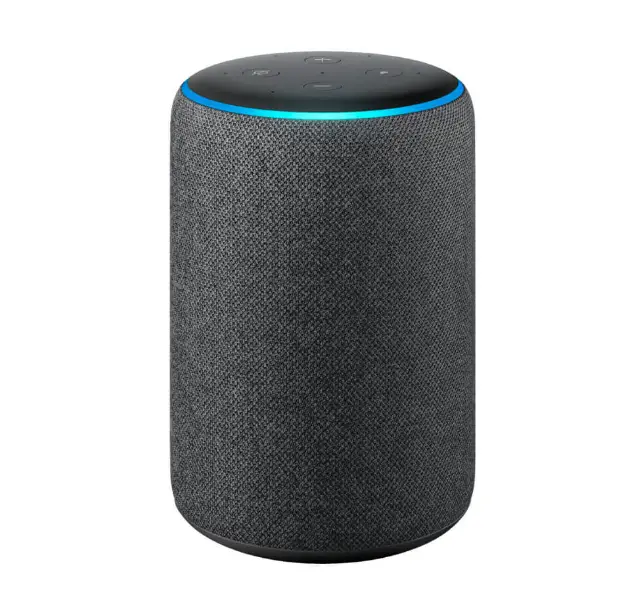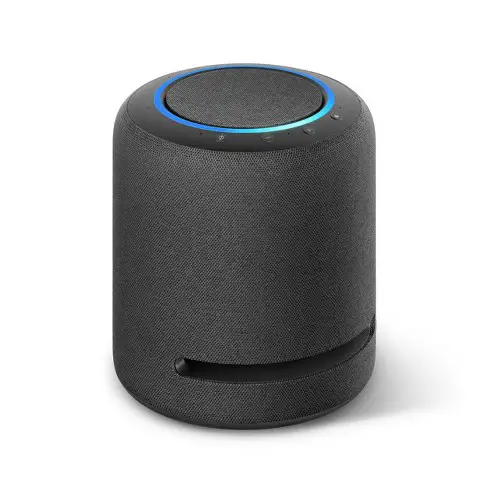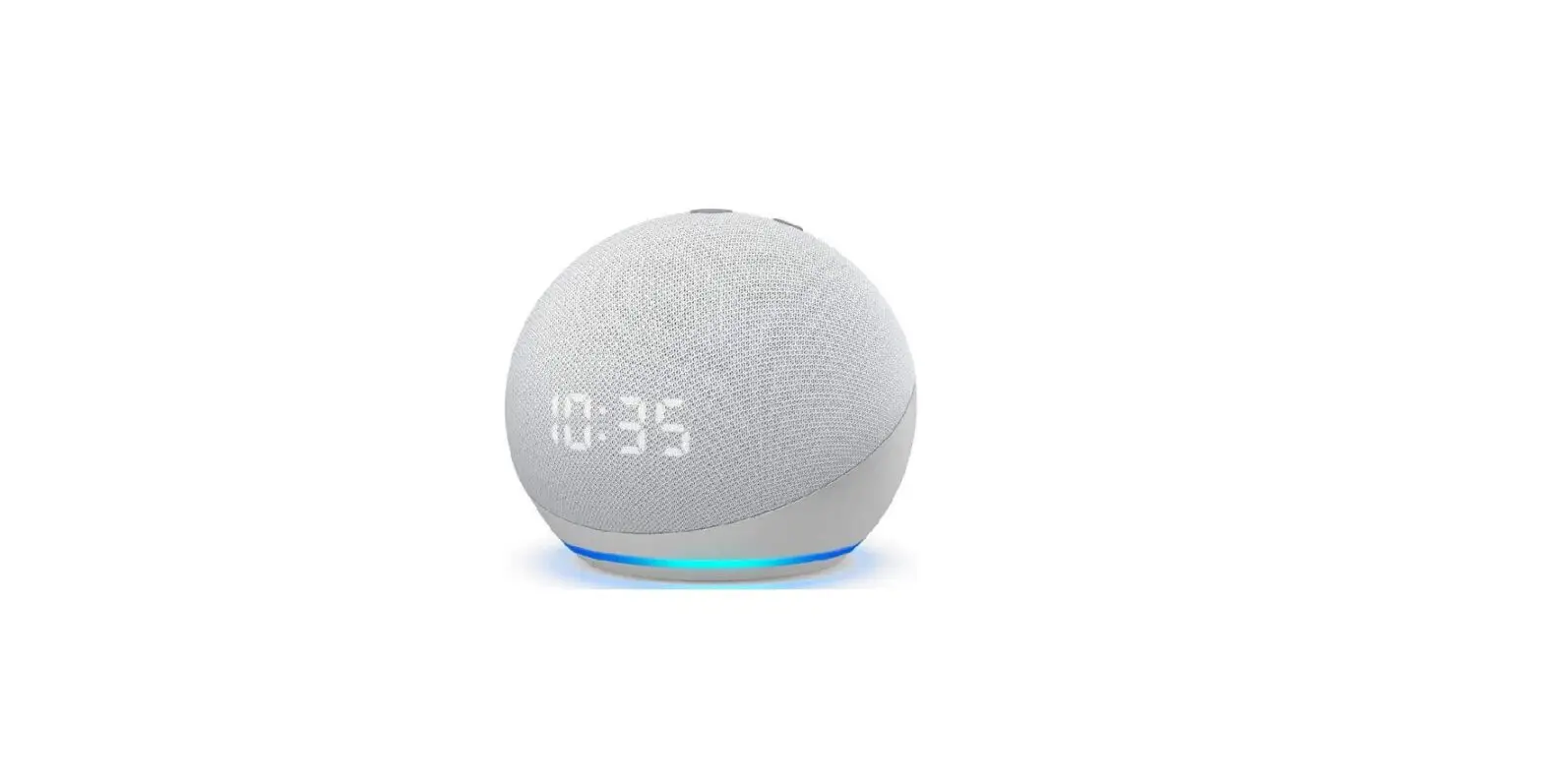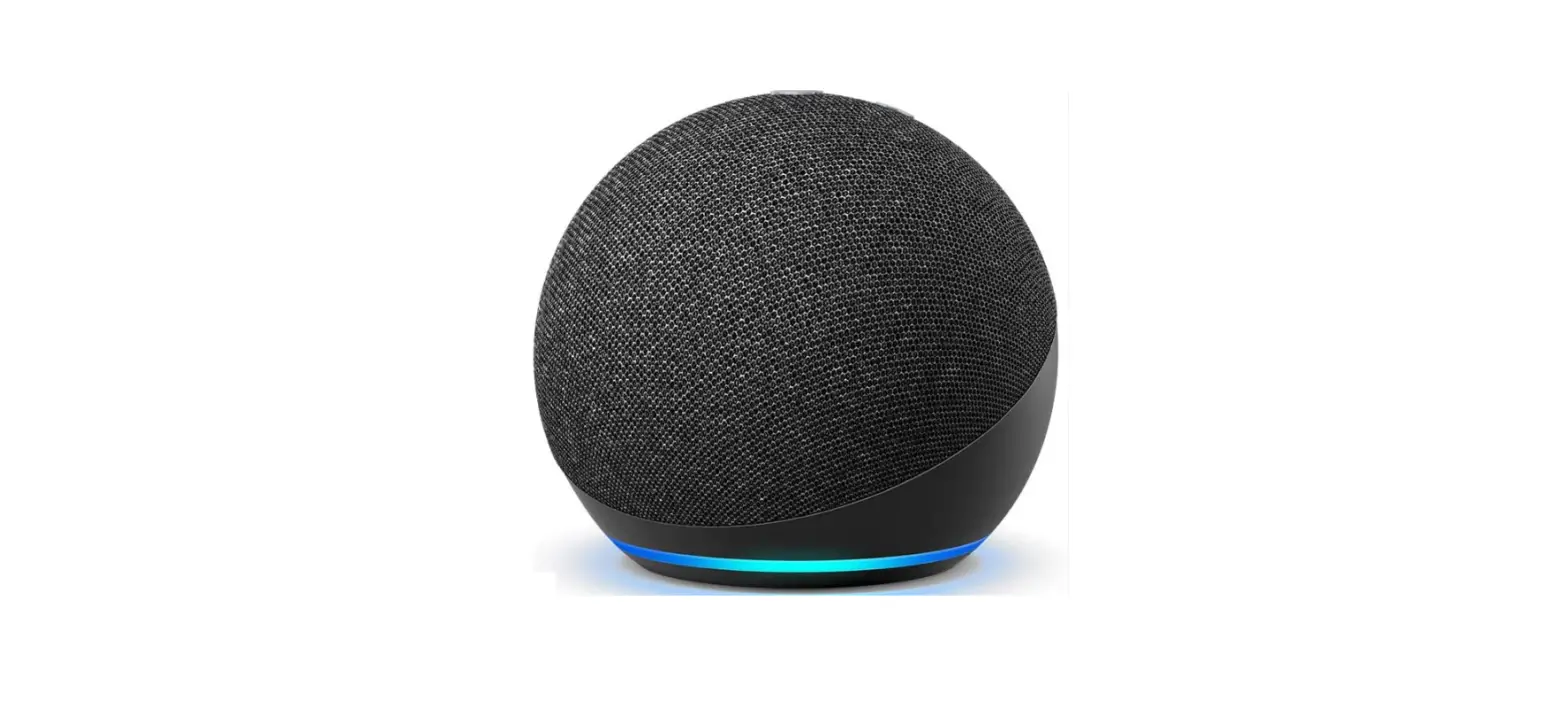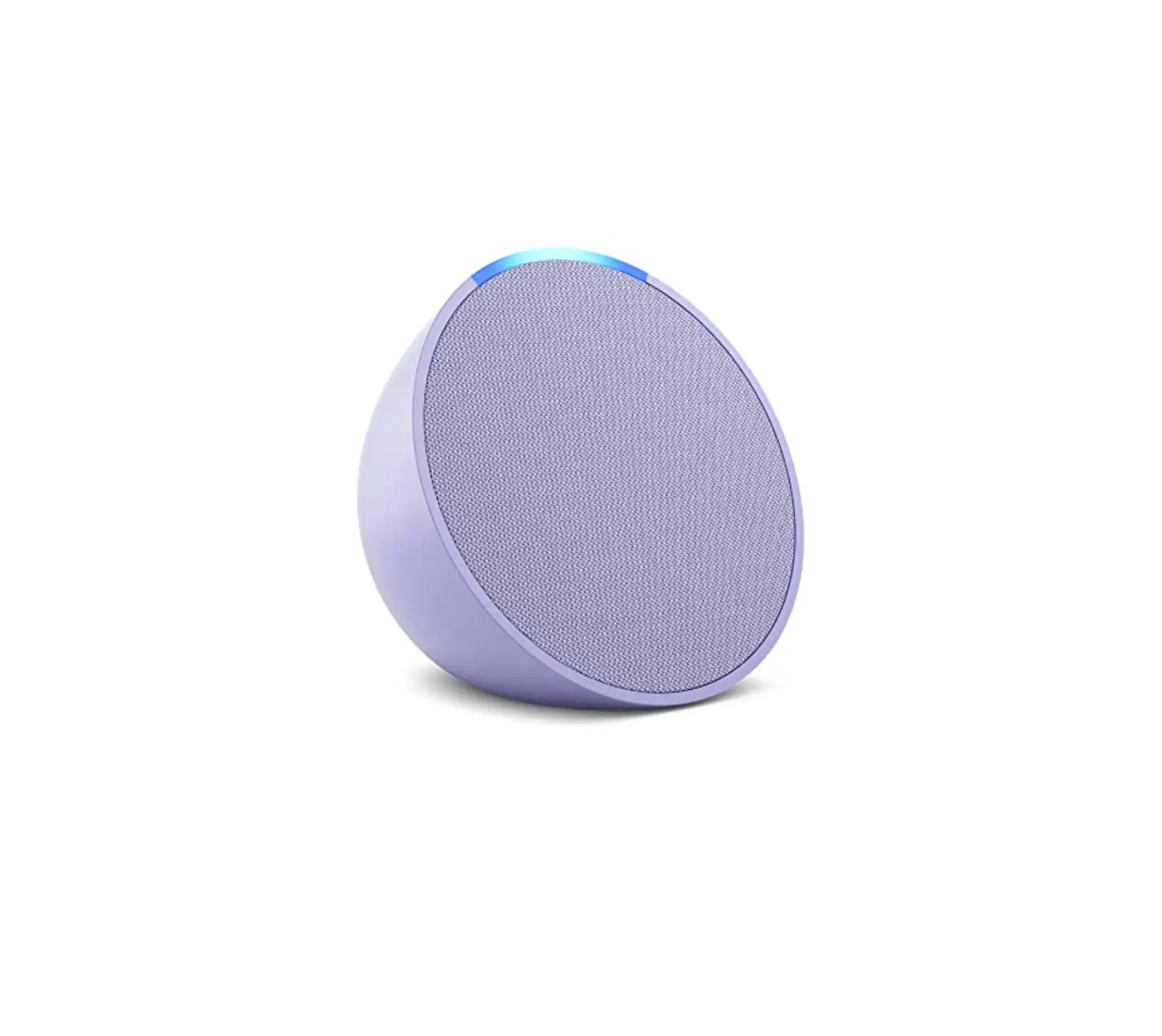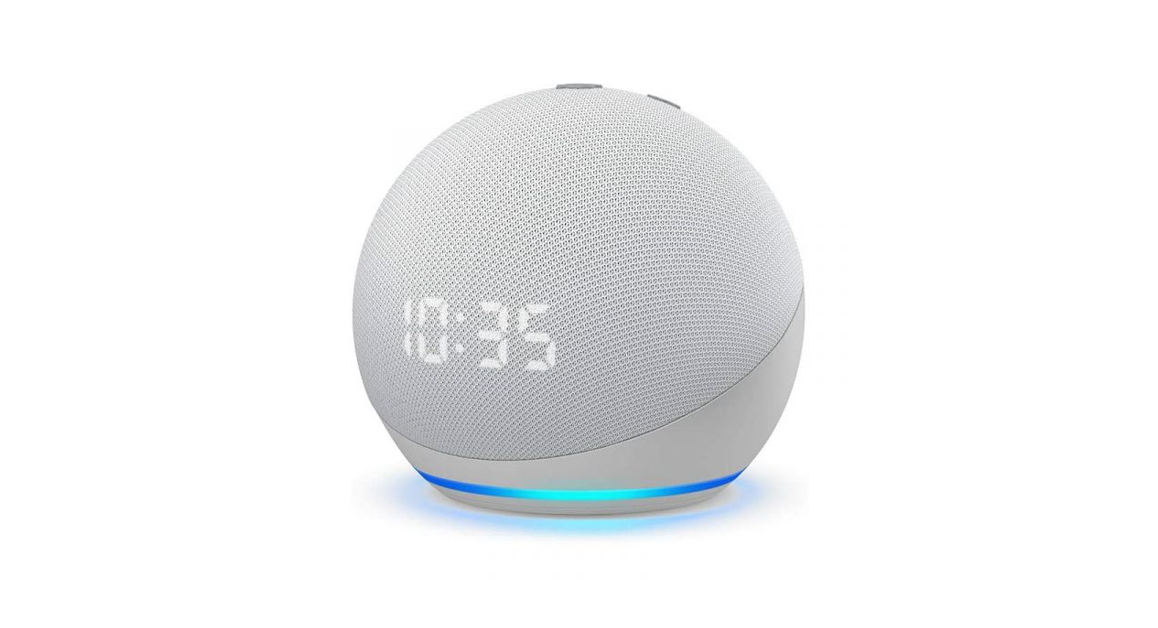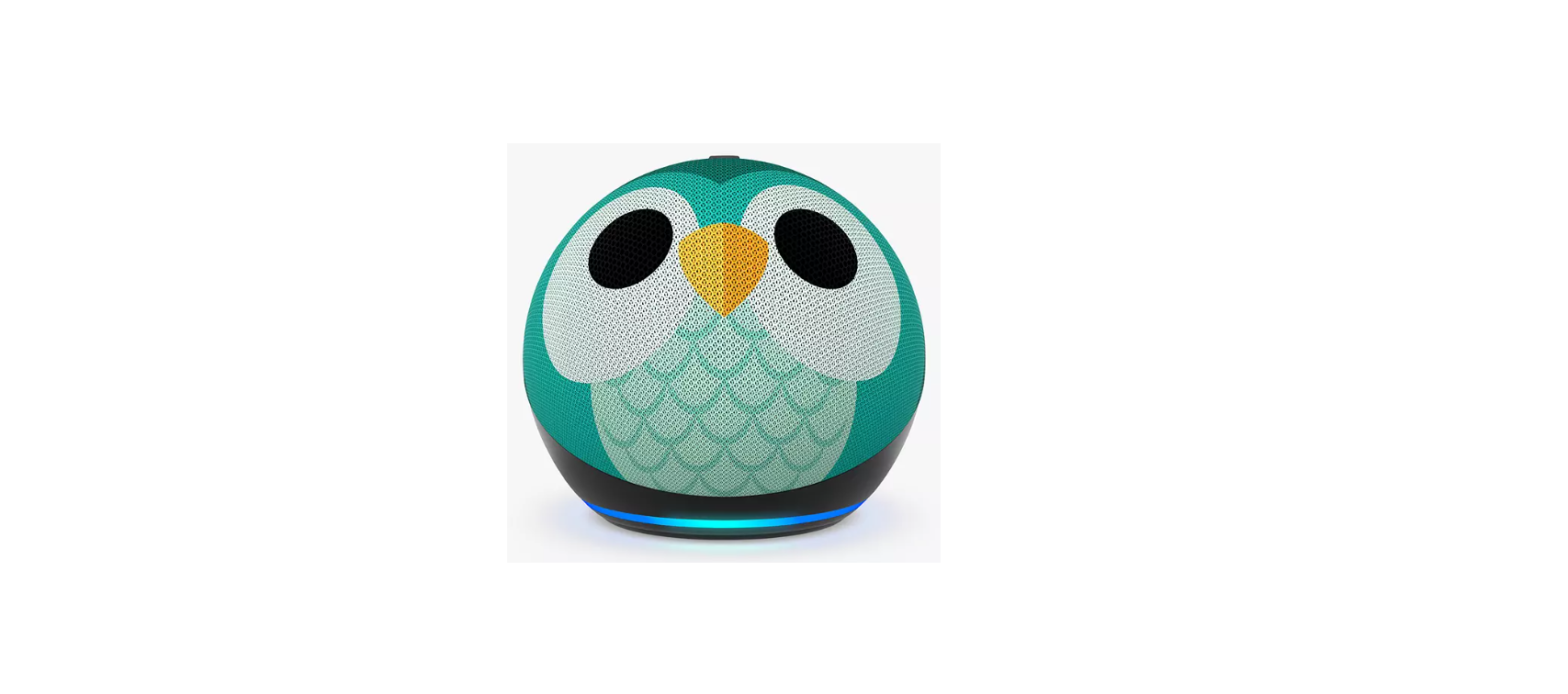

amazon EchoDot Kids 5th Gen Speaker

OVERVIEW
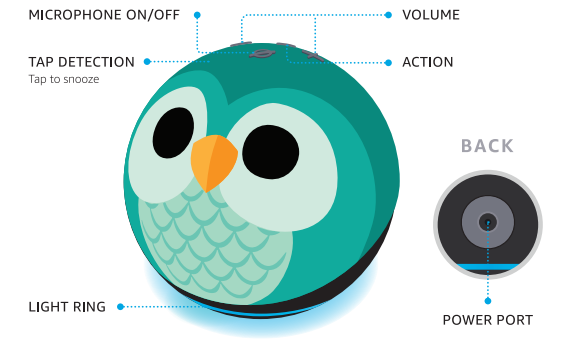
Also included: power adapter
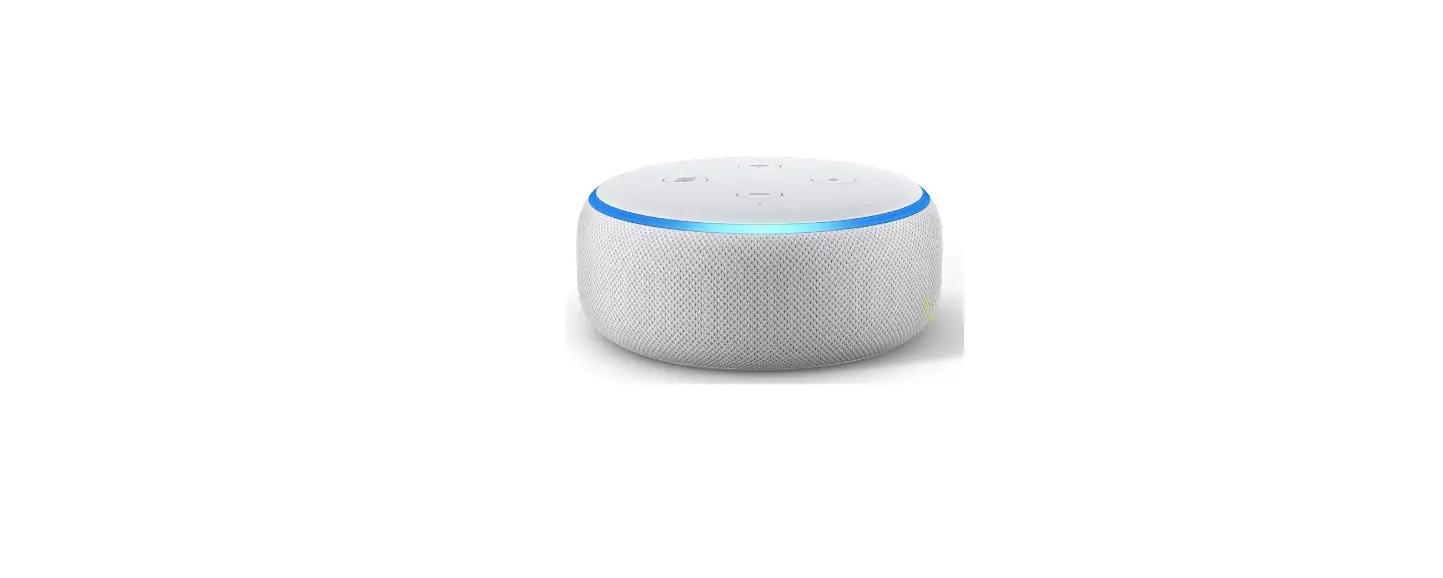
The design featured above could be different from your device.
SET UP YOUR ECHO DOT KIDS
 DOWNLOAD THE ALEXA APP FROM YOUR APP STORE
- Log in with an existing Amazon account username and password or create a new account.
- NOTE: Be sure to turn on your phone’s Bluetooth capability and have your wifi password ready.
 PLUG IN YOUR ECHO DOT KIDS
- Use the included power adapter. A blue light ring will spin around the bottom of the device. In about a minute, Alexa will tell you to complete the setup in the app.
 FOLLOW THE SETUP IN THE APP
- If you aren’t prompted to set up your device after opening the Alexa app, tap the More
 icon to add your device manually. The app helps you get more out of your Echo Dot Kids. It’s where you set up calling and messaging and manage music, lists, settings, and news.
- If you aren’t prompted to set up your device after opening the Alexa app, tap the More
 DOWNLOAD THE ALEXA APP FROM YOUR APP STORE
 PLUG IN YOUR ECHO DOT KIDS
 FOLLOW THE SETUP IN THE APP
 icon to add your device manually. The app helps you get more out of your Echo Dot Kids. It’s where you set up calling and messaging and manage music, lists, settings, and news.
For help and troubleshooting, go to Help & Feedback in the Alexa app or visit amazon.com/devicesupport.
MANAGE YOUR ECHO DOT KIDS
 INCLUDES 1 YEAR OF AMAZON KIDS+
kids+ Your Echo Dot Kids comes with 1 year of Amazon Kids+ (auto-renews at the applicable rate). Discover a world of kid-friendly Audible books, interactive games, and educational skills.
AMAZON PARENT DASHBOARD
To help your child get more out of their Echo Dot Kids, visit the Parent Dashboard at https://parents.amazon.com or in the Alexa app by selecting Amazon Kids in Settings. With easy-to-use parental controls, you can review activity, manage time limits, share content, and more.
LEARN ABOUT THE LIGHT RING
By default, Alexa doesn’t begin listening until your Echo device hears you say, “Alexa.”
- BLUE: Alexa is now listening.
- ORANGE: Your device is in setup mode or is trying to connect to the Internet.
- YELLOW: You have a new notification from a parent-approved contact. Say, “Alexa, read my notifications.
- RED: The microphone is off. Alexa can’t hear you.
- PURPLE: Your device is in Do Not Disturb mode. During initial device setup, purple shows if there are Wi-Fi issues.
- GREEN: Incoming call from a parent-approved contact. Say, “Alexa, answer the call.
PRIVACY AND SUPPORT
 PRIVACY CONTROLS
Turn the microphones off by pressing the microphone on/off button. See when Alexa is recording and sending your request to Amazon’s secure cloud via a blue indicator light.
 MANAGE YOUR VOICE HISTORY
As a parent, you can view and delete the voice recordings associated with your account in the Alexa app at any time.
 GIVE US YOUR FEEDBACK
Alexa is always getting smarter and adding new skills. To send us feedback about your experiences with Alexa, use the Alexa app, visit amazon.com/devicesupport.
You have control over your Alexa experience. Explore more at amazon.com/alexaprivacy.
THINGS TO TRY WITH ALEXA
Start by asking, “Alexa, what can you do?” You can also stop a response at any time by saying, ”Alexa, stop.”
 PLAY THEIR FAVORITES
- Alexa, please play music.
- “Alexa, let’s play a game.”
 MAKE BEDTIME EASIER
- If Alexa, read me a story.
- Alexa, set an alarm for 8 AM.
 LEARN AND GROW
- Alexa, how tall is Mt. Everest?
- Alexa, how do you spell beautiful?’
Some features may require customization in the Alexa opp, a separate subscription, or an additional compatible smart home device. Certain skills and services may not be available in all languages. You can find more examples and tips in the Alexa app.