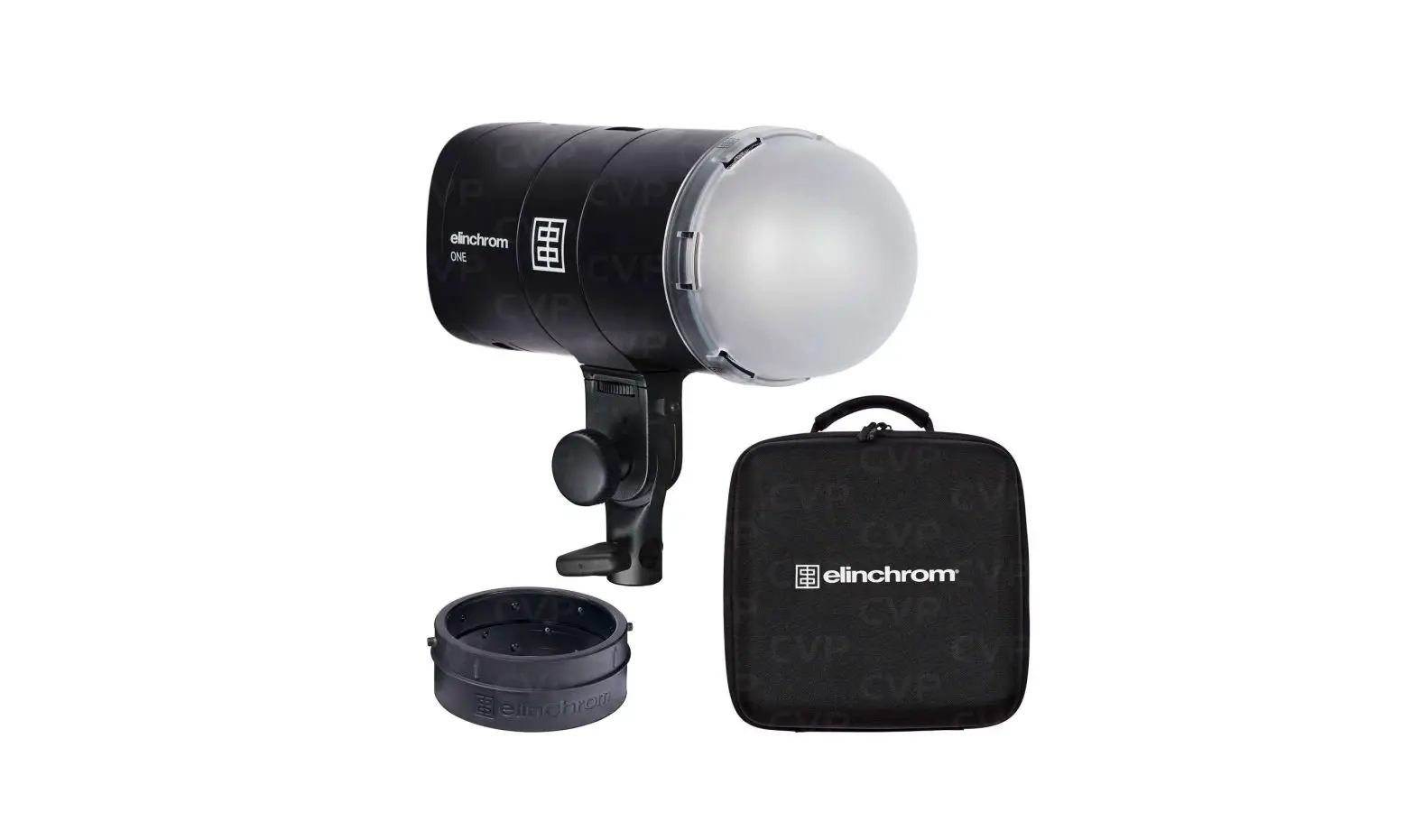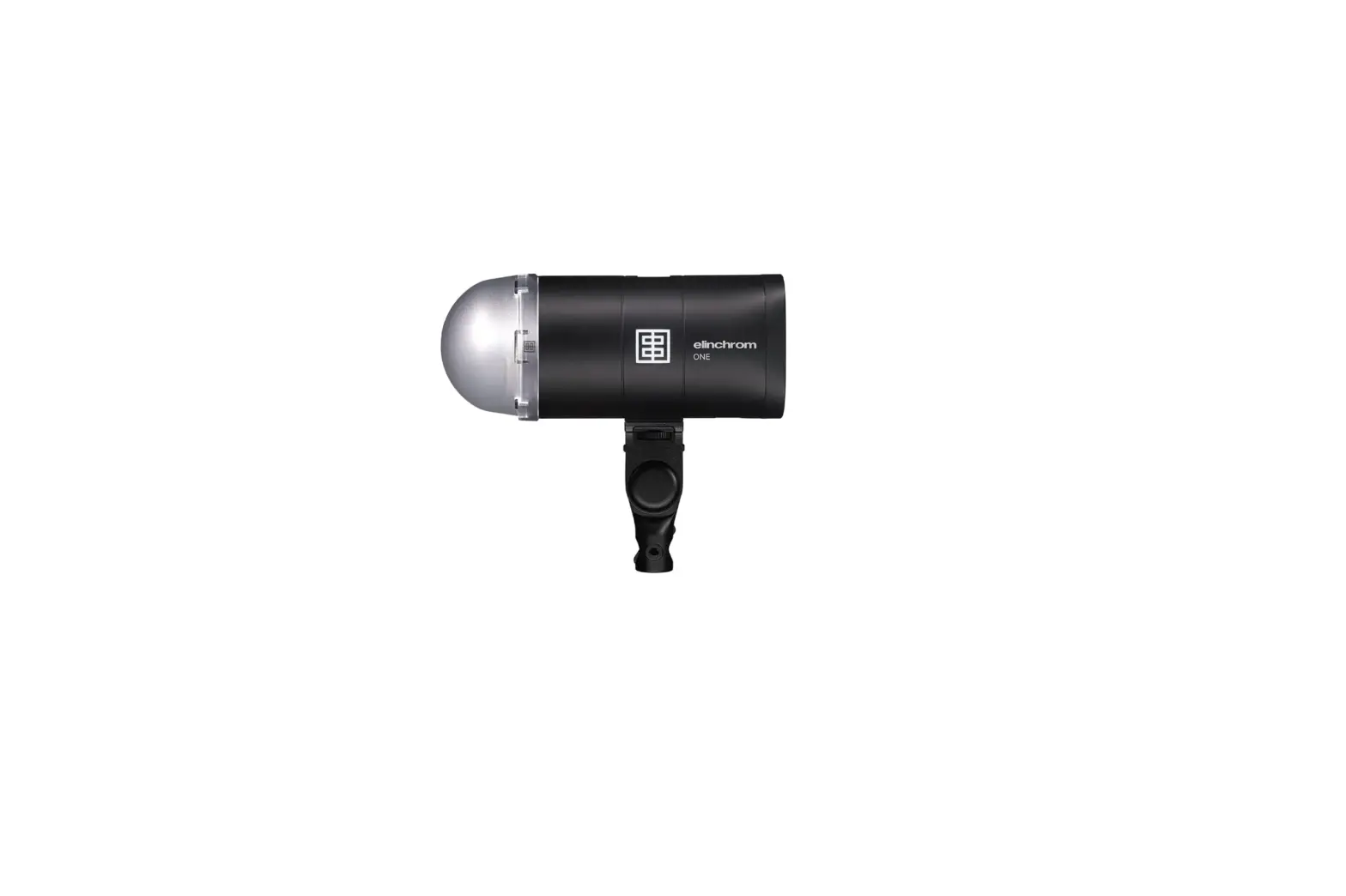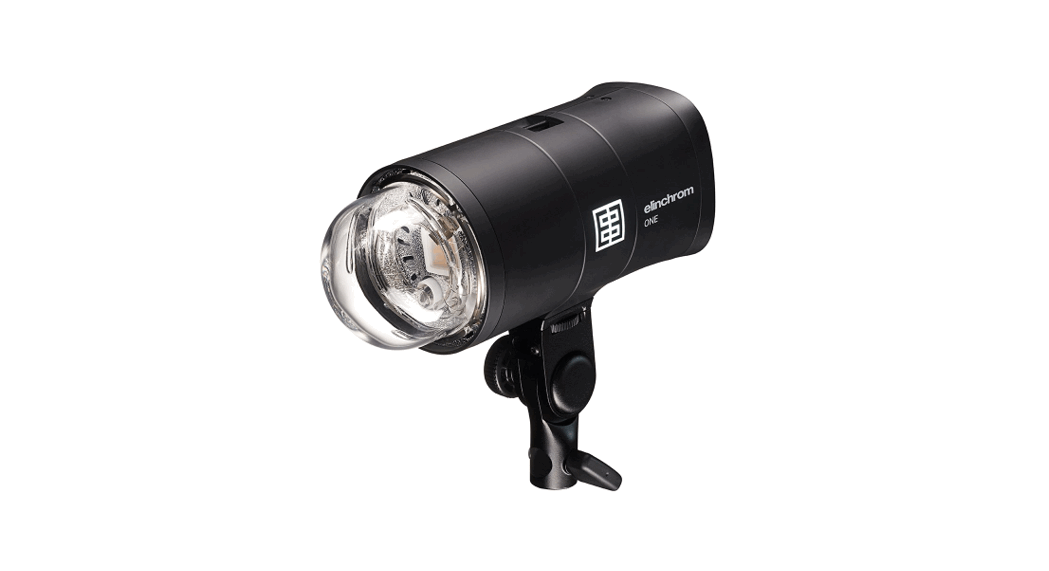

ONE
Quick Start Guide
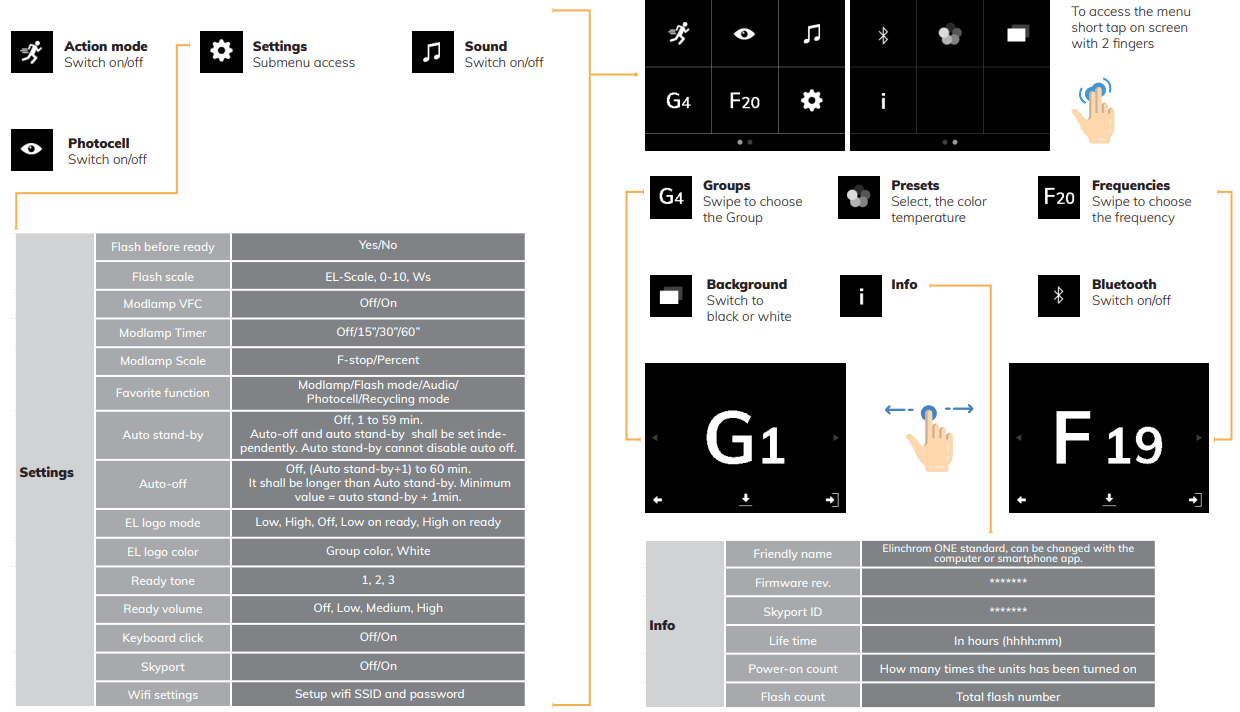
Control panel/Touch Screen
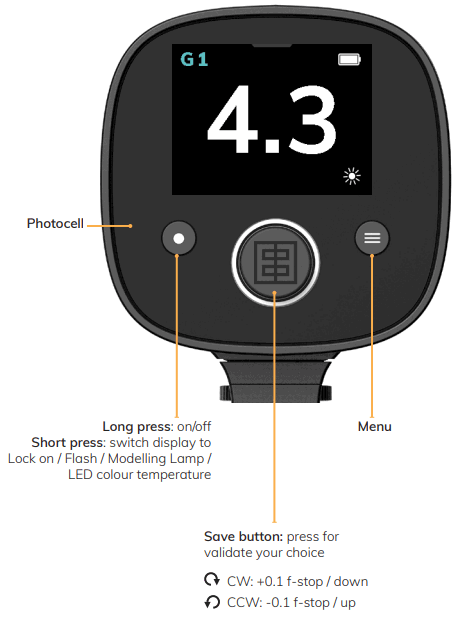
Display panel – Dashboard
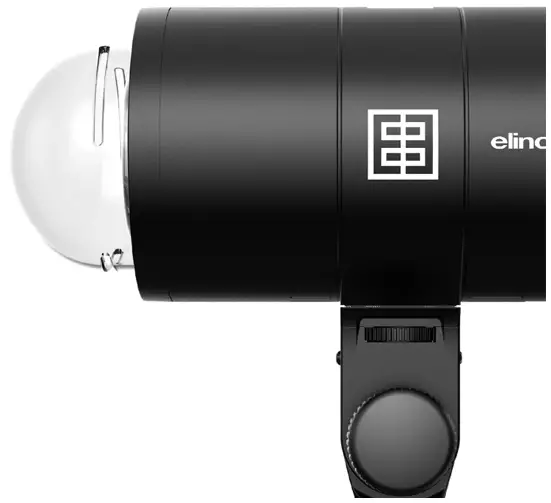
The color of the Group corresponds to the group number: blue for group 1, yellow for group 2, red for group 3, and green for group 4. The Elinchrom logo on the side of the unit illuminates the color of the selected group.

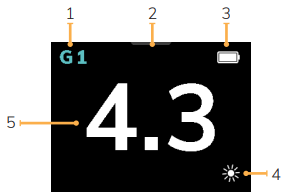
- Group 1-4
- Modeling lamp menu
- Battery status
- Favorite Function; the default setting is Mod. Lamp on/off
- Power value
Modeling lamp
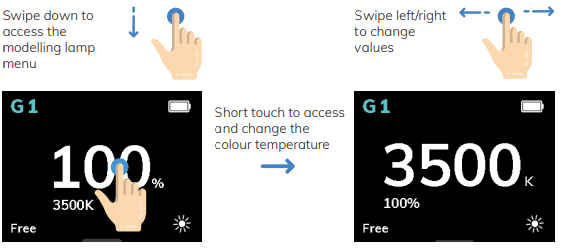
Screen Views
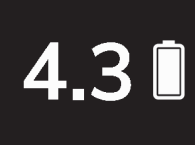 | Work Screen Shows the most important settings, once the unit is configured. Displayed automatically after 45 sec of inactivity. |
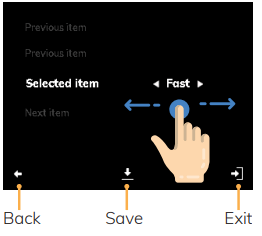 | Sub-menu Screen Select feature by scrolling.  Swipe left or right to change the value between the arrows |
Screen Lock
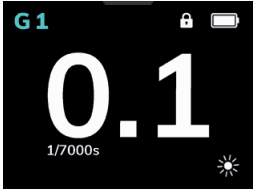 | To activate the touch screen lock, press the ON button whilst powering on the unit for 9s. The lock symbol indicates that the touch screen is locked. To unlock switch the unit off and on again. |  |
Connection
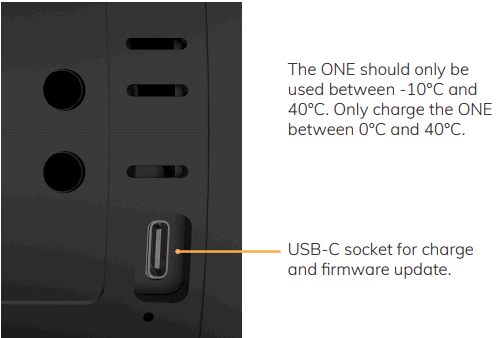
USB-C Charger
Use only the original Elinchrom One USB Charger to recharge the built-in Li-Ion battery.
When the unit is OFF the side logo color shows the charge status:
Red: recharging
Orange: almost charged
Green: the unit is charged
Recharging time: 90 min. to 100%
Battery capacity min./max power: 8000 / 800 flashes per charged battery.
Reset To Default Settings
Switch the unit on, and release the ON button.
When the EL Logo appears press immediately the “ON” and “Menu” buttons for 4 seconds until the display shows “Reload all default parameters”.


Elinchrom is a registered trademark of ELINCHROM LTD, RENENS, SWITZERLAND
QSG ONE – 09.2021
Av. de Longemalle 11, CH-1020 Renens, Switzerland,
Tel.: + 41 21 637 26 77 Fax: +41 21 637 26 81 E-mail: [email protected]