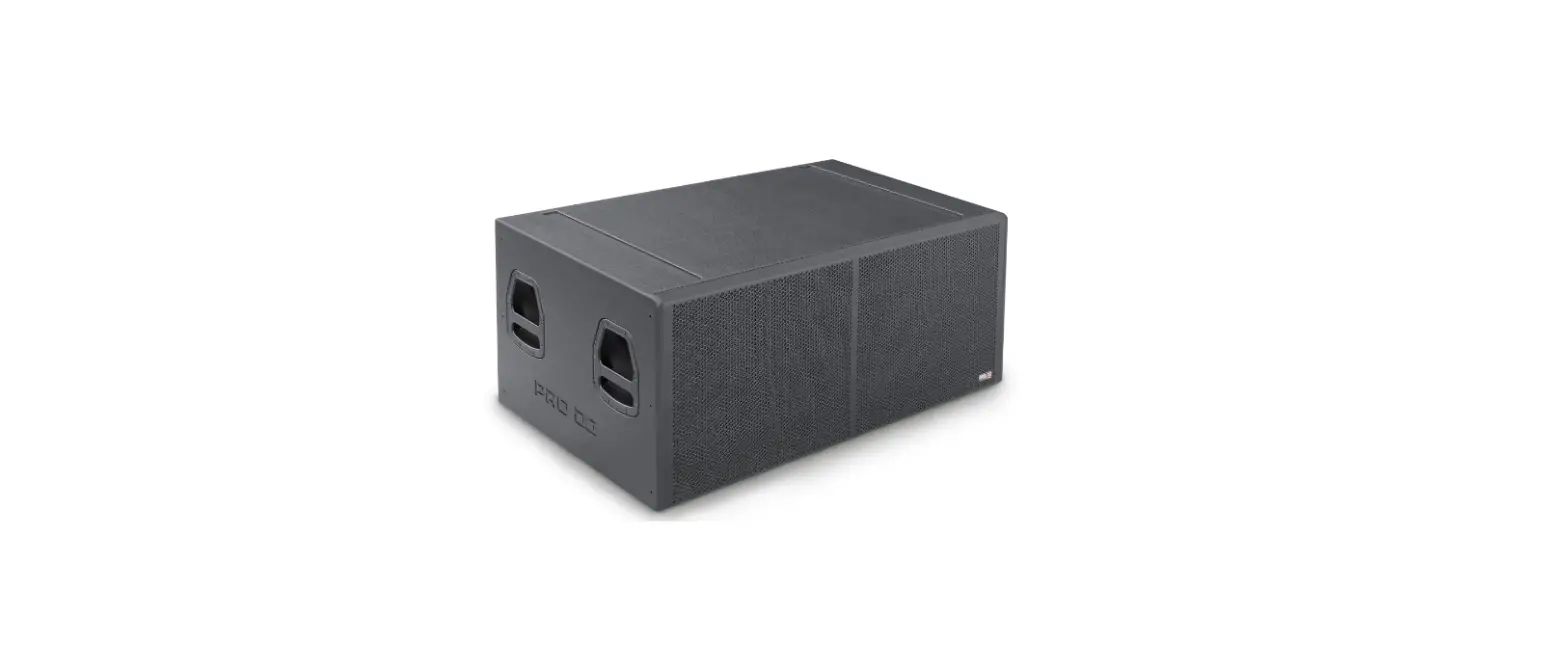
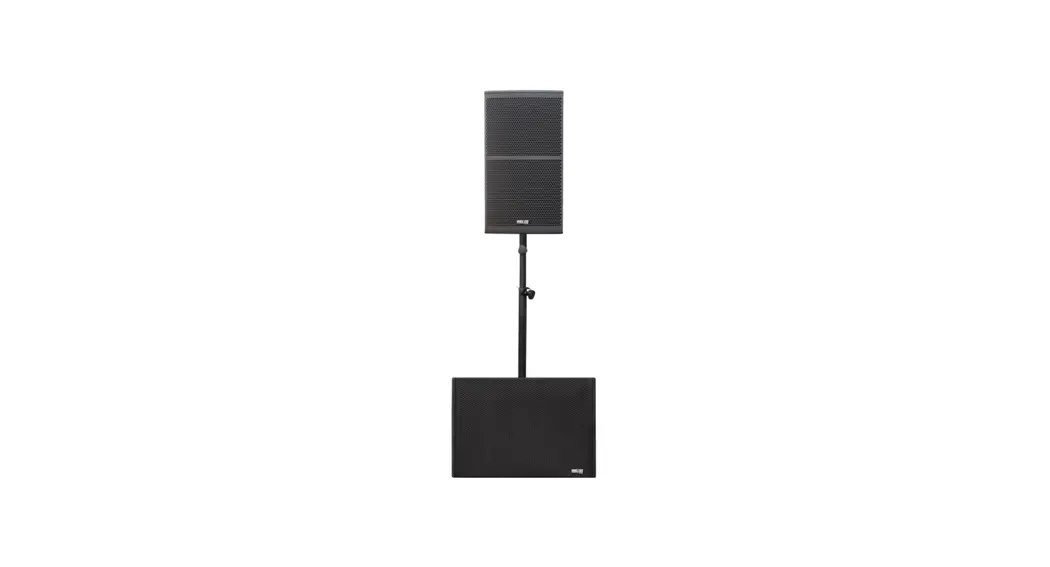
i 601 A Pro Compact Battery Powered System
Product Information: i 601 A
The i 601 A is a speaker system that comes with technical
specifications, power handling, nominal impedance, average
sensitivity, and maximum SPL. The product contains magnetic
material and small parts that may pose a risk to people with
implantable medical devices and children below three years of age,
respectively. The system has a battery power supply and can be
mounted using a wall mount bracket or tripod stand.
Precautions and Safety Instructions:
- Read and follow all safety and use instructions.
- Do not overload the box to avoid damage to the speakers.
- Avoid using the product near water or humid environments.
- Clean only with a dry cloth.
- Do not block any ventilation openings and install the product
in accordance with the manufacturer’s instructions. - Avoid installing near heat sources such as radiators, heat
registers, stoves, or amplifiers. - Do not defeat the safety purpose of the polarized or
grounding-type plug. - Protect the power cord from being walked on or pinched.
- Only use attachments/accessories specified by the
manufacturer. - Use only with the cart, stand, tripod, bracket, or table
specified by the manufacturer or sold with the product. - Unplug this product during lightning storms or when unused for
long periods of time. - Refer all servicing to qualified personnel.
Product Usage Instructions:
- Ensure you have read and understood all safety and usage
instructions before using the product. - Do not overload the box with excess power to avoid damaging the
speakers. - Avoid using the product near water or humid environments.
- Clean the product only with a dry cloth.
- Ensure that no ventilation openings are blocked during
installation. - Avoid installing the product near heat sources such as
radiators, heat registers, stoves, or amplifiers. - Ensure the polarized or grounding-type plug is intact and not
tampered with. - Protect the power cord from being walked on or pinched.
- Only use attachments/accessories specified by the
manufacturer. - Use only with the cart, stand, tripod, bracket, or table
specified by the manufacturer or sold with the product. - Unplug the product during lightning storms or when unused for
long periods of time. - Refer all servicing to qualified personnel.
i 601 A
User Manual
www.prodgsystems.com /
Precautions
Please read, keep and follow all safety and use instructions.
Important Safety Instructions.
1. Heed all warnings.
2. Do not overload the box to avoid damage to the speakers.
3. Do not use this product near water. If the box is used outdoors, make sure that no humidity can
enter the box.
4. Clean only with a dry cloth.
5. Do not block any ventilation openings. Install in accordance with the manufacturer’s instructions.
6. Do not install near any heat sources such as radiators, heat registers, stoves or similar (including
amplifiers).
7. Do not defeat the safety purpose of the polarized or grounding-type plug. A polarized plug has two
blades with one wider than the other. A grounding-type plug has two blades and a third grounding
prong. The wider blade or third prong is provided for your safety. If the provided plug does not fit in
your outlet, consult an electrician for replacement of the obsolete outlet.
8. Protect the power cord from being walked on or pinched, particularly at plugs, convenience
receptacles, and the point where it exits from this product.
9. Only use attachments/accessories specified by the manufacturer.
10.
Use only with the cart, stand, tripod, bracket or table specified by the manufacturer
or sold with the product. When a cart is used, use caution when moving the
cart/product combination to avoid injury from tip-over.
11. Unplug this product during lightning storms or when unused for long periods of time.
12. Refer all servicing to qualified personnel. Servicing is required when the product has been
damaged in any way such as power-supply cord or plug is damaged, liquid has been spilled or objects
have fallen into the product, the product has been exposed to rain or moisture, does not operate
normally, or has been dropped.
WARNINGS/CAUTIONS:
This symbol on the product means there is uninsulated, dangerous voltage within the product enclosure that may present a risk of electrical shock.
This symbol on the product means there are important operating and maintenance instructions in this guide.
This product contains magnetic material. Consult your doctor on whether this might affect your implantable medical device.
Contains small parts which may be a choking hazard. Not suitable for children under age 3.
System Setup Connections and Controls
LCD Display: Mode switch button, pause button, single cycle button, fast forward and reverse switch button. USB: Insert the USB into the card slot to play the stored music. SD: Put it in the SD card slot and play the stored music. MP3 Control: Adjust the volume of MP3. Line Output: Use a XLR cable to connect the line-level output to the Channel 1 or 2 input of a second i 601 A to create a mono, two-loudspeaker setup. Note: Line Out is post mix. Channel Input: Analog input for connecting microphone and instrument (XLR/6.35 jack) cables. Select Button: Press the button to select your guitar or instrument. Volume Control: Adjust the volume of your microphone, instrument or audio source. Treble Control: Adjust the high-frequency balance of your microphone or instrument. Bass Control: Adjust the low-frequency balance of your microphone or instrument. Master Control: Adjust the overall output level of the speaker system. Power Cord Connector: Connect the power cord to start setting the volume and playing music. Power/Signal/Clip Indicator: Displays the input signal status in color. Green: Power on Yellow: Signal present Red: Signal clipping Note: Reduce the corresponding volume control to prevent signal clipping. Power Supply: The main power switch.
Optional accessories
Wall Mount bracket for i 601 A.
Tripod stand for i 601 A.
Technical Specifications Power Handling Nominal Impedance Average Sensitivity Maximum SPL (1m, free space) Frequency Range Nominal Directivity Low / Mid Frequency Driver High Frequency Driver Amplifier Rigging Points Connectors Controls
Power Supply Battery
Acoustic Enclosure Finish Grille Mounting Options
Cabinet Dimensions Weight
i 601 A 320 W peak / 160 W program / 80 W RMS 4 Ohm 95dB / 2.83V / 1m (average of 80-16.000 Hz wideband) 105 dB +/-3 between 60 Hz – 18 kHz 120ºof horizontal coverage, 90ºof vertical coverage One (1) coaxial speaker of 6.5″ 0.8″ dome tweeter Last generation Class-D amplifier 2 x M8 2 XLR / Jack input channels with mic and line switch + XLR Link 3 Mixer Channels and 2 Mic Preamps, 2-Band Channel EQ, Bluetooth & TWS function, USB into the card slot to play the stored music. 110~240V 50/60HZ Rechargeable Lithium-ion battery 1300mAh. Up to 4 hours of use in normal volume Reinforced polypropylene plastic Special paint finish in black 0.8mm thickness metal grille with 3mm acoustic foam 35mm pole mount, Tilt-back (30ºangle), Floor Monitor (45ºangle), Wall or ceiling mount with bracket (HxWxD); 235x250x290mm (9.25″x9.84″x11.42″) 7.25 Kg (15.98 lbs) net / 8 Kg (17.64 lbs) with packaging
www.prodgsystems.com /