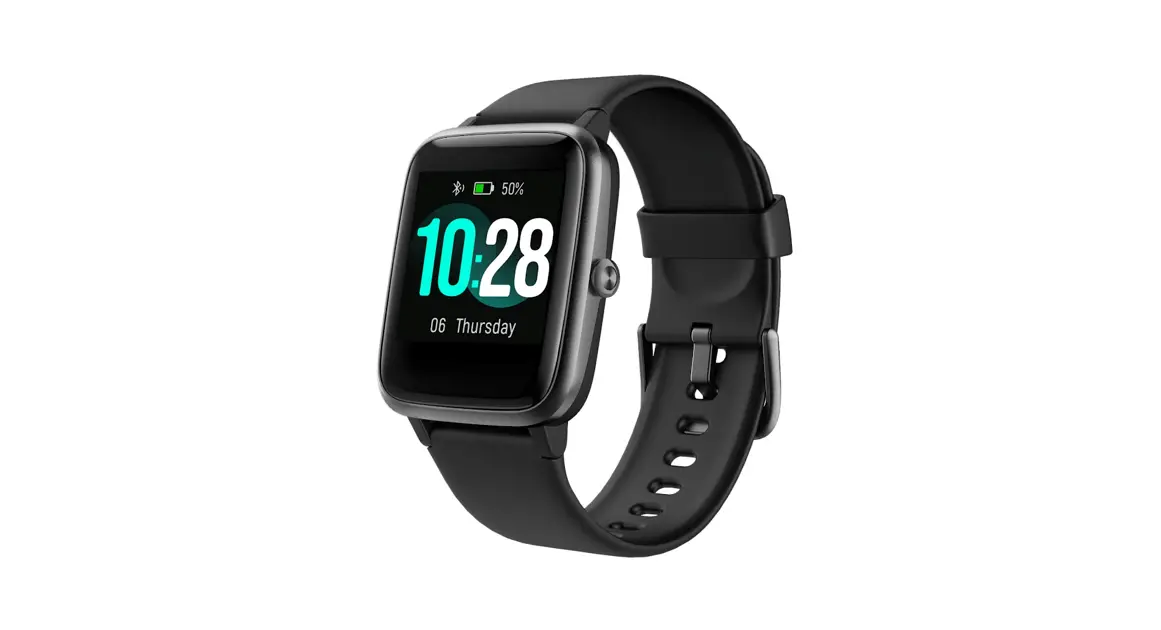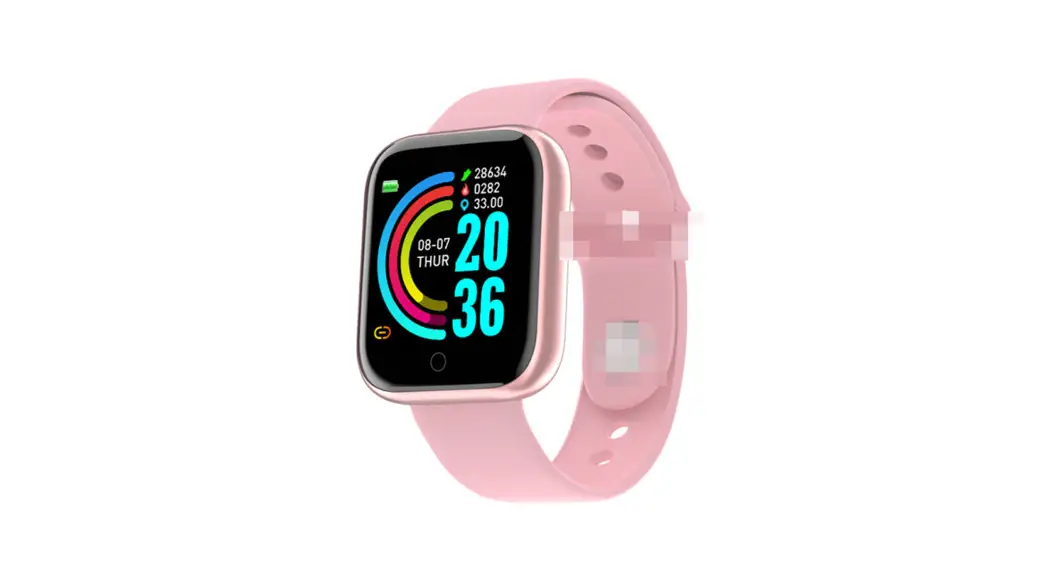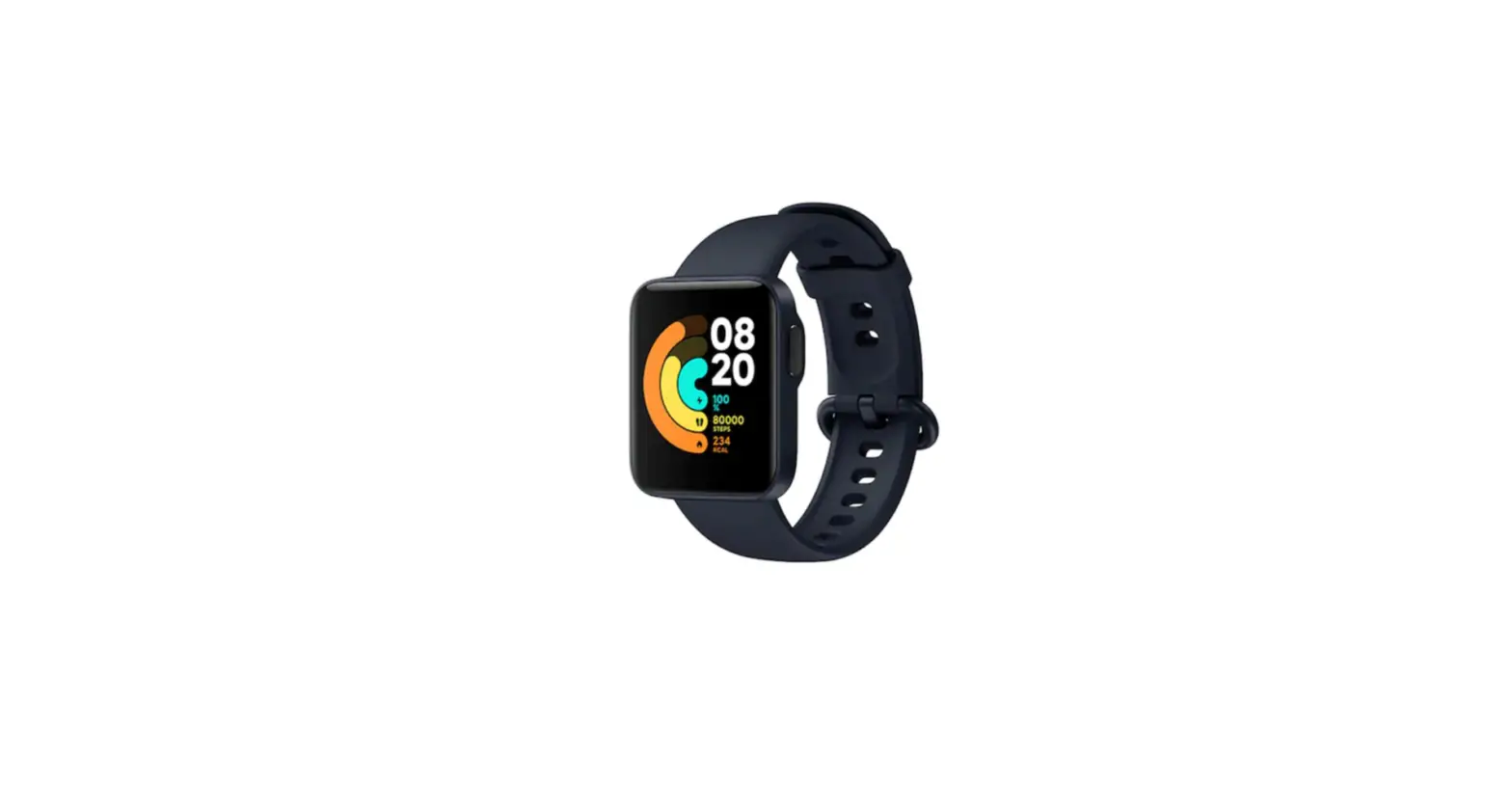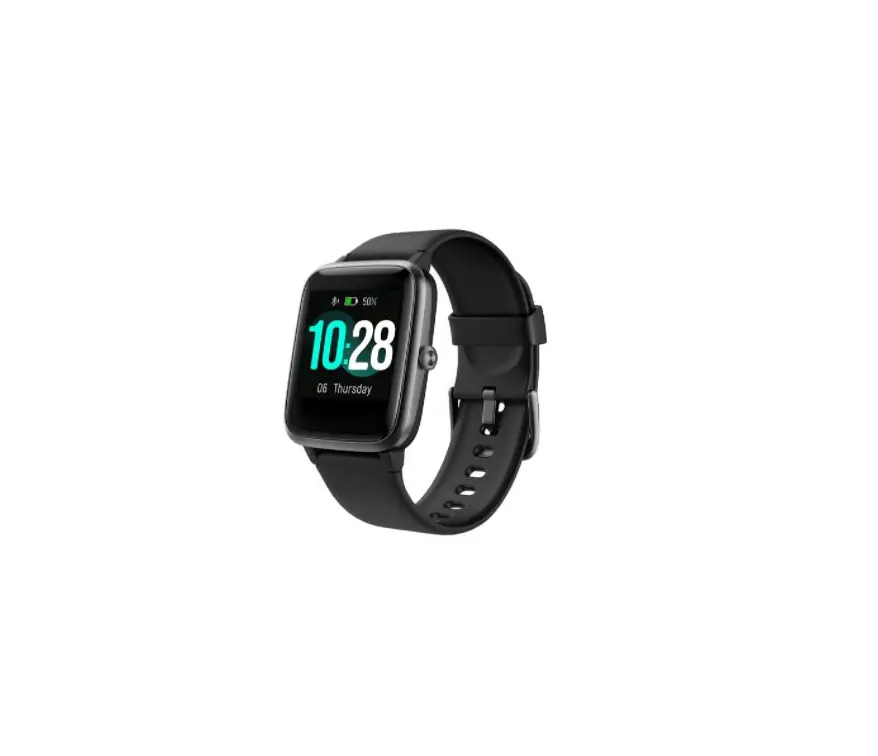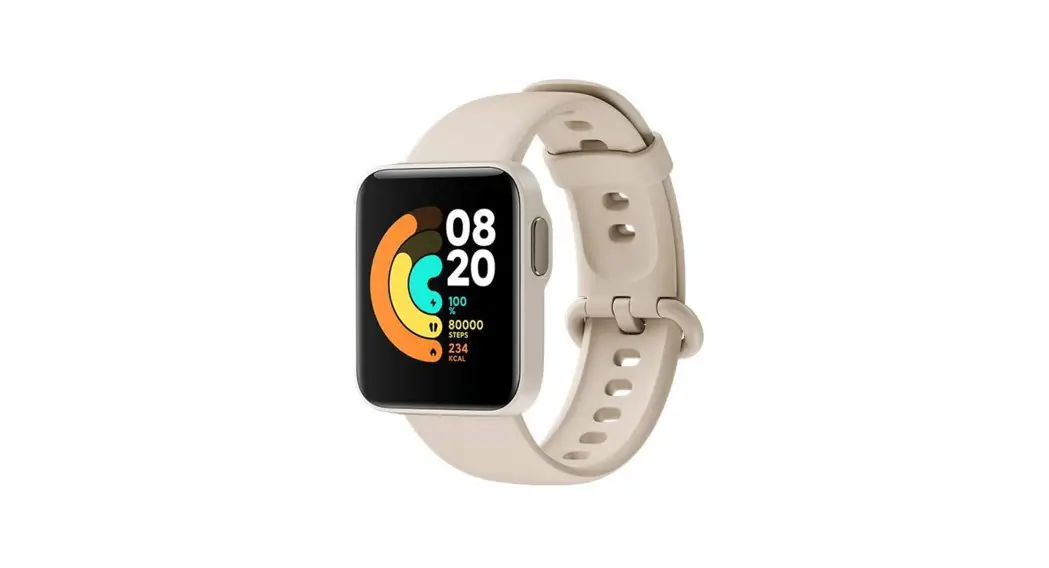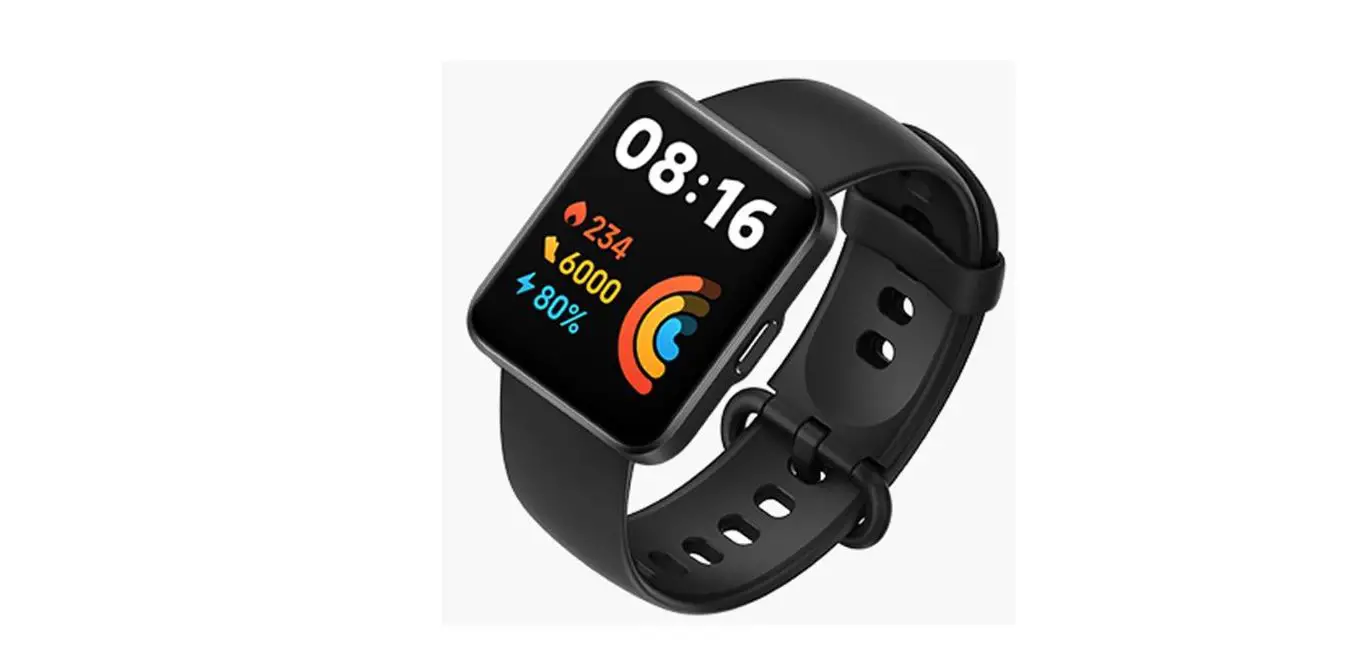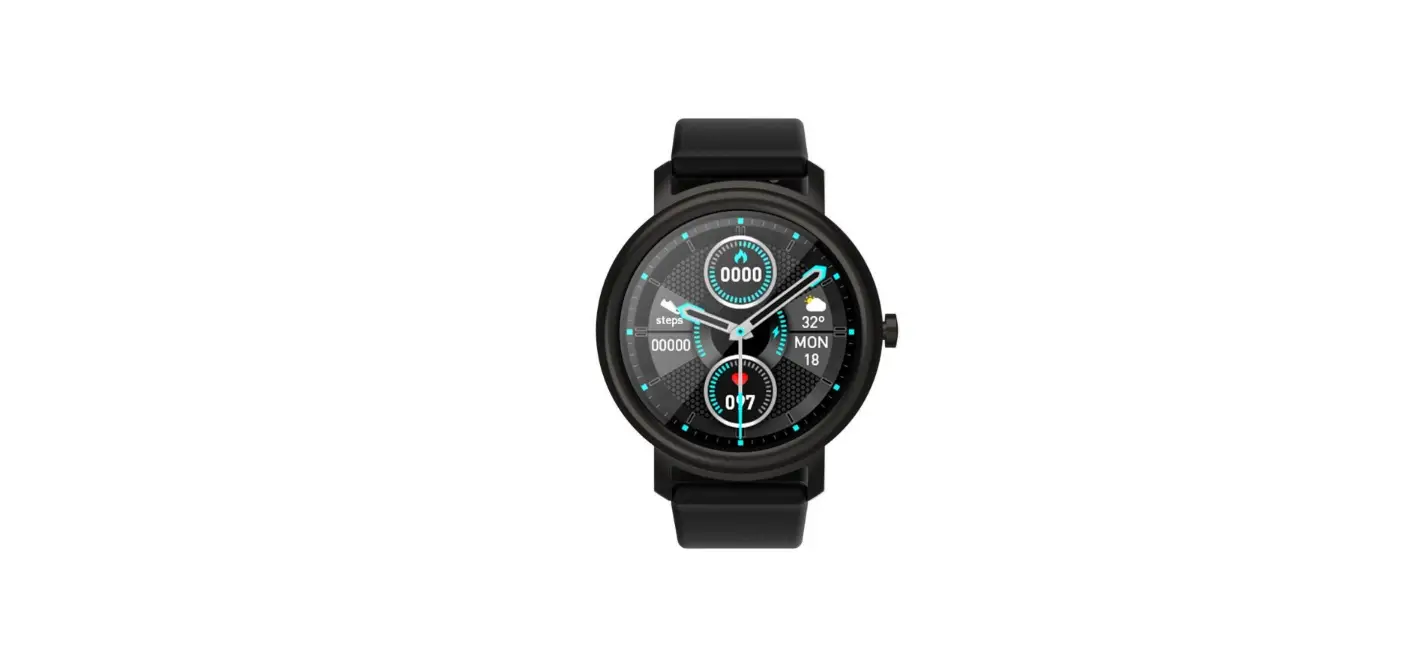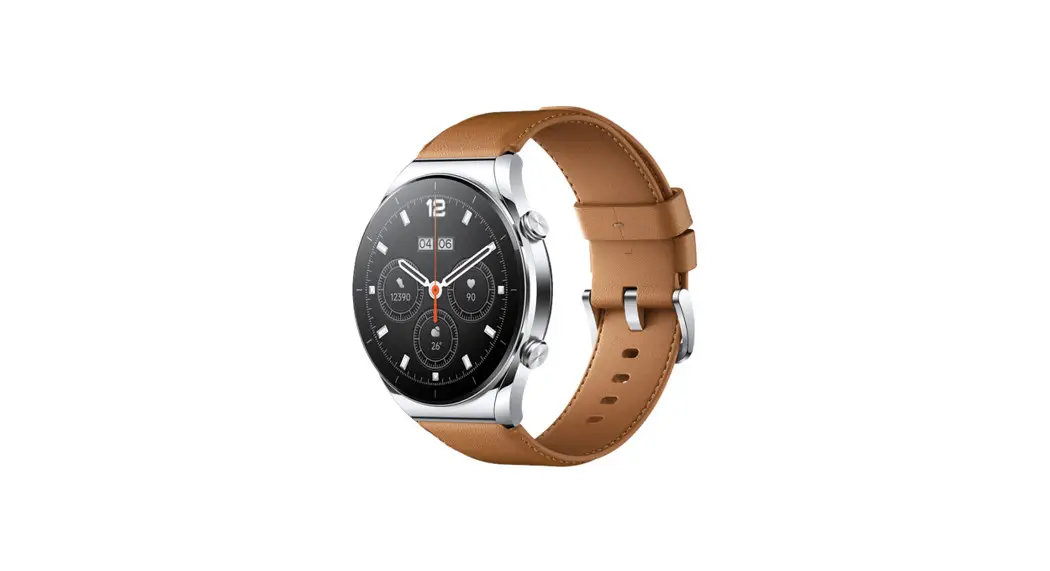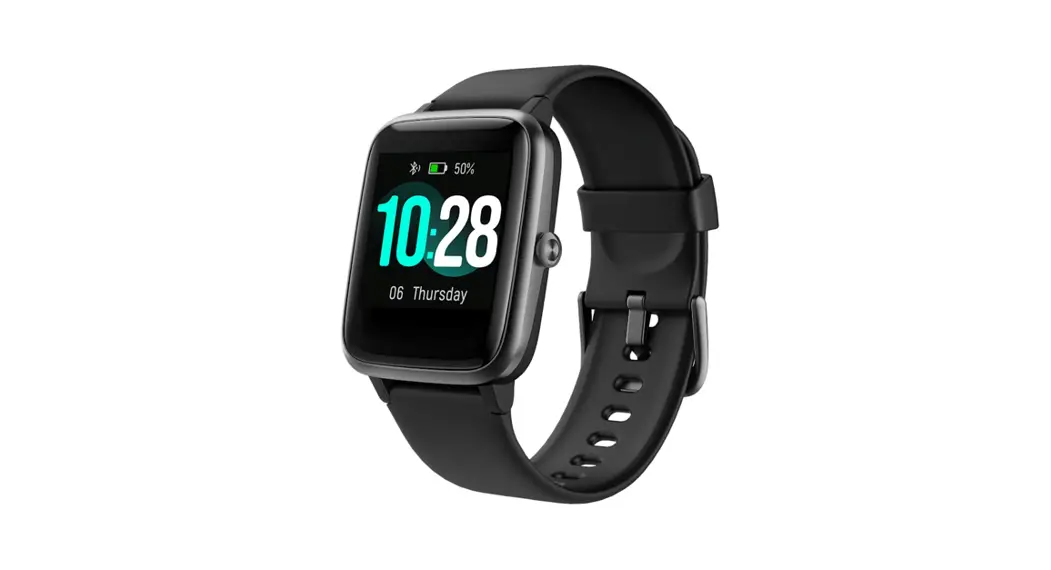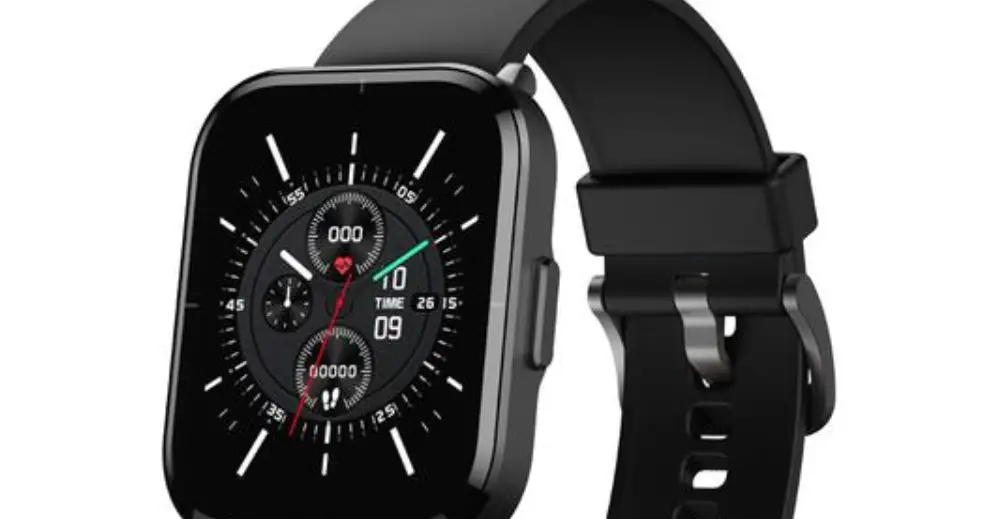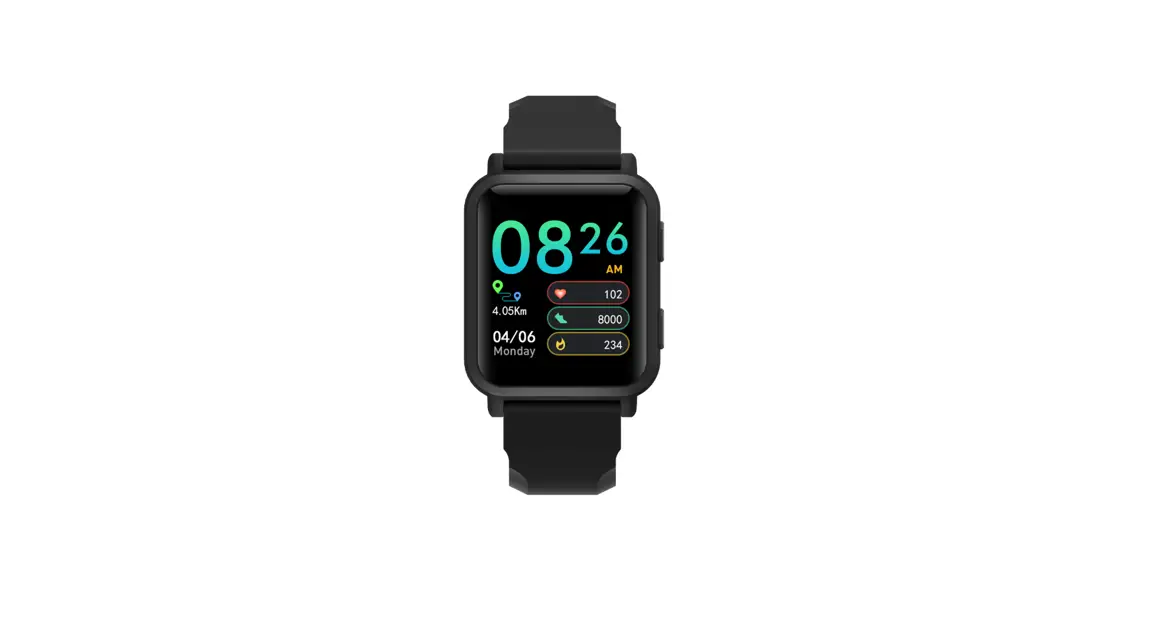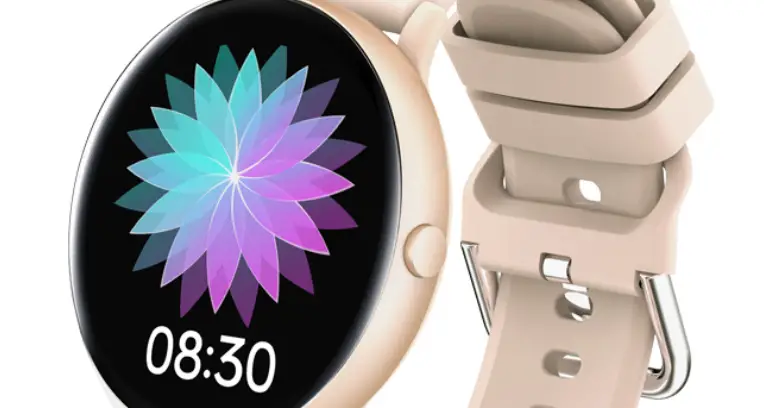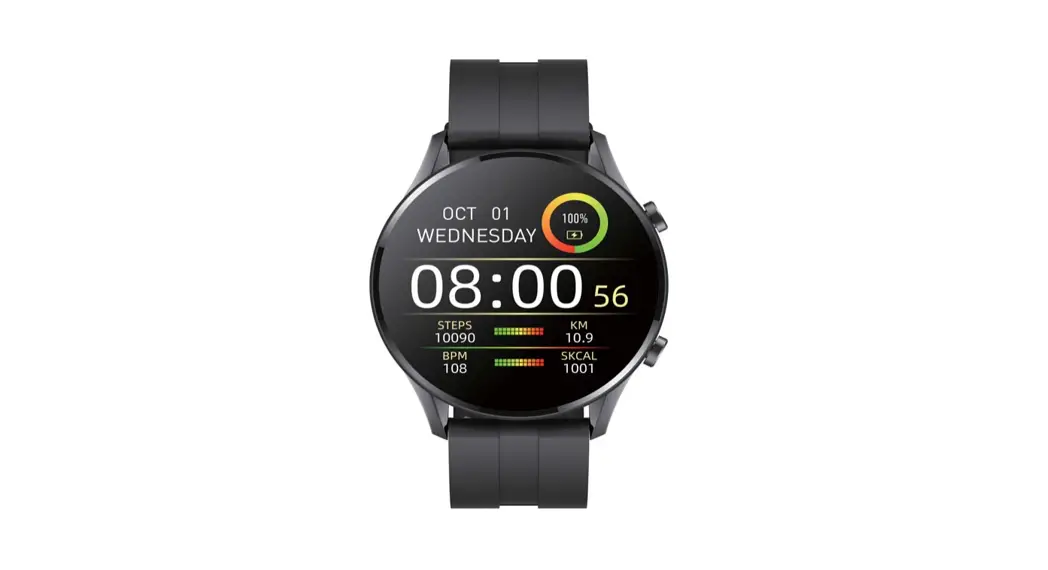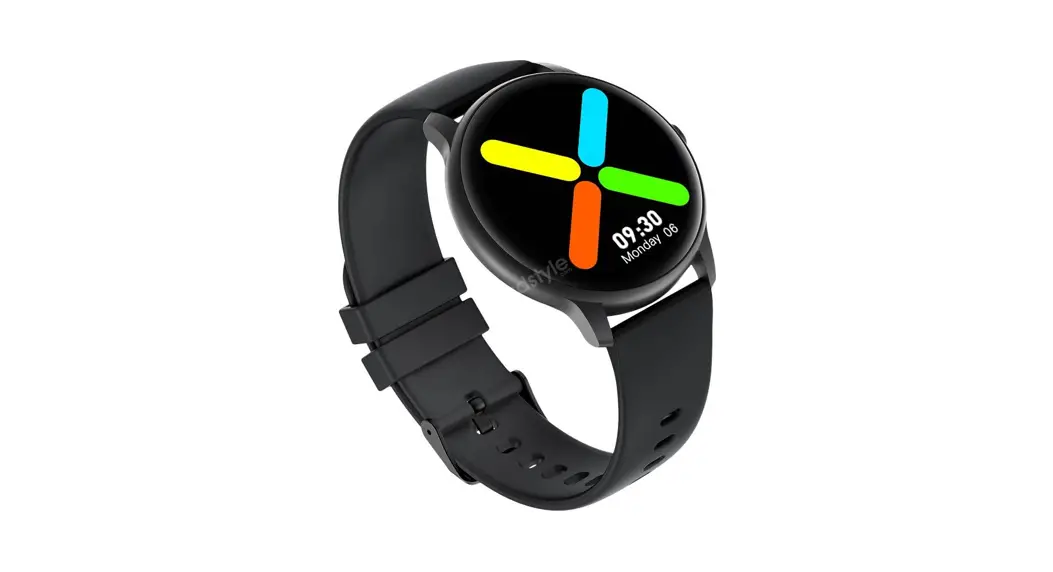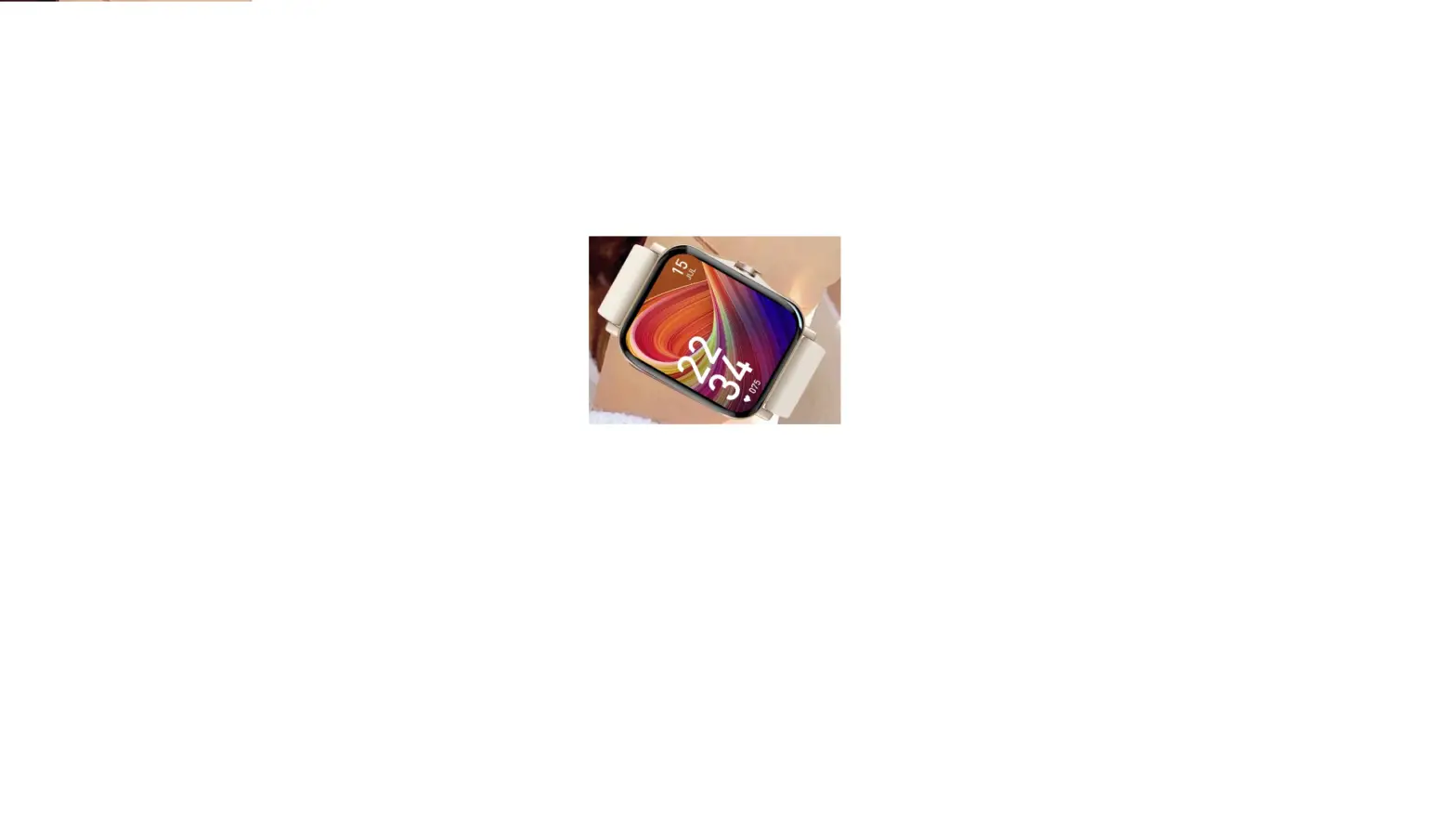

Panfu For Xiaomi Samsung Android Phone Reloj Inteligente Mujer Custom Dial Smart watch
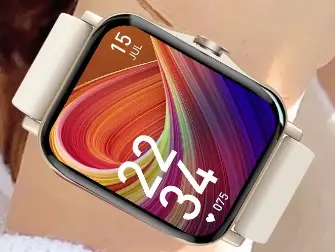
Specifications
- RAM
<128MB - SIM Card Available
No - Type
On Wrist - Network Mode
None - GPS
No - Multiple Dials
Yes - Battery Capacity
180-220mAh - Mechanism
No - Compatibility
All Compatible - ROM
<128MB - Rear Camera
None - Waterproof Grade
Life Waterproof - Band Material
Silica gel - Battery Detachable
No - Screen Shape
Square - Resolution
240*280 - Display Size
1.69 - Certification
CE,RoHS - Application Age Group
Adult - Style
Fashion - Movement Type
Electronic - APP Download Available
Yes - Case Material
Alloy - Band Detachable
Yes - Brand
PANFU
Introduction
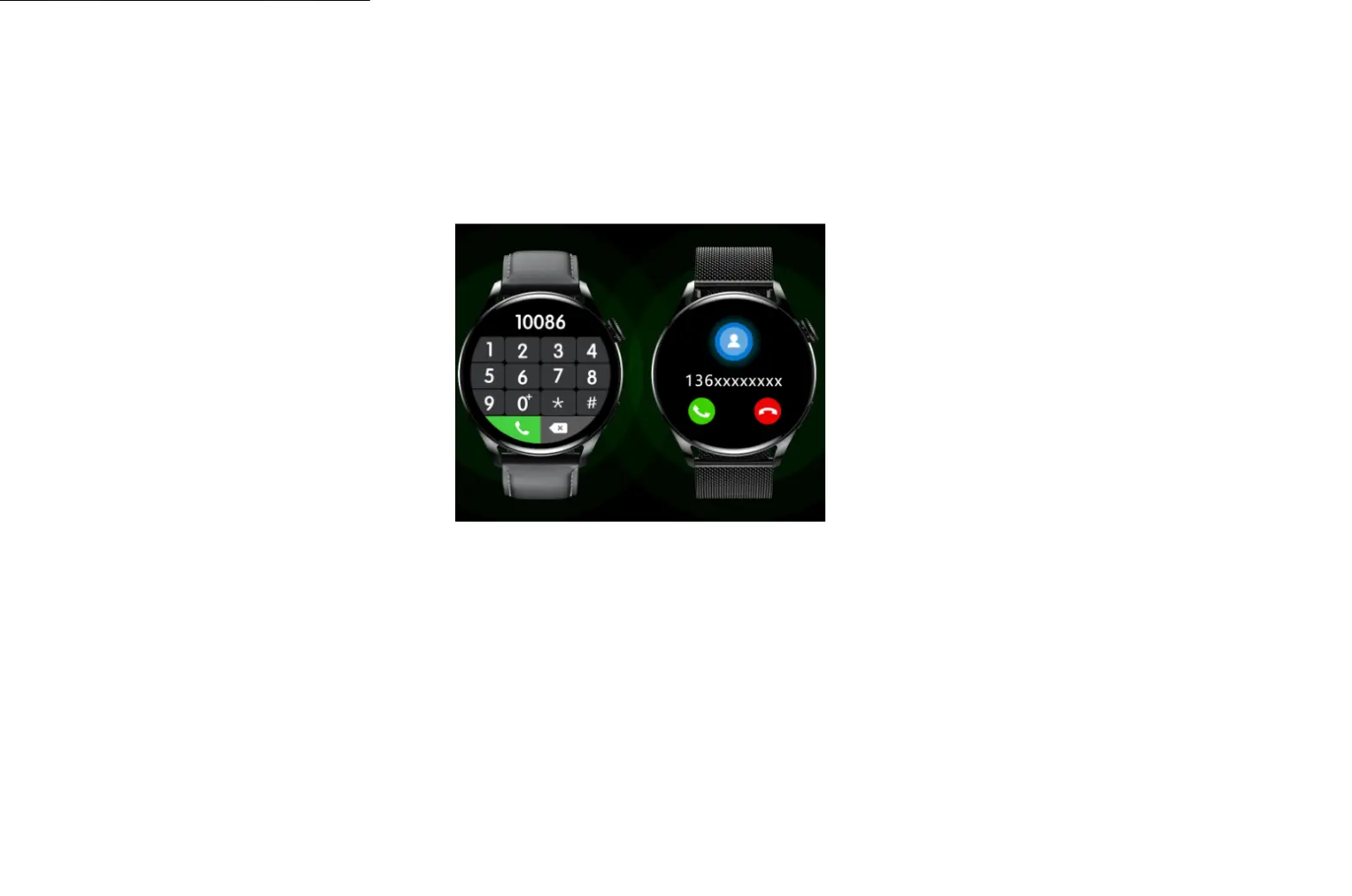
The smartwatch has special health features that allow for 24-hour monitoring of your heart rate, blood oxygen levels, stress levels, respiration, and sleep quality. Bip u tracks and forecasts the female menstrual cycle using this technique, and it also sends intelligent reminders. This smartwatch carefully considers how much power each component uses to provide long-lasting durability on a full charge. Get yourself a clever little friend who can alert you to incoming calls, texts, calendar events, apps, weather forecasts, alarms, and smartphone music and camera controls. The majority of iOS 10.0 & Android 5.0 or above smartphone versions work flawlessly.
What’s In the Box?
- Host
- Charger
- Wrist strap
- Manual
- Box
How to wear and charge the watch
How to wear the watch and replace the watch strap
- Put the strap on at a comfortable tightness to allow the skin to breathe and the sensor to function.
- When you measure SpO2, wear the watch correctly and at the appropriate tightness so that the watch feels comfortable on your skin. Do not wear the watch in the carpal area. Keep your arm flat and still throughout the measurement process. Factors such as arm drooping or shaking, hair, and tattoos may affect measurement results or lead to a measurement failure.
- You can tighten the watch strap while exercising and loosen it afterward.
- Try to tighten the watch strap when the watch sways on your wrist or fails to generate data.
Charging
- Connect the USB port of the watch charging base to a phone charger or a PC’s USB interface.
- Put the watch onto the magnetic charging base and keep the metal contact on the back of the watch aligned with the gold pin of the charging base. Ensure that the watch is firmly attached to the charging base.
- After the watch is correctly placed onto the charging base, the charging icon will appear on the watch screen, indicating that charging is in progress.
Frequently Asked Questions
No, the Bip U is not able to measure blood pressure.
you can use it with a table but it needs to be initially paired with a Phone.
No is not able to play music since there is no storage or wifi to do so.
Yes, this will work on any iPhone with iOS 10 and above.
Yes, you can receive Snapchat messages on the watch.
Yes, there is a movement reminder.
Yes, it tracks your step, and it’s easy to use and pair with your cell.
Yes, you can control the Music Volume from the watch.
Heart-rate tracking functions may be found on a lot of contemporary smartwatches. That comprises both continuous passive observation and quick inspections for particular metrics. Some even notify you if your heart rate unexpectedly increases.
The ability of smartwatches to track a person’s nutrition is another feature that appeals to health-conscious individuals. Your smartwatch may even send you a notification to remind you of your fitness objectives if you are eating too much. Additionally, smartwatches monitor your calorie consumption.