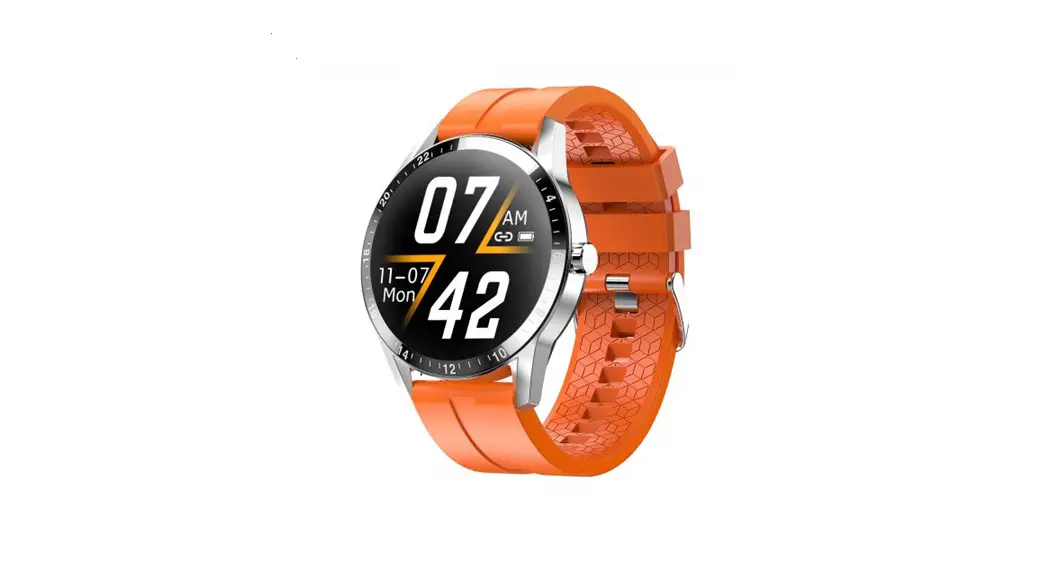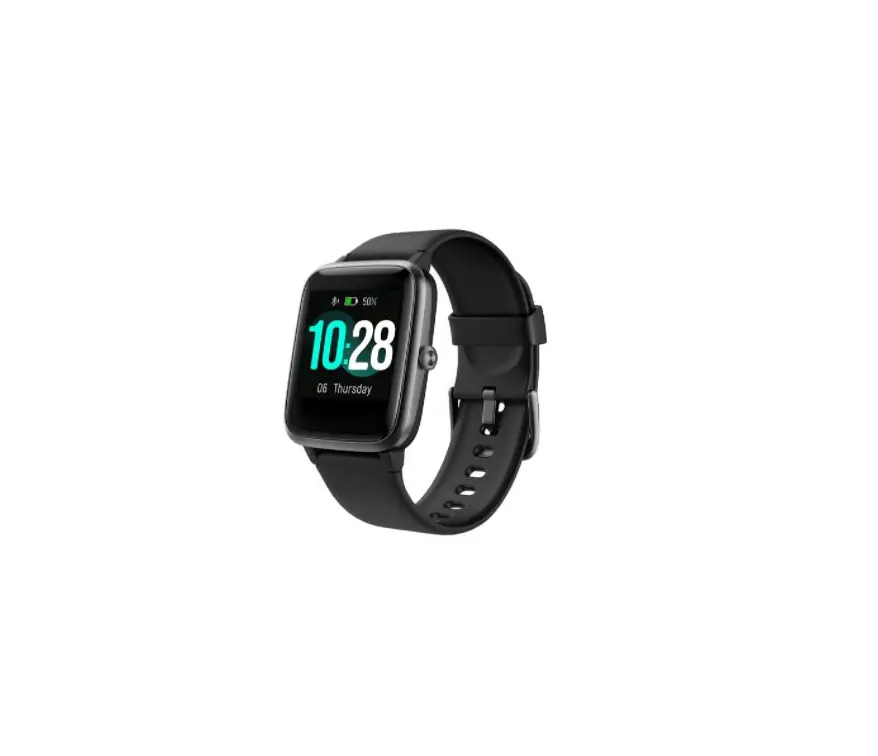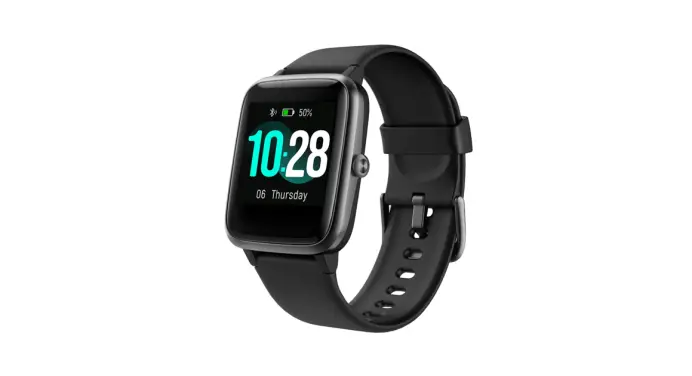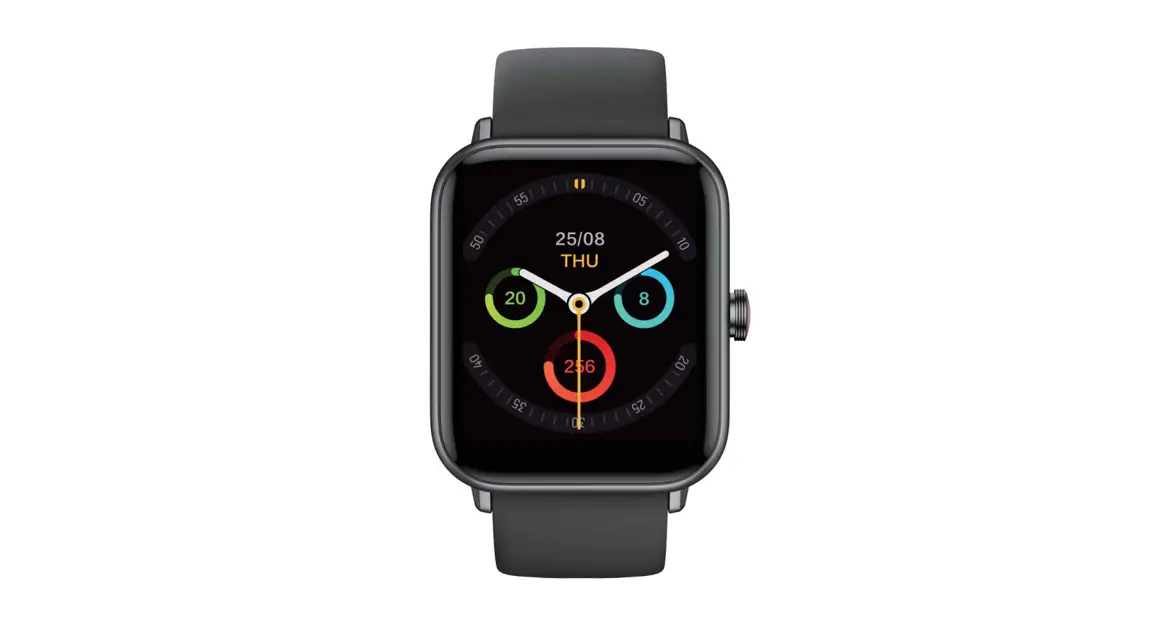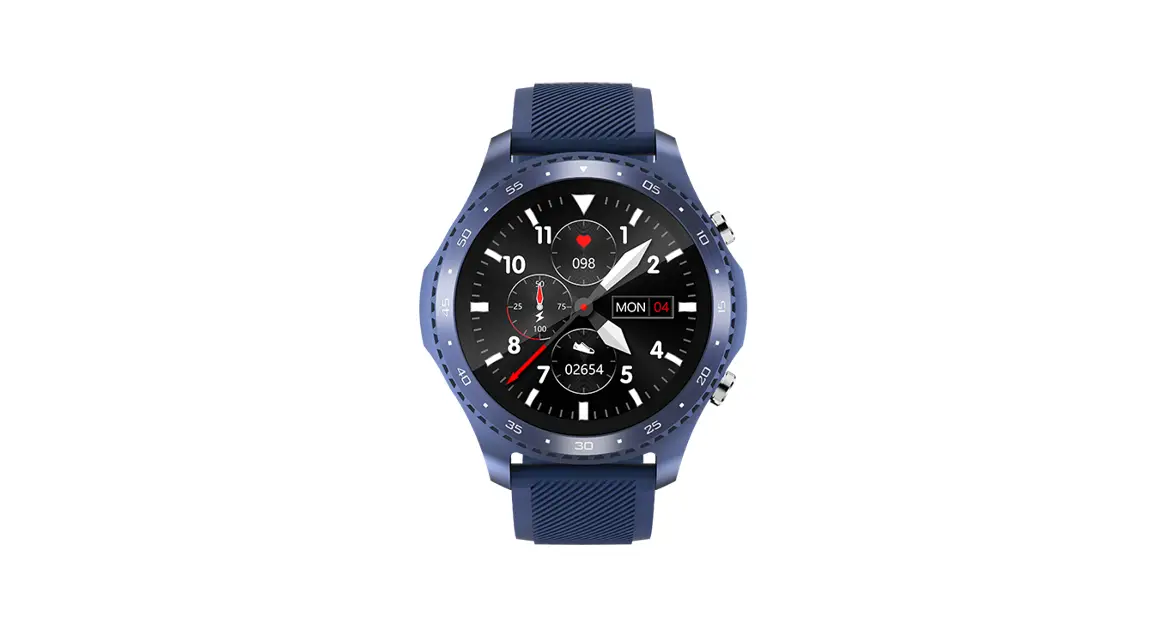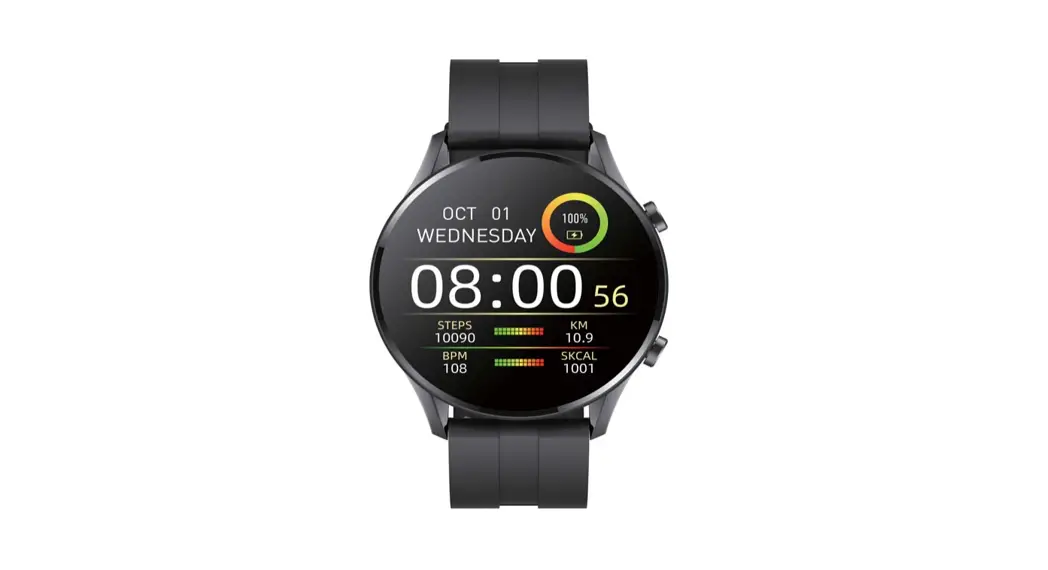

Instruction Manual for G50
To bring you a better experience, please read these instructions carefully.
Bind Your Device
a. Download and Install the App
Download the InxFIT App by scanning the QR code or searching in the App Store.
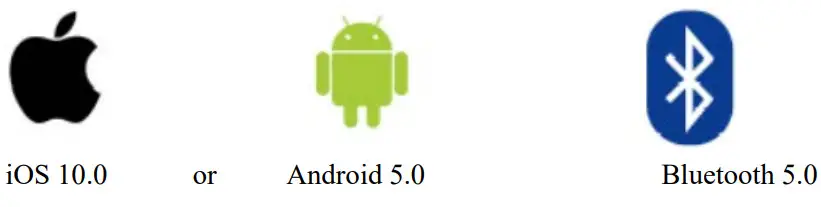
Note: the operating system of your mobile phone needs to meet the following requirements:
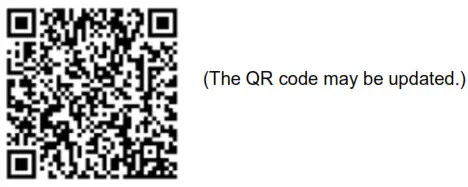
- Scan the QR code below to download the InxFIT App.
 https://web.xiaoju-smart.com/app_install.html
 - Open the App Store on your mobile phone, search for “InxFIT”, and then download the InxFIT App.
b. Binding Steps
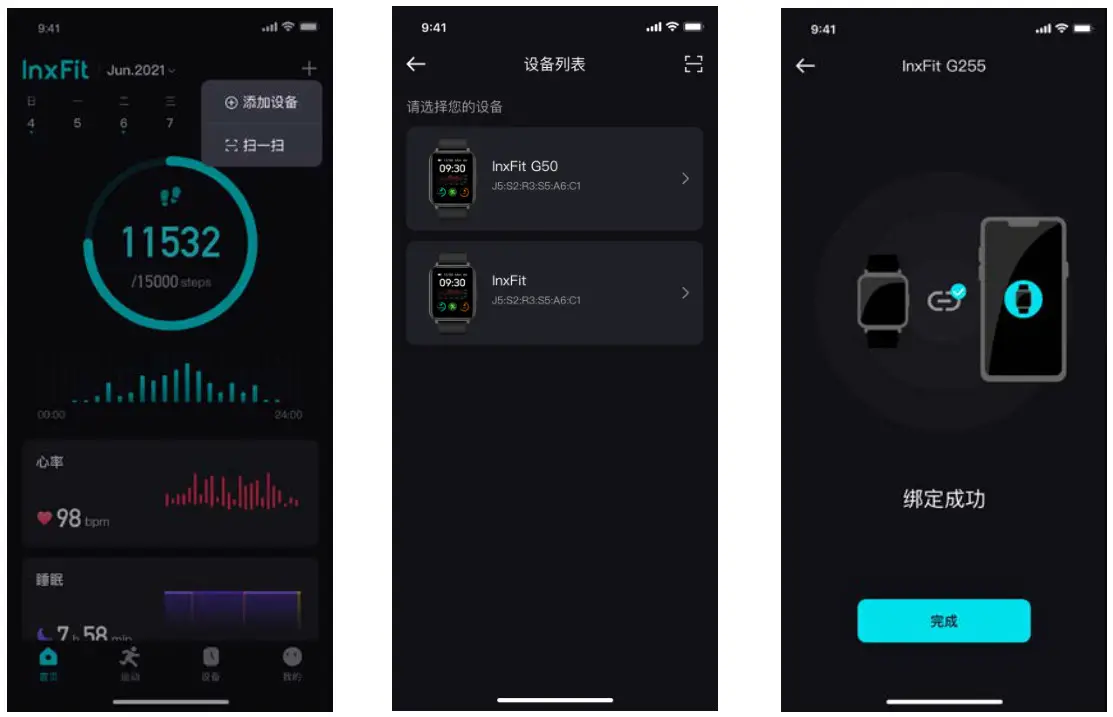
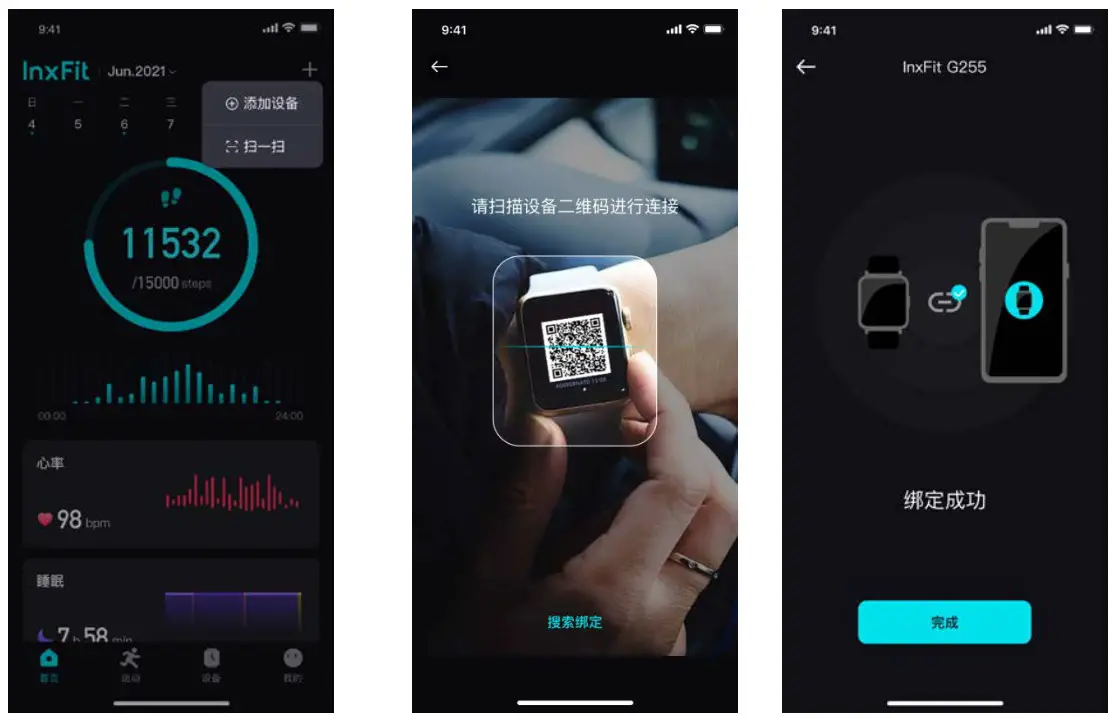
(Note: during the binding process, InxFIT will ask you to turn on the Bluetooth of your mobile phone and authorize InxFIT to access the GPS of your mobile phone. For IOS users, when a binding error occurs, please ignore this device in the Bluetooth list of your mobile phone first.)
- On the Home page of the App, click “+” at the upper right corner and select [Add Device] to search for your watch. Find your watch in the Device List and click it to bind it.

- On the Home page of the App, click “+” at the upper right corner and select [Scan].
Then scan the QR code that is displayed on your watch when it is turned on for the first time. If you accidentally exit the QR code page, select [Device]→[Setup]→[About] to find the QR code.
Data Synchronization
The watch records various data on your activities when it is worn on your wrist.
You can synchronize data with the App as follows: start the InxFIT App, and pull down the page to start a data synchronization. The synchronization progress is displayed on the page.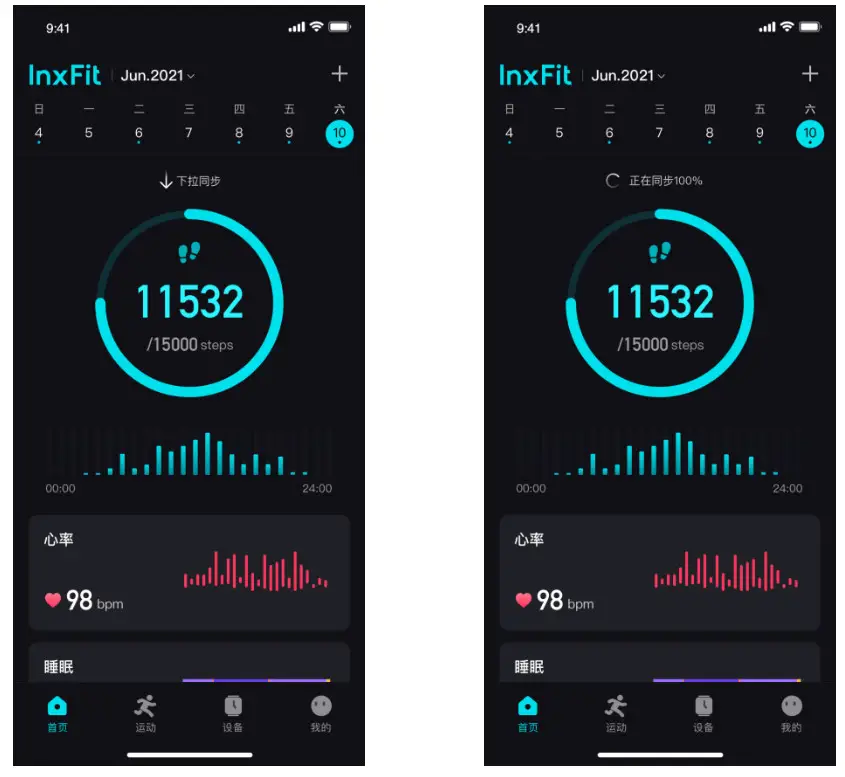 Note: Please perform a data synchronization at least every 7 days, or the data will be overwritten when the memory is full.
Instructions for Use
a. Charging Diagram
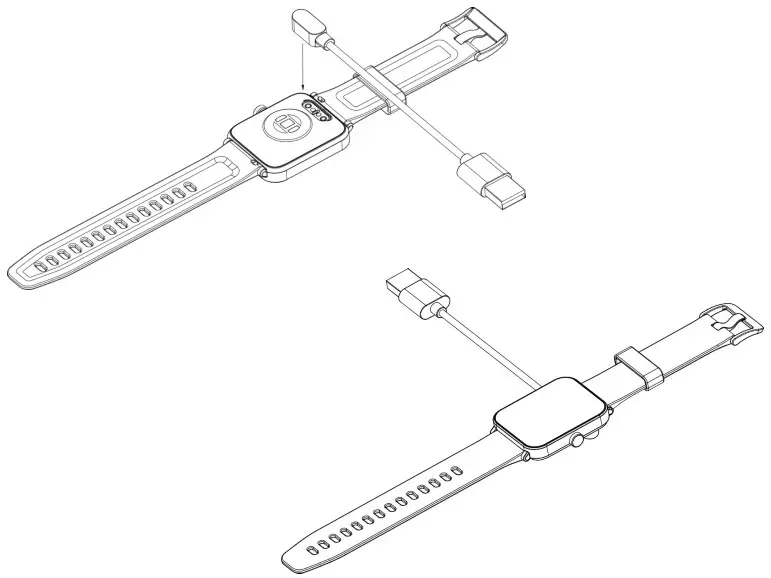
Follow the diagram below to connect and charge your watch. We recommend that you charge your watch before turning it on for the first time.
b. Wearing and Adjustment
- Wear Your Watch
Leave a one-finger gap between the watch and your wrist bone, and adjust the strap to a comfortable length.
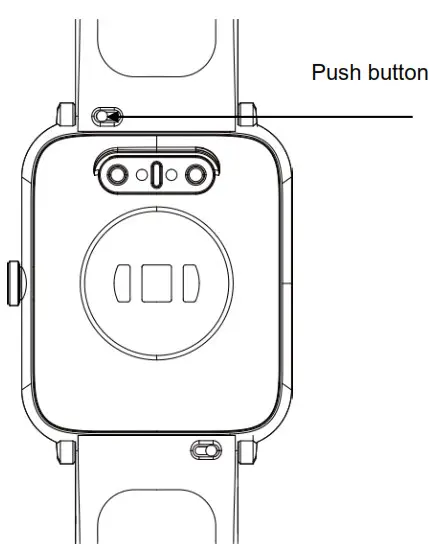
- Replace the Strap
Push the push button horizontally to loosen the strap, and then remove the strap.
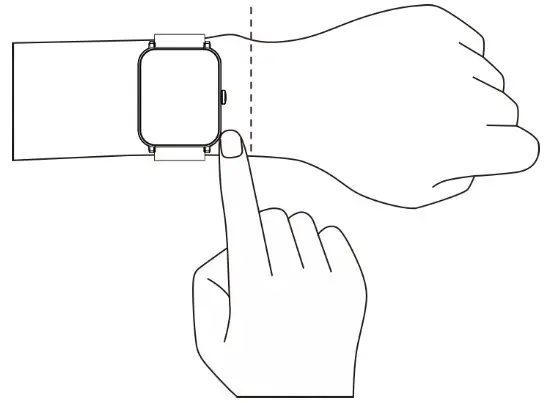
Note: too loose or too tight wearing may affect the accuracy of HR or SpO2 measurement.
Operating Instructions
a. Button Operations
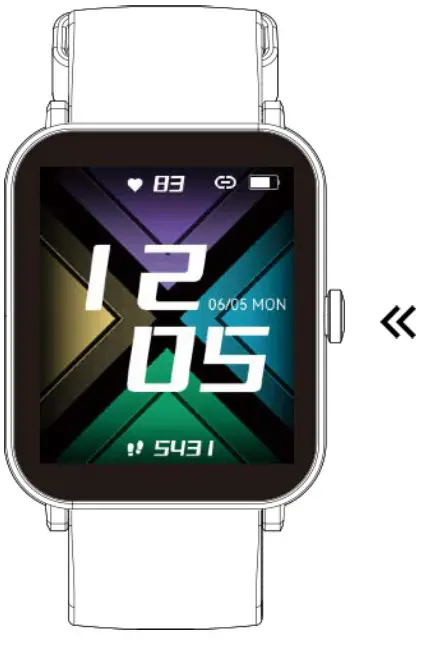
Press the button: return to the dial, or switch between the dial and function list.
Press and hold the button: turn on/off the device.
b. Change the Dial
Press and hold the dial screen to display the dial selection list after vibration. Swipe horizontally to select the desired dial, and then click it to apply it.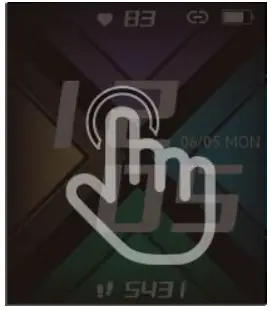
c. Screen Operations
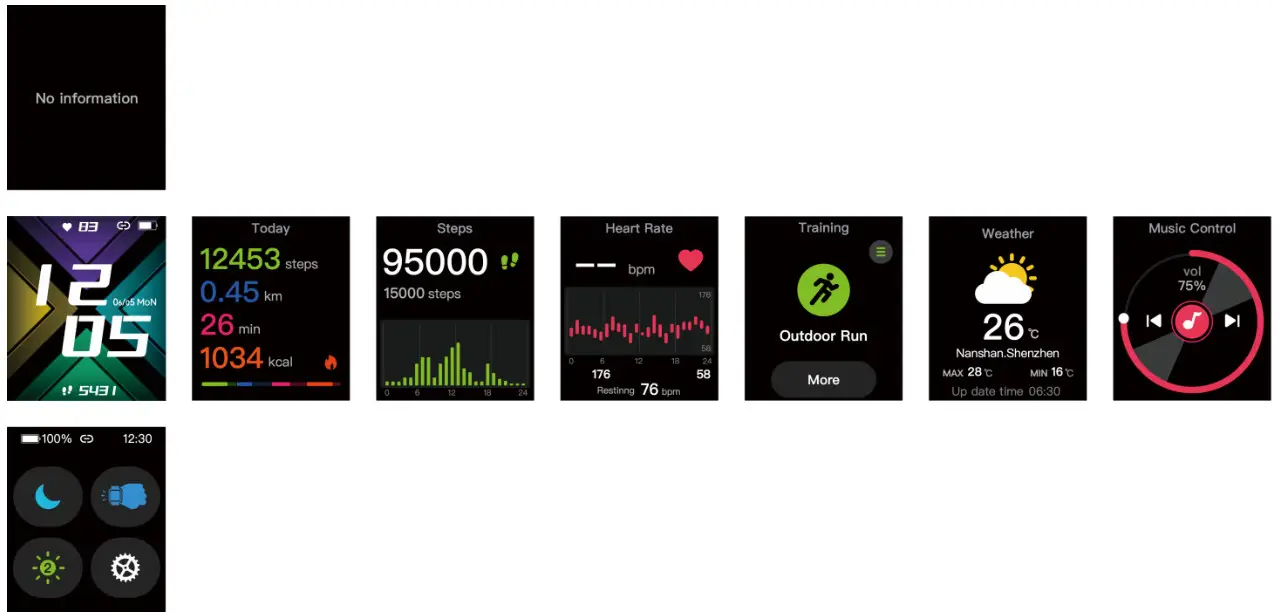
Swipe the screen to enter different interfaces as shown below.
Function Overview
- Functions
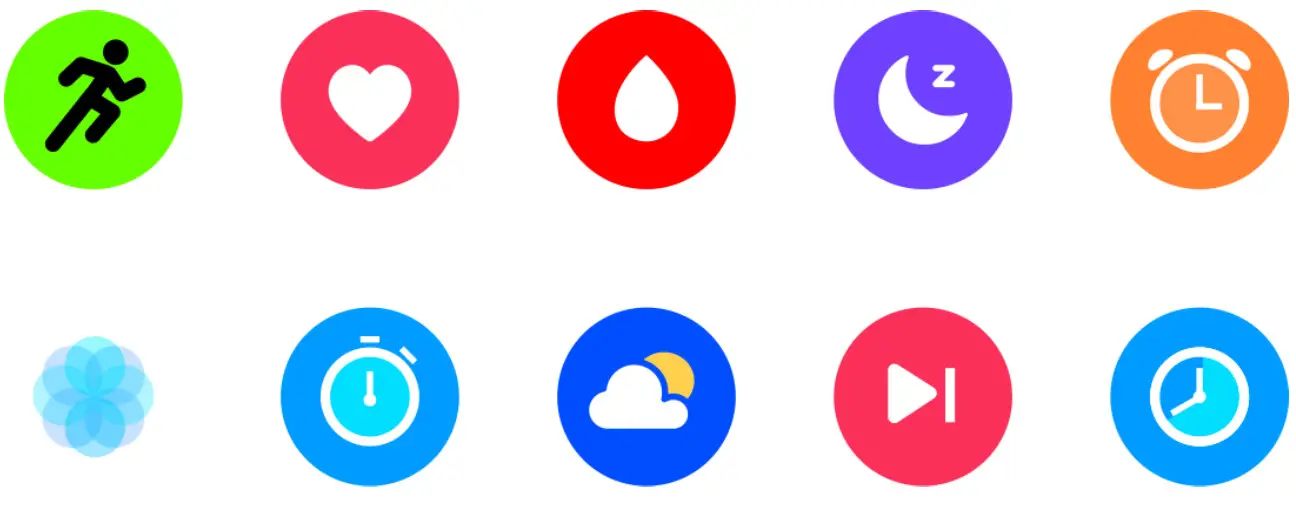
Sports / HR / SpO2 / Sleep / Alarm Clock /
Breathing Exercise / Timer / Weather / Music Control / Stopwatch
Note: the Weather function needs to be enabled on the App. More details on the functions can be found on the App. - Initiate an Exercise
a. To start an exercise: click the “Sports” icon → select a sport → the exercise data recording will start at the end of the countdown.
b. Control the exercise: press the side button to pause the exercise recording; press the side button again or click [Resume] on the screen to resume the exercise recording.
c. Stop the exercise: press and hold the side button to stop the exercise, or click [Stop] on the screen to stop the paused exercise.
Specifications
| Model | G50 | Screen type | 1.69 inch |
| Battery capacity | 260mAh | Charging voltage | 5V |
| Charging time Waterproof level | About 2 hours IP68 | Bluetooth Version Charging mode | 5.0 |
| Magnetic charge | |||
| Operating temperature | -20°C-45°C | Watch size | H: 249.5 W: 38. 6 D: 12.45 |
| 10S | IOS 10.0+ | ||
| Andriod | Android 6.0+ | ||
Note: do not wear the device to take a bath, because high temperature or steam may damage the device.
Cleaning and Maintenance
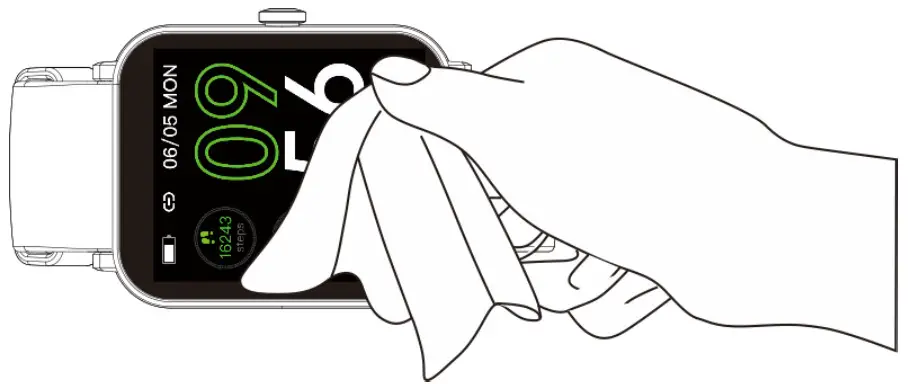
- It is recommended to wear and clean the product as follows:
- Keep the product clean.
- Keep the product dry.
- Don’t wear the product too tightly.
Do not use detergents to clean the device. You can use soap-free detergents.
For stains that are not easy to remove, it is recommended to clean with alcohol.
Safety and Certification (see the certificates)
 The device meets the EU ROHS criterion. Please refer to IEC 62321, EU ROHS Directive 2011/65/EU, and revised directive.
This device complies with Part 15 of the FCC Rules. Operation subject to the following two conditions:
(1) this device may not cause harmful interference, and
(2) this device must accept any interference received, that may cause undesired operation.
Changes or modifications not expressly approved by the party responsible for compliance could avoid the user’s authority to operate the equipment. This equipment has been tested and found to comply with the limits for a Class B digital device, pursuant to Part 15 of the FCC Rules. These limits are designed to provide reasonable protection against harmful interference in a residential installation.
This equipment generates, uses, and can radiate radio frequency energy and, if not installed and used in accordance with the instructions, may cause harmful interference to radio communications. However, there is no guarantee that interference will not occur in a particular installation.
If this equipment does cause harmful interference to radio or television reception, which can be determined by turning the equipment off and on, the user is encouraged to try to correct the interference by one or more of the following measures:
- Reorient or relocate the receiving antenna
- Increase the separation between the equipment and receiver
- Connect the equipment into an outlet on a circuit different from that to which the receiver is connected.
- Consult the dealer or an experienced radio/TV technician for help.
CAUTION RISK OF EXPLOSION IF BATTERY IS REPLACED BY AN INCORRECT TYPE DISPOSE OF USED BATTERIES ACCORDING TO THE INSTRUCTIONS
The device has been evaluated to meet general RF exposure requirements. The device can be used in portable exposure conditions without restriction. Old electrical appliances must not be disposed of together with the residual waste, but have to be disposed of separately. The disposal at the communal collecting point via private persons is for free. The owner of old appliances is responsible to bring the appliances to these collecting points or to similar collection points. With this little personal effort, you contribute to recycling valuable raw materials and the treatment of toxic substances.
Shenzhen XiaoJu Intelligent Technology Co., LTD