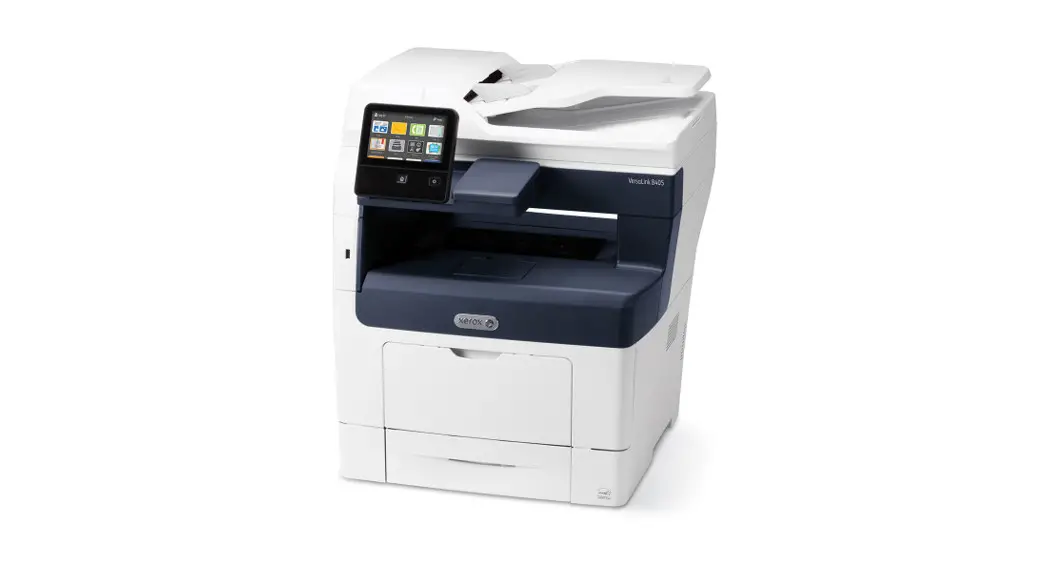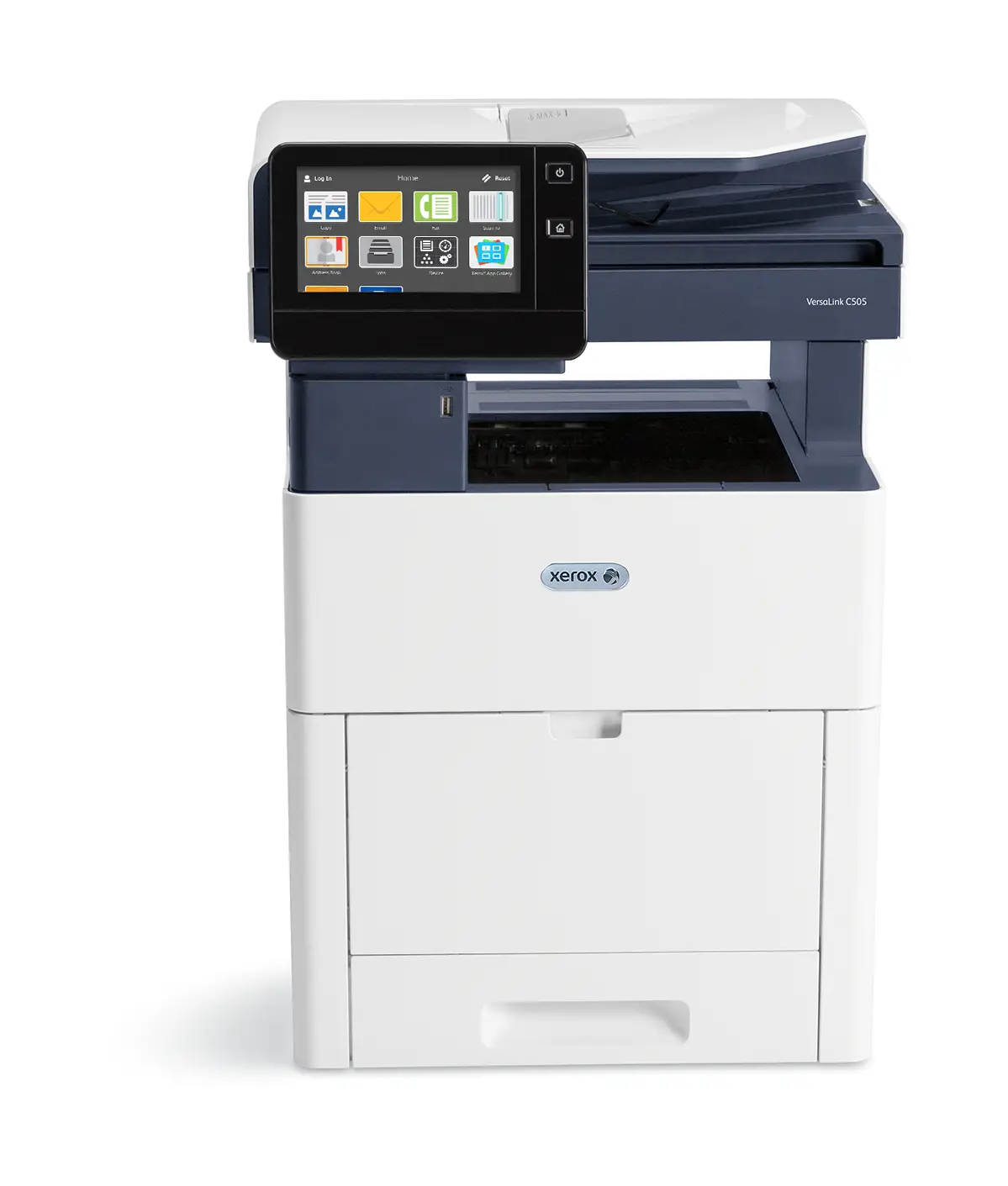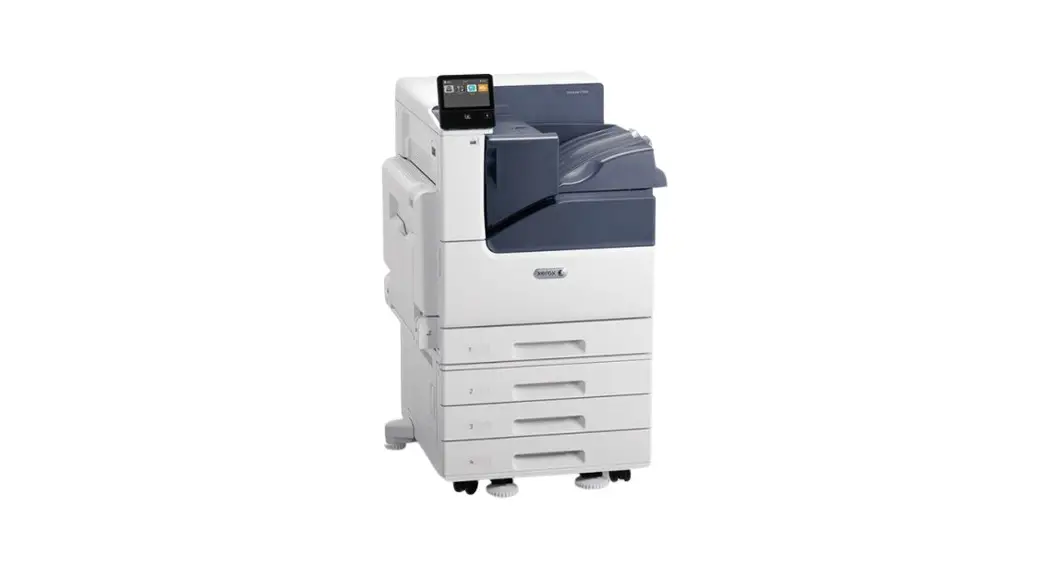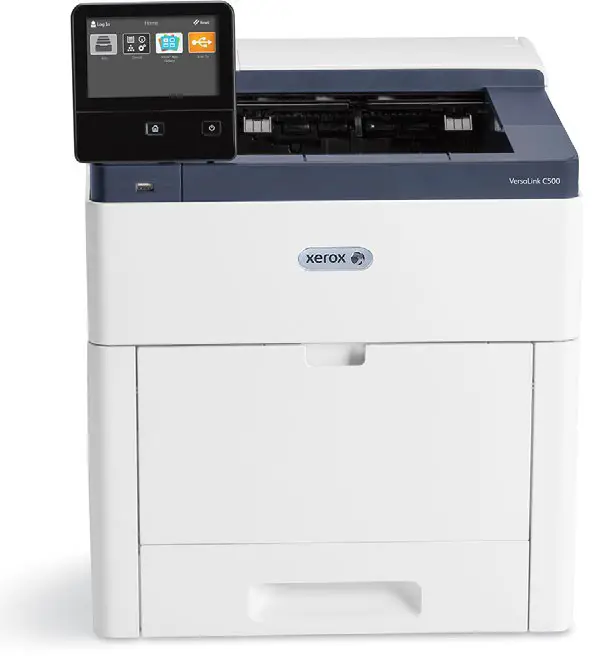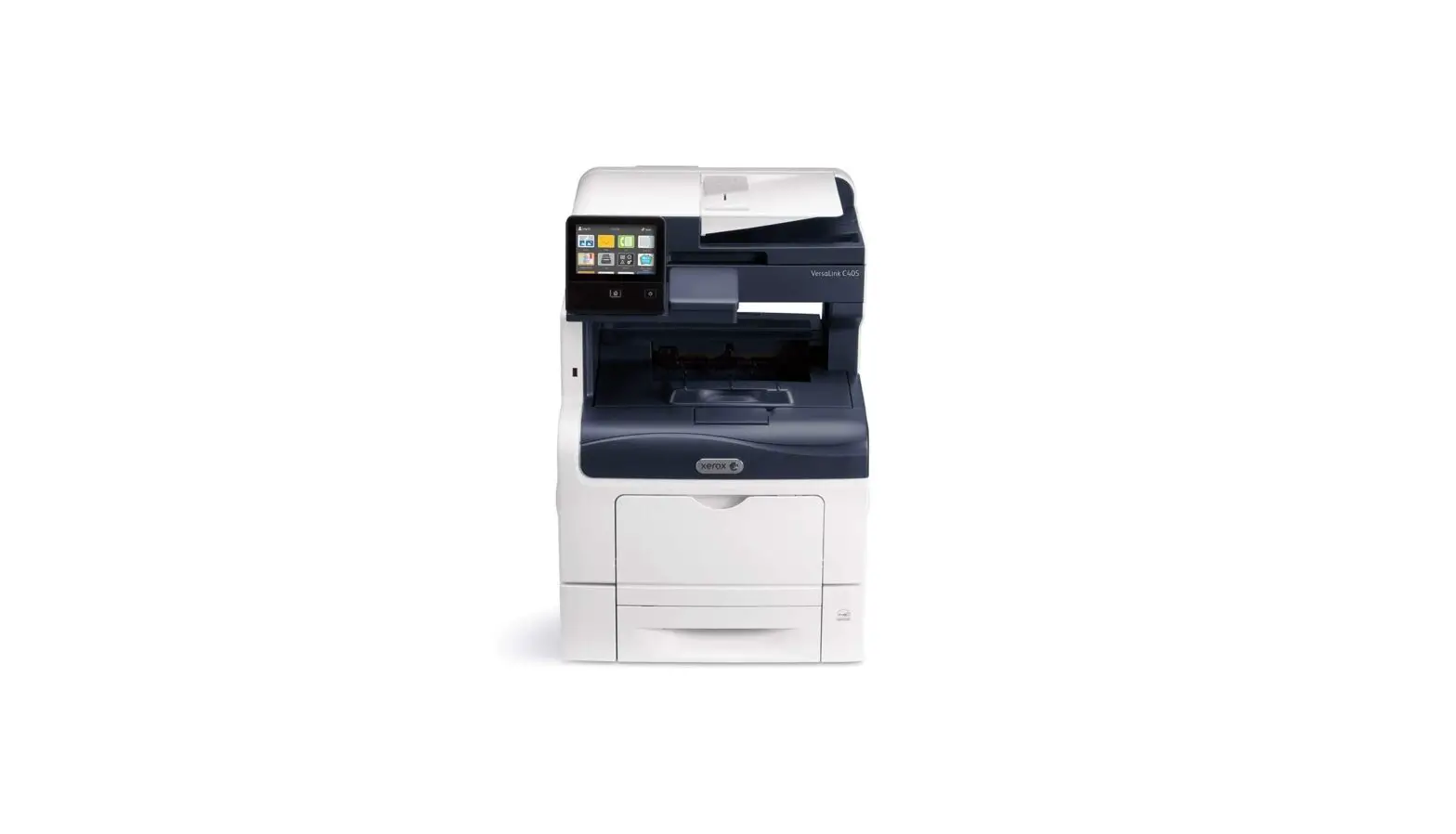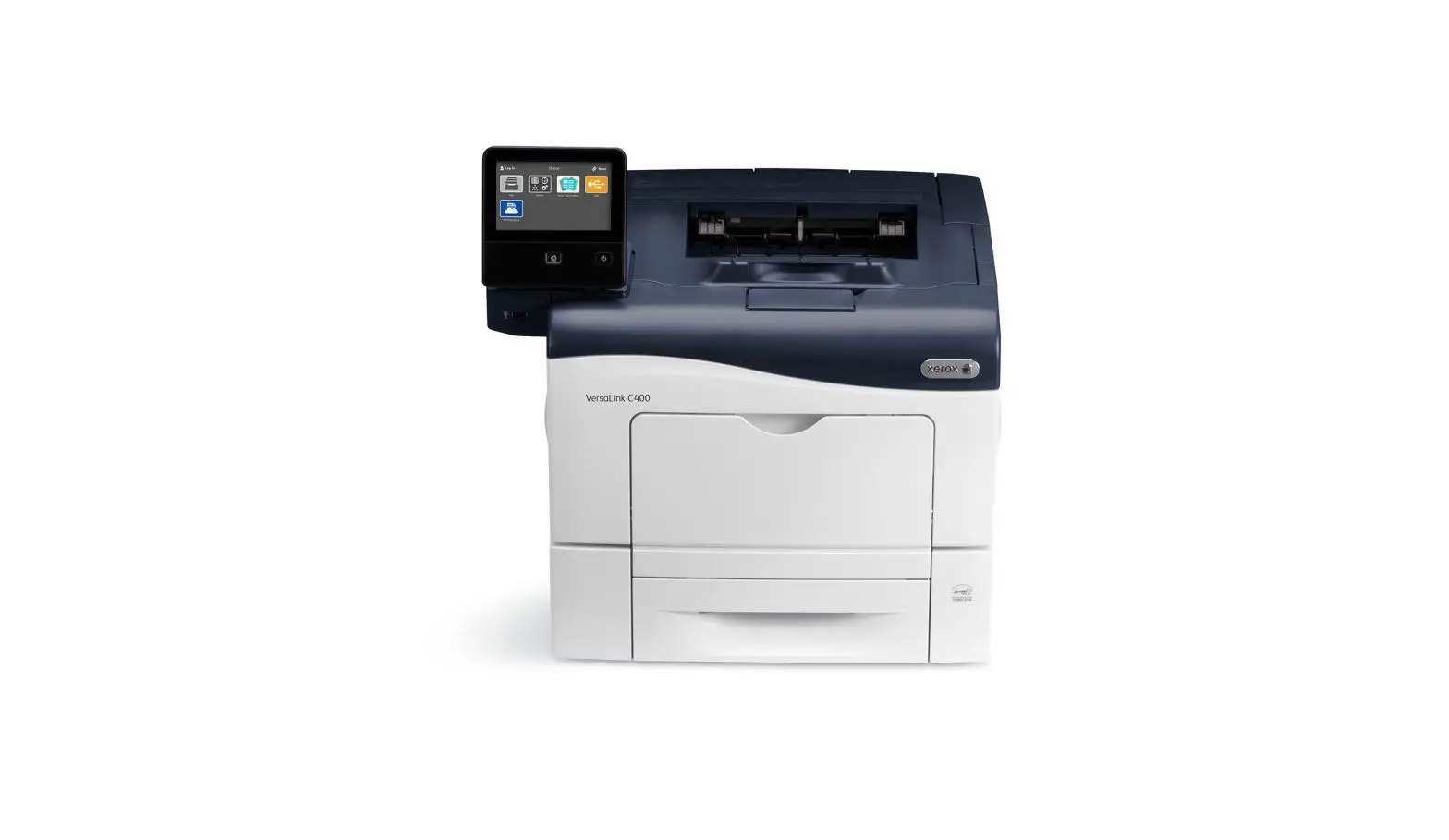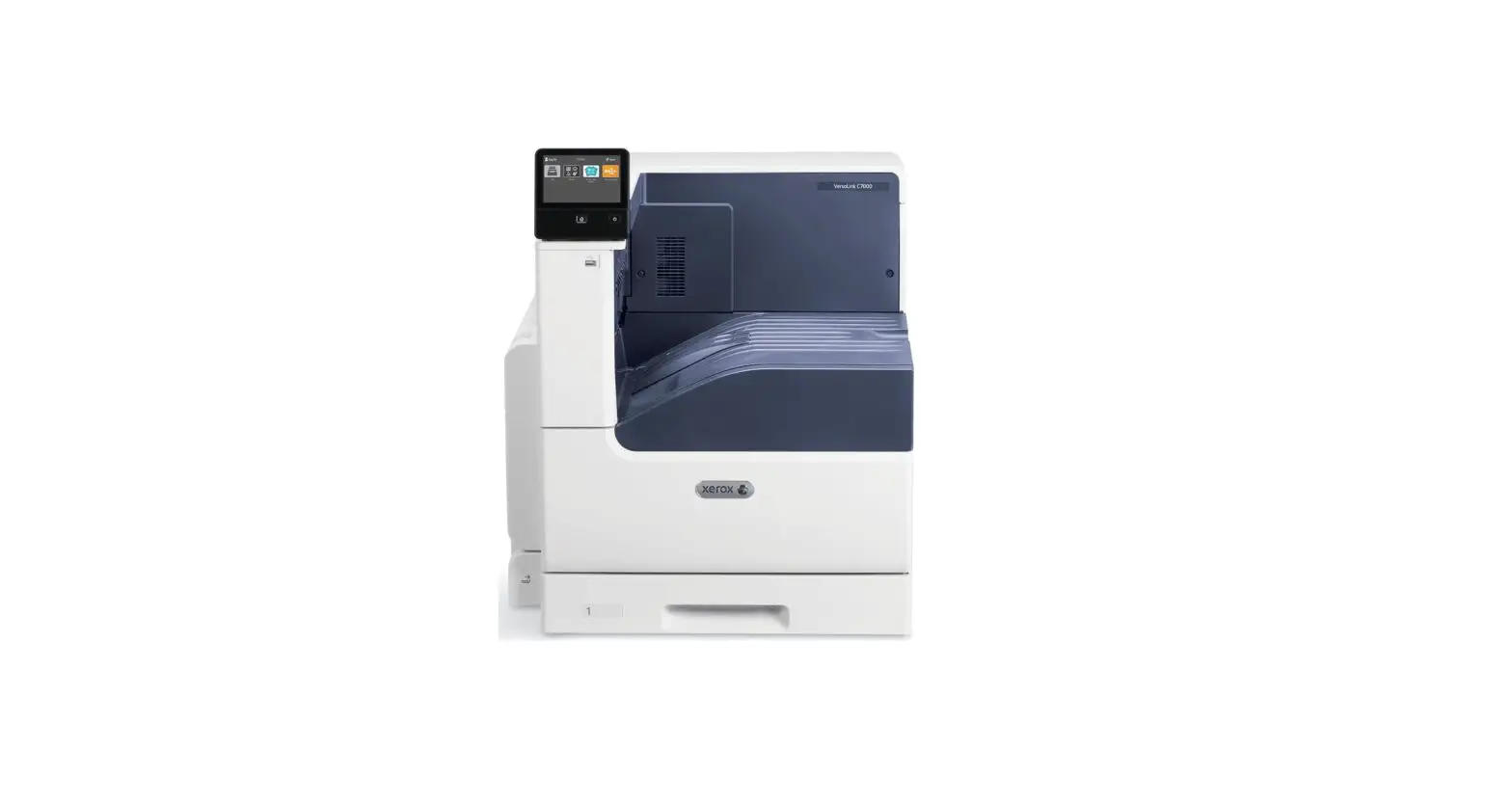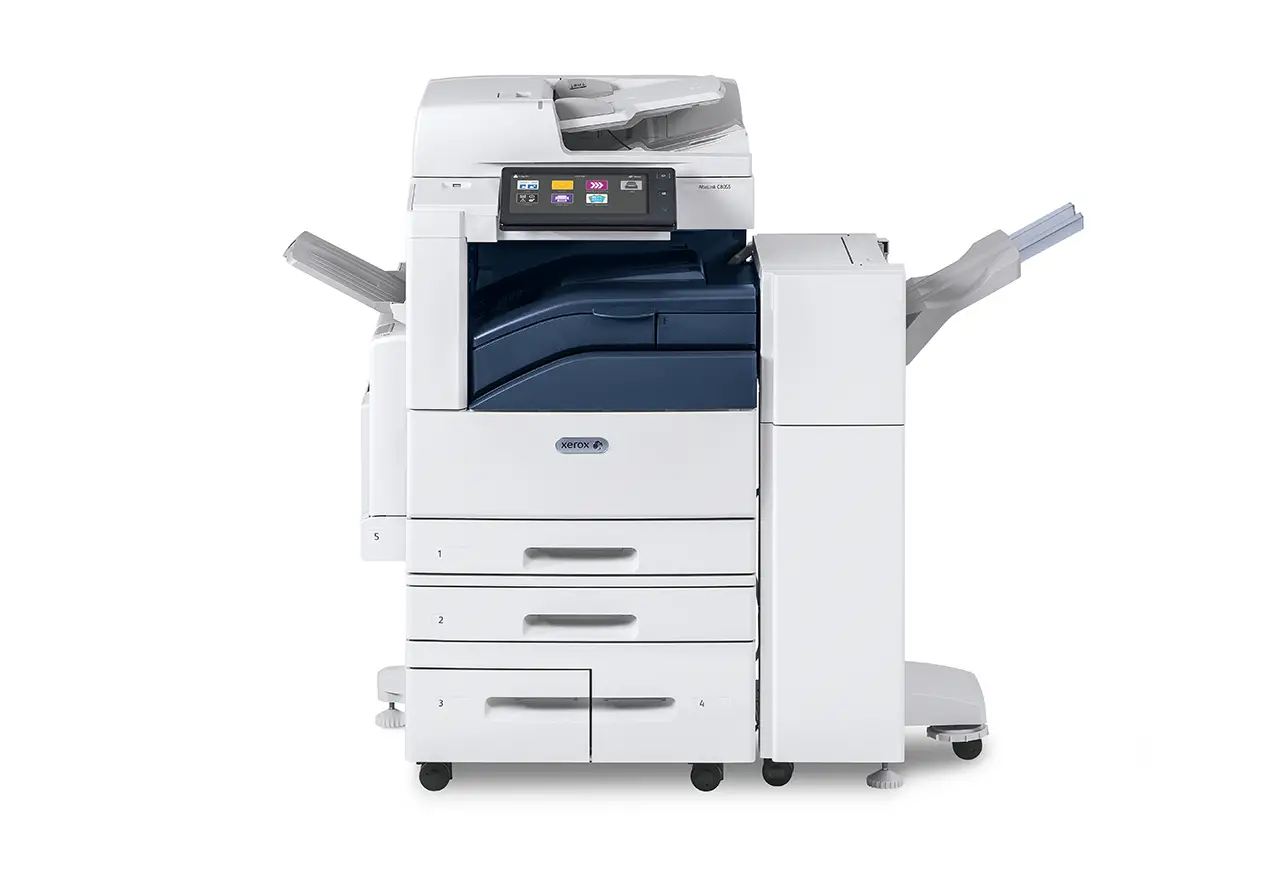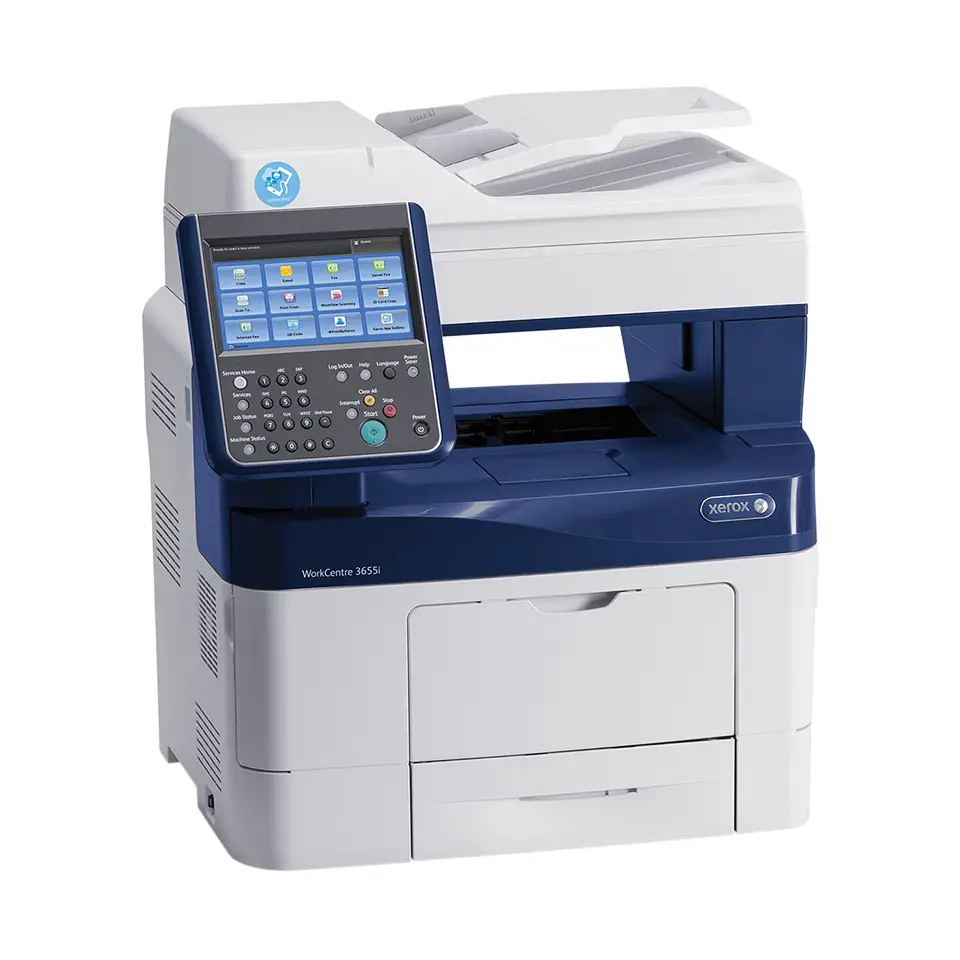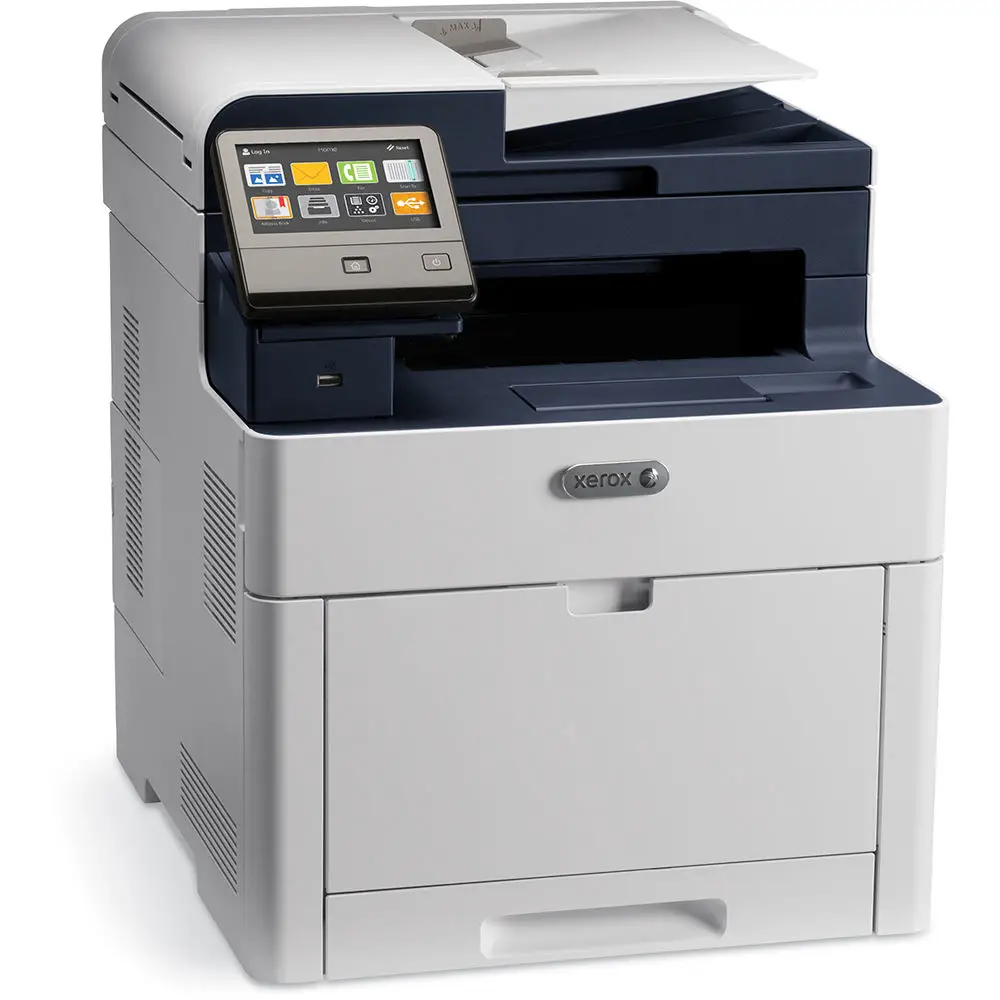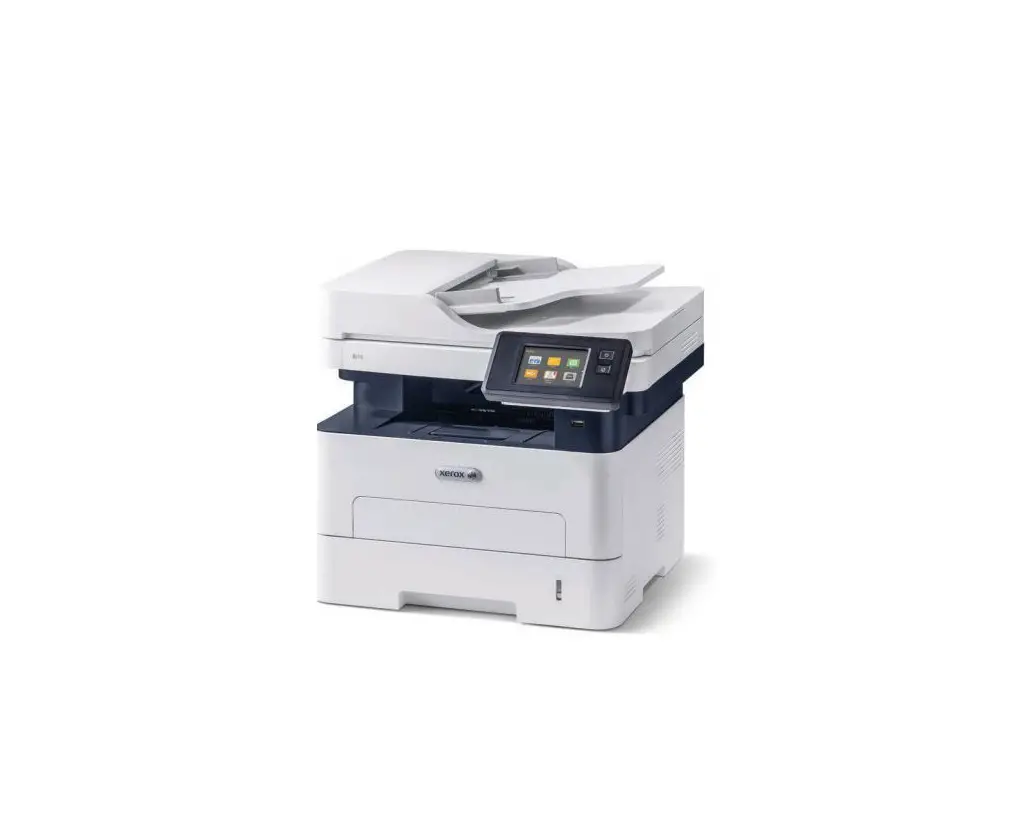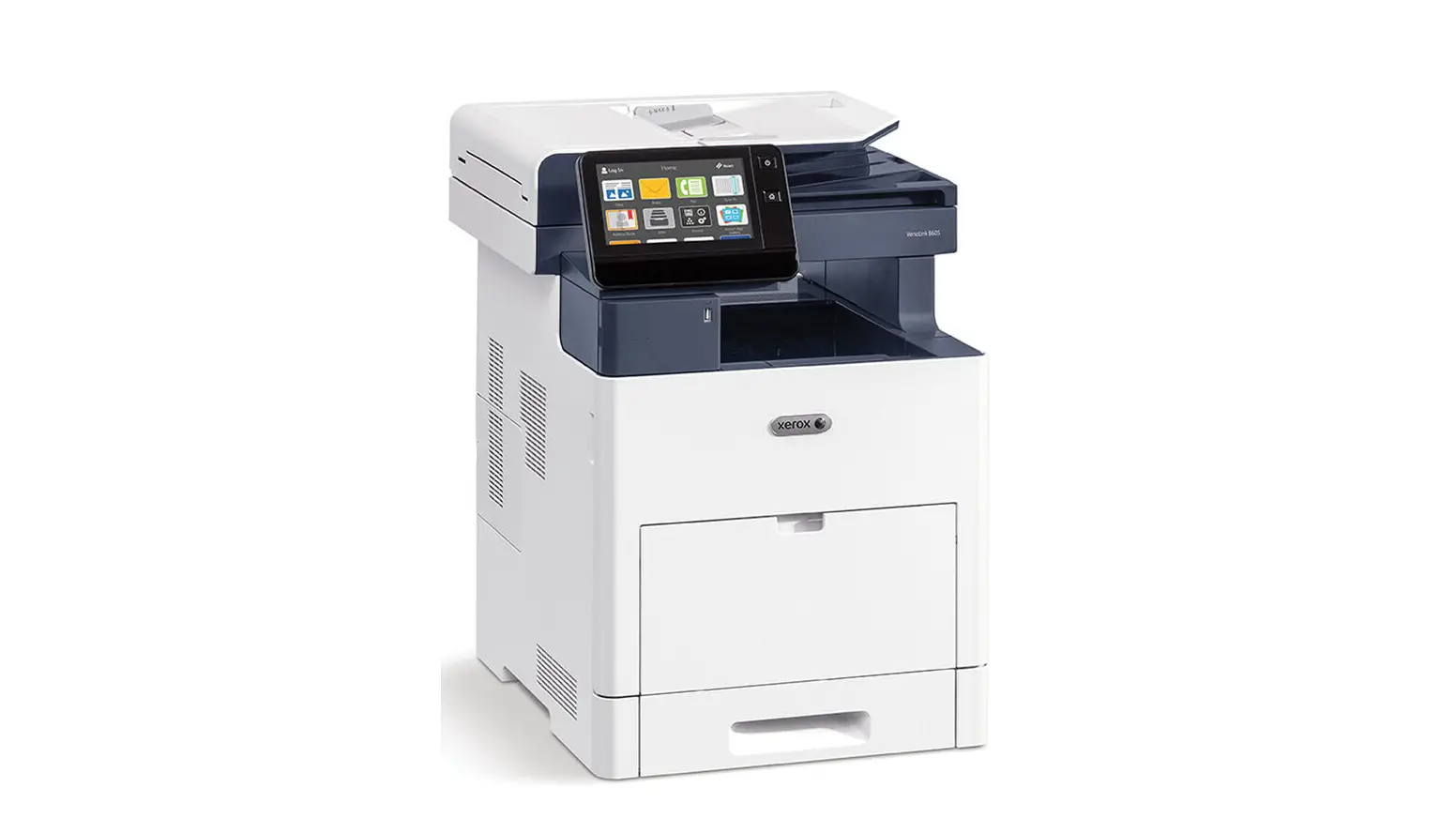

Xerox® VersaLink®
B605 Multifunction Printer
VersaLink B605 Multifunction Printers are built on Xerox® ConnectKey® Technology.
For more information, go to www.ConnectKey.com.
| SYSTEM SPECIFICATIONS | VERSALINK B605 |
| One-sided Speed¹ 8.5 x 11 in. A4 / 210 x 297 mm 8.5 x 14 in. / 216 x 356 mm | Up to 58 ppm black-and-white |
| Two-sided Speed¹ 8.5 x 11 in. A4 / 210 x 297 mm 8.5 x 14 in. / 216 x 356 mm | Up to 52.2 ppm black-and-white |
| Monthly Duty Cycle2 | Up to 300,000 pages / month |
| Recommended Average Monthly Print Volume3 | Up to 25,000 pages |
| Hard Drive | 320 GB HDD |
| Processor | 1.05 GHz ARM Dual Core |
| Memory | 2 GB |
| Connectivity | Ethernet 10/100/1000 Base-T, High-speed USB 3.0, Wi-Fi 802.11n and Wi-Fi Direct with optional Wi-Fi Kit (concurrent wired and wireless connections supported), NFC Tap-to-Pair |
| Controller Features | Unified Address Book, Configuration Cloning, Scan Preview, Xerox Extensible Interface Platform®, Xerox® App Gallery App, Xerox® Standard Accounting Tool, Network Accounting Enabled, Role Based Permissions, Convenience Authentication Enabled, Online Support |
| User Interface Languages | English, French, Italian, German, Spanish, Brazilian Portuguese, Russian, Dutch, Swedish, Danish, Finnish, Norwegian, Greek, Turkish, Polish, Czech, Hungarian, Romanian, Catalan, Ukrainian, Croatian |
Page 1 of 11
| DEVICE SPECIFICATIONS | ||||
| ELECTRICAL REQUIREMENTS | ||||
| North America | Voltage: 110-127 VAC +/- 10% Frequency: 50/60 Hz +/- 3% Hz, 12 A | |||
| Europe and Other Geographies | Voltage: 220-240 VAC +/- 10% Frequency: 50/60 Hz +/- 3% Hz, 8 A | |||
| POWER CONSUMPTION | ||||
| Continuous Print4 | 950 watts or less | |||
| Ready (Standby)4 | 79 watts or less | |||
| Energy Saver (Sleep Mode)4 | 0.88 watts or less | |||
| Power Off Mode4 | 220-240 VAC: 0.3 watts or less 110-127 VAC: 0.2 watts or less | |||
| OPERATING ENVIRONMENT | ||||
| Required Temperature Range (Storage) | 32° to 95° F / 0° to 35° C | |||
| Required Temperature Range (Operating) | 50 to 90° F / 10 to 32° C | |||
| Required Relative Humidity | 15% to 85% | |||
| Sound Power Levels Running Standby | 70 dB(A) or less | |||
| Sound Pressure Levels Running Standby | 58.3 dB(A) or less | |||
| Boot Time (from Off to UI Ready) | Less than 79 seconds | |||
| Warm-up Time (from Sleep to UI Ready) | Less than 47 seconds | |||
| DIMENSIONS AND WEIGHT (UNPACKAGED) | WIDTH | DEPTH | HEIGHT | WEIGHT |
| Base Unit (Short) | 18.5 in. / 470 mm | 19.8 in. / 502.8 mm | 25.3 in. / 643.7 mm | 67.2 lb. / 30.5 kg |
| Base Unit (Tall) | 18.5 in. / 470 mm | 19.8 in. / 502.8 mm | 33.3 in. / 843.7 mm | 71.7 lb. / 32.5 kg |
| Base Unit with Finisher | 18.5 in. / 470 mm | 19.8 in. / 502.8 mm | 33.3 in. / 843.7 mm | 86.7 lbs. / 39.3 kg |
| Base Unit with Mailbox | 18.5 in. / 470 mm | 19.8 in. / 502.8 mm | 33.3 in. / 843.7 mm | 83.4 lbs. / 37.8 kg |
| Base Unit with High Capacity Feeder and Finisher or Mailbox | 18.5 in. / 470 mm | 19.8 in. / 502.8 mm | 56.1 in. / 1425.7mm | 144.6 lbs. / 65.6 kg |
| 550-sheet Tray | 16.5 in. / 420 mm | 10.4 in. / 464.5 mm | 4.8 in. / 123 mm | 14.6 lb. / 6.6 kg |
| High Capacity Feeder (includes Caster Base) | 28.5 in. / 724.2 mm | 30.4 in. / 772.1 mm | 18 in. / 459 mm | 43.3 lb. / 19.7 kg |
| Cabinet (includes Caster Base) | 28.5 in. / 724.2 mm | 30.4 in. / 772.1 mm | 13.2 in. / 336 mm | 37 lb. / 16.6 kg |
| Caster Base | 28.5 in. / 724.2 mm | 30.4 in. / 772.1 mm | 3.5 in. / 90 mm | 18.7 lb. / 8.5 kg |
| Mailbox | 17.7 in. / 450.8 mm | 18.8 in. / 477.6 mm | 9.8 in. / 248.0 mm | 11.7 lb. / 5.3 kg |
| Finisher | 17.7 in. / 450.8 mm | 16.2 in. / 411.0 mm | 9.8 in. / 248.0 mm | 15 lb. / 6.8 kg |
Page 2 of 11
| DIMENSIONS AND WEIGHT (PACKAGED) | WIDTH | DEPTH | HEIGHT | WEIGHT |
| Base Unit (Short) | 23.4 in / 594 mm | 25.8 in / 655 mm | 31.1 in / 789 mm | 83.8 lb. / 38 kg |
| Base Unit (Tall) | 23.4 in / 594 mm | 25.8 in / 655 mm | 39.2 in / 996 mm | 94.8 lb. / 43 kg |
| 550-sheet Tray | 21 in / 535 mm | 23 in / 584 mm | 9.8 in / 248 mm | 18.7 lb. / 8.5 kg |
| High Capacity Feeder (includes Caster Base) | 22.4 in / 568 mm | 26.1 in / 663 mm | 28 in / 711 mm | 79.4 lb. / 38 kg |
| Cabinet (includes Caster Base) | 23 in / 584 mm | 24.8 in / 629 mm | 23.5 in / 597 mm | 57.3 lb. / 28 kg |
| Caster Base | 23 in / 585 mm | 24.4 in / 619 mm | 13 in / 330 mm | 39.7 lb. / 18 kg |
| Mailbox | 22.6 in / 573 mm | 20.4 in / 518 mm | 15.2 in / 386 mm | 16.3 lb. / 7.8 kg |
| Finisher | 22.6 in / 573 mm | 15.7 in / 398 mm | 15.2 in / 386 mm | 18.6 lb. / 8.8 kg |
| Wireless Network Adapter (Wi-Fi Kit) | 7.4 in / 188 mm | 5.4 in / 136 mm | 2.2 in / 55 mm | 1.05 lb. / 0.1 kg |
| CERTIFICATIONS | ||||
| To view the latest list of certifications, go to www.xerox.com/OfficeCertifications. | ||||
| First-Print-Out Time | As fast as 4.0 seconds | |||
| Print Resolution | Up to 1200 x 1200 dpi | |||
| Page Description Languages | PCL® 5e, 6 XPS TIFF JPEG HP- GL Adobe® PostScript® 3™ | |||
| Maximum Print Area | 4 mm from Lead edge of paper, 2 mm from Side and Trail edges of paper | |||
Page 3 of 11
| Print Features | Application Defaults Banner Pages Enable/Disable Bi-directional Real time Status Booklet Layout Draft Mode Fit to New Paper Size Job Identification (Print ID or Banner, Print ID in margins on first page only or all pages) Job Monitoring (Client or Local User Interface) LAN Fax (requires Fax Kit) N-up Page Layout (up to 16 pages per sheet) Paper Selection by Attribute Personal Print Print Around Enable / Disable Print from USB Sample Set Saved Job Scaling Secure Print Skip Blank Pages Special Pages (exception page programming: covers, inserts, exceptions pages) Store and Recall Driver Settings Stored Jobs Deletion Two-sided Printing (as default) Watermark (predefined and custom) Earth Smart Driver Settings |
| Print from USB | Allows walk-up printing from Type A USB port Supports direct printing from computer via Type B USB port Supported file formats: PDF, JPEG, TIFF, XPS, PDF/A |
| Operating Systems | Windows® 7, 8, 8.1, 10 Windows Server 2008 SP2, Server 2008 R2 SP1, Server 2012, Server 2012 R2, Server 2016 macOS® 10.11, 10.12, 10.13 Citrix® Redhat® Enterprise Linux® Fedora Core IBM® AIX® HP-UX® Oracle® Solaris SUSE® SAP®Note: For information about supported versions for the above operating systems, please visit our Drivers & Downloads page and specify your device at www.support.xerox.com |
| Fonts | PostScript fonts: 136 PCL fonts: 83 |
| Xerox® Global Print Driver® | A truly universal print driver that lets IT administrators install, upgrade and manage Xerox® and nonXerox® devices from a single driver. It provides a consistent, easy-to-use interface for end-users, reducing the number of support calls, and simplifying print services management. |
| Xerox® Pull Print Driver | Makes it easy for IT managers to qualify, deploy and manage all print devices using a single driver in a Pull Print environment. Uses a single queue and single driver. The Xerox® Pull Print Driver extends convenience across a broad range of printing assets. IT administrators no longer need to manage and configure multiple drivers. Used in conjunction with Equitrac Office®, Ysoft® SafeQ®, Pharos® and others. |
Page 4 of 11
| COPY | |
| Document Scanner | 100-sheet Single-pass Duplex Automatic Document Feeder (DADF) |
| Maximum Scan Area | Platen: Up to 8.5 x 14 in. / 215.9 mm x 355.6 mm DADF: Up to 8.5 x 14 in. / 215.9 mm x 355.6 mm |
| Simplex Copy Speed | Up to 58 cpm (copies per minute) 8.5 x 11 in. black-and-white |
| Duplex Copy Speed | Up to 52.2 cpm 8.5 x 11 in. black-and-white |
| First-Copy-Out Time | As fast as 5.2 seconds |
| Sides (input:output) | 1:1, 1:2, 2:2 and 2:1 |
| Quantity | 1 to 999 |
| Resolution (max.) | Up to 600 x 600 dpi |
| Reduction / Enlargement | Variable zoom from 25% to 400% in 1% increments |
| Concurrency | Concurrent scanning and printing |
| Copy Features | Annotation (Page Numbers, Comments, Date Stamp, Bates Stamping) including font format and style options Automatic Background Suppression Book Copying with Center Erase Booklet Copying Collation Darkness Control Edge Erase Front Cover ID Card Copy Image Enhancement Image Shift Lighten/Darken N-up Original Orientation Original Size Original Type Page Layout Reduce / Enlarge 25% to 400% Sample Copy Saturation Sharpness |
| SCAN | |
| Capability | Black-and-white and color scanning |
| Concurrency | Scan while the system is printing copy or network print jobs, or while it is transferring scan to network or fax jobs |
| Simplex Input Speed | Black-and-white: Scan up to 58 ipm (images per minute) - 8.5 x 11 in. / 215.9 x 279.4 mm / 55 ipm A4 Color: Scan up to 55 ipm - 8.5 x 11 in. / 215.9 x 279.4 mm / 52 ipm A4 |
| Duplex Input Speed | Black-and-white: Scan up to 58 ipm (images per minute) - 8.5 x 11 in. / 215.9 x 279.4 mm / 55 ipm A4 Color: Scan up to 55 ipm - 8.5 x 11 in. / 215.9 x 279.4 mm / 52 ipm A4 |
| Resolution | 600 x 600 dpi |
| Bit Depth | 24-bit color / 8-bit grayscale |
| Maximum Scan Area | Platen: Up to 8.5 x 14 in. / 215.9 x 355.6 mm Document Feeder: Up to 8.5 x 14 in. / 215.9 x 355.6 mm |
| Network Filing Protocols | FTP SMTP SMB sFTP |
Page 5 of 11
| File Formats | JPG TIFF (single and multi-page) XPS (single and multi-page) PDF (single and multi-page) Searchable PDF via Optical Character Recognition (OCR) Password-protected PDF Linearized PDF (set via embedded web server) and PDF/A |
| Scan Driver Compatibility | WIA TWAIN |
| Supported Scan Destinations | Scan to Home Scan to USB Scan to Email Scan to Network (FTP or Browse SMB) |
| NETWORK SCANNING - SOFTWARE SOLUTIONS | |
| Xerox® ConnectKey Apps (Found at the Xerox App Gallery) | Increase user productivity by simplifying and shortening everyday tasks. Unlike traditional software, ConnectKey Apps do not require a dedicated server, PC or IT resource. Instead, simply download these lightweight, serverless ConnectKey Apps to the ConnectKey Technology-enabled device. |
| FAX5 | |
| Fax Speed | 33.6 Kbps |
| Memory | 4 MB |
| Resolution | Standard 200×100 dpi, Fine 200×200 dpi, Super Fine 300×300, 400×400, 600×600 dpi |
| Compression | MH/MR/MMR/JBIG |
| Fax Features | Walk-up Fax, LAN Fax, Direct Fax, Server Fax Enablement, Fax Forward to Email Fax dialing via Unified Address Book (up to 2,000 contacts) |
| MOBILE SOLUTIONS AND MOBILE DEVICE APPS | |
| Apple® AirPrint® | Print email, photos and important office documents directly from an Apple iPhone® or iPad® with no drivers to install and no cables to connect. With AirPrint, an iPhone or iPad automatically locates and connects to the AirPrint-enabled device over the office Wi-Fi network. |
| Google Cloud PrintTM | Google Cloud Print connects print devices to the web, enabling users to print the applications they use every day from smartphones, tablets, ChromebookTM notebook computers and any other web-connected device. |
| Mopria® Certified | ConnectKey Technology-enabled print devices are Mopria® certified. Mopria® certification ensures you can print wirelessly from your Mopria® supported (Android) smart phone, tablet and other mobile devices instantly and easily. |
| Xerox® @printbyXerox App | @printbyXerox App is a free service that allows secure printing from any email-enabled device (computer, phone, tablet, iOS, AndroidTM, Google® ChromebookTM and more) to a Xerox® printer or MFP using a single email address with no IT intervention. No training is needed. End-users simply send attachments to the email address, and release them at the MFP panel. |
| Xerox® Print Services plug-in for AndroidTM (Free at Google PlayTM Store) | The Xerox® Print Services plug-in for Android KitKat (4.4 or greater) devices streamlines mobile printing without third-party apps or additional print drivers. You can easily print photos, Web pages and documents when your mobile device is connected to multifunction printers using a wireless network. A robust print option set includes two-sided printing, stapling and secure code release. A free download is available from the Google PlayTM store. |
| Xerox® Mobile Link App (Free at Google PlayTM Store and Apple® App Store) | The Xerox® Mobile Link App allows you to scan, email and fax from your phone or tablet by connecting with our multifunction printers and send data to and print data from cloud storage. It is easy to create Mobile Link One-Touch Workflows between a mobile device and a multifunction printer. Using a manual address or QR code identification for pairing, automatic device discovery makes it easy to find and pair a mobile device with a nearby Xerox® multifunction printer. |
Page 6 of 11
| Xerox® Workplace Suite and Xerox® Workplace Cloud | Xerox® Workplace Suite is a modular set of workflows designed to save customers time and money by providing effective control over their print fleet, while enabling worker productivity and mobility through a set of robust workflows. Xerox enables ultimate customer flexibility by offering these capabilities in b oth an on-premises server version (Workplace Suite) and with a cloud based-version (Workplace Cloud) of this solution. |
| SECURITY | |
| Security Features | Access Controls AES 256-bit Encryption Audit Log Certificate Path Validation Certificate Revocation List (CRL)/Status Protocol (OCSP) Detection of External Program Falsification (XCP Plugin) Cisco® Identity Services Engine (ISE) Integration Domain Filtering FIPS 140-2 Firmware Verification Immediate Disk Overwrite IP Address Filtering IPsec Network Authentication Port Filtering Pre-installed Self-Signed Certificates Role Based Permissions Secure Email Secure Fax Secure Print Secure Scanning via SFTP Security Certificate Management Smart Card Enablement (CAC/PIV/.NET) SNMPv3 Status Protocol (OCSP) TLS/SSL Trusted Platform Module (TPM) |
| ACCOUNTING | |
| XEROX® STANDARD ACCOUNTING / NETWORK ACCOUNTING (STANDARD) | |
| Tracking | Copy, Print, Fax, Scan and Email usage |
| Accounting | Xerox® Standard Accounting Tool Up to 9,999 User Accounts Up to 500 General AccountsNetwork Accounting (Job Based Accounting) Up to 60,000 User IDs; Up to 60,000 Account IDs Up to 14,000 Accounting Records (transactions) |
| Features | Administrator can manage the feature via the Embedded Web Server. |
| ACCOUNTING OPTIONS NETWORK ACCOUNTING (ALLOWS CENTRAL SERVER TO MANAGE ALL ACCOUNTING) | |
| • Enhanced network accounting with up-to-the-minute data on how the system is being used • Comprehensive management and enterprise scale tracking and reporting of device usage of copy, print, scan and server fax • Numerous solutions are available through Xerox Alliance Partners. For details visit www.xerox.com • Security enhancements include simultaneous support for HTTP/HTTPS protocols • Device requests account authentication from third party server enabling larger databases of users and accounts • Accept Authentication Login at control panel and pass to third party Networking Account • Interface with third party accounting terminal for accounting user interface | |
Page 7 of 11
| PAPER HANDLING | |
| DOCUMENT FEEDER | |
| Capacity6 | Single-pass Duplex Automatic Document Feeder (DADF): 100 sheets |
| Sizes | Custom sizes: 5.5 x 5.5 in. to 8.5 x 14 in. / 140 x 140 mm to 216 x 356 mm |
| Weights One-sided: Two-sided: | 16 to 32 lb. bond / 60 to 128 gsm |
| BYPASS TRAY | |
| Capacity6 | 150 sheets |
| Sizes | Custom sizes: 3 x 5 in. to 8.5 x 14 in. / 76 x 127 mm to 216 x 356 mm |
| Weights One-sided: Two-sided: | 16 lb. bond to 80 lb. cover / 60 to 220 gsm |
| Media Types | Plain Paper Bond Punched Pre-Printed Recycled Envelopes Labels Lightweight Cardstock Cardstock Letterhead Custom 1 – 5 |
| TRAY 1 | |
| Capacity6 | 550 sheets |
| Sizes | Custom sizes: 3 x 7.5 in. to 8.5 x 14 in./76.2 x 190 mm to 216 x 356 mm |
| Weights One-sided: Two-sided: | 16 lb. bond to 80 lb. cover / 60 to 220 gsm |
| Media Types | Pre-Printed Recycled Envelopes (Tray 1 only) Labels Lightweight Cardstock Cardstock Letterhead Custom 1 – 5 |
| UP TO 4 ADDITIONAL TRAYS (OPTIONAL) | |
| Capacity6 | 550 sheets |
| Sizes | Custom sizes: 3 x 7.5 in. to 8.5 x 14 in./76.2 x 190 mm to 216 x 356 mm |
| Weights One-sided: Two-sided: | 16 lb. bond to 80 lb. cover / 60 to 220 gsm |
Page 8 of 11
| Media Types | Pre-Printed Recycled Envelopes (Tray 1 only) Labels Lightweight Cardstock Cardstock Letterhead Custom 1 – 5 |
| HIGH CAPACITY FEEDER (CAN BE COMBINED WITH 1 ADDITIONAL TRAY) | |
| Capacity6 | 2,000 sheets |
| Sizes | Standard sizes: A4 SEF, Letter SEF |
| Weights One-sided: Two-sided: | 16 lb. bond to 65 lb. cover / 60 to 176 gsm |
| Types | Plain Paper Bond Punched Pre-Printed Recycled Lightweight Cardstock Letterhead Custom 1 – 5 |
| TOTAL PAPER CAPACITY6 | |
| Base Unit | 700 sheets |
| Base Unit with Finisher | 700 sheets |
| Base Unit with Mailbox | 700 sheets |
| Base Unit with High Capacity Feeder and Finisher or Mailbox | 2,700 sheets |
| Maximum Paper Capacity | 3,250 sheets |
| PAPER OUTPUT | |
| OUTPUT TRAY | |
| Capacity6 | 400 sheets with tray full sensor (without Finisher or Mailbox) |
| Automatic Two-sided Printing | Standard |
| FINISHER | |
| Capacity6 | 500-sheet tray, 50-sheet stapling |
| MAILBOX | |
| Capacity6 | Four 100-sheet bins |
Page 9 of 11
| DEVICE MANAGEMENT | |
| Network Protocols | TCP/IP: HTTP/HTTPS, Internet Printing Protocol, LPR/LPD, Raw Socket Printing/Port 9100, IPv4/IPv6, WSD LDAP Bonjour® / AirPrint® FTP Most protocols not in use can be disabled |
| Administrative Protocols | DHCP, SNMP, WINS, HTTP, HTTPS, TLS, SNTP, MDNS |
| REMOTE CONTROL PANEL | |
| • Enables faster, more convenient technical support and user training • IT administrators and other authorized users can control the device remotely from a web page on any device • Remote user experience is identical to performing tasks directly at the device | |
| XEROX® CENTREWARE® WEB | |
| • A web-based server application for network administrators that permits web browser-based device management from any workstation, whether running Windows or UNIX or any other operating system • Works with any SNMP-managed printer from any manufacturer • Provides help with device discovery and installations, health checks and troubleshooting, and device upgrades, as well as basic accounting and asset management | |
| EMBEDDED WEB SERVER INTEGRATED DEVICE WEB PAGE | |
| Device Status | • Tray Status / Contents • Consumables Status • Billing / Usage • Quick Links • Online Support |
| Print Queue Viewing | Job print queue management — view and delete |
| Job Submission | Print-ready files (PS, PCL, PDF, XPS, JPEG) |
| Device Administration | Allows simple, remote installation setting of configuration options and management of the device |
| Browsers | Microsoft® Internet Explorer® Microsoft Edge™ Mozilla™ Firefox® Apple® Safari® Google Chrome™ |
| REMOTE SERVICES | |
| Automated Meter Readings (AMR) | Automates the process of collecting and submitting meter reads for tracking and billing of Xerox® device usage. Eliminates the need for time-consuming end-user involvement and ensures that meter reads are submitted to Xerox on time. |
| Automatic Supplies Replenishment (ASR) | Automatically orders supplies for Xerox® output devices based on actual usage, eliminating the need to manually manage supplies inventory. |
Page 10 of 11
| WHAT COMES IN THE BOX | ||
| VersaLink B605 Multifunction Printer Standard Capacity Print Cartridge –Black: 10,300 print capacity7 Software and Documentation CD (with User Manual, Quick Install Guide, Safety, Regulatory, Recycling and Disposal Guides, Print Drivers, and Warranty Statement) Installation Guide Quick Use Guides Power Cord Fax Cord | ||
| SUPPLIES AND ACCESSORIES | QUANTITY | PART NUMBER |
| SUPPLIES | ||
| Extra-High Capacity Toner Cartridge | Black: 46,700 standard pages7 | 106R03944 |
| High Capacity Toner Cartridge | Black: 25,900 standard pages7 | 106R03942 |
| Standard Capacity Toner Cartridge | Black: 10,300 standard pages7 | 106R03940 |
| Drum Cartridge | Black: 60,000 pages8 | 101R00582 |
| ACCESSORIES / OPTIONS | ||
| 2,000-sheet High Capacity Feeder (includes Caster Base) | 097S04948 | |
| 550-sheet Feeder | 097S04949 | |
| Finisher (500 sheets, 50-sheet stapler) | 097S04952 | |
| 4-Bin Mailbox (100 sheets per bin) | 097S04953 | |
| Caster Base | 097S04954 | |
| Cabinet (includes stabilizers) | 097S04994 | |
| Wireless Network Adapter (Wi-Fi Kit) | 497K16750 | |
| RFID Card Reader Kit | 497K18380 | |
1 Declared print speed in accordance with ISO/IEC 24734.
2 Maximum volume capacity expected in any one month. Not expected to be sustained on a regular basis.
3 Recommended average throughput is not a minimum, but is intended to cover a range of volumes for different environments.
4 Power states defined per ENERGY STAR® Program requirements for Imaging Equipment.
5 Requires analog phone line.
6 Paper capacities are based on 20 lb. / 75 gsm stock; capacities will vary with different weight stocks.
7 Average standard pages. Declared Yield in accordance with ISO/IEC19752. Yield will vary based on image, area coverage and print mode.
8 Approximate pages. Declared yield will vary depending on job run length, media size/orientation and machine speed. For more information visit: SUPGL-01 [PDF]
Return spent imaging supplies through the Xerox Green World Alliance collection/reuse/recycling program.
For more information, visit www.xerox.com/About-Xerox/Recycling.
For more information, visit us at www.xerox.com/Office.
Configurations vary by geography.
©2020 Xerox Corporation. All rights reserved. Xerox®, CentreWare®, ConnectKey®, Global Print Driver®, Mobile Express Driver®, VersaLink® and Xerox Extensible Interface Platform® are trademarks of Xerox Corporation in the United States and/or other countries.
The information in this brochure is subject to change without notice. 08/20 TSK-669 BR26781 VB6SS-02UH
Page 11 of 11
 Xerox ConnectKey Smart Workplace Assistant
 Product Support and Drivers – Xerox
 Workplace and Digital Printing Solutions | Xerox