
Version 2.2
February 2021
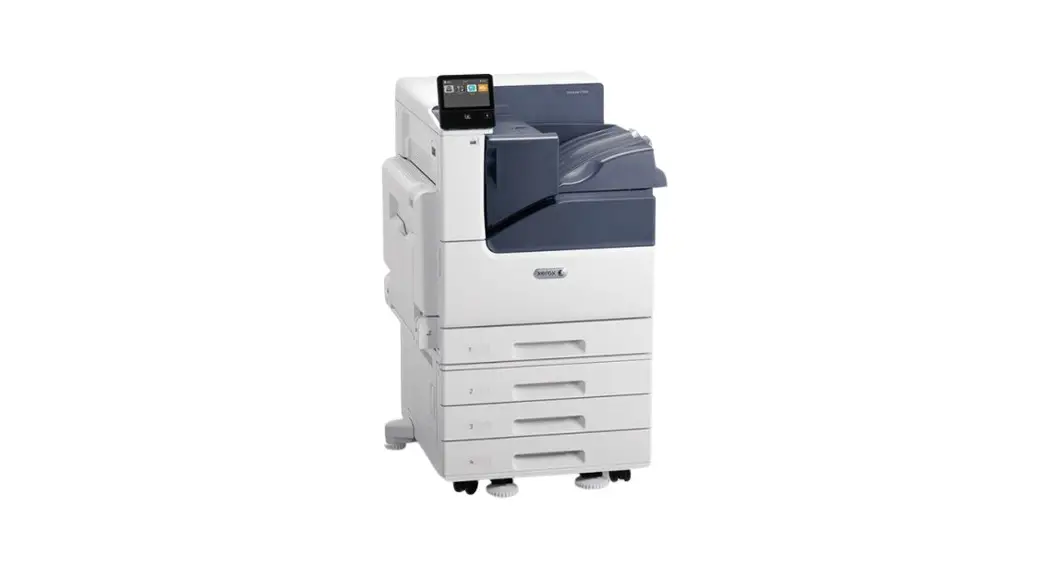
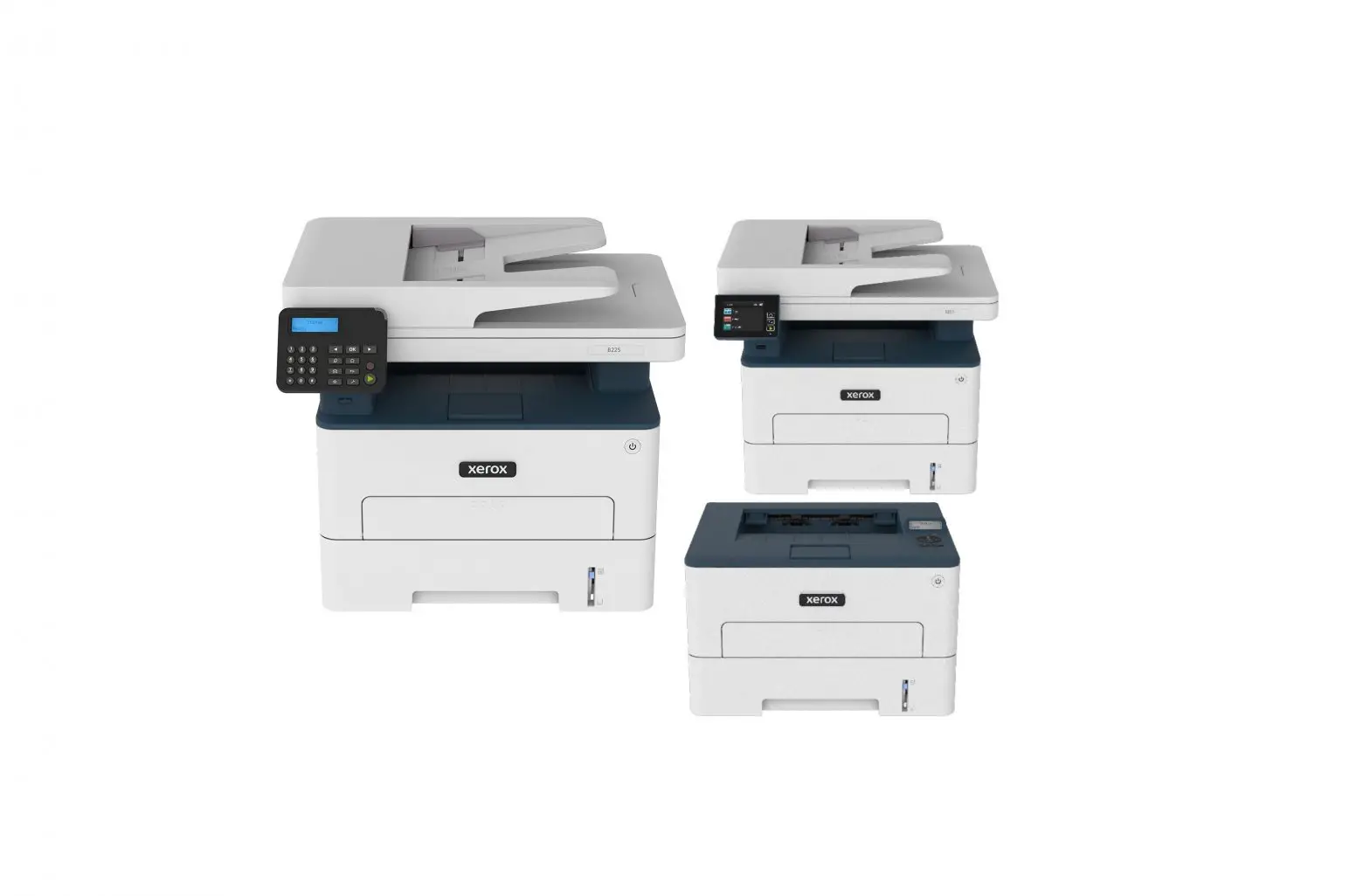
Versalink B400 and B405
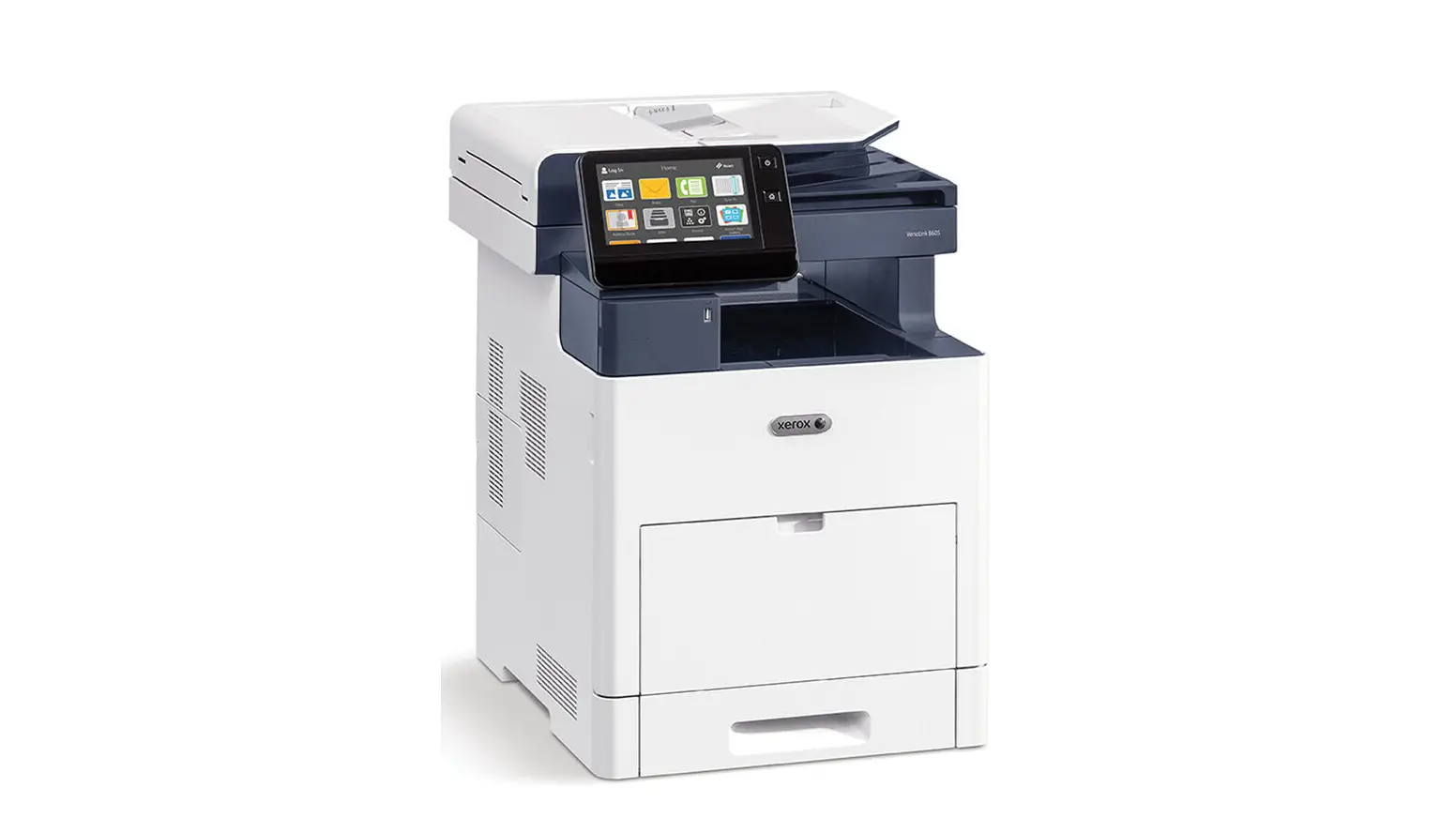
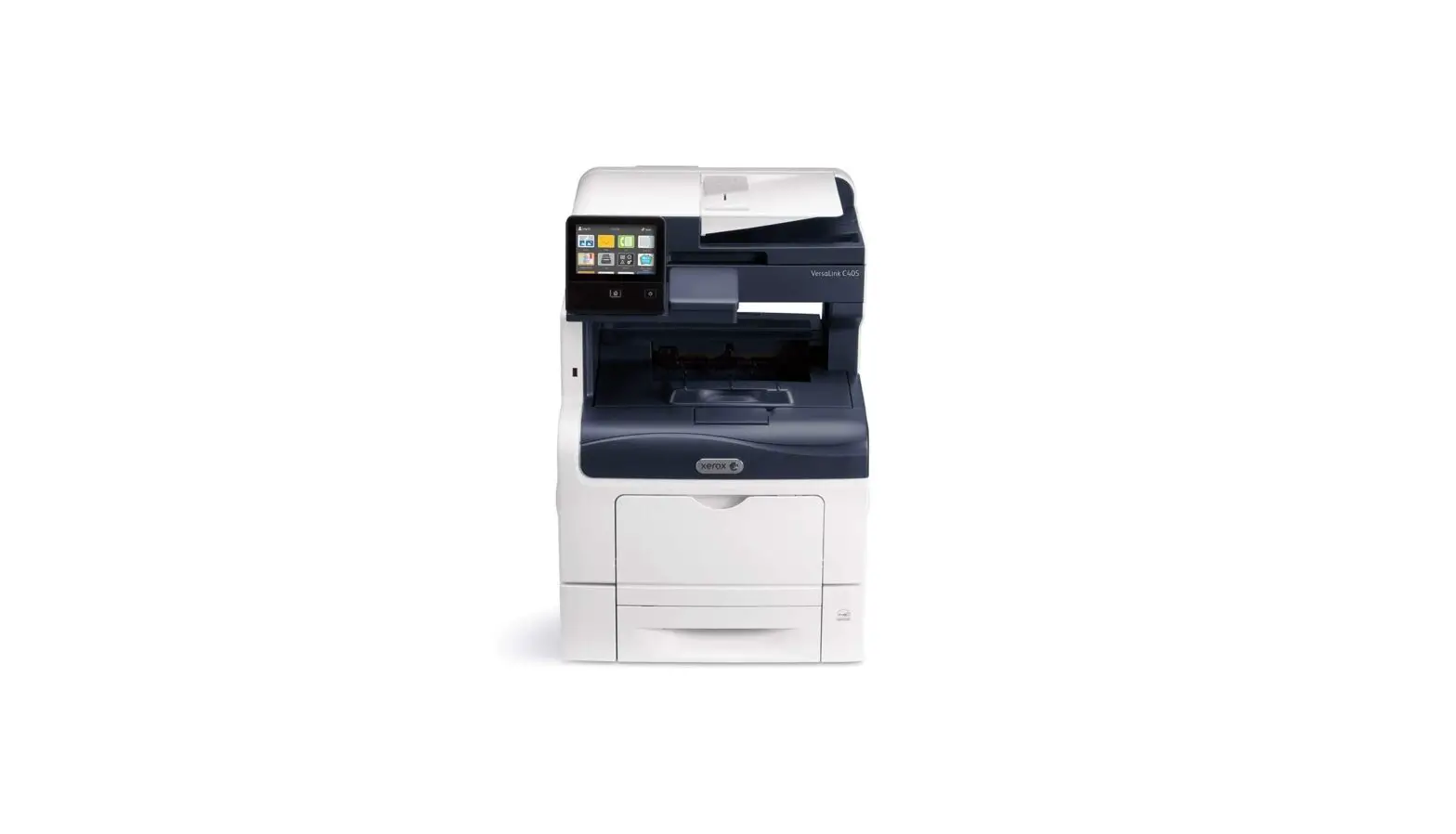
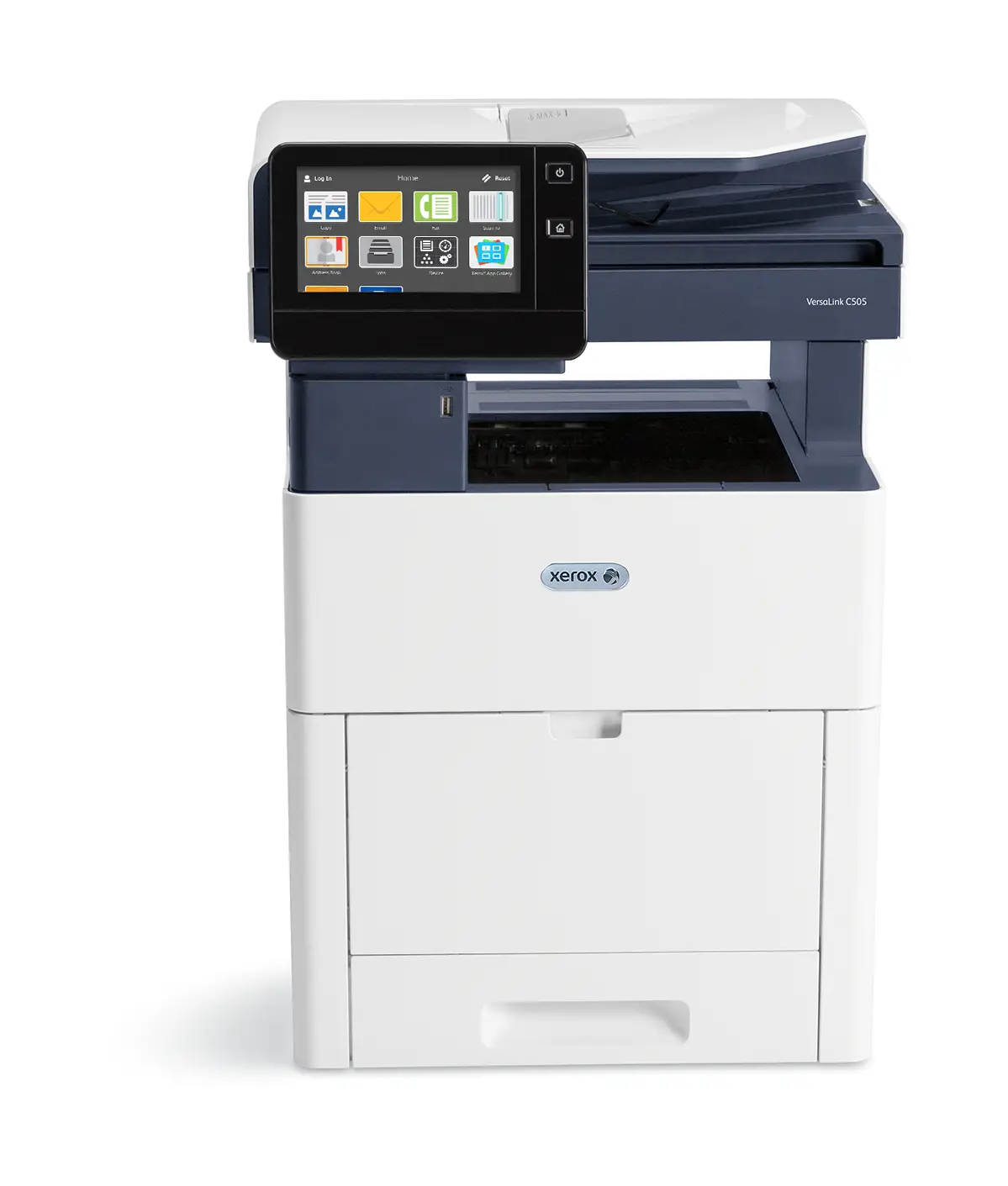
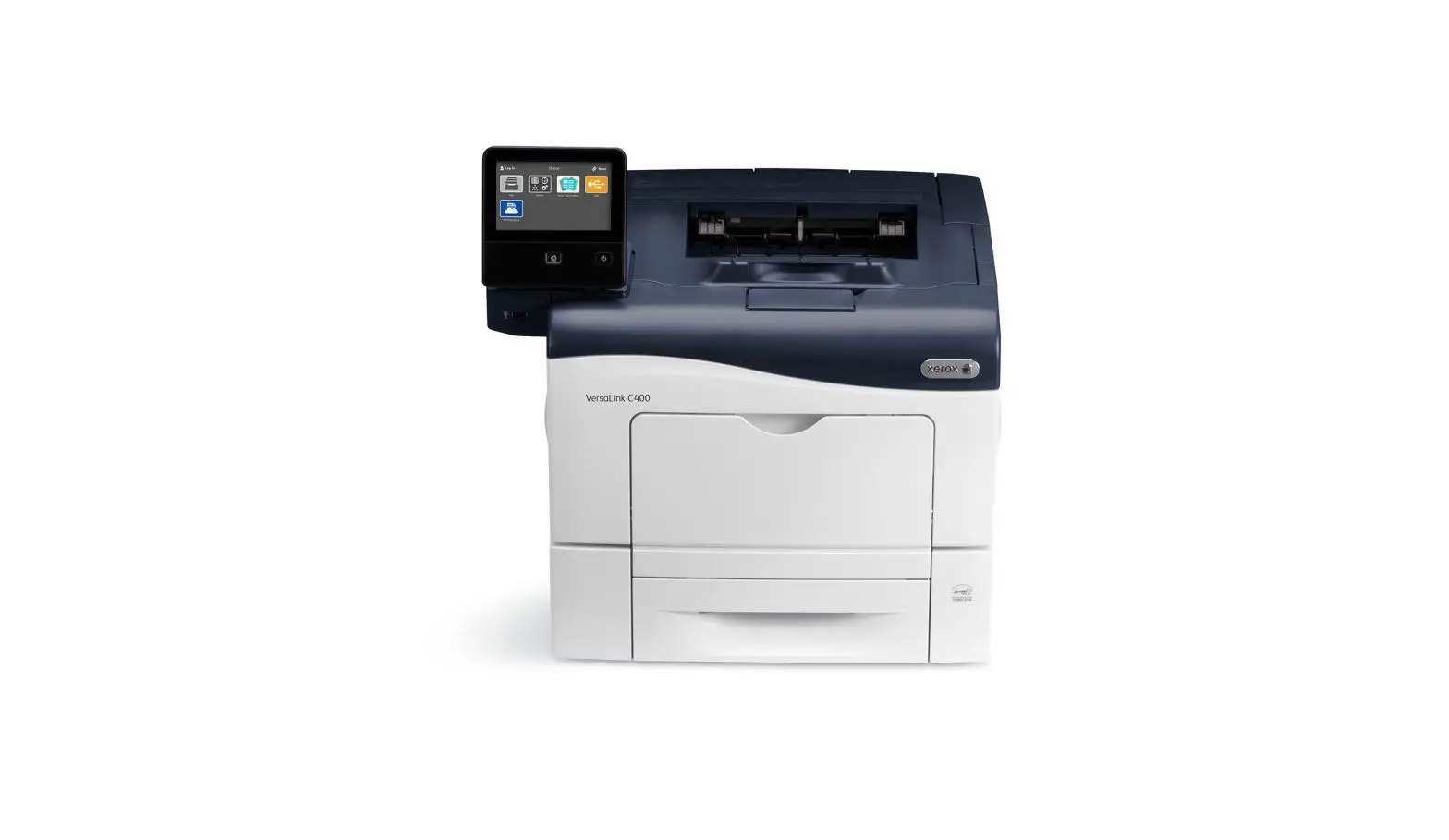
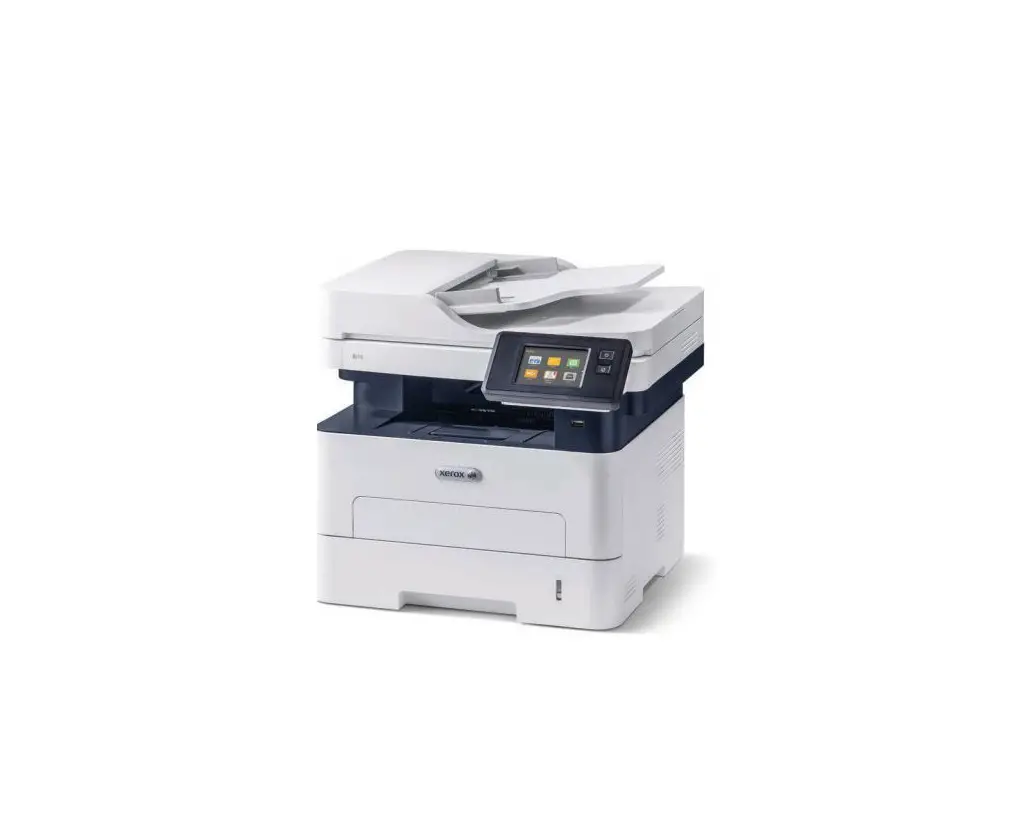
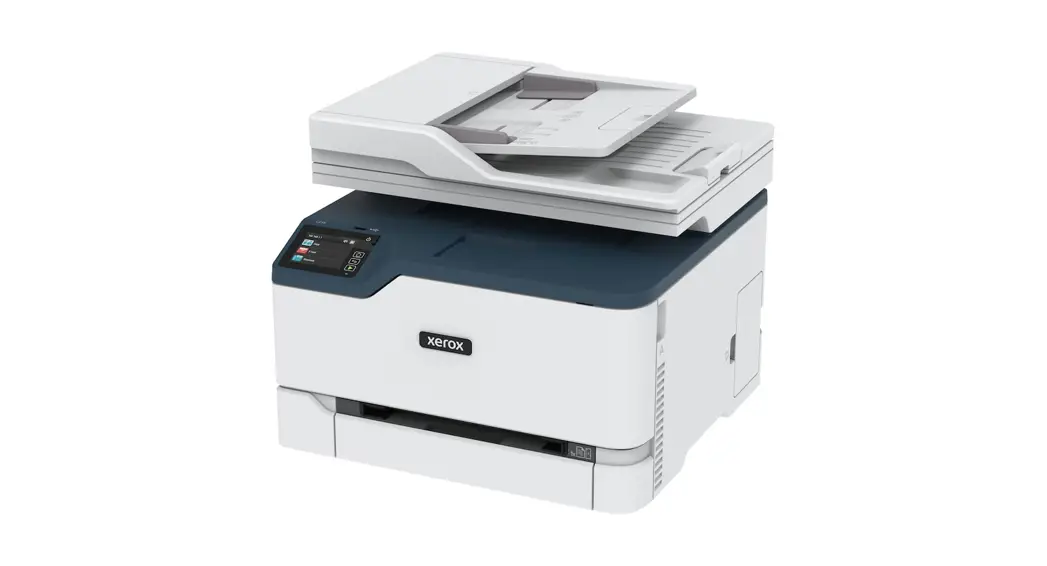
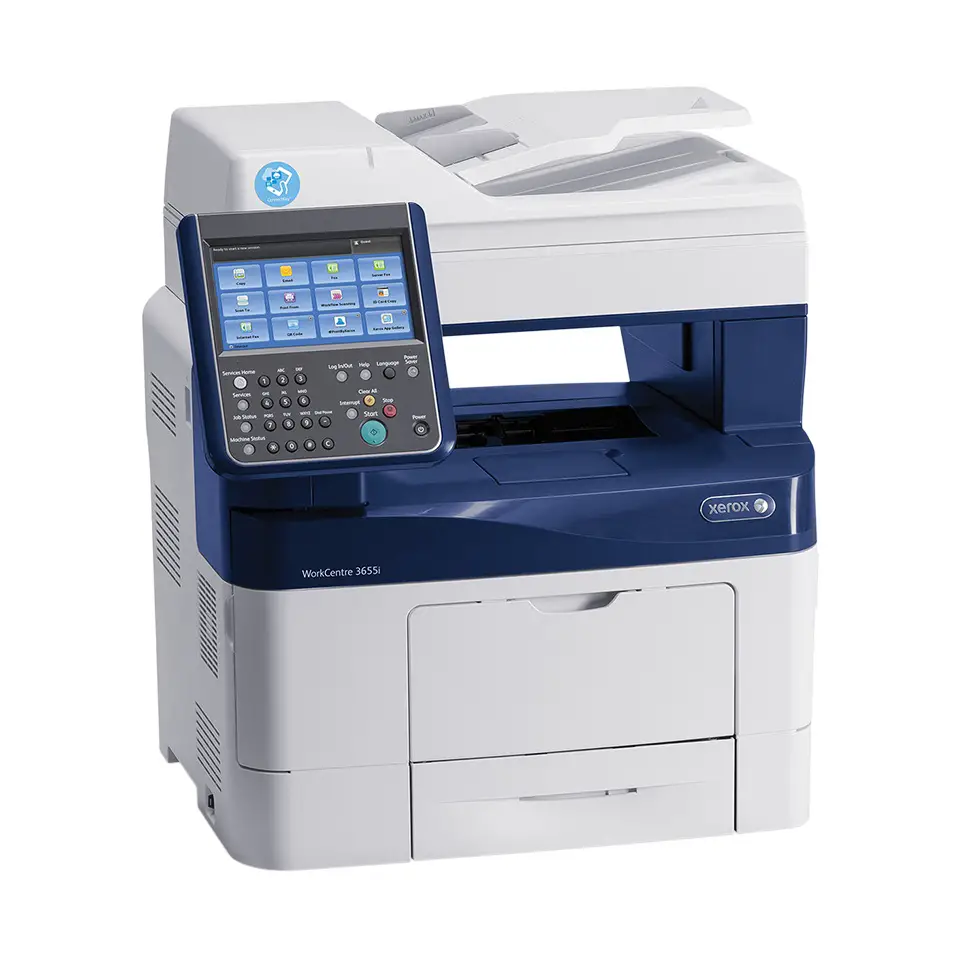
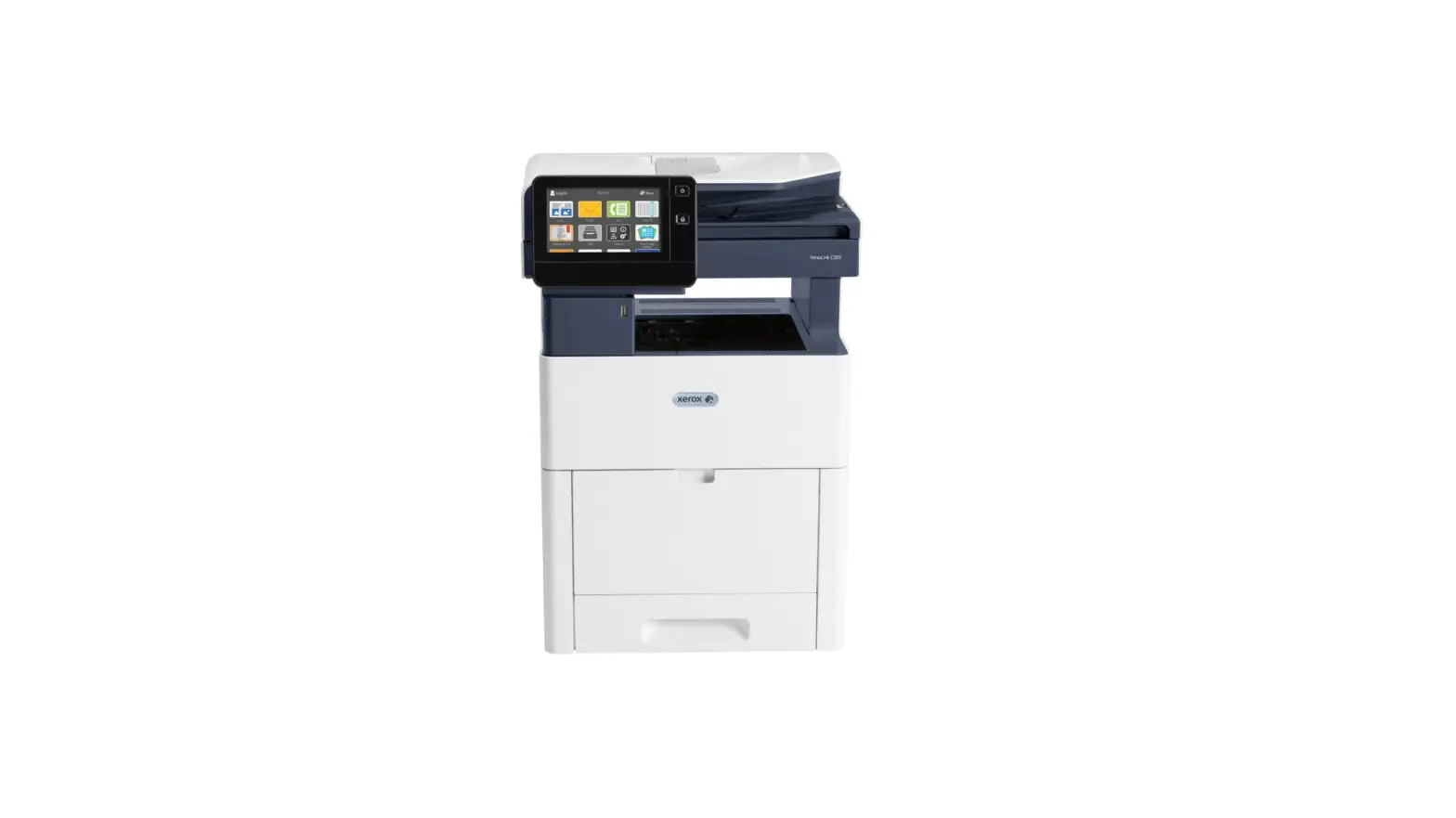
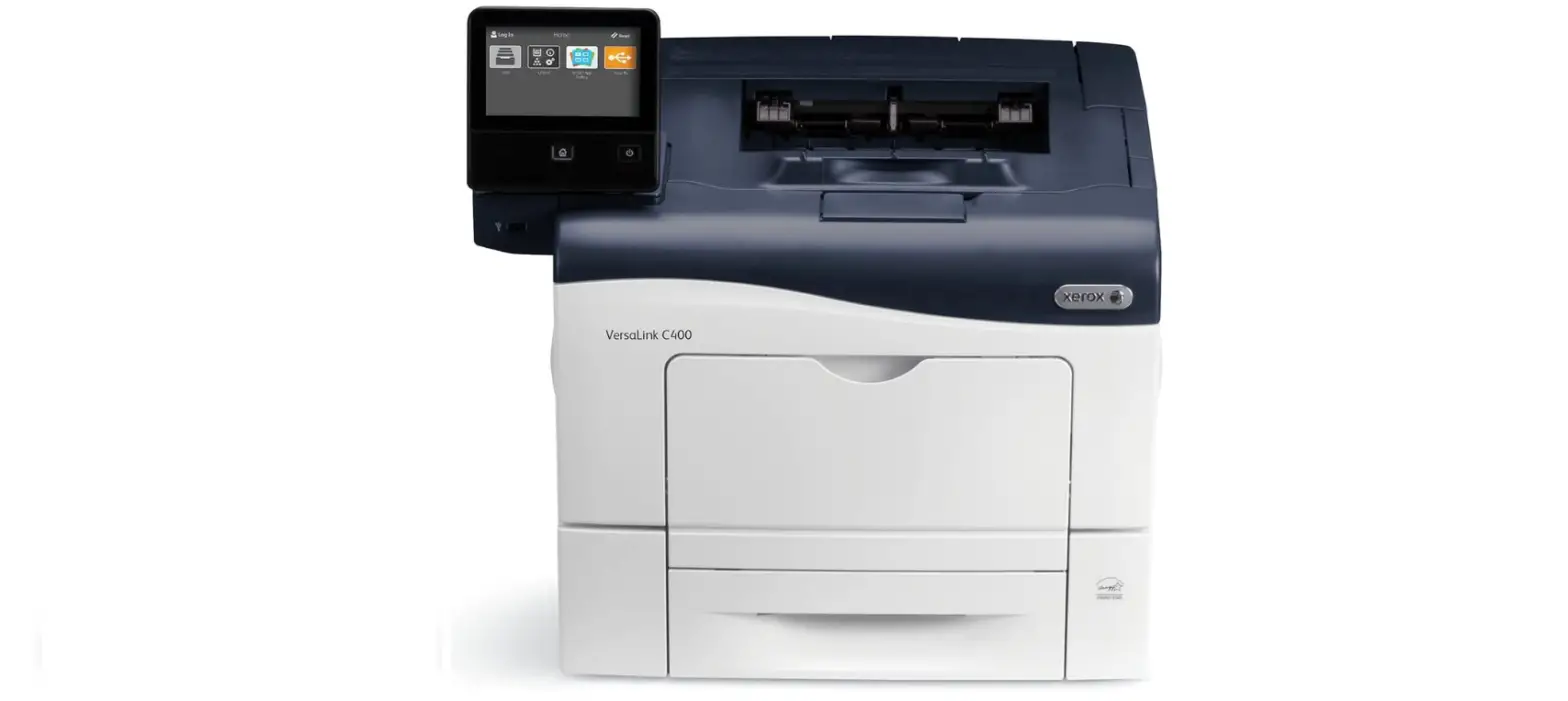
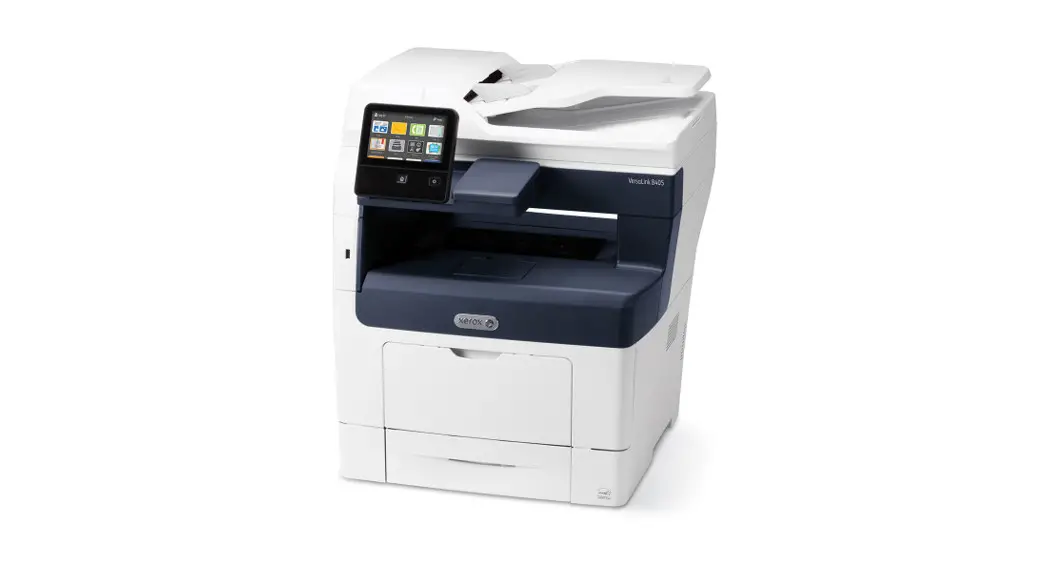
Xerox® VersaLink® B400 Printer Xerox® VersaLink® B405 Multifunction Printer
Customer Expectation and Installation Guide
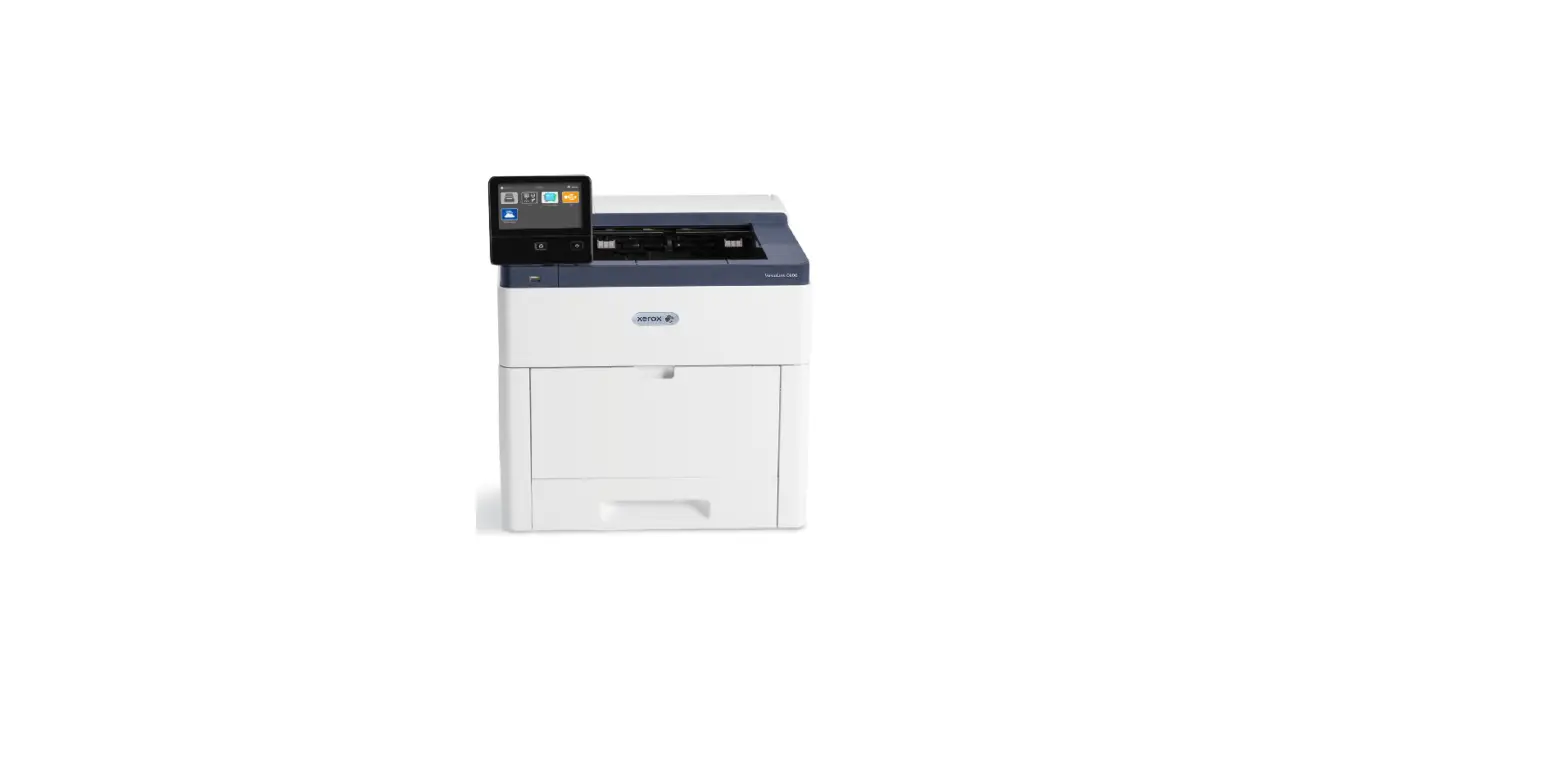
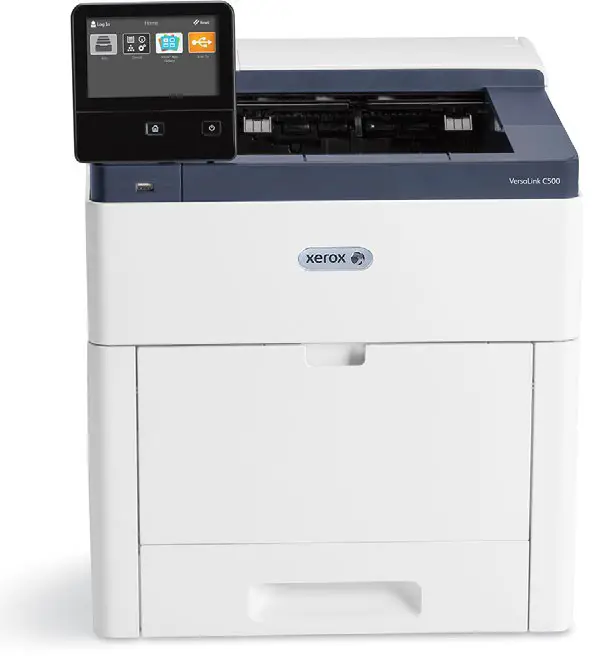
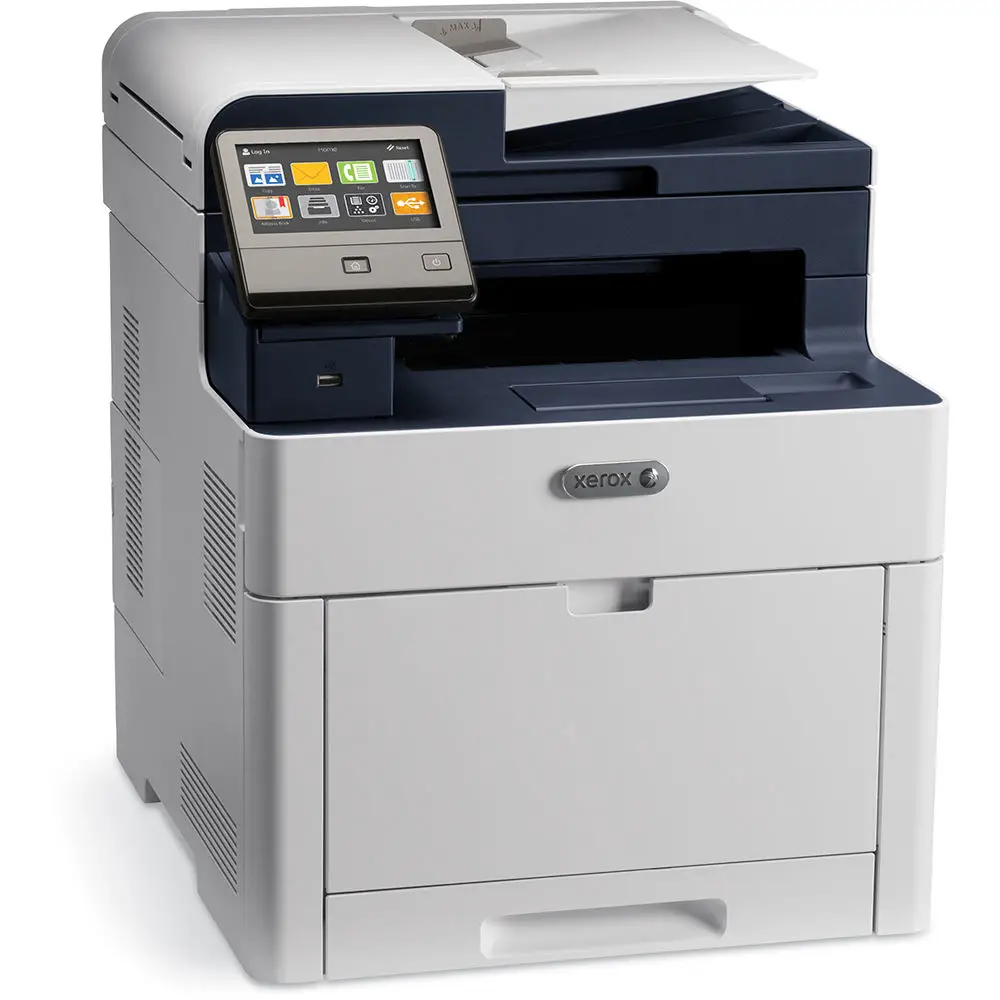
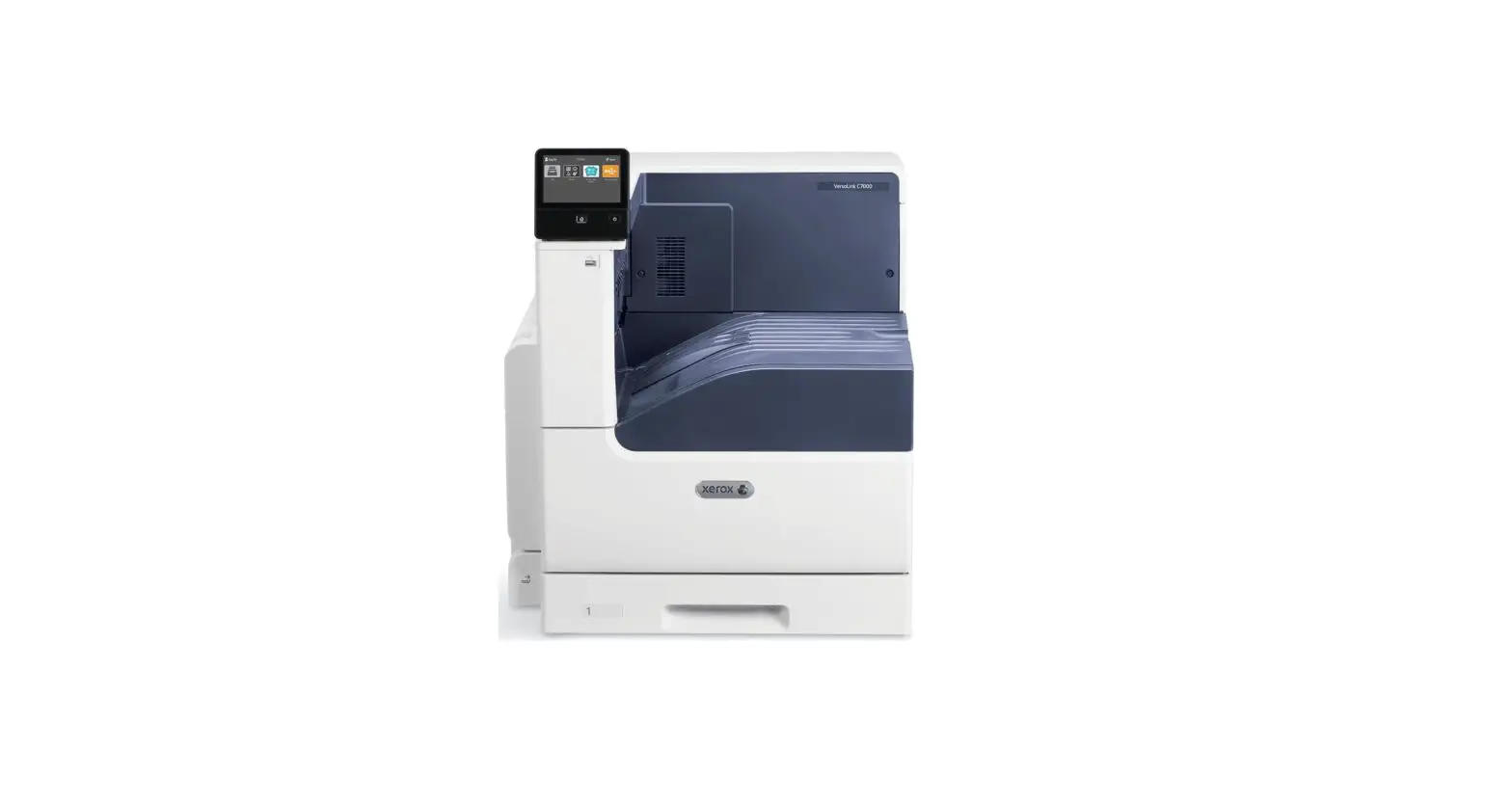
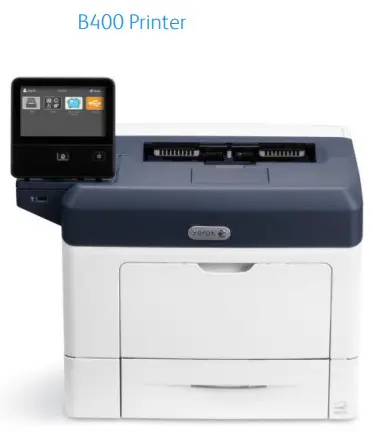
Xerox® VersaLink® B400 Printer
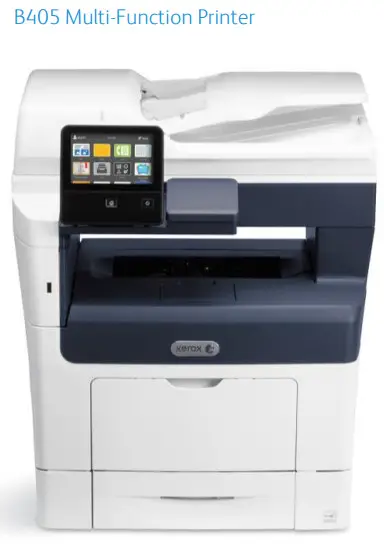
Xerox® VersaLink® B405 Multifunction Printer
© 2017 Xerox Corporation. All rights reserved. Unpublished rights are reserved under the copyright laws of the United States. Contents of this publication may not be reproduced in any form without the permission of Xerox Corporation.
Copyright protection claimed includes all forms of matters of copyrightable materials and information now allowed by statutory or judicial law or hereinafter granted, including without limitation, material generated from the software programs which are displayed on the screen such as styles, templates, icons, screen displays, looks, and so on.
Xerox® and Xerox and Design®, Phaser®, PhaserSMART®, PhaserMatch®, PhaserCal®, PhaserMeter™, ®, PagePack®, eClick®, PrintingScout®, Walk-Up®, WorkCentre®, FreeFlow®, SMARTsend®, Scan to PC Desktop®, MeterAssistant®, SuppliesAssistant®, Xerox Secure Access Unified ID System®, Xerox Extensible Interface Platform®, Color Qube®, ConnectKey®, Global Print Driver®,
VersaLink™, AltaLink™, and Mobile Express Driver® are trademarks of Xerox Corporation in the United States and/or other countries.
Adobe® Reader®, Adobe® Type Manager®, ATM™, Flash®, Macromedia®, Photoshop®, and PostScript® are trademarks of Adobe Systems Incorporated in the United States and/or other countries.
Apple®, Bonjour®, EtherTalk™, TrueType®, iPad®, iPhone®, iPod®, iPod touch®, Mac® and Mac OS® are trademarks of Apple Inc., registered in the U.S. and other countries. AirPrint® and the AirPrint Logo® are trademarks of Apple Inc.
Google Cloud Print™ web printing service, Gmail™ webmail service, and Android™ mobile technology platform are trademarks of Google, Inc.
HP-GL®, HP-UX®, and PCL® are trademarks of Hewlett-Packard Corporation in the United States and/or other countries.
IBM® and AIX® are trademarks of International Business Machines Corporation in the United States and/or other countries.
Microsoft®, Windows Vista®, Windows®, and Windows Server® are trademarks of Microsoft Corporation in the United States and other countries.
McAfee®, ePolicy Orchestrator®, and McAfee ePO™ are trademarks or registered trademarks of McAfee, Inc. in the United States and other countries.
Novell®, NetWare®, NDPS®, NDS®, IPX™, and Novell Distributed Print Services™ are trademarks of Novell, Inc. in the United States and other countries.
PANTONE® and other Pantone, Inc. trademarks are the property of Pantone, Inc.
SGI® and IRIX® are trademarks of Silicon Graphics International Corp. or its subsidiaries in the United States and/or other countries.
Sun, Sun Microsystems, and Solaris are trademarks or registered trademarks of Oracle and/or its affiliates in the United States and other countries.
UNIX® is a trademark in the United States and other countries, licensed exclusively through X/ Open Company Limited.
Wi-Fi CERTIFIED Wi-Fi Direct® is a trademark of the Wi-Fi Alliance.
BR678
Product Overview
Introduction
This document is intended to help you understand the performance and capabilities of the Xerox® B400 and Xerox® B405, including information on optional accessories. Installation planning information is provided later in this document and it contains specifications and guidelines for installing your device. Specifications and data in this document include Xerox and customer proprietary information. The customer will use all reasonable efforts to safeguard the document, will not disclose its contents to third parties, and should only circulate it within the organization on a need-to-know basis.
Product Highlights
The compact B400 and, B405 excel in small office environments where high-impact speed and ease of use are important.
Convenience
- Compact designs fit in tight busy spaces
- Optional Wireless Adapter allows untethered mobility with new Wi-Fi installation wizard and WPS setup
- Wi-Fi Direct (with optional Wi-Fi kit)
- NFC tap-to-pair
- Apple® AirPrint®
- Mopria®
Performance
- Up to 47 ppm
- Duplex Automatic Document Feeder (MFP only)
- Large 550 Sheet Paper Tray
- Hefty processing power with a generous amount of standard memory
- Outstanding output image quality
Ease
- Large 5.0” color capacitive touchscreen (swipe) interface
- Scan to email (MFP only)
- Scan to (MFP only) and print from USB at the device
- App Gallery inbox App for easy access to downloadable Apps
Detailed Specifications and Product Brochure
VersaLink B400/B405 Product Brochure
Xerox VersaLink B400 Printer and Xerox VersaLink B405 Multifunction Printer Brochure
VersaLink B400 – Detailed Specification Sheet
Xerox® VersaLink® B400 Printer
Versalink B405 -Detailed Specification Sheet
Xerox® VersaLink® B405 Multifunction Printer
Maintenance and Support
This section helps define the support and services that Xerox will supply and what is expected of the customer.
Customer/Operator Maintenance
Support Services
The majority of service-related issues can be resolved by the customer using the Xerox Online Support tools from the front panel of the device, the device driver resident on the computer, or through the device Embedded Web Server page. To supplement the Xerox Online Support experience, knowledgeable support resources will be available via the phone. The phone support resources typically resolve issues on the first call. In the event phone support is required, customers will be expected to actively participate in the phone diagnosis and service processes. For issues that cannot be resolved over the phone, customers will typically receive onsite field service the following day from a combination of Xerox Employees and Xerox Authorized National Service Providers.
In addition to onboard, driver-based customer tools, telephone, and on-site service, customers will also have access to web technical support: www.xerox.com/officeprinting/support/.
Call Procedure
Contact your local sales and service team for details:
Product Sustainability
Packaging Take-Back Service for Xerox Branded Products: (US only) Whenever possible, Xerox encourages you to recycle packaging locally as it reduces greenhouse gas emissions associated with transportation. However, if unable to recycle locally, we offer a packaging take-back and recycling service to our customers for Xerox branded products, where customers pay for the return shipping and Xerox pays for the recycling. If interested in this service, please send your packaging to: Xerox Corporation, ESSO – Scrap, 6500 State Route 63, Middletown, OH 45044, ATTN: EPEAT Packaging Returns.
Supplies and Consumables
Xerox supplies for your machine, including paper and CRUs, can be ordered from Xerox by going to www.xerox.com and clicking on either the Contact Us link for specific contact information/telephone numbers in your area or by clicking on the Supplies and entering/selecting your specific machine information (product family and model type).
Note: Always refer to www.xerox.com for the latest Customer Replaceable Units (CRUs) part numbers.
Consumables for this product are part of the Xerox Green World Alliance Supplies Recycling Program. For more information, please visit the Green World Alliance website at www.xerox.com/gwa.
| Item | Description/Yield | Xerox Order# |
| Sold Toner – NA/XE | BLACK STANDARD CAPACITY TONER CARTRIDGE. B400/13405 5.9K PAGES | 106R03580 |
| Sold Toner – DMO | BLACK STANDARD CAPACITY TONER CARTRIDGE. B400/13405 5.9K PAGES | 106R03581 |
| Sold Toner – NA/XE | BLACK HIGH CAPACITY TONER CARTRIDGE. B400/13405 13.9K PAGES | 106R03582 |
| Sold Toner – DMO | BLACK HIGH CAPACITY TONER CARTRIDGE. B400/13405 13.9K PAGES | 106R03583 |
| Sold Toner – NA/XE | BLACK EXTRA HIGH CAPACITY TONER CARTRIDGE, B400/13405 24.6K PAGES | 106R03584 |
| Sold Toner – DMO | BLACK EXTRA HIGH CAPACITY TONER CARTRIDGE, B400/13405 24.6K PAGES | 106R03585 |
| WW METERED | BLACK METERED TONER CARTRIDGE. B400/13405 25K PAGES | 106R03586 |
| DRUM CARTRIDGE | DRUM CARTRIDGE. B400/13405 65K PAGES | 101R00554 |
*Average standard pages. Declared Yield in accordance with ISO/IEC 19752. Yield will vary based on image, area coverage and print mode.
Customer Expectation and Installation Guide
INSTALLATION PREPARATION
Installation Preparation
Roles and Responsibilities
This section is key to clearly state Xerox/Partner and the customer roles and responsibilities and necessary actions.
Responsibility Matrix
| Action | Customer | Xerox/Partner |
| Ensure adequate space and power to install system | X | |
| Ensure Site survey is completed, and the size requirements are communicated to the customer. | X | |
| Unpack system / components | X | |
| Install system hardware | X | |
| Connect all System Components prior to powering up the system | X | |
| Ensure network configuration | X | |
| Confirm network integrity | X | |
| Acquire and install client software including print drivers | X | |
| Run initial software diagnostic when directed | X | |
| Monitor and adjust as required | X | |
| Load any additional fonts | X | |
| Order and replace Customer Replaceable Units as needed. | X | |
| Provide Help Line support | X | |
| Provide spared parts | X |
Installation Planning
APPENDIX
Installation Considerations
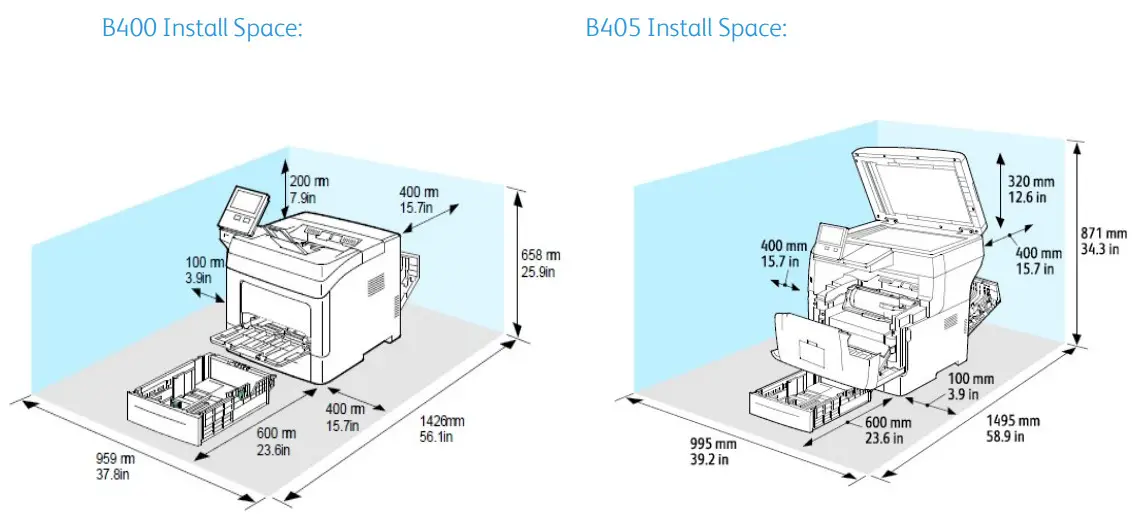
Physical delivery is performed by Xerox authorized common carriers, such as UPS or Xerox carriers. The customer is responsible for un-boxing, setup, connecting, and configuring the equipment on their network. The products require a two-person lift based on the weight of the products. Customer to provide a table or desk capable of supporting the weight of the equipment. For hallway installations, the customer is to independently review and consider any applicable federal, state, local, or other codes and requirements related to emergency egress in the area of installation.
Electrical requirements and space requirements must be satisfied before the equipment is delivered.
Appendix
Customer Expectations Agreement
I have reviewed and understand the product expectations and installation preparation requirements, as referenced in this CEIG document: (Signatures Required)
Customer_____________________________________________________________
Xerox/Partner Sales Representative__________________________________________
Xerox/Partner Analyst Representative________________________________________
Xerox/Partner Service Representative________________________________________
Customer Expectation and Installation Guide
 Workplace and Digital Printing Solutions | Xerox