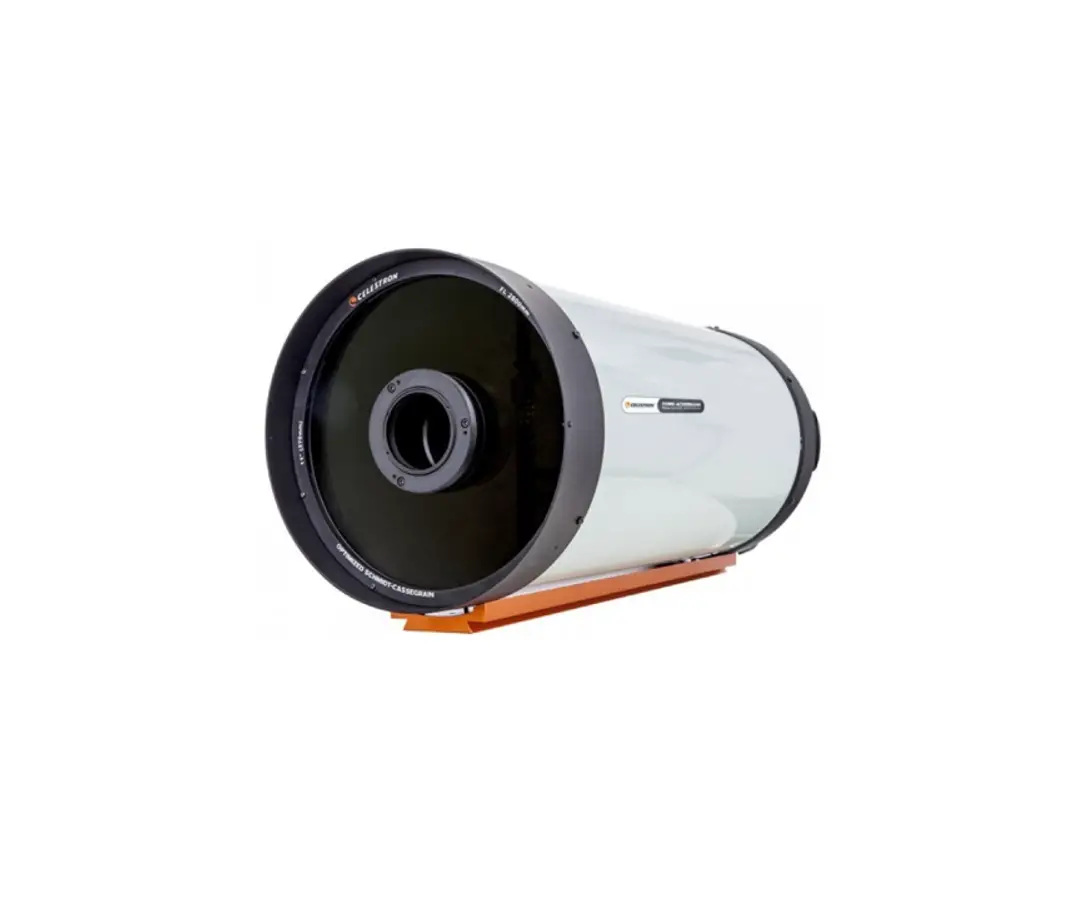
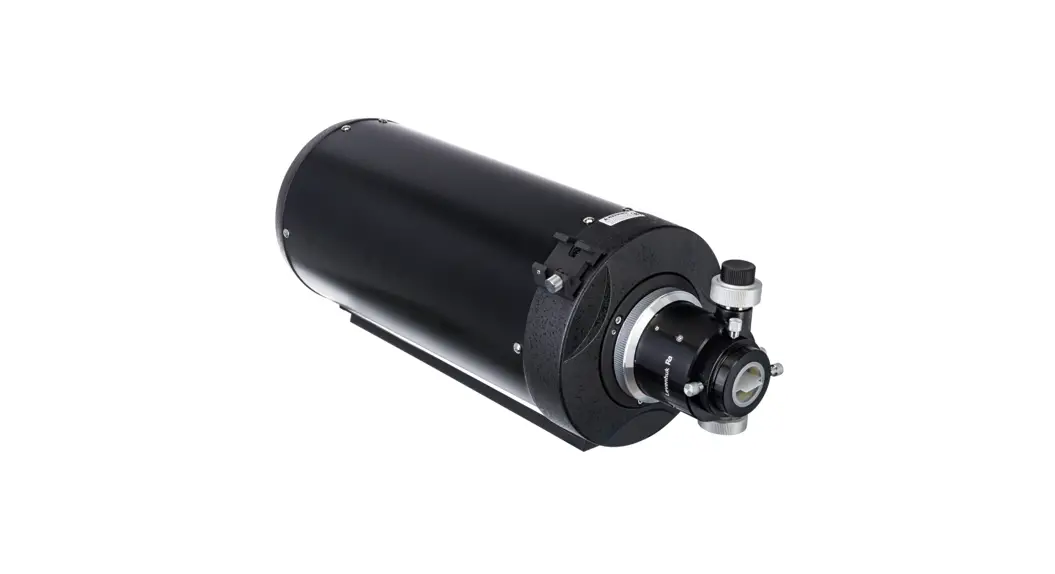
SCA260 Ashperical Cassegrain Astrograph with Integrated Field Flattener
Product Information:
Product Name: Sharpstar SCA260F5
Manufacturer: Sharpstar
Model: SCA260F5
Package Contents: Collimation eyepiece, 4mm hexagonal spanner,
5mm hexagonal spanner
Product Usage Instructions:
Collimation:
- Install the collimation eyepiece in the direction shown in the
picture. - Observe through the eyepiece and check if it matches the
expected patterns. If not, adjustment is needed. - Use the included 4mm hexagonal spanner to adjust the three
screws of the secondary mirror until it is aligned properly. Be
cautious not to over-tighten the screws to avoid damage to the
secondary mirror.
Primary Mirror Adjustment:
- Prepare by aligning the astrograph to a bright star or an
artificial star point. - Rotate the fine adjustment handwheel and compare the star with
the provided patterns for in-focus and out-of-focus views. - If the star does not match the expected patterns, unscrew the
three screws as shown in the picture using a 4mm hexagonal
spanner. - Use the 5mm hexagonal spanner to adjust the three primary
mirror adjusting screws to move the star to the right
position. - Adjust the three screws to move the star towards the wider side
of the diffraction ring, towards the edge of the frame. - Adjust the equatorial or longitudinal mount to move the star to
the center of the frame and check if it looks the same as in the
previous step. - If it still differs, repeat the previous step until the desired
alignment is achieved. - Once finished, lock the three screws to secure the
collimation.
SHARPSTAR Instruction Manual for Sharpstar SCA260F5
Collimation
Thank you for choosing Sharpstar astrographs Please carefully read the instructions for adjustment before usage
(Tool you need to prepareM48×0.75 to 1.25 adapter)
*OTUBMMUIF$PMMJNBUJPO&ZFQJFDF
M48x0.75-1.25 Optional The collimation eyepiece is included in the package Install the eyepiece in
the direction shown in the picture
‘JOJTI*OTUBMMJOH
$PMMJNBUJPOPGUIF4FDPOEBSZ.JSSPS
æ
Observe through the eyepiece, and you will see as follows: (If different, go .)
ç
If it is different from there will be patterns as follows. It means an adjustment is needed.
è
Use the included 4mm hxagonal spanner to adjust the three screws of the secondary mirror until it is good.
4mm hxagonal spanner
(Use the long side of the hxagonal spanner to adjust. Do not over-lock the screws, or it will cause irreversible damage to the secondary mirror.)
$PMMJNBUJPOPGUIF1SJNBSZ.JSSPS
Preparation:
1. Dismantle the M48×0.75 to 1.25″ adapter and the collimation eyepiece 2. Install an eyepiece or a camera and get it focused. 3. Mount the astrograph onto an equatorial or longitudinal mount, and
align the astrograph to a bright star or an artificial star point.
Rotate the fine adjustment handwheel and compare the star with the follow patterns.
In focus
Out of focus
If it looks like these patterns, the primary mirror needs adjustment.
In focus Out of focus In focus
Out of focus
Unscrew the three screws as the picture shows 4mm hxagonal spanner
Screw the three primary mirror adjusting screws to move the star to the right position.
5mm hxagonal spanner
Adjust the three screws to move the star towards the direction of the wider side of diffraction ring to the edge of the frame.
Adjust the equatorial or longitudinal mount to move the star to the center of the frame and see whether the star looks the same as that in Step .
If it still differs from Step , repeat Step & until finished.
Lock the three screws in Step and finish collimation.