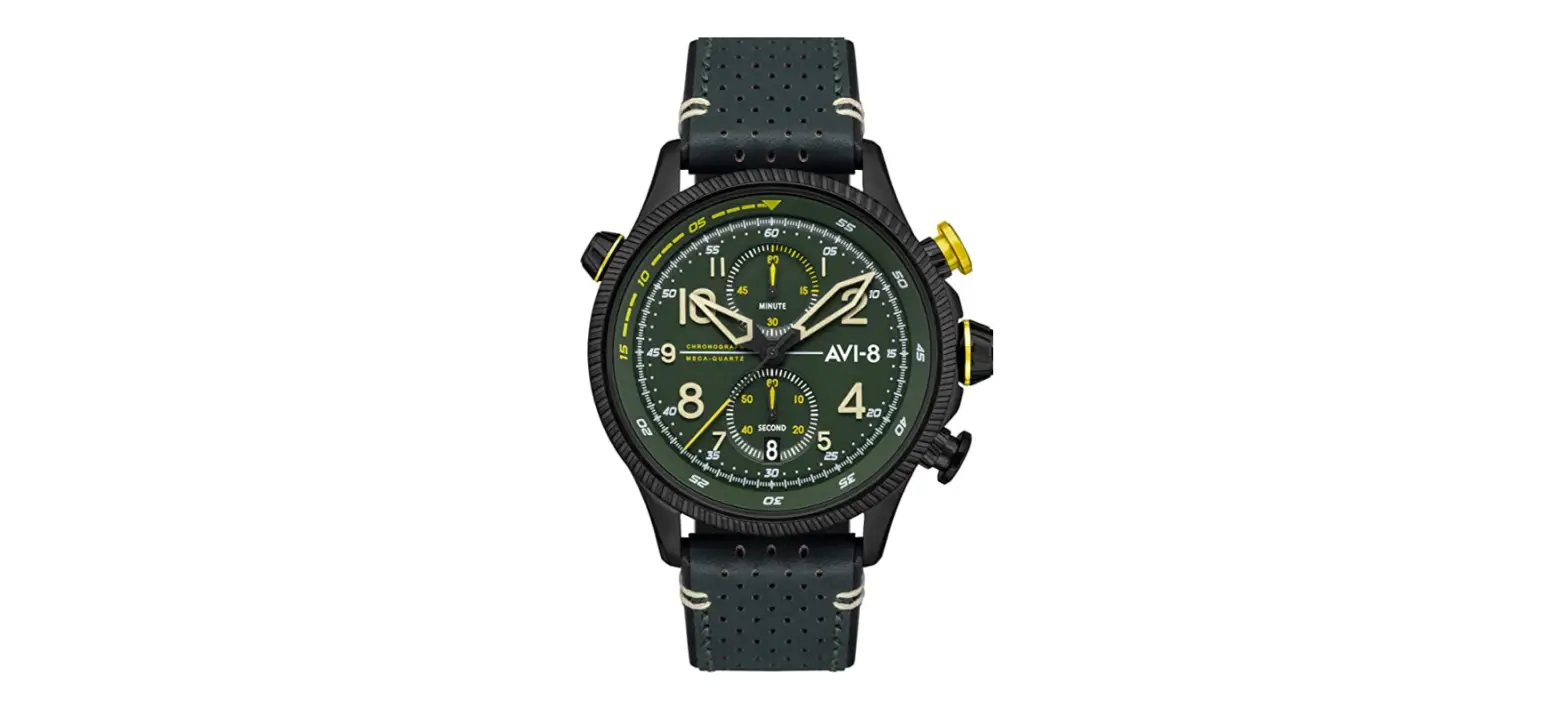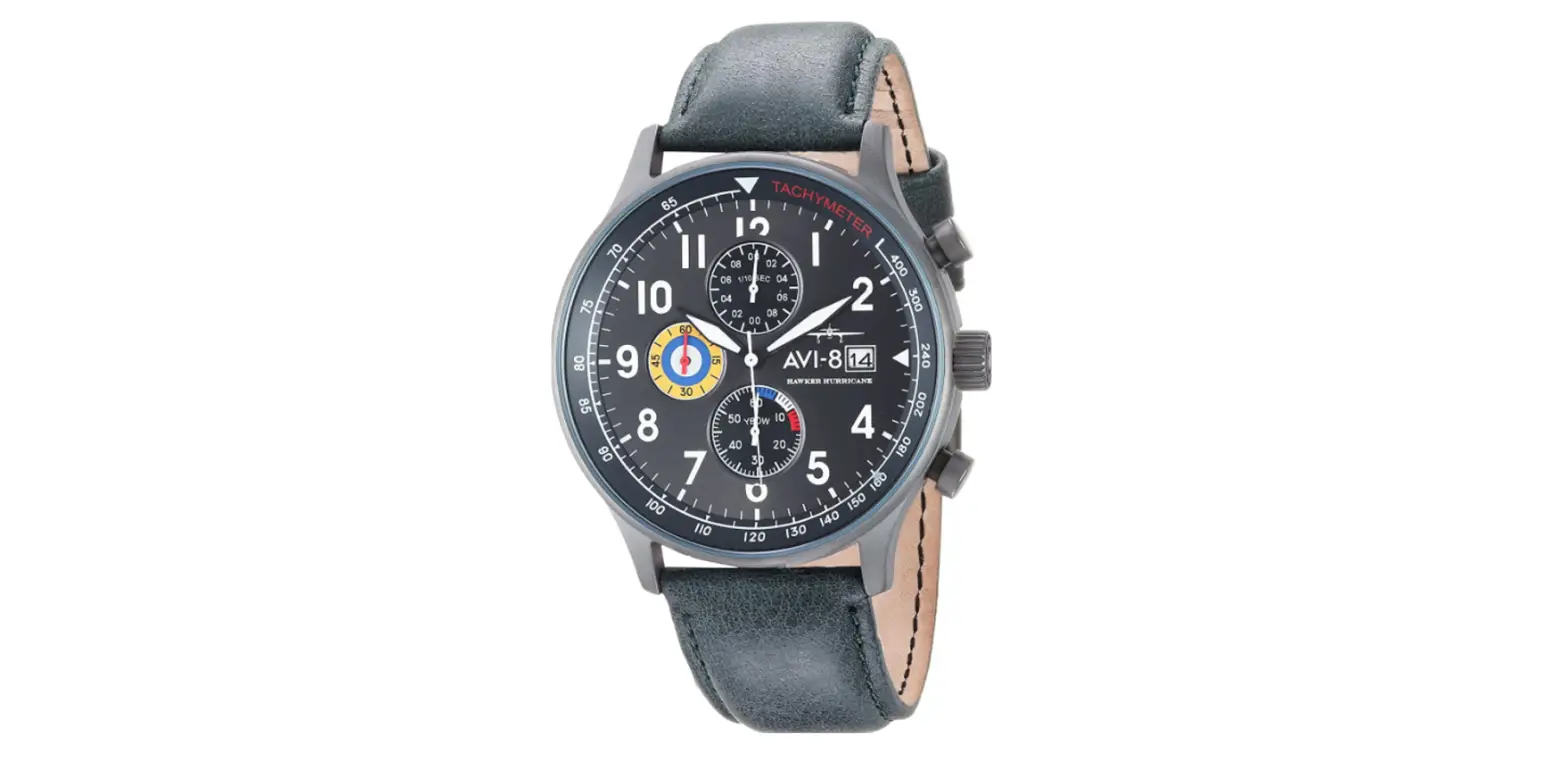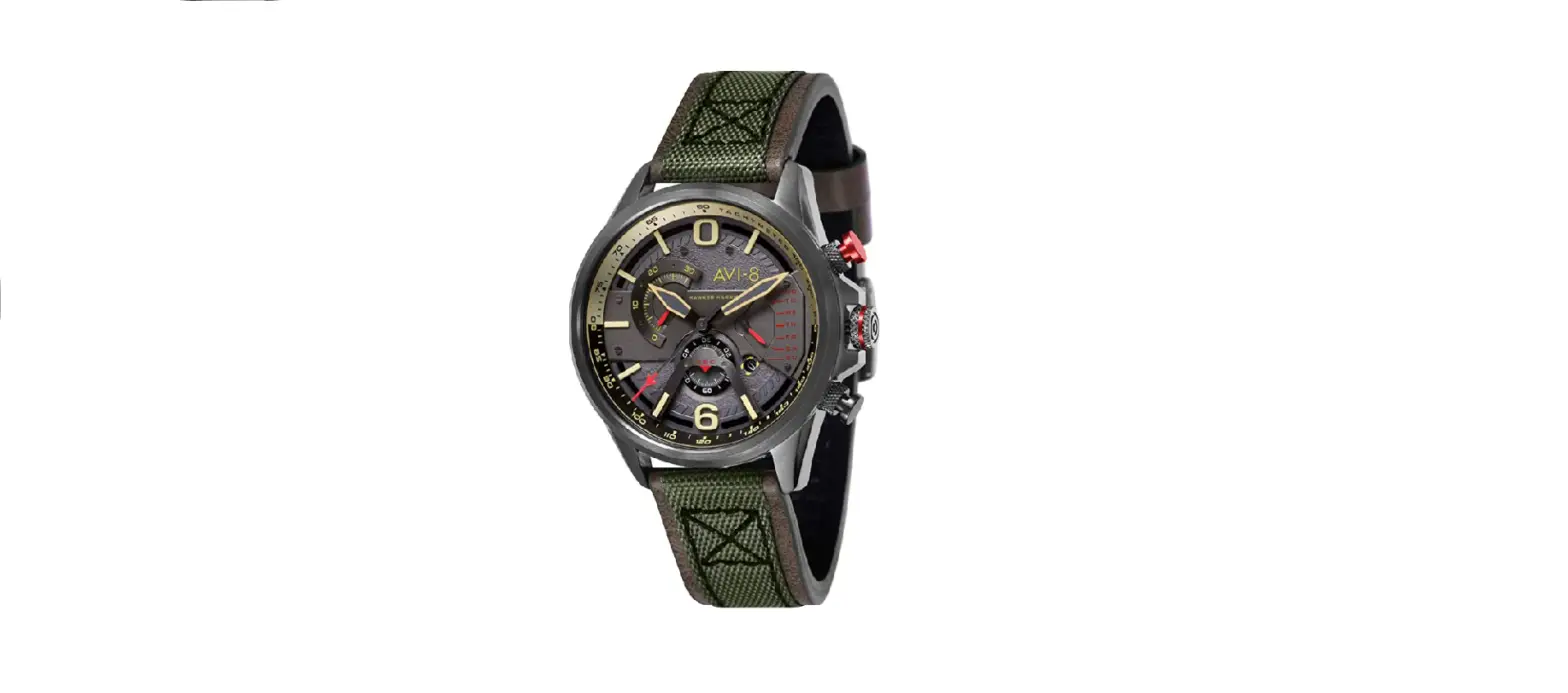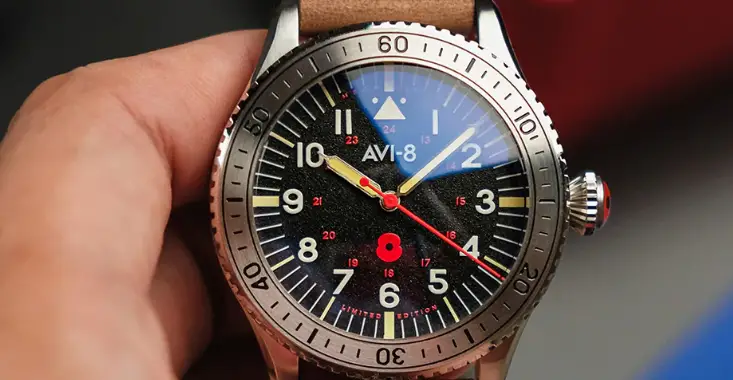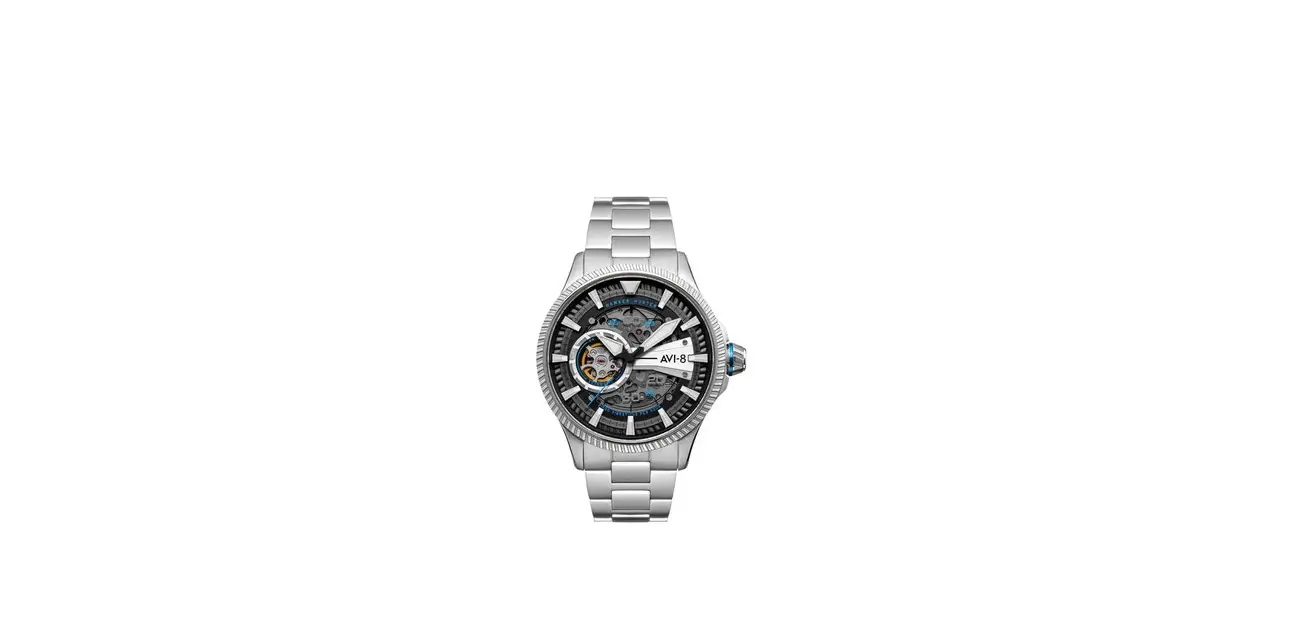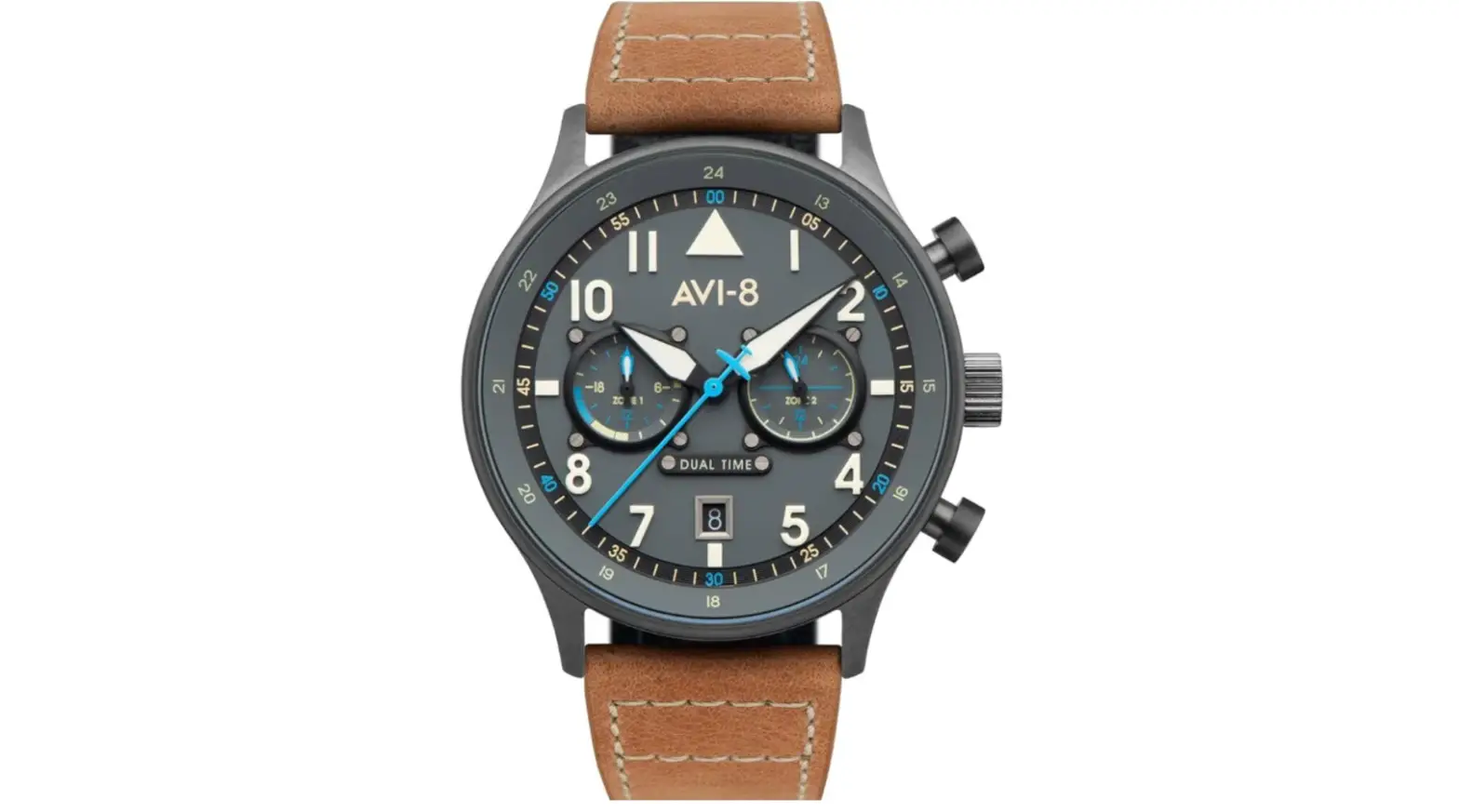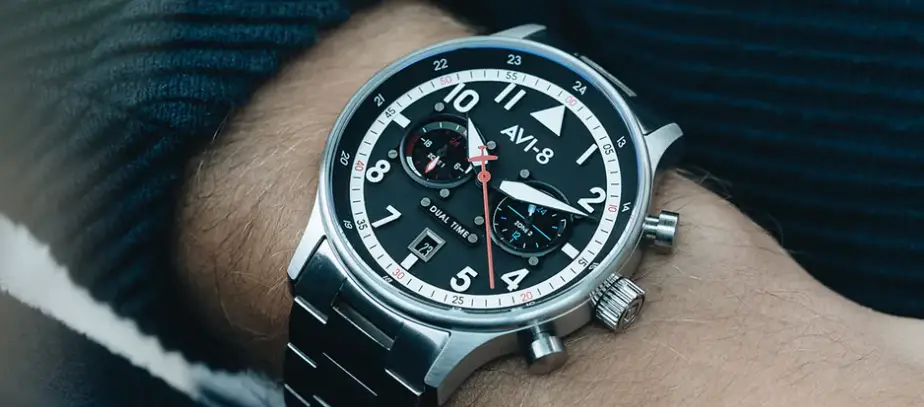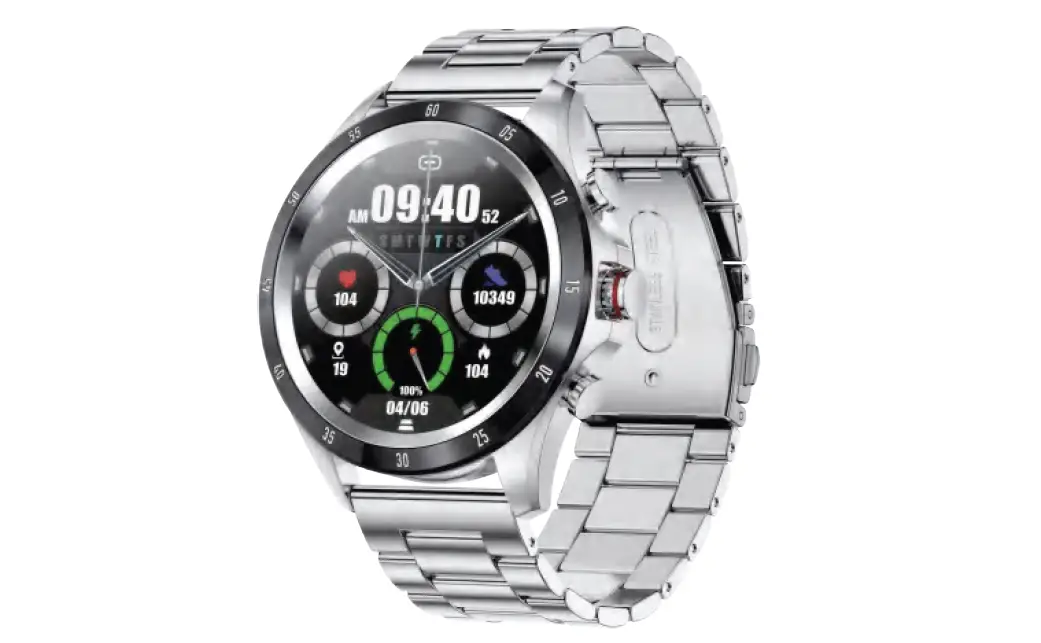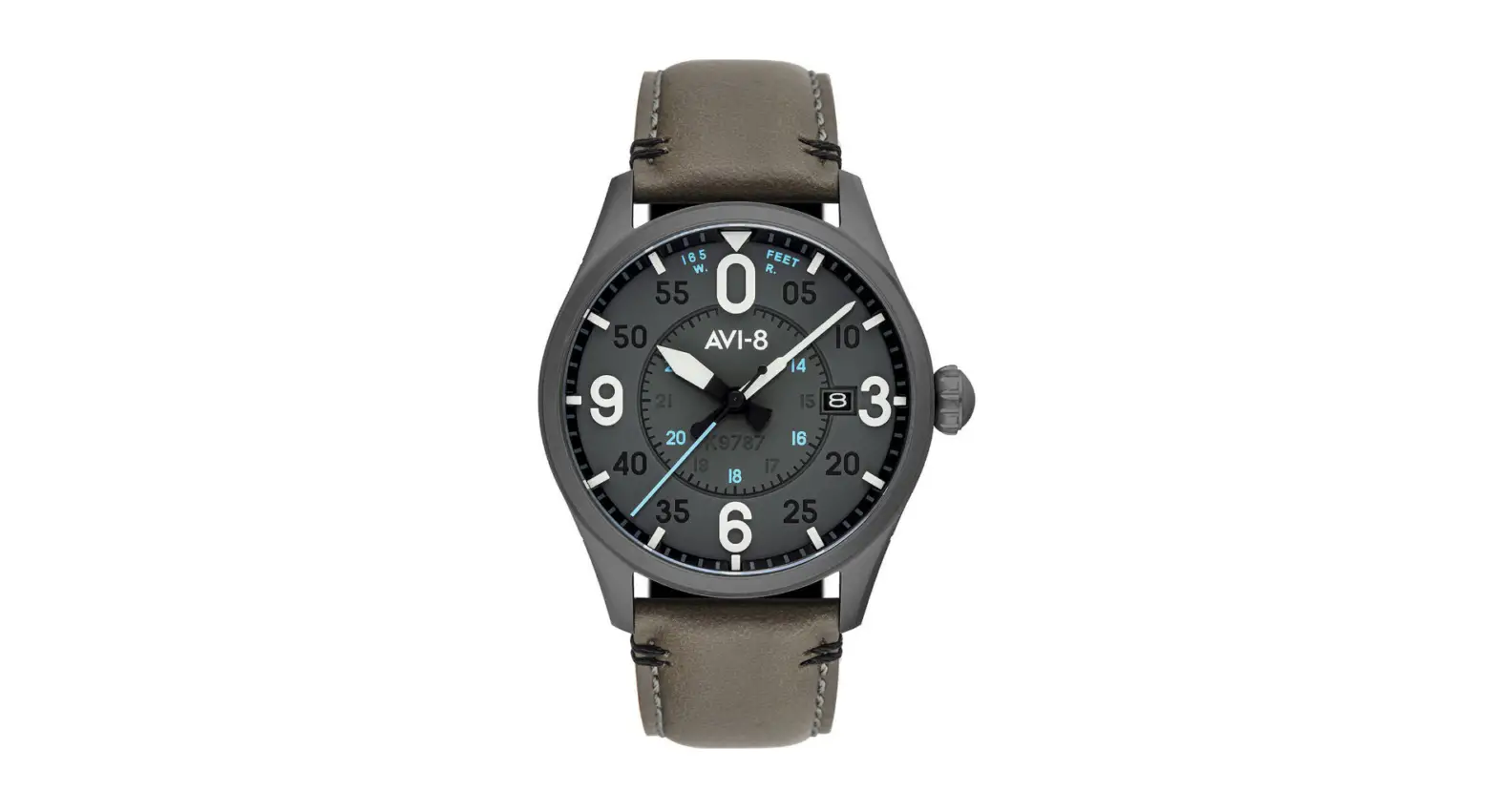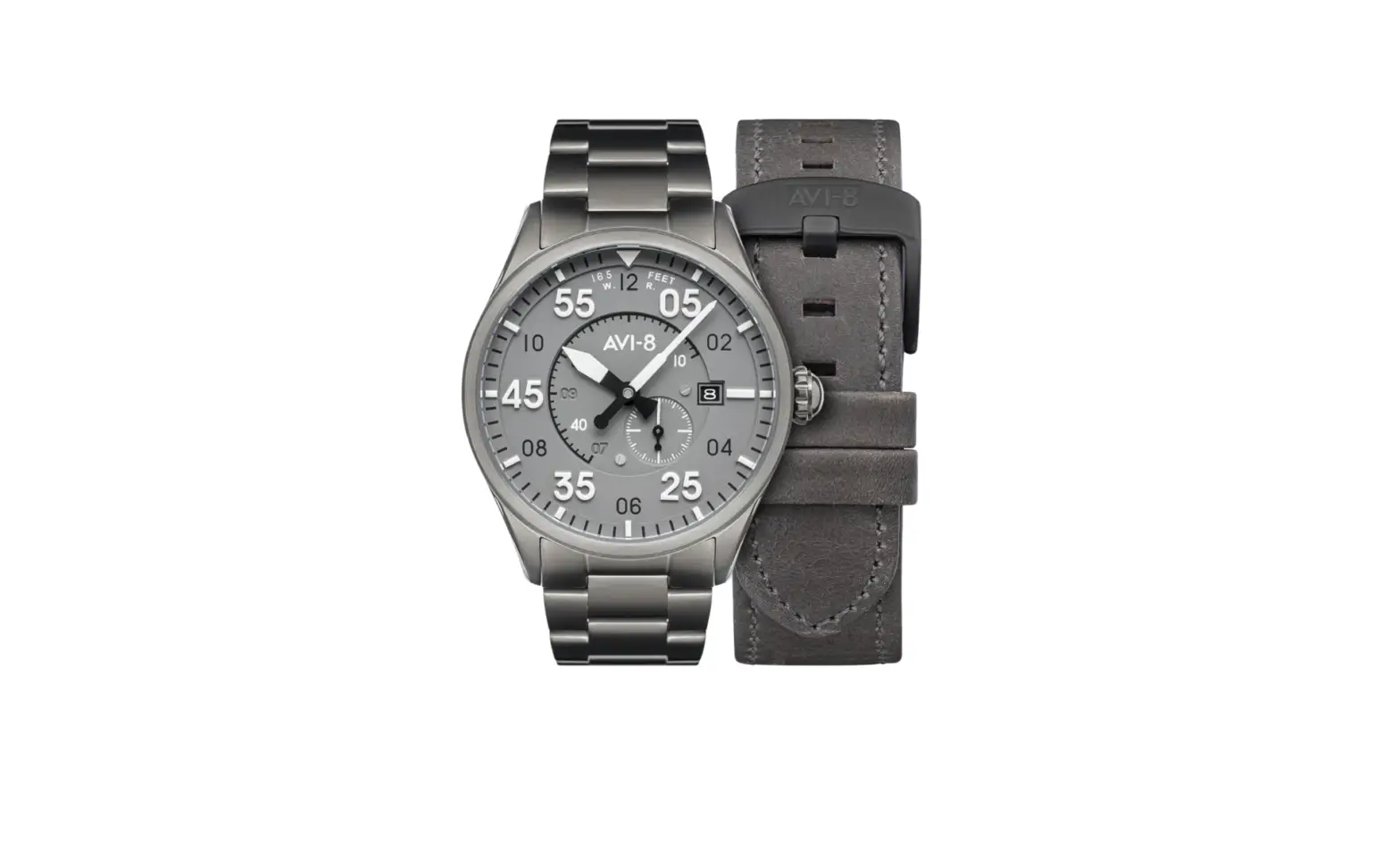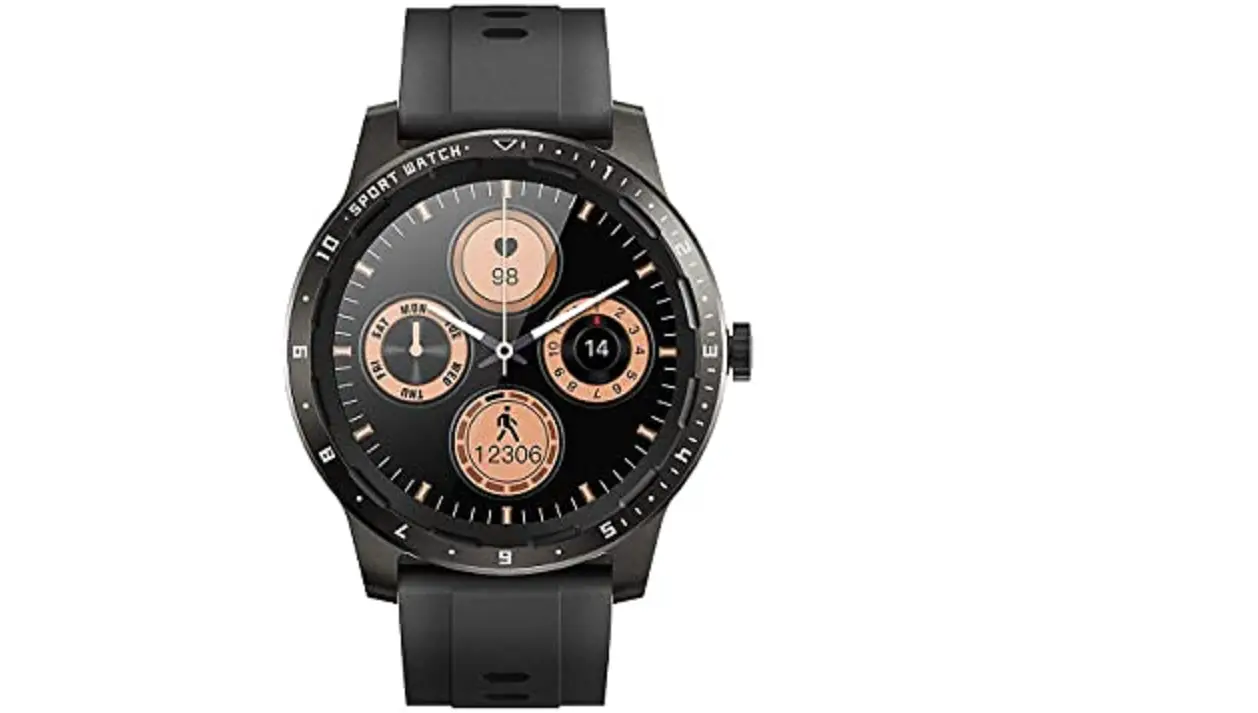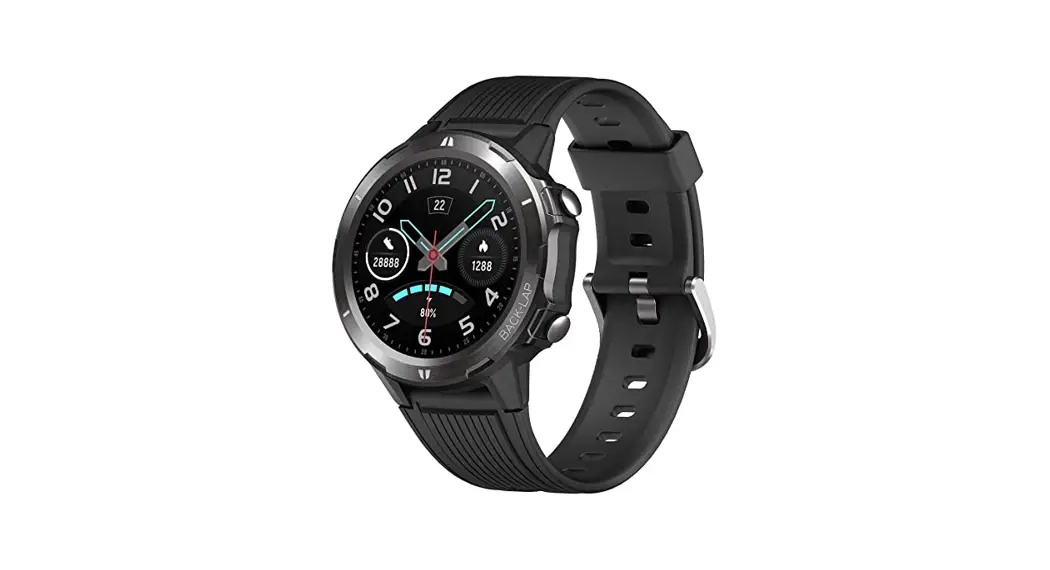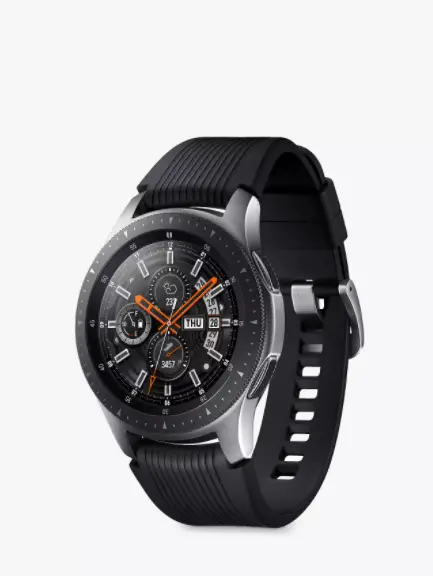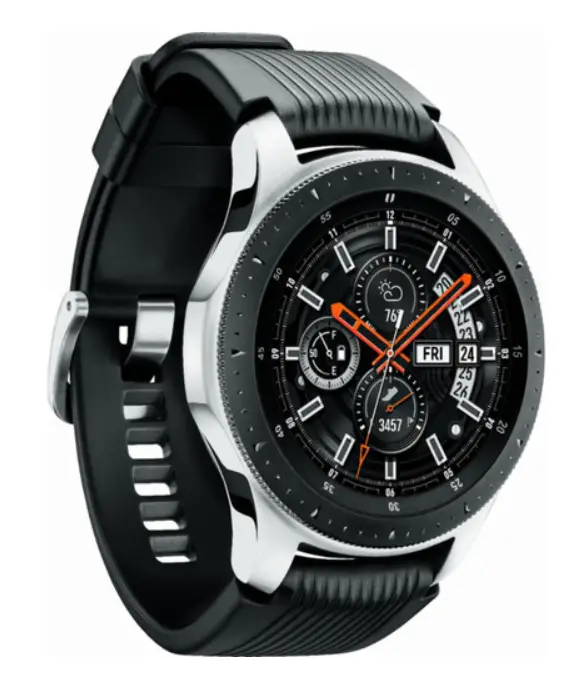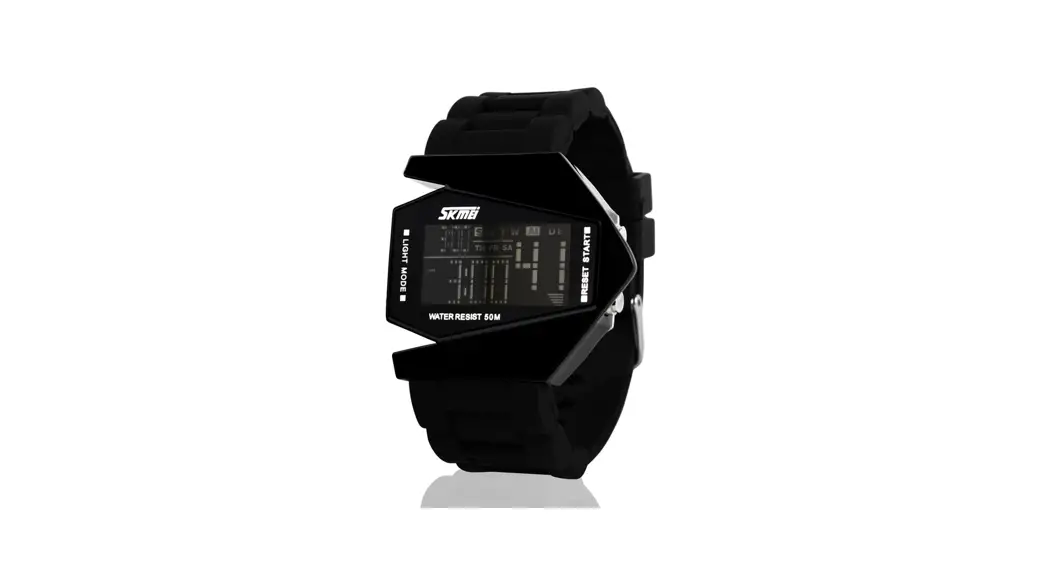
 AV-4093 Hawker Typhoon Smart Watch
Instruction Manual
For more information

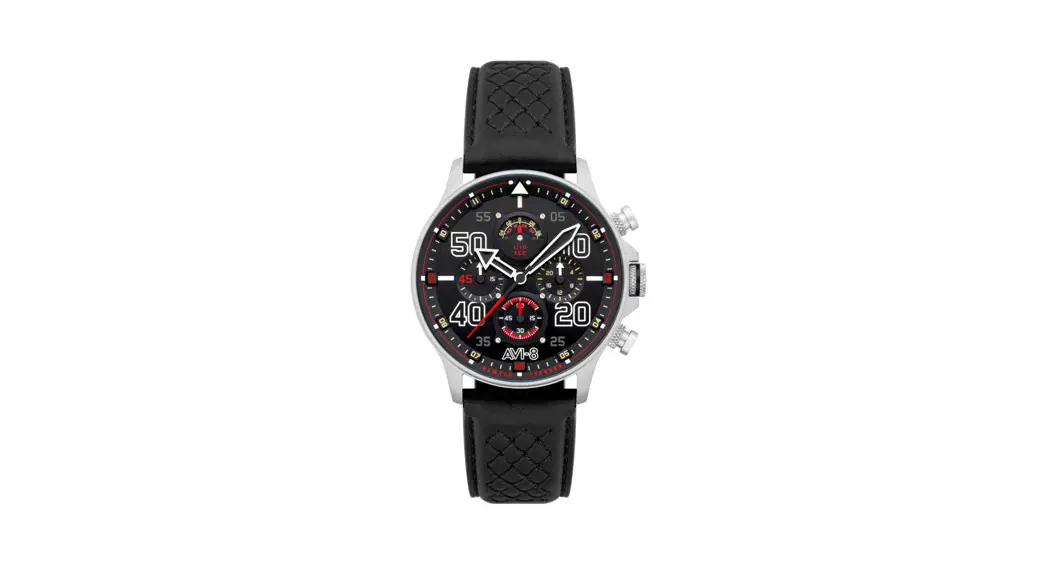
CHRONOGRAPH WATCH
This watch is powered by a quartz Chronograph movement capable of split micro measurements of time.
With pinpoint accuracy, you may use this watch to measure separate periods of elapsed time while simultaneously reading the current time. 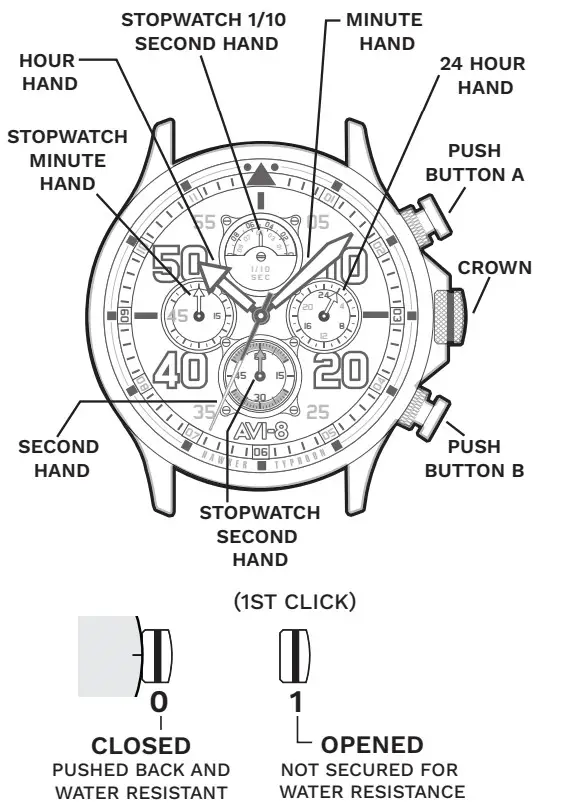
For more details on operating this timepiece please refer to the enclosed booklet or visit: AVI-8.CO.UK
HOW TO SET THE TIME
- Pull the crown to position [1]-(1st click).
- Turn the crown clockwise to set the correct time.
- Push the crown in.
 * Take A.M./P.M. into consideration when setting the hour and minute hands to the desired time.
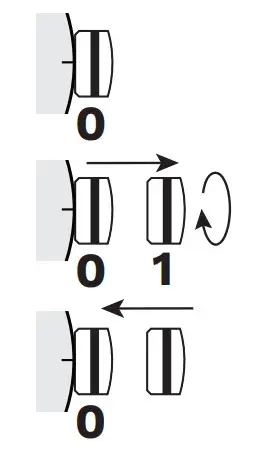 * Take A.M./P.M. into consideration when setting the hour and minute hands to the desired time.
STOPWATCH FUNCTION
- The measurement of time is indicated by the stopwatch hands that move independently of the center hands and 24-hour hand.
- The stopwatch can measure up to 60 minutes.
- The stopwatch measures in 1/10 second increments.
STANDARD MEASUREMENT
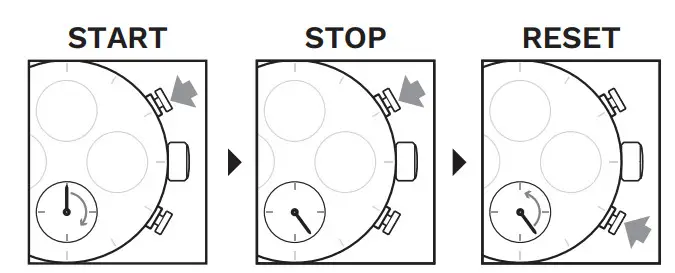
ACCUMULATED ELAPSED TIME MEASUREMENT
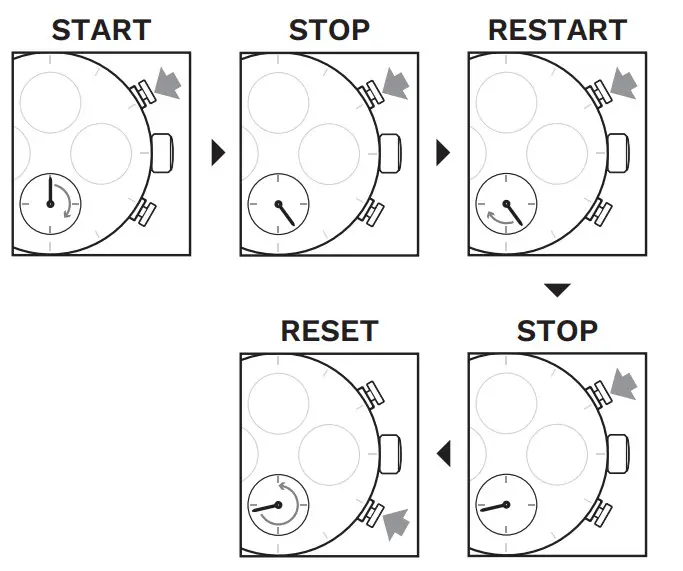
Restart and stop of the stopwatch can be repeated by pressing button A.
SPLIT TIME MEASUREMENT
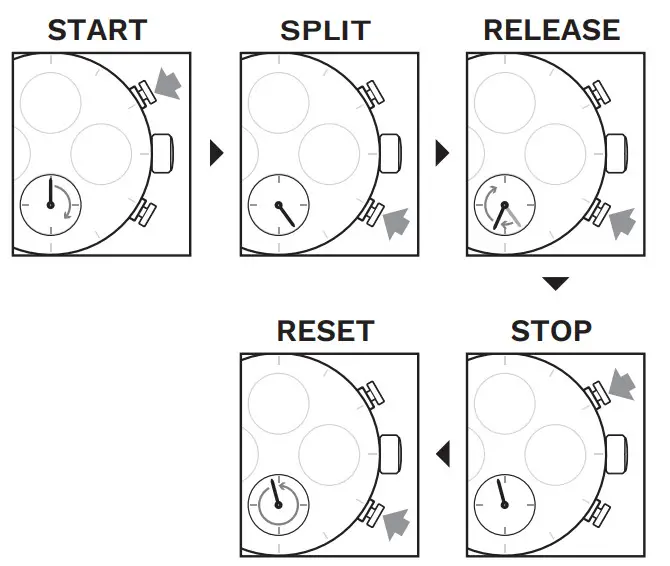
Measurement and release of split time can be repeated as many times as necessary by pressing the button B.
ADJUSTING STOPWATCH HANDS POSITION
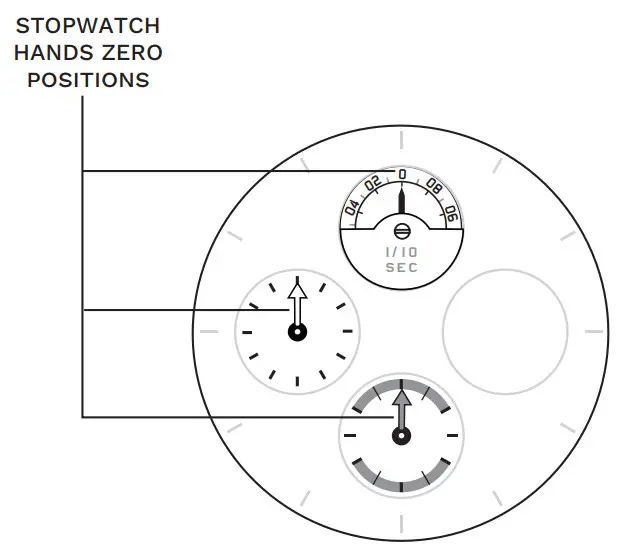
- Before setting the time, check if all the chronograph hands – 1/10 second (where applicable), second, and minute – are at the “0” (12 o’clock) position.
- If the stopwatch is in use, press the buttons in the following order to reset it, and then, check if the hands return to the “0” position.
- If the chronograph is counting: A→B
- If the stopwatch is stopped: B
- If the split time is displayed: B→A→B

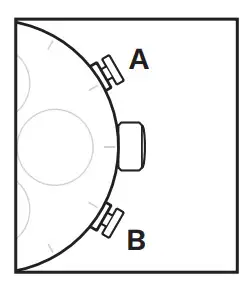
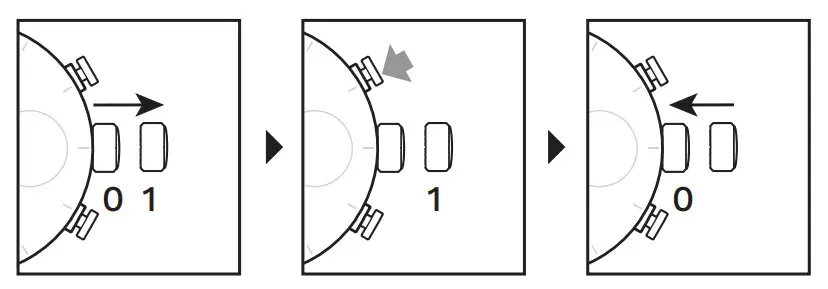
If either of the stopwatch hands is not in the “0” position, reset them following the procedure.
- Pull the crown out to position [1]-(1st click).
- Press button A or B to reset all stopwatch hands to the “0” position.
* The stopwatch’s minute hand moves correspondingly with the stopwatch’s second hand.
* The hands move quickly if the respective buttons are kept pressed. - Push the crown back to the normal position.

WATER RESISTANCE
Note that the water resistance chart serves only as a guide (please refer to the water resistance chart on the next page). Actual water resistance may vary depending on a number of factors including water temperature, water salinity, and use underwater. The water resistance of your timepiece may eventually be compromised over time with general wear and tear and the use of your timepiece under adverse conditions.
Note that you should NEVER wear your watch in a jacuzzi, hot shower, or steam room where steam may enter the case despite the watertight seals used to protect your watch. This may cause condensation inside your watch, which may affect and damage the inner workings of your watch.
| WATER RESISTANCE CHART | 50M/5ATM |
| SPLASH/SHOWERING |  |
| SWIMMING/BATHING | |
| BRIEF SWIMMING/WATER SPORTS |  |
| PROLONG SWIMMING/FREE DIVING | |
| SCUBA DIVING | |
| PROFESSIONAL DEEP SEA DIVING | |
 Aviation Inspired Timepieces – AVI-8 Timepieces