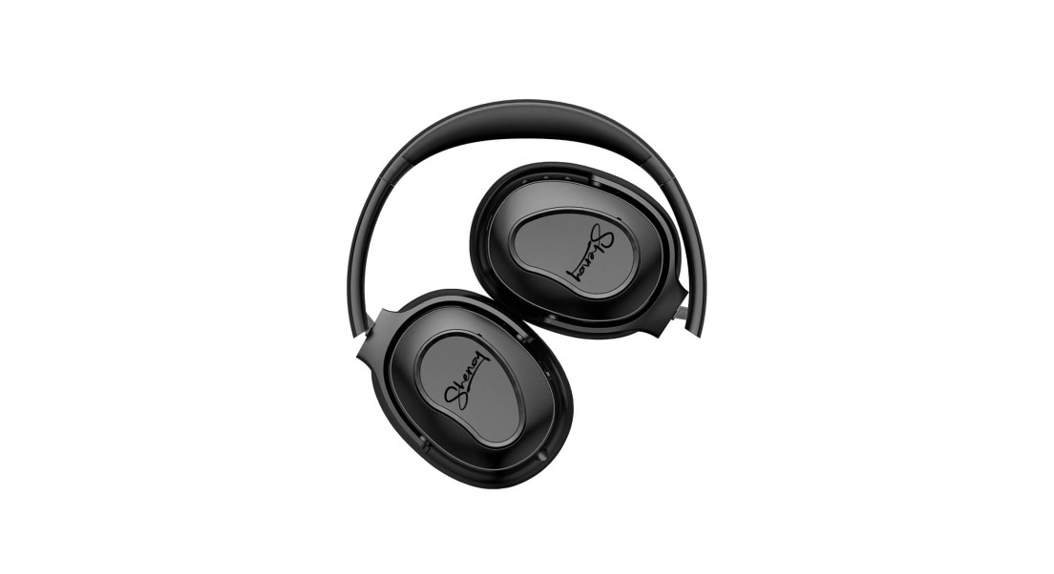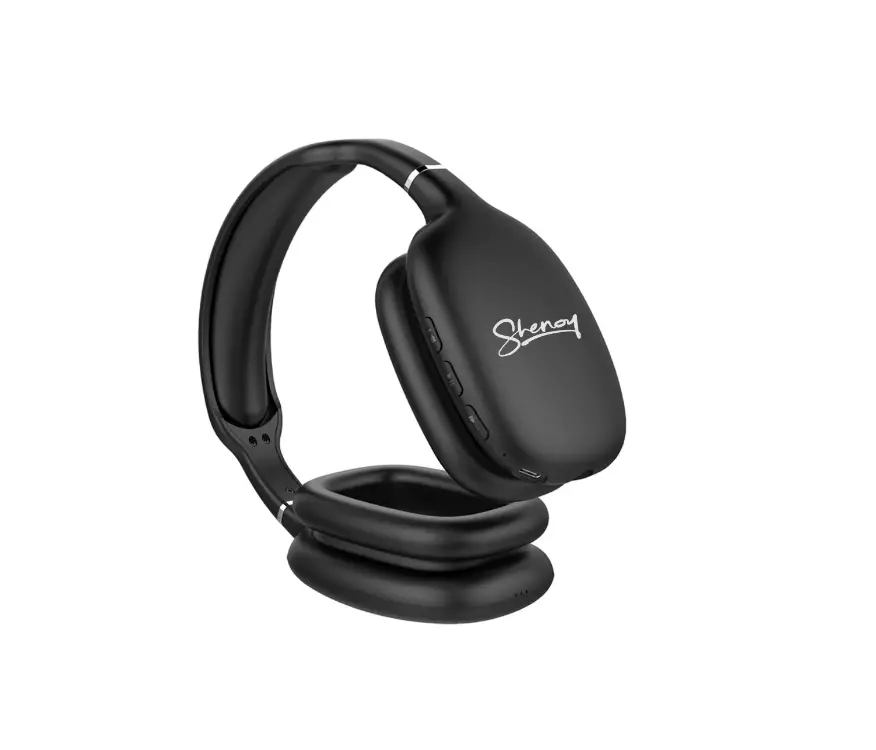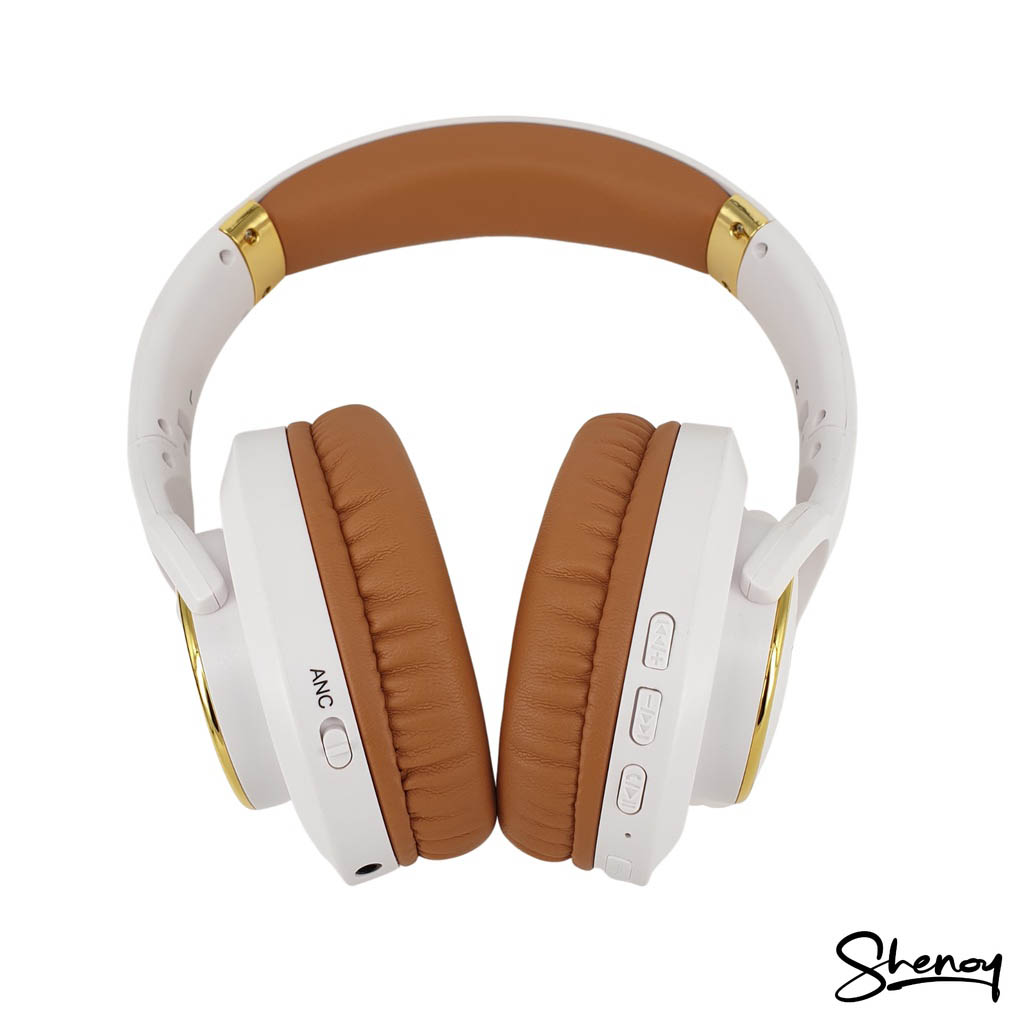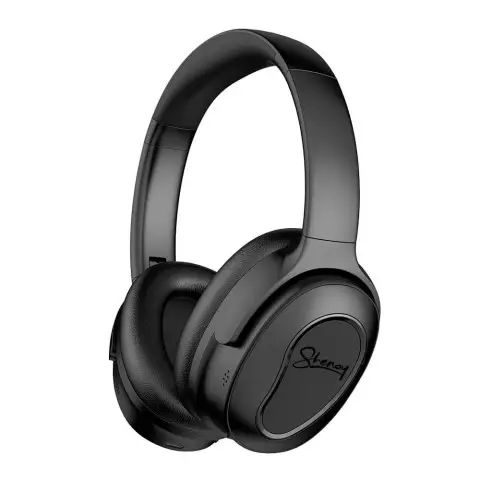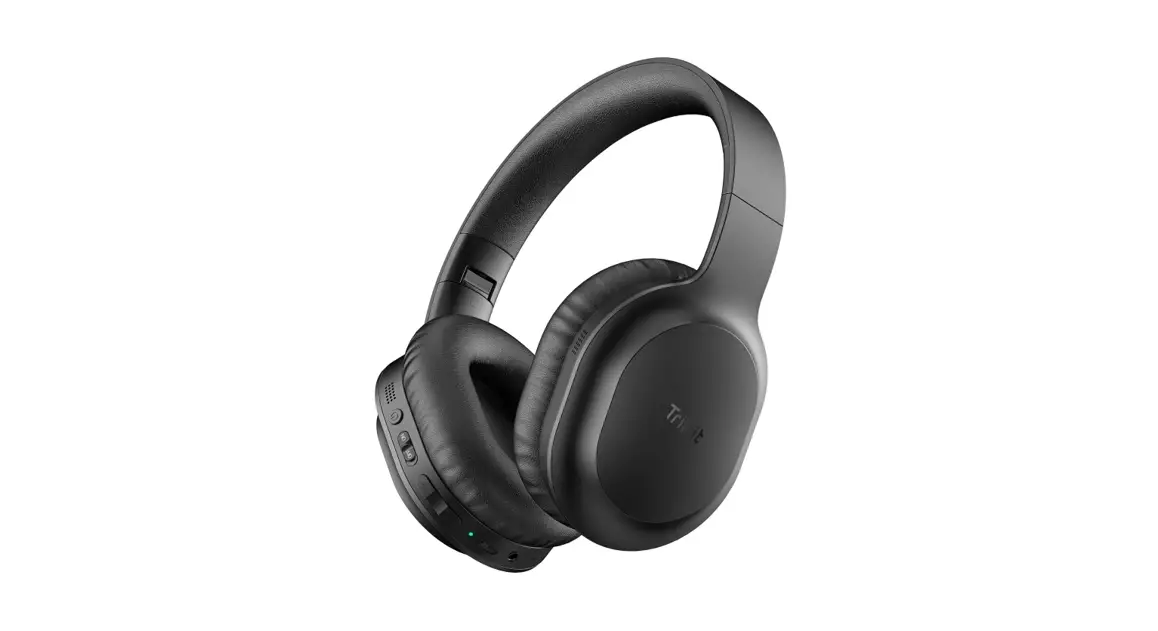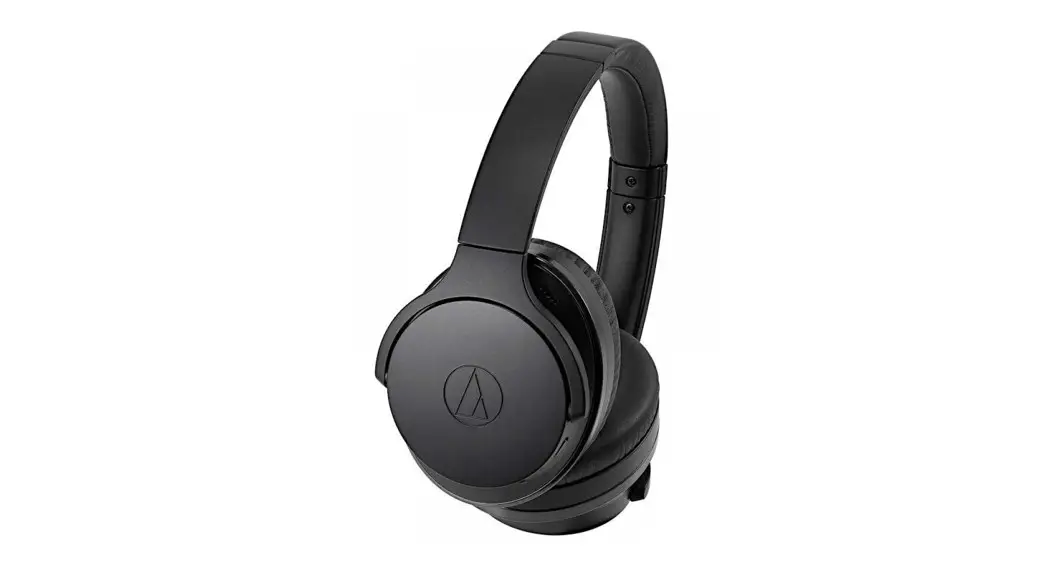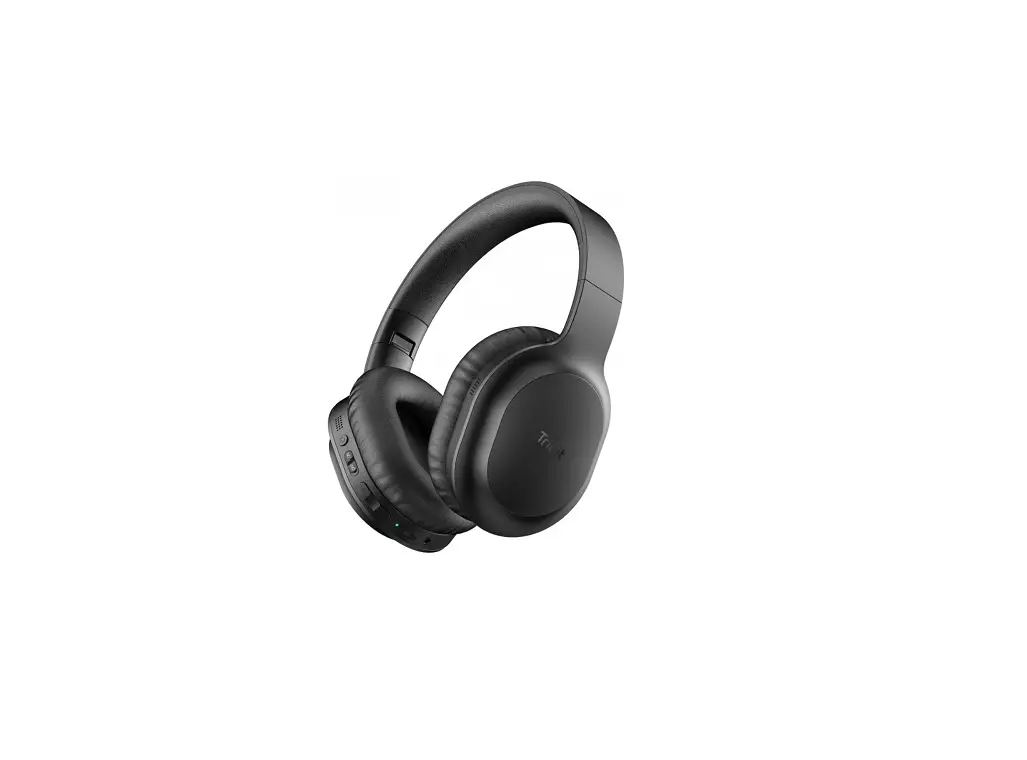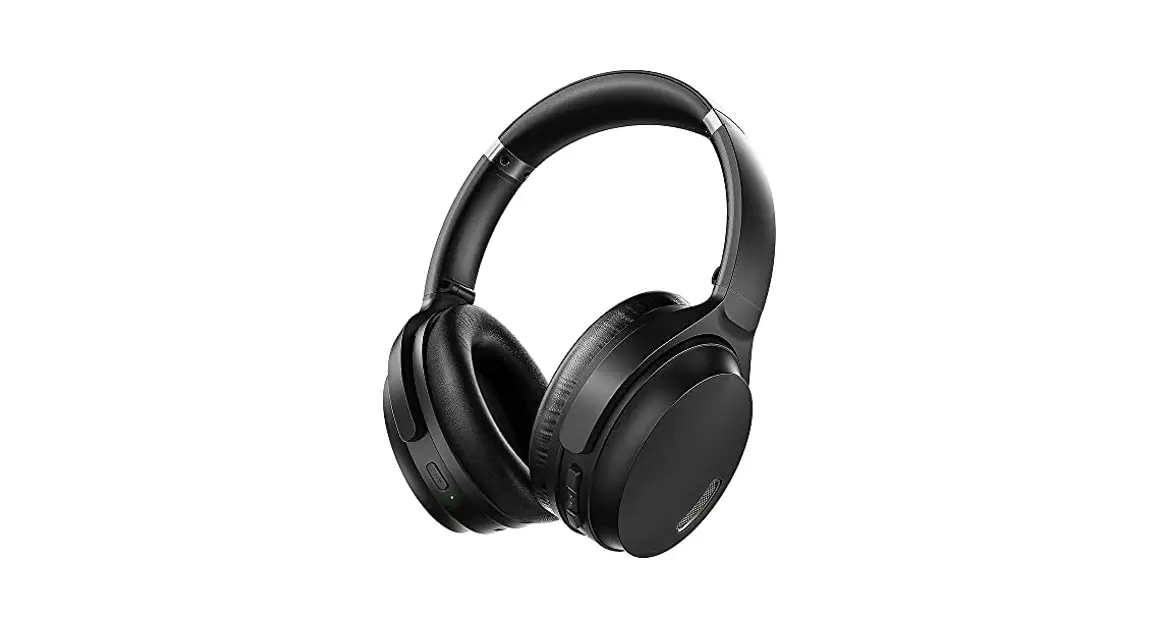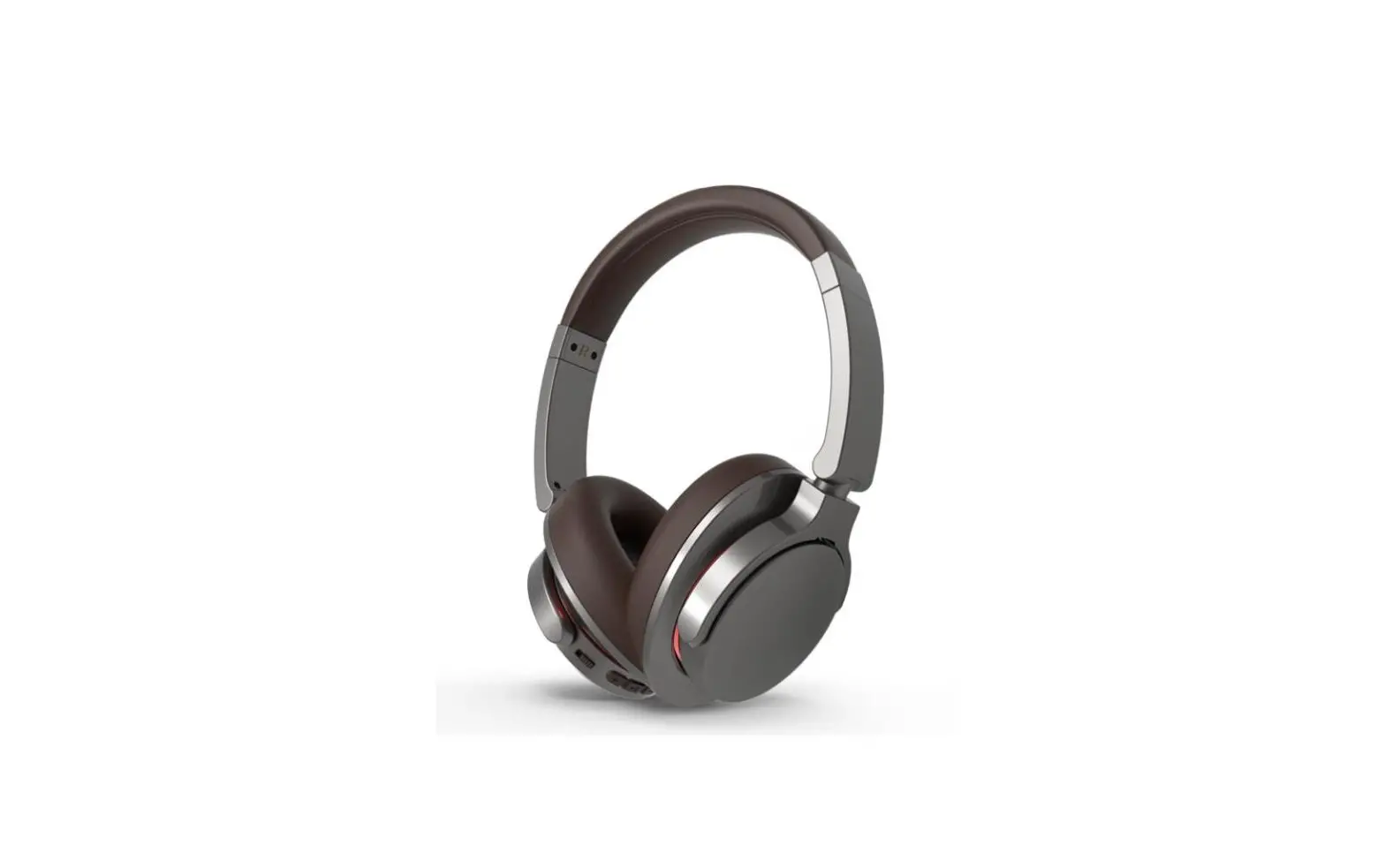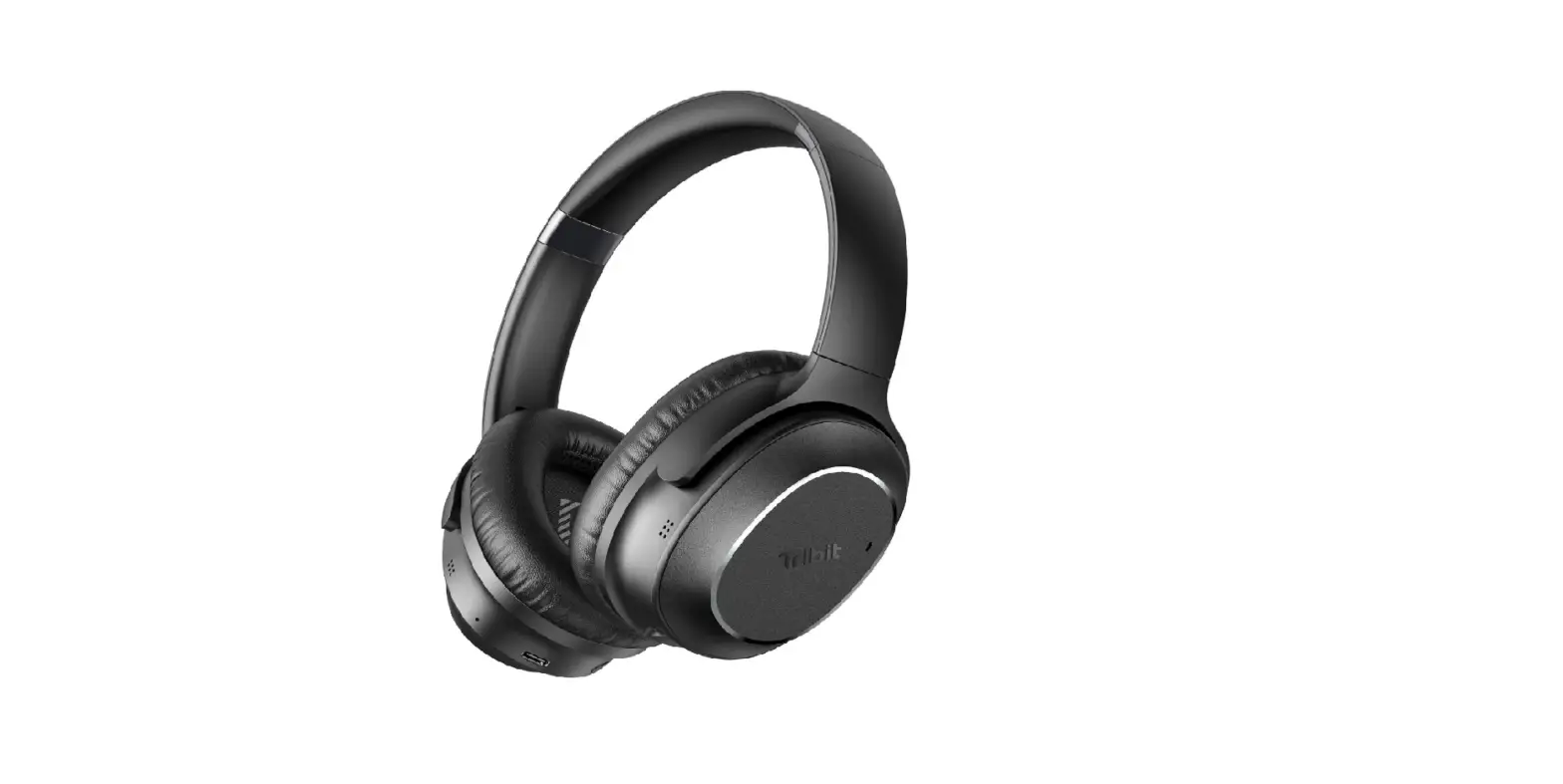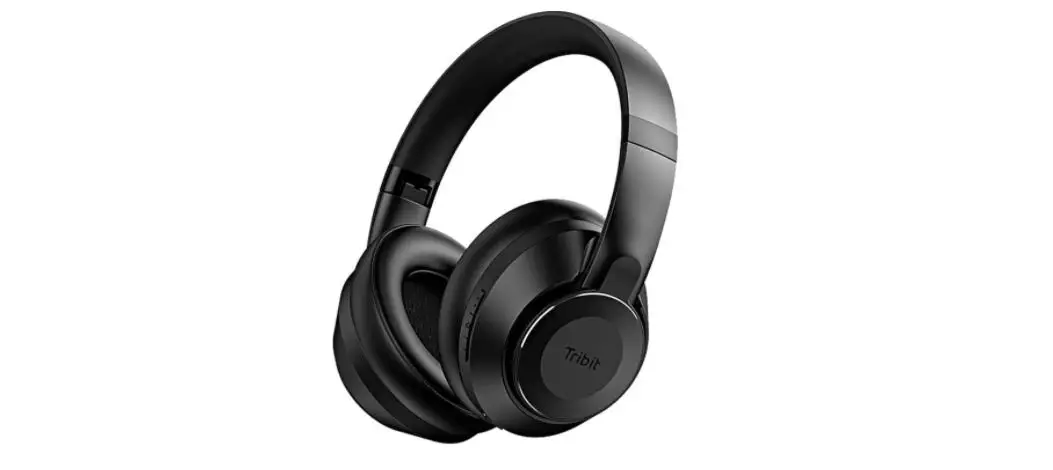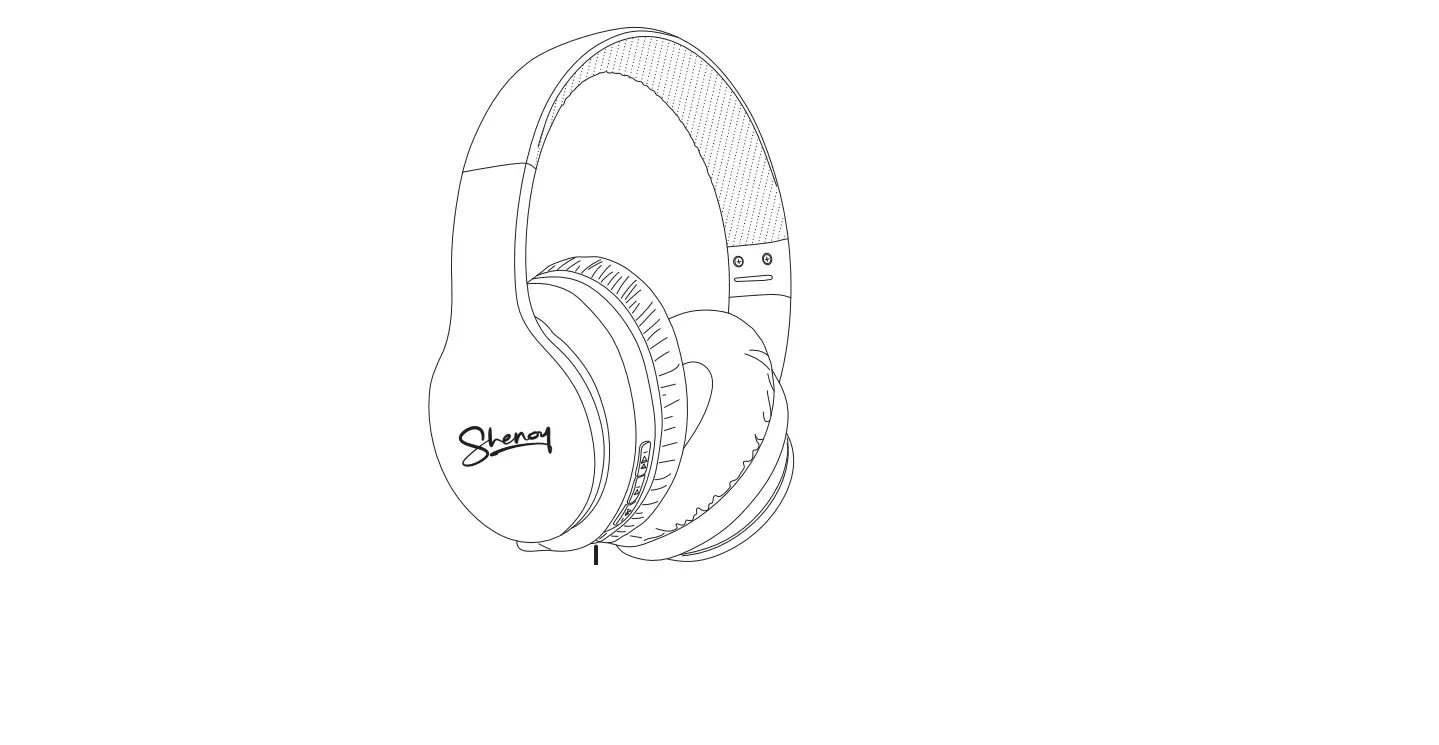

Shenoy SH007 active noise canceling wireless Headphones
 TECH SPECS
- Bluetooth Version: 5.1
- Bluetooth Range: 10 meters
- Driver Unit: φ40mm
- Impedance: 32Ω
- Sensitivity: 100 +/- 3dB
- Frequency Response: 20Hz – 20KHz
- Cancellation Level: 22dB +/- 3dB
- Battery Capacity: 3.7V/750mAh
- ANC Working Time: Up to 22 hours
- Bluetooth Working Time: Up to 30 hours
- Standby Time: Up to 300 hours
- Charging Time: Approx 3 hours
- Charging Port: Micro-USB
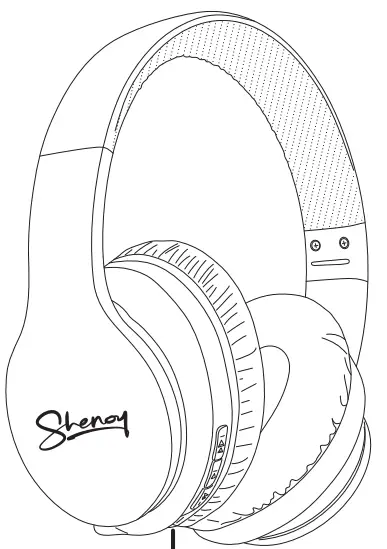
Description of all parts 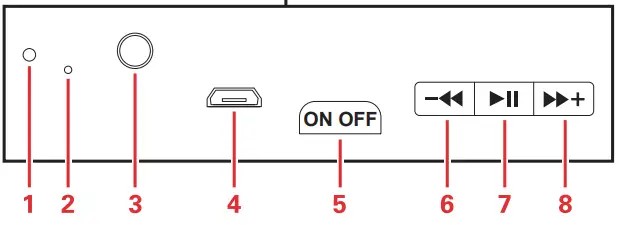
- LED Indicator
- Microphone
- 3.5 mm UAX Port
- Micro-USB Charging Port
- ANC button: on or off
- Volume down or Previous song
- Power on/off or Pause/Play or Calling/Answer
- Volume up or Next song
Pairing Steps:
- Press for 5 seconds to put into pairing mode (the indicator light will alternate between red and blue).
- Go to your Bluetooth settings on your device and find the Bluetooth pairing name “Shenoy SH007 ”. Pair your device, then it will be connected, when connected successfully, only blue light flash.
Product Usage
- Power on : Press and hold the
 for about 3 seconds, untill blue light flashes.
 - Power off : Press and hold for about 3 seconds, the indicator light will turn off .
- Answer a call : when a call is coming in , Answer the call by pressing once.
- Reject a call : Press and hold for about 2 seconds.
- Redialing the last number : Double click button.
- Volume”+” and next song : Press
 quickly for next song, press and hold for volume up.
 - Volume “-” and previous song: Press
 quickly for the previous song, press and hold for volume down.
 - Play / Pause music: when you listen to the music, you can play or pause the song by pressing a button.
- ANC mode: Push the button to open/close the function.
- Reconnected: when reopening the Bluetooth mode, the headphone will reconnect to the nearest devices.
- When inserting the line in or USB cable, the headphone will power off rapidly, then switch to wired mode , and all BlueTooth buttons are not workable.
- Charging port with USB charging cable
 for about 3 seconds, untill blue light flashes.
 quickly for next song, press and hold for volume up.
 quickly for the previous song, press and hold for volume down.