 MAKERS OF THE ORIGINAL
HOT SP iT PERSONAL MONITOR
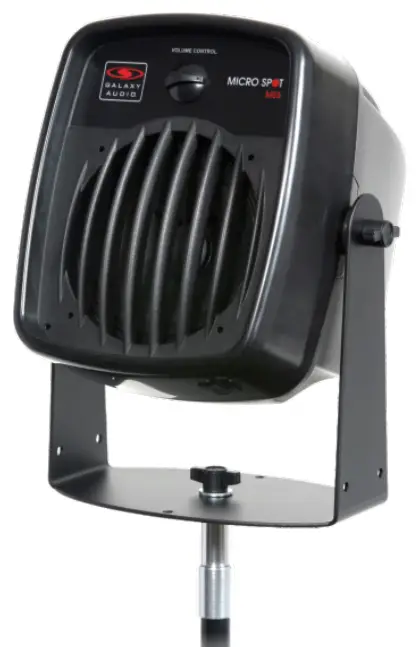
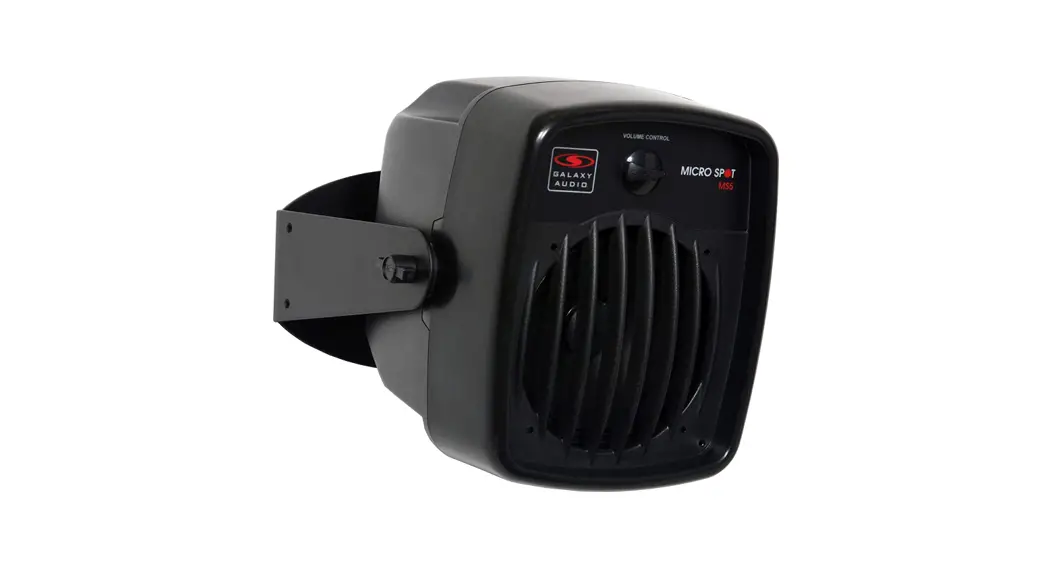
GALAXY AUDIO Passive Micro Spot
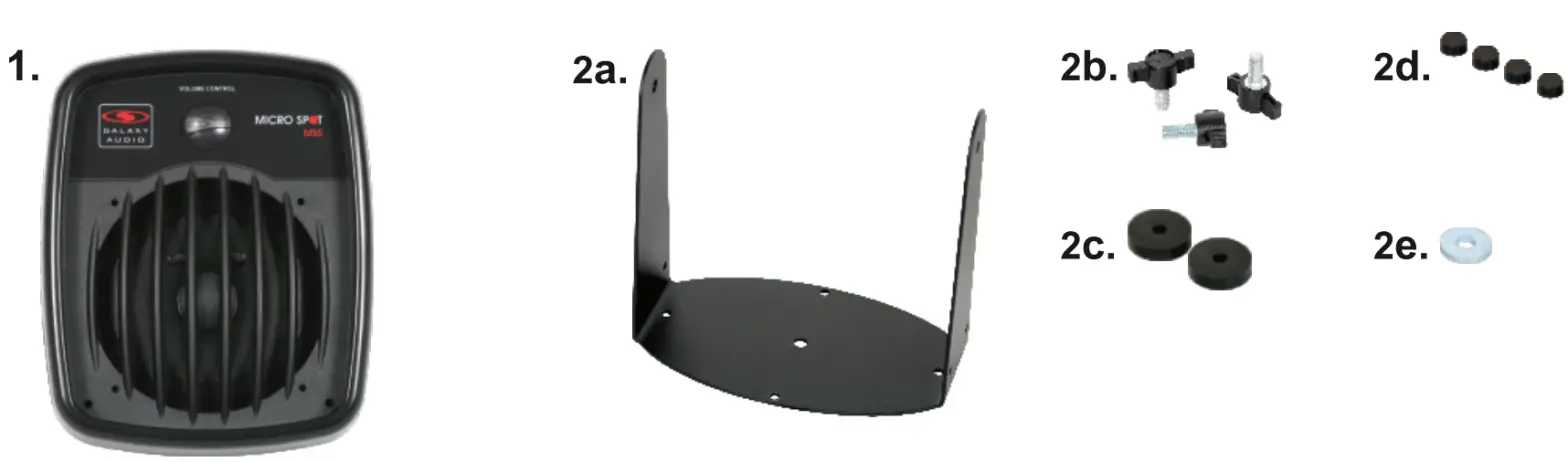
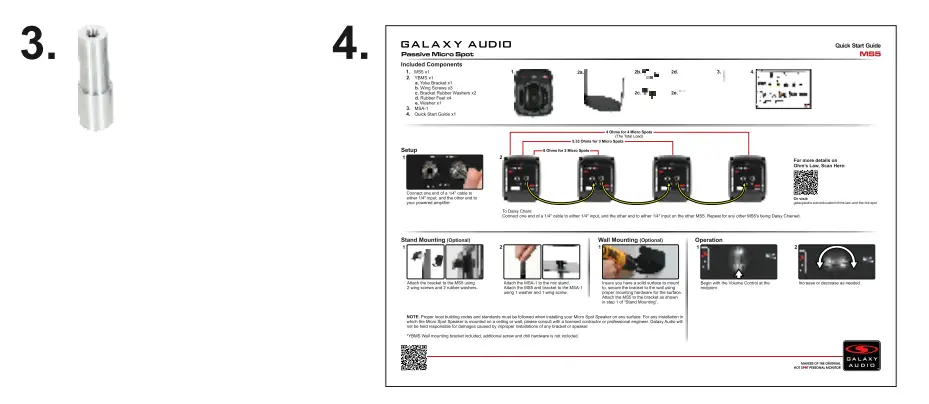
Included Components
- MS5 x1
- YBMS x1
a. Yoke Bracket x1
b. Wing Screws x3
c. Bracket Rubber Washers x2
d. Rubber Feet x4
e. Washer x1 - MSA-1
- Quick Start Guide x1
Setup
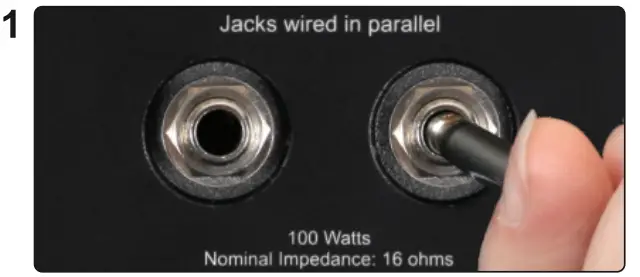 Connect one end of a 1/4″ cable to either 1/4″ input and the other end to your powered amplifier.
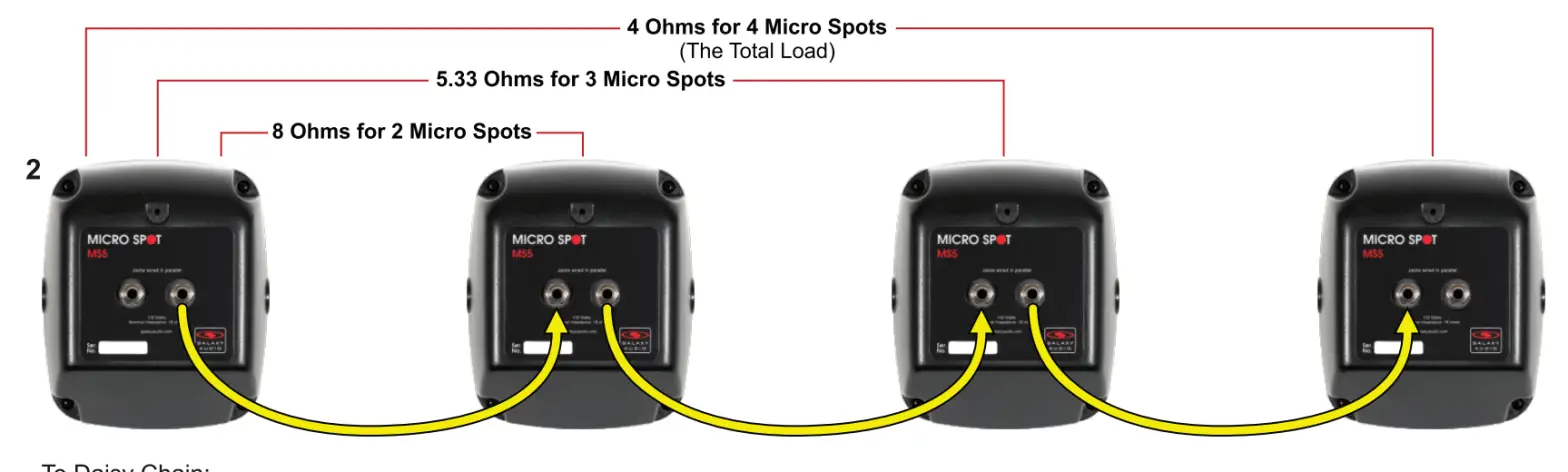 To Daisy Chain:
Connect one end of a 1/4″ cable to either 1/4″ input and the other end to either 1/4″ input on the other MS5. Repeat for any other MS5s being Daisy Chained.
For more details on Ohm’s Law, Scan Here:
 http://galaxyaudio.com/education/ohms-law-and-the-hot-spot?utm_source=QR&utm_medium=QuickStart&utm_campaign=HS4-QuickStart-Ohms-QR
Or visit: galaxyaudio.com/education/ohms-law-and-the-hot-spot
Stand Mounting (Optional)
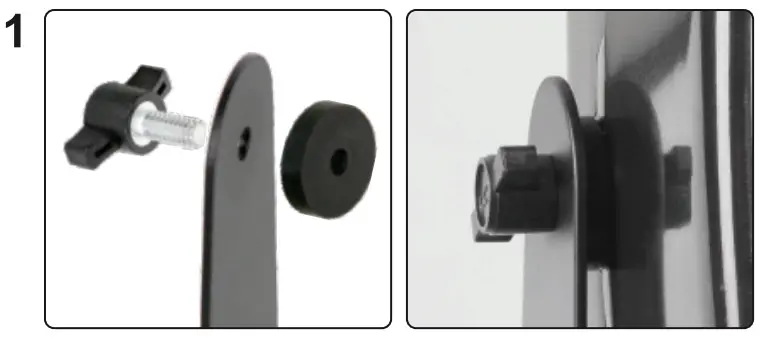
Attach the bracket to the MS5 using 2 wing screws and 2 rubber washers.
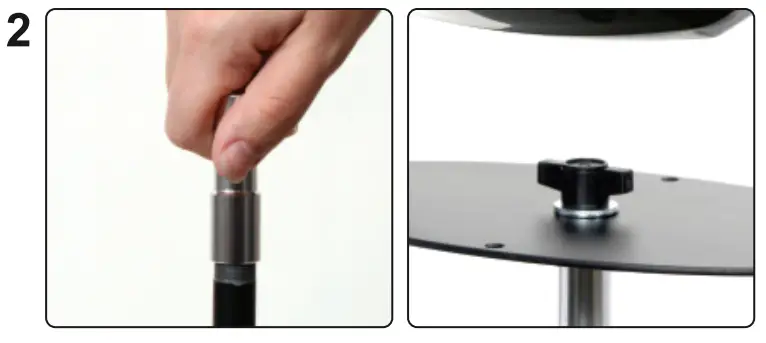 Attach the MSA-1 to the mic stand. Attach the MS5 and bracket to the MSA-1 using 1 washer and 1 wing screw.
Wall Mounting (Optional)
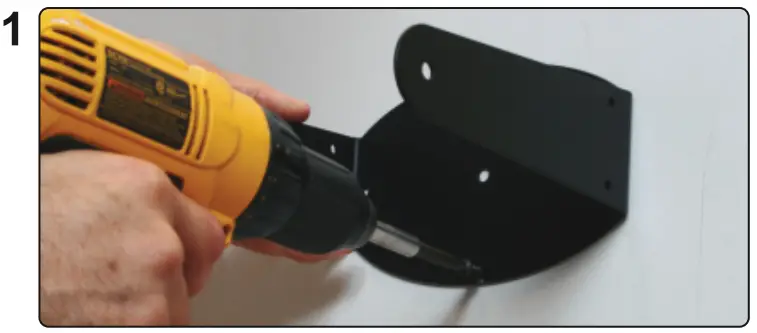 Ensure you have a solid surface to mount to, secure the bracket to the wall using proper mounting hardware for the surface. Attach the MS5 to the bracket as shown in step 1 of “Stand Mounting”.
NOTE: Proper local building codes and standards must be followed when installing your Micro Spot Speaker on any surface. For any installation in which the Micro Spot Speaker is mounted on a ceiling or wall, please consult with a licensed contractor or professional engineer. Galaxy Audio will not be held responsible for damages caused by improper installations of any bracket or speaker.
*YBMS Wall mounting bracket included, additional screw and drill hardware is not included.
Operation
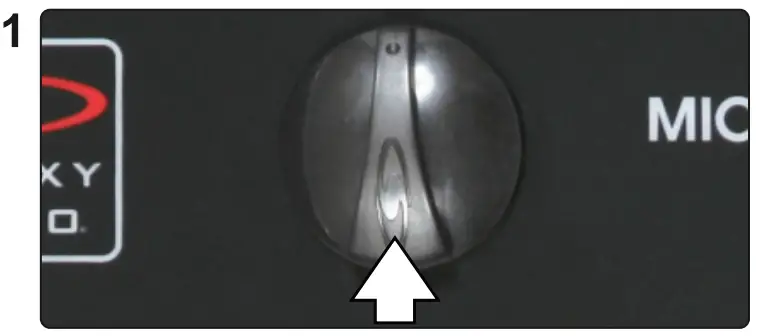 Begin with the Volume Control at the
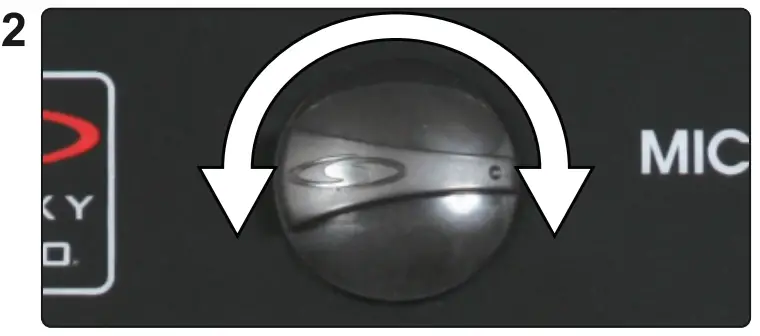 Increase or decrease as needed. midpoint.
Quick Start Guide
FAQ
- Q. How many MS5 can I connect together?
A. It depends on your amplifier’s rating. If it is rated to run at 4ohms, the maximum number of MS5 is 4, if your amp is rated to 2 ohms, you could use up to 8 MS5. - Q. Why doesn’t the volume control turn all the way down?
A. Each step is a 3dB reduction, maximum is an 18dB reduction.
Other Helpful Sources
Specifications are subject to change without notice.
601 E. Pawnee Wichita, KS 67211 316. 263.2852 FAX 316.263.0642 wvvw.galaxyaudio.com
Distributed in Canada by Audio Distributors International (ADI) 1275 Newton, unit 6 Boucherville,
QC J4B 5H2 Canada 450.449.8177
FAX 450.449.8180
Printed in China V20180606