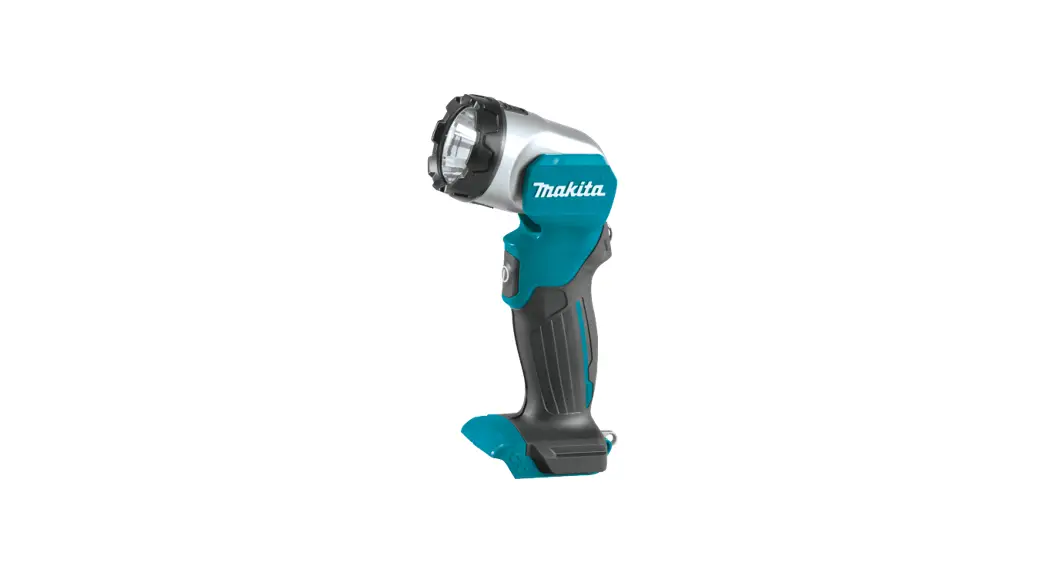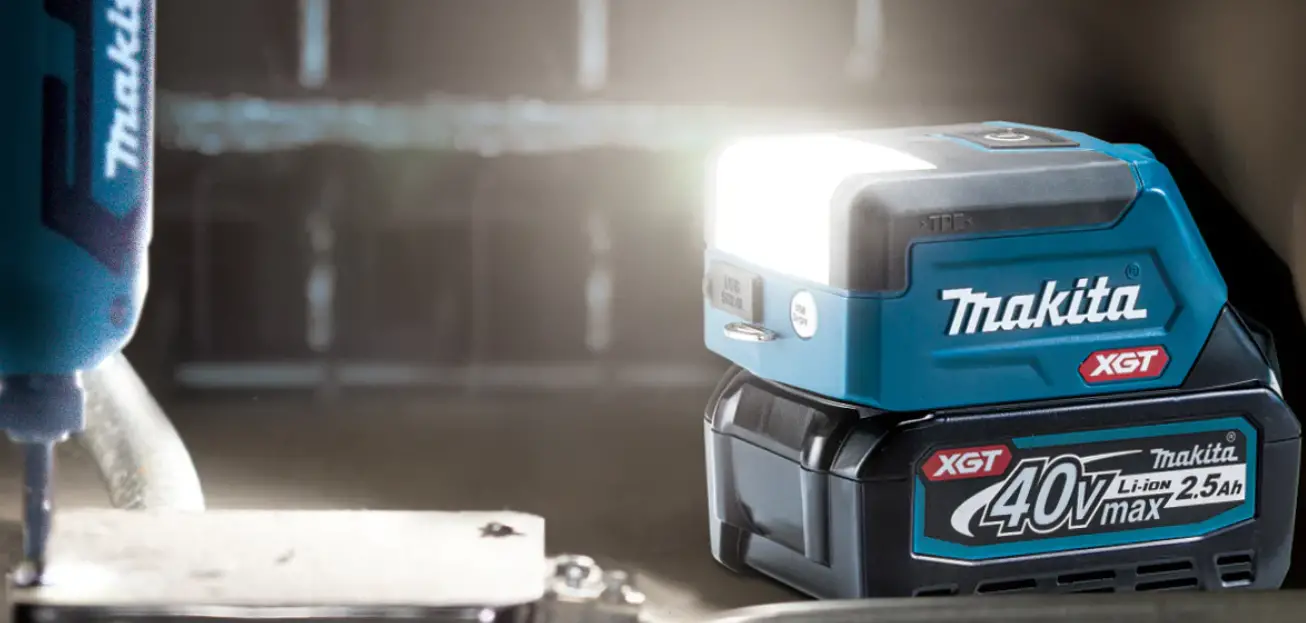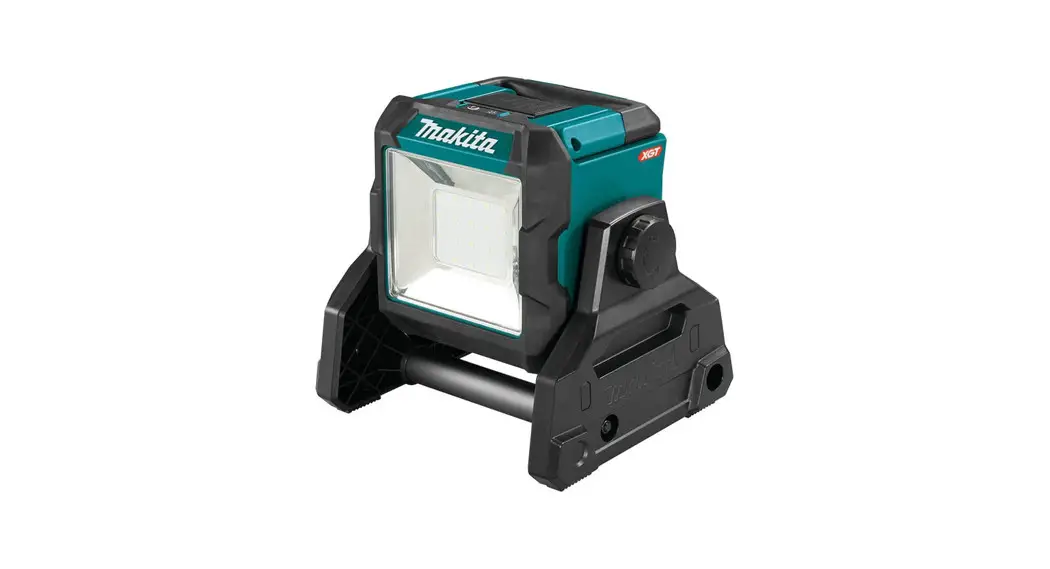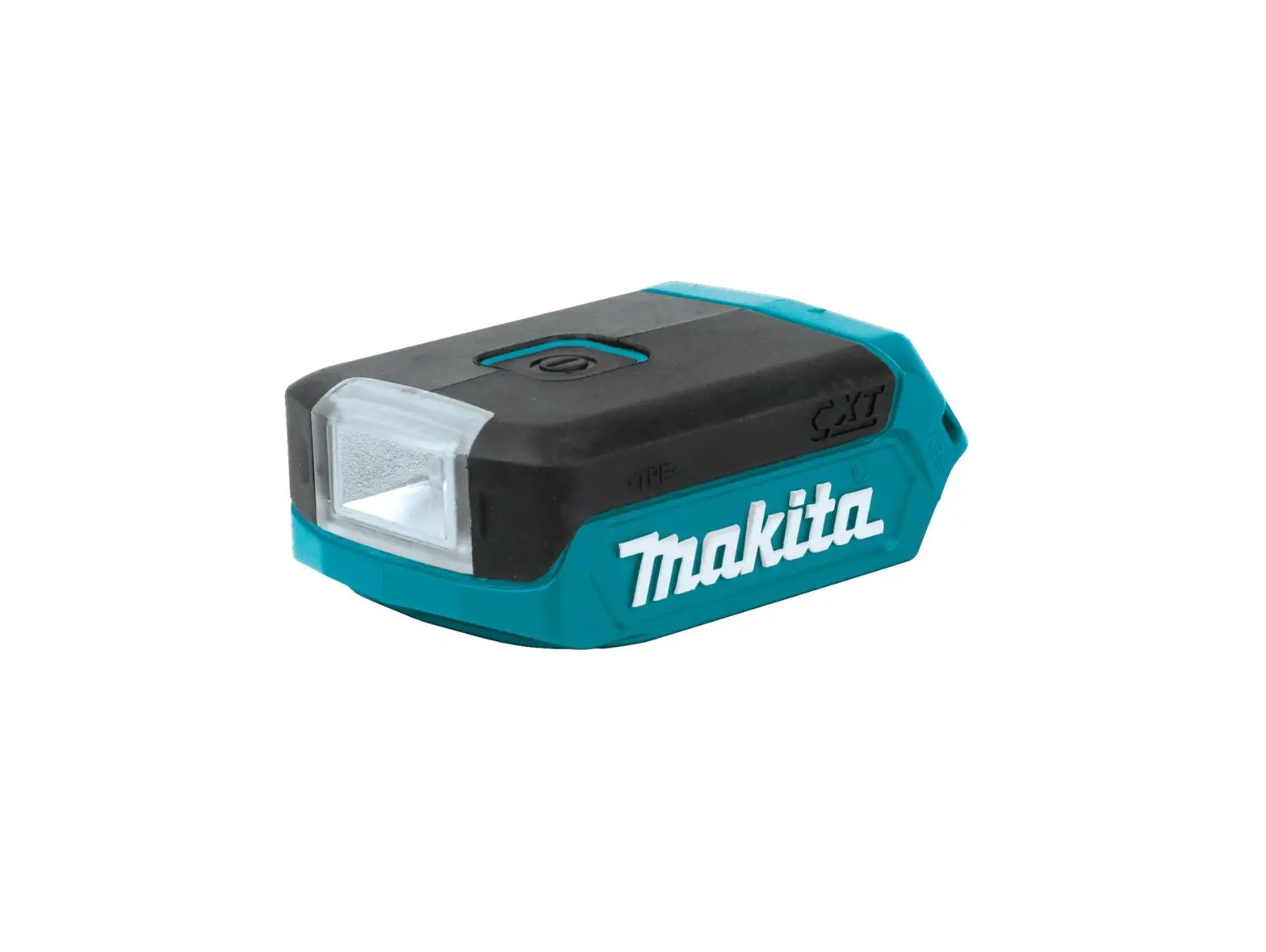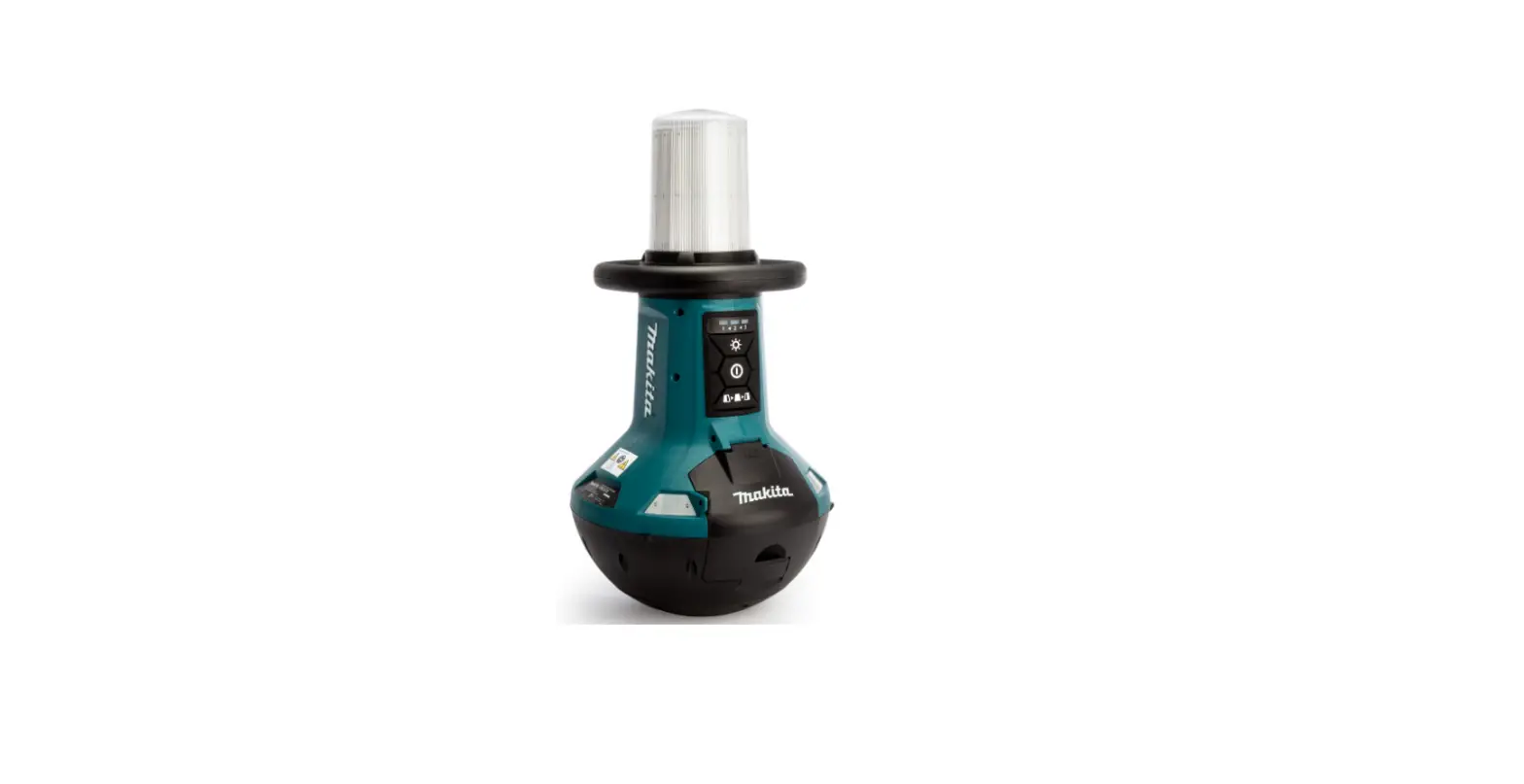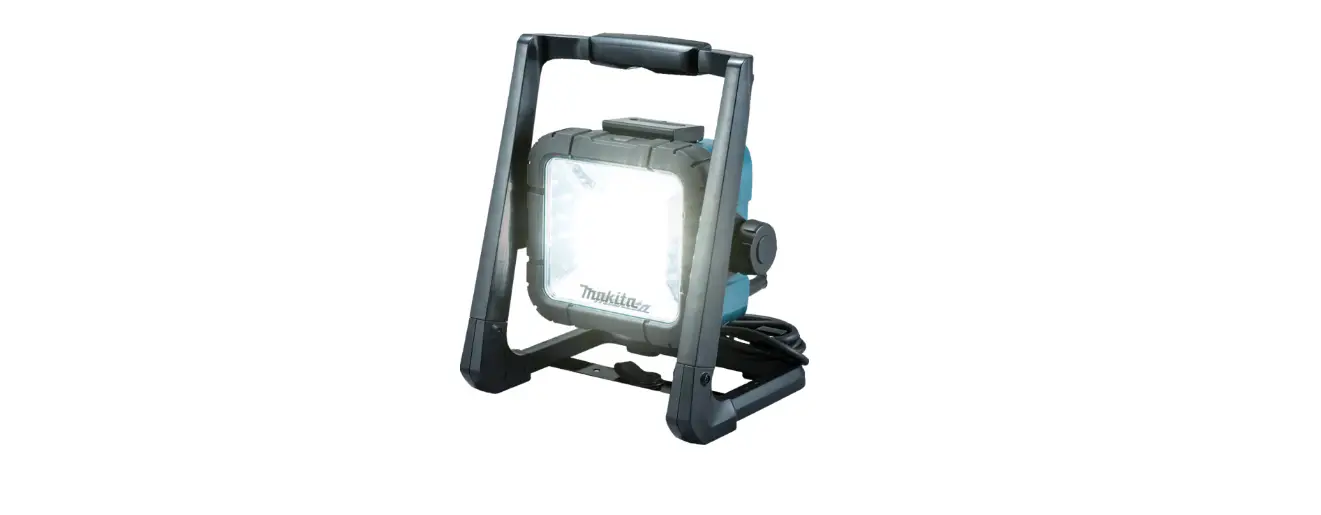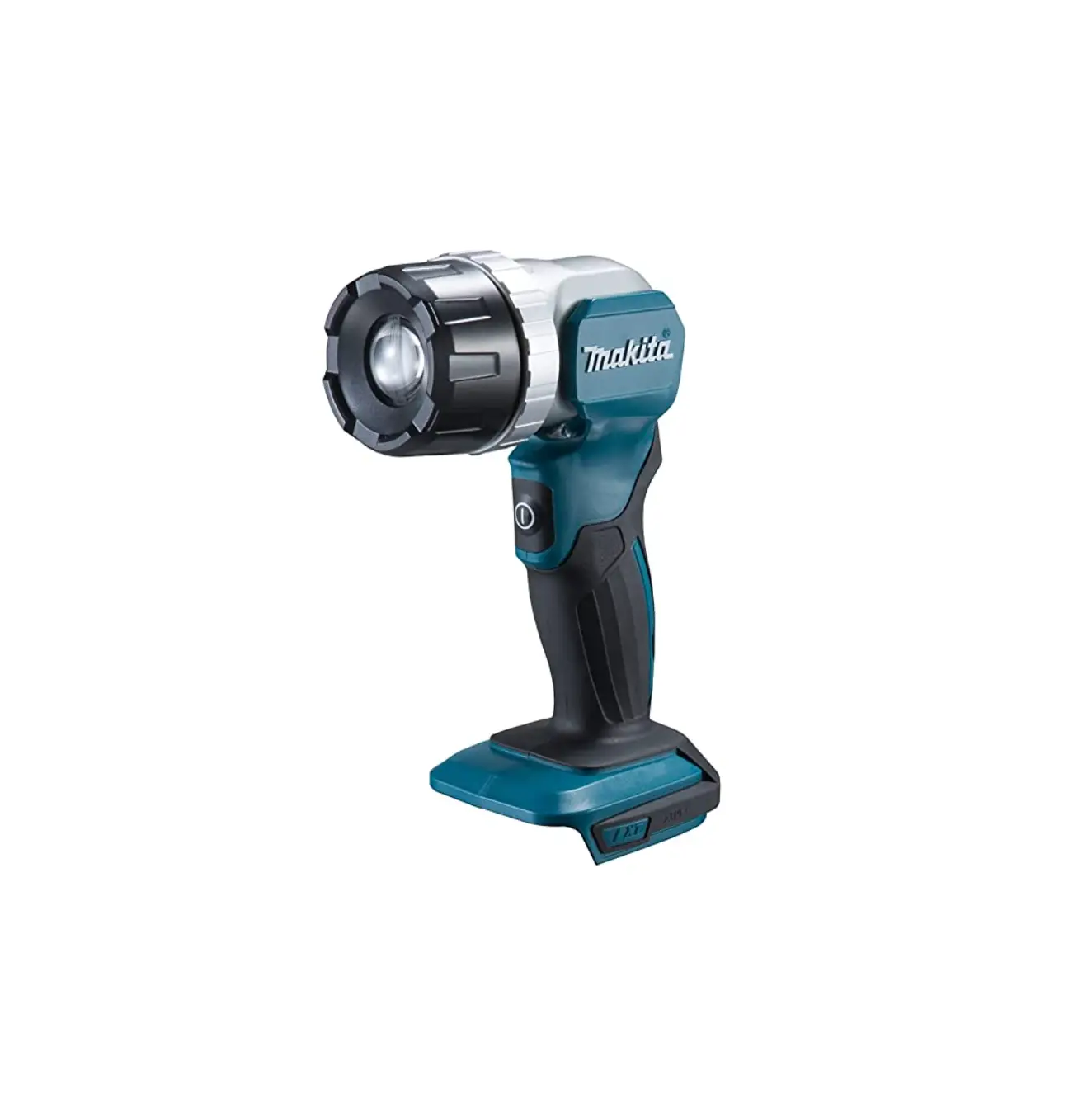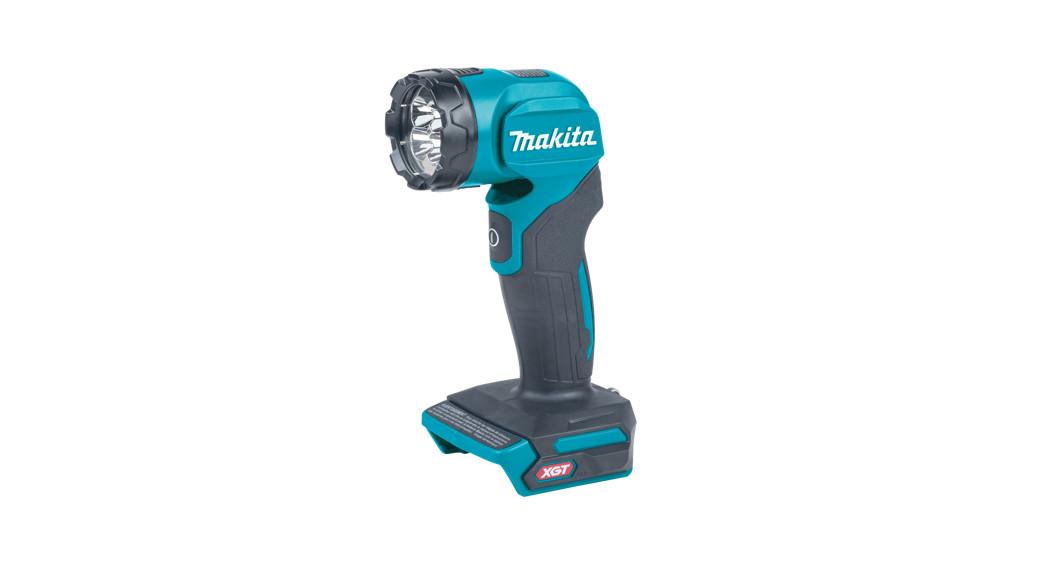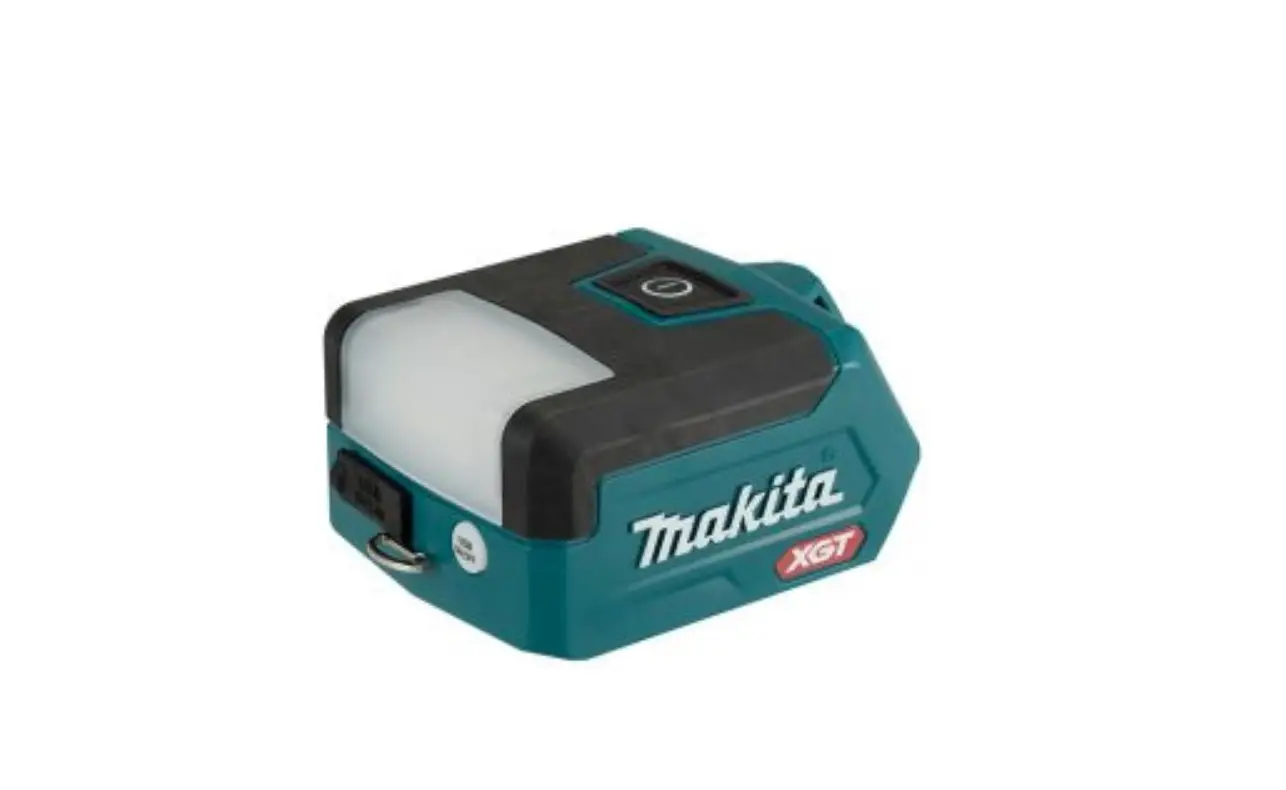
makita ML011G LED Cordless Worklight Instruction Manual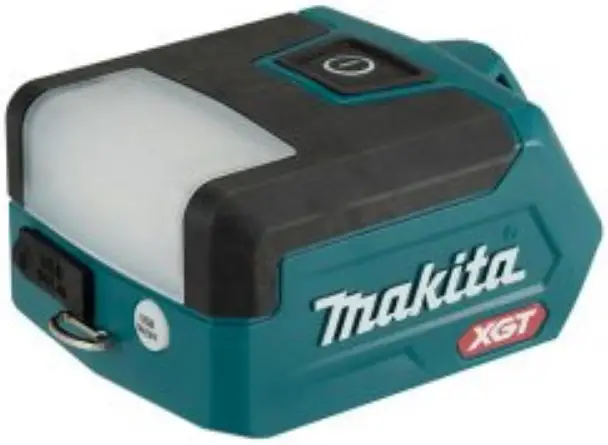
Explanation of general view
| 1 | Battery cartridge | 2 | Red indicator | 3 | Button | 4 | Indicator lamps | 5 | Check button | 6 | Light switch |
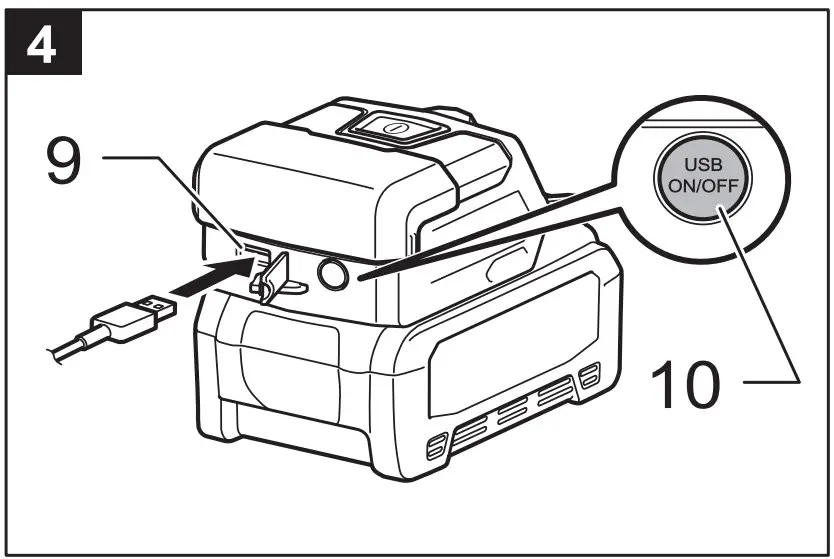
| 7 | Top LED (4 pcs.) | 8 | Side LED (4 pcs.) | 9 | USB power supply port | 10 | USB power supply switch | 11 | Warm color cover | 12 | Strap with hook (optional accessory) |
| 13 | Ring | 14 | Strap hole | I | All LED(8 pcs.) light up | II | Side LED(4 pcs.) light up | III | Top LED(4 pcs.) light up | IV | OFF |
SPECIFICATIONS
| Model: | ML011G | ||
| LED | 8 pcs | ||
| Dimensions (L × W × H) (Without battery cartridge) | 107 mm × 77 mm × 50 mm | ||
| Rated voltage | D.C. 36 V – 40 V max | ||
| Net weight (without battery cartridge) | 0.19 kg | ||
| USB power supply port | Type A / Output voltage D.C. 5 V / Output current D.C. 2.4 A | ||
| Operating time (approximate) | All LED (8 pcs.) | Side LED (4 pcs.) | Top LED (4 pcs.) |
| BL4020 | 17 hours | 30 hours | 30 hours |
| BL4025 | 23 hours | 40 hours | 40 hours |
| BL4040 | 37 hours | 64 hours | 64 hours |
| BL4050F | 47 hours | 81 hours | 81 hours |
| BL4080F | 77 hours | 132 hours | 132 hours |
- Due to our continuing program of research and development, the specifications herein are subject to change without notice.
- Specifications may differ from country to country
Applicable battery cartridge and charger
| Battery cartridge | BL4020 / BL4025 / BL4040 / BL4050F / BL4080F |
| Charger | DC40RA / DC40RB / DC40RC |
Some of the battery cartridges listed above may not be available depending on your region of residence.
 WARNING: Only use the battery cartridges listed above. Use of any other battery cartridges and chargers may cause injury and/or fire.
IMPORTANT SAFETY INSTRUCTIONS
WARNING: When using appliances, basic safety precautions should always be followed to reduce the risk of fire, electric shock, and personal injury, including the following:
READ ALL INSTRUCTIONS
- Do not look into the light, or do not expose the light to eyes. Eyes may be damaged.
- Do not cover the lamp with cloth or carton, etc. Otherwise it may cause a flame.
- The appliance is not waterproof. Do not use it in damp or wet locations. Do not expose it to rain or snow. Do not wash it in water.
- Do not touch the inside of the appliance with tweezers, metal tools, etc.
- When the appliance is not in use, always switch off and remove the battery cartridge from the appliance.
- To prevent the tool from tipping over or falling, place it on a level, flat surface or secure it on a stable surface. Do not give the appliance a shock by dropping, striking, etc.
- Safety information for portable luminaires with batteries.
- Battery disposal should be in compliance with your local regulations that address the disposal of hazardous materials.
- Do not incinerate the battery.
- Additional information for luminaires.
- The light source of this luminaire is not replaceable; when the light source reaches its end of life the whole luminaire shall be replaced.
- Battery tool use and care.
- WARNING: Read all safety warnings and instructions. Failure to follow the warnings and instructions may result in electric shock, fire and/or serious injury.
- Prevent unintentional starting. Ensure the switch is in the off-position before connecting to battery pack, picking up or carrying the appliance. Carrying the appliance with your finger on the switch or energizing appliance that have the switch on invites accidents.
- Disconnect the battery pack from the appliance before making any adjustments, changing accessories, or storing appliance. Such preventive safety measures reduce the risk of starting the appliance accidentally.
- Recharge only with the charger specified by the manufacturer. A charger that is suitable for one type of battery pack may create a risk of fire when used with another battery pack.
- Use appliances only with specifically designated battery packs. Use of any other battery packs may create a risk of injury and fire.
- When battery pack is not in use, keep it away from other metal objects, like paper clips, coins, keys, nails, screws or other small metal objects, that can make a connection from one\ terminal to another. Shorting the battery terminals together may cause burns or a fire.
- Under abusive conditions, liquid may be ejected from the battery; avoid contact. If contact accidentally occurs, flush with water. If liquid contacts eyes, additionally seek medical help. Liquid ejected from the battery may cause irritation or burns.
- Do not use a battery pack or appliance that is damaged or modified. Damaged or modified batteries may exhibit unpredictable behavior resulting in fire, explosion or risk of injury.
- Do not expose a battery pack or appliance to fire or excessive temperature. Exposure to fire or temperature above 130 °C (265 °F) may cause explosion.
- Follow all charging instructions and do not charge the battery pack or appliance outside of the temperature range specified in the instructions. Charging improperly or at temperatures outside of the specified range may damage the battery and increase the risk of fire.
- Have servicing performed by a qualified repair person using only identical replacement parts. This will ensure that the safety of the product is maintained.
- Do not modify or attempt to repair the appliance or the battery pack except as indicated in the instructions for use and care. 10.Important safety instructions for battery cartridge.
- Before using battery cartridge, read all instructions and cautionary markings on (1) battery charger, (2) battery, and (3) product using battery.
- Do not disassemble or tamper with the battery cartridge. It may result in a fire, excessive heat, or explosion.
- If operating time has become excessively shorter, stop operating immediately. It may result in a risk of overheating, possible burns and even an explosion.
- If electrolyte gets into your eyes, rinse them out with clear water and seek medical attention right away. It may result in loss of your eyesight.
- Do not short the battery cartridge.
- Do not store and use the tool and battery cartridge in locations where the temperature may reach or exceed 50 °C (122 °F).
- Do not incinerate the battery cartridge even if it is severely damaged or is completely worn out. The battery cartridge can explode in a fire.
- Do not nail, cut, crush, throw, drop the battery cartridge, or hit against a hard object to the battery cartridge. Such conduct may result in a fire, excessive heat, or explosion.
- Do not use a damaged battery.
- The contained lithium-ion batteries are subject to the Dangerous Goods Legislation requirements.
For commercial transports e.g. by third parties, forwarding agents, special requirement on packaging and labeling must be observed. For preparation of the item being shipped, consulting an expert for hazardous material is required. Please also observe possibly more detailed national regulations. Tape or mask off open contacts and pack up the battery in such a manner that it cannot move around in the packaging. - When disposing the battery cartridge, remove it from the tool and dispose of it in a safe place. Follow your local regulations relating to disposal of battery.
- Use the batteries only with the products specified by Makita. Installing the batteries to non compliant products may result in a fire, excessive heat, explosion, or leak of electrolyte.
- If the tool is not used for a long period of time, the battery must be removed from the tool.
- During and after use, the battery cartridge may take on heat which can cause burns or low temperature burns. Pay attention to the handling of hot battery cartridges.
- Do not touch the terminal of the tool immediately after use as it may get hot enough to cause burns.
- Do not allow chips, dust, or soil stuck into the terminals, holes, and grooves of the battery cartridge. It may result in poor performance or breakdown of the tool or battery cartridge.
- Unless the tool supports the use near high-voltage electrical power lines, do not use the battery cartridge near high-voltage electrical power lines. It may result in a malfunction or breakdown of the tool or battery cartridge.
- Keep the battery away from children.
- Tips for maintaining maximum battery life.
- Charge the battery cartridge before completely discharged. Always stop tool operation and charge the battery cartridge when you notice less tool power.
- Never recharge a fully charged battery cartridge. Overcharging shortens the battery service life.
- Charge the battery cartridge with room temperature at 10 °C – 40 °C (50 °F – 104 °F). Let a hot battery cartridge cool down before charging it.
- When not using the battery cartridge, remove it from the tool or the charger.
- Charge the battery cartridge if you do not use it for a long period (more than six months)
SAVE THESE INSTRUCTIONS
CAUTION: Only use genuine Makita batteries. Use of non-genuine Makita batteries, or batteries that have been altered, may result in the battery bursting causing fires personal injury and damage. It will also void the Makita warranty for the Makita tool and charger.
Symbol

Read instruction manual.

Due to the presence of hazardous components in the equipment, waste electrical and electronic equipment, accumulators and batteries may have a negative impact on the environment and human health.
Do not dispose of electrical and electronic appliances or batteries with household waste! In accordance with the European Directive on waste electrical and electronic equipment and on accumulators and batteries and waste accumulators and batteries, as well as their adaptation to national law, waste electrical equipment, batteries and accumulators should be stored separately and delivered to a separate collection point for municipal waste, operating in accordance with the regulations on environmental protection.
This is indicated by the symbol of the crossed-out wheeled bin placed on the equipment

Do not stare at operating lamp.
FUNCTIONAL DESCRIPTION
CAUTION: Always be sure that the appliance is switched off and the battery cartridge is removed before adjusting or checking function on the appliance.
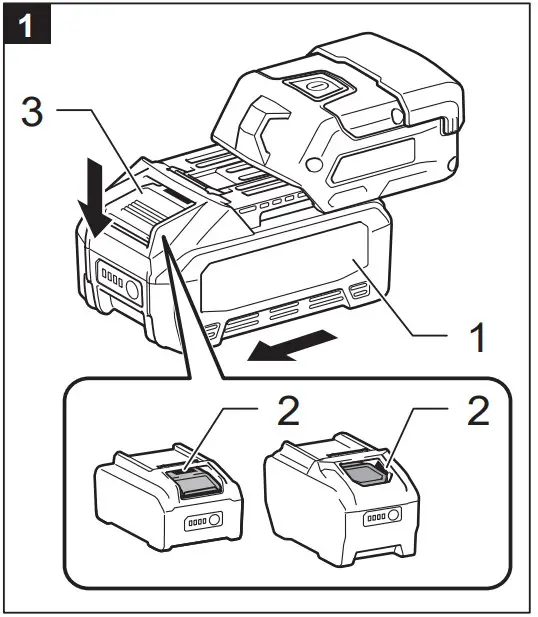
Installing or removing battery cartridge (Fig.1)
CAUTION:
- Hold the appliance and the battery cartridge firmly when installing or removing battery cartridge. Failure to hold the appliance and the battery cartridge firmly may cause them to slip off your hands and result in damage to the appliance and battery cartridge and a personal injury.
- Always install the battery cartridge fully until the red indicator cannot be seen. If not, it may accidentally fall out of the appliance, causing injury to you or someone around you.
- Do not install the battery cartridge forcibly. If the cartridge does not slide in easily, it is not being inserted correctly.
To install the battery cartridge, align the tongue on the battery cartridge with the groove in the housing and slip it into place. Insert it all the way until it locks in place with a little click. If you can see the red indicator as shown in the figure, it is not locked completely. To remove the battery cartridge, slide it from the appliance while sliding the button on the front of the cartridge.
Indicating the remaining battery capacity (Fig.2)
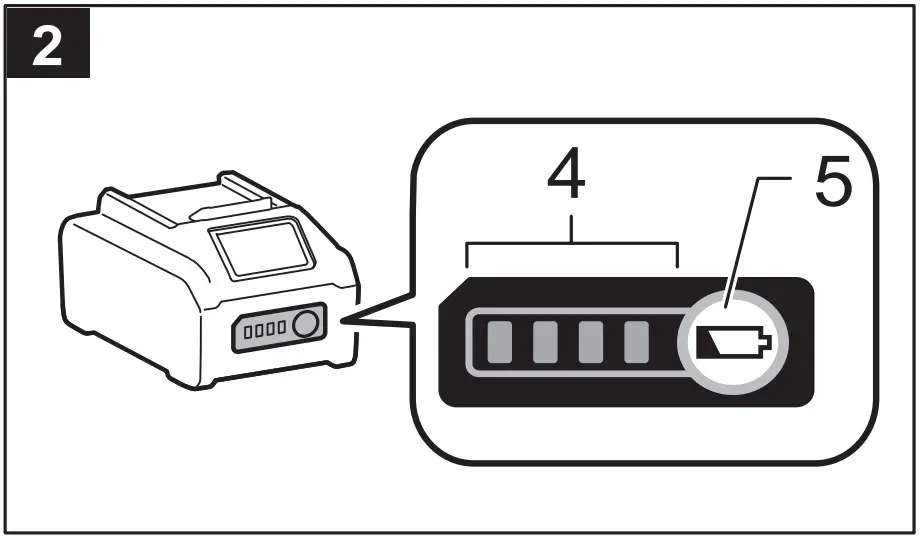
Press the check button on the battery cartridge to indicate the remaining battery capacity. The indicator lamps light up for a few seconds.
NOTE:
- The first (far left) indicator lamp will brink when the battery protection system works.
- When the two on the left side and the two on the right side of the indicator lamps light up alternately, the battery may have malfunctioned.
Over discharge protection
When the battery capacity is not enough, the appliance stops automatically. In this case, remove the battery from the appliance and charge the battery.
Protections against other causes
Protection system is also designed for other causes that could damage the appliance and allows the appliance to stop automatically. Take all the following steps to clear the causes when the appliance has been brought to a temporary halt or stop in operation.
- Turn the appliance off, and then turn it on again to restart.
- Charge the battery(ies) or replace it/them with recharged battery(ies).
- Let the appliance and battery(ies) cool down.
If no improvement can be found by restoring protection system, then contact your local Makita Service Center.
Lighting up the light (Fig.3)
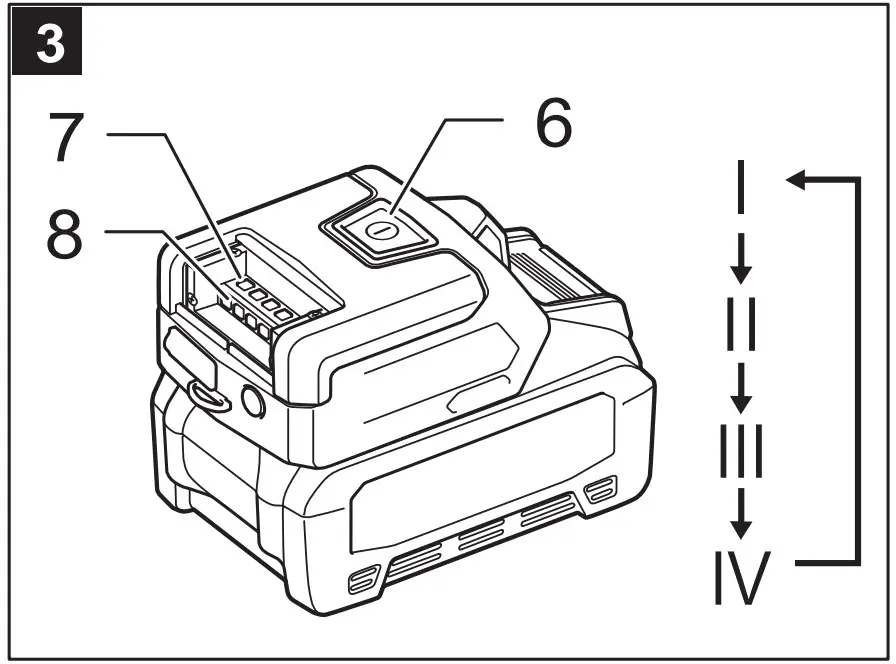
CAUTION: Do not look in the light or see the source of light directly.
Press the light switch to turn on and change modes. The sequence is All LED mode / Side LED / Top LED mode / Off / All LED mode for each press.
NOTE:
Press and hold the light switch to turn off the light. Press the switch button again to turn on the light in the mode before turning off the light.
Connecting USB devices (Fig.4)
CAUTION:
- Connect only devices which are compatible with the USB power supply port, otherwise it may cause malfunction to the battery holder.
- Do not use a damaged USB cable.
- Do not insert nails, wires, or other items into the USB power supply port. Doing so may cause short circuit, which can cause smoke or a fire.
- Do not put the USB cable in your mouth.
This luminaire (with the battery) can work as an external power supply for USB devices. Open the cover and connect the USB cable (not included) through the power supply port. And then connect the other end of the cable with the device. Press the USB power supply switch. The switch lights in green and the USB power supply port (with the battery) starts to supply DC5V, 2.4A. Press the USB power supply switch again to turn off the power supply
NOTE:
- Before connecting USB device to the luminaire (with the battery), always backup your data of USB device. Otherwise your data may be lost by any possibility.
- The luminaire may not supply power to some USB devices.
- When not using or after charging, remove the USB cable and close the cover.
- To save the battery power, the USB power supply switch will automatically turn off when; 30 minutes is past since the power supply is finished; or the power supply is not performed for 30 minutes.
- If the remaining battery capacity become lower, the USB power supply switch will turn off and the power supply will stop to prevent overdischarging of the battery. In this case, charge the battery or replace with new one.
Warm color cover (Fig.5)
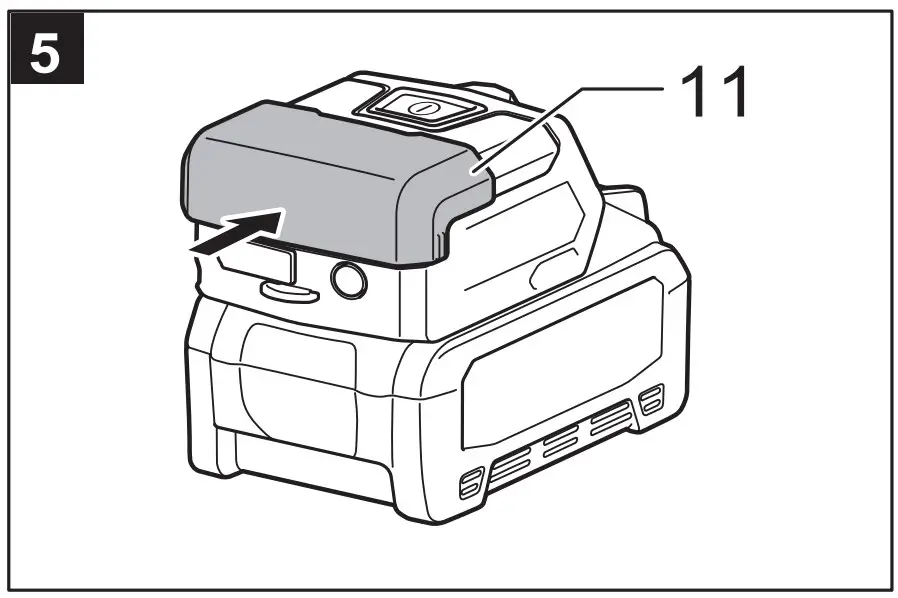
A detachable cover to light lens part for changing light output to warm color with high relaxation effect.
Strap with hook (Fig.6)
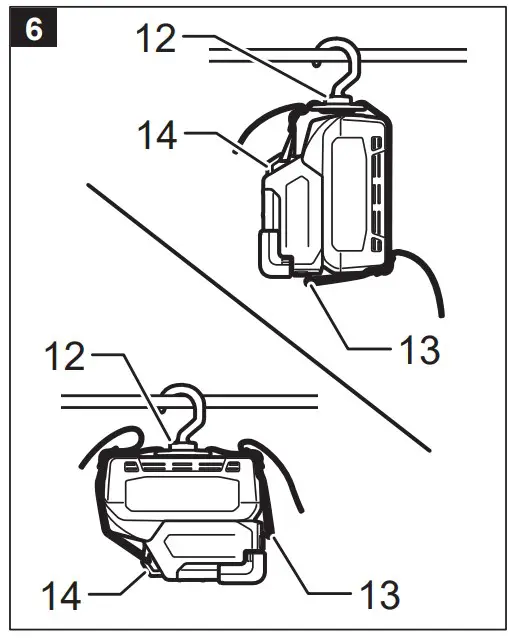
Optional accessory
Install the strap on the tool as illustration.
CAUTION:
- Do not use the ring and strap hole for any other purpose than hanging the appliance. Otherwise personal injury may occur.
- Do not install BL4050F and BL4080F when using the strap with hook.
MAINTENANCE
CAUTION: Always be sure that the appliance is switched off and the battery cartridge is removed before attempting to perform inspection or maintenance.
NOTICE: Never use gasoline, benzine, thinner, alcohol or the like. Discoloration, deformation or cracks may result.
To maintain product SAFETY and RELIABILITY, repairs, any other maintenance or adjustment should be performed by Makita Authorized or Factory Service Centers, always using Makita replacement parts.
OPTIONAL ACCESSORIES
CAUTION: These accessories or attachments are recommended for use with your Makita appliance specified in this manual. The use of any other accessories or attachments might present a risk of injury to persons. Only use accessory or attachment for its stated purpose.
If you need any assistance for more details regarding these accessories, ask your local Makita service center.
- Strap with hook [Part No: SE00001178].
- Makita genuine battery and charger.
NOTE:
Some items in the list may be included in the appliance package as standard accessories.


 MAKITA Industrial Power Tools - The Leader In Cordless with 18V LXT Lithium-Ion
 台灣RoHS專區 | Makita 台灣牧田股份有限公司