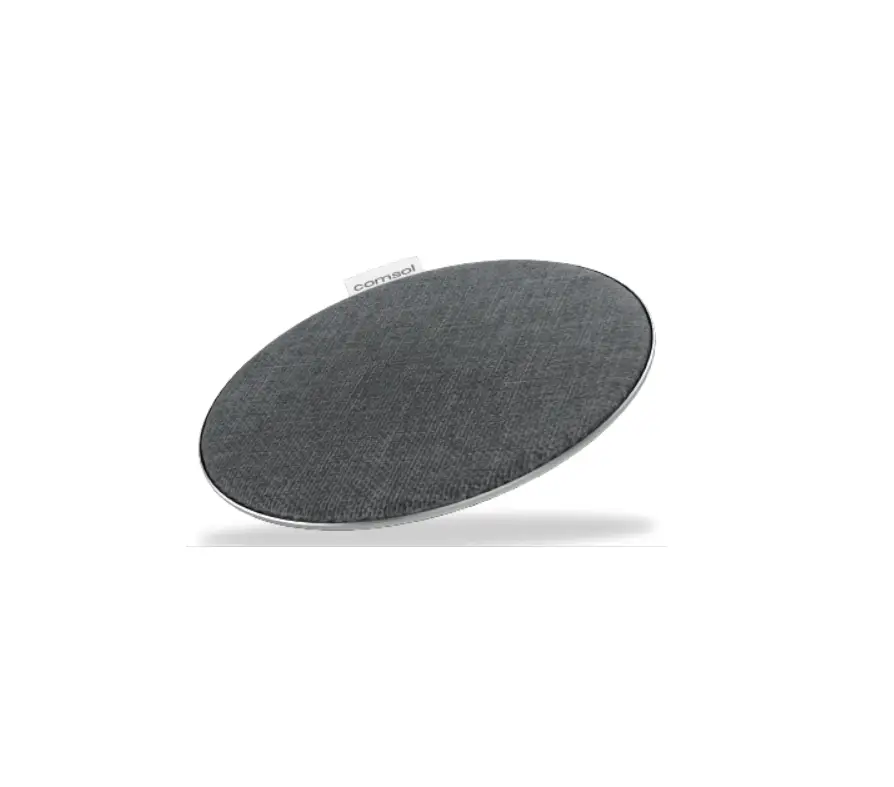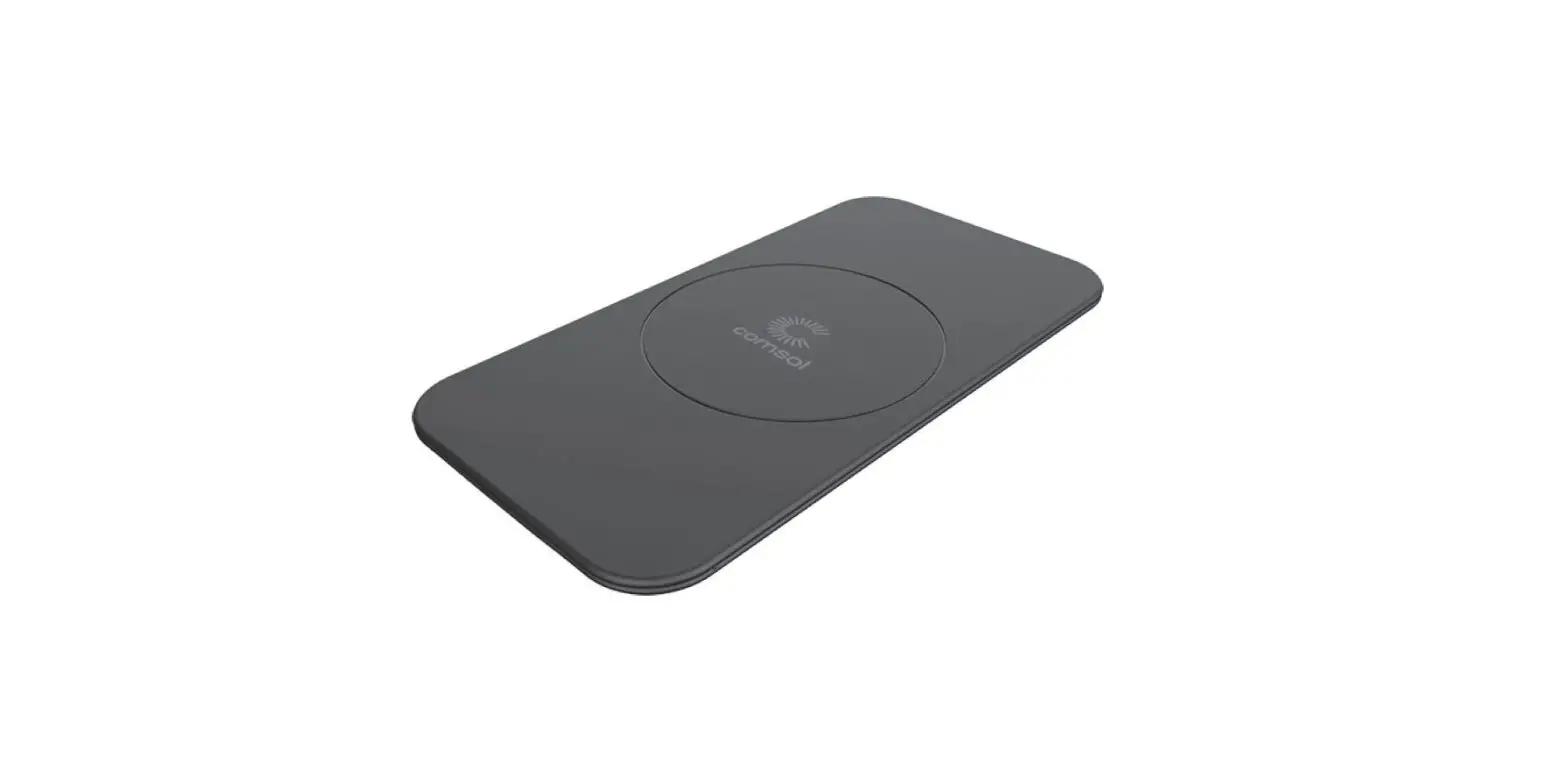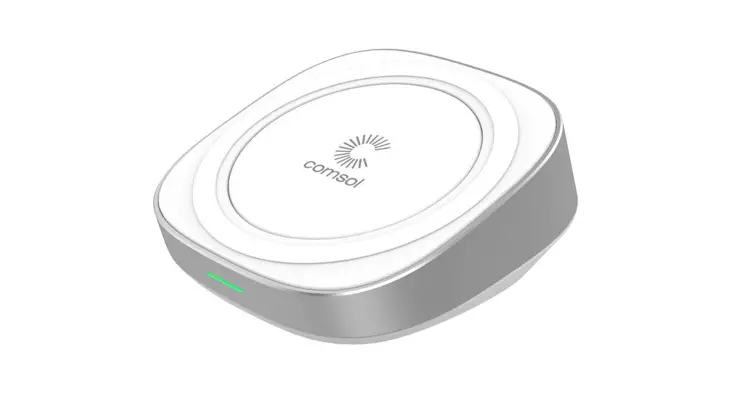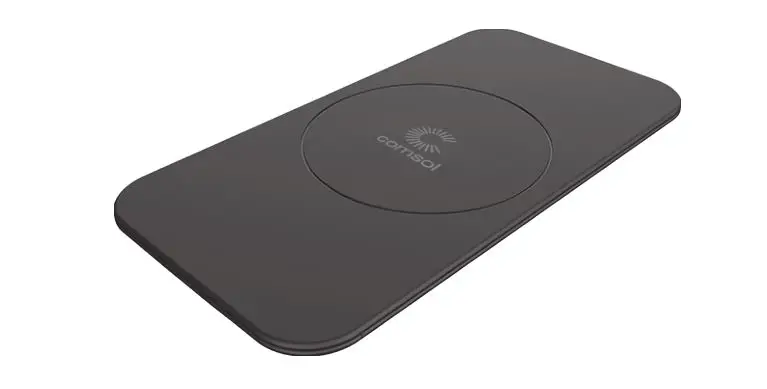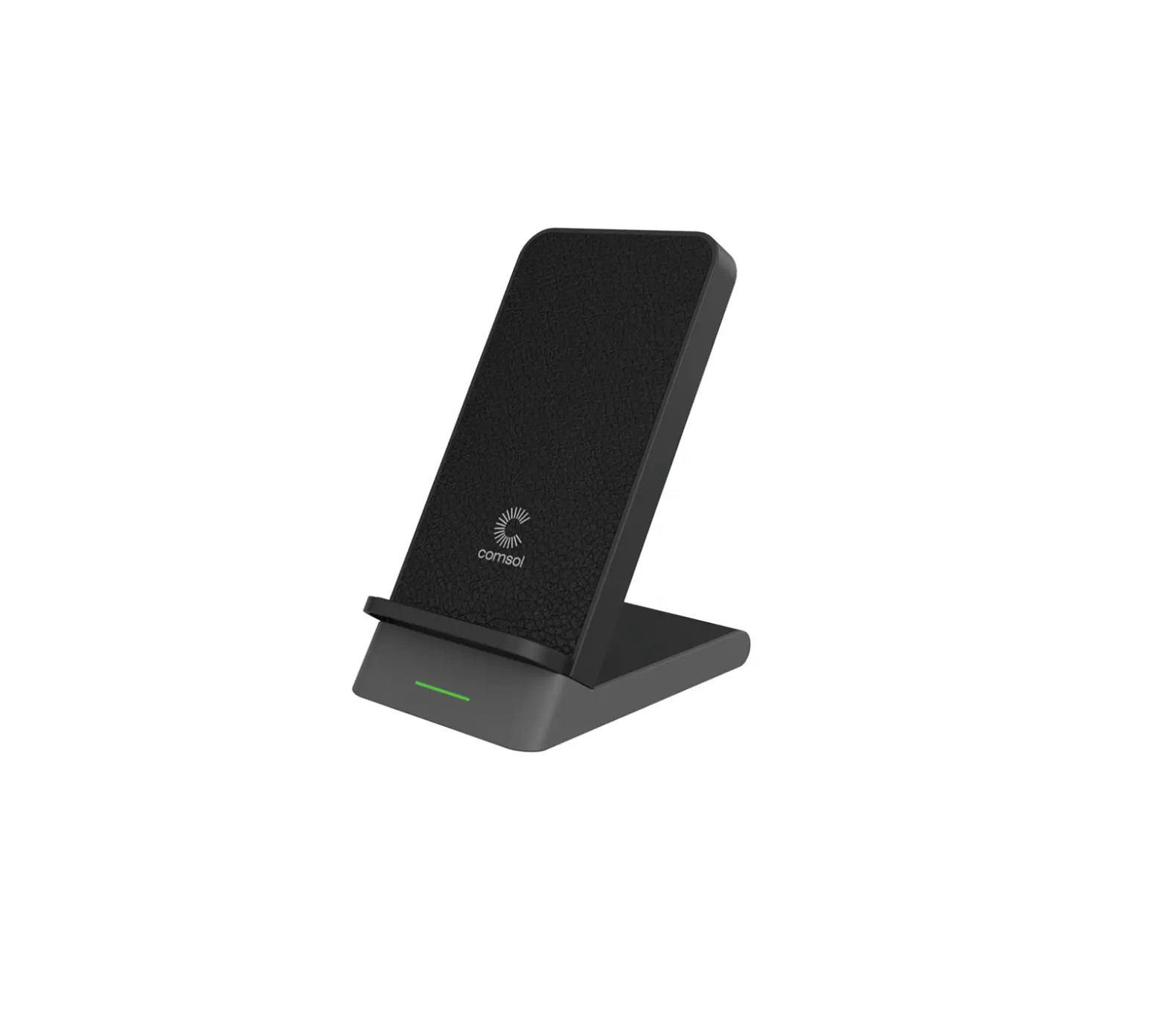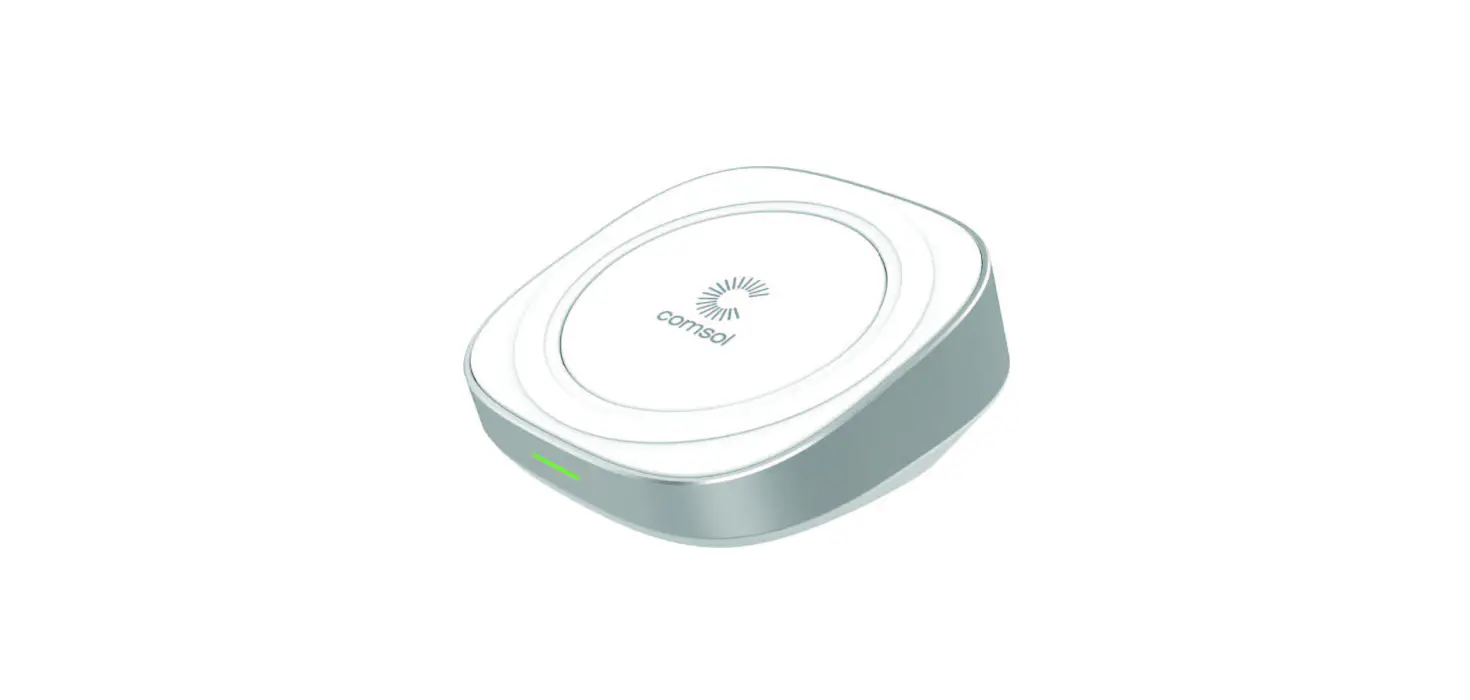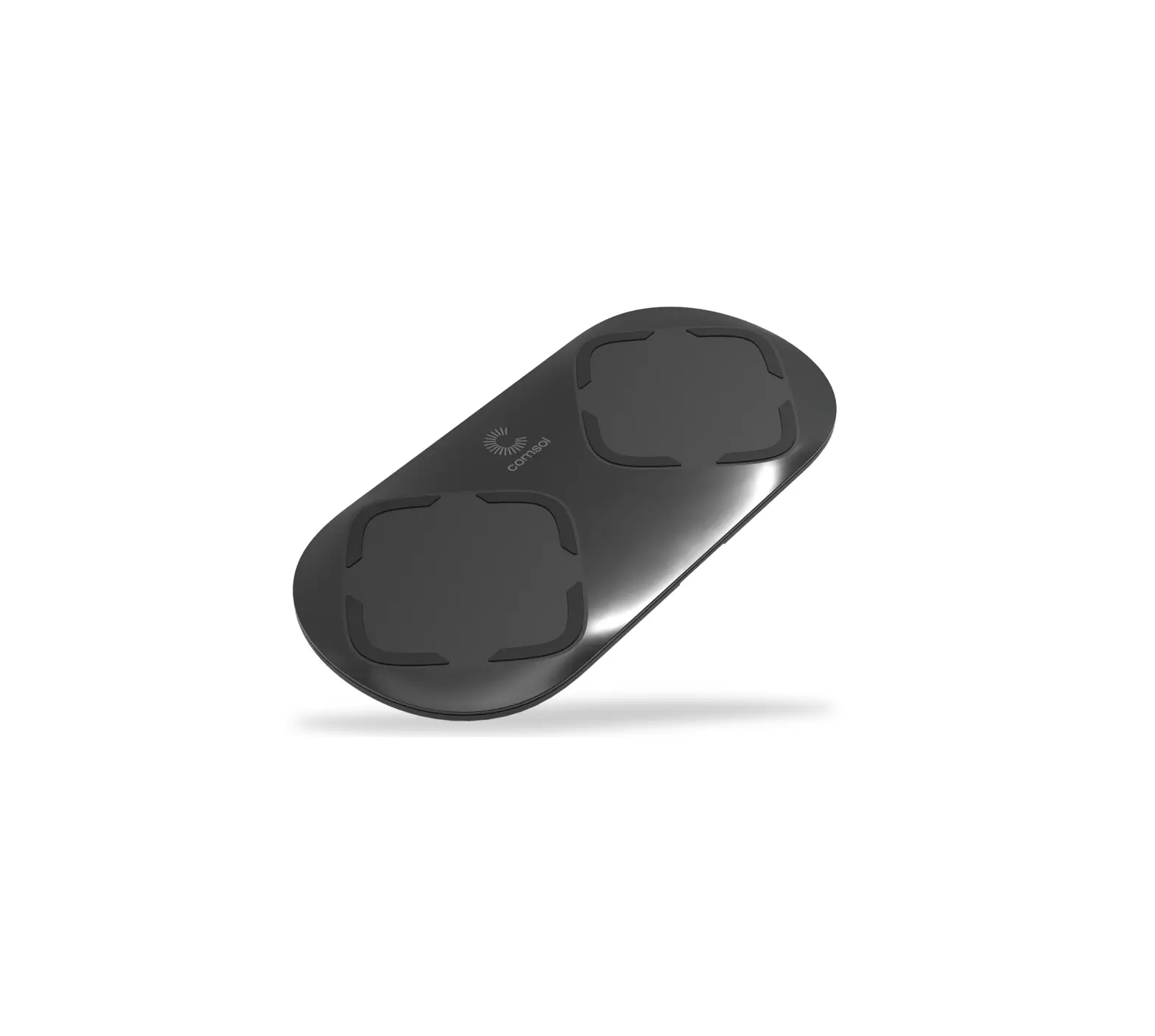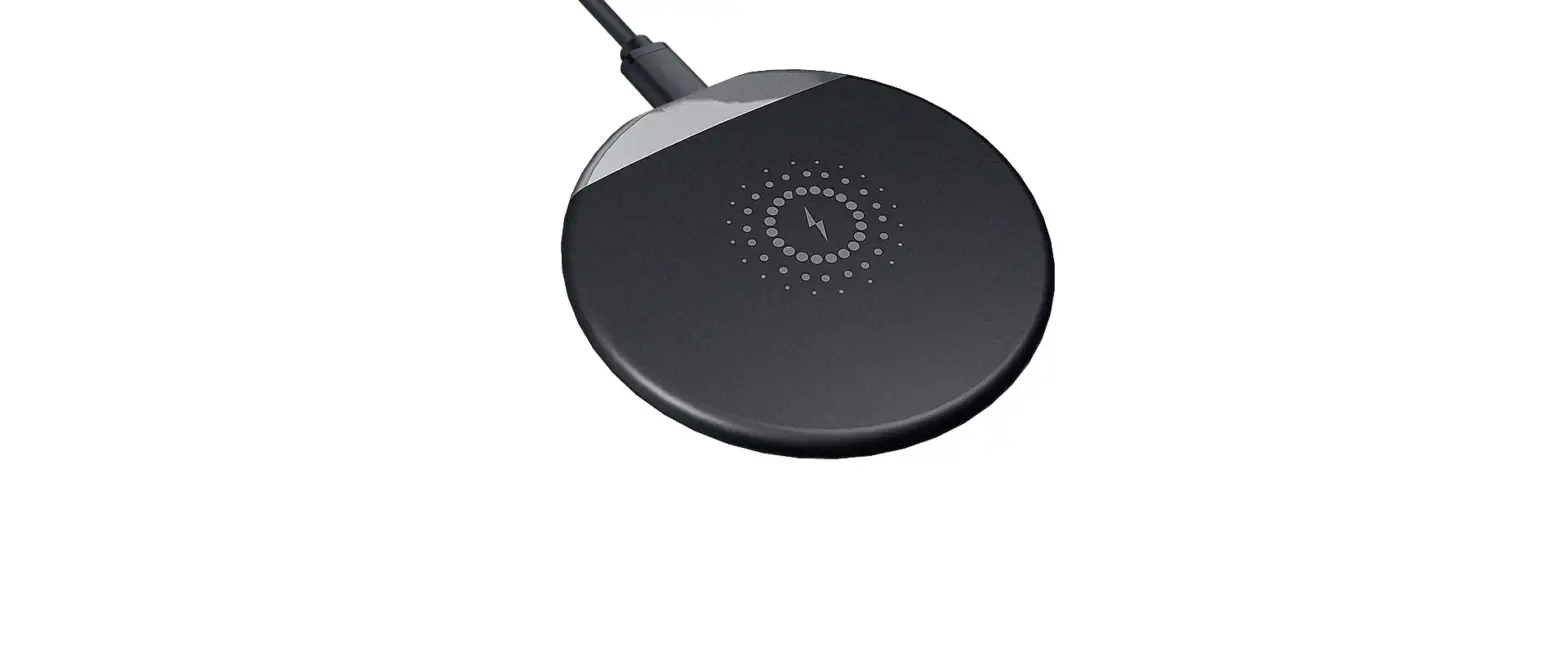
 Model: WFC10
10W Wireless Fast Charging Pad
User Manual v1.2
 Qi Certified
The certification program ensures this charger has passed rigorous tests to guarantee safety, compatibility and energy efficiency.
Compatibility
Compatible with Qi-enabled devices* including
• iPhone Xs/Xs Max
• iPhone XrD<
• iPhone 8/8 Plus
• Samsung S9/S9+
• Samsung S8/S8+
• Samsung Note 9/8/5
• Huawei Mate 20 Pro
• Google Pixel 3/3 XL
• Sony Xperia XZ2
• Nokia 8 Sirocco
• LG G7 ThinQ
• LG V30+
Features
• 360° rotation to change from flat surface to angled surface
• Supports 10W wireless fast charging for compatible devices such as Samsung Galaxy S9/59+, S8/S8+, Note 9/8, Google Pixel 3/3XL
• Supports 5W standard wireless charging for all Qi-enabled devices
• No need to remove your protective case. Works with most cases up to 3mm thick
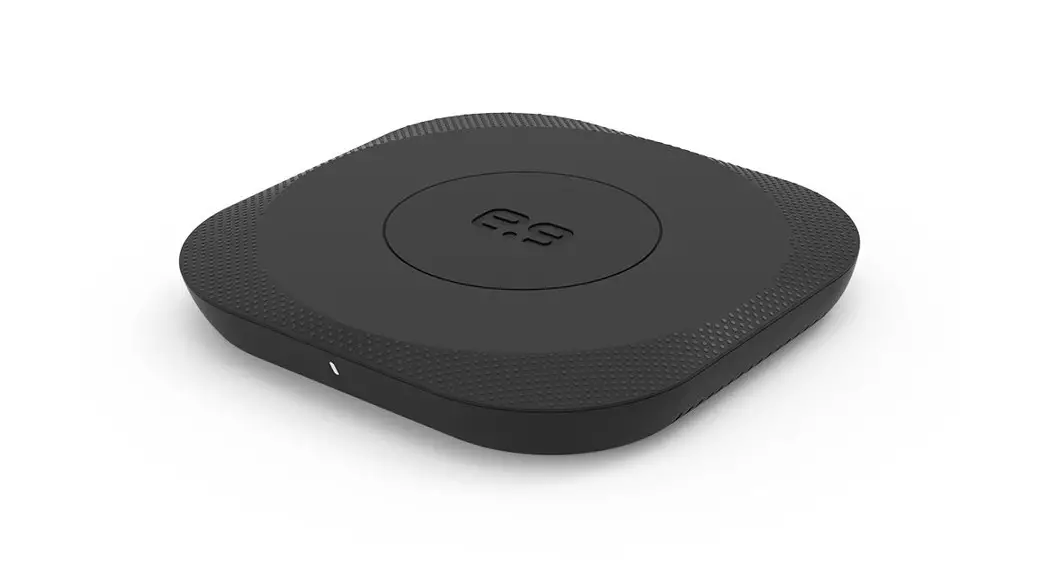
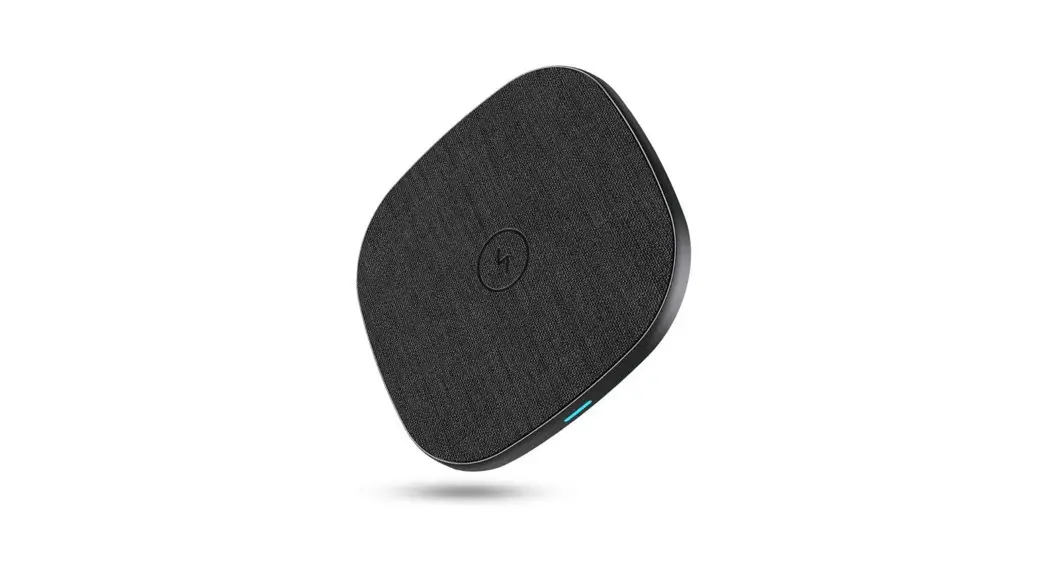
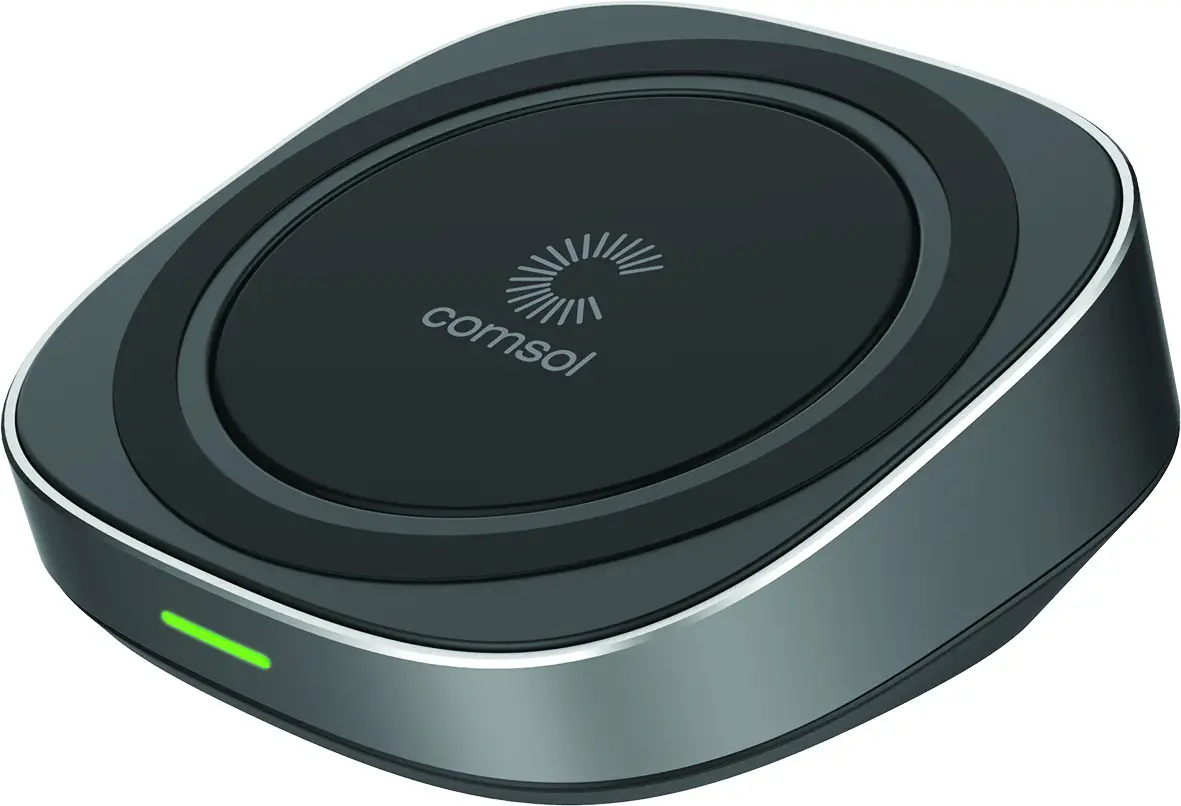
• LED indicator to show charging status
• Smart IC enables energy-saving mode when device is fully charged
• Full safety protection for your devices with Qi-certified temperature control, strict voltage regulation & short circuit protection
• Includes 1.5m micro USB cable to connect charging pad to USB wall charger (USB wall charger not included)
* Check with device manufacturer for Qi wireless compatibility • When connected to a Quick Charge 2.0 or 3.0 wall charger (not included)
Wireless Charger Operation
• Using the included micro USB cable, connect the wireless charging pad to a USB wall charger (USB wall charger not included)
• It is recommended to use original or reputable 3rd party-branded USB wall chargers. For faster charging times it is recommended to use a USB wall charger with a minimum of 2A output
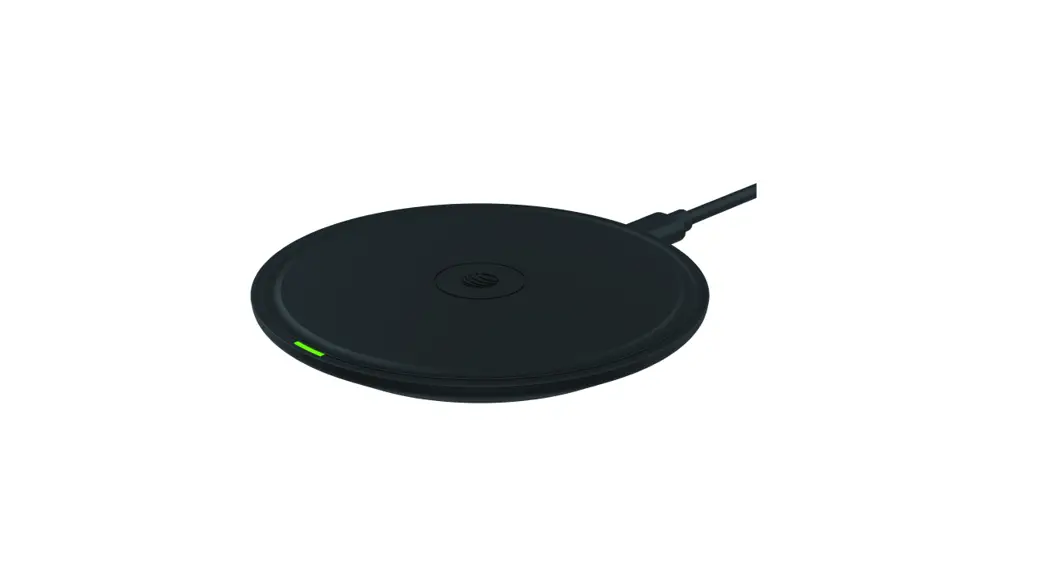
• When connected to the USB charger, the green LED will be on for 3 seconds to indicate the charging pad is powered on and in stand-by mode
• Place your Qi enabled wireless phone on the charging pad and your phone should start charging automatically
• The LED will flash green to indicate charging
• If your phone does not start charging, move your phone until the correct position is found and your phone starts charging
• When your phone is fully charged, the Smart IC enables energy-saving trickle charge mode
Please Note To achieve 10W fast charging for Android devices, the charging pad needs to be connected to a Quick Charge 2.0 or 3.0 wall charger (not included)
Specifications
• Wireless Standard: WPC/Qi (v1.2.4)
• Quantity of Wireless Charging Coils: One Coil
• Input: DC 5V 2A or DC 9V 2A
• Output: 5W / 10W (Max)
• Working Frequency: 110 to 205KHz
• Charging Distance: 3 to 8mm
• Charging Efficiency: >72%
• Dimensions: 77 x 77 x 26.5mm
• Weight: 100g
Important Safety Instructions
• Only use original or reputable third-party chargers and cables
• Do not get wet to avoid causing short circuit damage and leakage
• Do not use in extreme hot, humid or corrosive environments to avoid short circuit damage and leakage
• Do not place too close to magnetic strip or chip ID card to avoid magnetic failure
• Do not place within 20cm of implantable medical devices (pacemaker, cochlear implant etc.) to avoid potential interference
• Do not clean with harmful chemicals or detergents
• Misuse, dropping or excessive force may cause damage to the charging pad
Please Note: When wirelessly charging a device, the wireless charger and your device may feel warm. This is a normal operating condition and should not be cause for concern.
iPhone is a trademark of Apple Inc., registered in the U.S. and other countries. The ‘Or Symbol is a trademark of the Wireless Power Consortium. Android is a trademark of Google
www.mycomsol.com.au