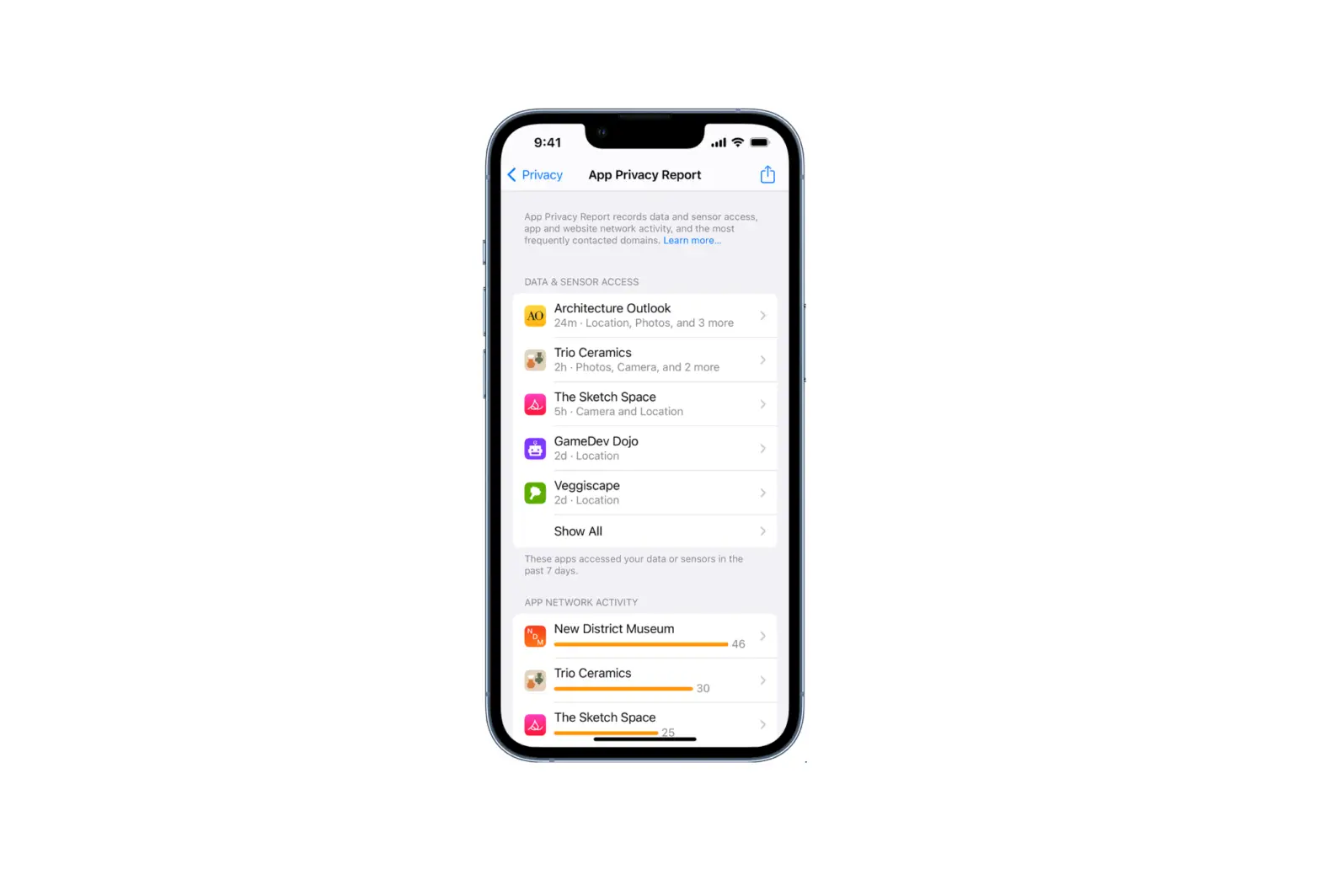
The first time an app wants to use information from another app, you receive a request with an explanation. For example, a messaging app may request access to your contacts to find friends who are using the same app. After you grant or deny access, you can change access later.
- Go to Settings
 > Privacy.
 - Tap a category of information, such as Calendars, Reminders, or Motion & Fitness.
 > Privacy.
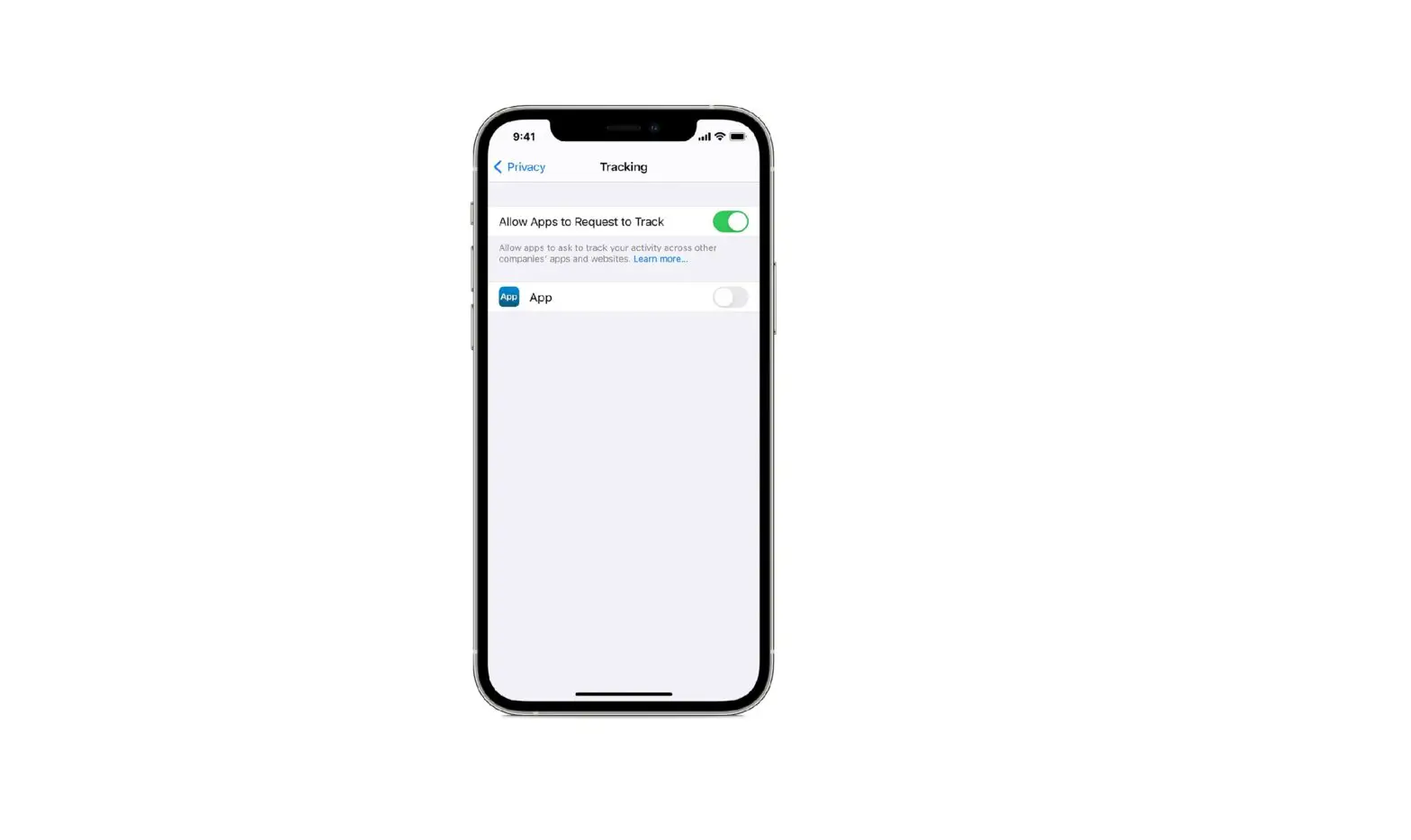
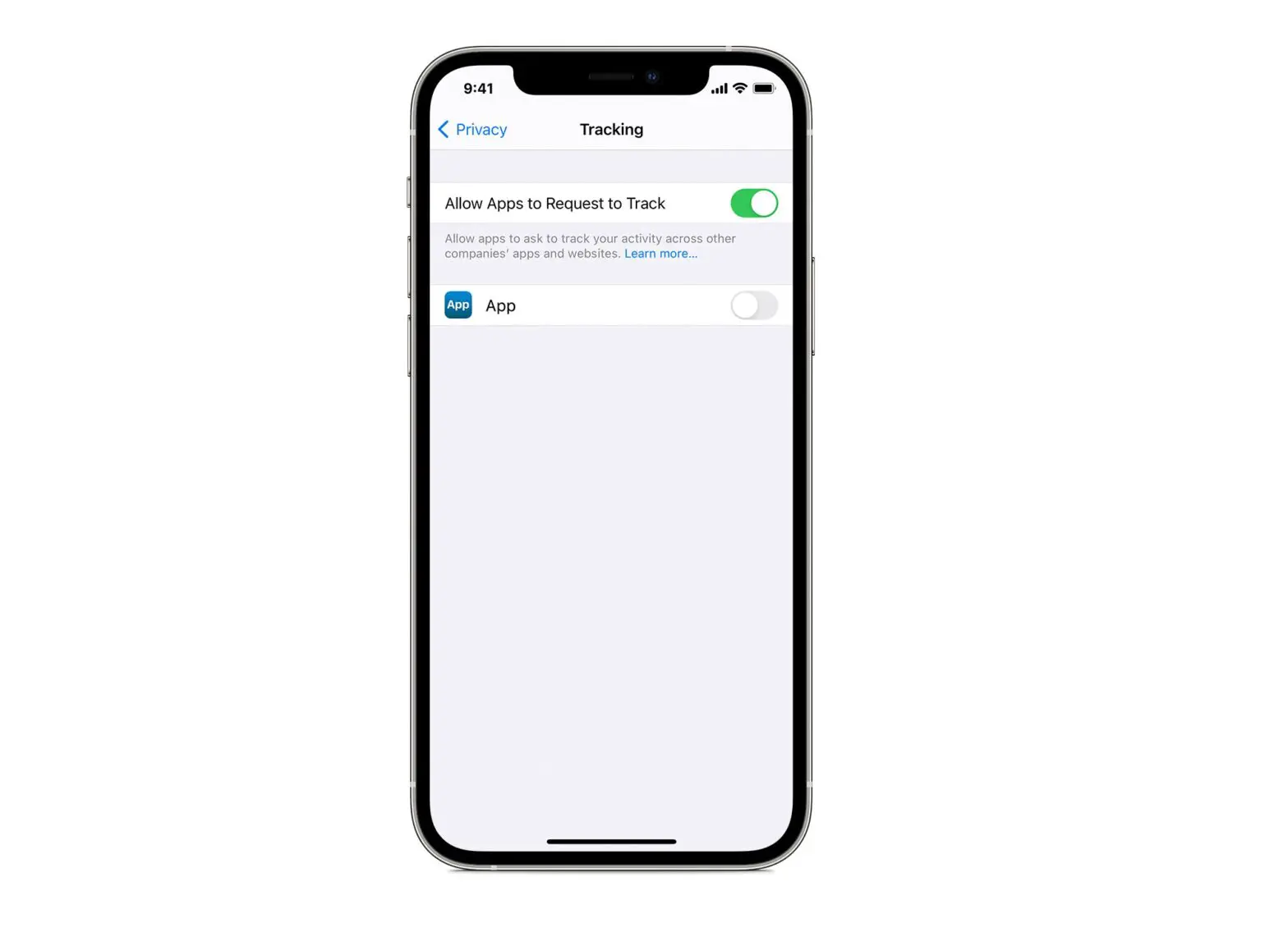
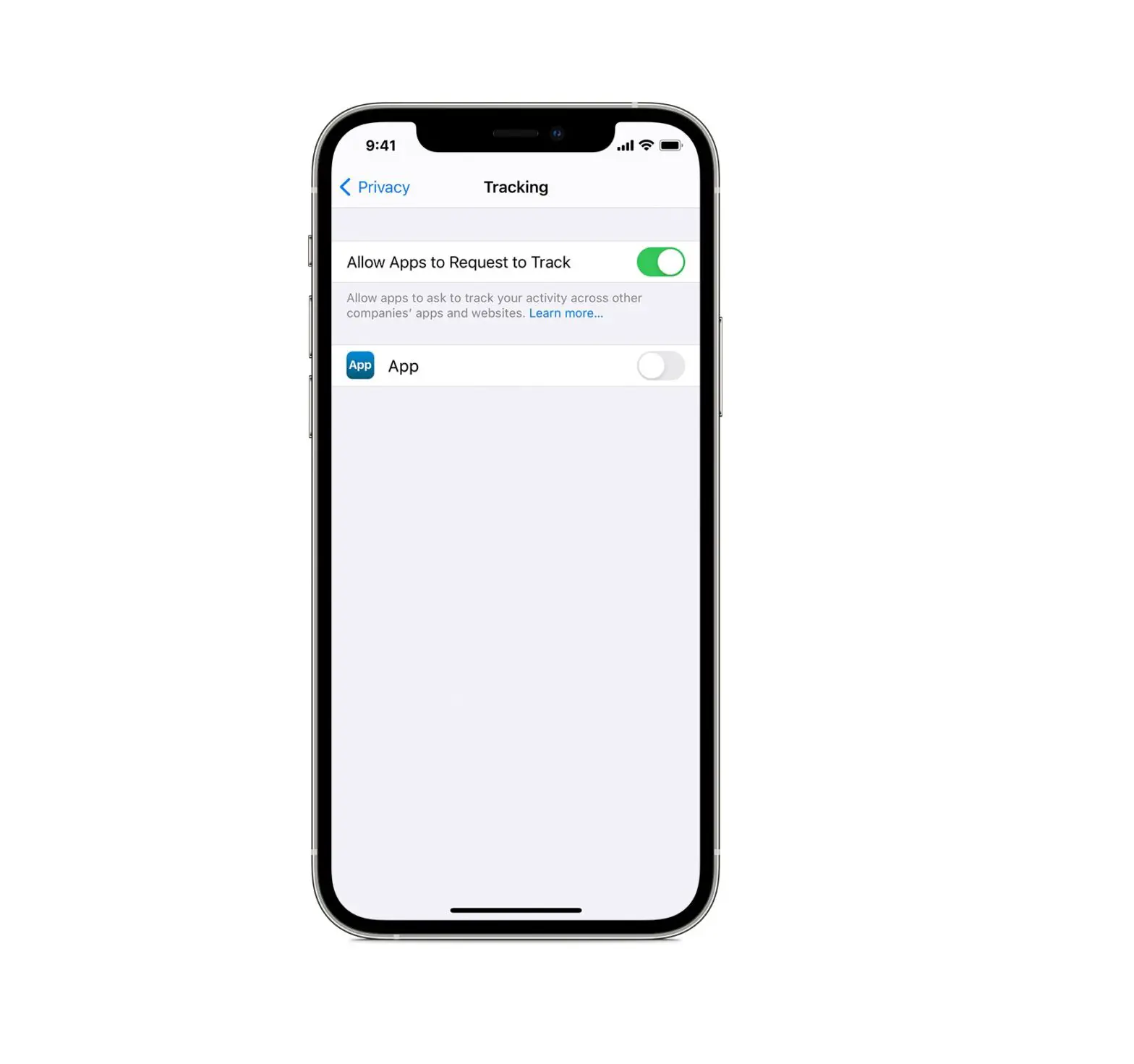
The list shows the apps that requested access. You can turn access on or off for any app on the list.