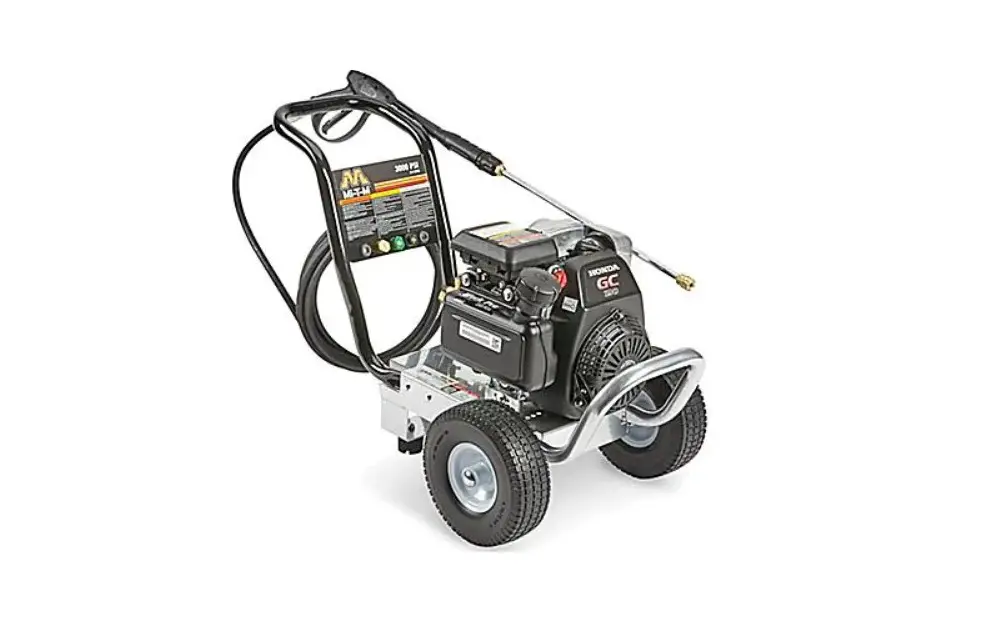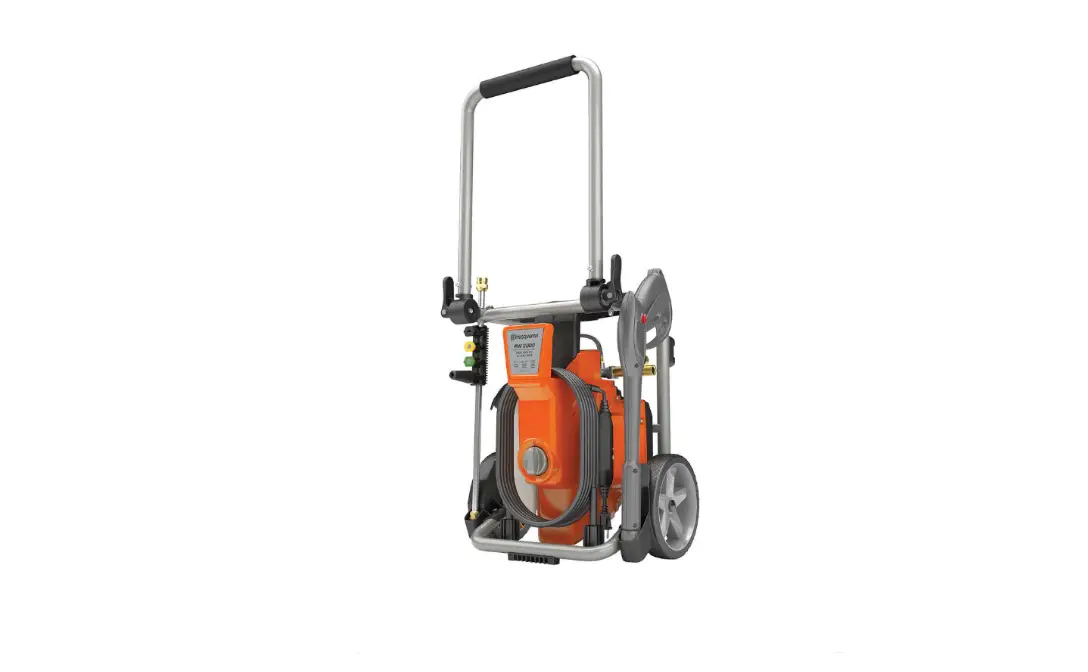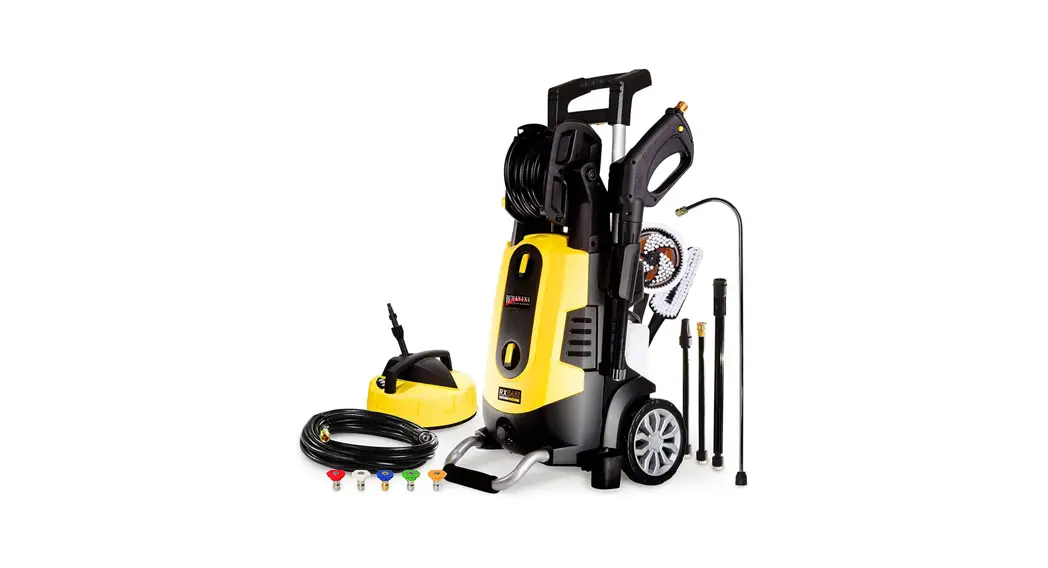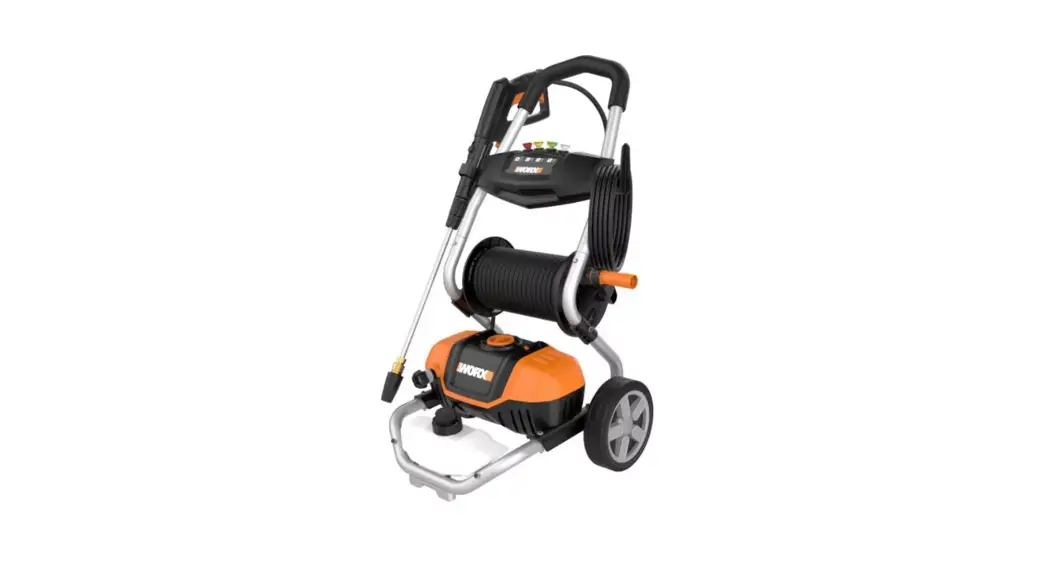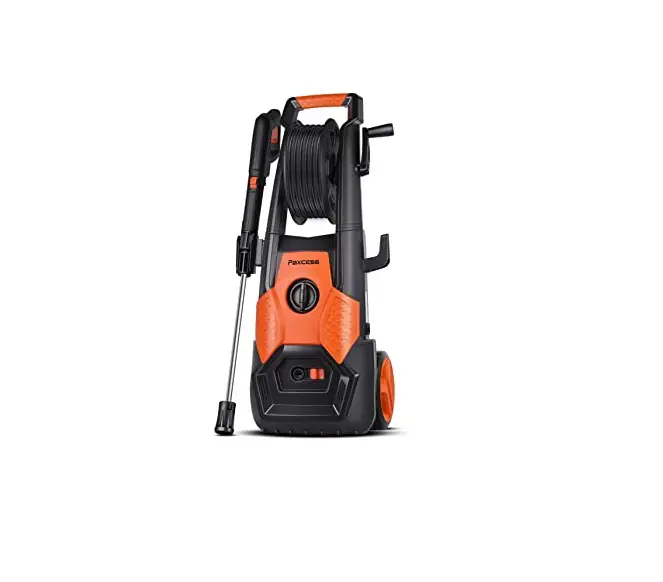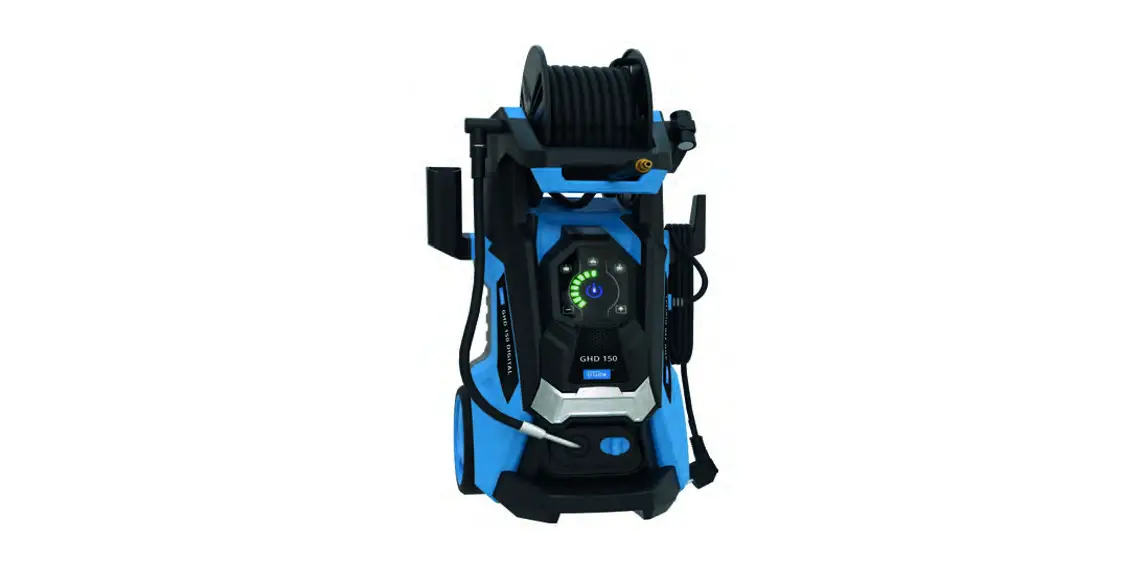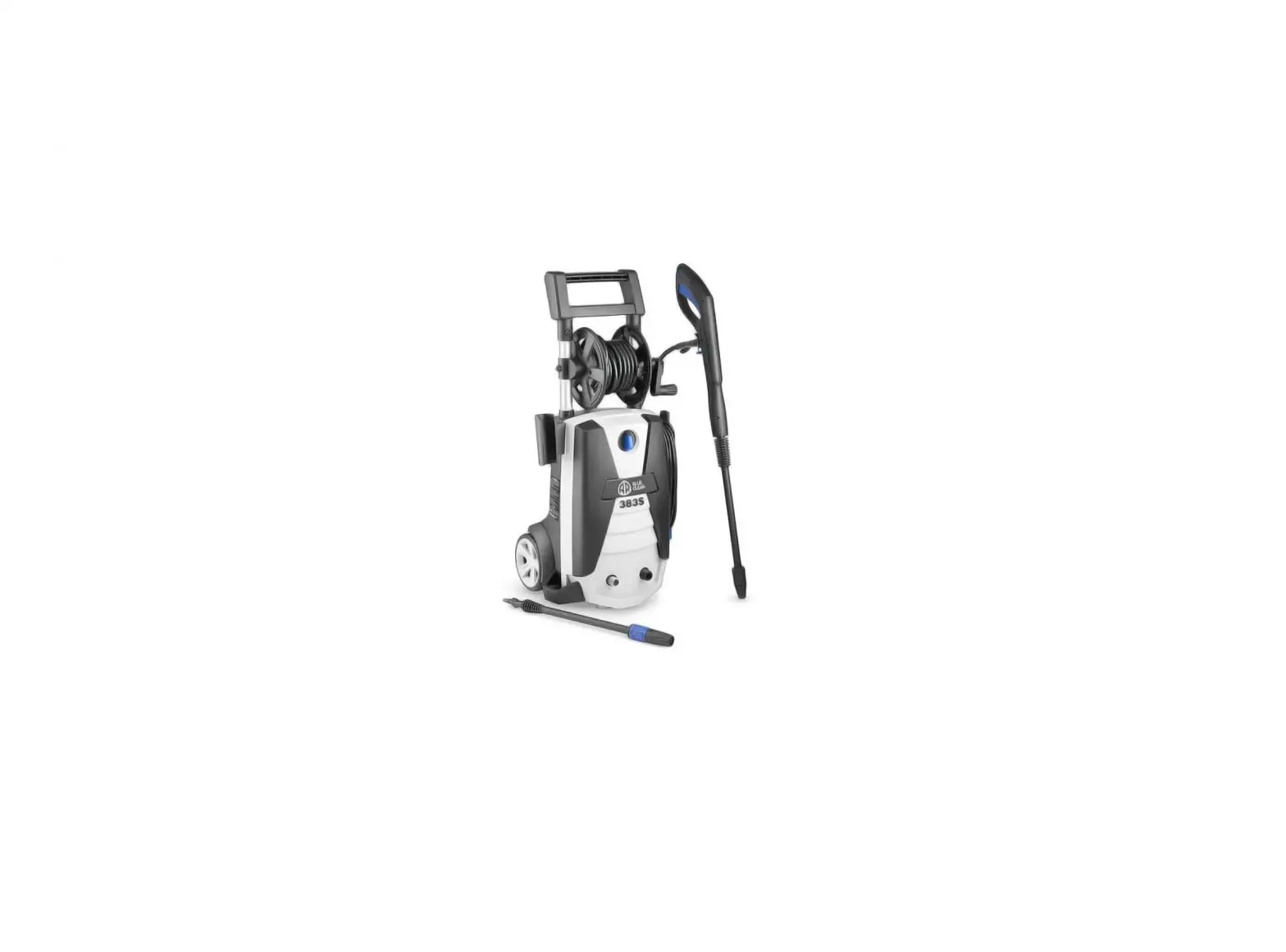
Uline H-6651 Light Duty Electric Pressure Washer Installation Guide

Uline H-6651 Light Duty Electric Pressure Washer Installation Guide

ULINE H-6651 Light Duty Electric Pressure 
Washer Installation Guide
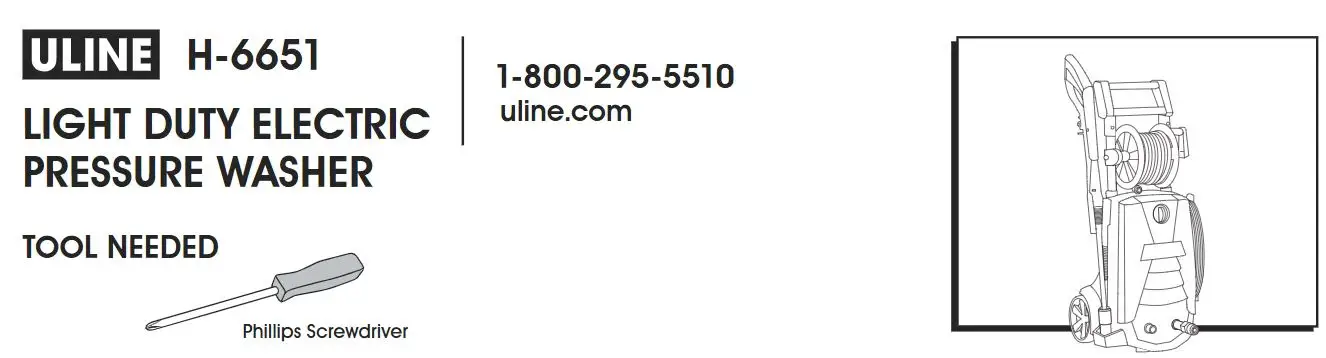
ULINE H-6651 Light Duty Electric Pressure Washer Installation Guide

uline.com

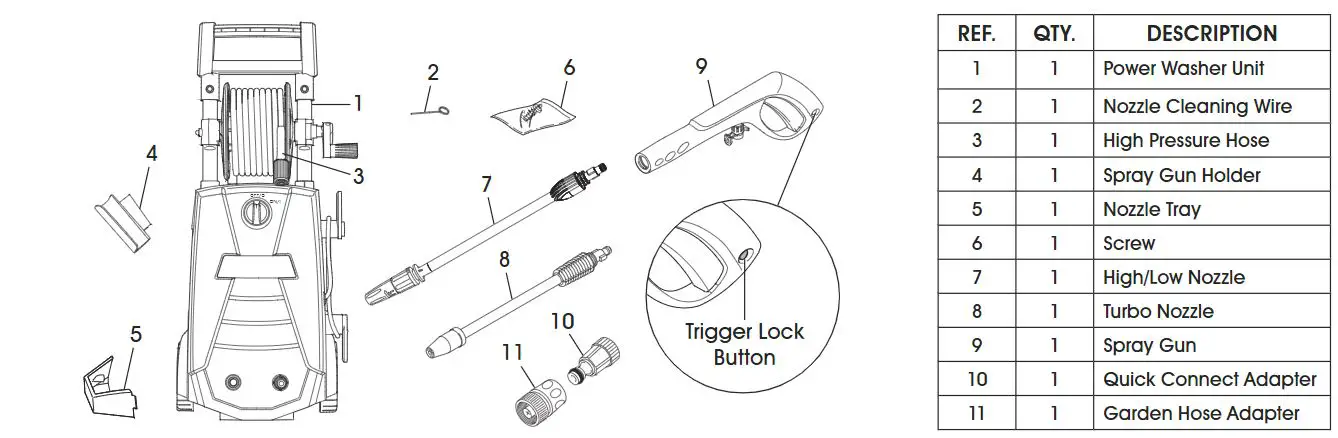
PARTS

ULINE H-6651 Light Duty Electric Pressure Washer Installation Guide - PARTS

ASSEMBLY

1. Slide gun holder on side. (See Figure 1)
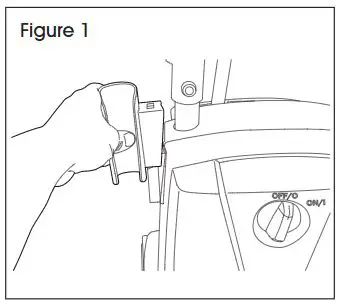
ULINE H-6651 Light Duty Electric Pressure Washer Installation Guide - Figure 1

2. Snap in place and screw in nozzle tray. (See Figure 2)
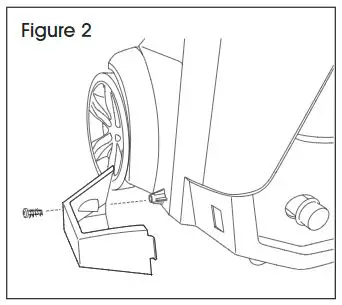
ULINE H-6651 Light Duty Electric Pressure Washer Installation Guide - Figure 2

3. Swivel bottom cord hook right or left to easily remove the power cord. (See Figure 3)
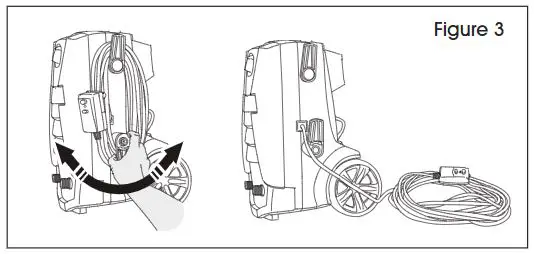
ULINE H-6651 Light Duty Electric Pressure Washer Installation Guide - Figure 3

4. Attach high pressure hose to power washer. (See Figure 4)
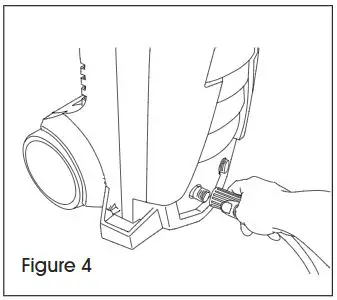
ULINE H-6651 Light Duty Electric Pressure Washer Installation Guide - Figure 4

5. Attach high pressure hose to spray gun. (See Figure 5)
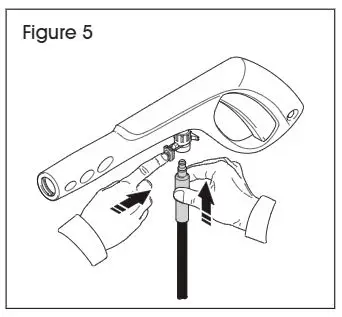
ULINE H-6651 Light Duty Electric Pressure Washer Installation Guide - Figure 5

6. Push on right side of spray gun to lock trigger. Push on the left side of the spray gun to unlock trigger. (See Figure 6)
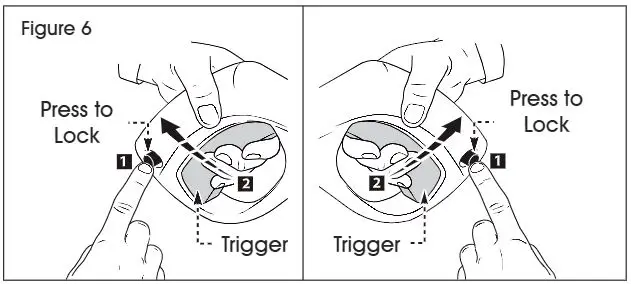
ULINE H-6651 Light Duty Electric Pressure Washer Installation Guide - Figure 6
ULINE H-6651 Light Duty Electric Pressure Washer Installation Guide - Hand IconNOTE: Always make sure the spray gun is locked when not in use.

7. To connect nozzle to spray gun, insert nozzle into spray gun, push together and at the same time twist clockwise to lock in place. To remove, push together and twist counterclockwise then pull apart. (See Figure 7)
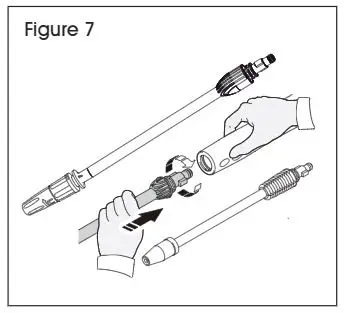
ULINE H-6651 Light Duty Electric Pressure Washer Installation Guide - Figure 7

8. The high/low nozzle has two positions:
IN position ­ For high pressure spray. Designed for cleaning and allowing spray to be adjusted.
OUT position ­ For low pressure spray for detergent function. Spray needs to be set with fan blades in the “pencil stream” position to assure the detergent is not restricted. (See Figures 8-9)
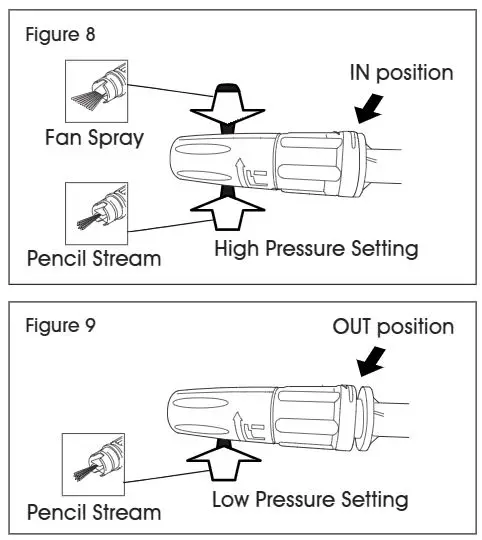
ULINE H-6651 Light Duty Electric Pressure Washer Installation Guide - Figure 8,9

9. Fill detergent tank. (See Figure 10)
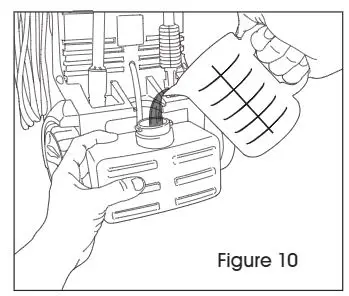
ULINE H-6651 Light Duty Electric Pressure Washer Installation Guide - Figure 10

ULINE H-6651 Light Duty Electric Pressure Washer Installation Guide - Hand IconNOTE: Do NOT use thick detergent, as it can clog the power washer.

10. Pull clear siphoning tube through cap so it will draw detergent from the bottom of the tank. (See Figure 11)
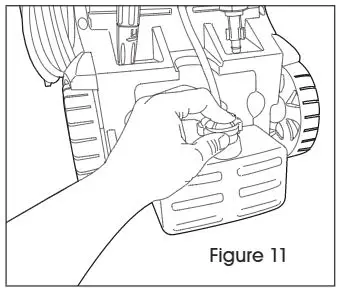
ULINE H-6651 Light Duty Electric Pressure Washer Installation Guide - Figure 11

11. Clear quick connect adapter (QCA) attaches to the power washer. (See Figure 12)
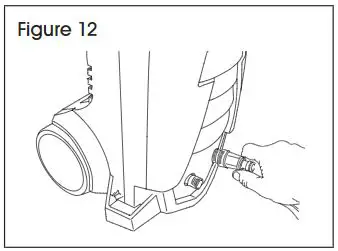
ULINE H-6651 Light Duty Electric Pressure Washer Installation Guide - Figure 12

12. Attach garden hose adapter (GHA) to the end of the garden hose. (See Figure 13)
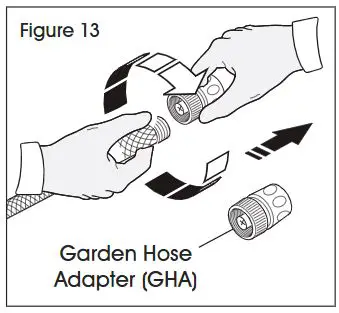
ULINE H-6651 Light Duty Electric Pressure Washer Installation Guide - Figure 13

13. Snap the GHA onto the QCA. To remove, pull back on the collar and pull off. (See Figure 14)
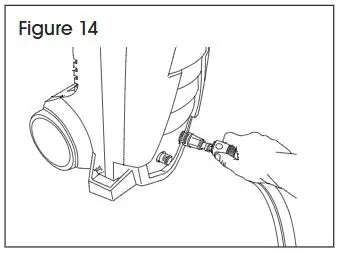
ULINE H-6651 Light Duty Electric Pressure Washer Installation Guide - Figure 14

14. Clear QCA attaches to power washer. GHA attaches to garden hose. (See Figure 15)
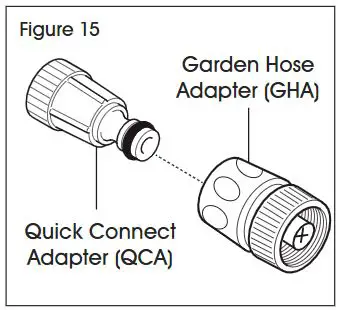
ULINE H-6651 Light Duty Electric Pressure Washer Installation Guide - Figure 15

15. Plug machine into a grounded outlet; push RESET button. (See Figure 16)
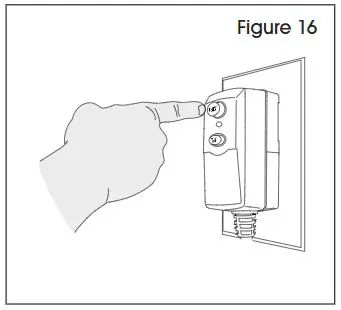
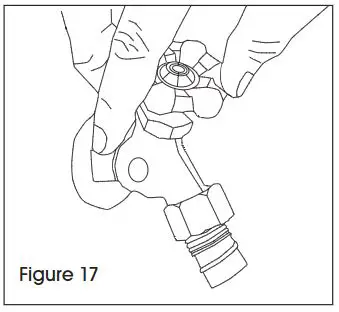
ULINE H-6651 Light Duty Electric Pressure Washer Installation Guide - Figure 1616. Turn on water. (See Figure 17)

ULINE H-6651 Light Duty Electric Pressure Washer Installation Guide - Figure 17

17. Switch to OFF or ON position. (See Figure 18)
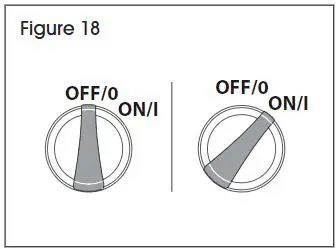
ULINE H-6651 Light Duty Electric Pressure Washer Installation Guide - Figure 18

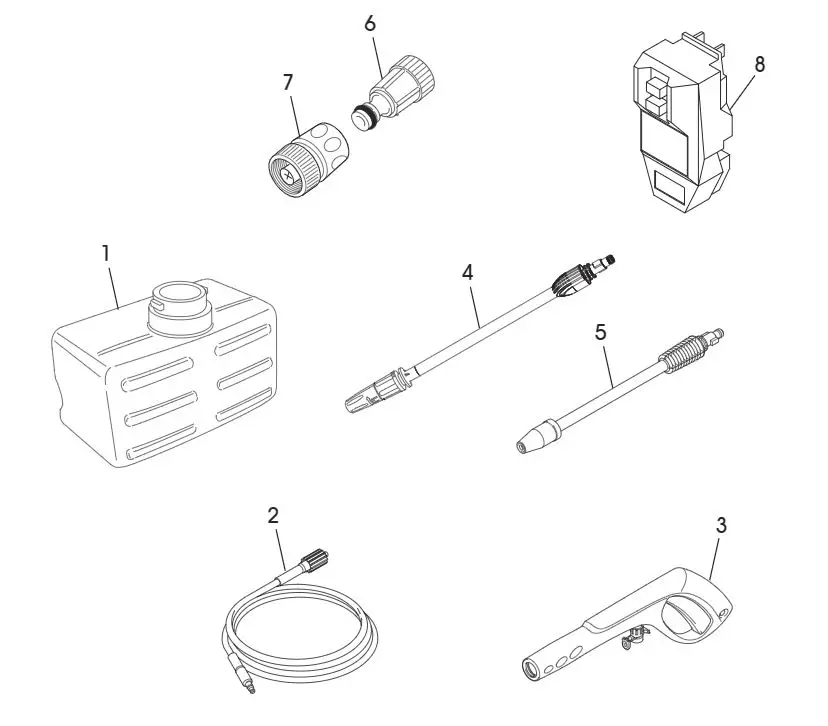
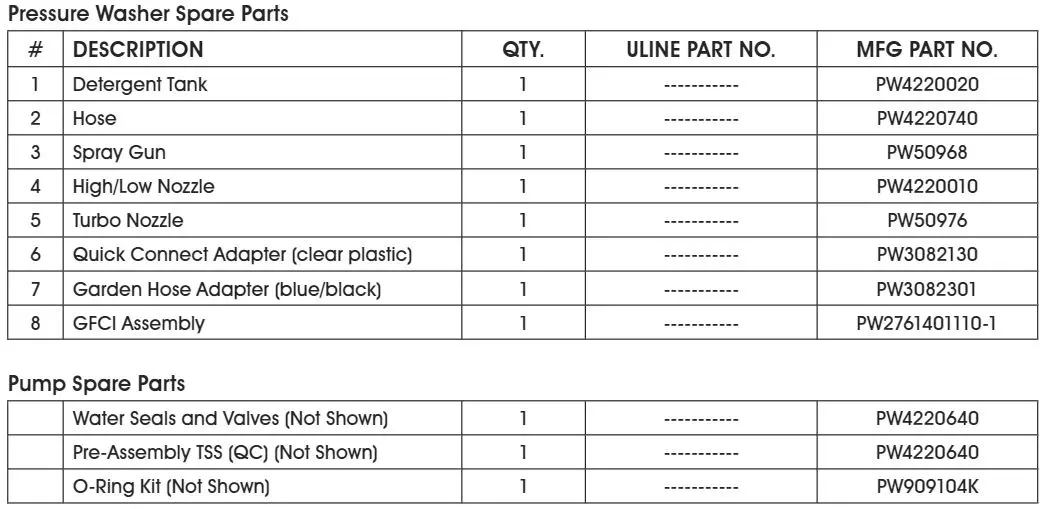
REPLACEMENT PARTS

ULINE H-6651 Light Duty Electric Pressure Washer Installation Guide - REPLACEMENT PARTSULINE H-6651 Light Duty Electric Pressure Washer Installation Guide - Pressure Washer & Pump spare parts

ULINE Logo

1-800-295-5510
uline.com
Documents / Resouces

Download manual
Here you can download full pdf version of manual, it may contain additional safety instructions, warranty information, FCC rules, etc.


Related Manuals