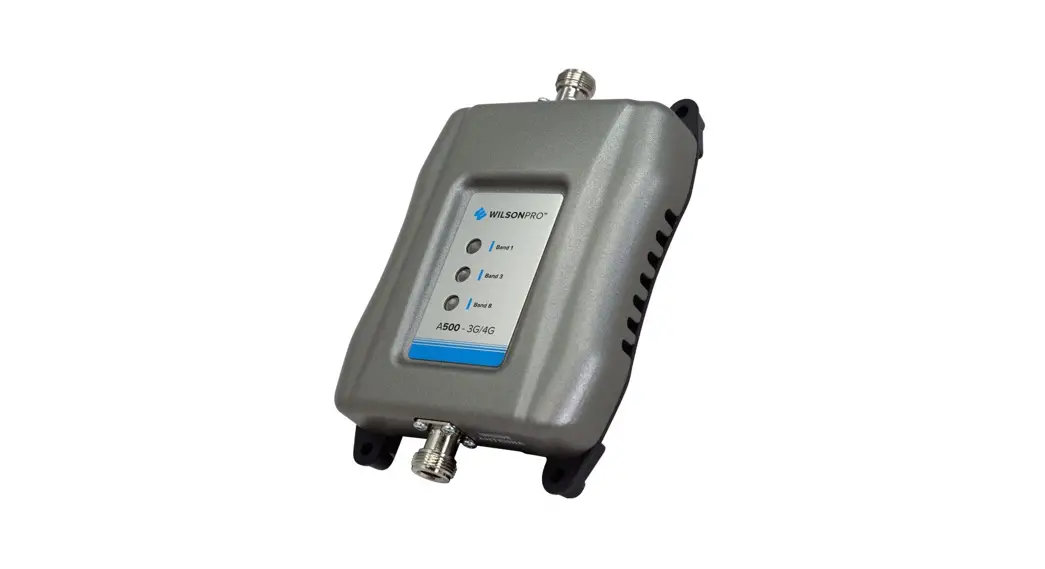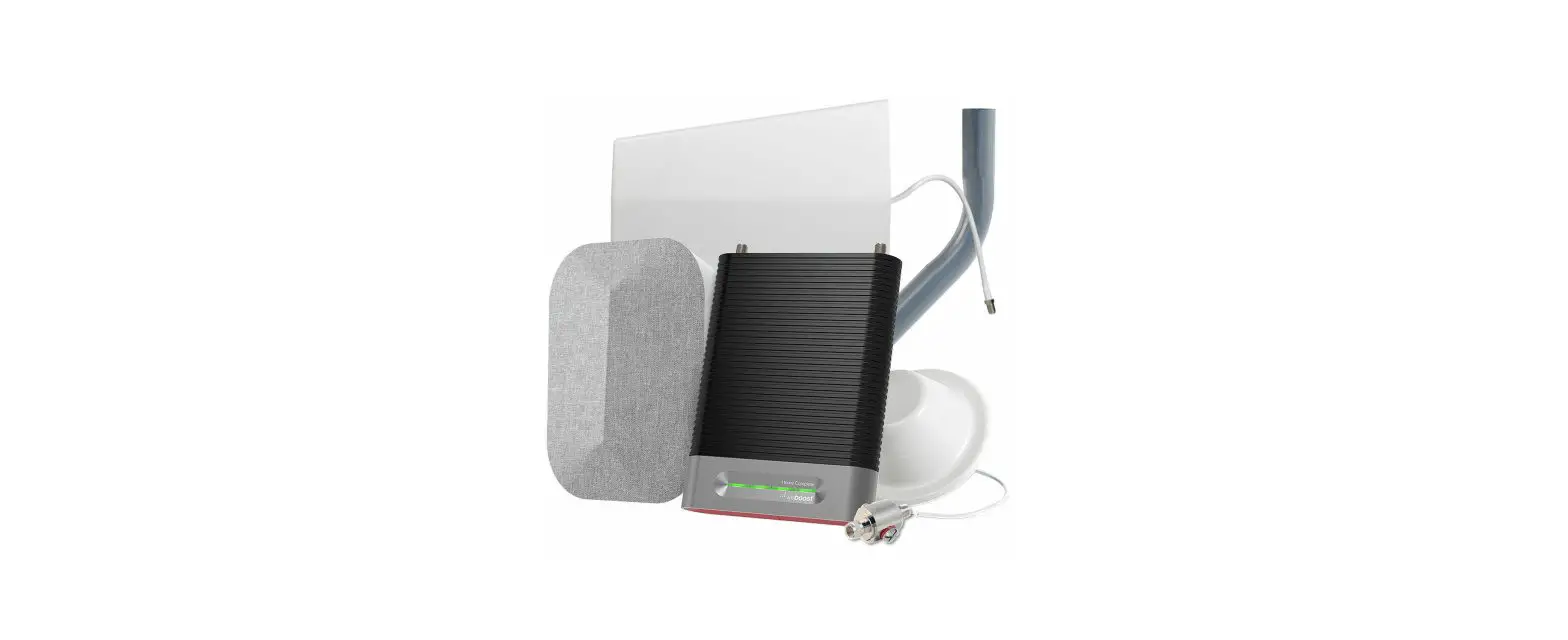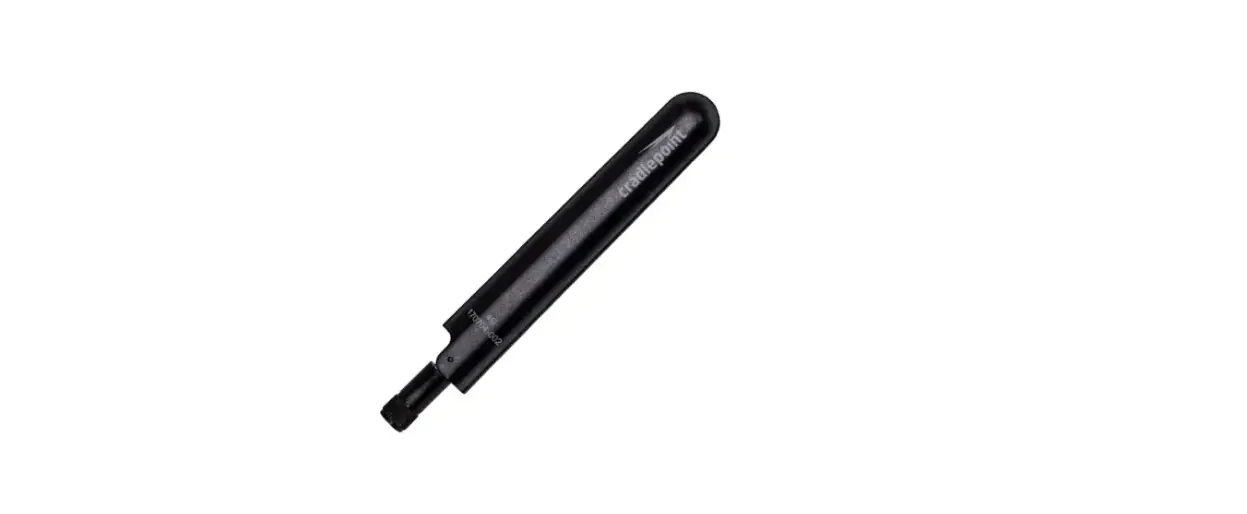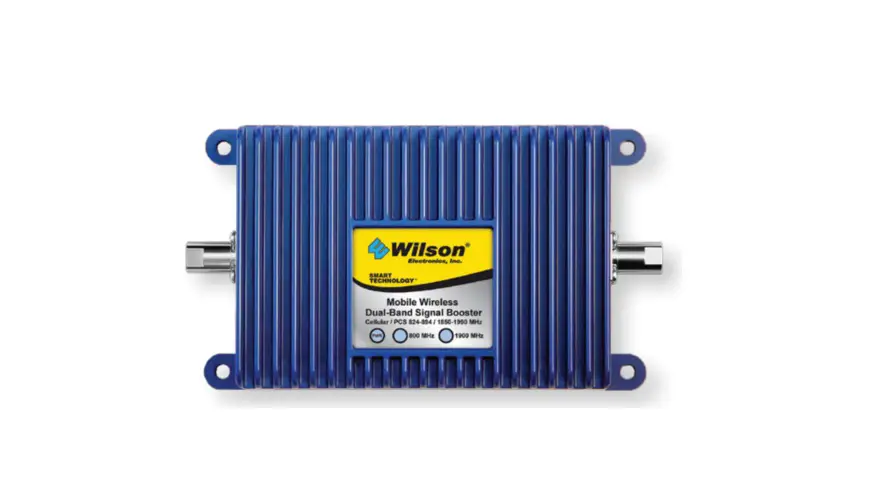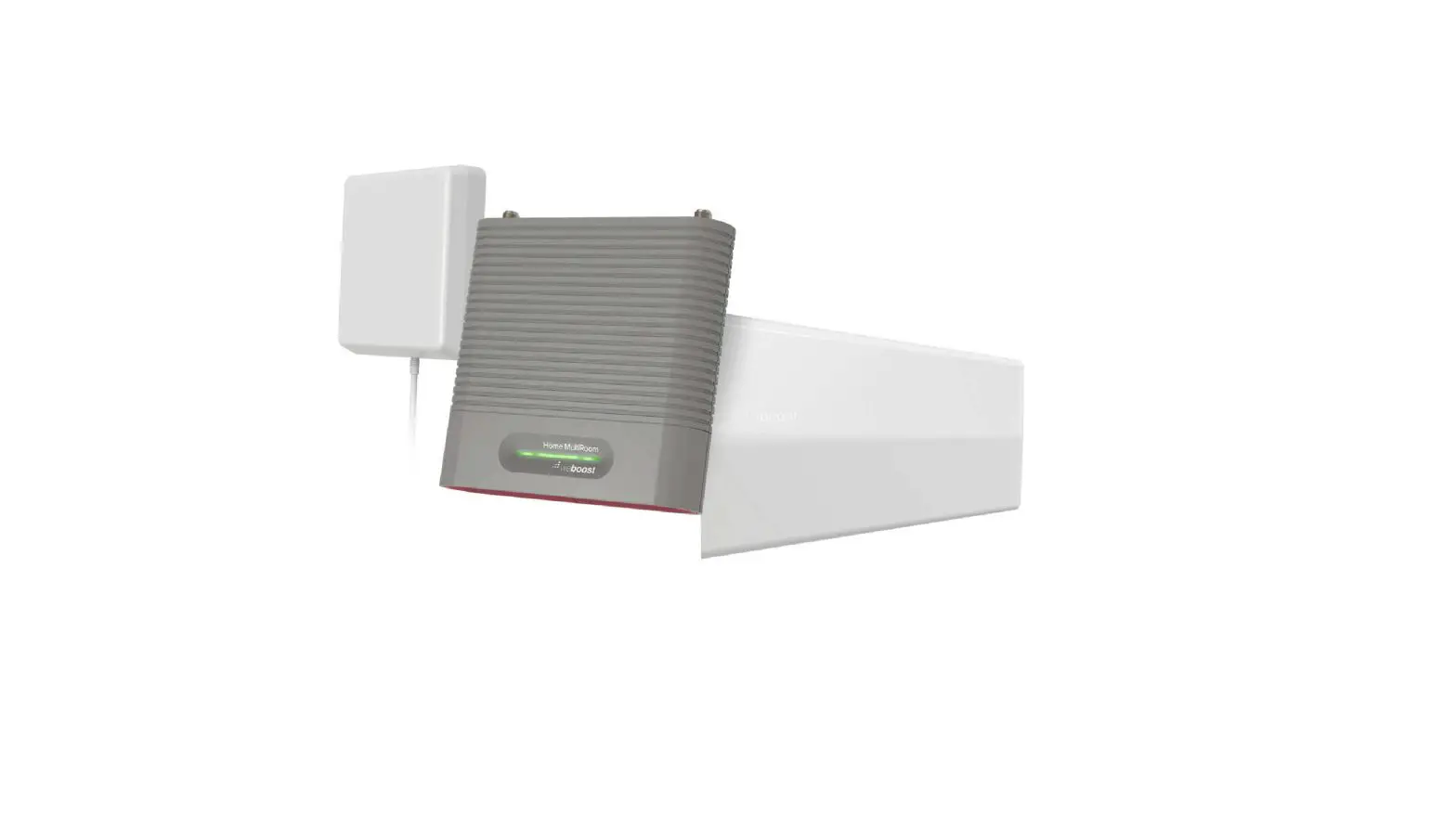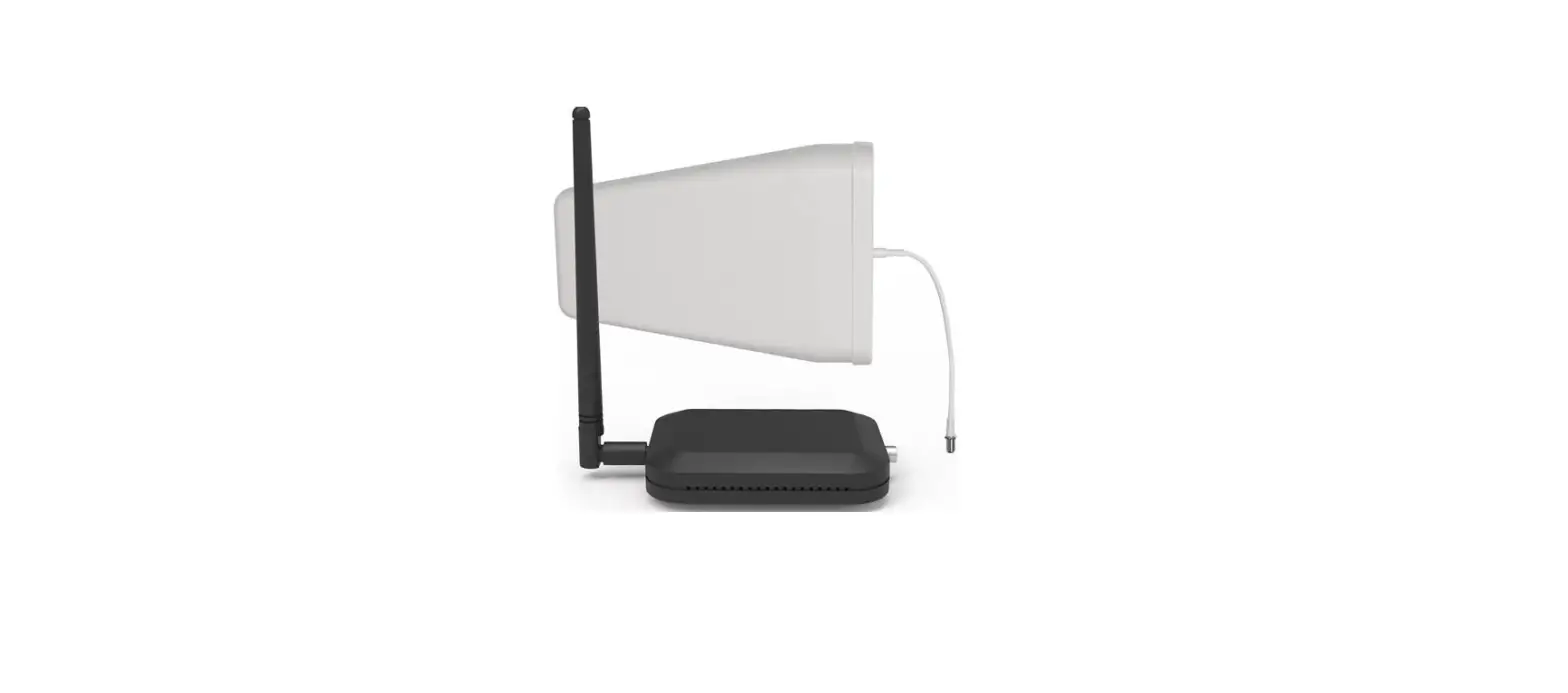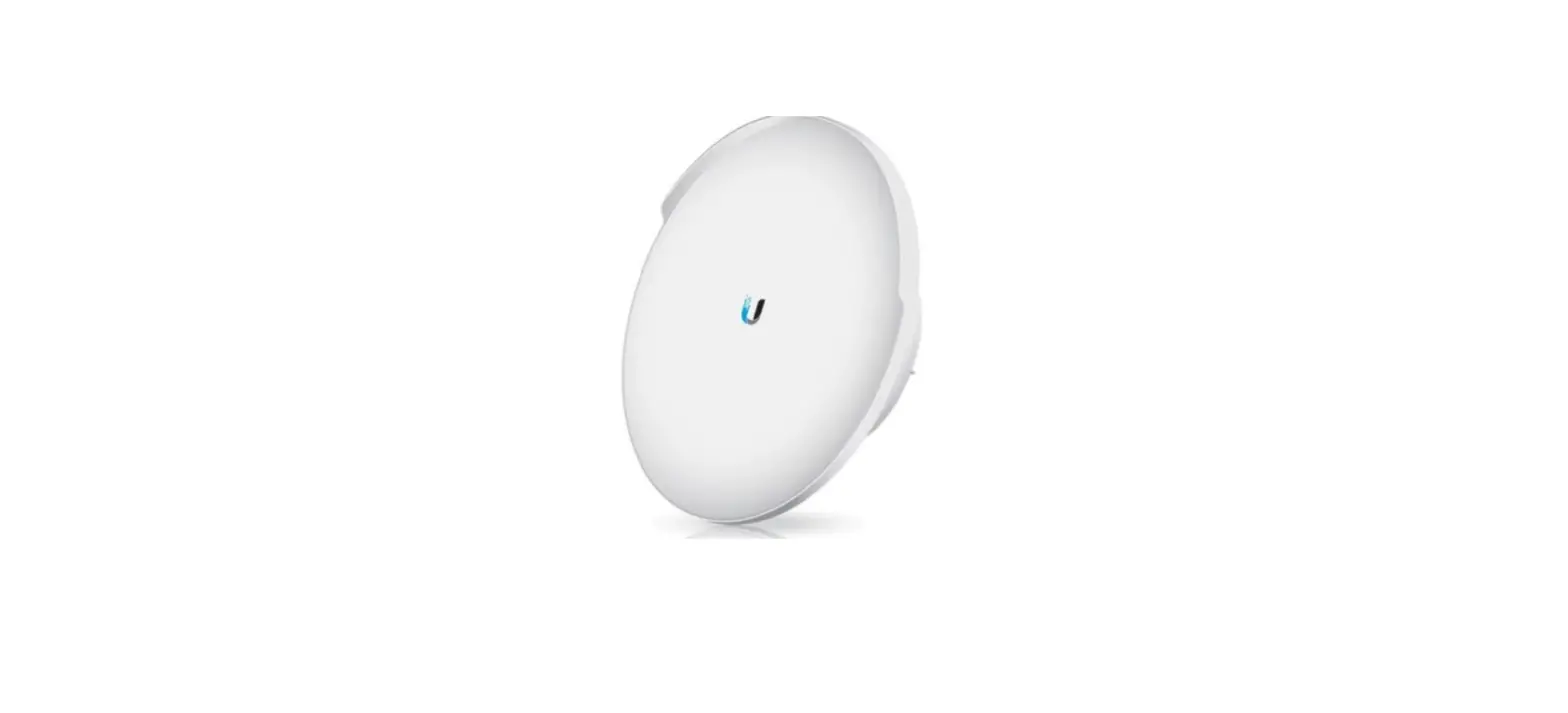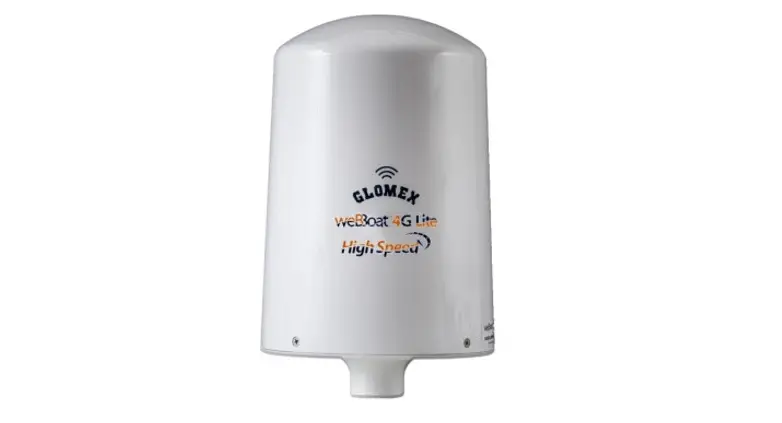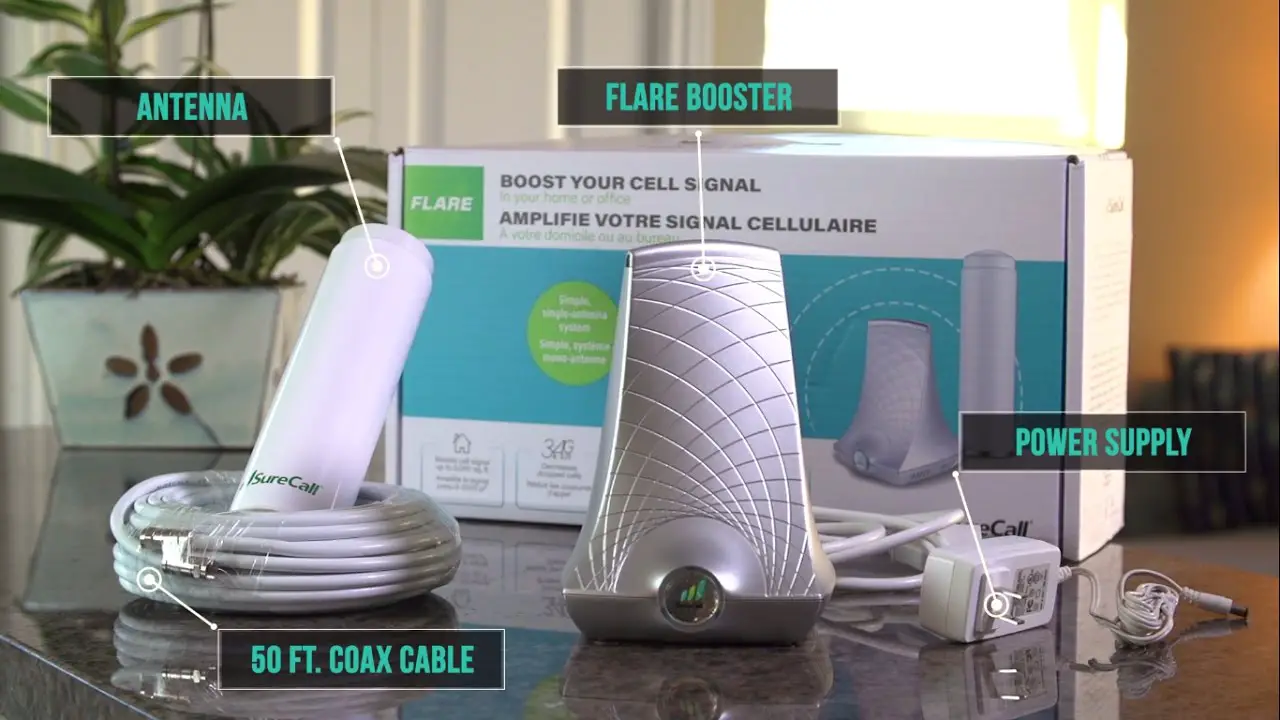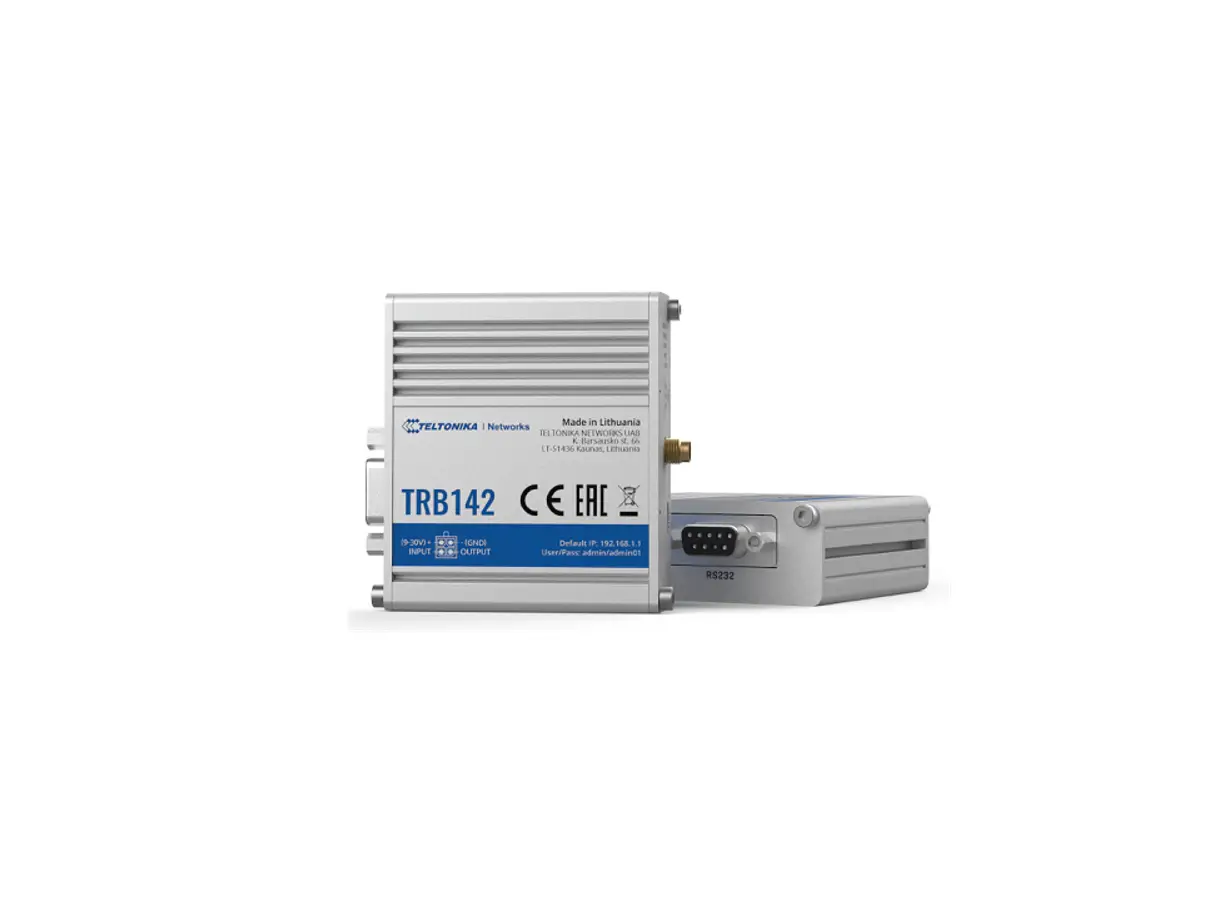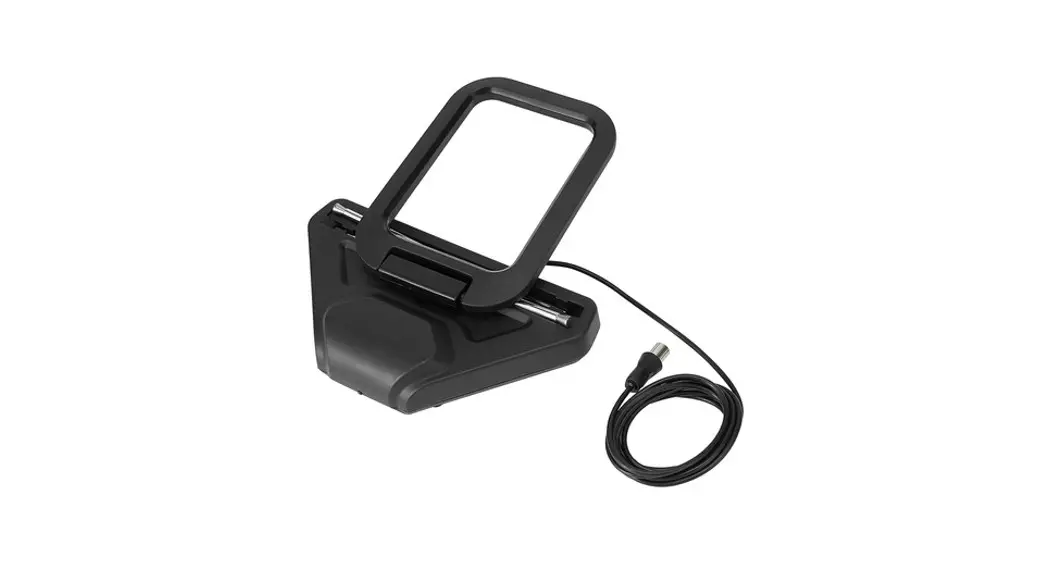

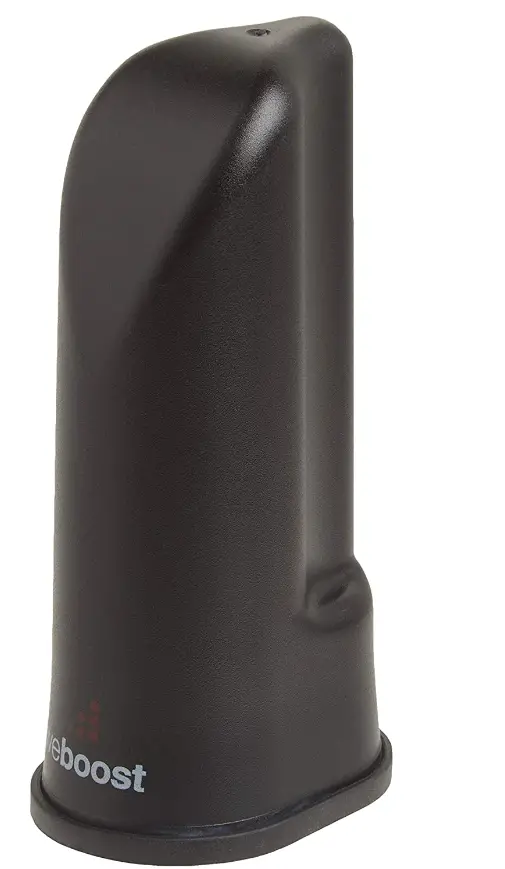
weBoost Wilson Desktop Cellular Antenna 700 2100 Mhz With 5 Foot Cable
Specifications
- BRAND: WeBoost
- COLOR: Black
- IMPEDANCE: 50 Ohm
- MAXIMUM RANGE: 5 Feet
- ITEM DIMENSIONS LXWXH: 8.25 x 4 x 4 inches
- ITEM WEIGHT: 4 ounces
- INCLUDED COMPONENTS: Antenna, install guide, 5 ft RG58 coax
- CONNECTIVITY TECHNOLOGIES: SMA Male
- OTHER DISPLAY FEATURES: Wireless
Introduction
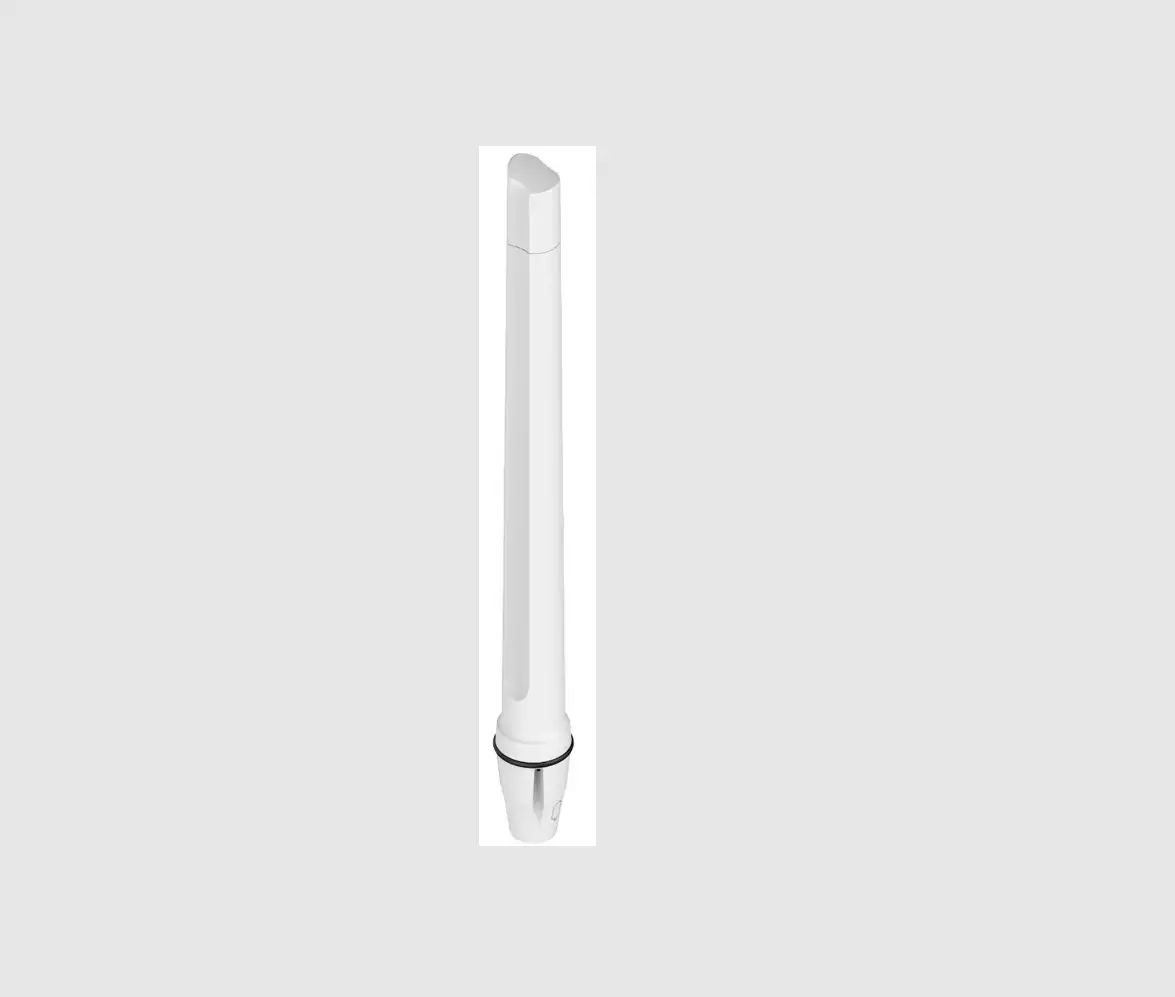
Wilson 301211 is a Multi-band, 50 Ohm Indoor Desk Top Antenna with 5 ft. RG-174 Cable with SMA Male Connector for Cell Phone Signal Boosters. It has Low profile, 5.13-inch height antenna for discrete installation.
WILSON ELECTRONICS SIGNAL BOOSTERS AMPLIFY COVERAGE
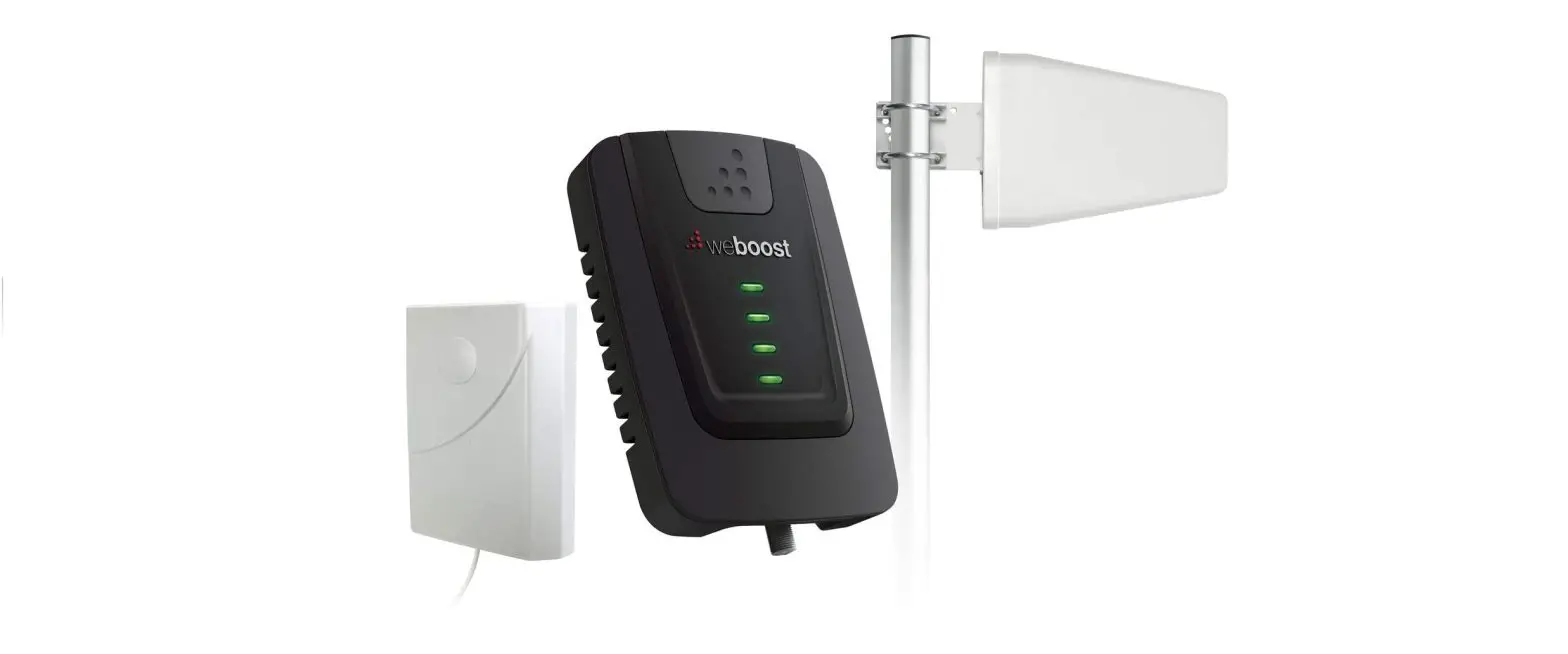
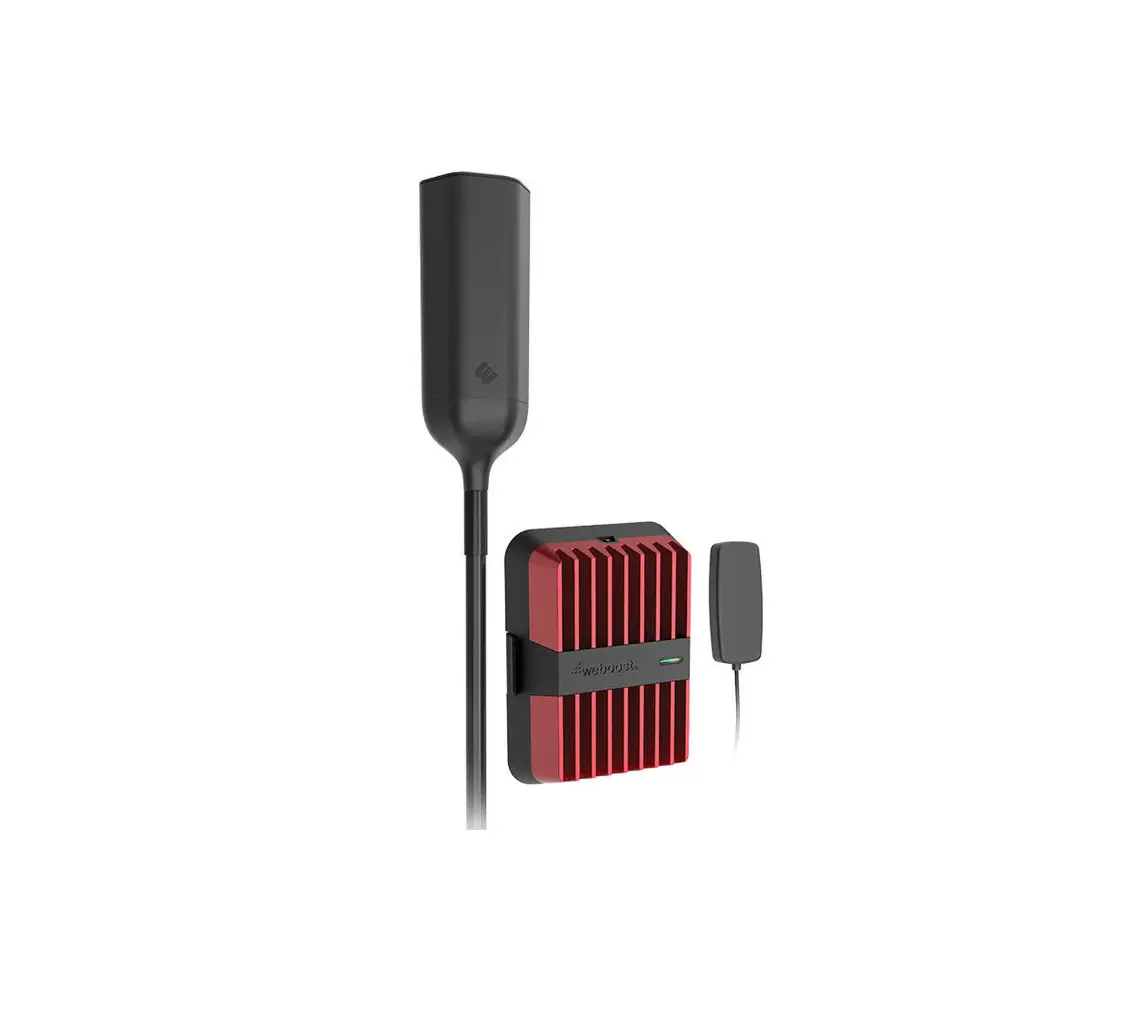
When used in conjunction with your antenna, a Wilson Electronics Signal Booster can improve your cell phone and laptop data card coverage area up to 20 times. Wilson Electronics manufactures a wide range of Wireless and Direct Connect Signal Boosters for M2M, mobile or in-building use. See your dealer for details or visit www.WilsonElectronics.com.

HOW IT WORKS
The Desktop Antenna transfers the improved signal from the Signal Booster (sold separately) to one or more cell phones or cellular data cards. The Desktop Antenna may work with any In-Building Wireless Signal Booster (an adapter may be required for some Signal Boosters). Consult the user guide for your particular Signal Booster for more specific instructions on the use of the Desktop Antenna. Or contact Wilson Electronics Technical Support Team at 866-294-1660.
INSTALLING THE ANTENNA
The location of the Desktop Antenna in relation to the outside antenna is very important. Poor antenna placement increases the possibility of oscillation (feedback), which causes system shutdown (indicated by a red light). Observe the following rules for correct antenna placement and optimum performance.
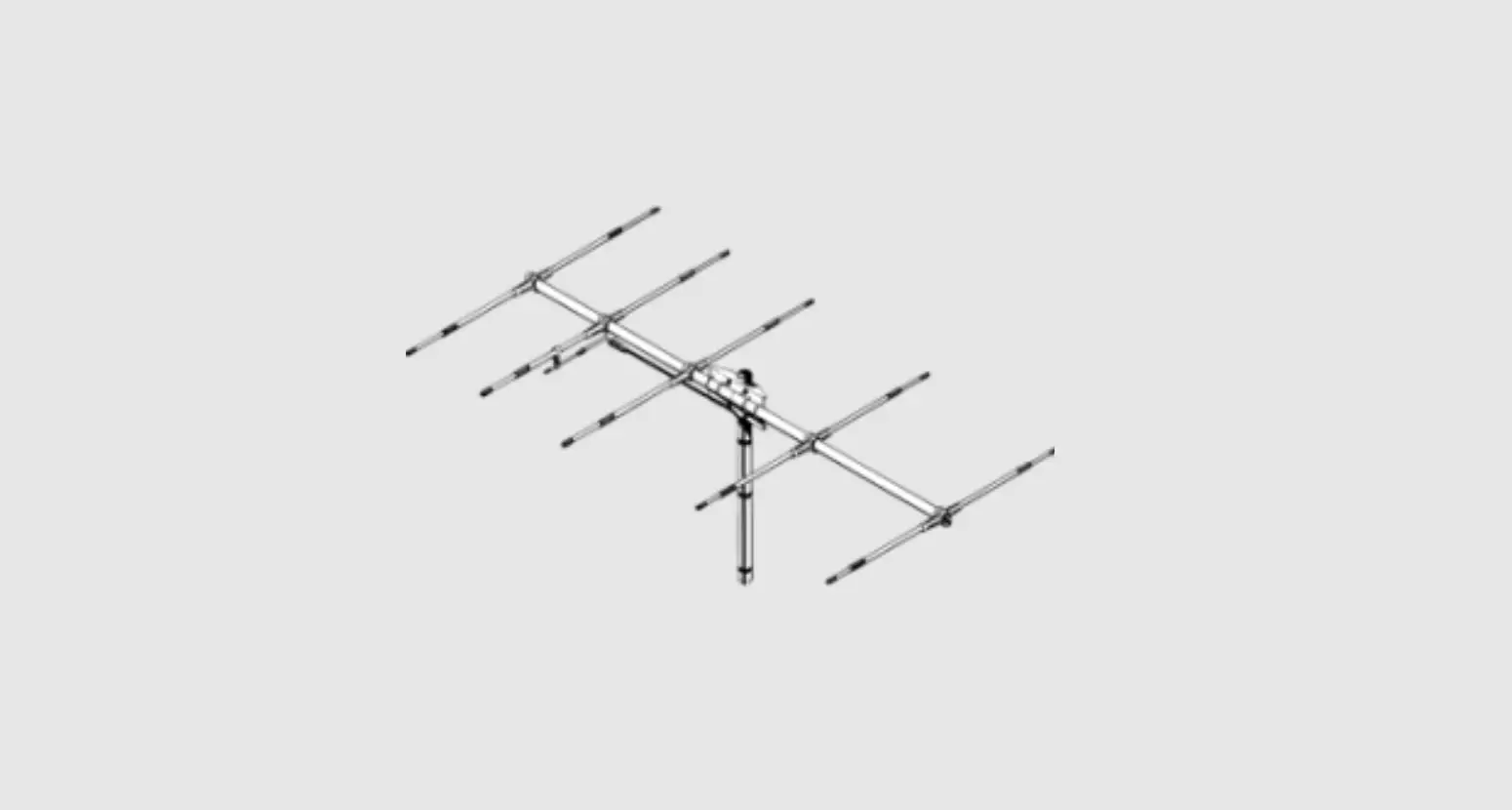
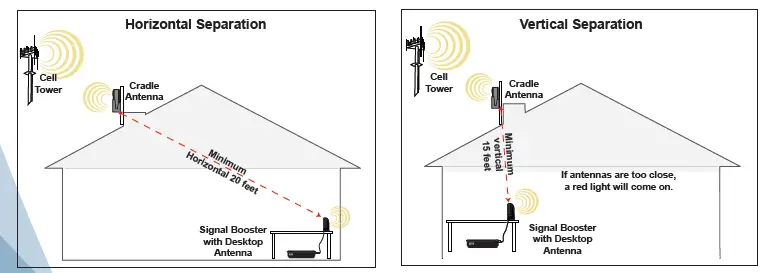
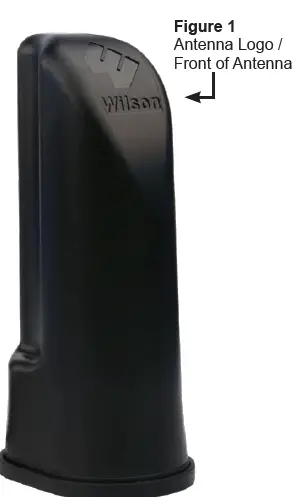
Once you find a good signal location for the outside antenna, the front of the outside antenna (the Wilson Electronics insignia) must face toward the cell tower, and face AWAY FROM the Desktop Antenna. The Desktop Antenna must be positioned at least 20 horizontal feet OR 15 vertical feet from the outside antenna. See the Figures below.
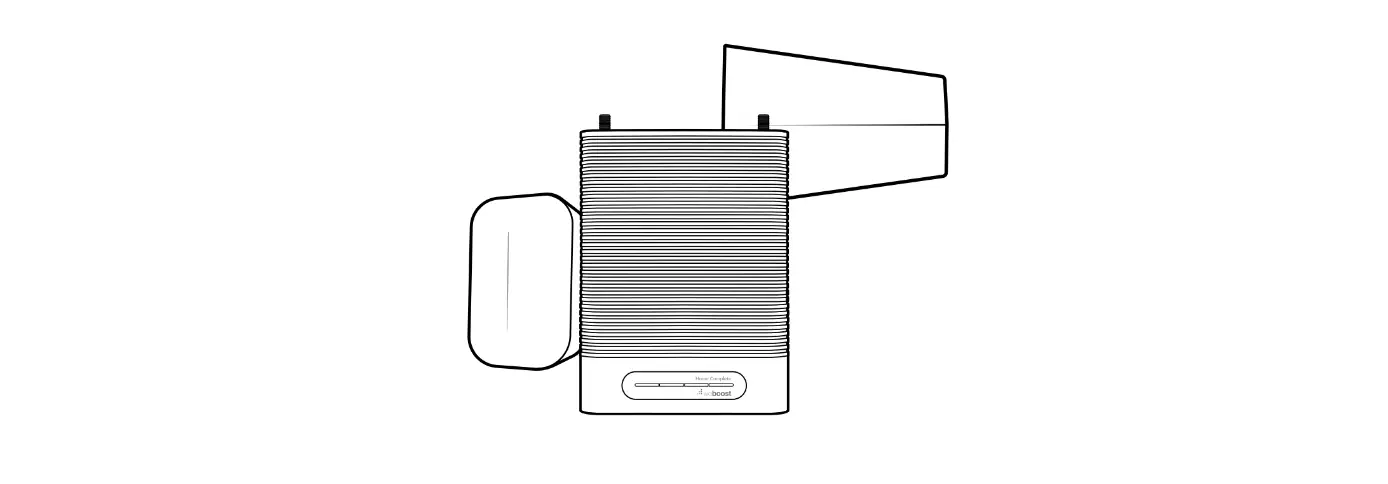
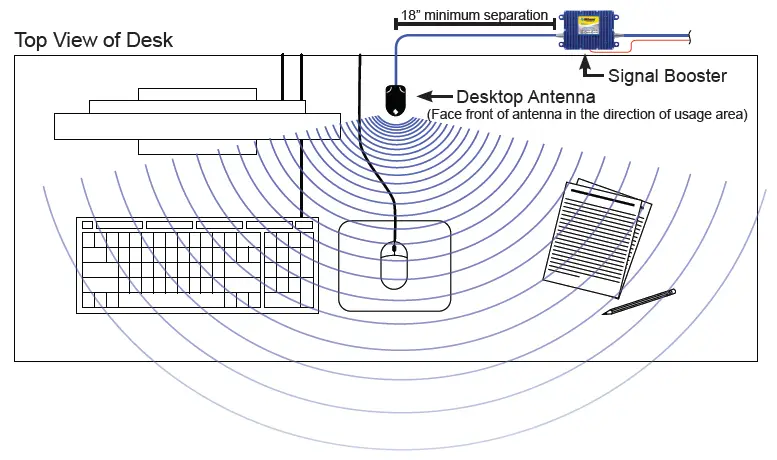
The Desktop Antenna should be placed 18 inches or more away from the Signal Booster, with the logo pointed away from the Signal Booster. See Figure below.
WARNING: There must be a separation of at least 20 vertical feet or 15 horizontal feet between the Desktop Antenna and outside antennas.
WARNING: The Desktop Antenna must have a separation of at least 18 inches from all persons during normal operation.
| 30-Day Money-Back Guarantee
All Wilson Electronics products are protected by Wilson Electronics 30-day money-back guarantee. If, for any reason, the performance of any product is not acceptable, simply return the product directly to the reseller with a dated proof of purchase.
90-Day Warranty Wilson Electronics antennas are warranted for ninety (90) days against defects in workmanship and/or materials. Warranty cases may be resolved by returning the product directly to the reseller with a dated proof of purchase. | ||
| Antennas may also be returned directly to the manufacturer at the consumer’s expense, with a dated proof of purchase and a Returned Material Authorization (RMA) number supplied by Wilson Electronics. Wilson Electronics shall, at its option, either repair or replace the product. Wilson Electronics will pay for delivery of the repaired or replaced product back to the original consumer if located within the continental USA.
This warranty does not apply to any antennas determined by Wilson Electronics to have been subjected to misuse, abuse, neglect, or mishandling that alters or damages physical or electronic properties.
RMA numbers may be obtained by phoning Technical Support at 866-294-1660. | ||
Disclaimer: The information provided by Wilson Electronics, Inc. is believed to be complete and accurate. However, no responsibility is assumed by Wilson Electronics, Inc. for any business or personal losses arising from its use, or for any infringements of patents or other rights of third parties that may result from its use.
ANTENNA SPECIFICATIONS
| Part Number | 301208 | 301209 | 301210 | ||
| Frequency Range | 824-894 MHz / 880-960 MHz / 1710-1880 MHz / 1850-1990 MHz / 2110-2170 MHz | ||||
| Impedance | 50 ohms | ||||
| Antenna Gain | 1.5 dBi 824-894 MHz / 1.2 dBi 880-960 MHz / 2.4 dBi 1710-1880 MHz /
3.4 dBi 1850-1990 MHz / 1.2 dBi 2110-2170 MHz | ||||
| Radiation | Directional – 100° Horizontal Beam Width | ||||
| Polarization | Vertical | ||||
| Ground Plane | None Required | ||||
| Connector | FME – Female | TNC – Male | SMA – Male | ||
Frequently Asked Questions
First, the exterior antenna records the cell phone reception. The cellular repeater then amplifies it and rebroadcasts it across the building or vehicle using the interior antenna. As a result, even in the most remote locations, your phone will display more bars thanks to improved cell phone service.
A patented digital technique called a cell signal booster works by encoding and boosting the signal that a nearby tower sends to a mobile device. Typically, it combines three fundamental components: a donor antenna put in place outside of a building, like a business or an office space.
The solution. Place the outside antenna at least fifteen feet higher than the indoor antenna for the greatest results. This often entails mounting the external antenna on your roof as high as you can.
Run four speed and/or signal strength tests, one on each side of your house, while standing outdoors. The side that performs best is probably the one that faces the direction of the biggest tower. You can begin your eight-point test by pointing your antenna in that direction once you’ve bought a cell signal booster.
There are typically two main problems at play when a cell phone booster isn’t working: an overload or an oscillation issue. Your experience with 2G, 3G, or 4G LTE networks should be considerably improved by cell boosters, which are made to operate in both urban and rural settings.
A repeater is an electrical component in a communication line that amplifies and retransmits signals to give them more strength and enable them to go farther. Since it enhances the signal, an electrical power source is necessary.
Move the outside antenna and reduce gain by 5 dB if the Signal Booster is not responding. Once the indicator starts blinking green, you can stop adjusting the gain and the position of the outside antenna. For assistance, get in touch with the Wilson Electronics Technical Support Team: 866-294-1660 .
They do, indeed. However, cellular 4G, LTE, and 3G signal boosters can only BOOST a poor signal. They cannot increase Wi-Fi signal on landlines or create cellular signal (the Uverse, Time Warner kind).
The antenna works best when it is positioned close to the ceiling because it is elevated above low-lying objects that can obstruct the signal outside or in adjoining rooms.
As vertically polarized dipoles, cell tower antennas are non-directional.