 App
App
User Guide
Inspection Reference Card (US)
The Motive ELD is compliant with Federal Motor Carrier Safety Regulation 49 CFR 395.15 and 49 C.D.R. 395.20 et seq. Regarding AOBRDs and ELDs.
The Motive ELD plugs into the diagnostic port in a vehicle and is integrally synchronized with the engine. The ELD automatically records driving time and connects to the Motive application on the driver’s mobile device via Bluetooth. Drivers are not able to edit automatically recorded drive time when using the Motive ELD.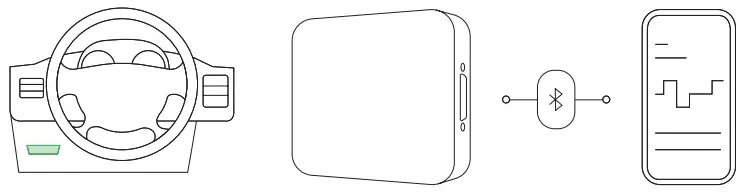
Let an officer inspect your logs
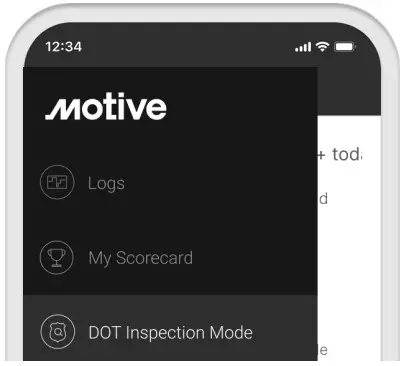 | 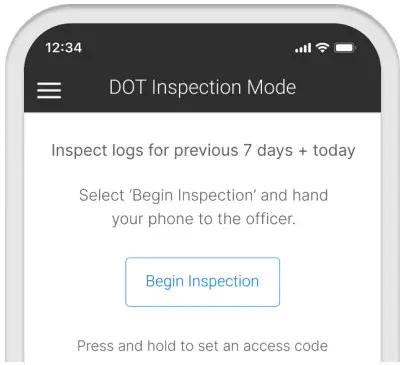 |
Tap the Menu icon  and select DOT Inspection Mode. and select DOT Inspection Mode. | To let an officer view your logs directly from your device, tap Begin Inspection. |
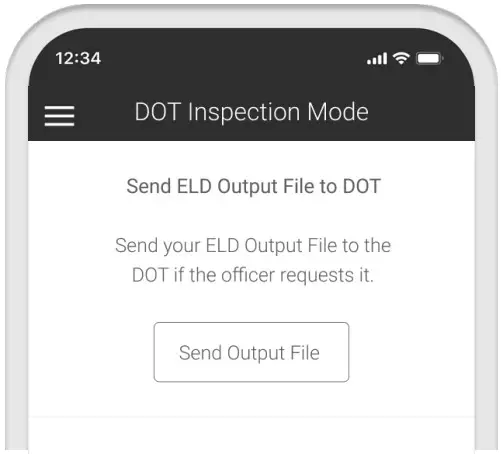 | 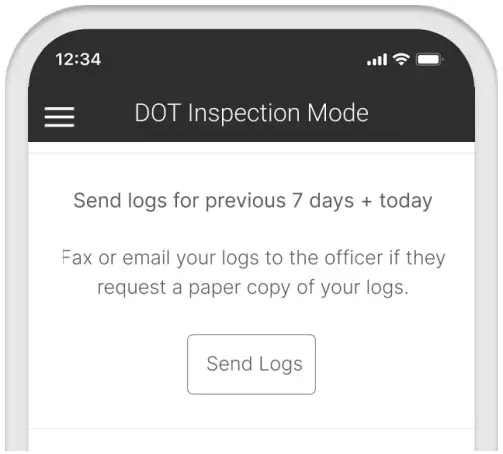 |
| To send your ELD output file to the DOT via email or web service, tap Send Output File. | To email or fax a copy of your logs to an officer, tap Send Logs. |
Inspection Reference Card (CAN)
The Motive ELD is compliant with Section 83 of the Commercial Vehicle Drivers Hours of Service Regulations regarding the use of electronic recording devices.
The Motive ELD is certified on both Android and iOS platforms for the Canadian ELD Mandate.
The Motive ELD plugs into the diagnostic port in a vehicle and is integrally synchronized with the engine. The ELD automatically records driving time and connects to the Motive application on the driver’s mobile device via Bluetooth. Drivers are not able to edit automatically recorded drive time when using the Motive ELD.Let an officer inspect your logs
| |
| Tap the Menu icon and select DOT Inspection Mode. | To let an officer view your logs directly from your device, tap Begin Inspection. |
| |
| To send your ELD output file to the DOT via email or web service, tap Send Output File. | To email or fax a copy of your logs to an officer, tap Send Logs. |
DOT Inspection Mode
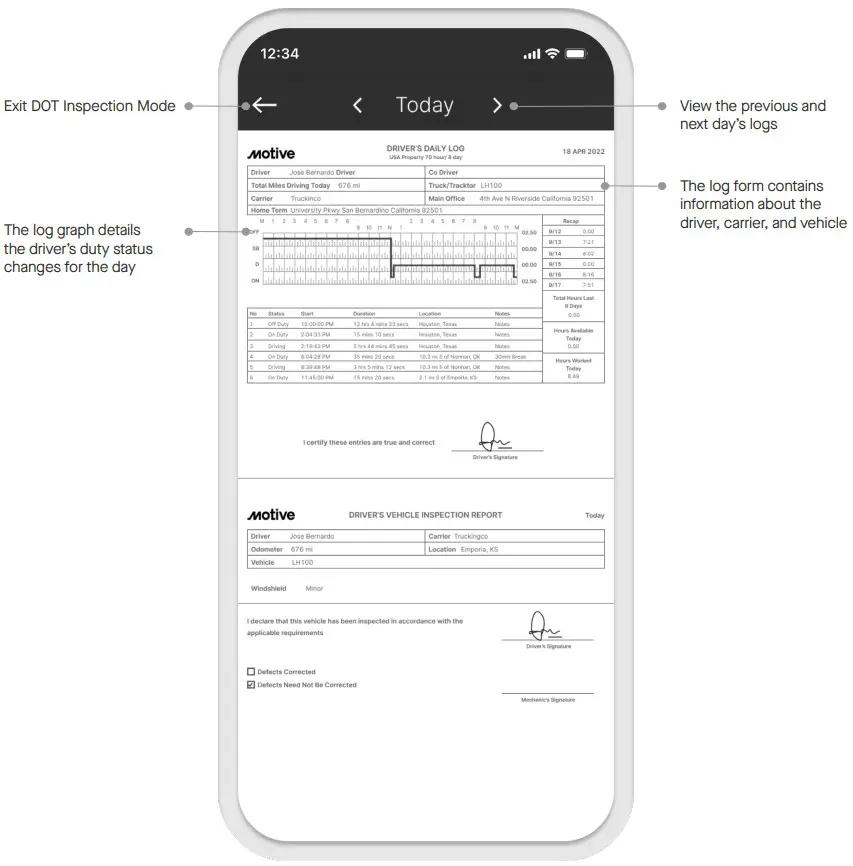 Note: The layout for DOT Inspection Mode may change based on your fleet’s compliance settings.