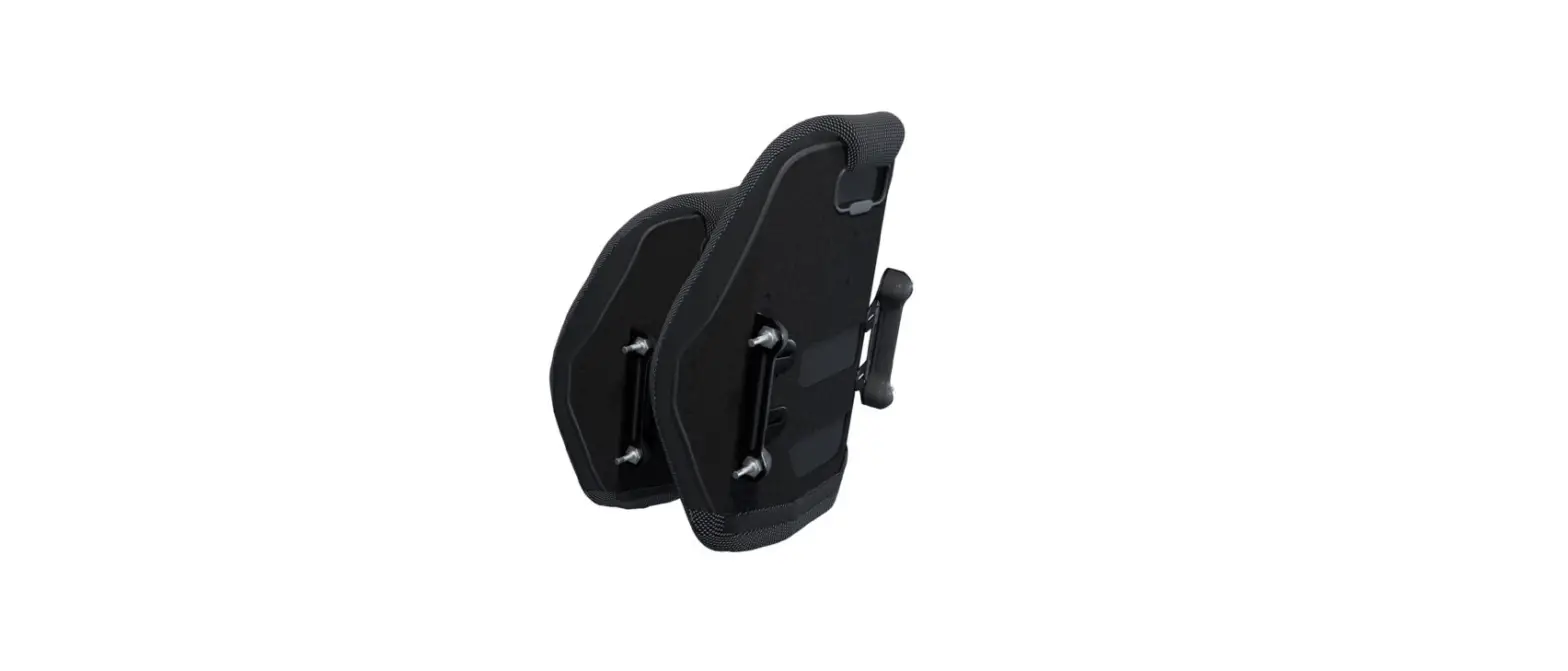
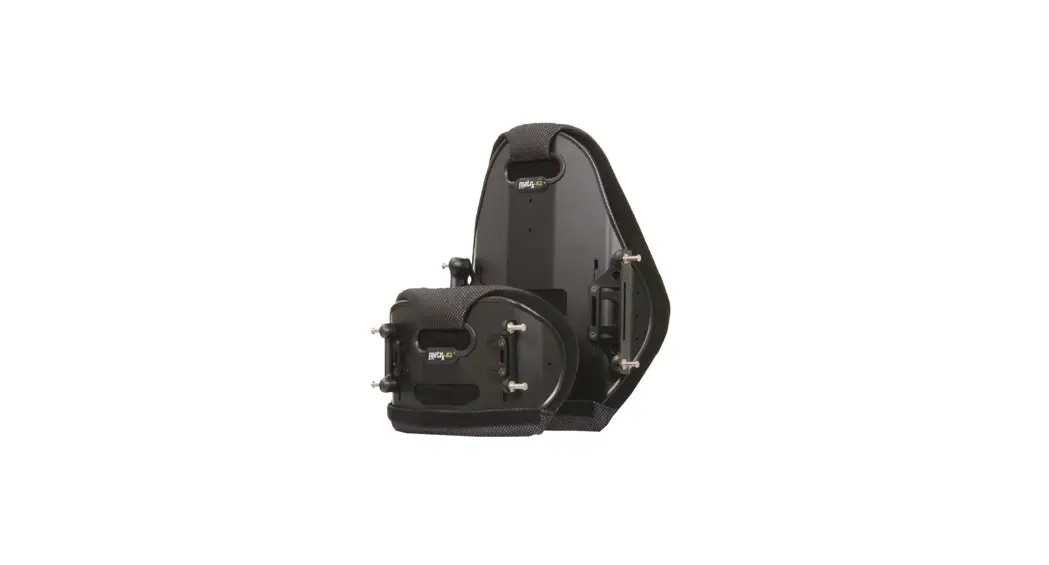
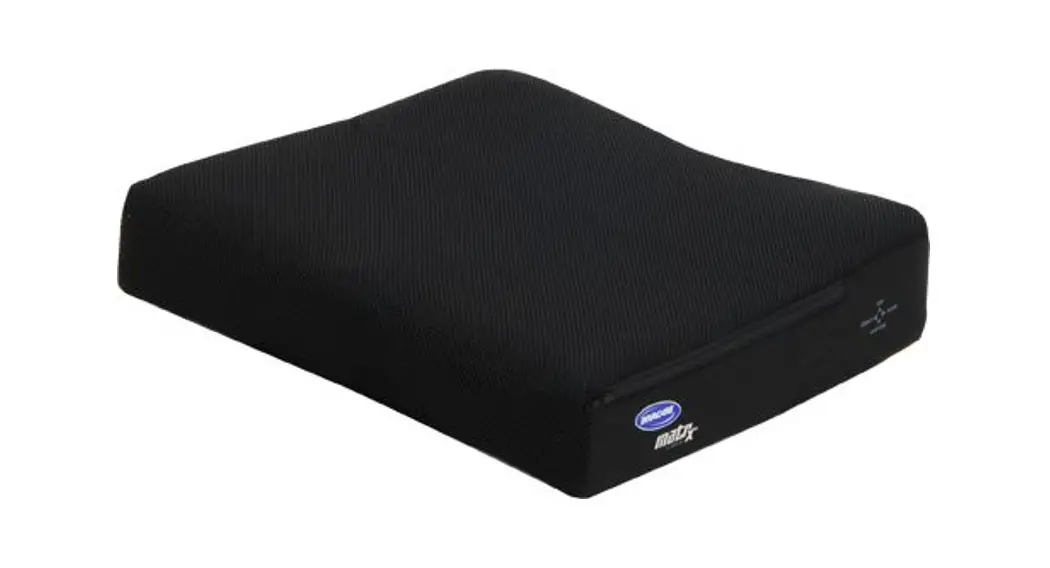
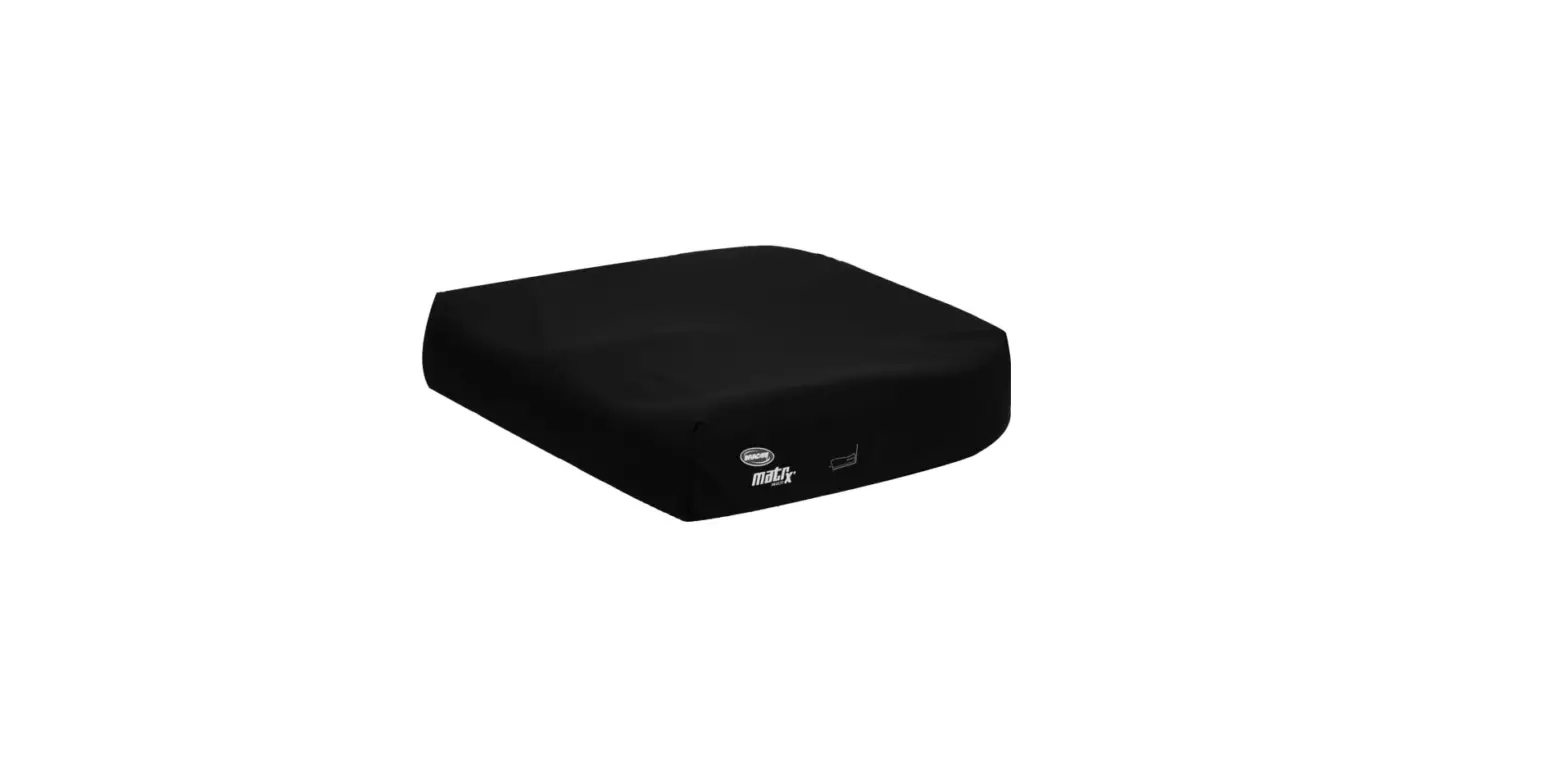
Matrx E2D with Removable Hardware
E2 Back (E2S/E2D) with Removable Hardware
Installation/Set-Up Manual
IMPORTANT! The installation instructions
contained in this manual must only be carried out by a qualified
service technician.
WARRANTY
Please note: The warranty below has been drafted to comply with
federal law applicable to products manufactured after July 4,
1975.
This user manual is compiled from the latest specifications and
product information available at the time of publication. We
reserve the right to make any necessary changes as they become
necessary. Any changes made to our products may cause slight
variations between the illustrations and explanations in this
manual and the product you have purchased. If you have any
questions or concerns regarding the information provided in this
manual, please contact our Customer Service Department for
assistance.
1.0 General Warnings/Information
1.1 Overview
SAFETY SYMBOLS: Proper set-up and safe use of
your Invacare Matrx E2S/E2D Back depends on your own good judgement
and common sense, as well as that of your provider, caregiver
and/or health professional. The following symbols are used
throughout this user manual to identify warnings, cautions and
important notes. It is very important that you read and understand
them completely.
- CAUTION! Failure to heed the cautions in this
manual may result in damage to your Matrx Seating product. - WARNING! Failure to heed the warnings in this
manual may result in death, serious injury or damage. - IMPORTANT! Important information to remember
during installation, setup and/or adjustment of you Matrx Seating
product. - IMPORTANT! Please refer to the Wheelchair
Owners/Operators Manual for additional safety information, warnings
and cautions related to the operation of your wheelchair.
2.0 Safety Information
2.1 Transportation Warnings!
TRANSPORTING THE CLIENT IN A MOTOR VEHICLE WITHIN A
WHEELCHAIR FITTED WITH A MATRX BACK
BEFORE ENTERING THE VEHICLE CHECK THE FOLLOWING:
- The Matrx Back must be securely fastened into the wheelchair as
described in the user manual. - Posture Belts & Harnesses should remain fitted during
transportation, although they are designed to provide postural
support only, they are NOT intended for safety during
transportation. - A Head Support should be securely fitted and correctly adjusted
close to the rear of the client’s head during transportation, to
reduce the risk of whiplash injuries.
WHEELCHAIR TIE-DOWN & OCCUPANT RESTRAINT SYSTEM
(WTORS)
2.2 General Safety and Installation Warnings!
WARNING Risk of Injury Skin condition should be
checked very frequently after the installation of any new seating
system. Working with you therapist, physician and service provider
is the best way to assure that a seating choice meets your
individual needs.
3.0 Matrx E2 Back Installation
3.1 Fitting the E2 Back to the Wheelchair:
Prior to installation, verify the diameter of the wheelchair
back canes (A) and the width between back canes (B).
Product Usage Instructions
It is important to note that the installation of this product
must only be carried out by a qualified service technician. The
user manual provides important safety information and warnings that
should be read and understood completely before using the
product.
When transporting the client in a motor vehicle within a
wheelchair fitted with a Matrx Back, it is important to ensure that
the back is securely fastened into the wheelchair as described in
the user manual. Posture belts and harnesses should remain fitted
during transportation, and a head support should be securely fitted
and correctly adjusted close to the rear of the client’s head
during transportation to reduce the risk of whiplash injuries.
After installation, it is important to check skin condition very
frequently. Working with your therapist, physician, and service
provider is the best way to assure that a seating choice meets your
individual needs.
Prior to fitting the E2 Back to the wheelchair, it is important
to verify the diameter of the wheelchair back canes (A) and the
width between back canes (B).
Invacare® Matrx®
E2 BACK (E2S/E2D)
with REMOVABLE HARDWARE
INSTALLATION/ SET-UP MANUAL
IMPORTANT! The installation instructions contained in this manual must only be carried out by a qualified service technician.
TRD0552 Rev D
WARRANTY
PLEASE NOTE: THE WARRANTY BELOW HAS BEEN DRAFTED TO COMPLY WITH FEDERAL LAW APPLICABLE TO PRODUCTS MANUFACTURED AFTER JULY 4, 1975.
This warranty is extended only to the original purchaser/user of our products. This warranty gives you specific legal rights and you may also have other legal rights which vary from state to state. Invacare/ Motion Concepts warrants this product to be free from defects in materials and workmanship for two years of use by original purchaser. This warranty does not apply to punctures, tears or burns, nor to the removable cushion cover. If within such warranty period any such product shall be proven to be defective, such product shall be repaired or replaced, at Invacare’s/Motion Concepts’ option, with refurbished or new parts. This warranty does not include any labor or shipping charges incurred in replacement part installation or repair of any such product. Product repairs shall not extend this warrantycoverage for repaired product shall end when this limited warranty terminates. Invacare’s/Motion Concepts’ sole obligation and your exclusive remedy under this warranty shall be limited to such repair and/or replacement. For warranty service, please contact the dealer from whom you purchased your Invacare/Motion Concepts product. In the event you do not receive satisfactory warranty service, please write directly to Invacare/Motion Concepts at the address on the back cover. Provide dealer’s name, address, model number, the date of purchase, indicate nature of the defect and, if the product is serialized, indicate the serial number. Invacare Corporation/Motion Concepts will issue a return authorization. The defective unit or parts must be returned for warranty inspection using the serial number, when applicable, as identification within thirty (30) days of return authorization date. DO NOT return products to our factory without our prior consent. C.O.D. shipments will be refused; please prepay shipping charges.
LIMITATIONS AND EXCLUSIONS: THE WARRANTY SHALL NOT APPLY TO PROBLEMS ARISING FROM NORMAL WEAR OR FAILURE TO ADHERE TO THE ENCLOSED INSTRUCTIONS. IN ADDITION, THE FOREGOING WARRANTY SHALL NOT APPLY TO SERIAL NUMBERED PRODUCTS IF THE SERIAL NUMBER HAS BEEN REMOVED OR DEFACED; PRODUCTS SUBJECTED TO NEGLIGENCE, ACCIDENT, IMPROPER OPERATION, MAINTENANCE OR STORAGE; OR PRODUCTS MODIFIED WITHOUT INVACARE’S/MOTION CONCEPTS’ EXPRESS WRITTEN CONSENT INCLUDING, BUT NOT LIMITED TO: MODIFICATION THROUGH THE USE OF UNAUTHORIZED PARTS OR ATTACHMENTS: PRODUCTS DAMAGED BY REASON OF REPAIRS MADE TO ANY COMPONENT WITHOUT THE SPECIFIC CONSENT OF INVACARE/MOTION CONCEPTS; PRODUCTS DAMAGED BY CIRCUMSTANCES BEYOND INVACARE’S/MOTION CONCEPTS’ CONTROL; PRODUCTS REPAIRED BY ANYONE OTHER THAN AN INVACARE/ MOTION CONCEPTS DEALER, SUCH EVALUATION SHALL BE SOLELY DETERMINED BY INVACARE/ MOTION CONCEPTS. THE FOREGOING WARRANTY IS EXCLUSIVE AND IN LIEU OF ALL OTHER EXPRESS WARRANTIES, IF ANY, INCLUDING THE IMPLIED WARRANTIES OF MERCHANTABILITY AND FITNESS FOR A PARTICULAR PURPOSE. IT SHALL NOT EXTEND BEYOND THE DURATION OF THE EXPRESSED WARRANTY PROVIDED HEREIN AND THE REMEDY FOR VIOLATIONS OF ANY IMPLIED WARRANTY SHALL BE LIMITED TO REPAIR OR REPLACEMENT OF THE DEFECTIVE PRODUCT PURSUANT TO THE TERMS CONTAINED HEREIN. INVACARE/MOTION CONCEPTS SHALL NOT BE LIABLE FOR ANY CONSEQUENTIAL OR INCIDENTAL DAMAGES WHATSOEVER. THIS WARRANTY SHALL BE EXTENDED TO COMPLY WITH STATE/PROVINCIAL LAWS AND REQUIREMENTS.
This manual may not be reproduced or reprinted either partly or completely without previous written consent from Motion Concepts or its statutory representatives.
This user manual is compiled from the latest specifications and product information available at the time of publication. We reserve the right to make any necessary as they become necessary. Any changes made to our products may cause slight variations between the illustrations and explanations in this manual and the product you have purchased. If you have any questions or concerns regarding the
information provided in this manual, please contact our Customer Service Department for assistance.
Motion Concepts LP Copyright © 2022
1.0 GENERAL WARNINGS/INFORMATION
1.1 OVERVIEW
SAFETY SYMBOLS: Proper set-up and safe use of your Invacare Matrx E2S/E2D Back depends on your own good judgement and common sense, as well as that of your provider, caregiver and/or health professional. The following symbols are used throughout this user manual to identify warnings, cautions and important notes. It is very important that you read and understand them completely.
CAUTION! Failure to heed the cautions in this manual may result in damage to your Matrx Seating product.
WARNING! Failure to heed the warnings in this manual may result in death, serious injury or damage.
IMPORTANT! Important information to remember during installation, setup and/or adjustment of you Matrx Seating product.
USER WARNING! Improper use of this product may cause injury or damage. DO NOT use this product or any available optional equipment without first completely reading and understanding these instructions and any additional instructional material such as user manual, service manuals or instruction sheets supplied with this product or optional equipment. If you are unable to understand the warnings, cautions or instructions, contact a health care professional or dealer before attempting to use this equipment.
IMPORTANT INFORMATION The best way to avoid problems related to pressure injuries is to understand their causes and your role in a skin management program. Your therapist and physician should be consulted if you have questions regarding individual limitations and needs. All back supports should be selected carefully. Working with your therapist and physician is the best way to assure that a cushion choice matches your individual needs. As the needs of the individual become more complex, the evaluation becomes more important.
IMPORTANT! Please refer to the Wheelchair Owners/Operators Manual for additional safety information, warnings and cautions related to the operation of your wheelchair.
1.2 INTENDED USE Our Invacare® Matrx® E2 Backs are intended to provide back support for a wide variety of wheelchair users. It is designed to allow precise orientation within a wheelchair to ensure optimal postural support and positioning. Our E2 Backs can be installed on a wide range of wheelchairs.
– 3 –
2.0 SAFETY INFORMATION
2.1 TRANSPORTATION WARNINGS!
WARNING! Risk of Death, Serious Injury or Damage · Risk of severe injury when transporting the client within a wheelchair fitted with an Invacare® Matrx® E2 Back in a motor vehicle.
TRANSPORTING THE CLIENT IN A MOTOR VEHICLE WITHIN A WHEELCHAIR FITTED WITH A MATRX BACK
The following guidelines should be made available to all parties responsible for the transportation of the client, such as schools and transport providers. · Wherever practicable Motion Concepts recommends that the client is transferred out of the wheelchair into a vehicle seat using a lap and diagonal seat belt or an appropriate child safety seat. · The following back supports have been dynamically tested and meet the requirements of ISO 16840-4:2009, Wheelchair Seating- Part 4: Seating Systems for Use in Motor Vehicles; and Section 20, ANSI/RESNA WC-4:2017, Wheelchair Seating Systems for Use in Motor Vehicles:
Invacare® Matrx® E2S Back with Removable Hardware and Elan Headrest Invacare® Matrx® E2S Back with Fixed Hardware and Elan Headrest A forward facing frontal impact test was performed for each configuration using an ISO/RESNA Surrogate Wheelchair Frame (SWCF) and a Hybrid III Midsize-Adult Male Anthropomorphic Test Device (ATD). The SWCF was secured by a four-point, strap type wheelchair tie-down and the ATD was restrained by a surrogate threepoint belt with a SWCF-Anchored Lap Belt. · Invacare® Matrx® E2 Backs used to transport a client should be equipped with a Headrest Support (i.e. restricted to back heights 14in (36cm) and higher); and may only be used in conjunction with wheelchairs that comply with the performance requirements of RESNA WC19 or ISO 717619. · For safe transportation of a client within a wheelchair in a motor vehicle, refer to the user manuals of the wheelchair and tie-down and occupant restraint system (WTORS)- see additional information below.
BEFORE ENTERING THE VEHICLE CHECK THE FOLLOWING:
The Matrx Back must be securely fastened into the wheelchair as described in the user manual. Posture Belts & Harnesses should remain fitted during transportation, although they are designed to provide postural support only, they are NOT intended for safety during transportation. A Head Support should be securely fitted and correctly adjusted close to the rear of the client’s head during transportation, to reduce the risk of whiplash injuries.
WHEELCHAIR TIE-DOWN & OCCUPANT RESTRAINT SYSTEM (WTORS)
· Wheelchair Tie-down: The wheelchair must be securely tied down within the vehicle, in a forward facing position, in accordance with the wheelchair and tiedown manufacturers instructions. · Occupant Restraint : A suitable occupant restraint system must also be fitted in accordance with the manufacturer’s instructions. A minimum is a lap and diagonal
– 4 –
belt (lap belts on their own are not suitable). Restraints that loop over the shoulder and anchor to the vehicle floor should be avoided where possible, as they can cause a heavy downward load through the client during an impact, the preferred type anchor above and behind the shoulder as with a car seat belt. The lap section of the belt should fit snugly over the pelvis of the client and should not be able to ride up to the abdominal area. The upper torso section of belt should be in contact with the client’s chest and fit over the shoulder(s), while not cutting into the neck or slipping off the shoulder(s).
IMPORTANT! If the wheelchair and Invacare® Matrx® E2 Back is transported unoccupied, the wheelchair should be tied down with suitable equipment according to the manufacturer’s instructions. If the equipment is dismantled for transportation, ensure that all parts are secured safely within the vehicle.
2.2 GENERAL SAFETY AND INSTALLATION WARNINGS!
WARNING! Risk of Death, Serious Injury, or Damage Lighted cigarettes dropped onto an upholstered seating system can cause a fire resulting in death, serious injury or damage. Wheelchair occupants are at particular risk of death or serious injury from these fires and resulting fumes because they may not have the ability to move away from the wheelchair. ·DO NOT smoke while using this wheelchair
WARNING! Risk of Serious Injury When establishing the mounting position for the Invacare® Matrx® back, ensure the stability of the wheelchair is not compromised. Adjusting the forward and aft position and/or angle of the backrest will alter the user’s center of gravity within the wheelchair. It may be necessary to reposition the front casters, rear wheels, back angle, tilt-in-space, recline position and/or seat depth before use.
WARNING! Risk of Serious Injury or Damage · The procedures in this manual should be performed by a qualified technician · The hardware provided is high strength and tested for durability. Do Not substitute hardware. Use only the original hardware supplied with your Matrx back · Attaching hardware that is loosely secured could cause loss of stability resulting in serious injury or damage. · After ANY adjustments, repair or service and before use, make sure that all attaching hardware is tightened securely. · DO NOT install the Invacare® Matrx® back assembly onto back canes with an outside diameter greater than 1″ (25mm) or less than 3/4″ (19mm). Otherwise, injury or damage may occur. · For power seating applications, the Fixed Mounting Hardware must be used.
WARNING! Risk of Injury Invacare® Matrx® products are specifically designed and manufactured for use in conjunction with Invacare® Matrx® accessories. Accessories designed by other manufacturers have not been tested by Motion Concepts and are not recommended.
WARNING Risk of Injury Skin condition should be checked very frequently after the installation of any new seating system. Working with you therapist, physician and service provider is the best way to assure that a seating choice meets your individual needs.
– 5 –
3.0 MATRX E2 BACK INSTALLATION
3.1 FITTING THE E2 BACK TO THE WHEELCHAIR:
PRIOR to installation, verify the diameter of the wheelchair back canes (A) and the width between back canes (B)
Model #
Description
Contour Depth
A
E2Swwhh Matrx E2 Back
3in (8cm)
E2Dwwhh Matrx E2 Deep Back 6 in (15cm)
*wwhh = width/height
E2S/E2D Back Width
14in (36cm)
FITS ONTO BACK CANE WIDTH (B)
Min Width
MiniSet Max Width
EasySet Max Width
13in (33cm) 16in (41cm) 16in (41cm)
15in (38cm) 14in (36cm) 17in (43cm) 17in (43cm)
16in (41cm) 15in (38cm) 18in (46cm) 18in (46cm)
17in (43cm) 16in (41cm) 19in (48cm) 19in (48cm)
18in (46cm) 17in (43cm) 20in (51cm) 20in (51cm)
19in (48cm) 18in (46cm) 21in (53cm) 21in (53cm)
20in (51cm) 19in (48cm) 22in (56cm) 22in (56cm)
Hardware fits the following back cane diameters:
· 1″ (25mm) · 7/8″ (22mm)* · 3/4″ (19mm)*
*requires cane inserts (provided)
B
The type of Mounting Hardware can vary depending on several factors, including the height of the back shell, the needs of the end user and the type of wheelchair.
STANDARD
E2S/E2D
Hardware
Back Height Removable
OPTIONAL Mounting Hardware
Heavy-Duty
Fixed
Split
6in (15cm)
8in (20cm)
MiniSet -see HD MiniSet FIXED MiniSet
10in (26cm) 12in (31cm)*
Installation Instruction
-see Installation -see Installation
Instruction
Instruction
N/A
TRD0552
TRD0552
TRD0566
14in (36cm)*
16in (41cm)*
Weight Capacity
300 lb (136kg)
18in (46cm) 20in (51cm)
EasySet -see Installation Instruction
TRD0552
HD EasySet FIXED EasySet SPLIT Hardware
-see Installation -see Installation -see Installation
Instruction
Instruction
Instruction
TRD0552
TRD0566
TRD0247
300 lb (136kg)
*Note: E2S/E2D Backs may be configured with EasySet hardware for the back heights indicated. (The range of back height adjustment will be limited for these configurations)
– 6 –
3.2 STANDARD (OR HEAVY-DUTY) REMOVABLE HARDWARE:
NOTE: If any of the supplied hardware is missing or misplaced, please contact your local Service Provider to obtain the necessary replacements.
3.2.1 MINISET REMOVABLE HARDWARE Standard Mounting Hardware Kit for Back Heights 16″ (41cm) or less)
2 – MiniSet Std. Mounting Plate (A1) or 2 – MiniSet HD Mounting Plate (A2) (not shown)
A1
2 – Cane Clamp Assy’y (B) 2 – Cane Inserts 7/8″ (22 mm) (C)
B
G
2 – Cane Inserts 3/4″ (19 mm) (D)
4 – Depth/Angle Adjustment Screws (E)
2 – Cane Clamp Screw/Washer (F)
2 – Cane Clamp Nut Plate (G)
F
E
C
D
(Left Assembly Shown)
3.2.2 EASYSET REMOVABLE HARDWARE
Standard Mounting Hardware Kit for Back Heights 18″ (46cm) or greater (1Optional Mounting Hardware Kit for Back Heights 12/14/16″ (31/36/41cm))
2 – EasySet Std. Mounting Plates (A1) or
2 – EasySet HD Mounting Plates (A2) (not shown)
2 – Cane Clamp Ass’y (B) 2 – Cane Inserts 7/8″ (22 mm) (C) 2 – Cane Inserts 3/4″ (19 mm) (D)
A1 H
2 – Set Screws (E)
6 – Depth/Angle Adjustment Screws (F) 6 – Cane Clamp Screws/Washers (G)
F
2 – Cane Clamp Nut Plate (H)
E G
C
D
B (Right Assembly Shown)
1Note: The range of back height adjustment will be limited/reduced when using these nonstandard (optional) hardware configurations.
– 7 –
3.3 CANE CLAMP ORIENTATION
The orientation of the Cane Clamps (A) provides approximately 4″ (102mm) of fore/aft adjustment. PRIOR to installing the Cane Clamps, determine the cane clamp orientation that will best meet the needs of the end user.
· Standard Orientation (Fig. 1a/2a) = maximized seat depth · Inverted Orientation (Fig. 1b/2b) = minimized seat depth
Note: Additional depth adjustments can be made via the slotted channels in the mounting plates – see section 3.5.3.
Front
-2.0″ (51mm)
Front
+ 2.5″ (63mm)
A
A
Fig. 1a
Standard Orientation
Front
-2.0″ (51mm)
Fig. 1b
Inverted* Orientation
Front
+ 2.25″ (57mm)
A
A
Fig. 2a
Fig. 2b
(*Requires the mounting plate to be disassembled from the cane clamp and rotated 180°)
3.4 CANE CLAMP INSTALLATION (see Fig. 3a/3b; Fig 4a/4b)
NOTE: The mounting position of the cane clamps should be estimated so that, when installed, the installed E2 Back will be close to the desired back height. A higher cane clamp mounting position typically works best. Additional fine-tune height adjustment of the back shell will be available following installation.
– 8 –
1. (If applicable) Remove existing wheelchair back according to the wheelchair manufacturers instructions.
2. Install the MiniSet or EasySet Cane Clamps onto each back cane as follows: · (If necessary) Install the appropriate cane insert onto the back cane (1). · Position/close the outer clamp (A) over the back cane (cane insert) and align it with the inner clamp (B). · Loosely secure the clamp assembly to the back cane via the mounting screw(s) (2). · Adjust the height* of each clamp assembly (3) equally along the back canes in order to achieve the estimated final back height. · Fully secure all cane clamp mounting screws (2)
*Note: The final back height can be further adjusted (via mounting brackets) following installation of the E2 Back- see section 3.5.2
Fig. 3a
Fig. 4a
MiniSet
EasySet
1
B
1
B
2 A
A 2
(mounting plate not shown)
Fig. 3b
Install MiniSet Clamps at the same
3
height and parallel to each other
3
Fig. 4b
3
REAR VIEW
Install EasySet Clamps at the same
height and parallel to each other
3
REAR VIEW
– 9 –
3.5 INSTALLING THE E2 BACK
WARNING! Risk of Damage or Injury NEVER use loctite/thread-locker on non-metal components/hardware; Nonmetal components may degrade and become brittle (break) if contaminated.
WARNING! Risk of Serious Injury or Damage When installed, ALWAYS ensure both latch mechanisms on the removable mounting hardware are fully engaged/locked around the upper mounting pins.
IMPORTANT! Unless otherwise necessary, always ensure that adjustments are made symmetrically on the left and right mounting brackets.
IMPORTANT! The MiniSet and EasySet mounting brackets allow for installation of the E2S/E2D Back onto back canes up to 2″ (51mm) wider or 1″ (25mm) narrower than the nominal back width.
! PLEASE NOTE
The E2 Mounting Brackets will simultaneously adjust the Width and Height of the back (relative to the back canes). Please read through ALL set-up/adjustment instructions, PRIOR to beginning the E2 Back installation.
3.5.1 MOUNTING BRACKET SET-UP/ PRELIMINARY BACK INSTALLATION:
NOTE: The Preliminary Set-up should be performed without the user seated in the chair Mounting Bracket Set-Up: (see Fig. 5a/5b) 1. Loosen the adjustment screws (A) and adjust both mounting brackets (B) horizontally (1) so that the mounting pins (C) will align with the mounting plates (D) on the wheelchair back canes. Preliminary Installation: (see Fig. 6) 2. Install the E2S/E2D back onto the mounting plates (2). (note: the preliminary installation steps are identical for the MiniSet and EasySet hardware). · Align/install the lower mounting pins (C2) into the hooked slots at the
bottom of each mounting plate (D). · Lock the upper mounting pins (C1) into the latch mechanism (E) at the top
of each mounting plate (D). 3. Proceed to section 3.5.2 Back Height & Width Adjustments.
– 10 –
E2 Mounting Bracket Set-Up: Fig. 5a
B
C
A MiniSet 1
Fig. 5b C
B
EasySet 1 A
1
Preliminary Back Installation:
Fig. 6
E
E
D
C1
E
2
C1
D
2
D
C2
C2
(EasySet Hardware not shown)
— 1111 —
3.5.2 BACK HEIGHT AND WIDTH ADJUSTMENT:
WARNING! Risk of Damage or Injury Improper mounting pin set-up may cause damage to the back pan and/or the mounting plates. Ensure sufficient space is provided between the mounting plate and the heads of the mounting pins (a minimum gap of 1/8″ -1/4″ (3mm6mm) is recommended).
The vertical (height) adjustment slots on each E2S/E2D back shell will vary in length depending on the nominal back height- refer to Table 1.
Table 1. BACK SHELL: RANGE OF HEIGHT ADJUSTMENT
Back Height Adjustment Range 6″ (15cm) 1.25″ (32mm)
Back Height 12″ (31cm)
8″ (23cm) 1.5″ (38mm) 10″ (26cm) 2.0″ (51mm)
14″, 16″ (36, 41cm) 18″, 20″ (46, 51cm)
Adjustment Range 2.5″ (63mm) 3.5″ (89mm) 3.25″ (83mm)
NOTE: During final set-up, we recommend having the end user seated in the wheelchair to best fit/position the E2 Back.
Back Height and Width Adjustment: (see Fig. 7, Fig. 8) 1. With the E2 Back locked into place, and the end user seated in the chair (if
possible), carefully adjust the back shell along the vertical adjustment slot (A) (1) until the desired back height is achieved. NOTE: the minimum recommended back height* is 4″- 5″ (10-13cm) from the top of the seat surface.
2. While maintaining the desired back height, adjust each mounting bracket (B) horizontally (2) so that a minimum gap of 1/8-1/4″ (3-6mm) exists between the heads of the mounting pins (C) and the mounting plate (D). NOTE: Unless otherwise necessary, the E2 back should be centered between the back canes during installation.
3. Once all height and width adjustments are finalized, fully tighten/secure both mounting brackets into position.
4. Proceed to section 3.5.3 for Back Angle and Depth Adjustment
*Note: The minimum recommended back height is provided as a guideline only. The final back height should be adjusted/set to best meet the end user’s needssee Important! note below.
IMPORTANT! Always ensure that the bottom of the back is positioned anatomically below the Posterior Superior Iliac Spine (PSIS). If you have any questions or concerns regarding proper back height adjustment, please contact your Motion Concepts representative for assistance.
– 12 –
Back Height and Width Adjustments Fig. 7
A
2
MiniSet
1
B
Cushion
4″- 5″ (10-13 cm)
Fig. 8
2 A
EasySet
1
B
Minimum Gap 1/8″ – 1/4″
(3mm – 6mm)
D
C
use hash marks along vertical
slots to adjust the mounting brackets
symmetrically
Minimum Gap 1/8″ – 1/4″
(3mm – 6mm)
D
C
4″- 5″ (10-13 cm)
Cushion
– 13 –
3.5.3 BACK ANGLE AND DEPTH ADJUSTMENTS
! PLEASE NOTE
Angle and Depth adjustments on the are made simultaneously via the adjustment screw(s) on the left and right cane clamp assemblies. Unless otherwise required, depth and angle adjustments should be made equally/symmetrically on both mounting plates.
Back Angle Adjustment: (see Fig. 9; Fig. 10) 1. Loosen the depth/angle adjustment screws (A) on each clamp assembly (B), and
rotate the mounting plates (C) to achieve the desired back angle. · RANGE OF ANGLE ADJUSTMENT = ± 20°
Note: When adjusting the back angle, the vertical lines in the mounting plates may be used as reference to make equal adjustments on each mounting plate.
Fig. 9 C
inside view
A
B
Fig. 10 C
A
B
– 14 –
inside view
Back Depth Adjustment: (see Fig. 11; Fig. 12) 2. Loosen the depth/angle adjustment screw(s) (A) on each clamp assembly, and
adjust the fore/aft position of the E2 Back (mounting plate) (B) via the depth adjustment slots (1).
RANGE OF MOUNTING PLATE DEPTH ADJUSTMENT: · MiniSet = 1.75″ (44mm) · EasySet = 1.5″ (38mm)
NOTE: The final back depth (fore/aft position) is also determined by the cane clamp orientation (see Section 3.3). The standard clamp orientation is illustrated below
(1.75″ (44mm)) 1
Fig. 11
B A
(1.5″ (38mm)) 1
Fig. 12
B
A
Front
Front
NOTE: The range of depth adjustment will be reduced when the angle of the E2 back (mounting plate) is altered.
3. Once all angle/depth adjustments are finalized, fully secure ALL mounting hardware.
– 15 –
3.6 REMOVING THE E2 BACK
Removing/Disengaging the E2 Back: (see Fig. 13; Fig. 14) 1. To disengage the upper mounting pins, simultaneously lift upward (1) on both
latch mechanisms (A), then pull/push forward (2) on the top of the back support to release the upper mounting pins (C1) from the mounting plates (B).
2. Remove the E2 Back by lifting up and forward (3) on the back support to release the lower mounting pins (C2).
Fig. 13 1
A
C1 2
1
C1
Fig. 14
2
A
3 B
C2
3 B
C2
If you have any concerns or questions regarding the set-up and adjustment of the Matrx E2 Back, please contact our Technical Service Department for assistance.
USA: 888-433-6818 CAN: 800-680-4191
– 16 –
4.0 MAINTENANCE
4.1 INSPECTION AND MAINTENANCE WARNING! Risk of injury or damage · Do not continue to use this product if problems or damage are discovered; · Corrective maintenance can be performed at or arranged through your service provider
Weekly: Inspect ALL fasteners weekly to ensure that mechanical connections and attaching hardware are tightened securely. Monthly: Perform a visual inspection of parts including hardware, brackets, upholstery materials, foam, and plastics for deformation, corrosion, breakage, wear or compression. Replace damaged/worn components if necessary.
4.3 REUSE/RECYCLING WARNING! Risk of Injury
Always have an authorized dealer inspect the product for damage or wear PRIOR to transferring the product to a different user. If any damage is found, DO NOT use this product. Failure to heed these warnings may result in severe injury. This product is suitable for re-use. The outer cover (fabric and foam), back shell and mounting hardware must be inspected by a qualified dealer or healthcare professional before re-use. If any damage is found, DO NOT RE-USE Clean and disinfect all components (cover, foam, hardware and back shell) in accordance with local government regulations, prior to re-use. For further assistance and/or information on decontamination and disinfection, please consult your local Infection Control Office.
4.4 DISPOSAL The disposal and recycling of used devices and packaging must comply with the applicable local legal regulations.
– 17 –
5.0 E2 BACK ACCESSORIES
5.1 E2 HEADREST INTERFACE PLATE
The E2 Headrest Interface Plate (A) is included only with Matrx E2 Backs for Back Heights ranging from 14″ (36cm) up to 20″ (51cm). The E2 headrest interface is compatible with most industry standard headrest mounting hardware, including our Matrx Elan Headrest Hardware (sold separately). The headrest interface plate installs directly onto the E2S/E2D back shell using the hardware provided*.
headrest
A
mounting hardware (sold separately)
*NOTE: Headrest mounting hardware must be installed onto the E2 Interface Plate PRIOR to installation onto the back shell
5.2 E2 LUMBAR SUPPORT The E2 Lumbar Support (A) is included with ALL E2 Backs. The Lumbar Support is a pre-fabricated foam insert that provides optional lower back support for improved positioning and comfort. The lumbar support may be installed inside the Matrx E2S/E2D cover when desired (see instructions/images below). Installing the Lumbar Support: 1. Open the outer cover at the bottom rear of the back shell (via the hook and loop fastener). 2. Install the lumbar support inside the E2 back cover (behind the existing foam pad), as illustrated below. 3. Refasten the outer cover onto the back shell.
Elite E2D Back shown
A Lumbar Support
(front/face)
– 18 –
5.3 ADDITIONAL E2 ACCESSORY OPTIONS (Sold Separately) I. PRIVACY FLAP (PFLAP) II. BACKBONE (PSIS/SacroLumbar Support) III. POSTURE FLEX (Abdominal Support) and QUAD RELEASE (QR) TAB IV. CHEST HARNESS INTERFACE V. EASYFIX LATERALS VI. SWING-AWAY LATERALS
I.
II.
III.
IV.
V.
VI.
– 19 –
Invacare
USA One Invacare Way Elyria, Ohio USA 44036-2125 440-329-6000 800-333-6900
Motion Concepts
USA 700 Ensminger Rd. Suite 112 Tonawanda, NY 14150 888-433-6818
www.invacare.com
Canada 570 Matheson Blvd. E Unit B Mississauga, Ontario L4Z 4G4 Canada 800-668-5324
www.motionconcepts.com
Canada 84 Citation Dr., Unit 1-10 Concord, Ontario L4K 3C1 866-748-7943
Copyright © 2022 Motion Concepts LP. All rights reserved. Republication, duplication or modification in whole or in part is prohibited without prior written permission from Motion Concepts. Trademarks are identified by TM and ®. All trademarks are owned by or licensed to Invacare Corporation or its subsidiaries unless otherwise noted.
 Invacare Global | Home
 Motion Concepts - Solutions for the Widest Range of Client Needs