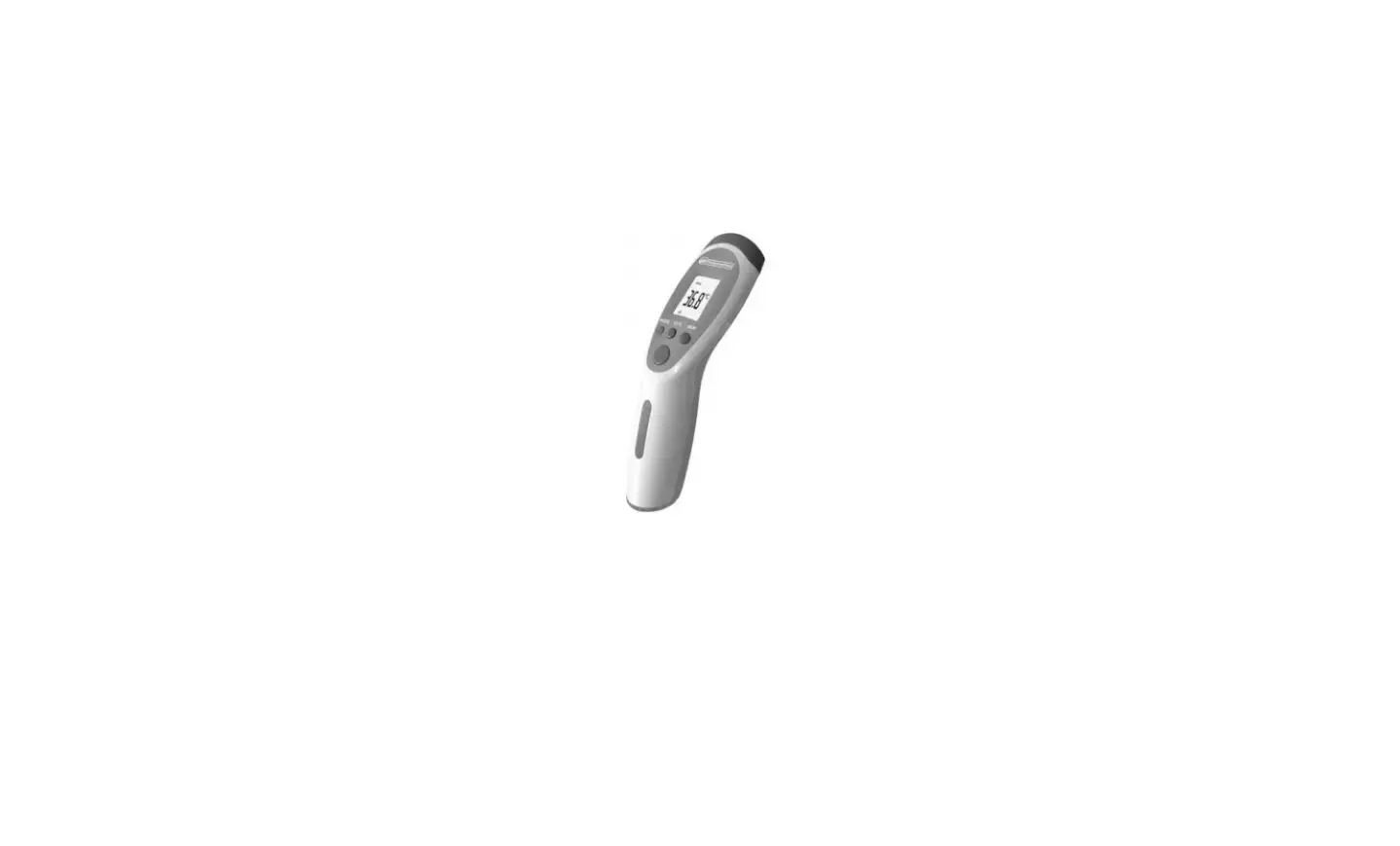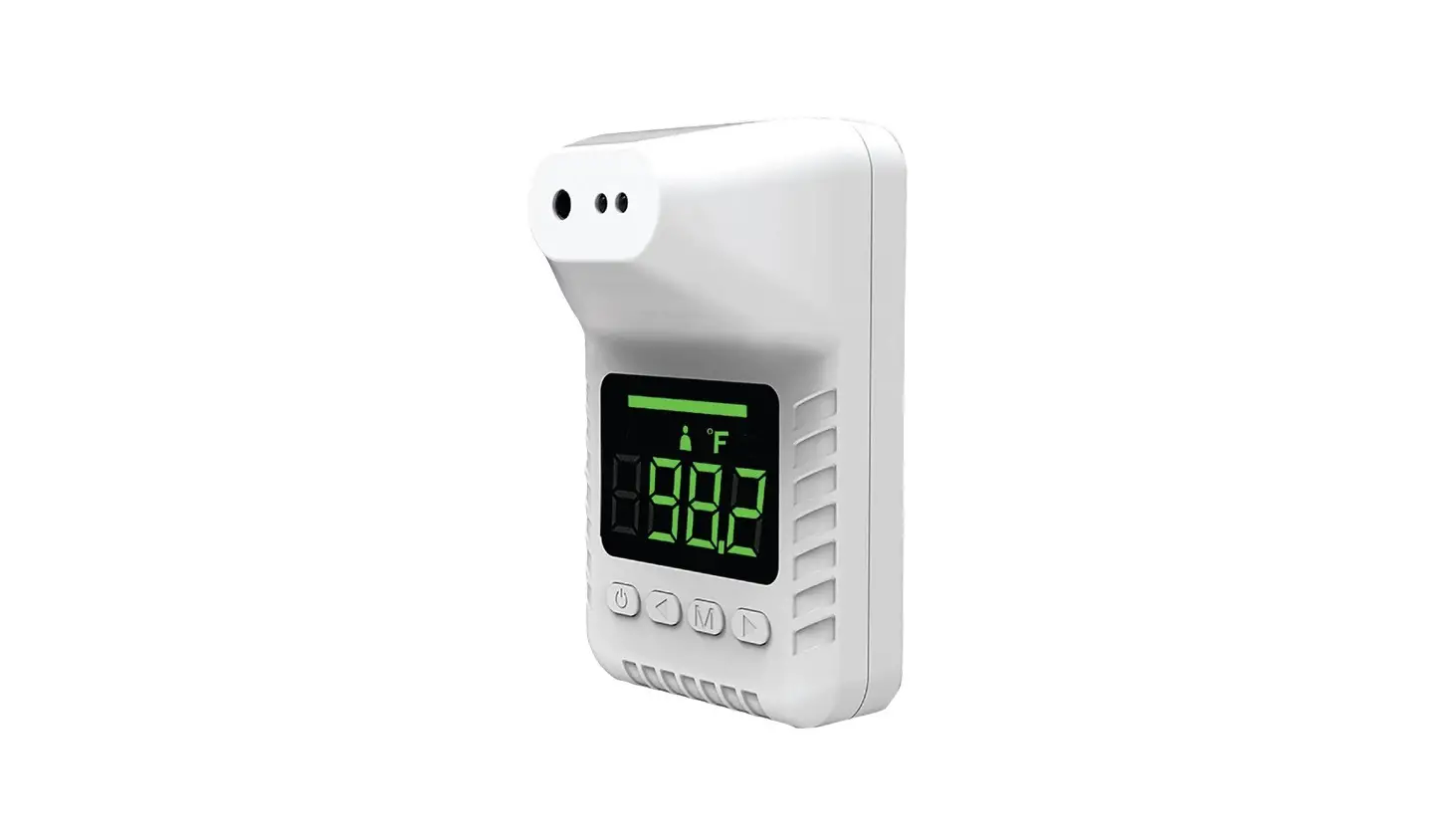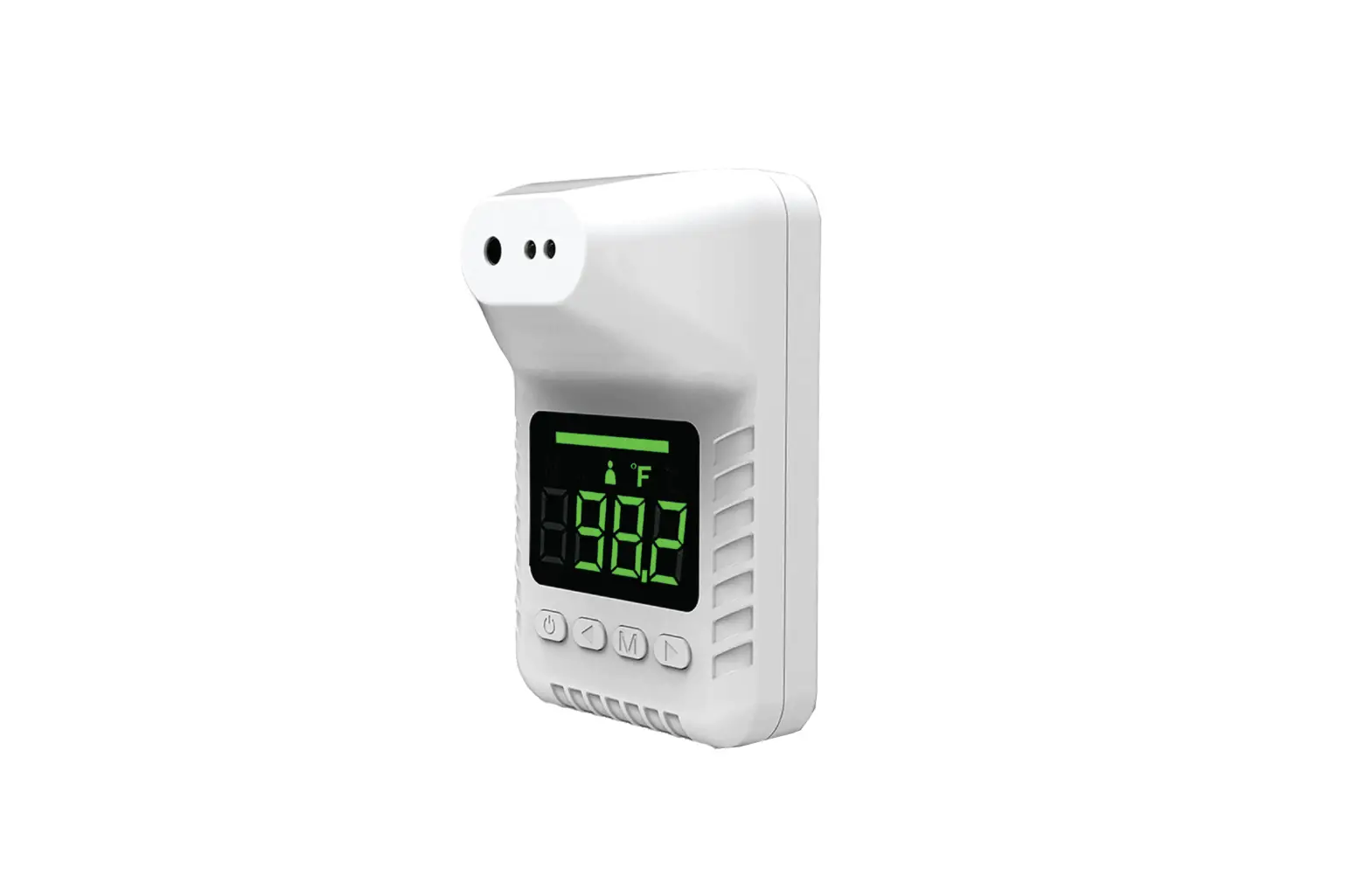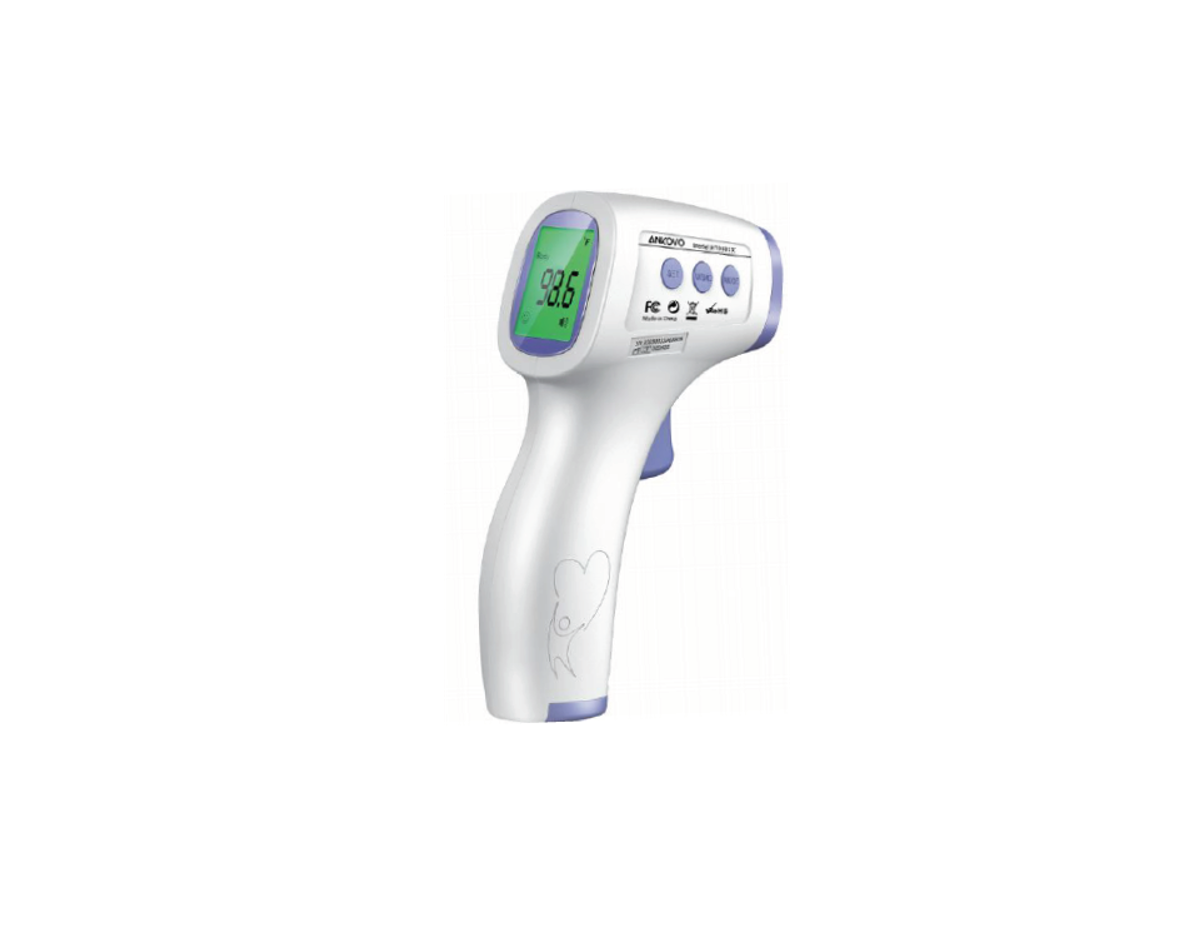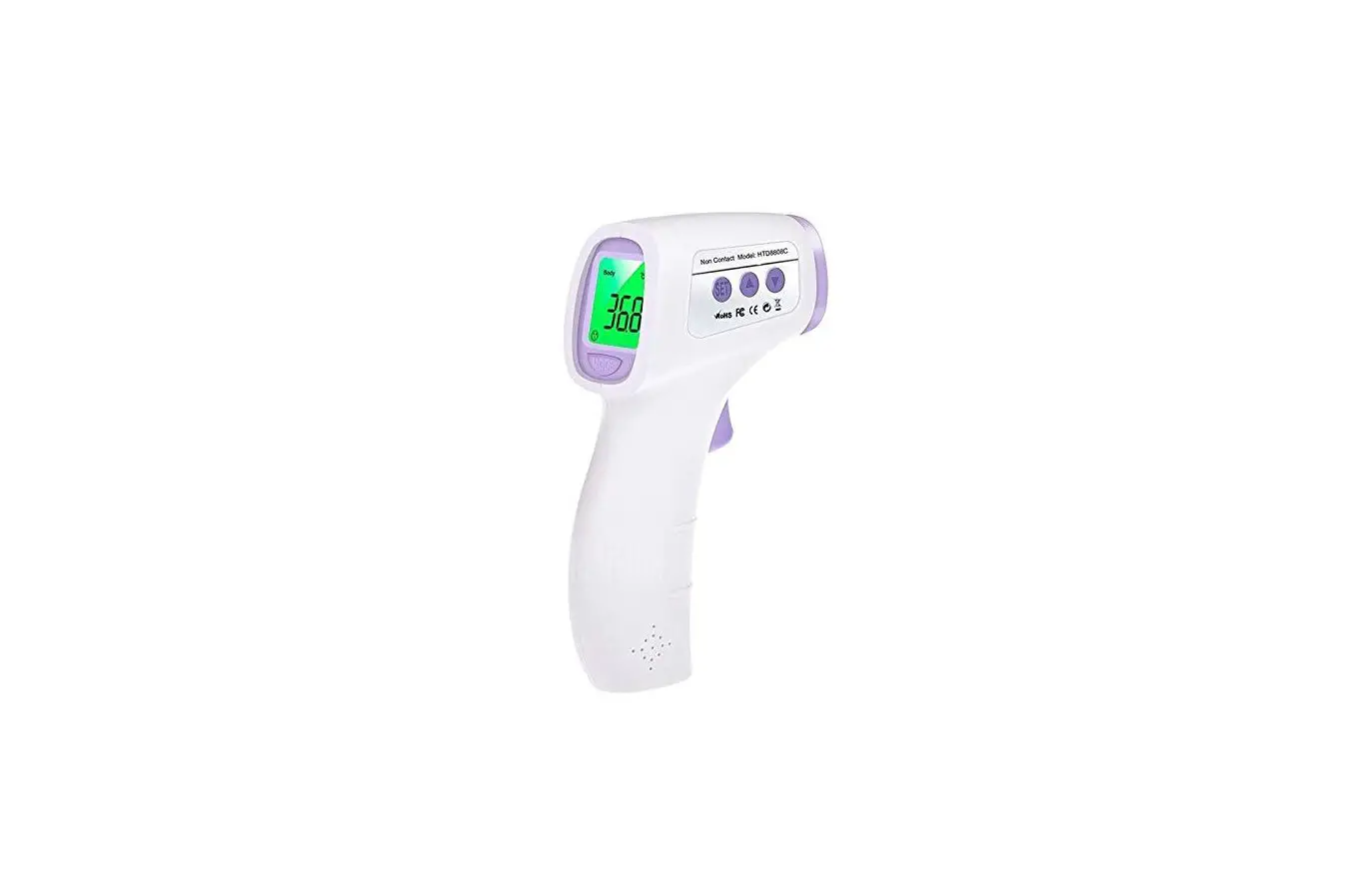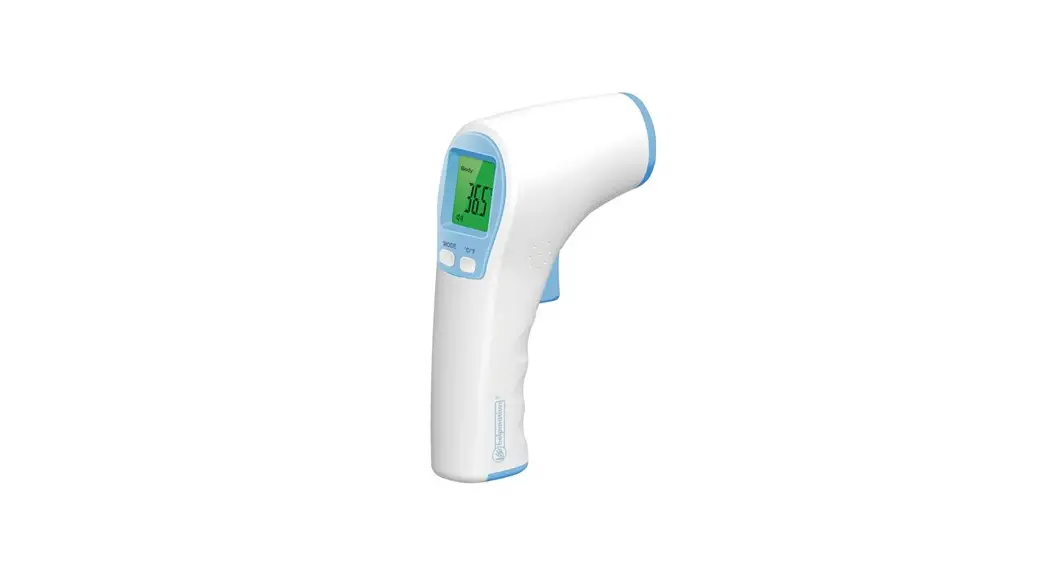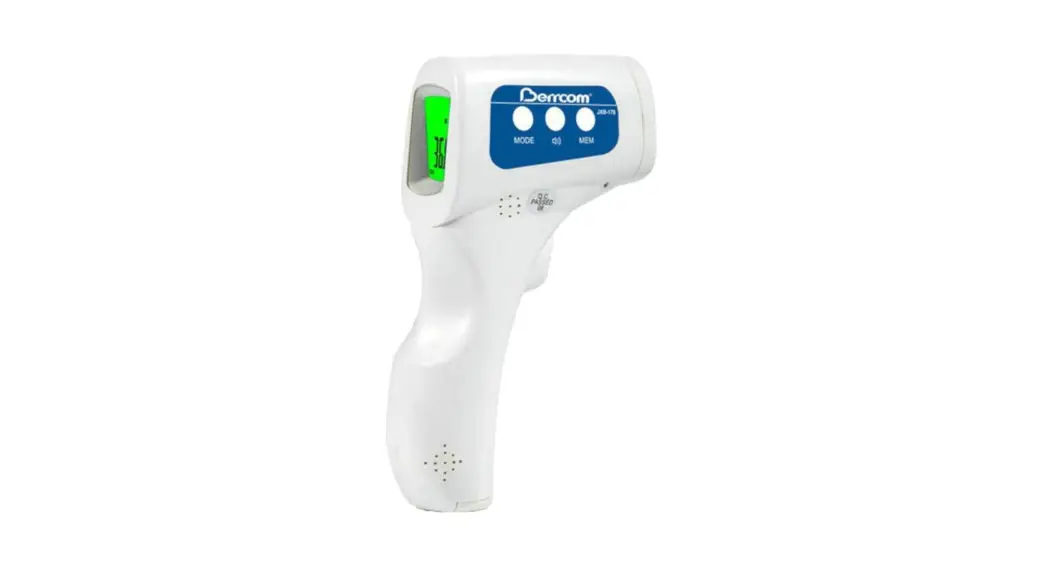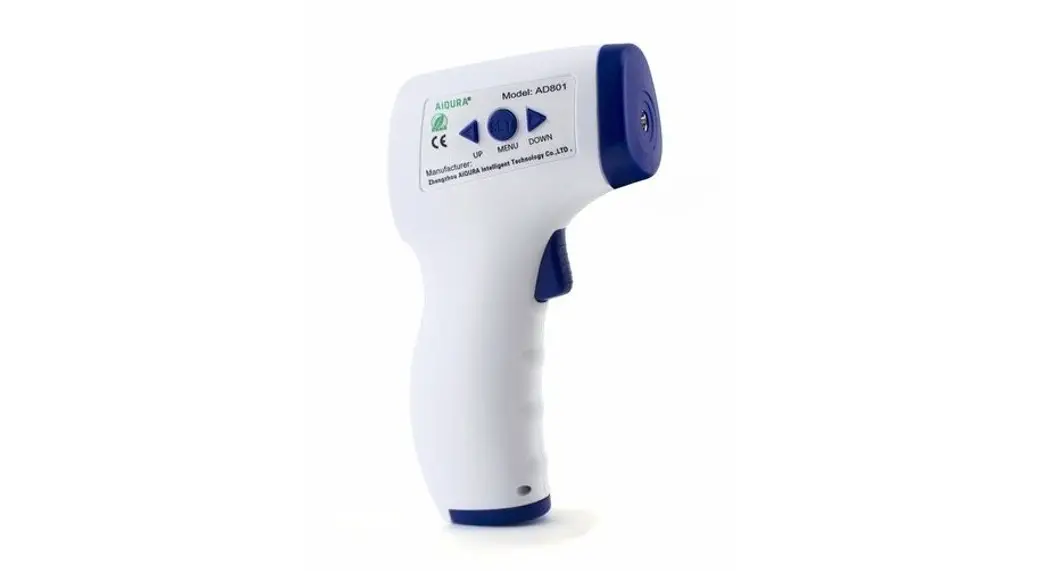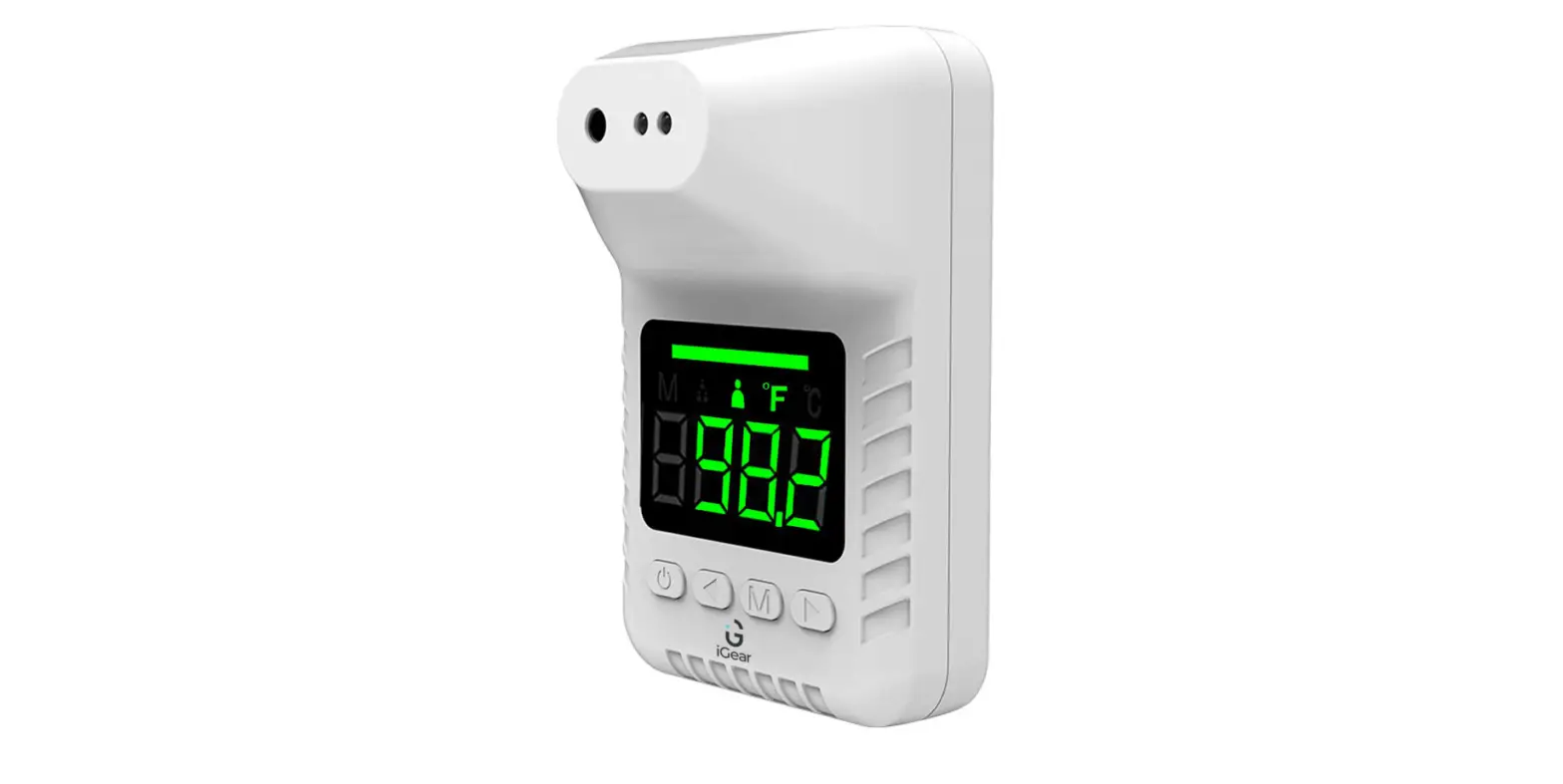

iGear iG-R5 Non-Contact Infrared Thermometer
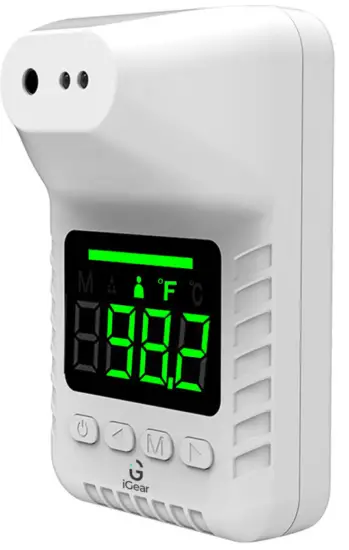
INTRODUCTION
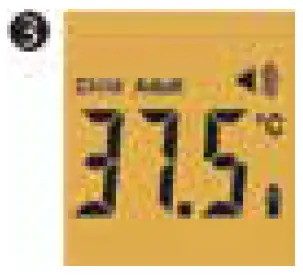
High
- 37.5°C ~ 37.9°C Orange backlight turns on.

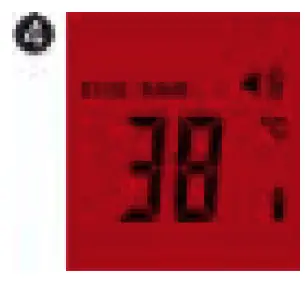
Fever
- 38°C ~ 42.9°C Red backlight turns on and buzzer rings 5 times.

Highest
Exceed the highest temperature range:above 43°C Red backlight turns on and buzzer rings 5 times.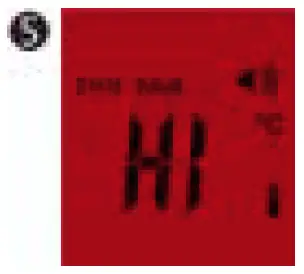
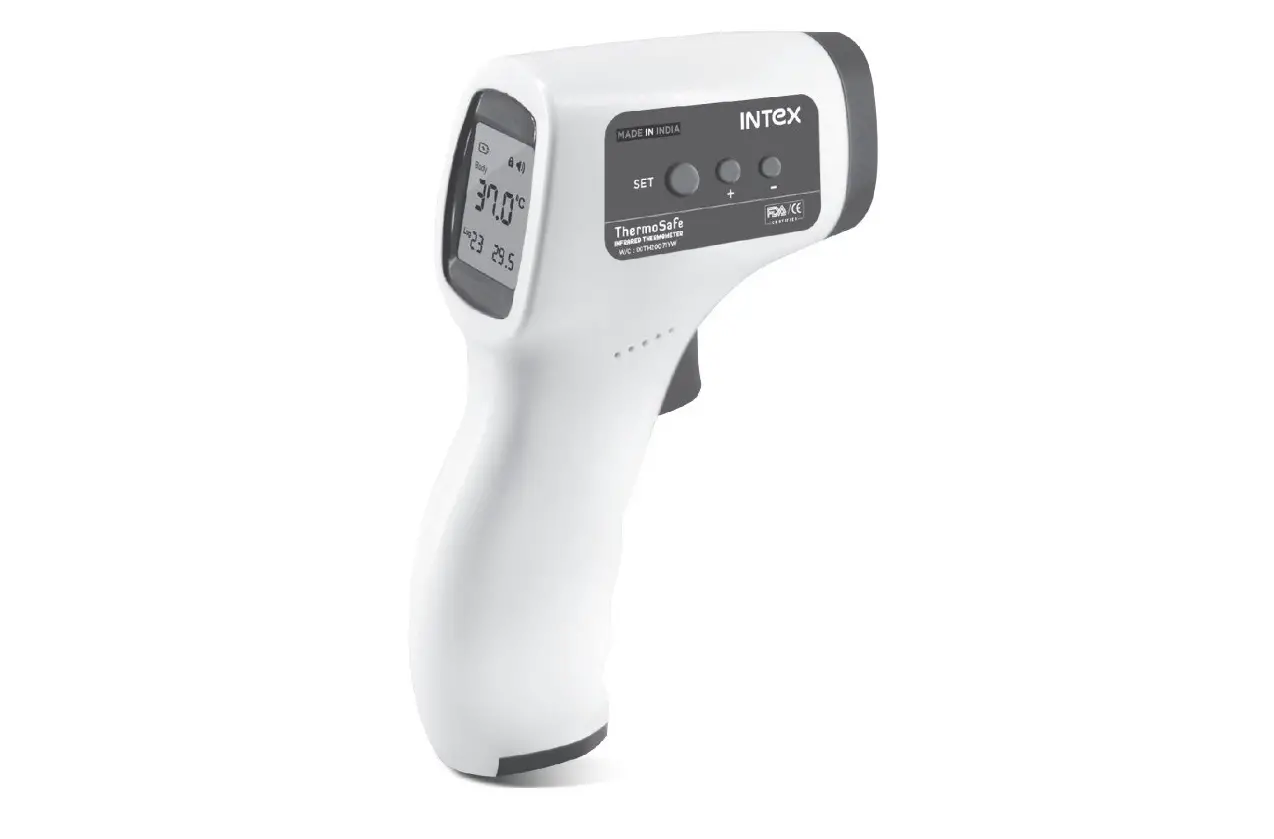
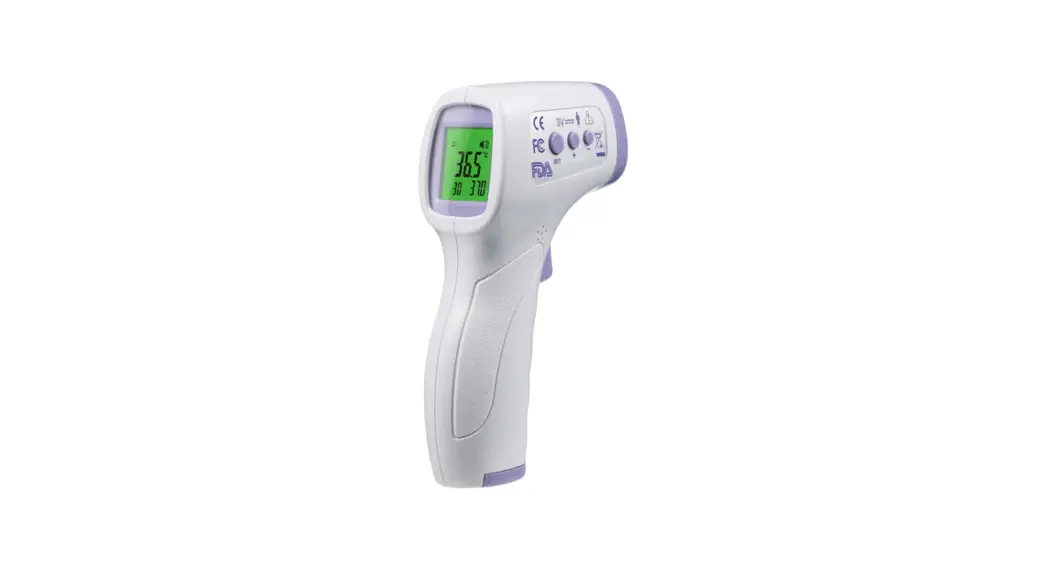
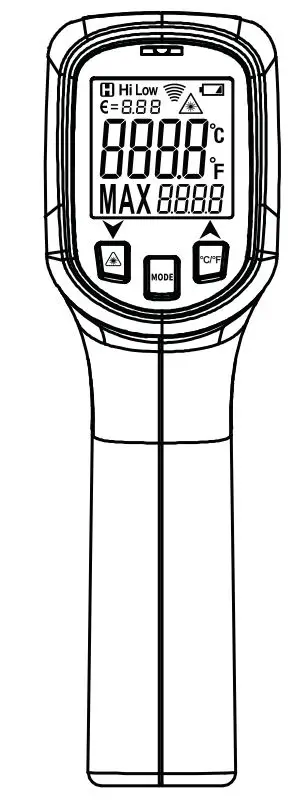
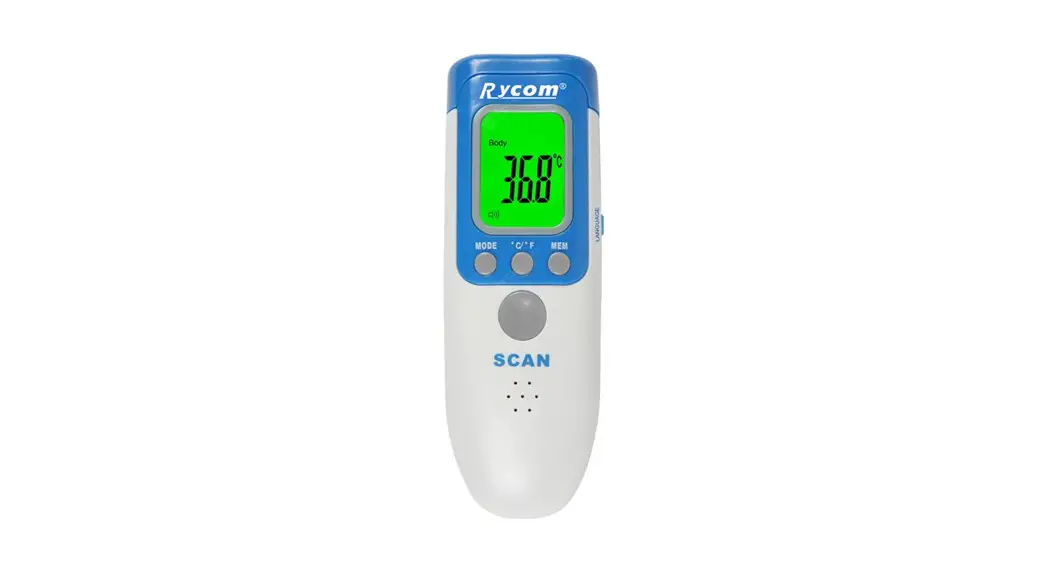
Screen Display Illustration
Press “Measure” button, the screen will light up and display all information. Press “Measure” button again, to start measuring temperature. If no key is pressed for more than 15 seconds it will turn off automatically.
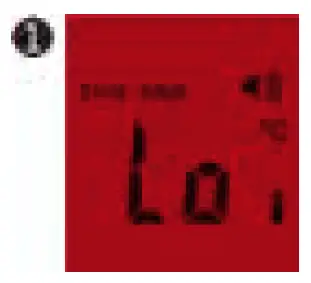
Lowest
- Exceed the lowest temperature range below 32°C Red backlight turn on.

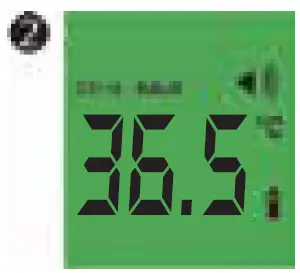
Normal
- 34°C ~ 37.4°C Green backlight turns on and buzzer rings once.

Instructions
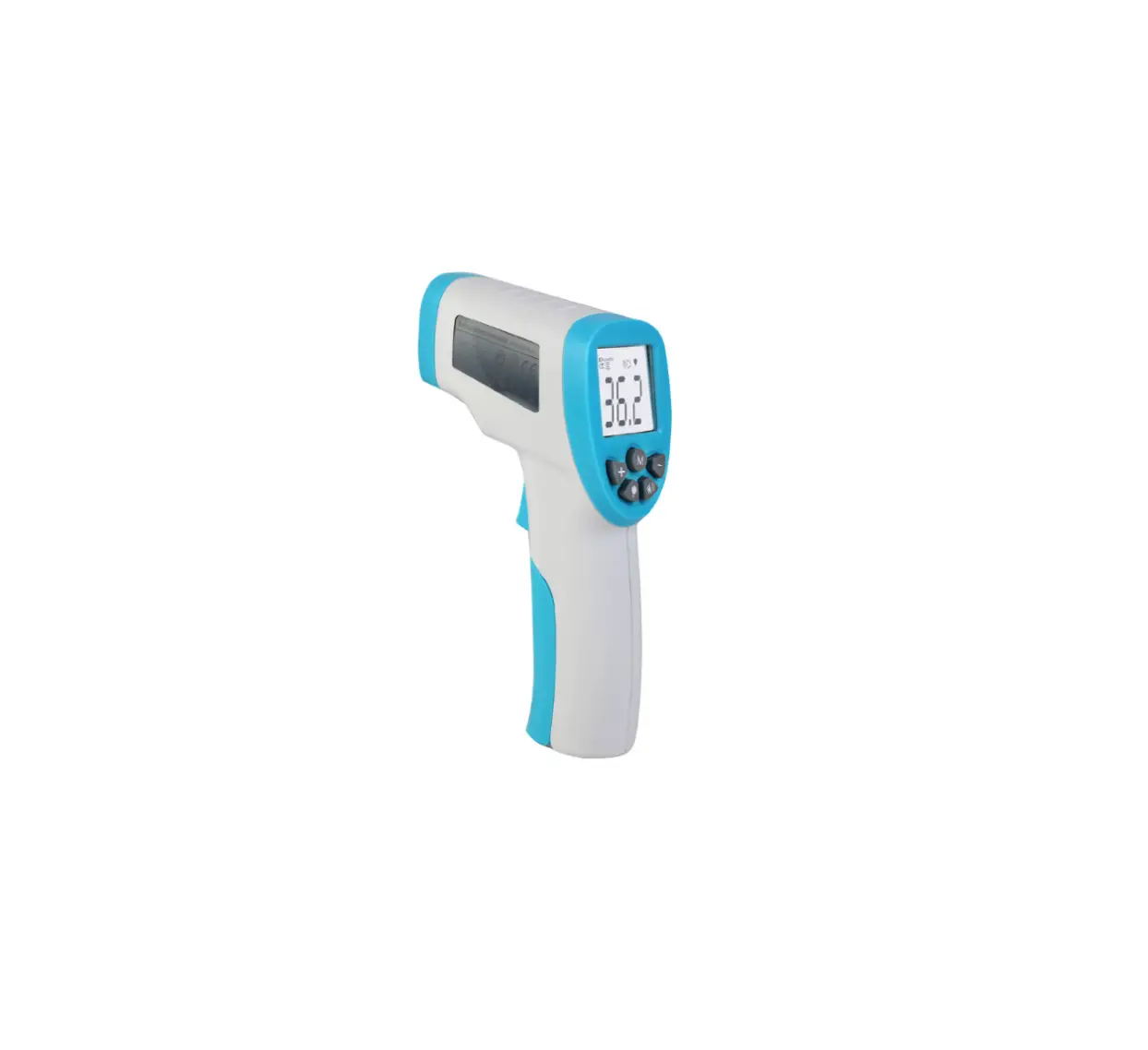
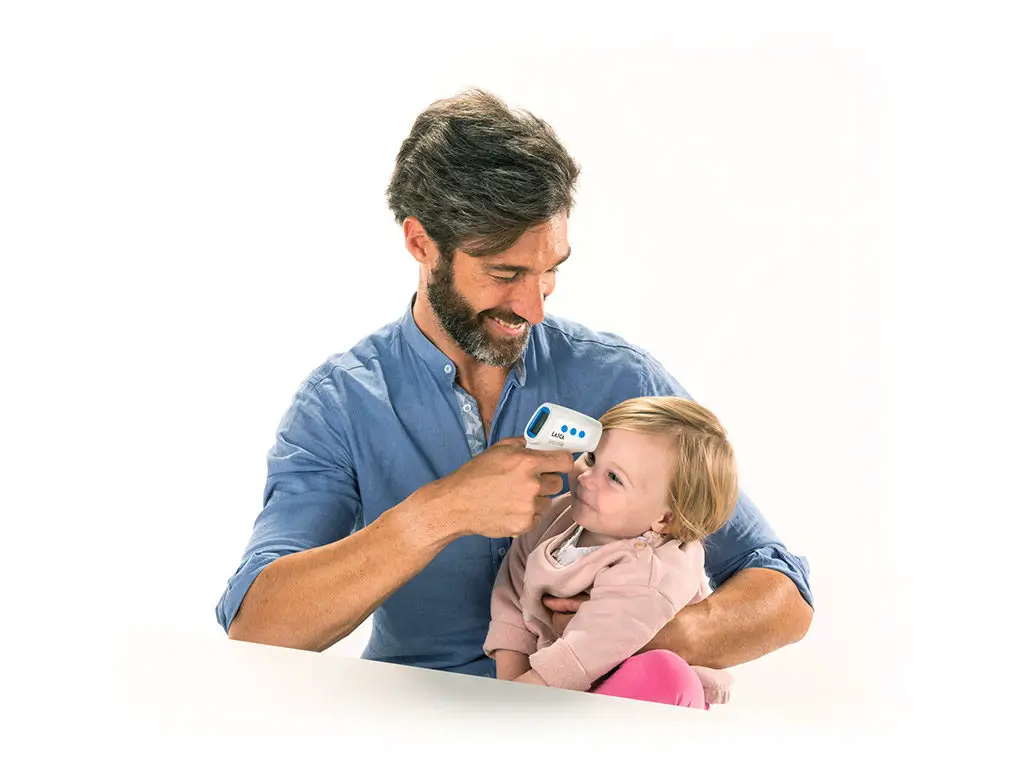
Infrared Thermometer iG-R5 measures the body temperature based on the infrared energy emitted from the forehead. Users can quickly get measure-ment results after positioning properly the temperature probe on the forehead.
- Remove the battery cover, insert the batteries in accordance with the positive and negative pole indications, then install the battery cover.
- Click the measure button once to power it on, if display shows ‘Body Temp’ it means it is ready to measure body temperature. If the display does not show ‘Body Temp’ it means it is ready to measure surface temperature.
- Click the measure button twice to toggle between body temperature and surface temperature.
- Click the measure button three times to toggle between DEG C/F.
- Please note: Do not press the measure button while you install batteries. If display shows any unknown content, please reinstall batteries.